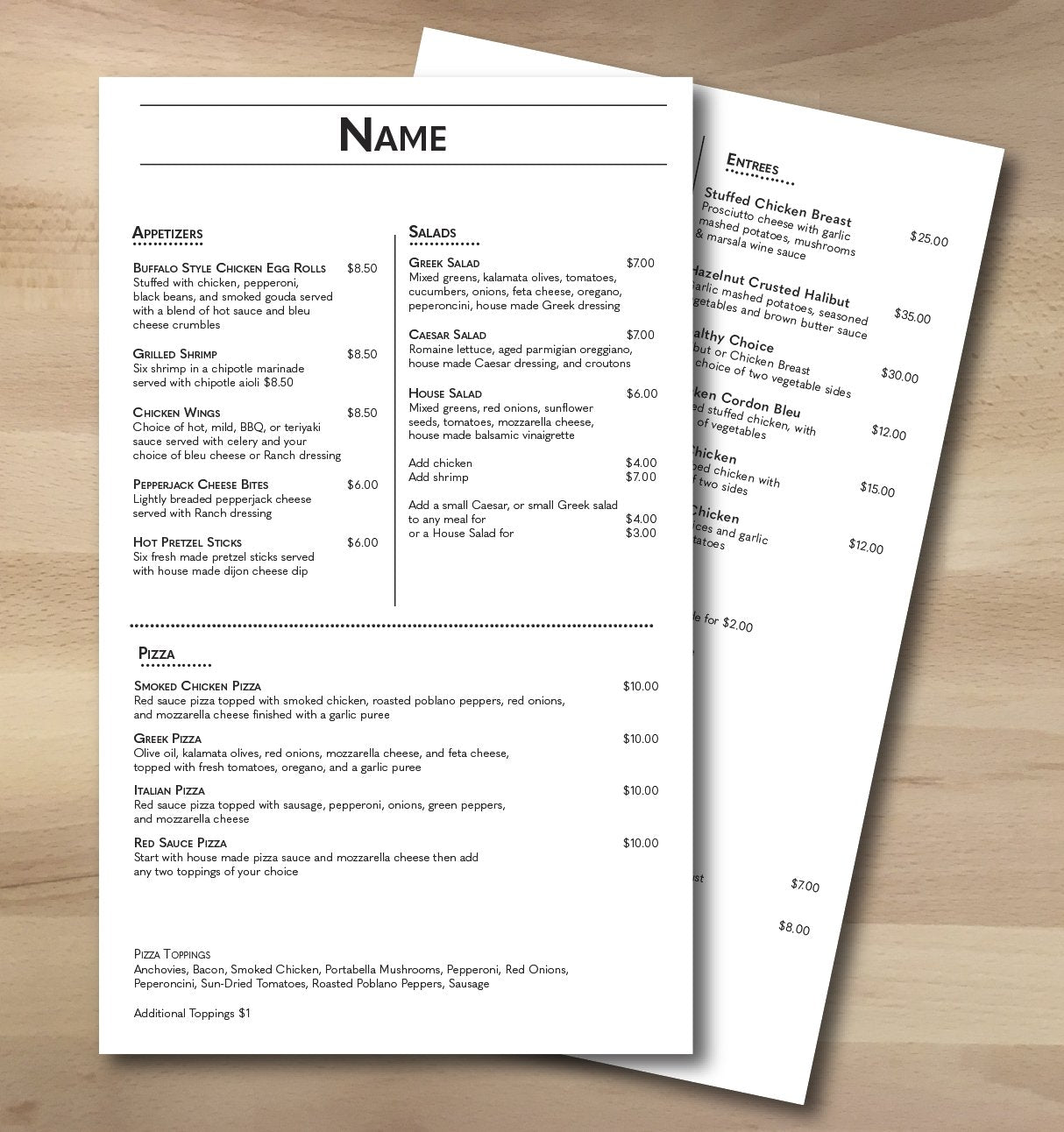
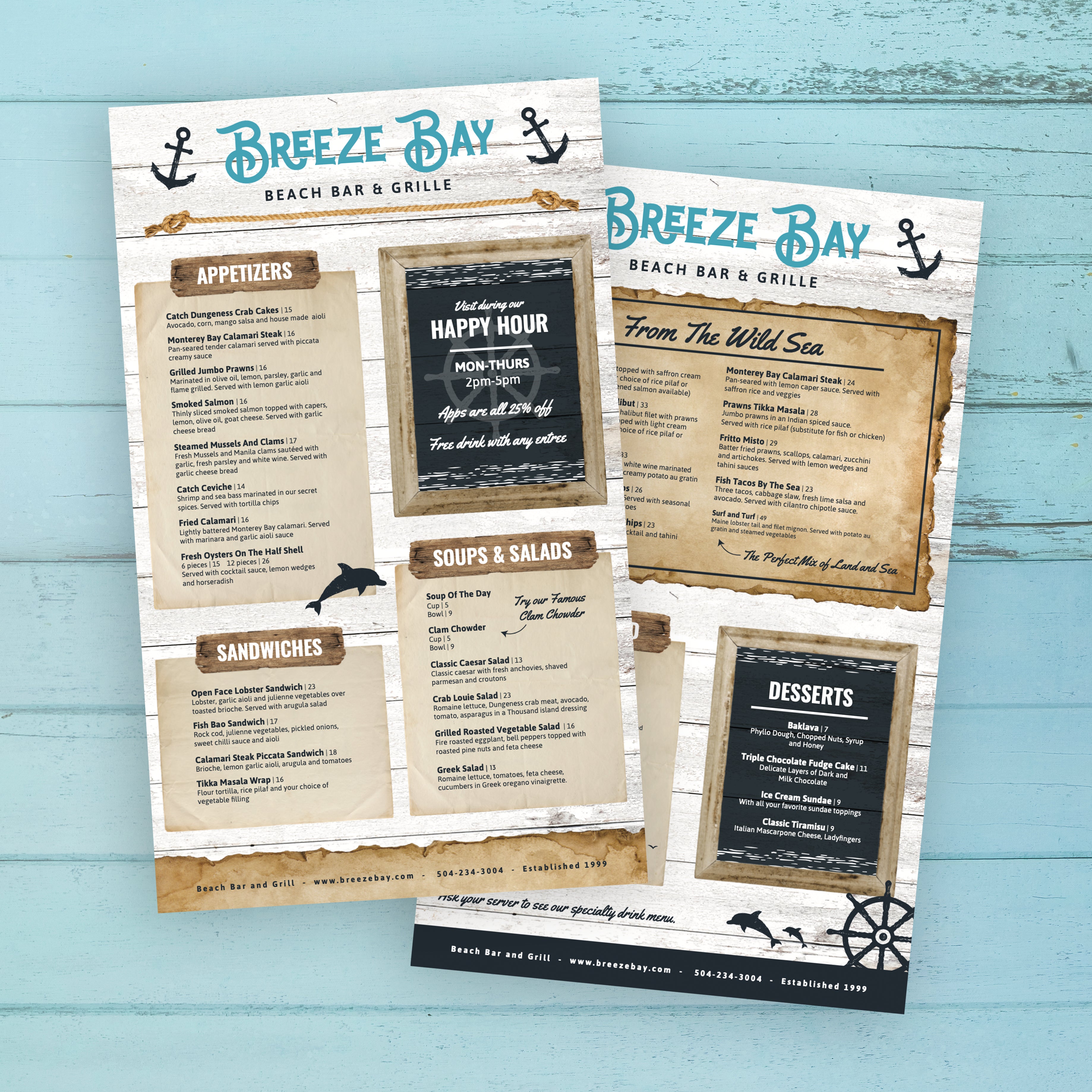
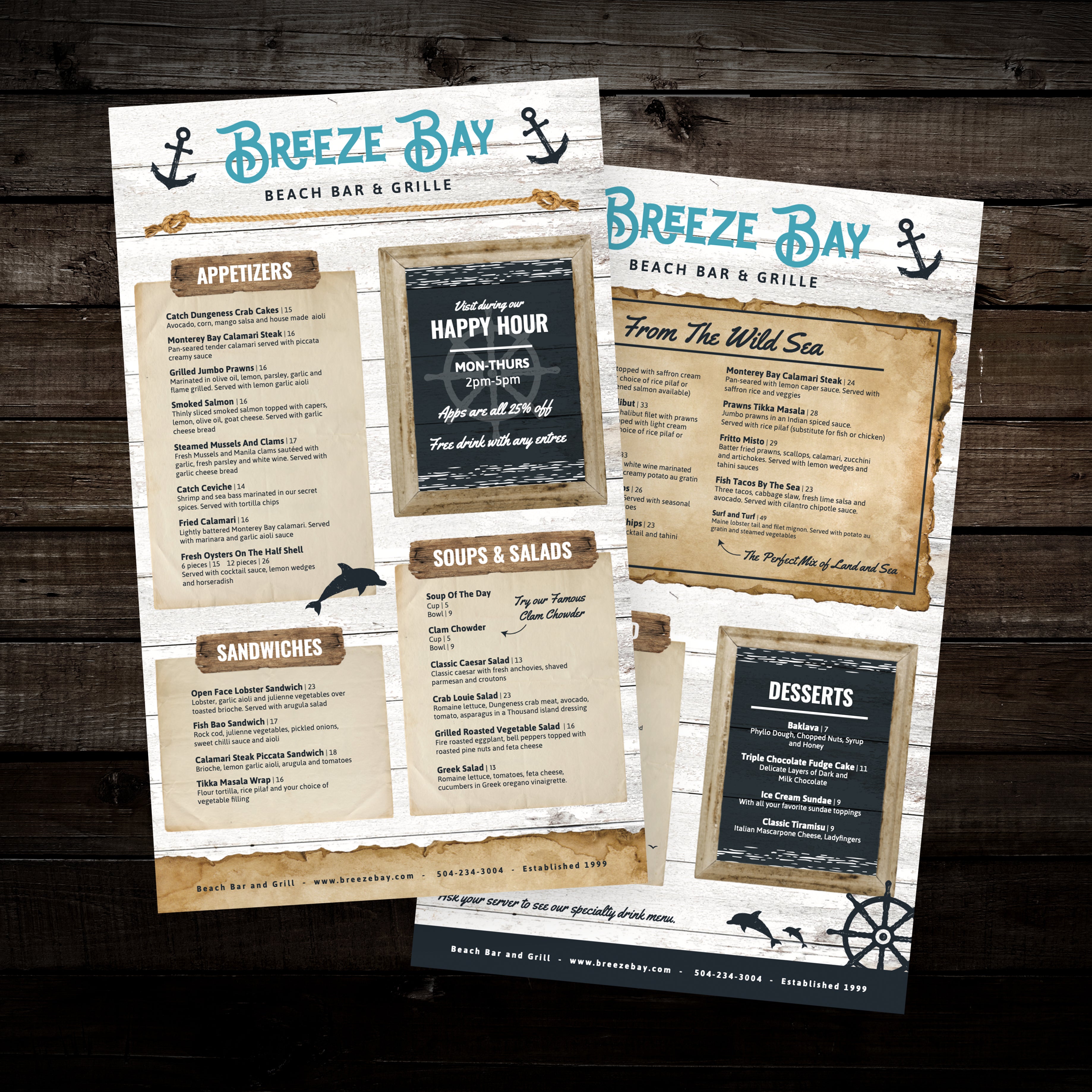
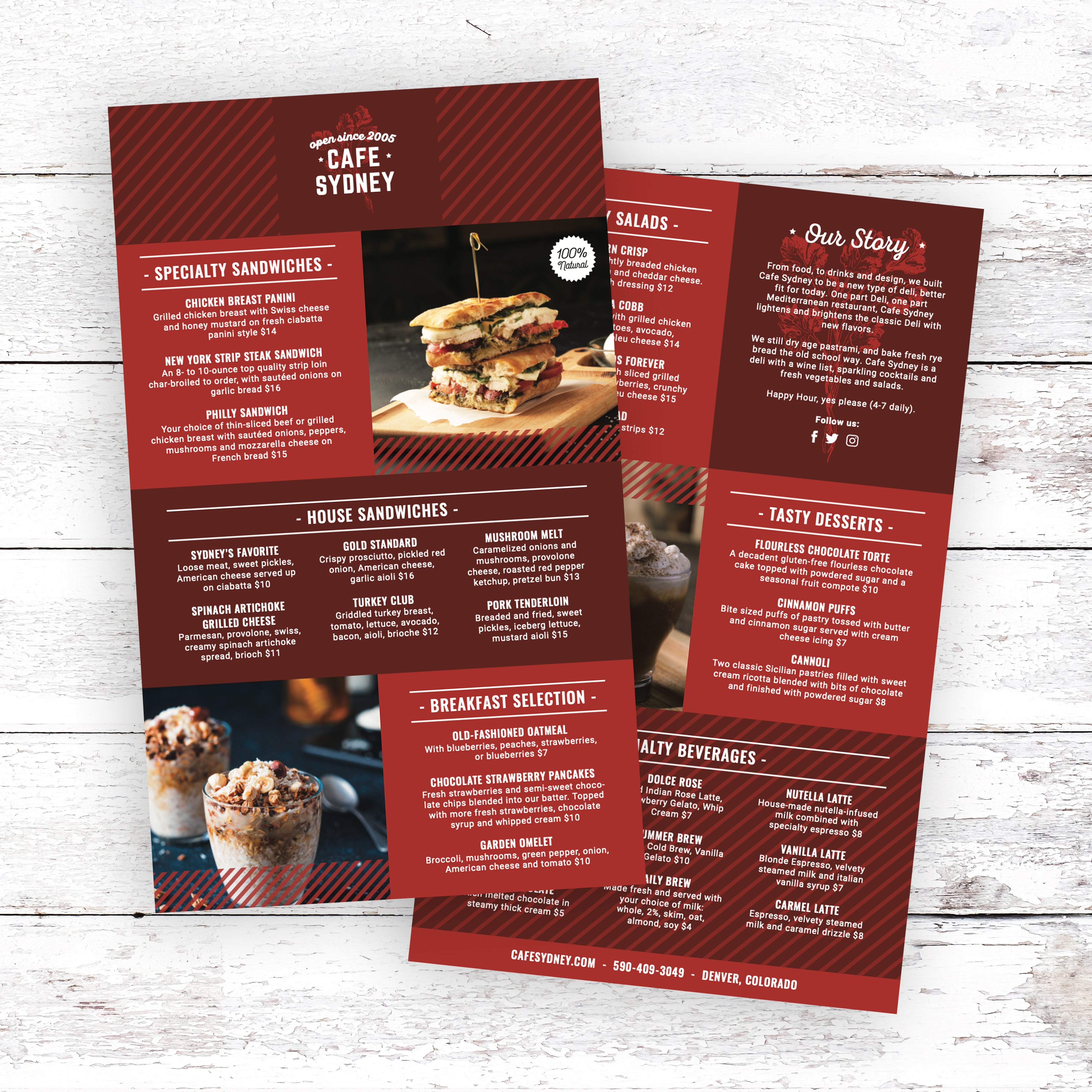
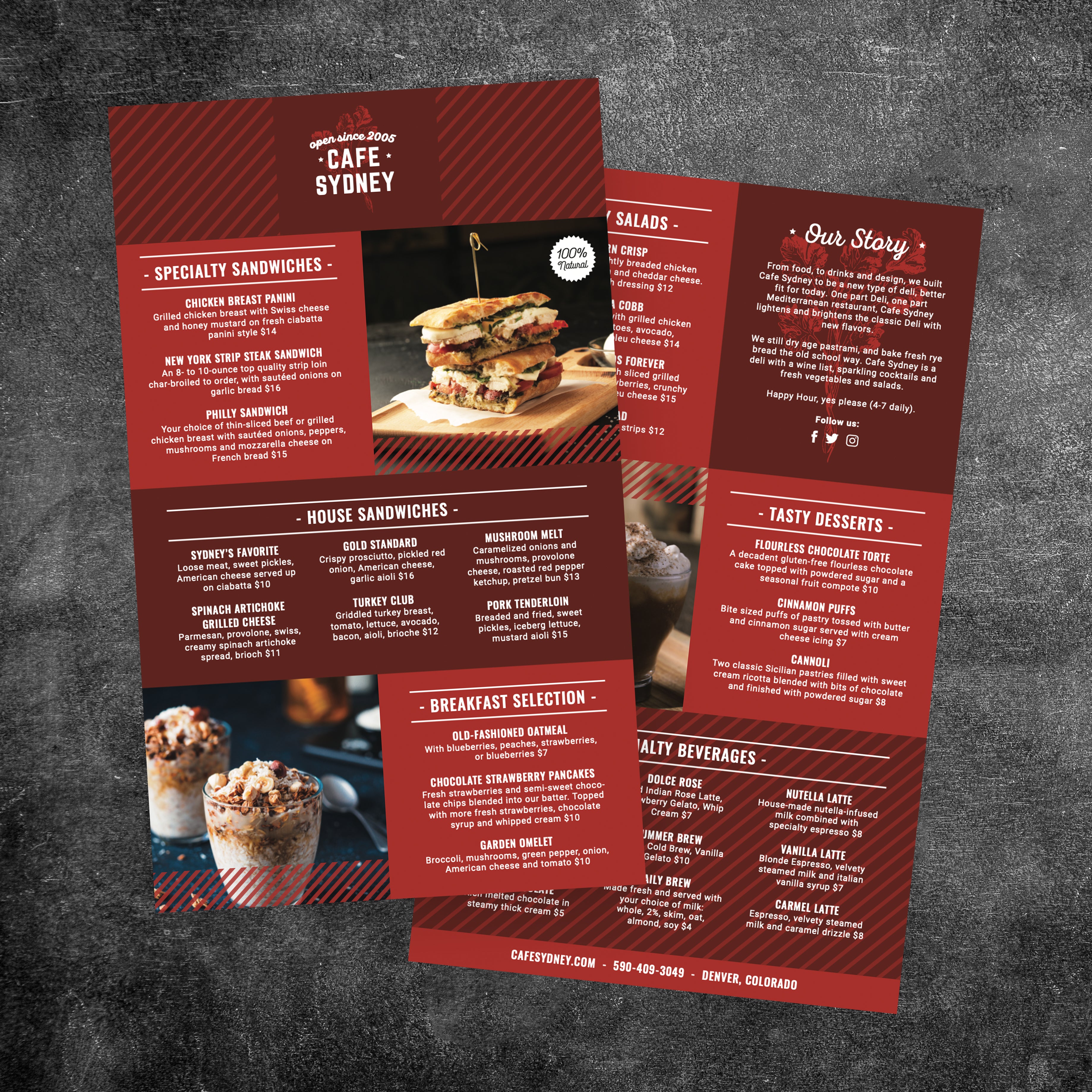
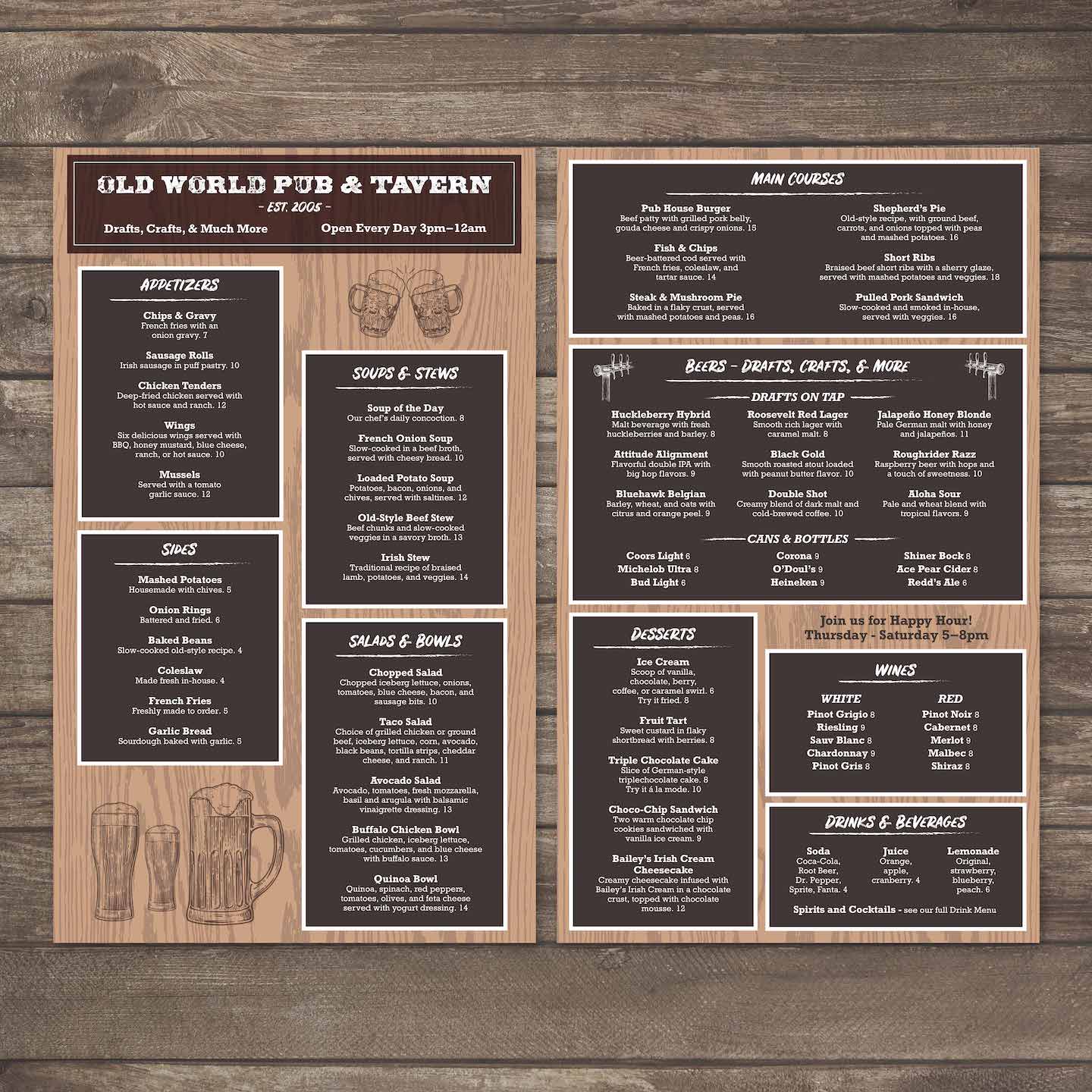
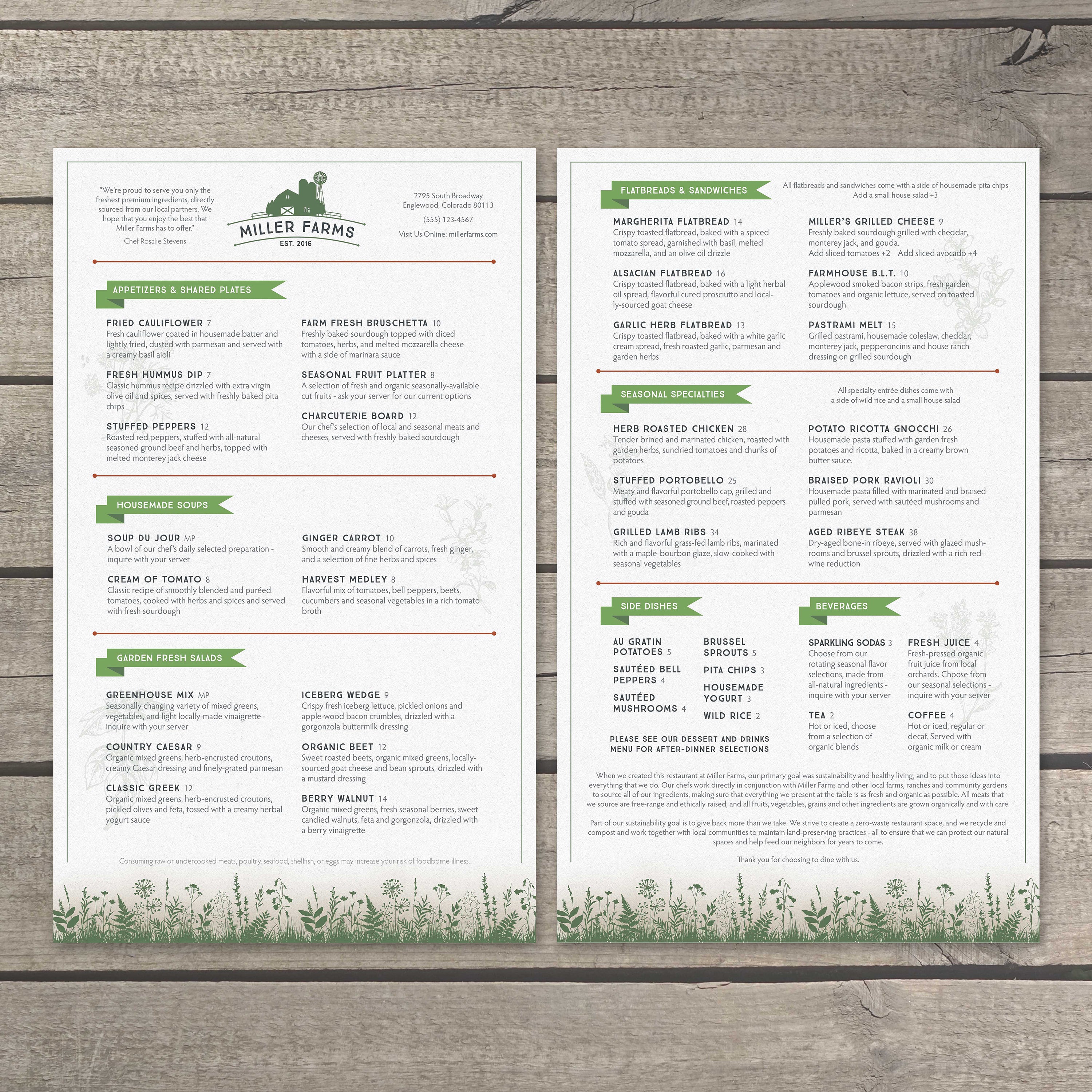
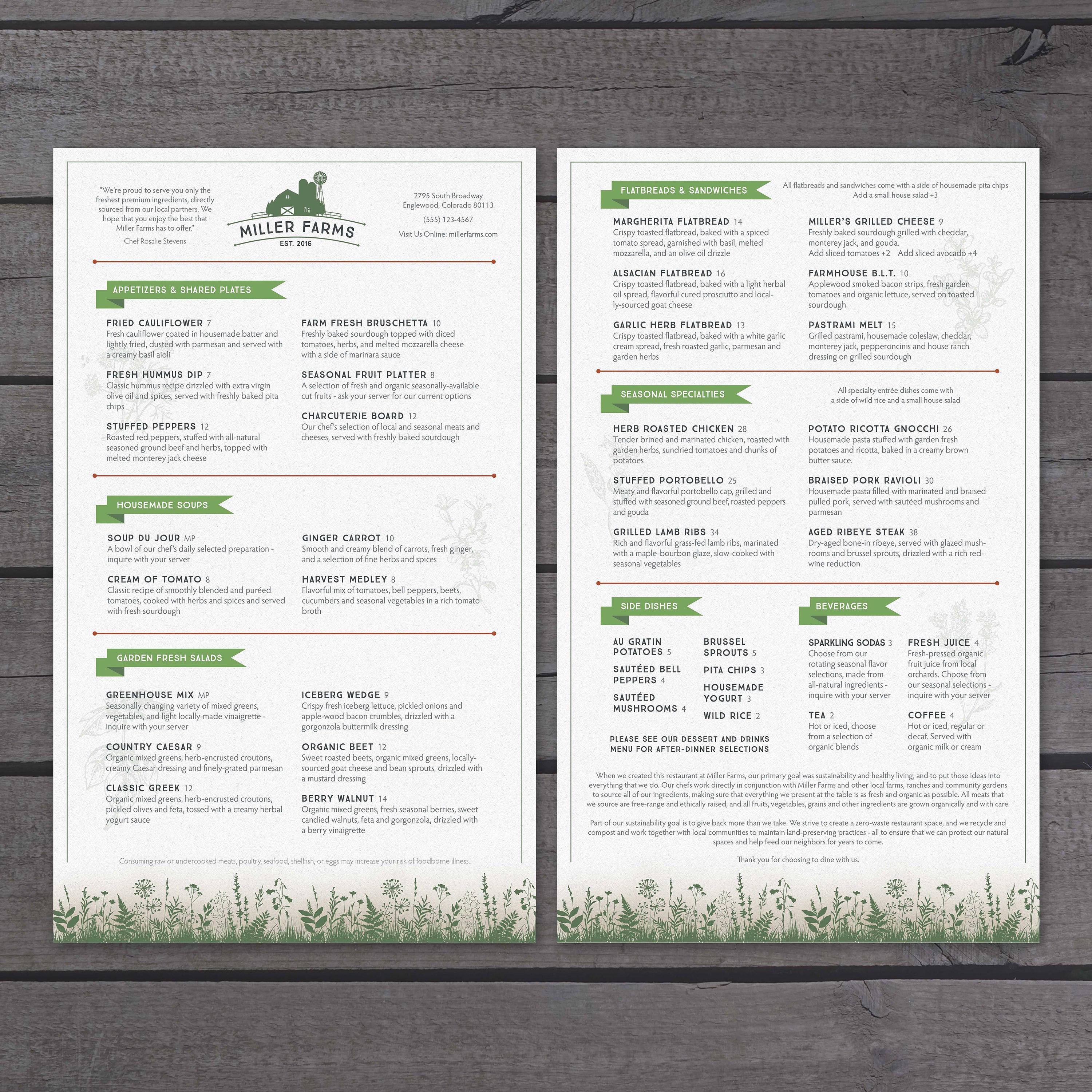
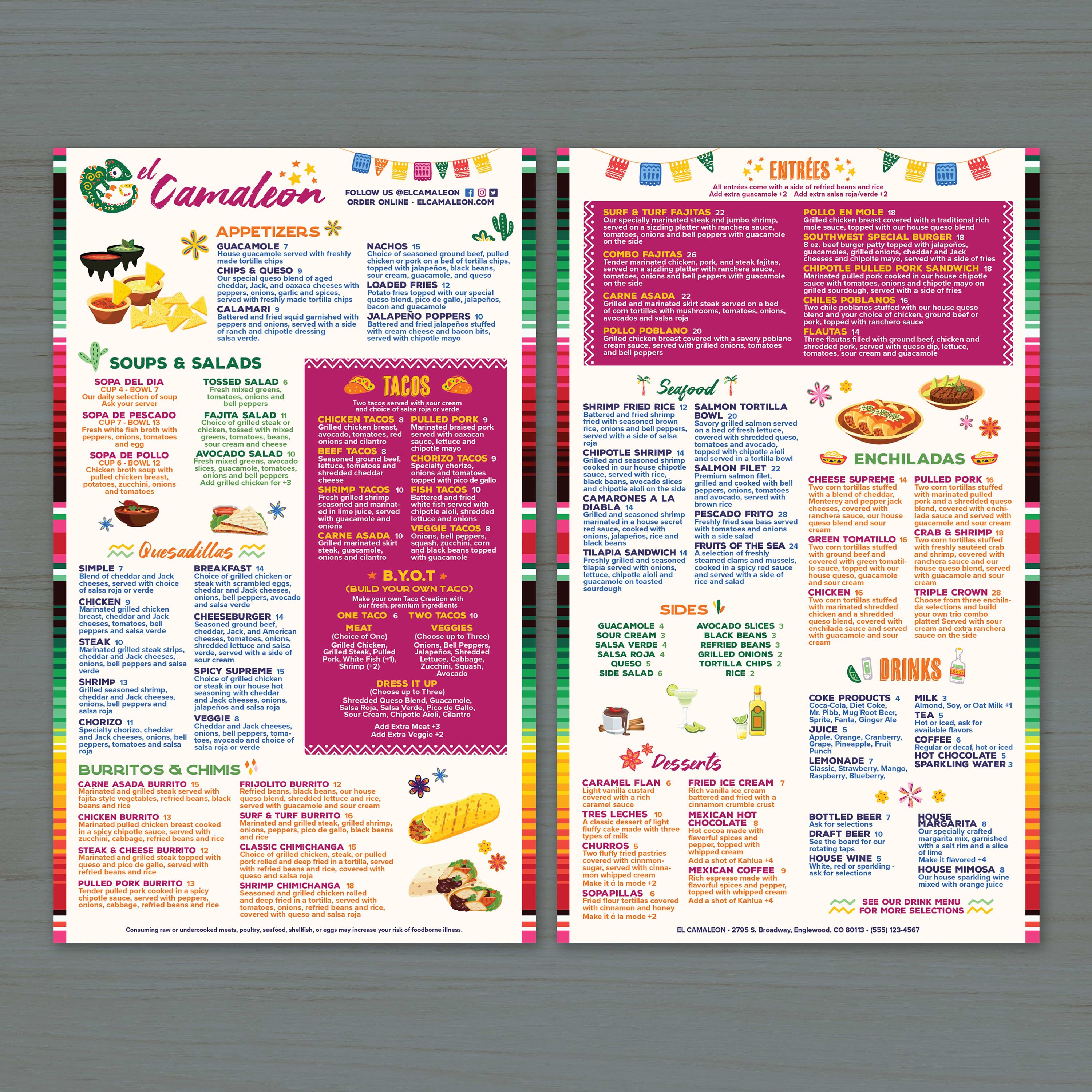
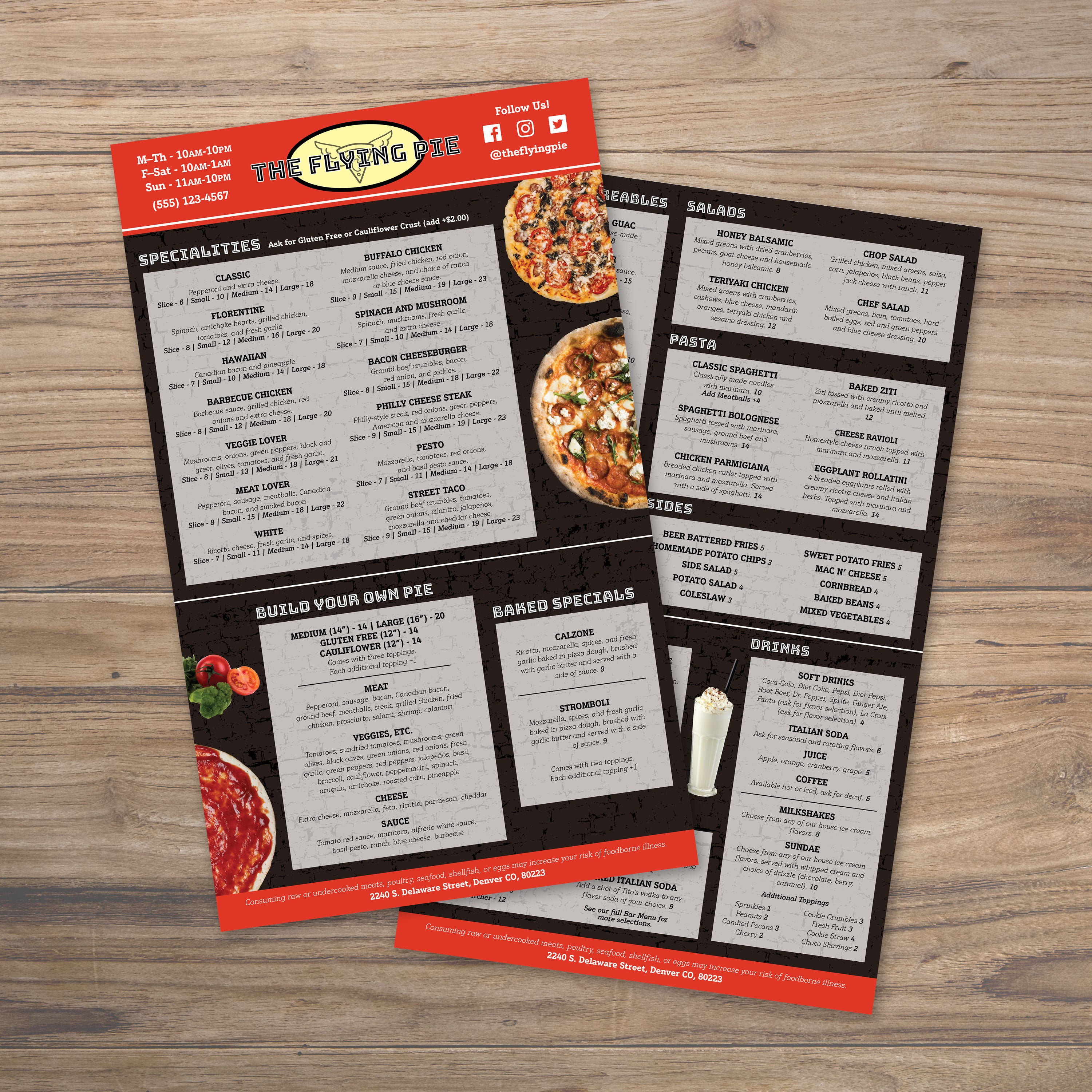
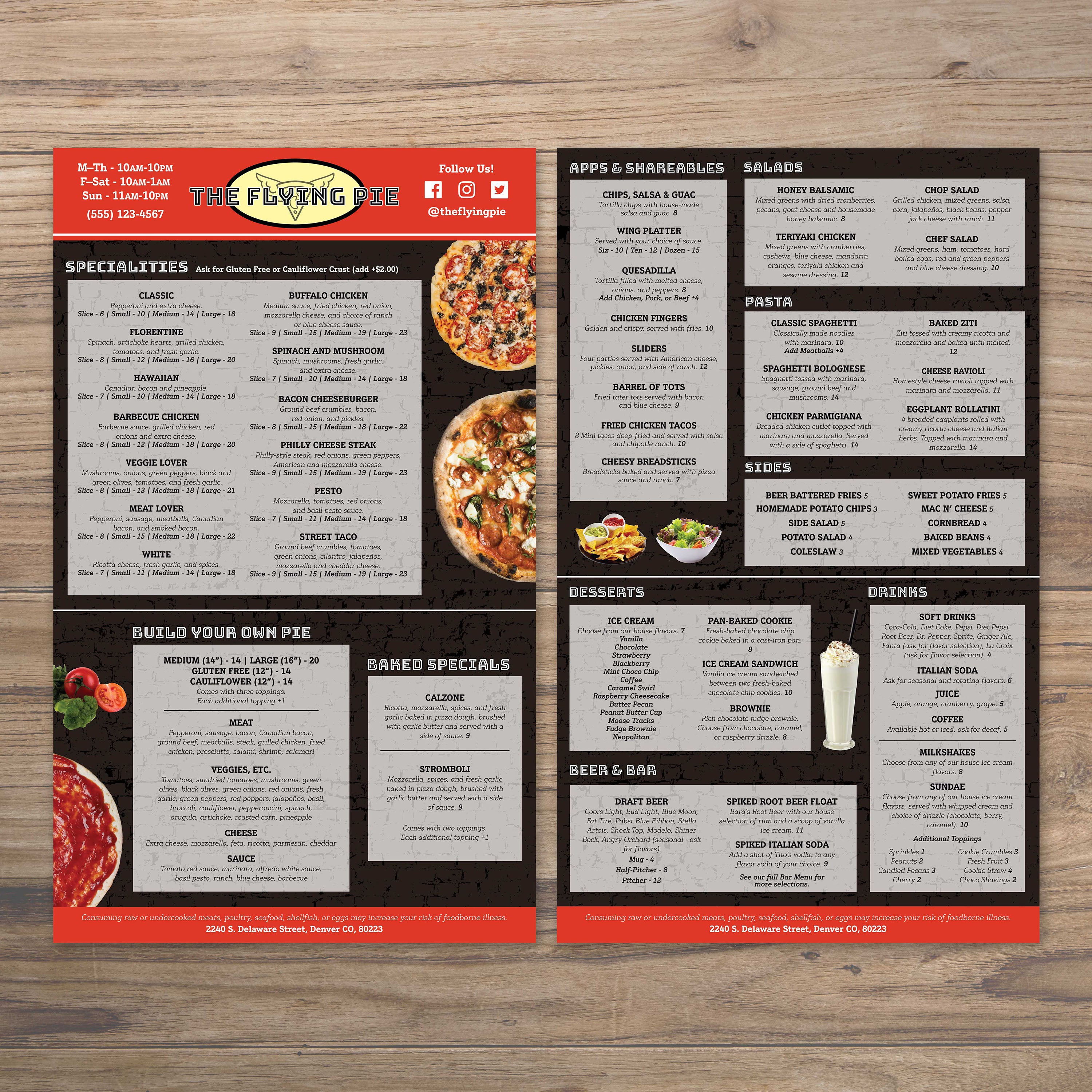
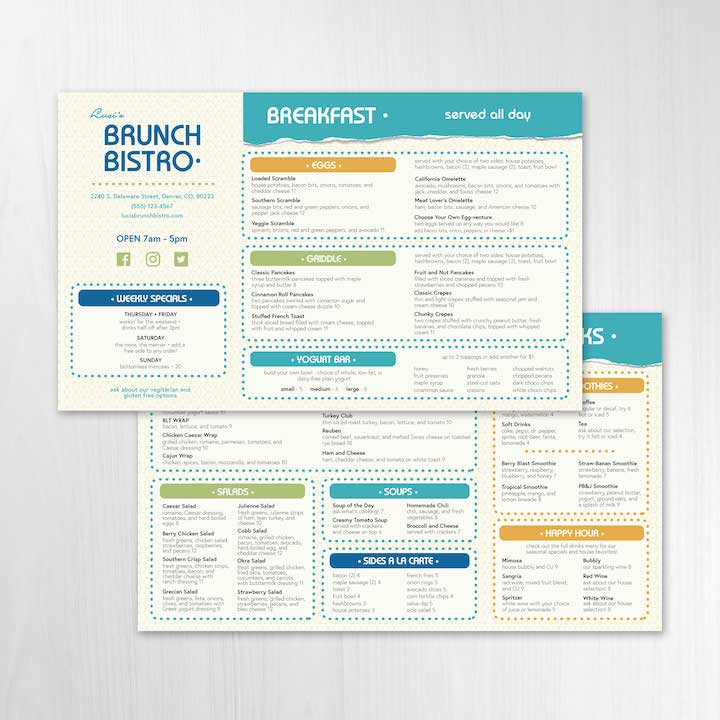
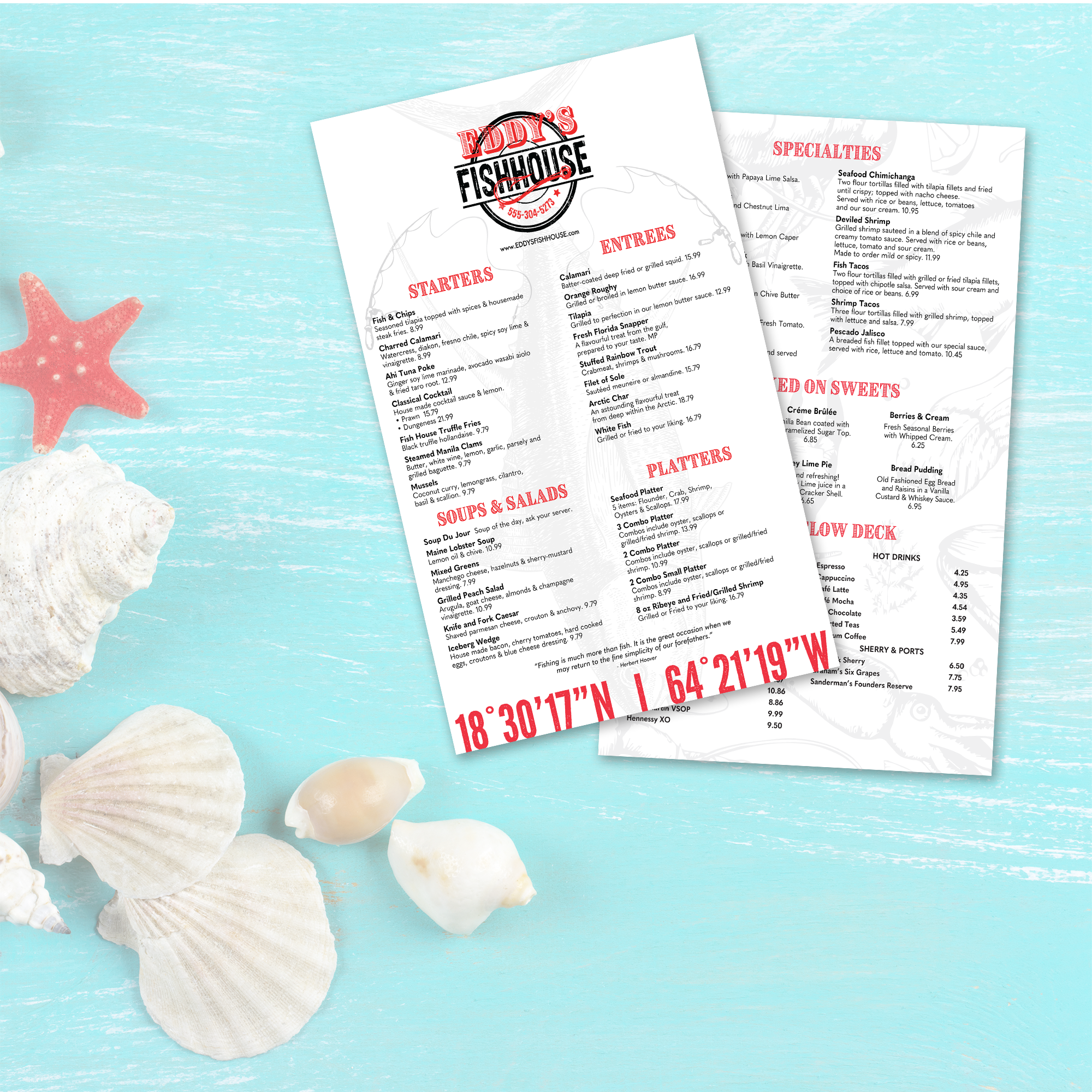
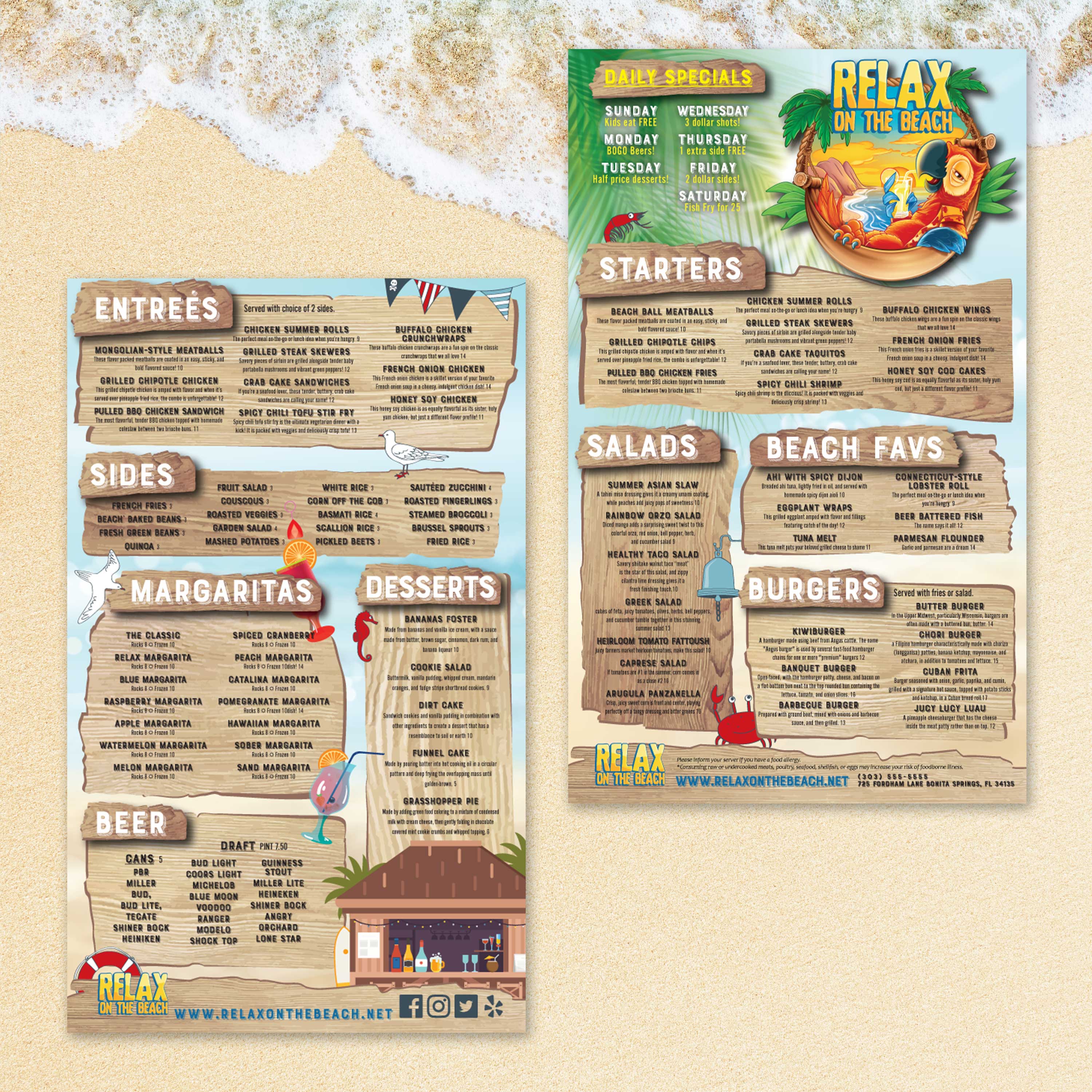
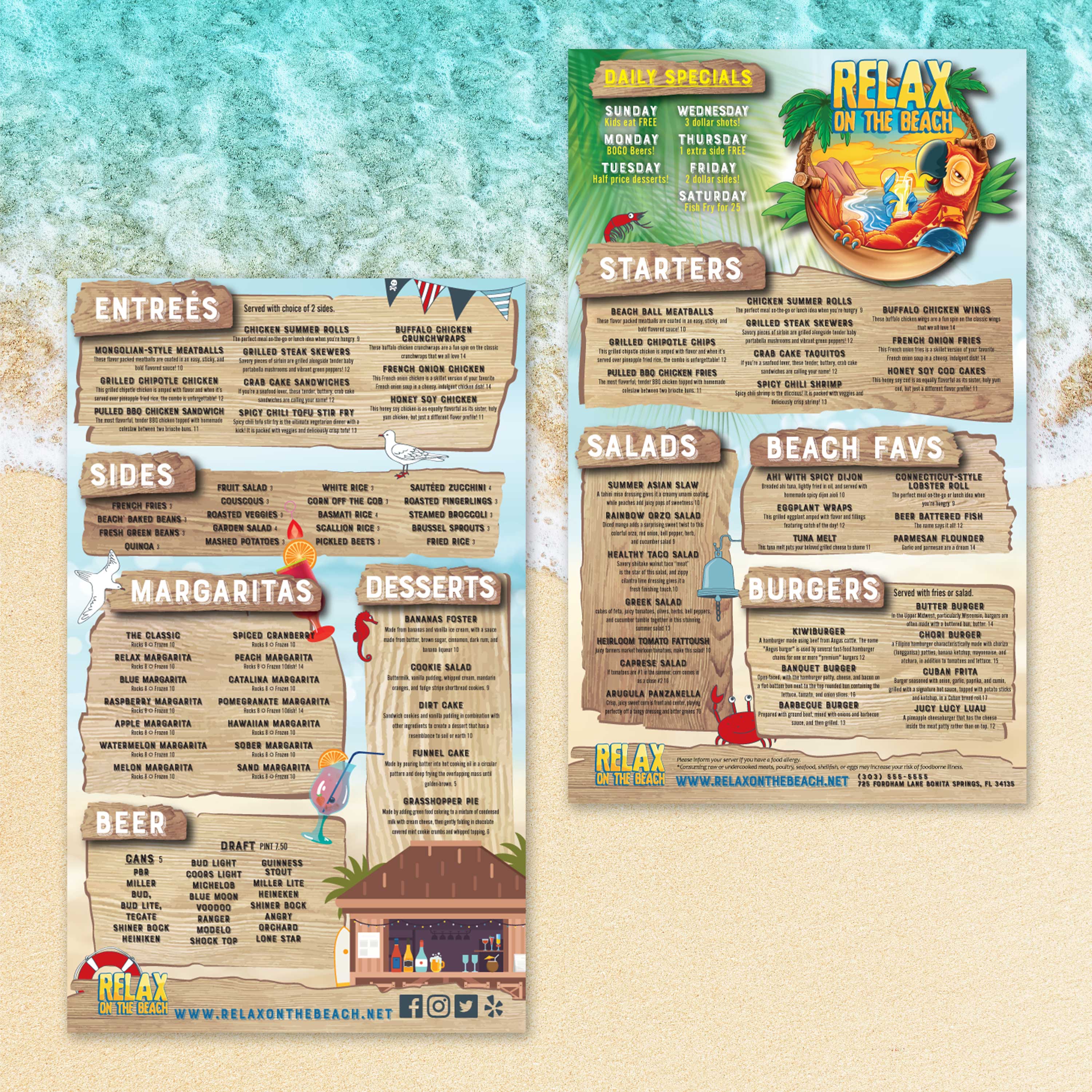
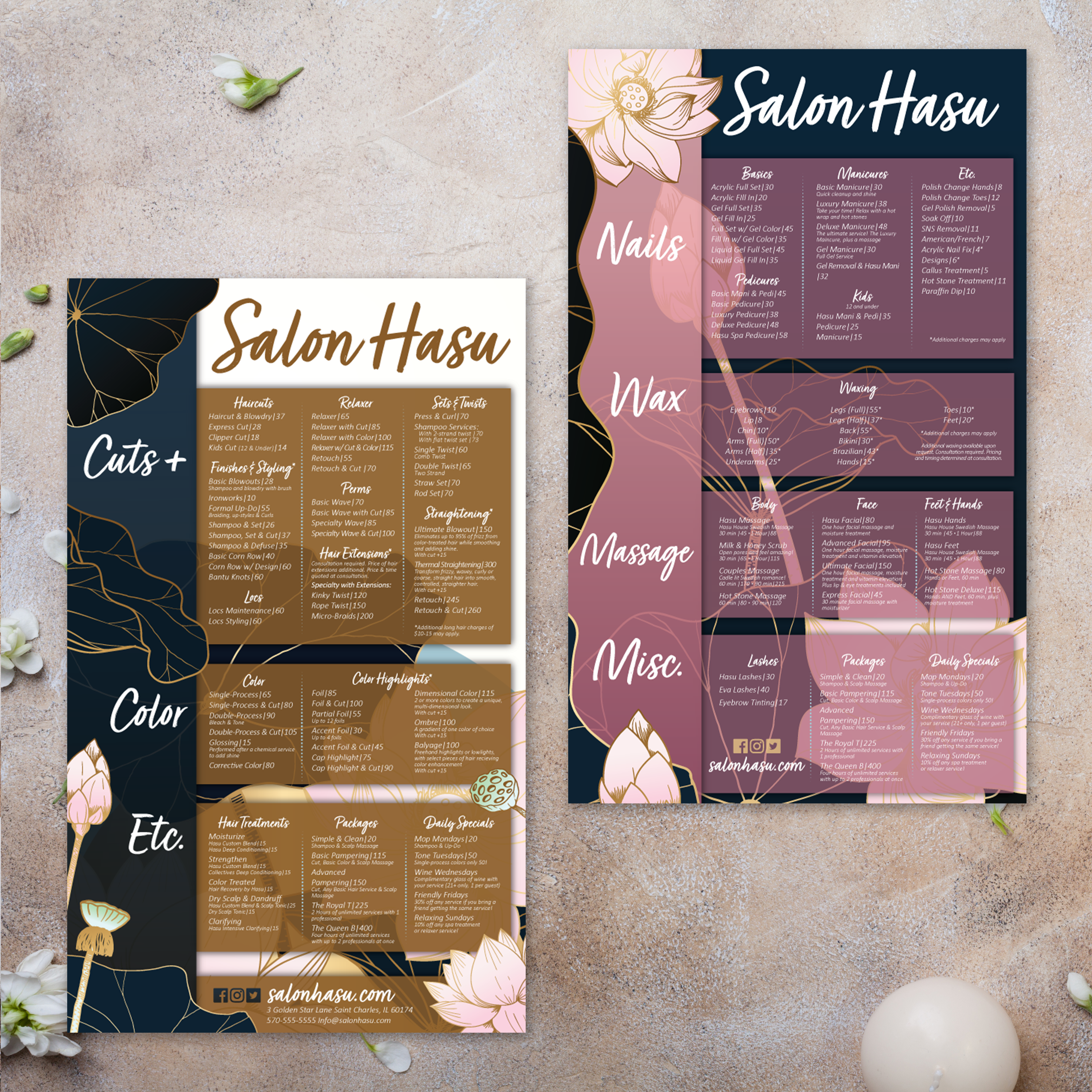
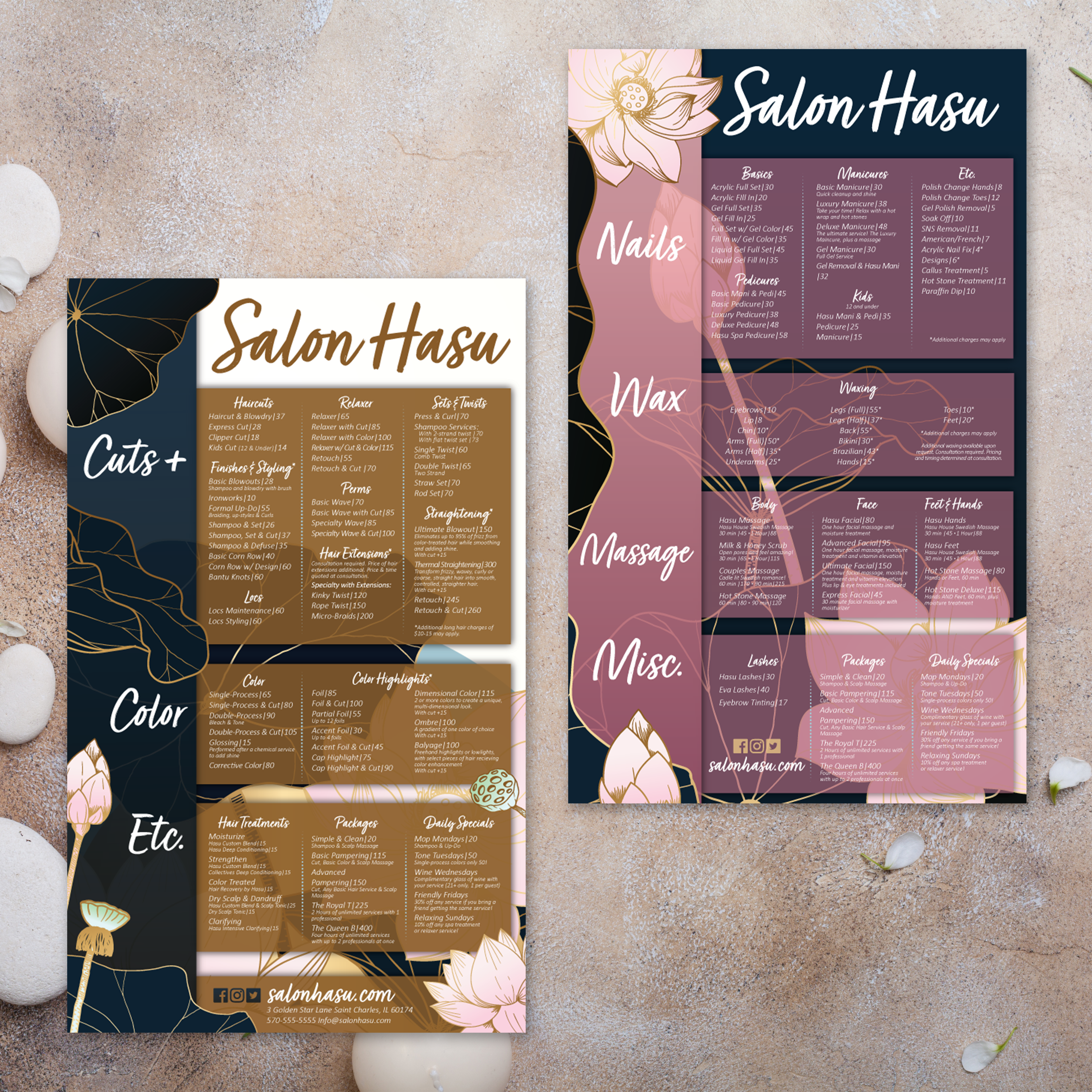
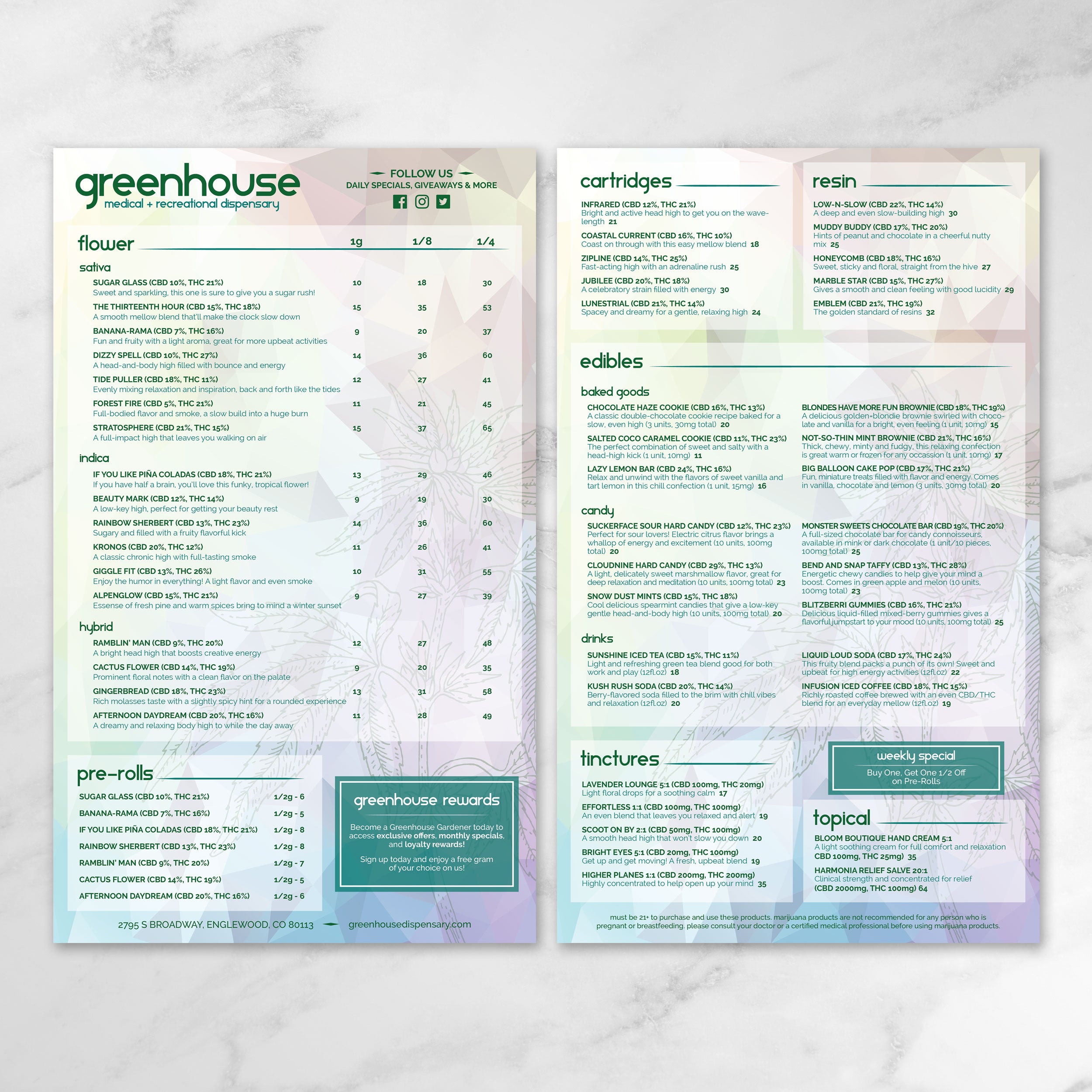
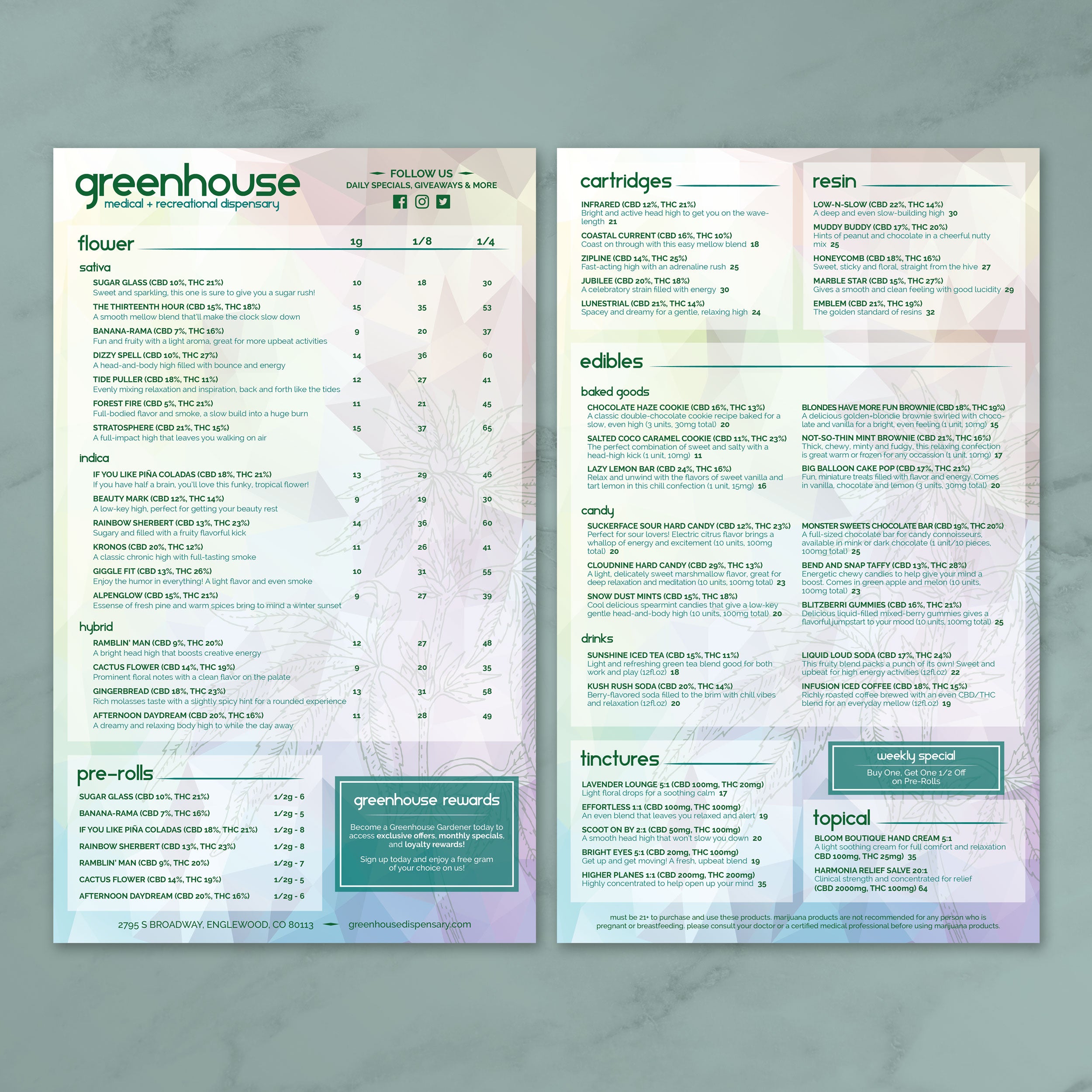
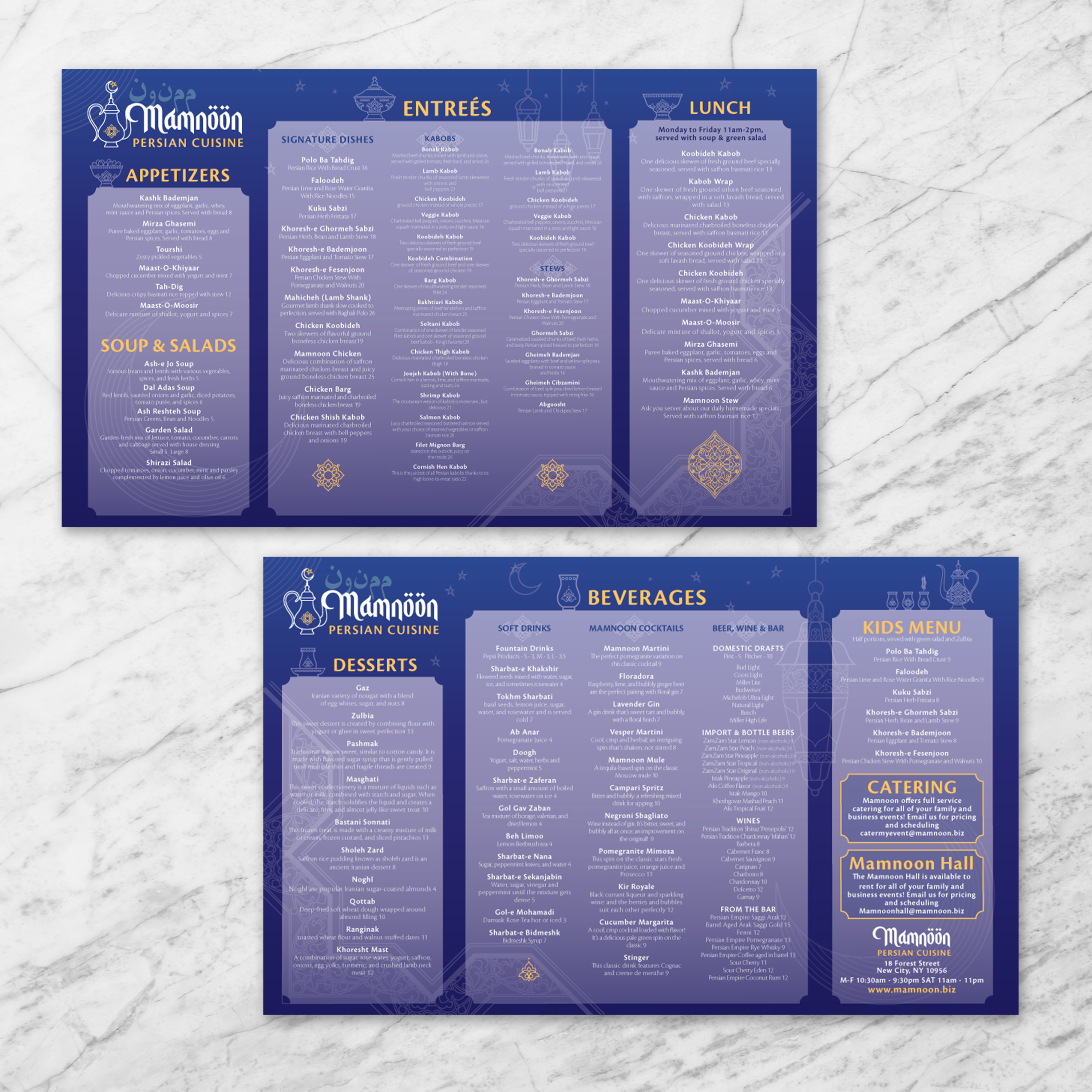
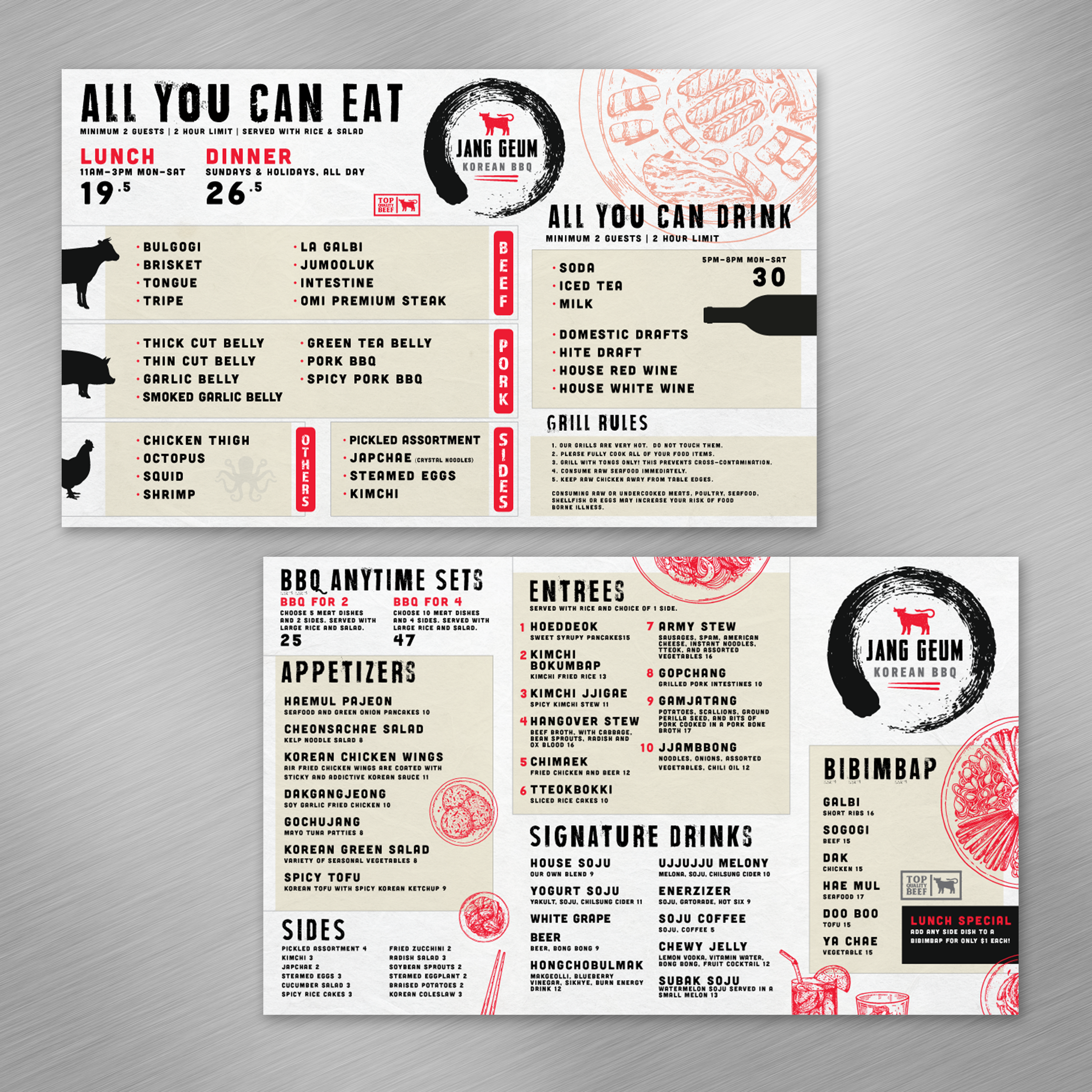
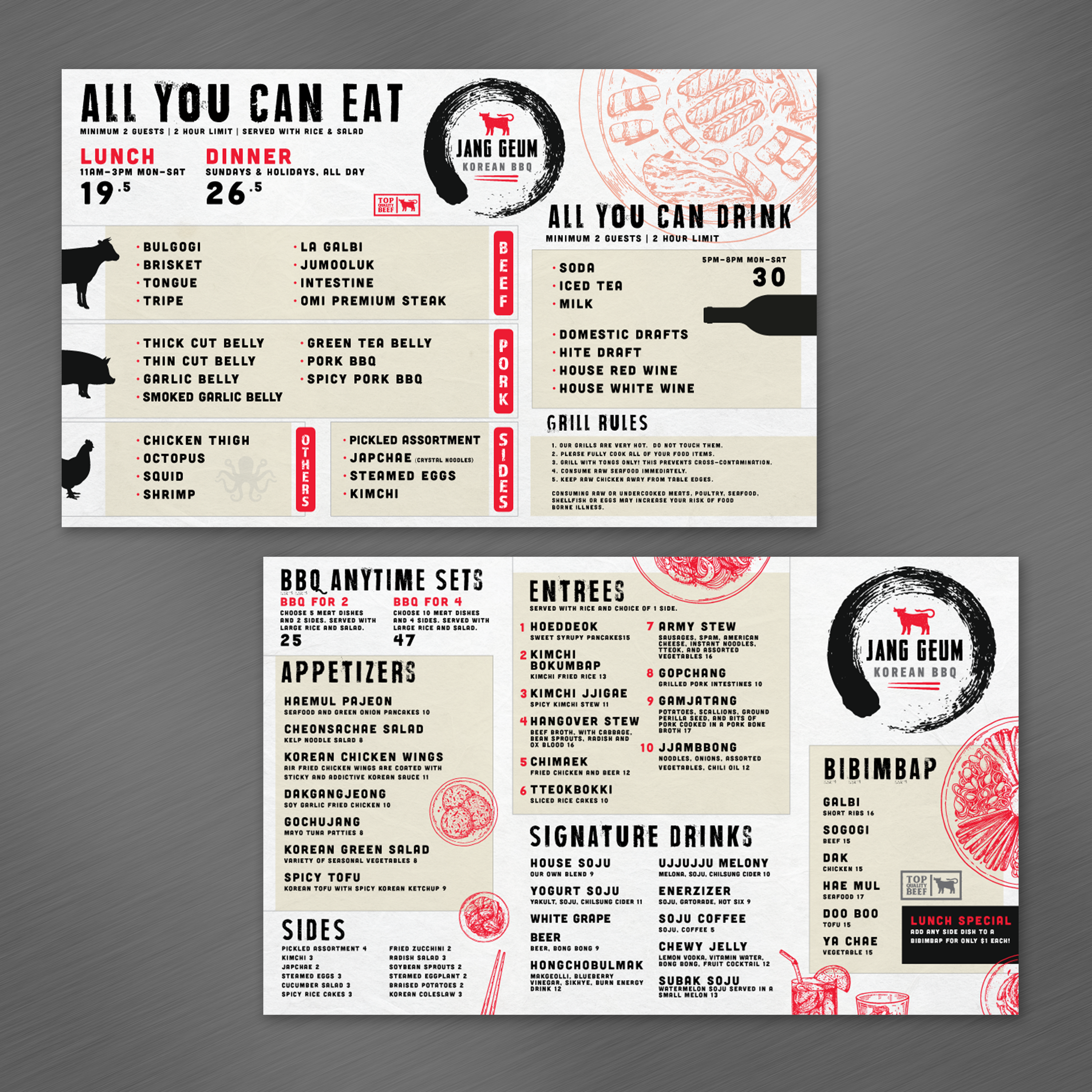
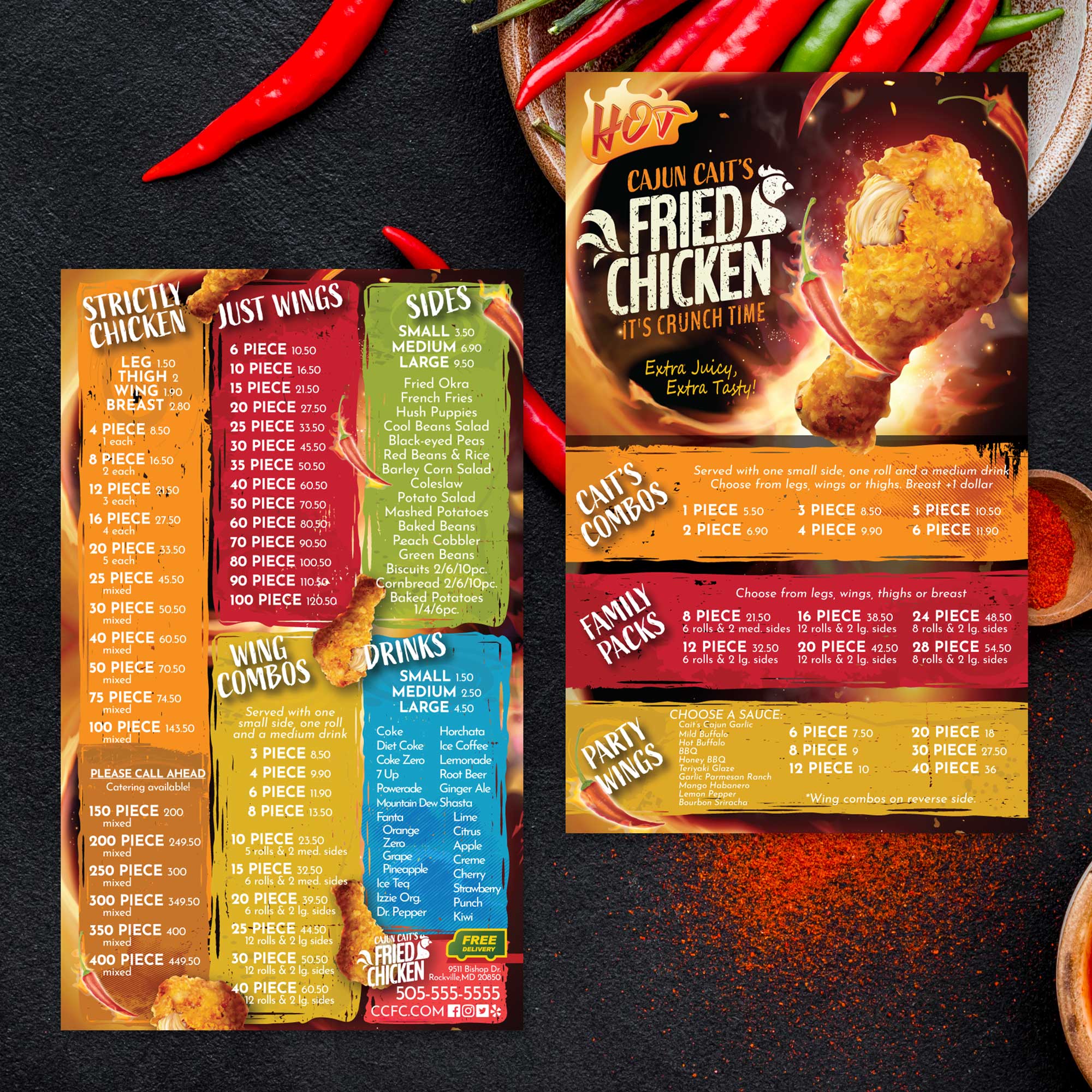
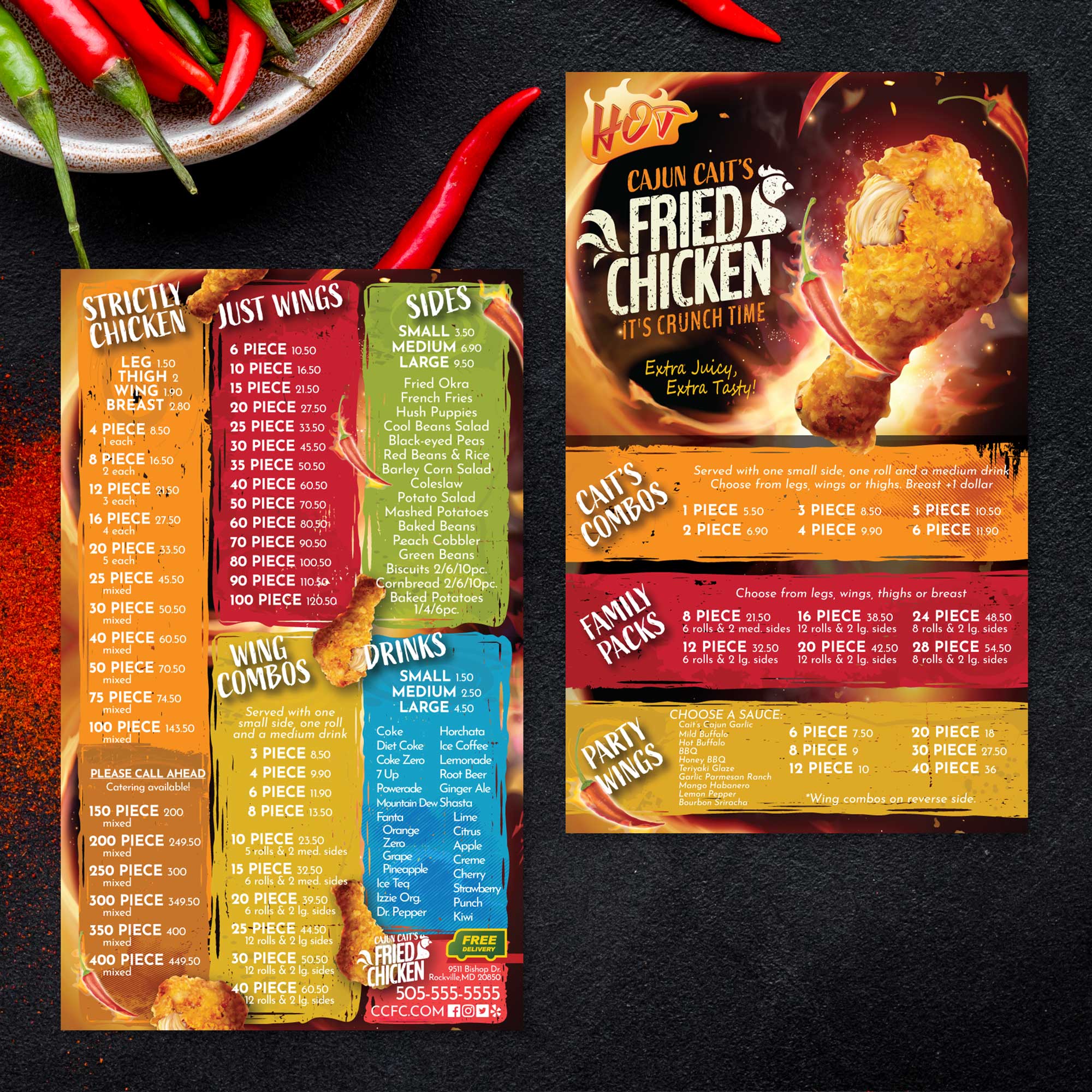
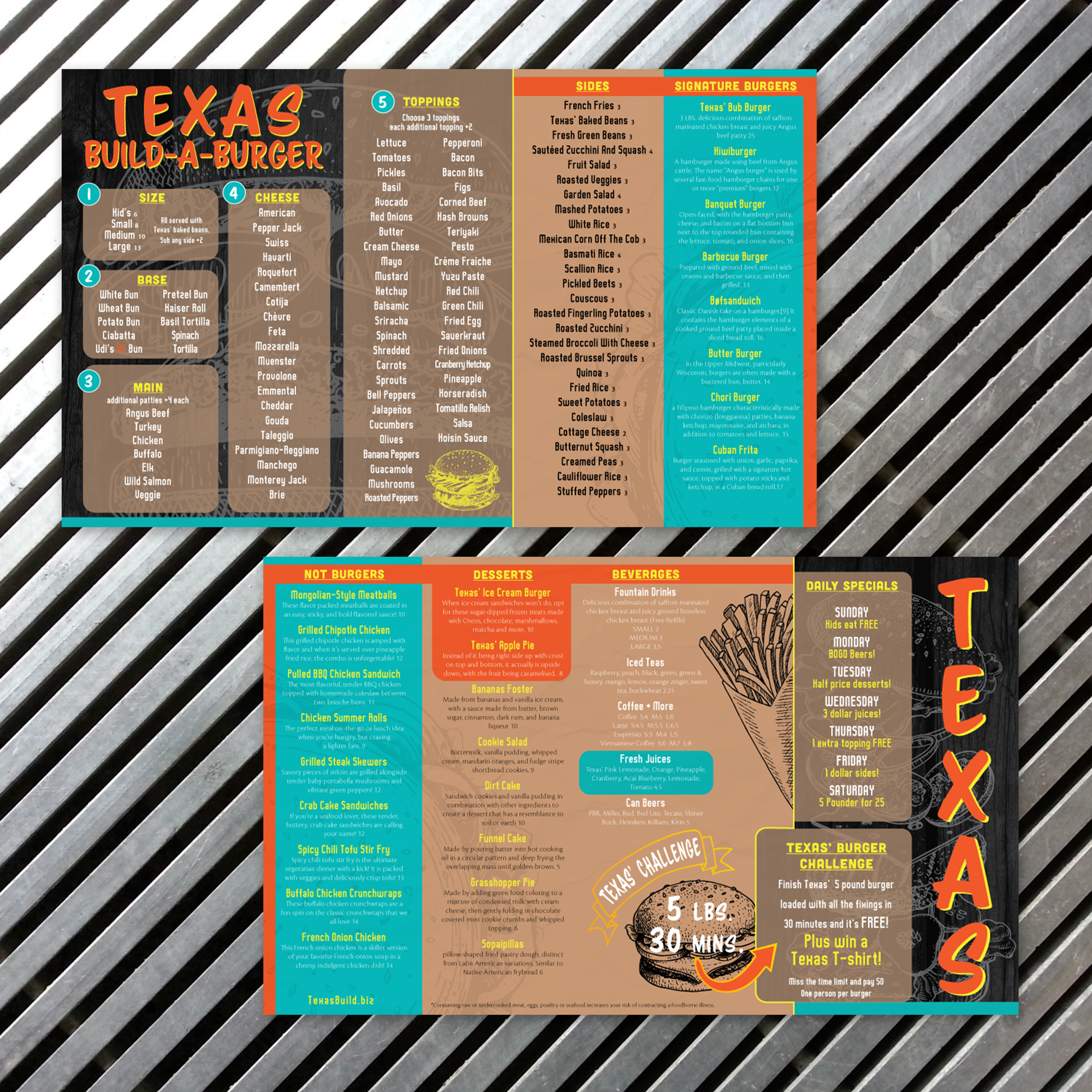
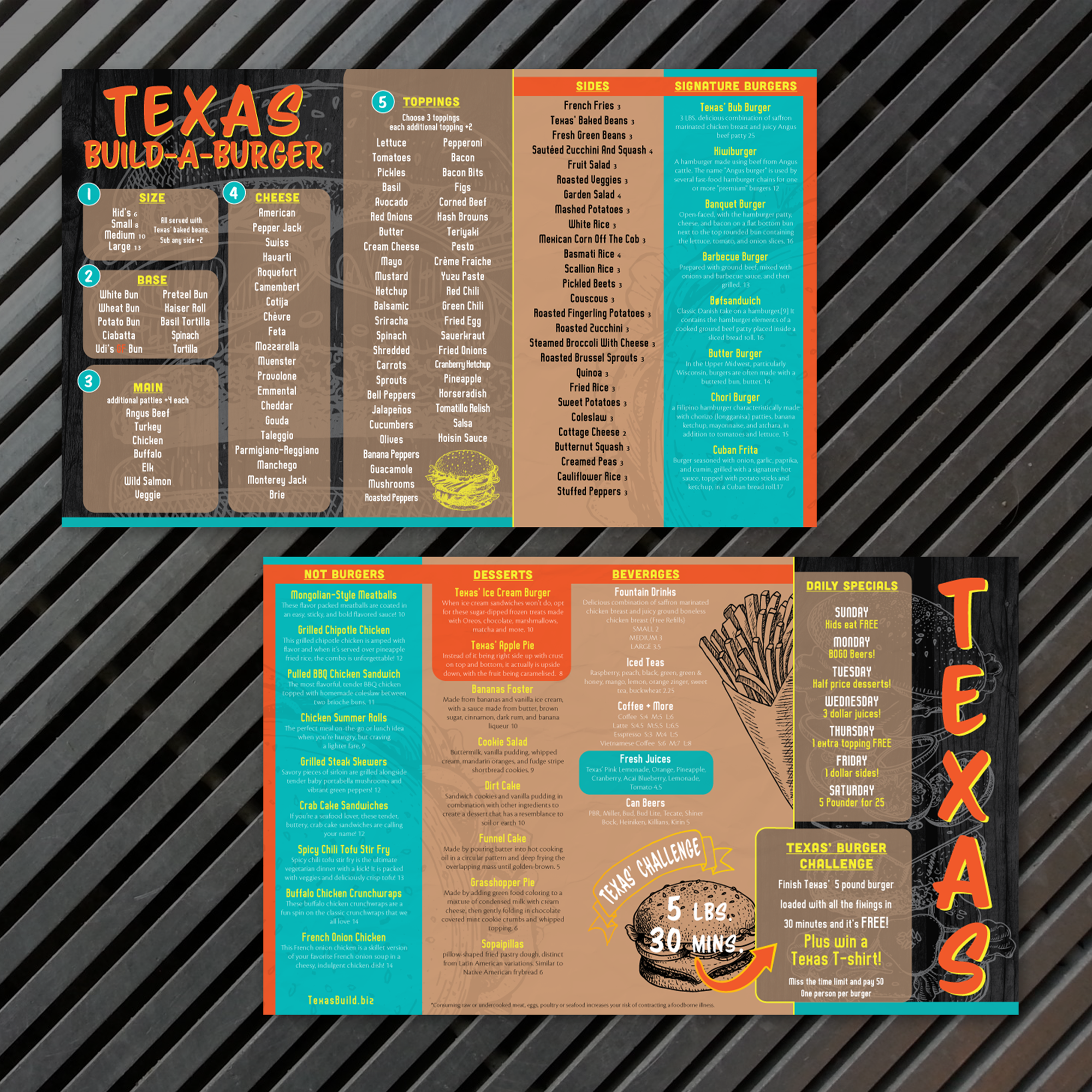
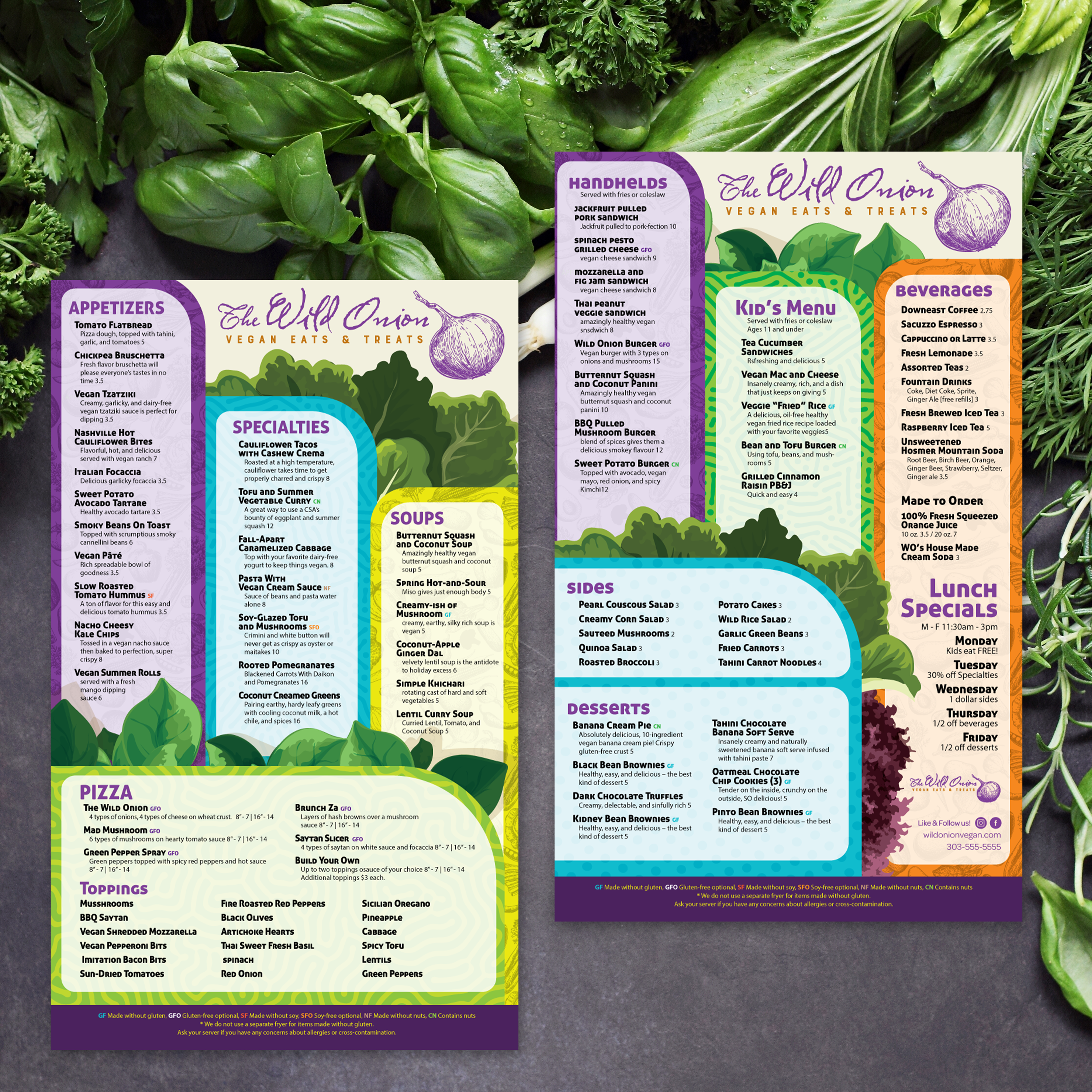
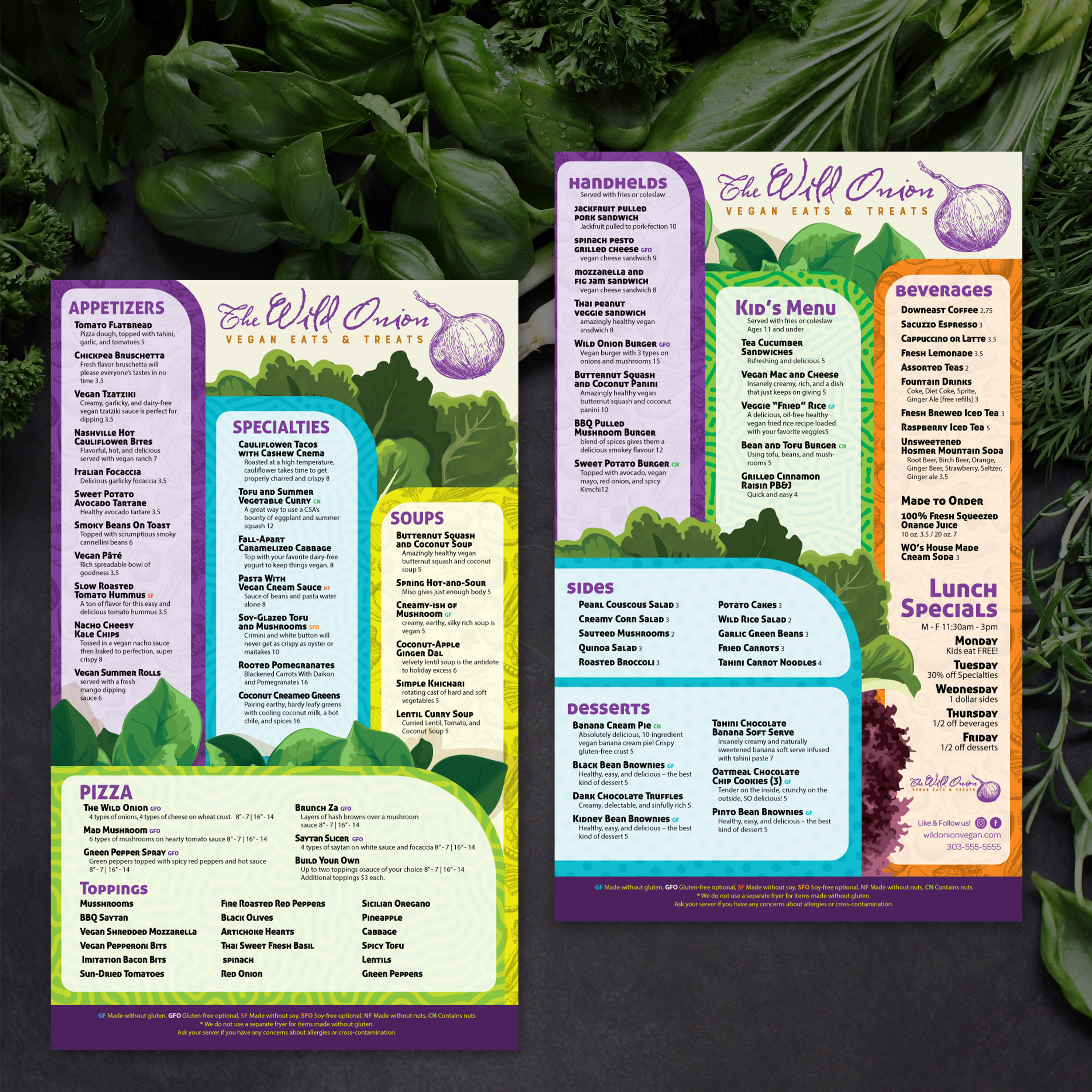
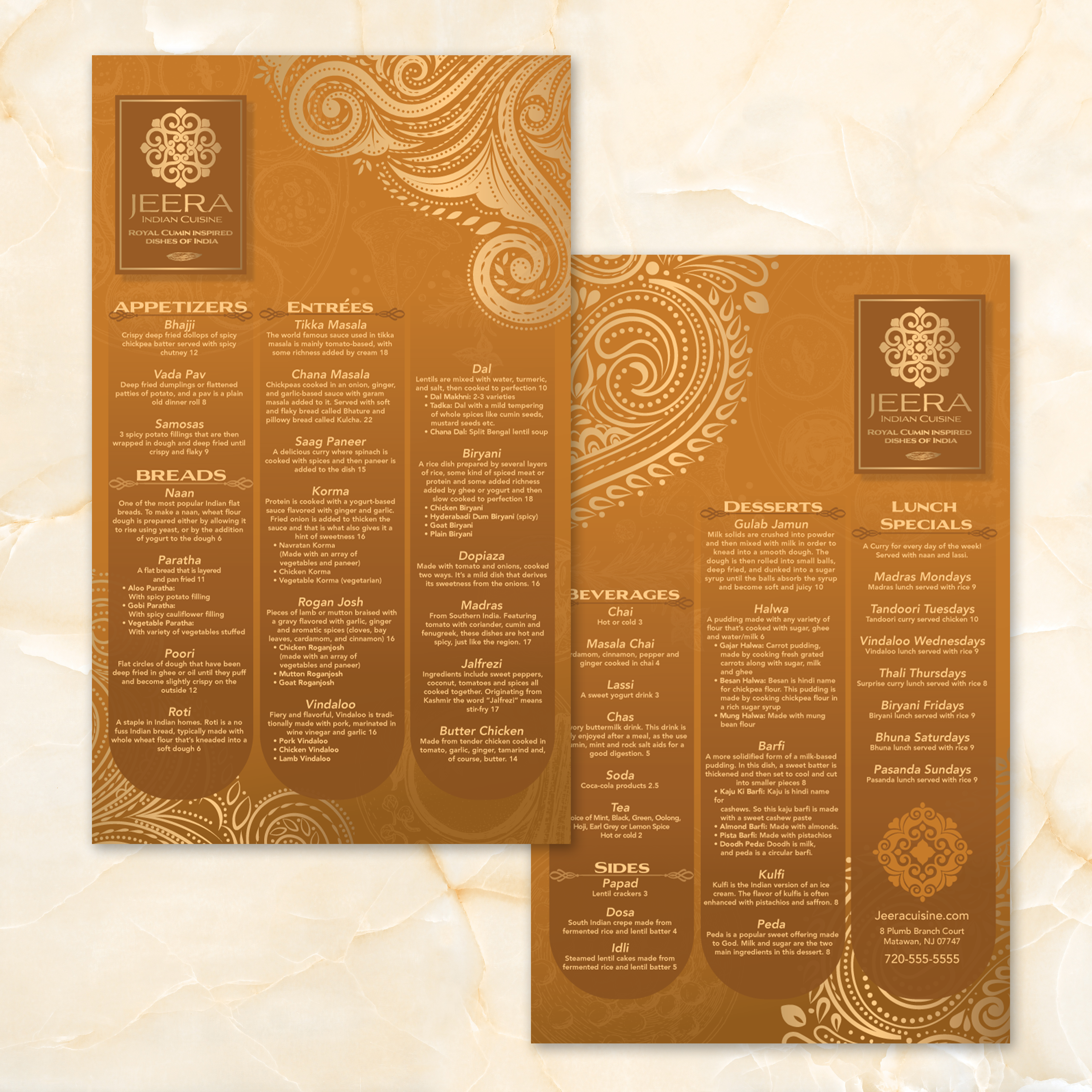
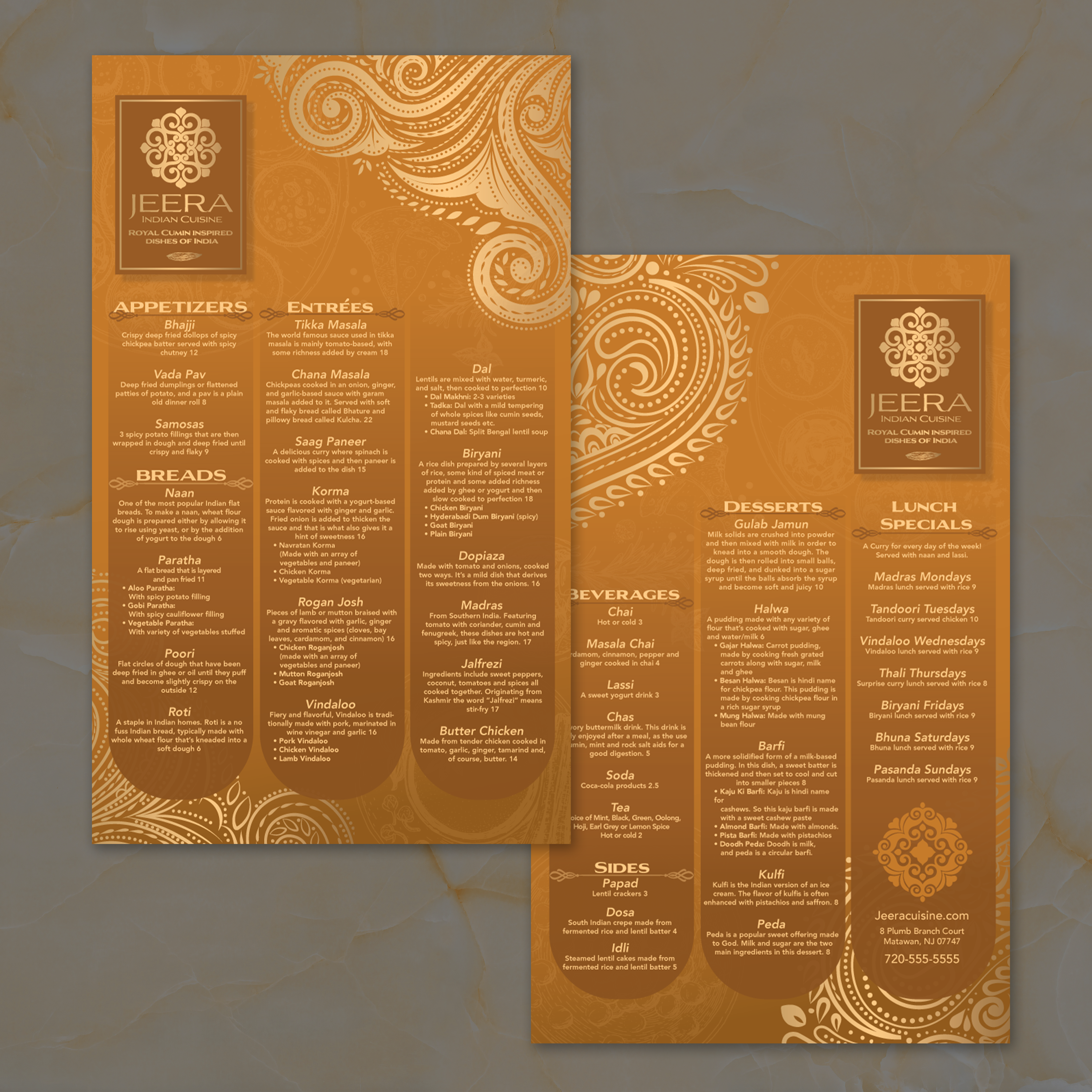
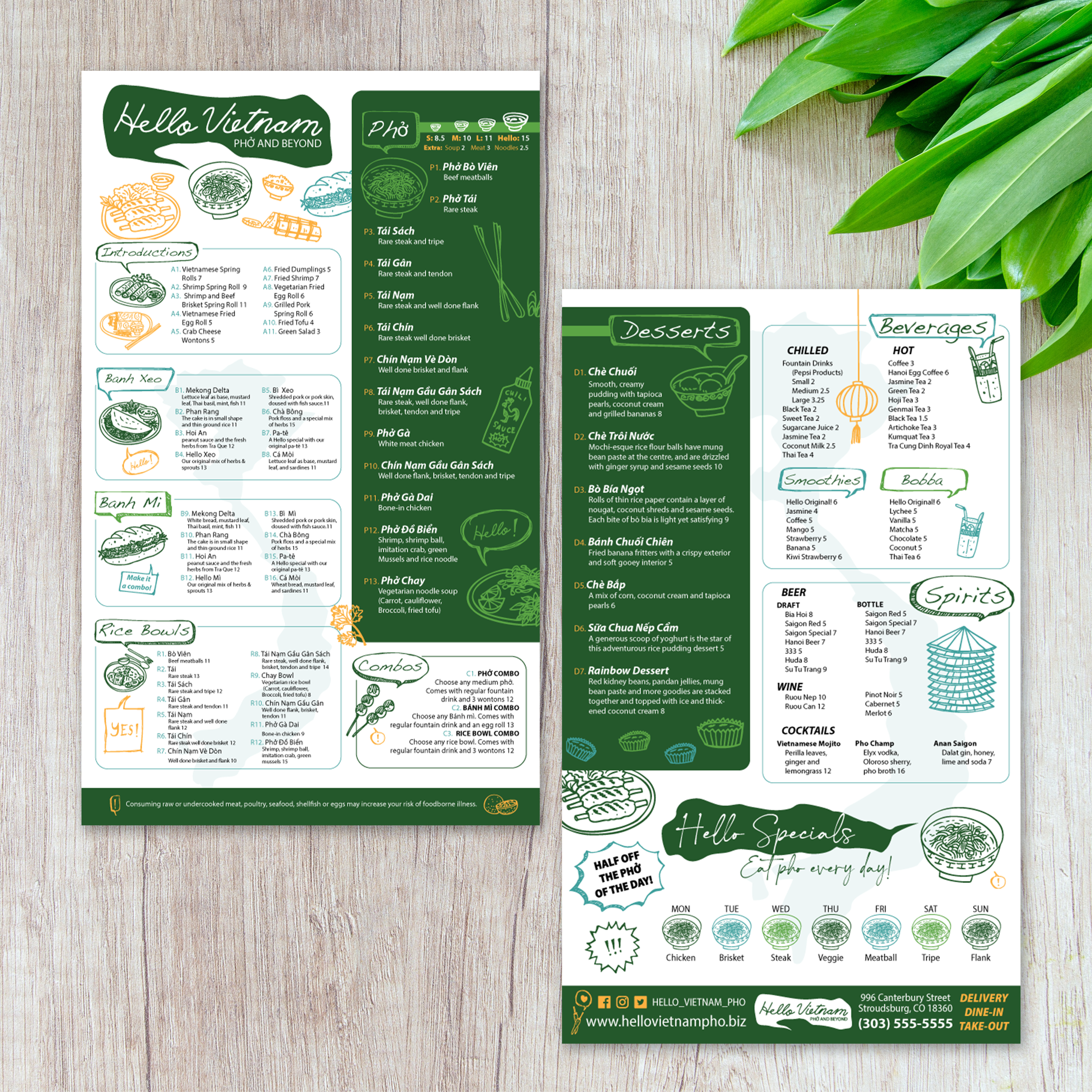
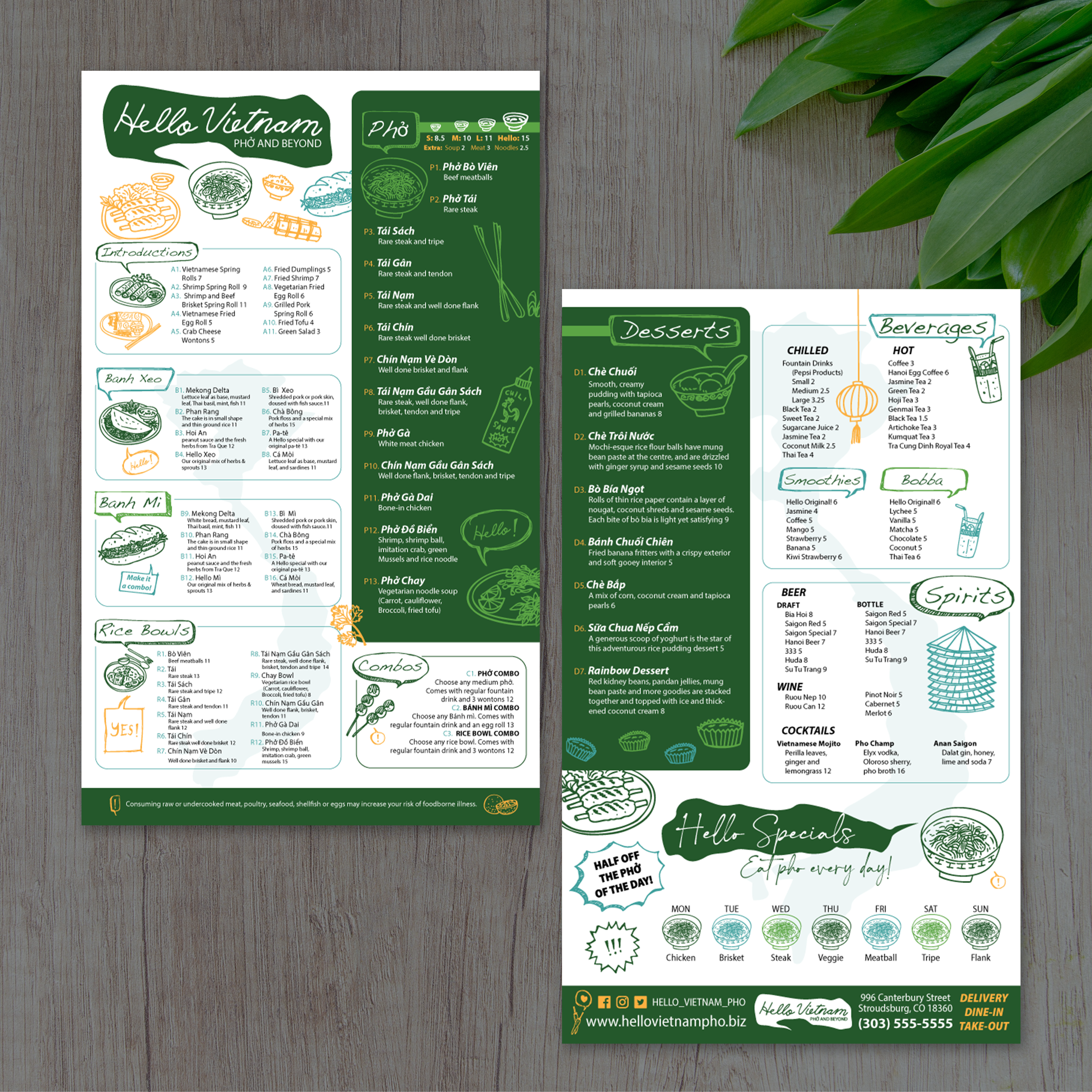
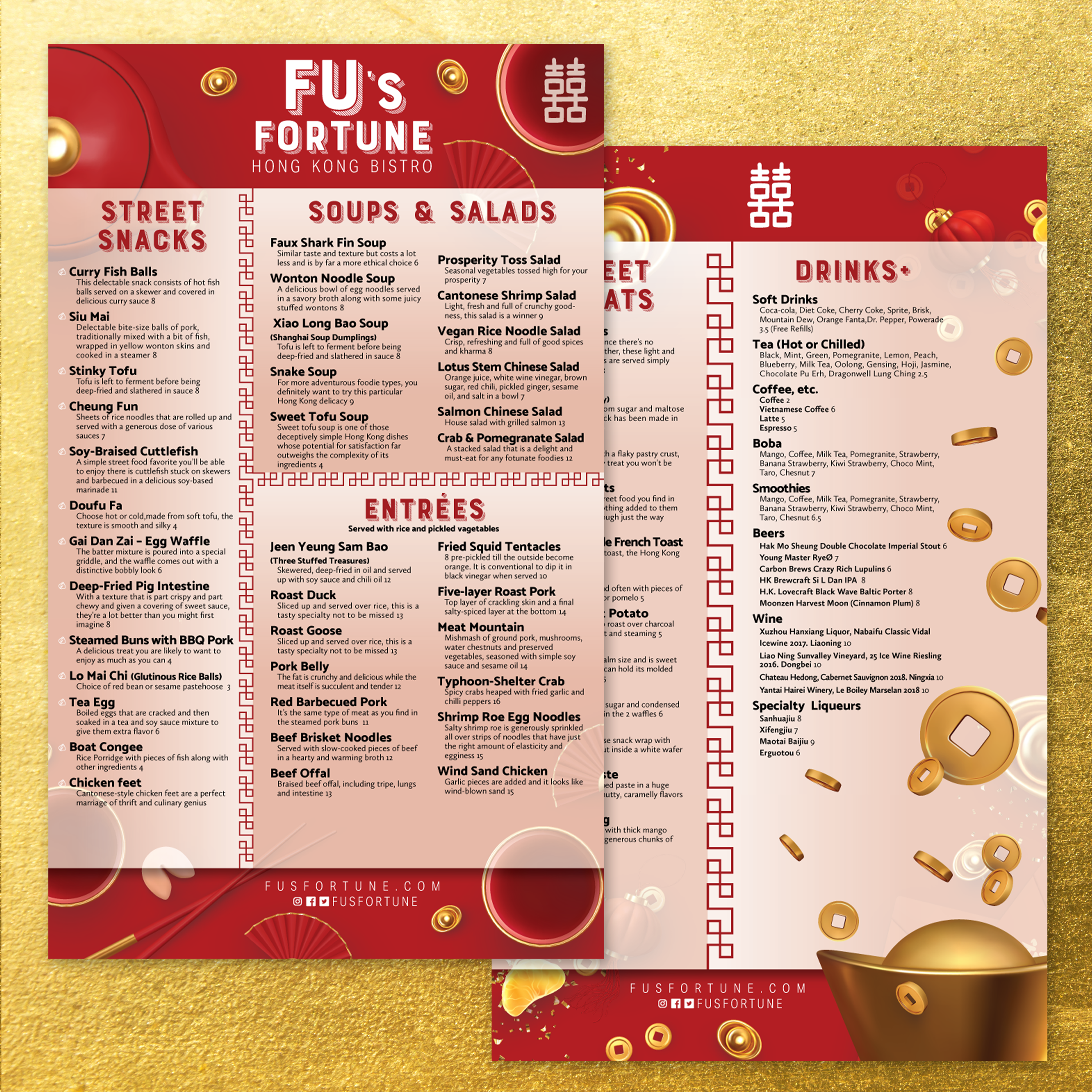
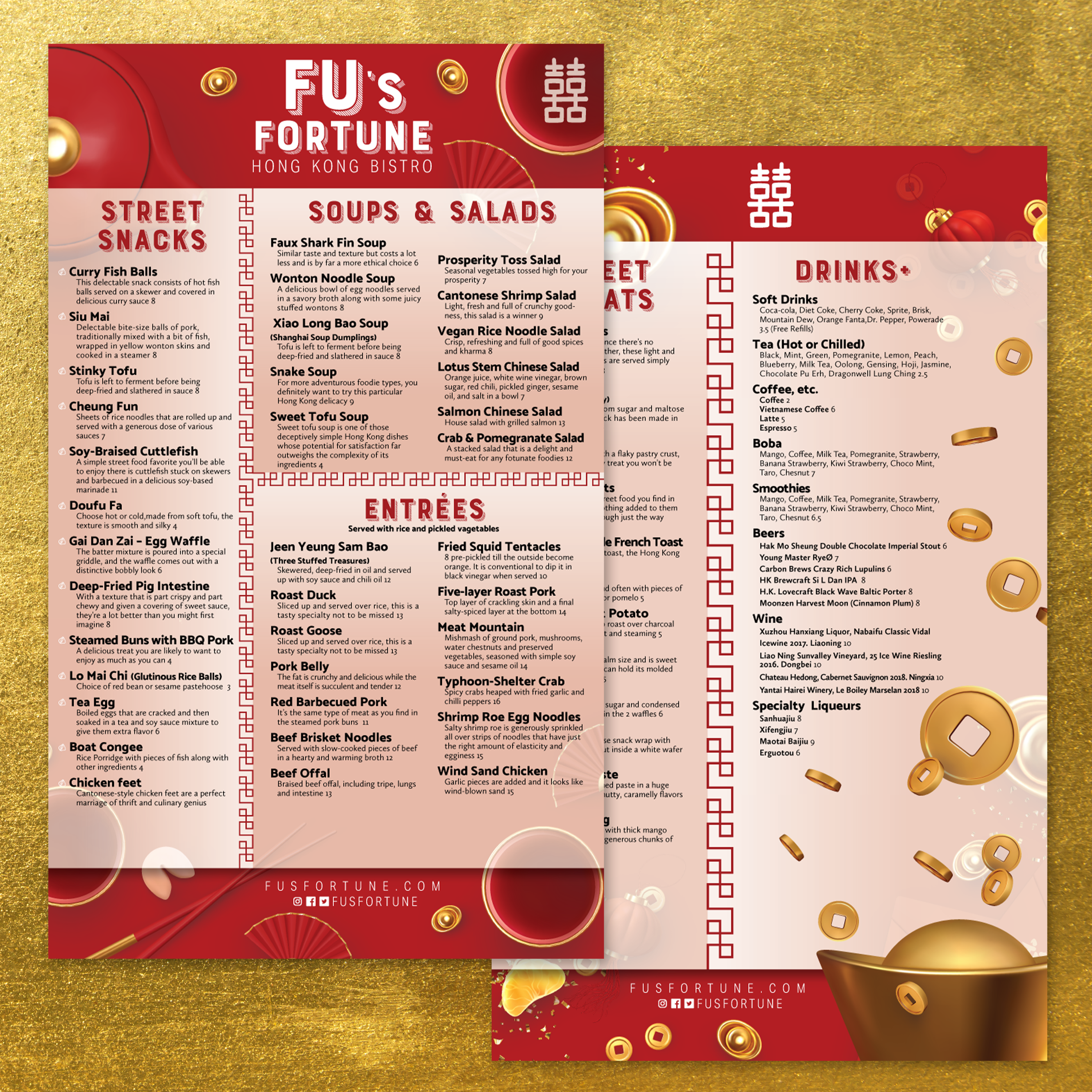
Menu size impacts readability, ordering speed, and how professional your menu looks in daily use. An 8.5" x 14" menu gives you more vertical space than standard letter size, which helps you organize longer item lists without shrinking fonts or crowding categories. The best size depends on how much content you need to show, how customers interact with the menu, and where the menu is displayed.
When 8.5" x 11" Feels Too Small for Your Menu
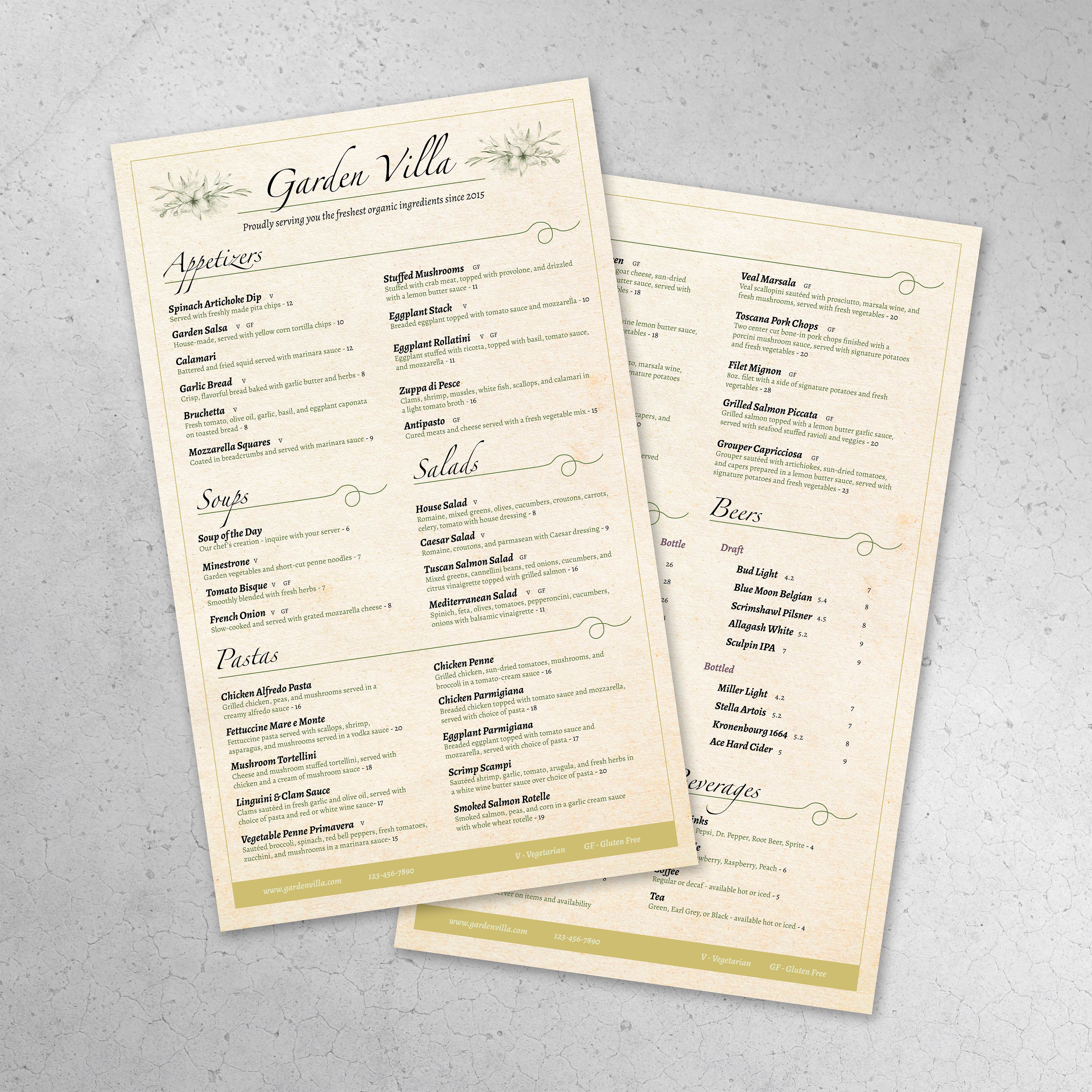
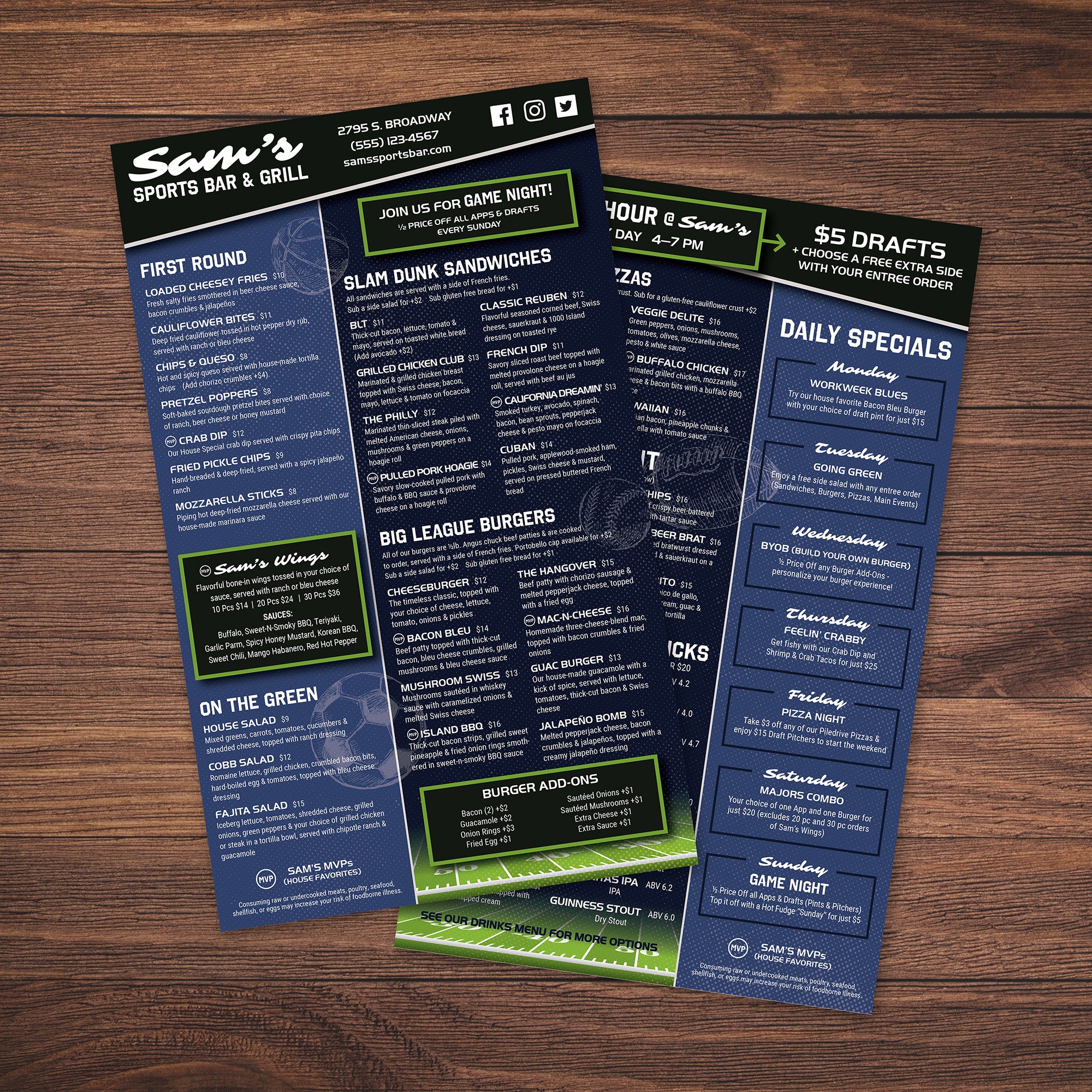
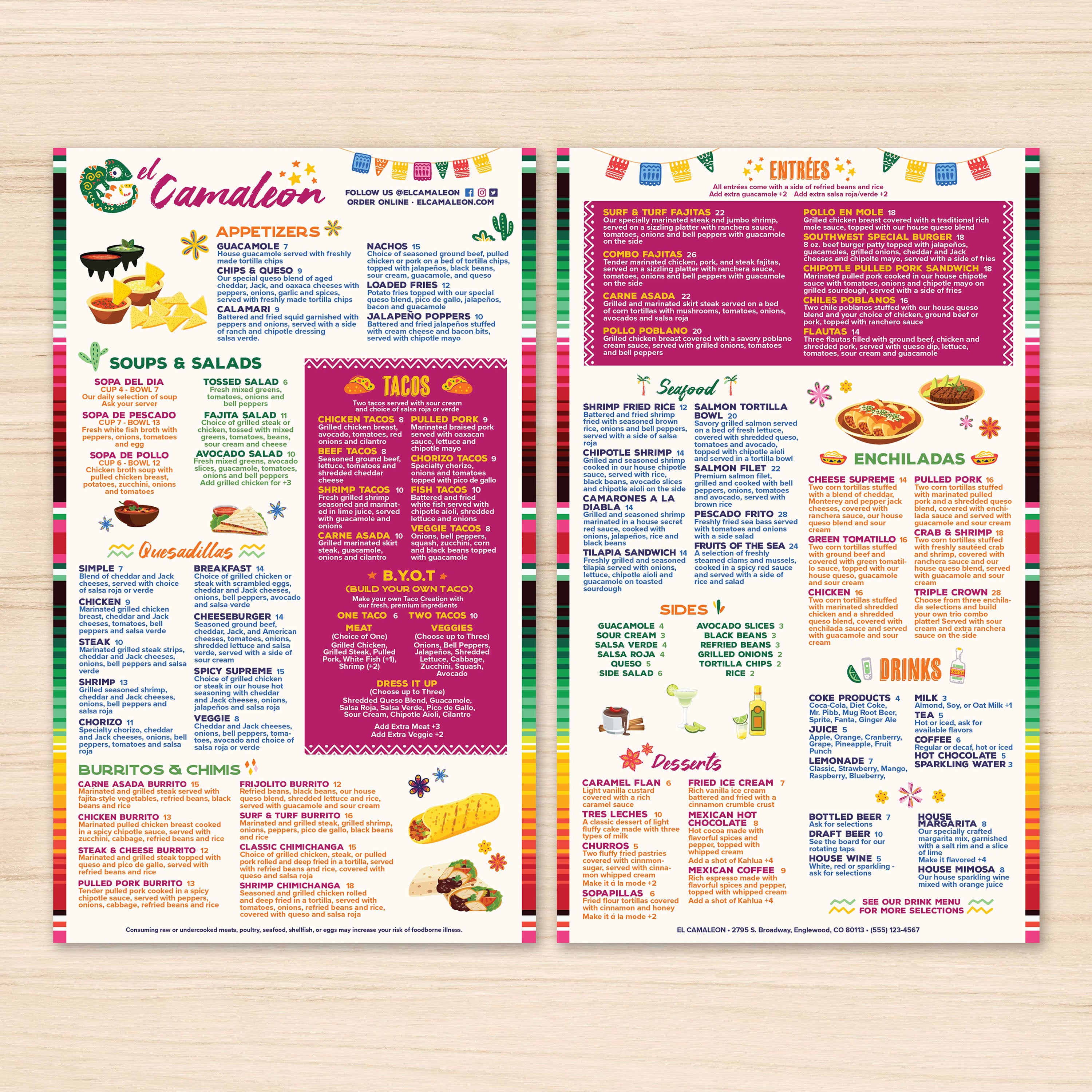
An 8.5" x 11" menu is a solid standard, but it can become tight if you’re listing multiple categories, add-ons, and pricing tiers. When content gets compressed, font size often shrinks and spacing disappears, which makes scanning harder. If your menu includes multiple drink sections, a full food lineup, or several modifiers, moving to 8.5" x 14" helps keep the layout clean while still staying single-page.
When 5.5" x 8.5" Works Better for Curated or Limited Menus
A 5.5" x 8.5" menu is best when your goal is simplicity and speed. This format works well for drink-only menus, daily specials, grab-and-go menus, or limited offerings. Smaller menus encourage a curated selection, which can actually improve decision-making because customers have fewer choices to process. The key is keeping content short and removing long descriptions so the layout stays readable.
When 12" x 18" Flat Menus are Better for Wall Displays
A 12" x 18" flat menu works best when the menu needs to be seen from a distance, such as on a wall, behind a counter, or in a quick-service line. This size allows large text, wider spacing, and stronger category separation. It’s ideal when the menu is primarily a display tool, and customers need to browse without holding a printed menu. For businesses that want a clear visual ordering board, this format often performs better than handheld sizes.
How Menu Size Impacts Printing, Handling, and Replacement
Larger menus can display more information, but they also need to be comfortable to handle. An 8.5" x 14" menu balances space and usability because it still feels like a standard sheet while offering extra room. Smaller menus are easier to hold and store, but they limit how much detail you can include. Wall formats are excellent for visibility but aren’t practical for handheld use. Choosing the right size reduces reformatting and makes reprints easier when prices or items change.
How to Choose a Size Based on Your Menu Type
The simplest way to choose is to match size to content volume and service style. If the menu is long but should remain single-page, 8.5" x 14" is a strong option. If the menu is intentionally minimal and designed for quick ordering, 5.5" x 8.5" works well. If the menu is meant to be viewed from across the room, 12" x 18" is a better fit. When the size matches how customers actually interact with the menu, readability improves, and ordering becomes faster.