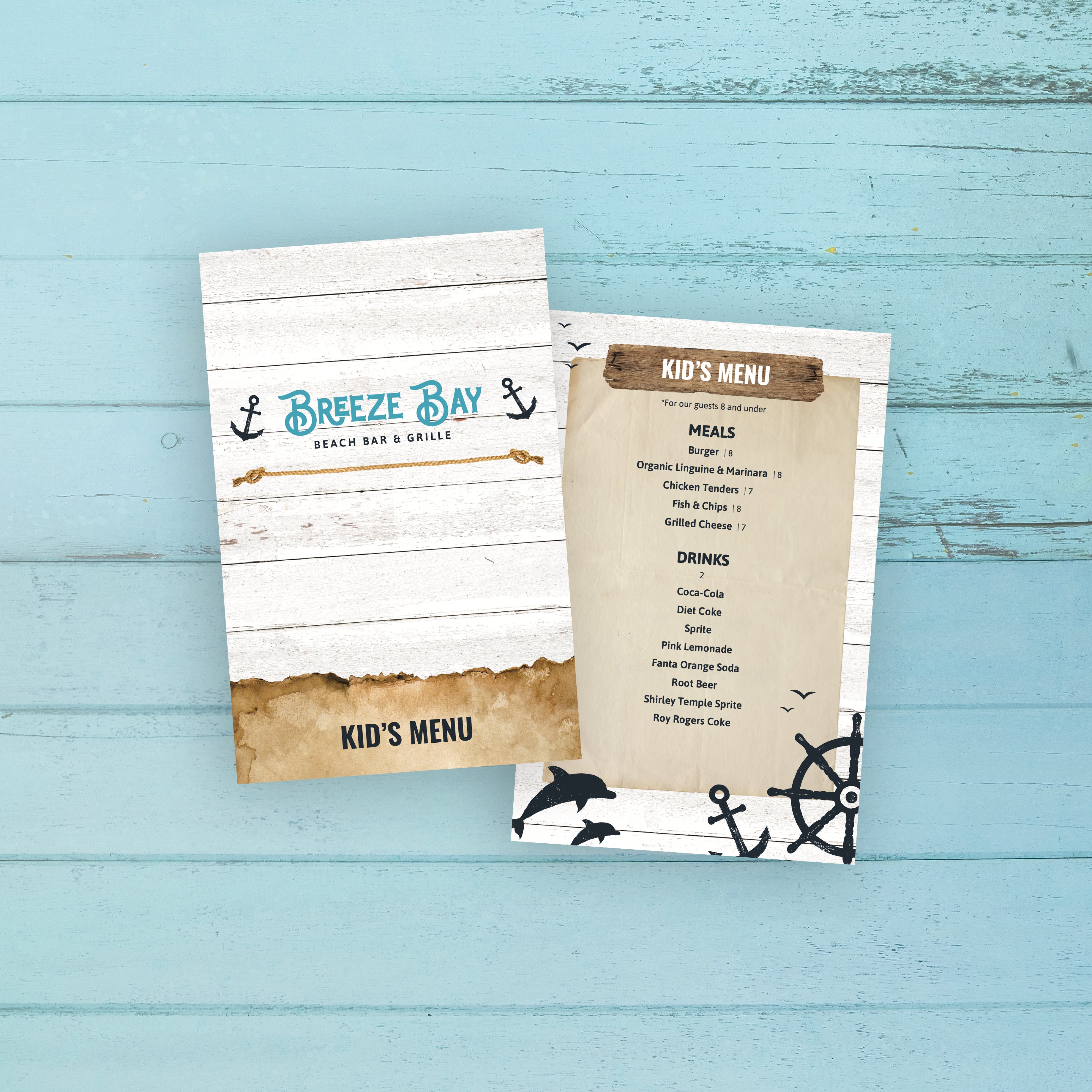
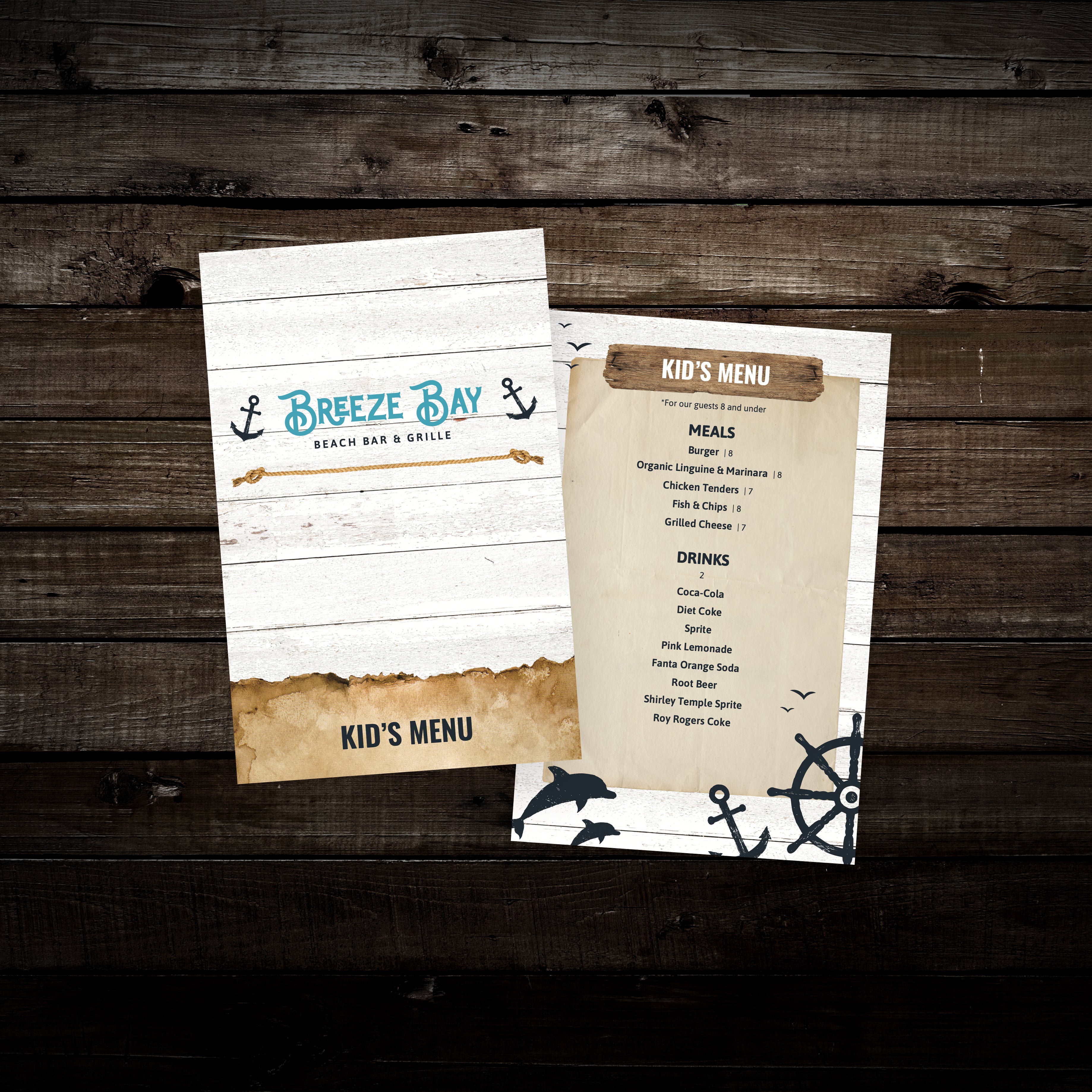
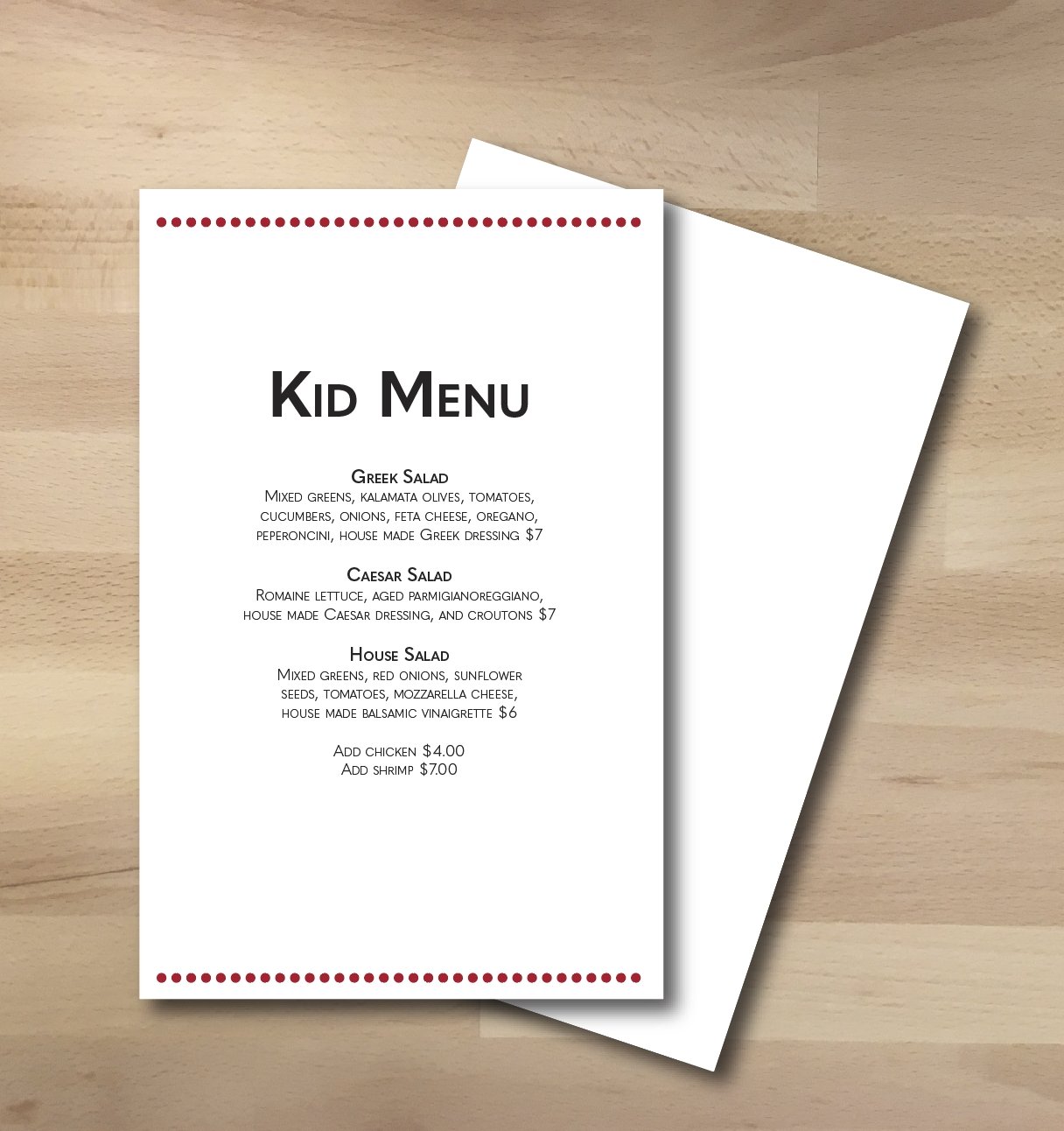
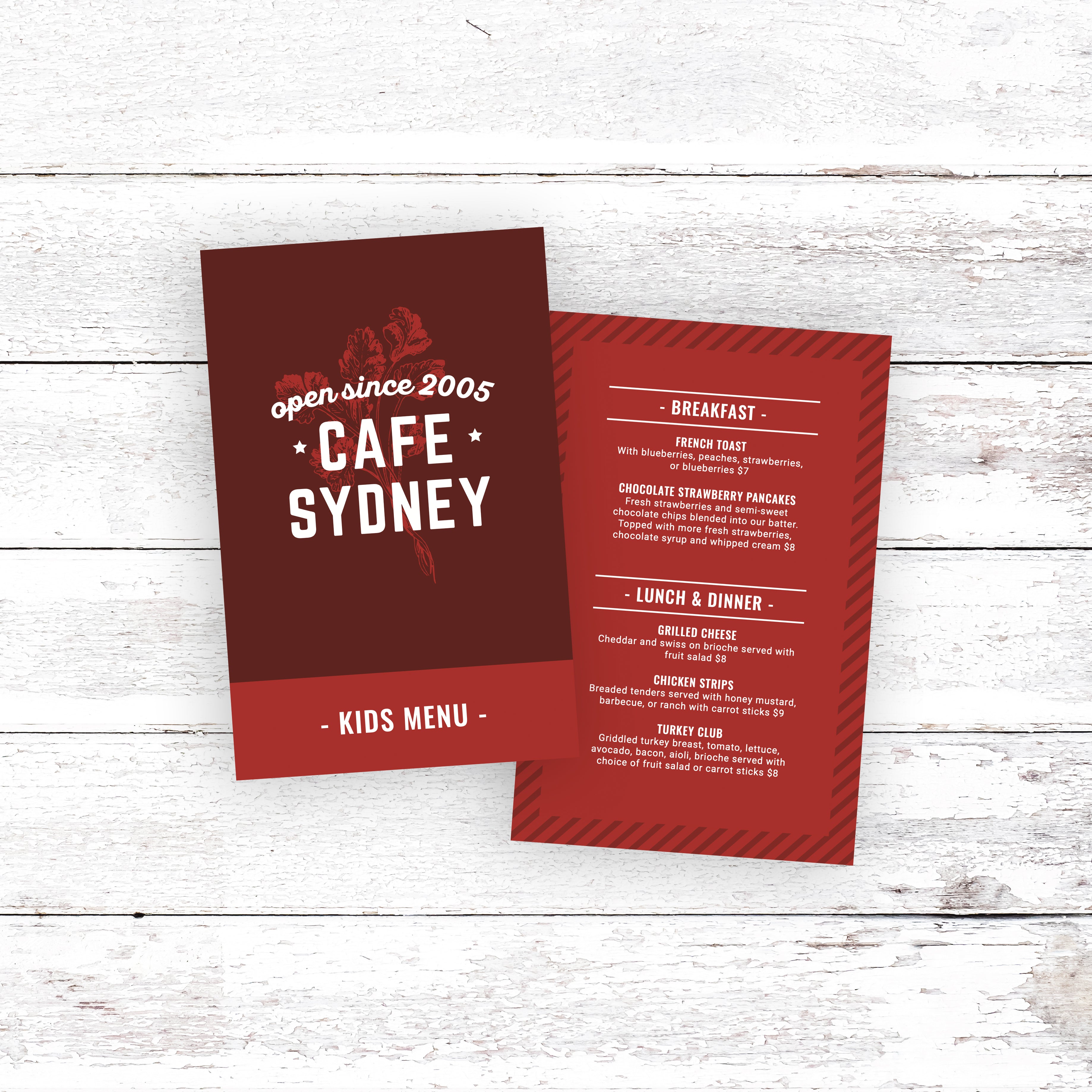
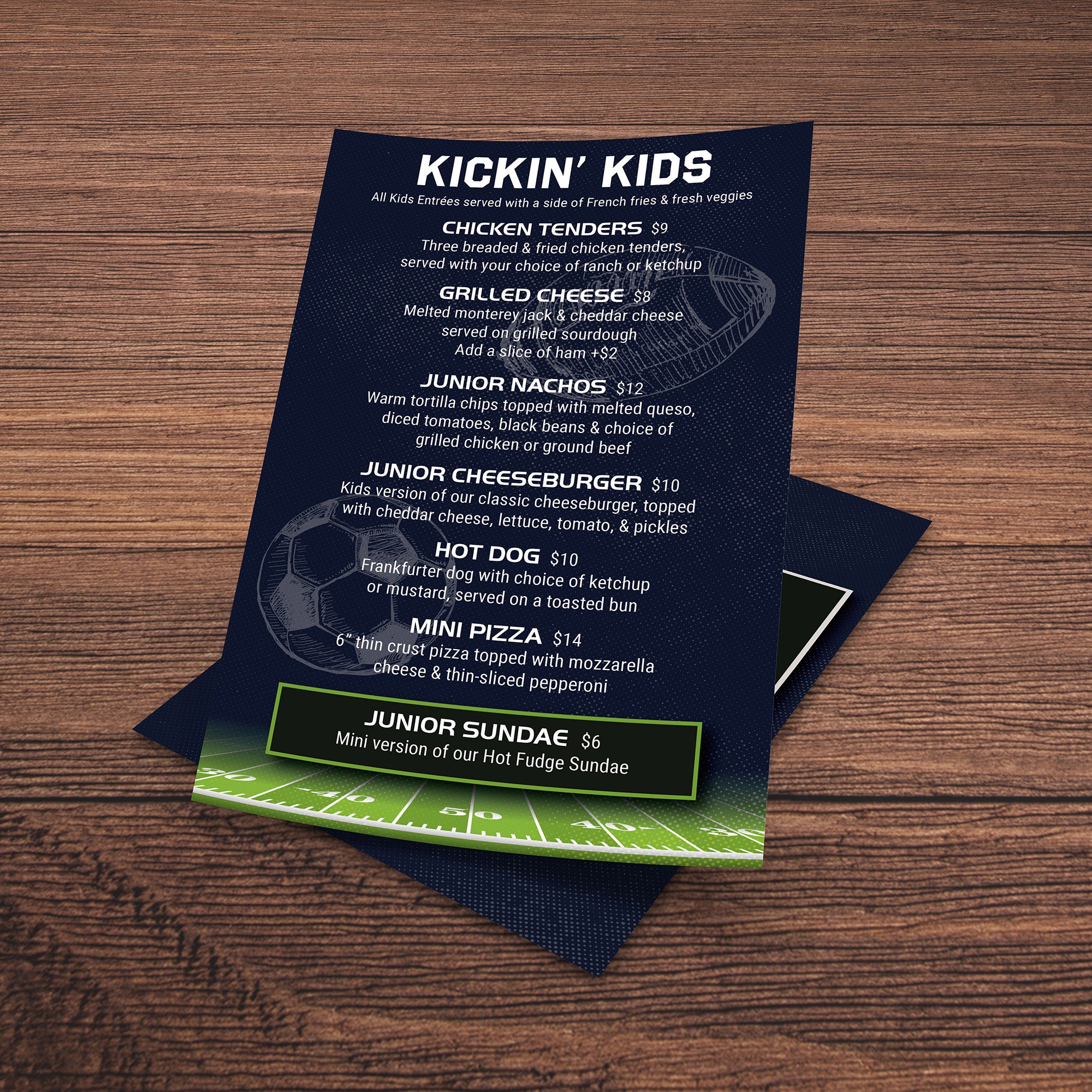
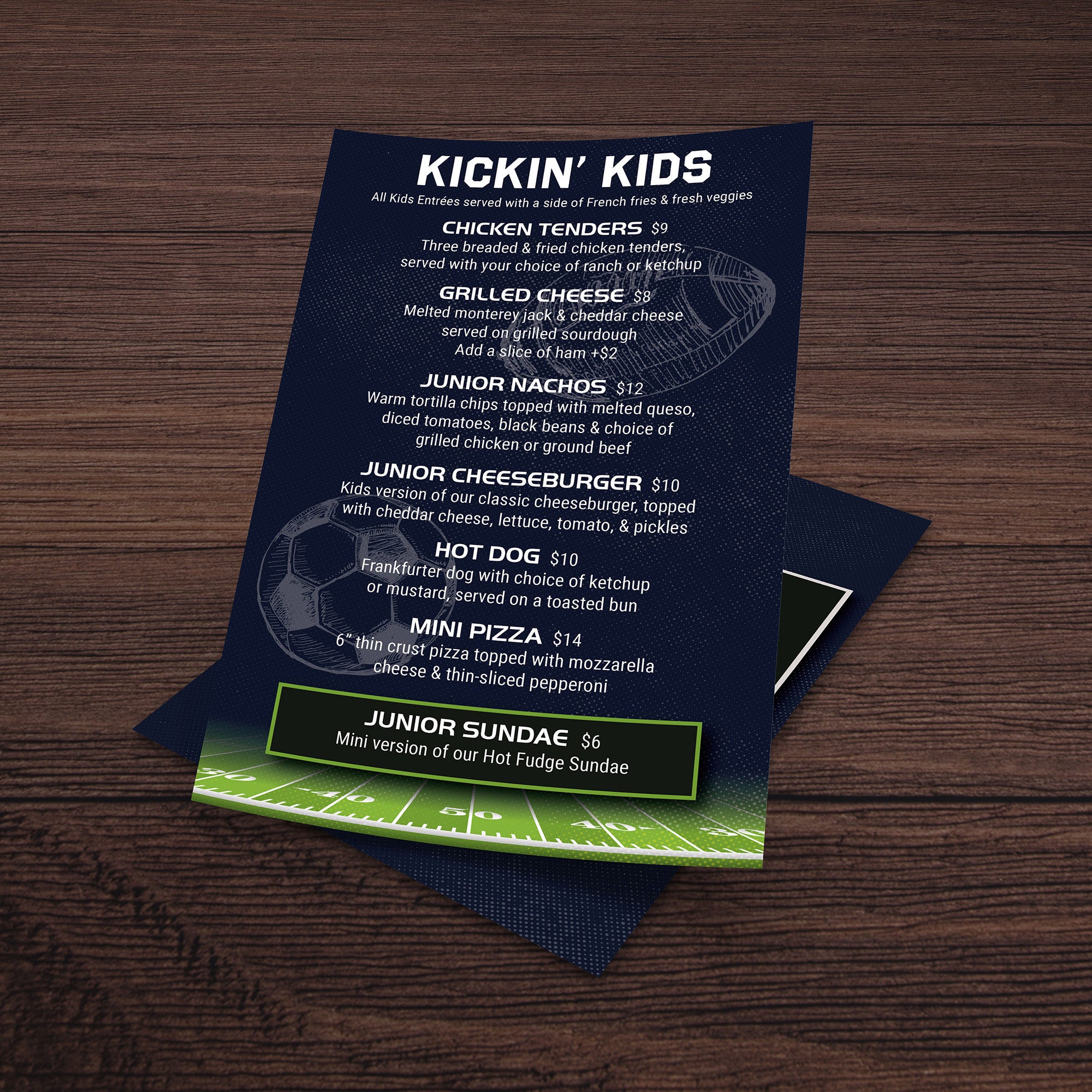
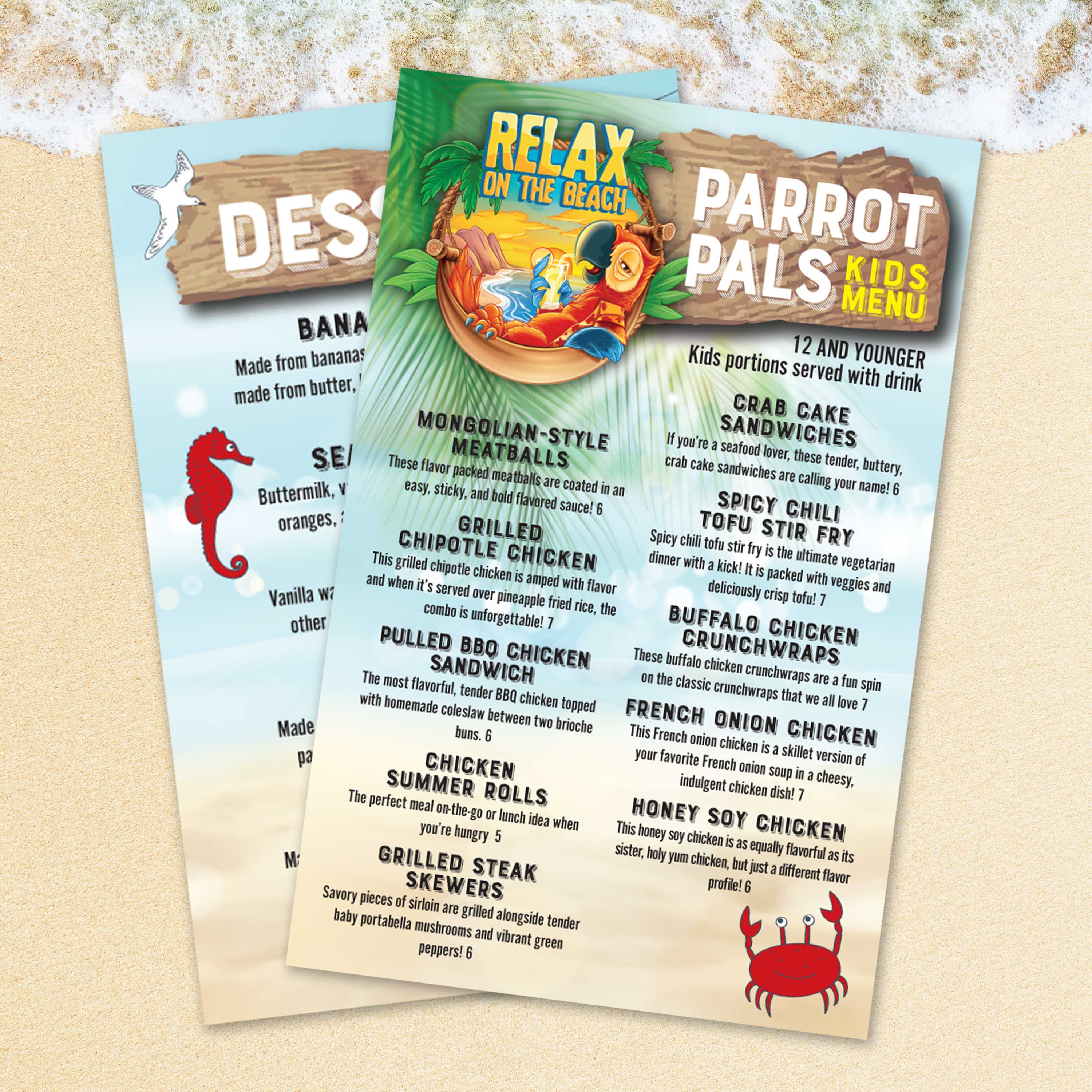
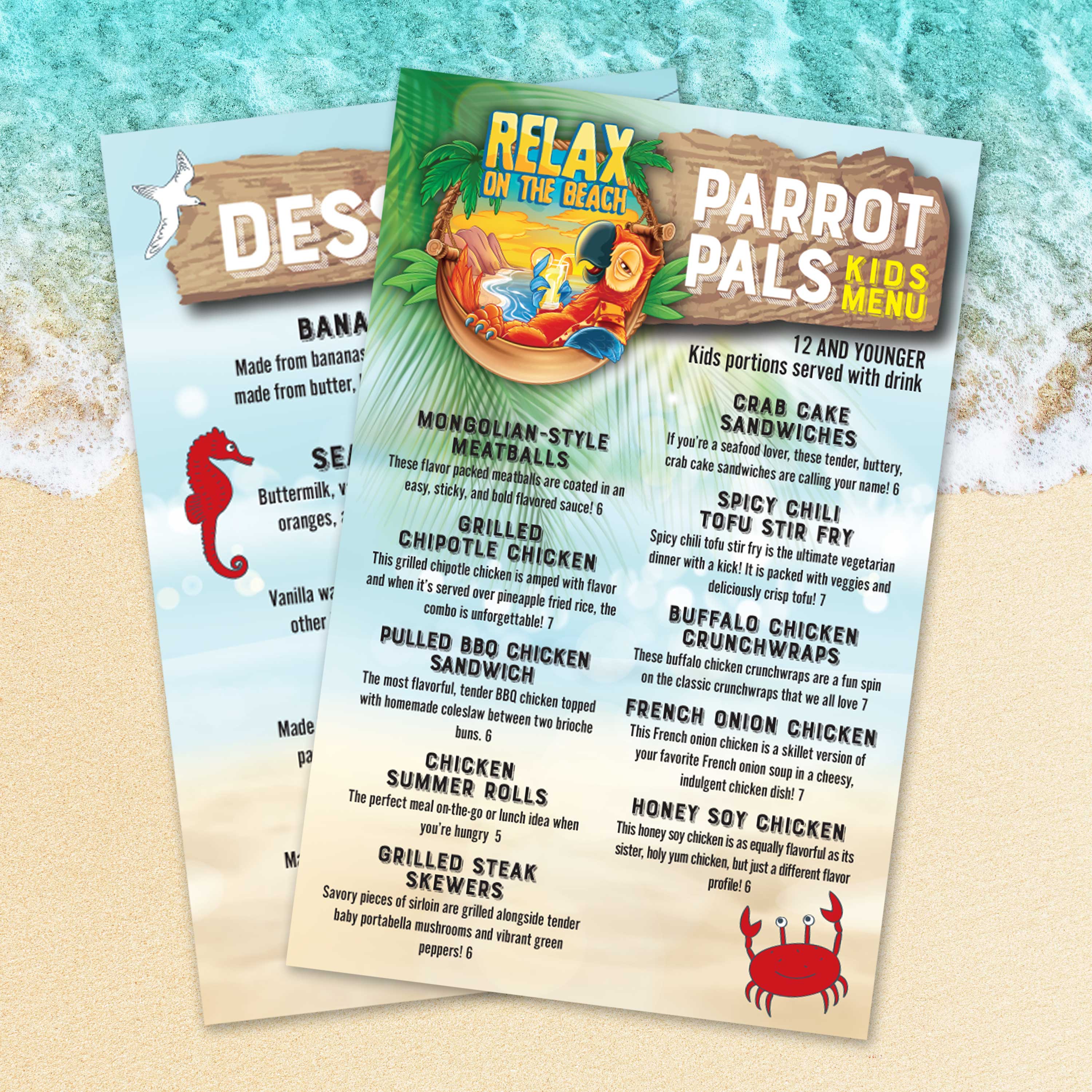
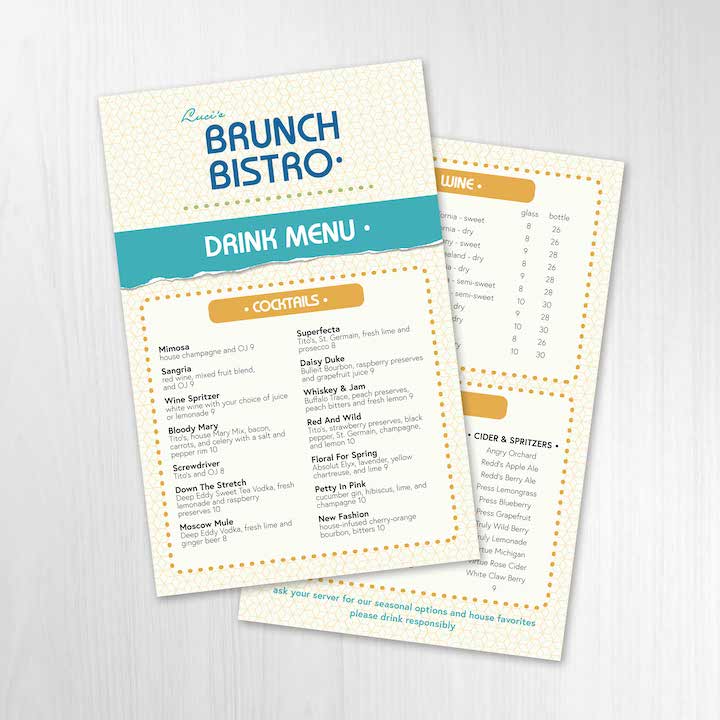
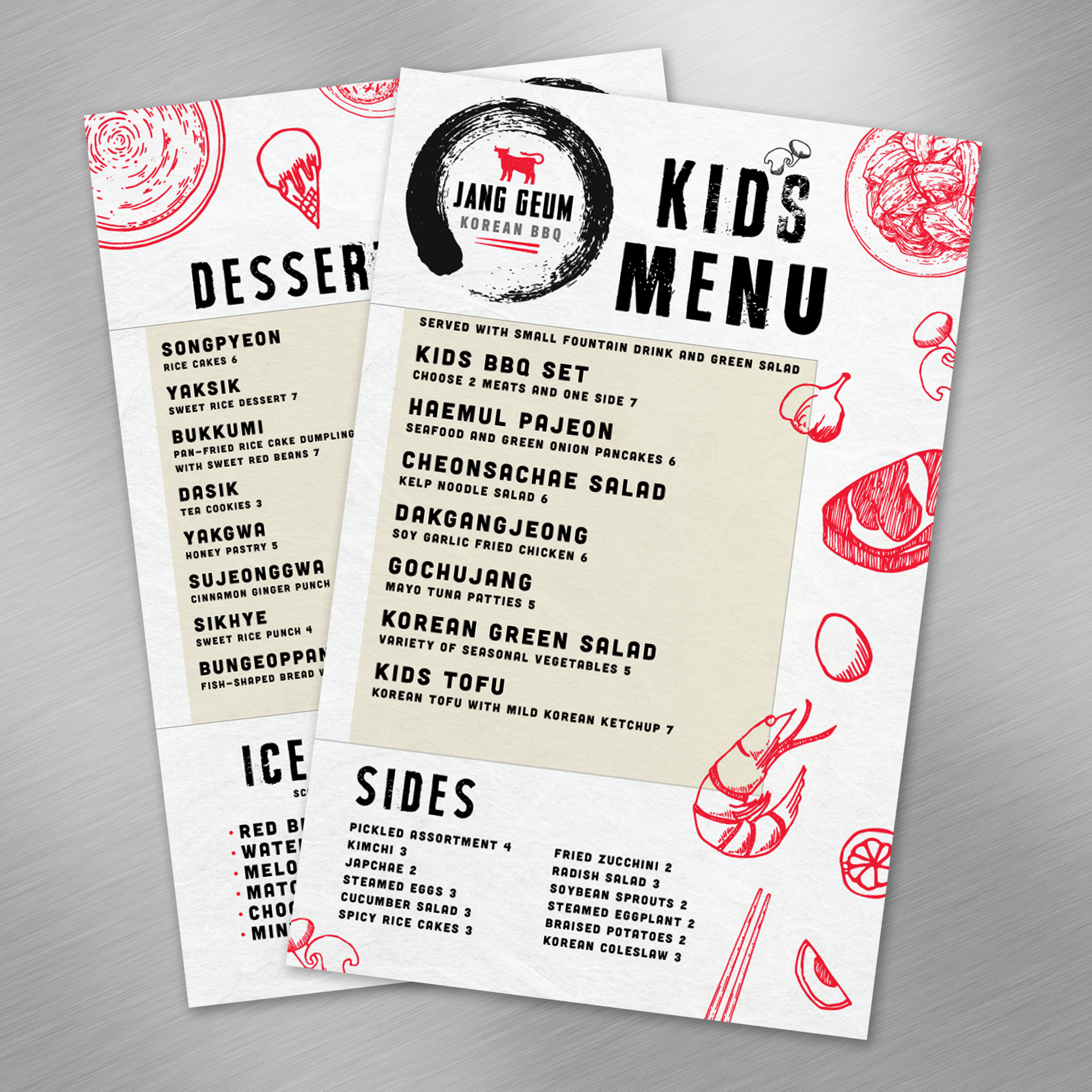
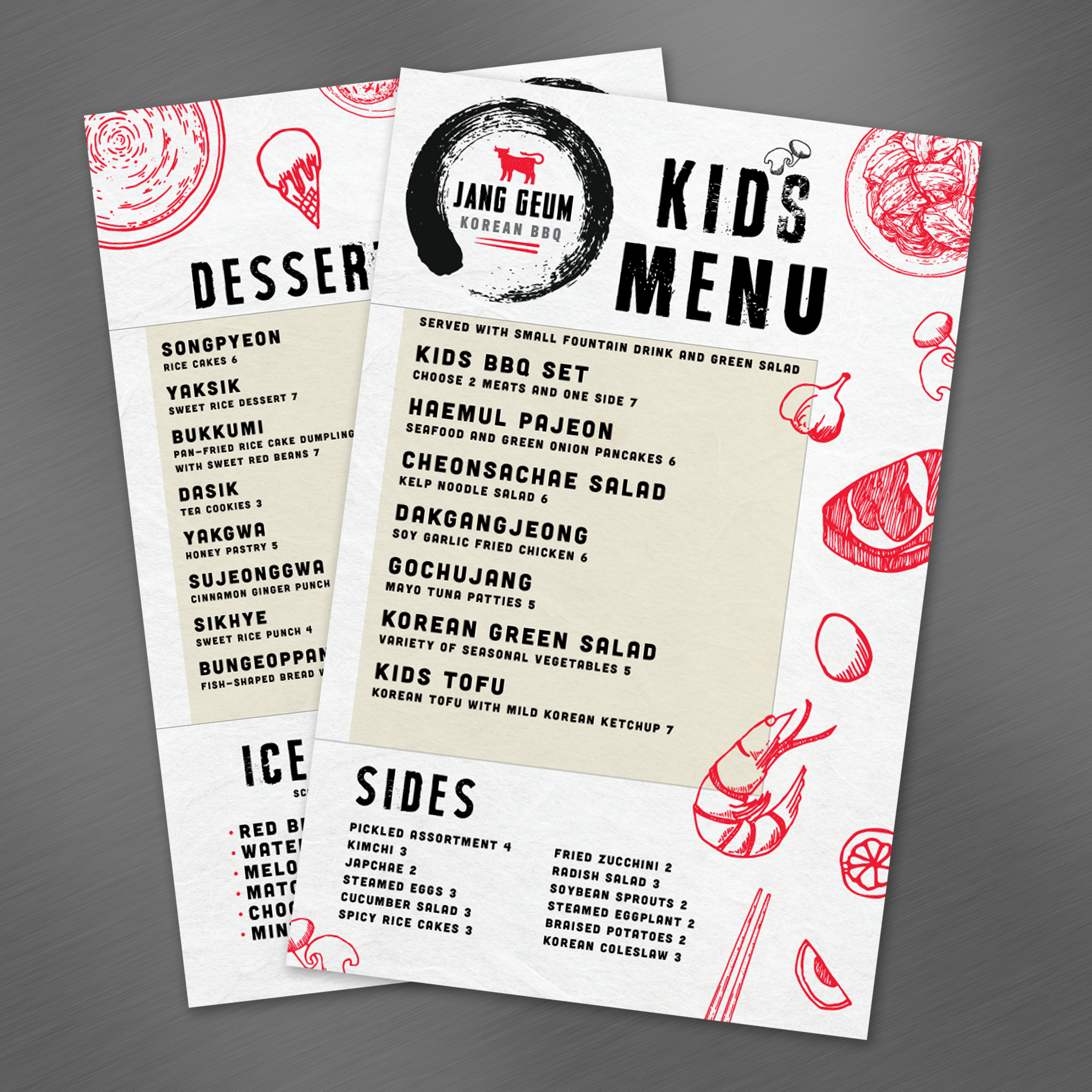
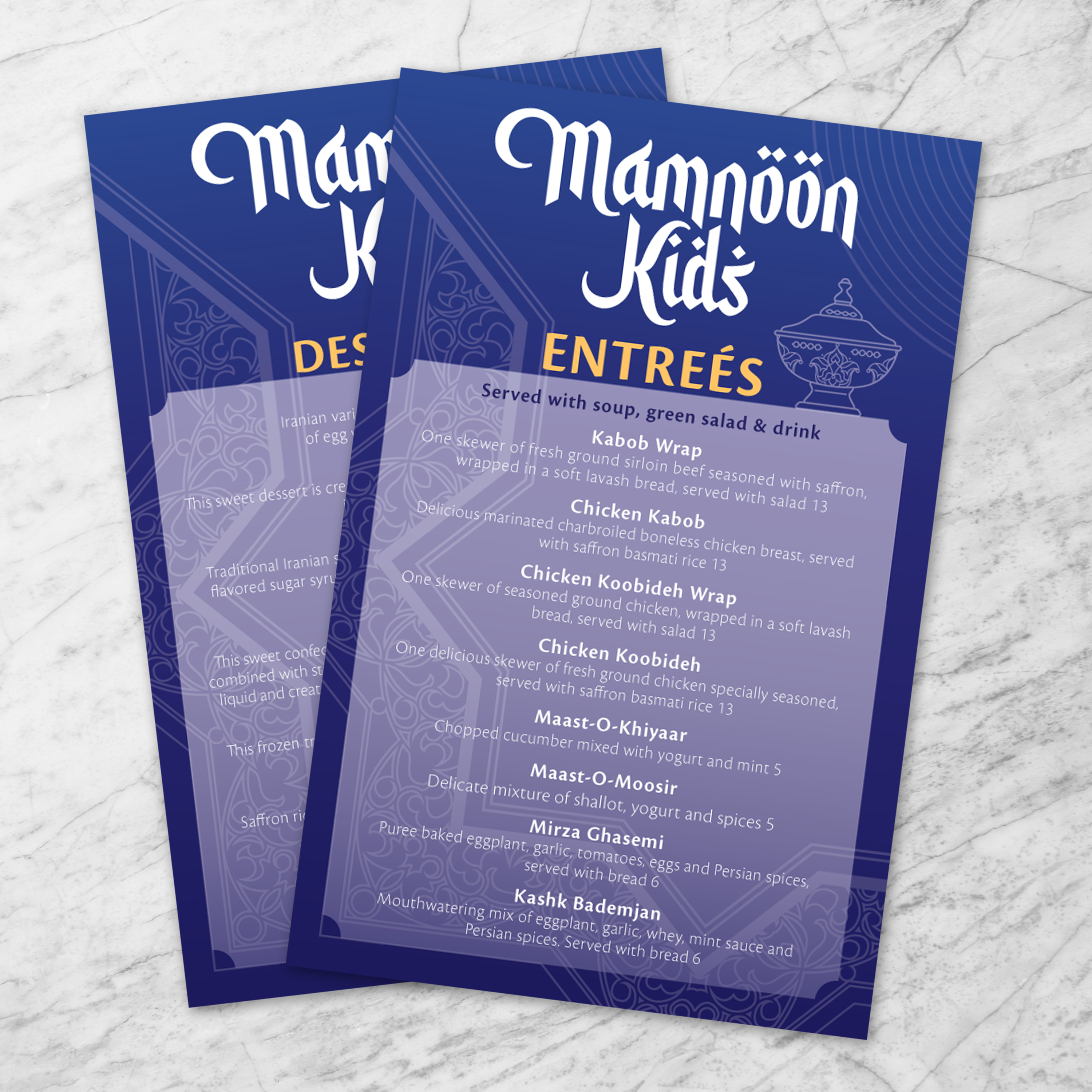
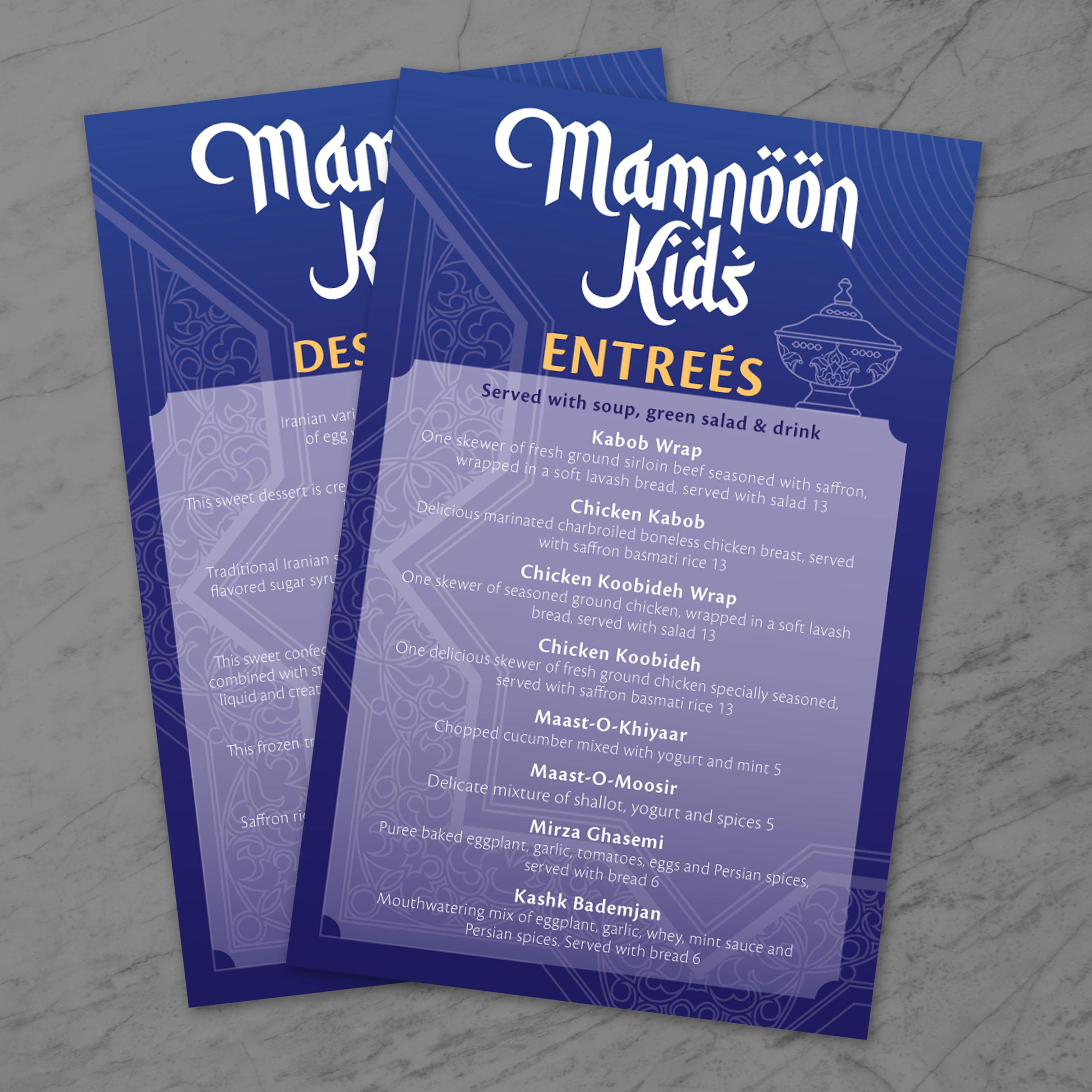
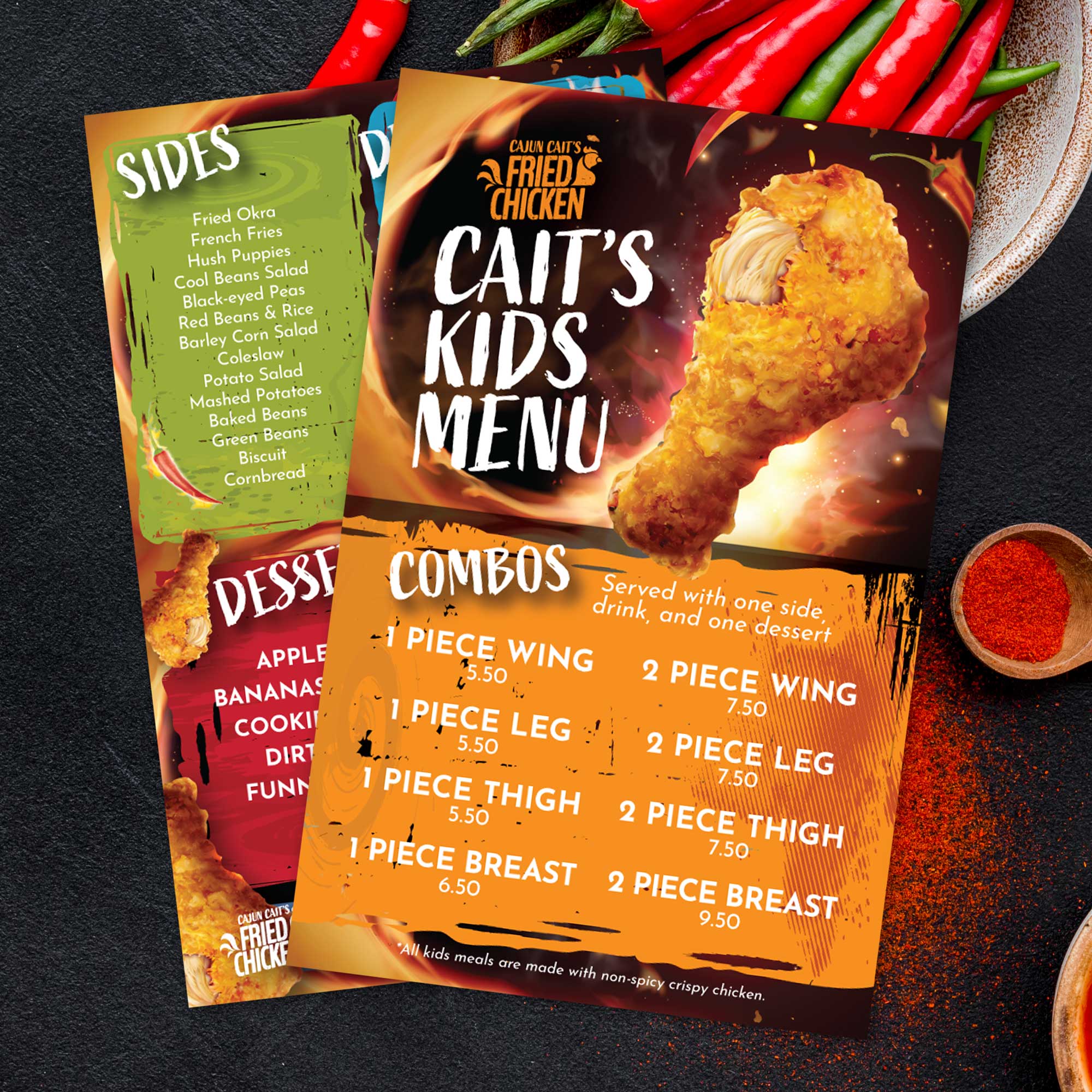
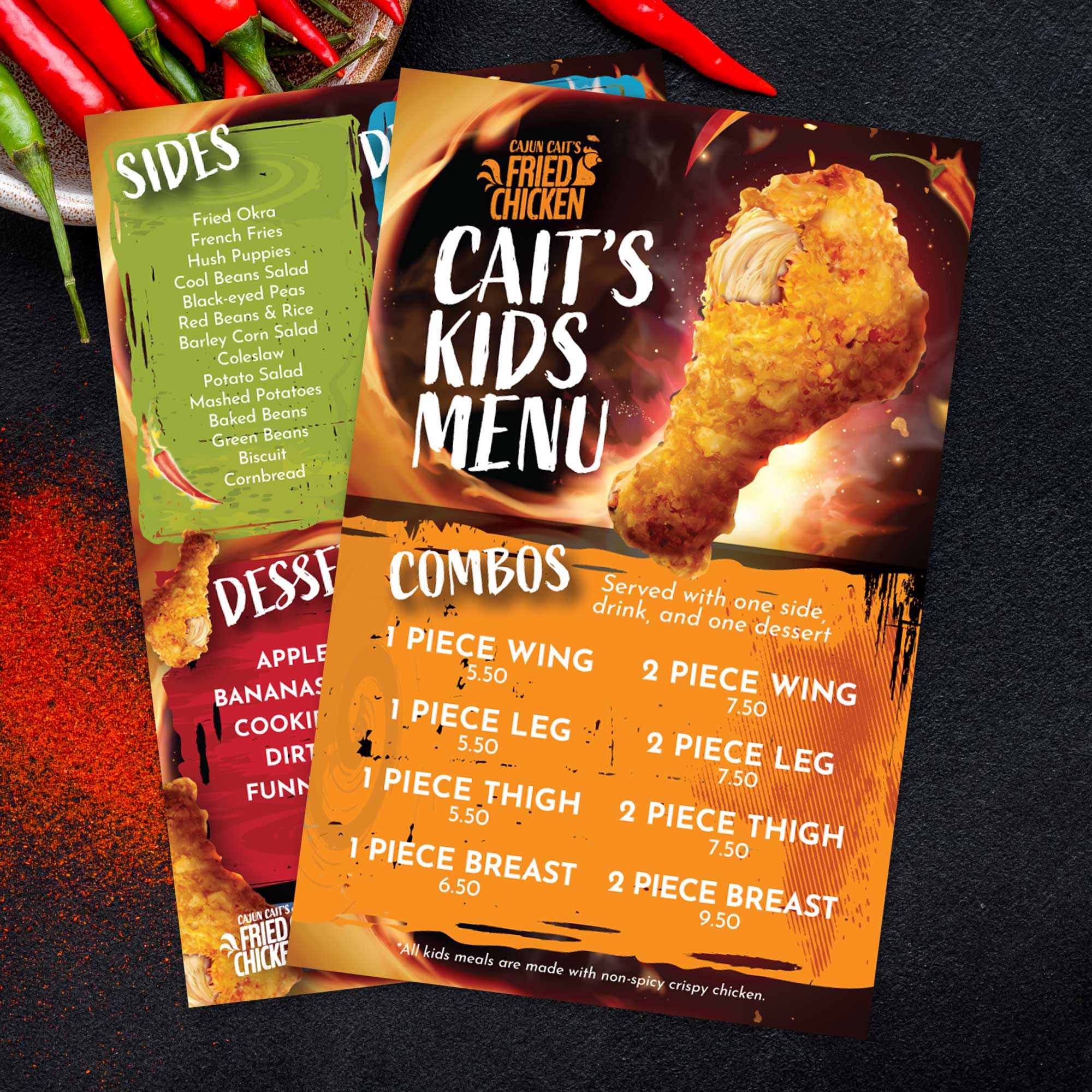
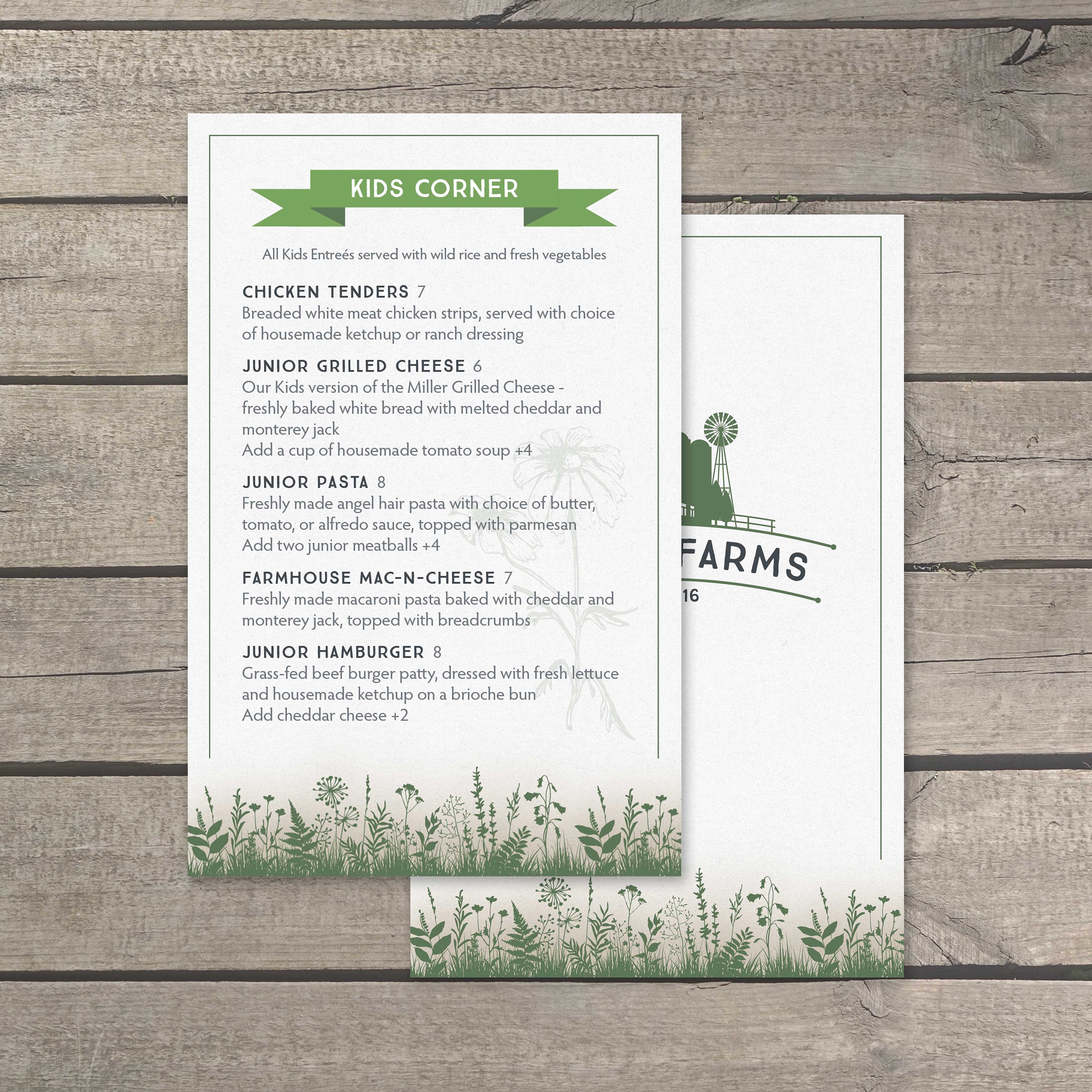
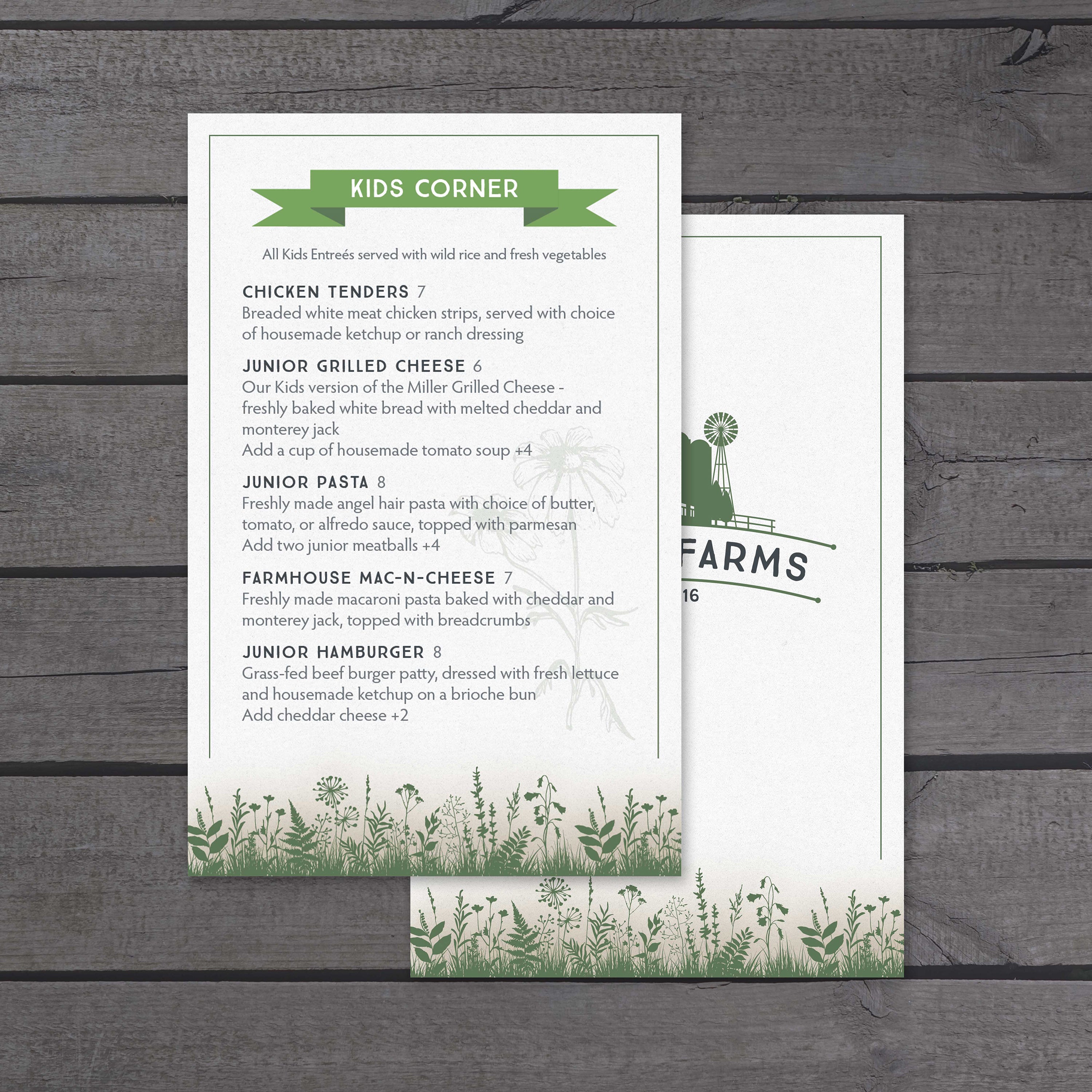
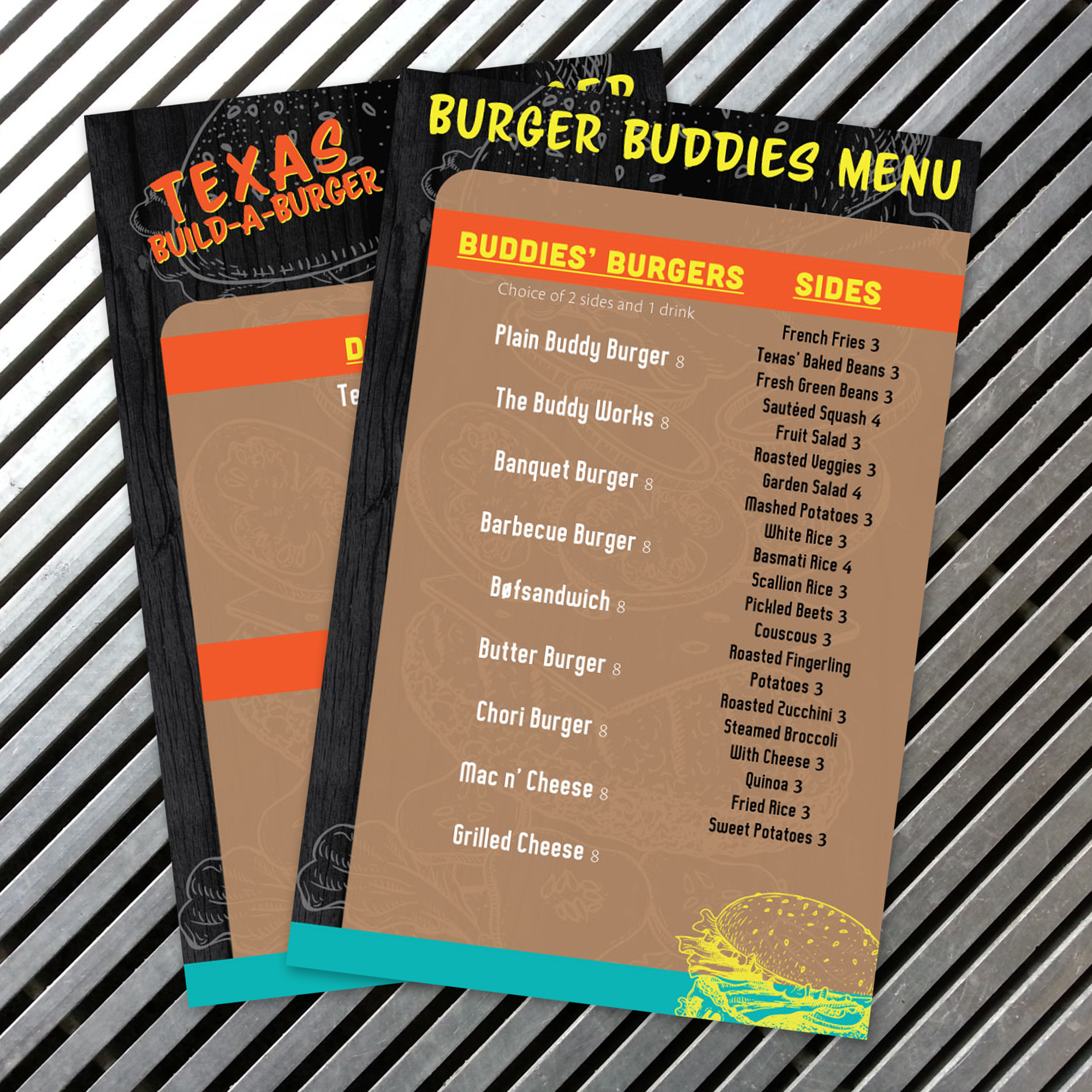
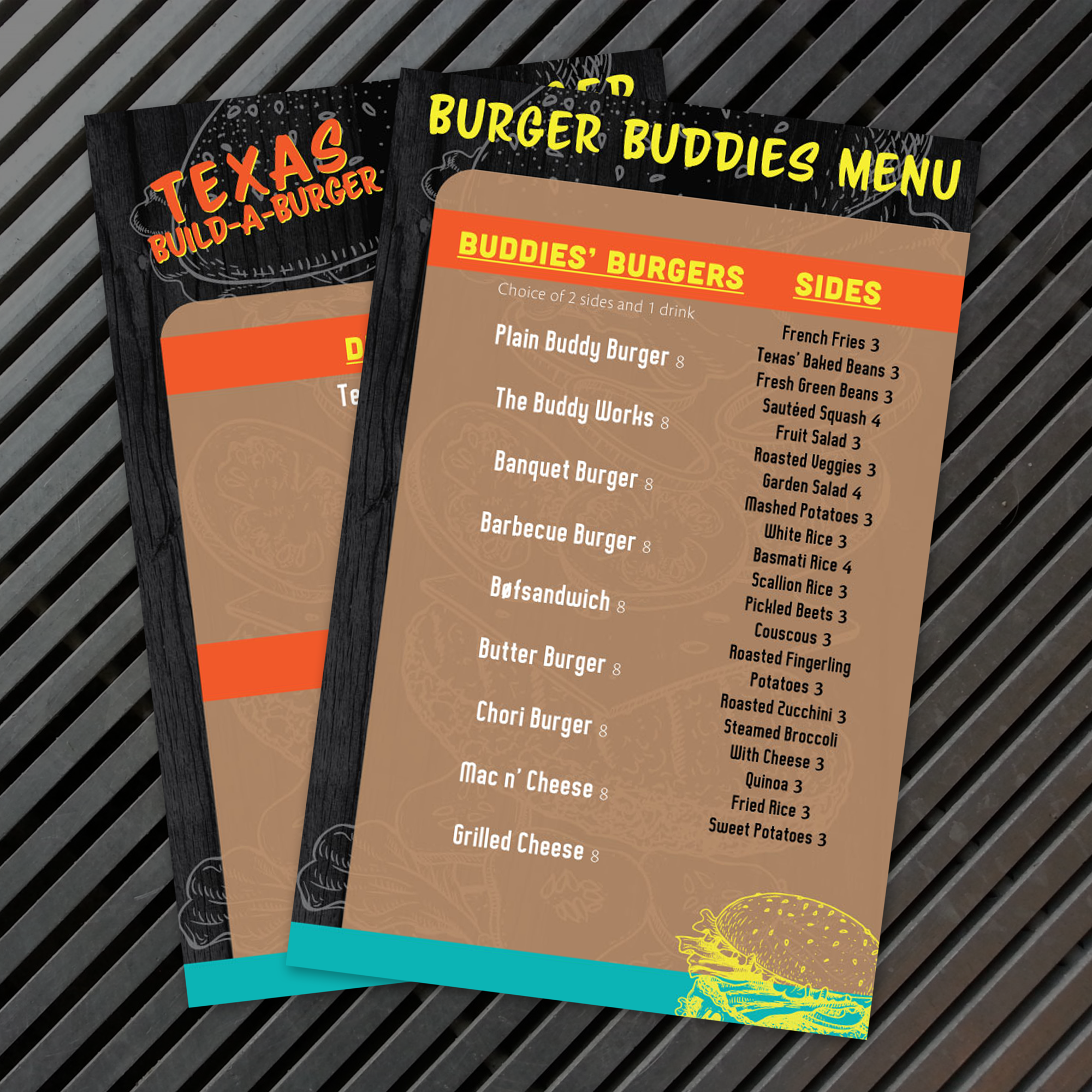
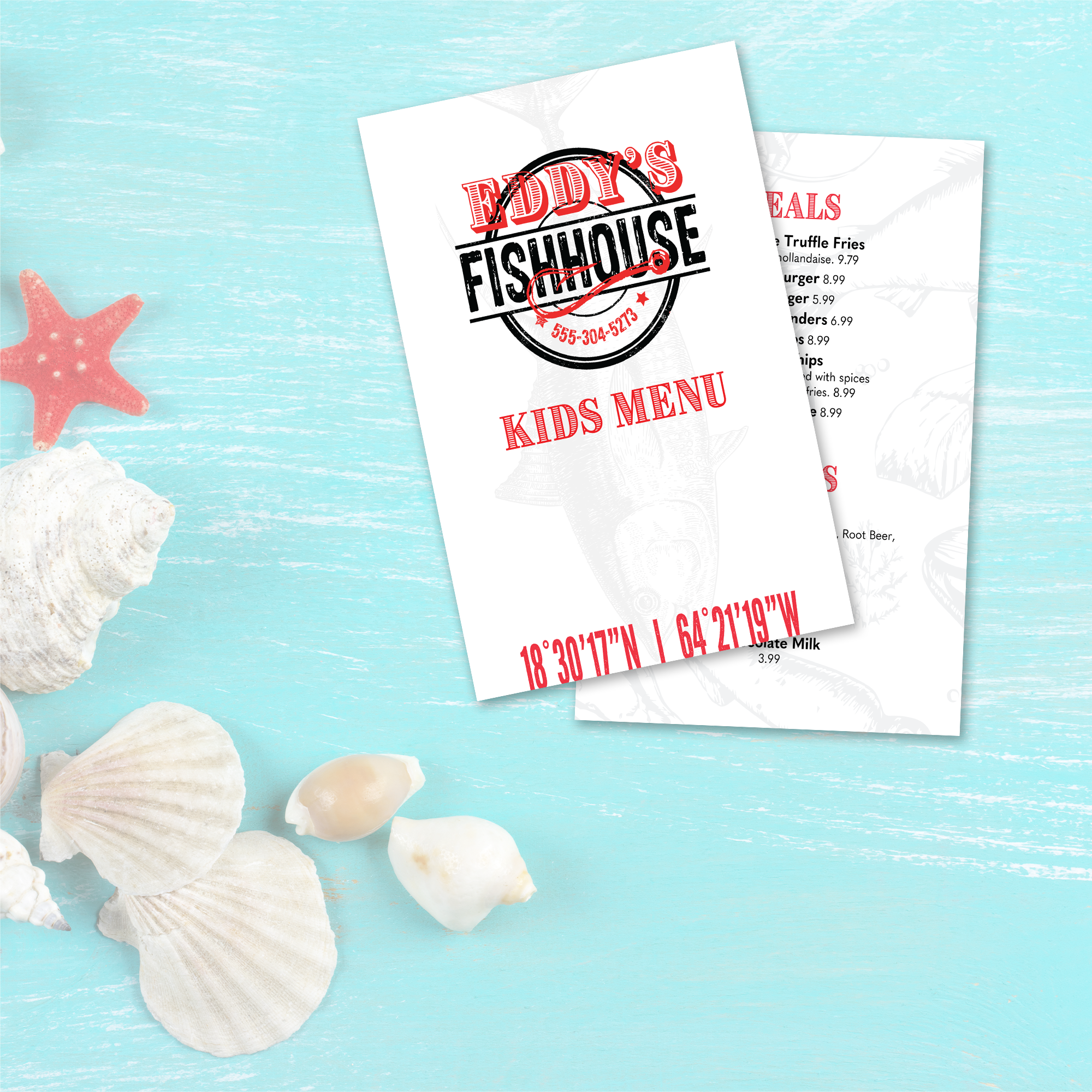
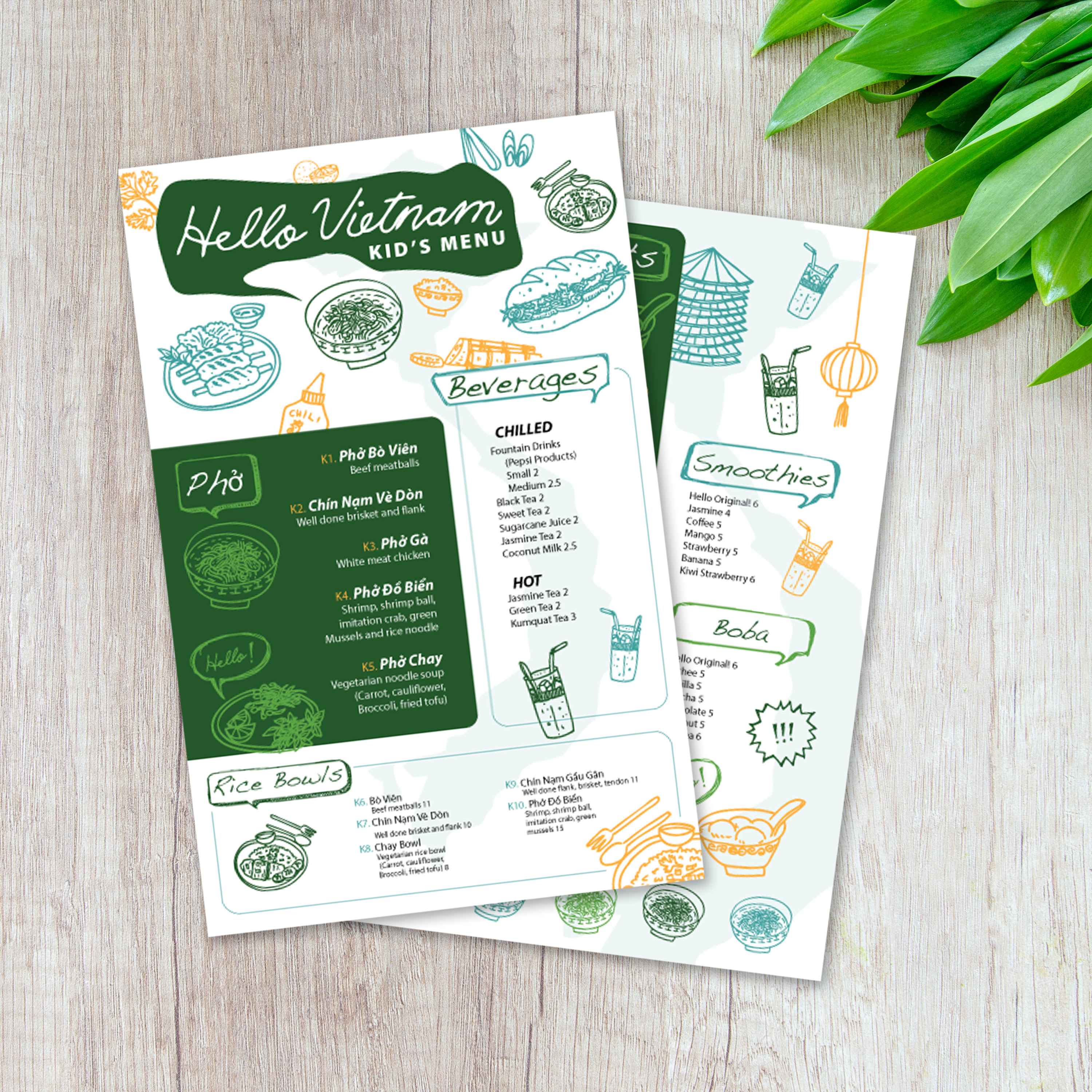
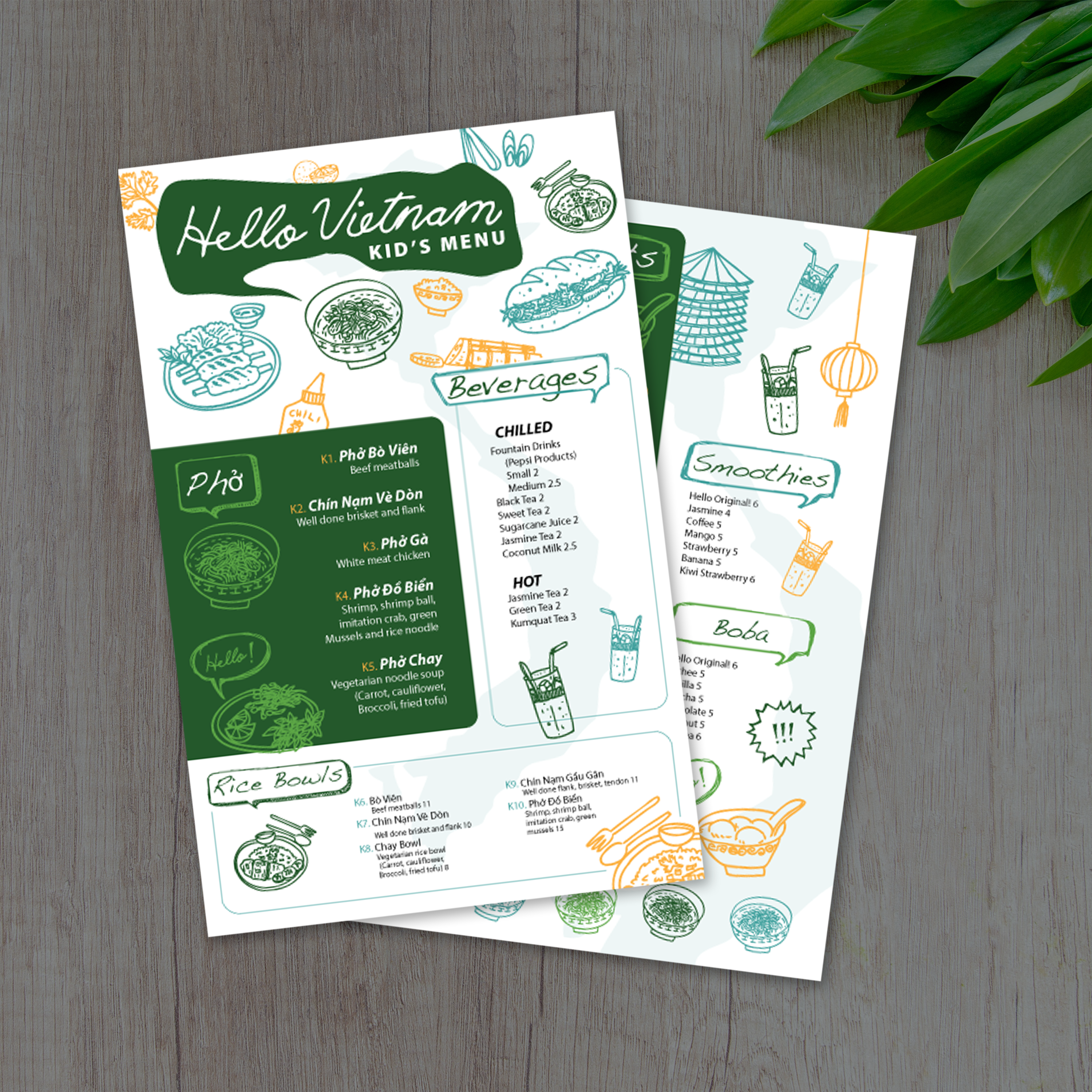
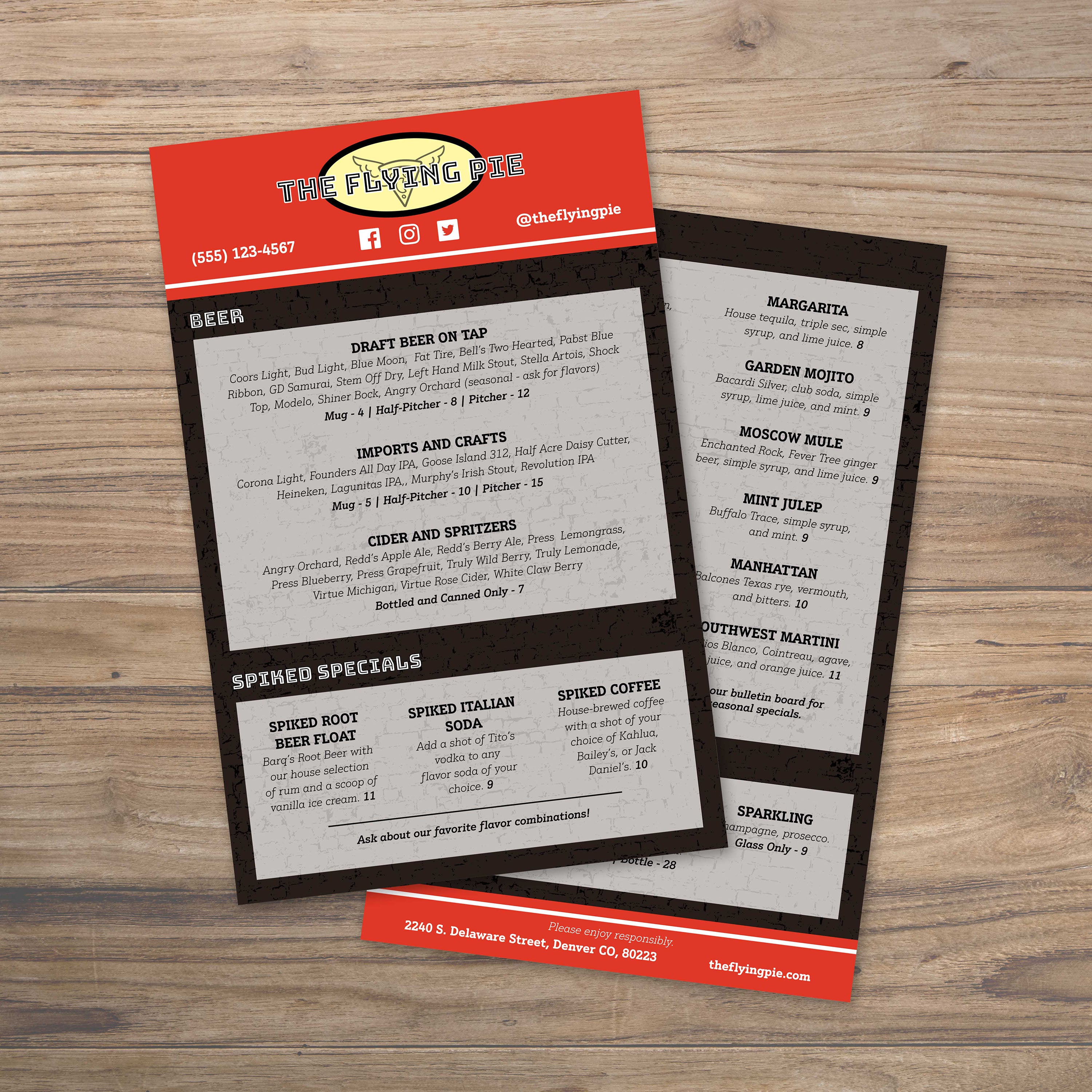
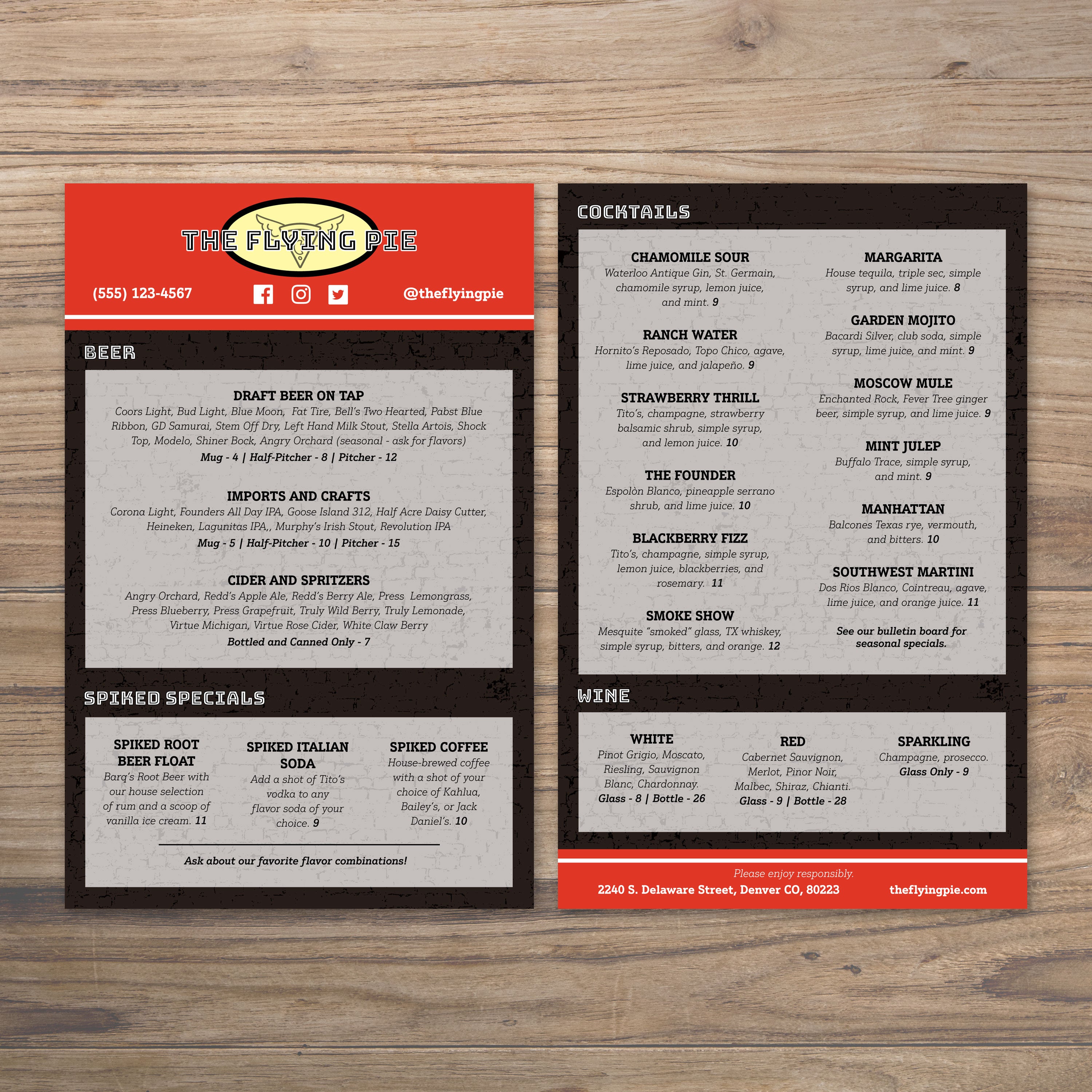
5.5" x 8.5" Menu Templates

25 products

Showing 1 - 24 of 25 products

Showing 1 - 24 of 25 products
View
Classic Black & White Template 5.5" x 8.5" - TerraSlate Inc.

Recently viewed

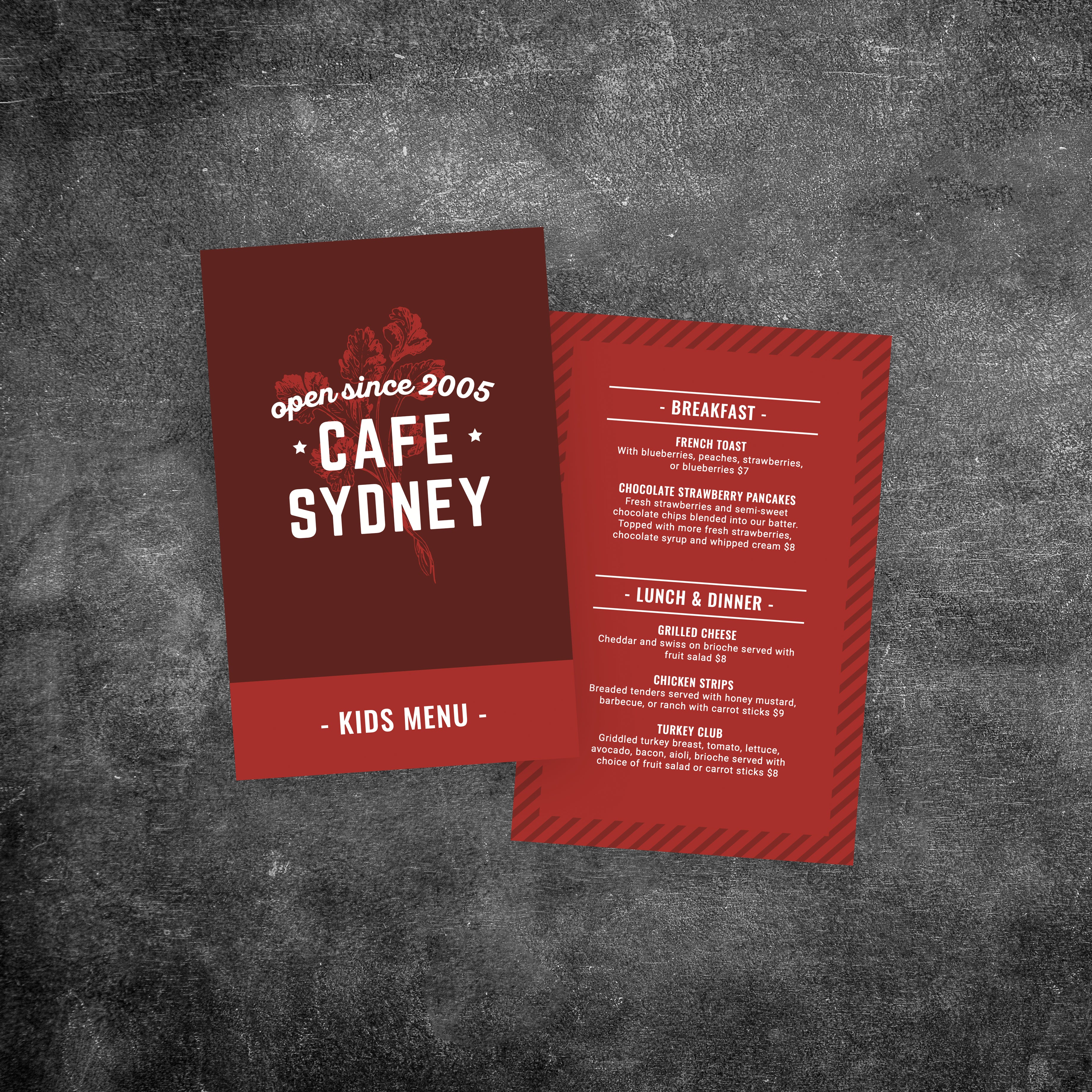
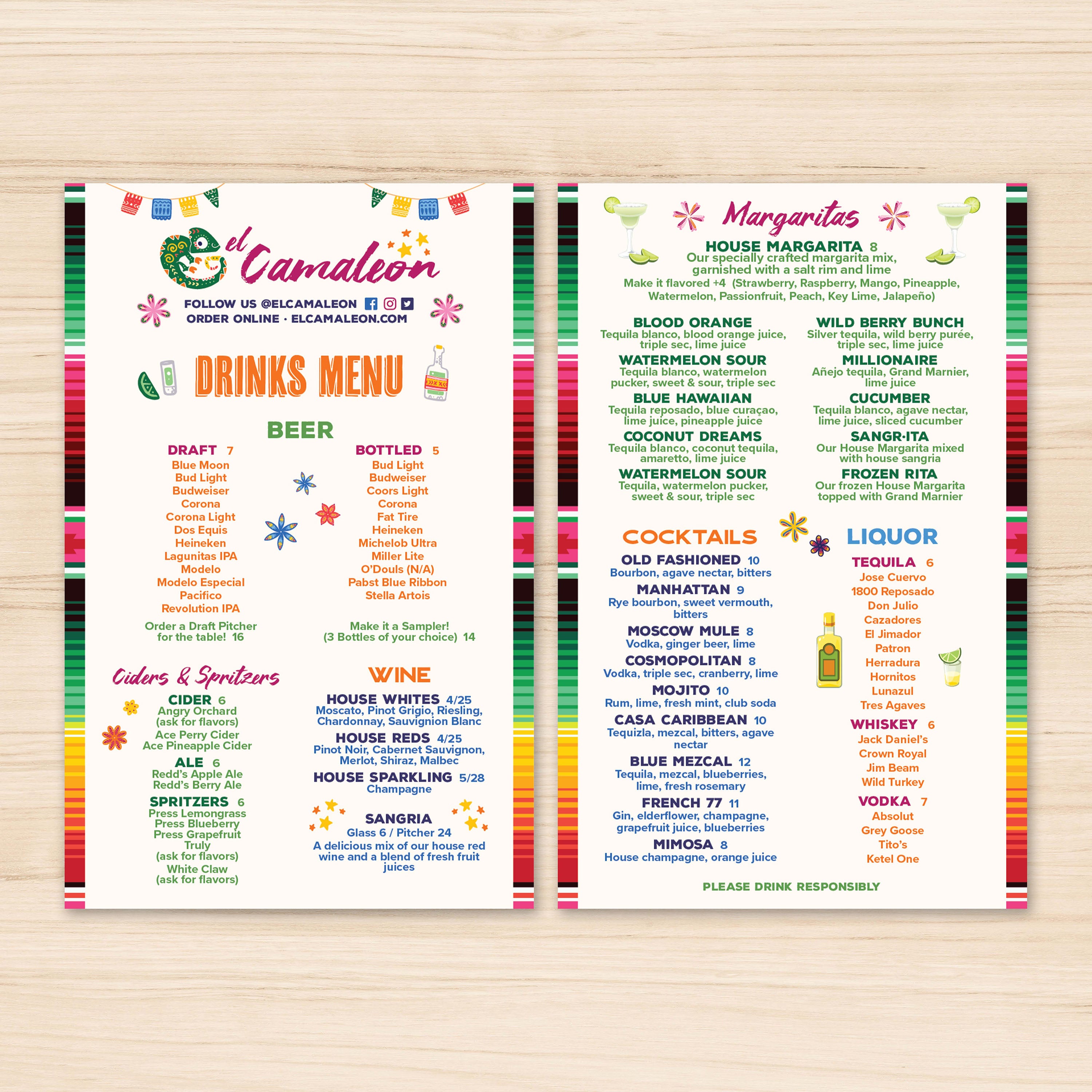
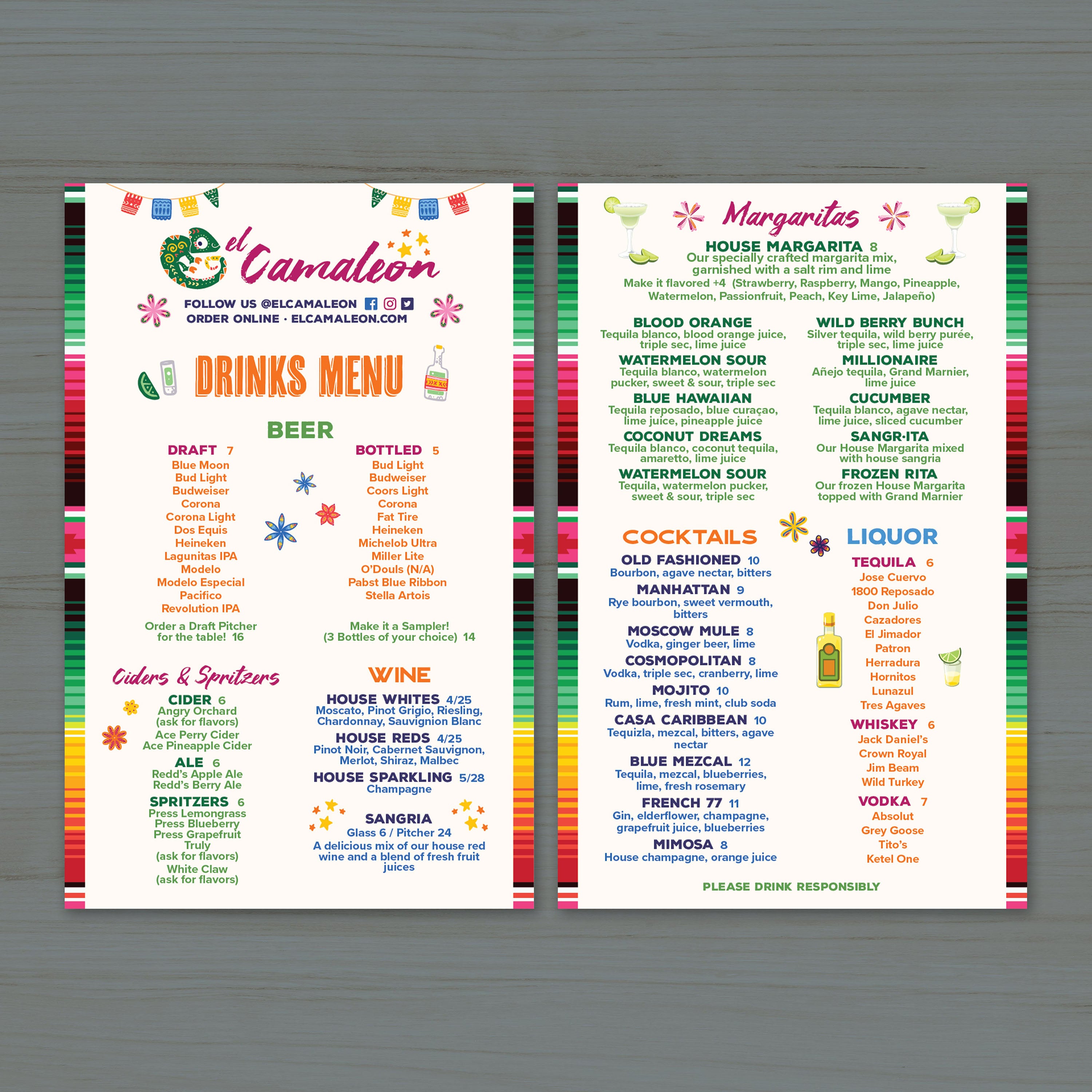
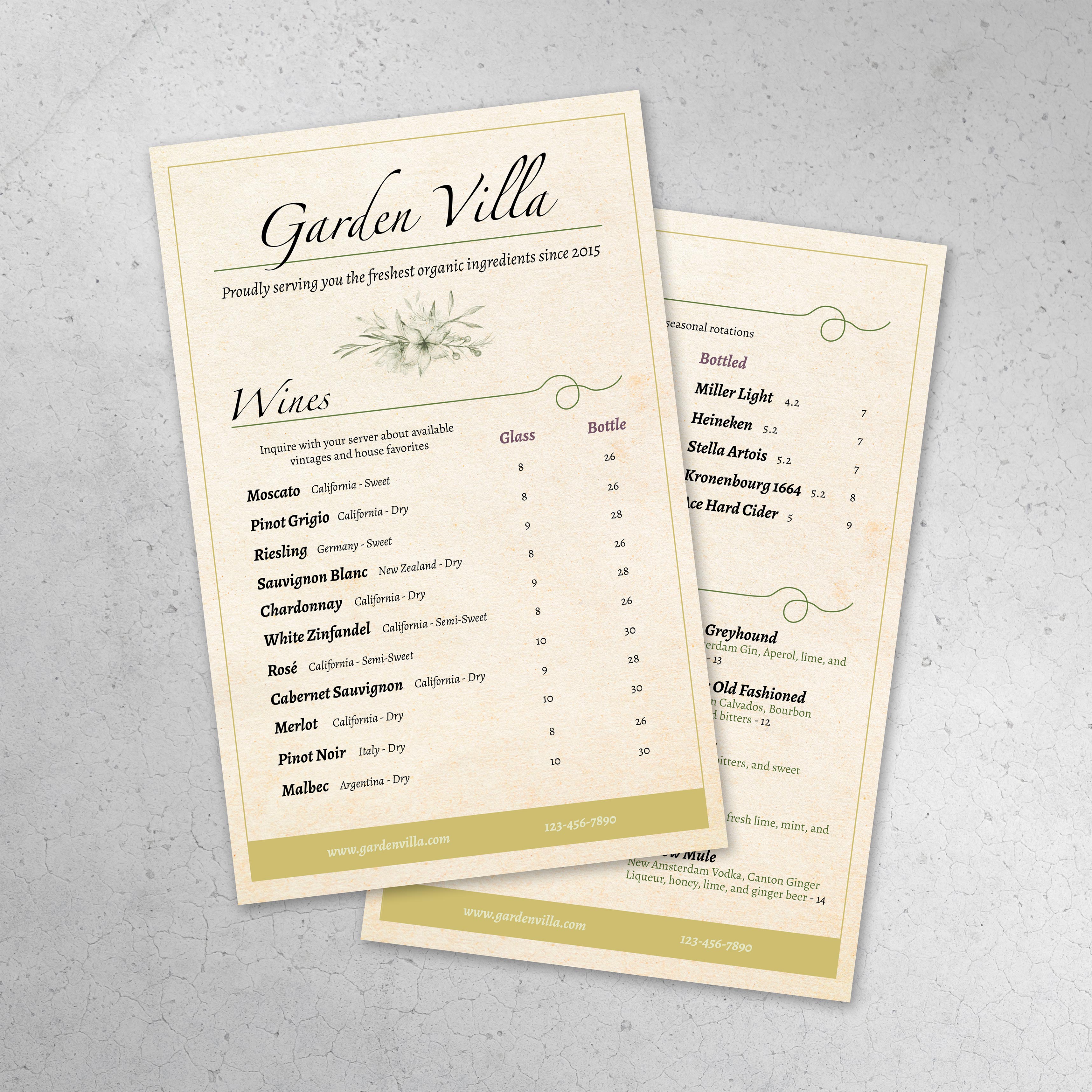
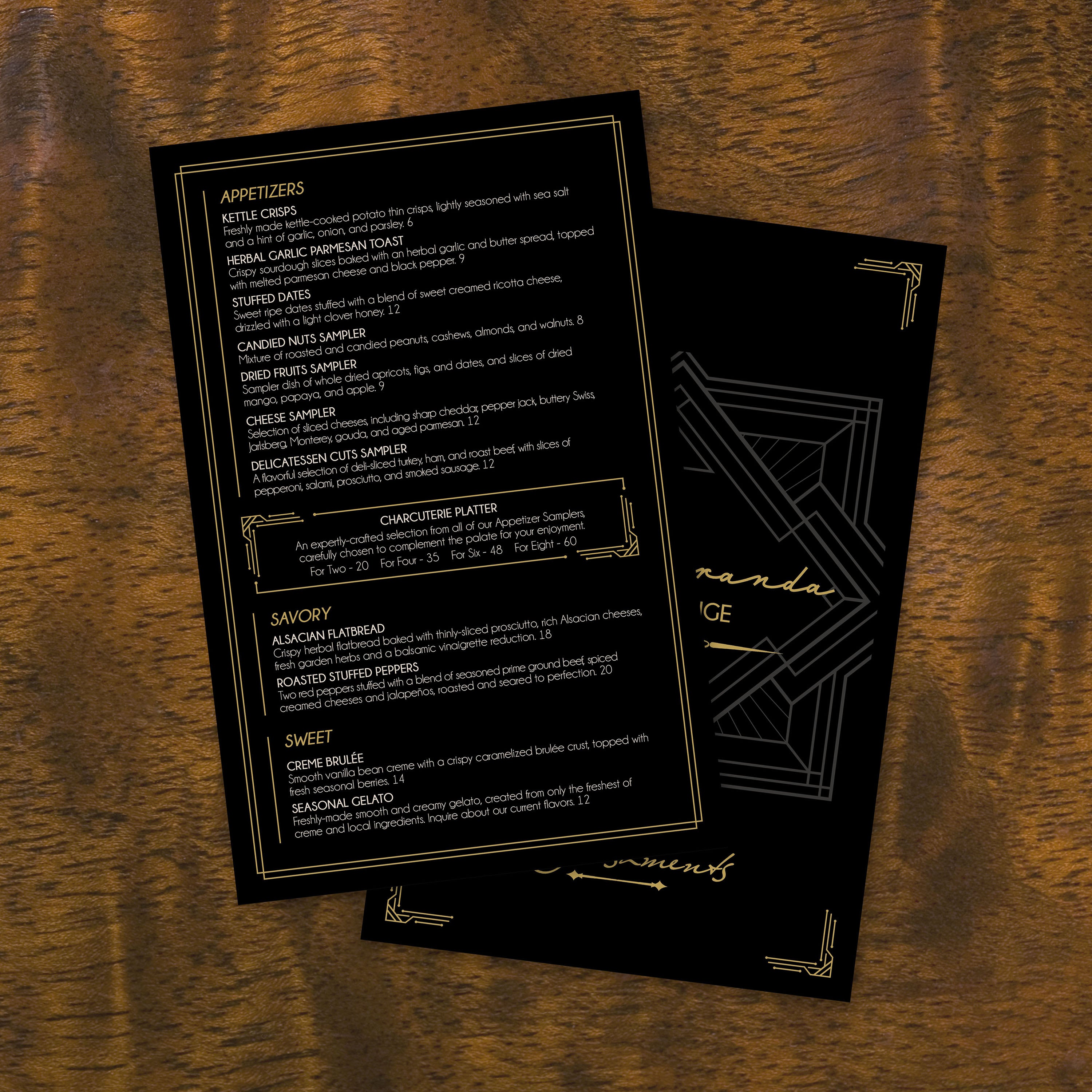
A 5.5" x 8.5" menu template is a practical size for table caddies, handheld service, and compact holders. To get the best results, the key is treating customization as a technical workflow that protects readability, print quality, and long-term durability.

Select the Right Template Format and Layout Style

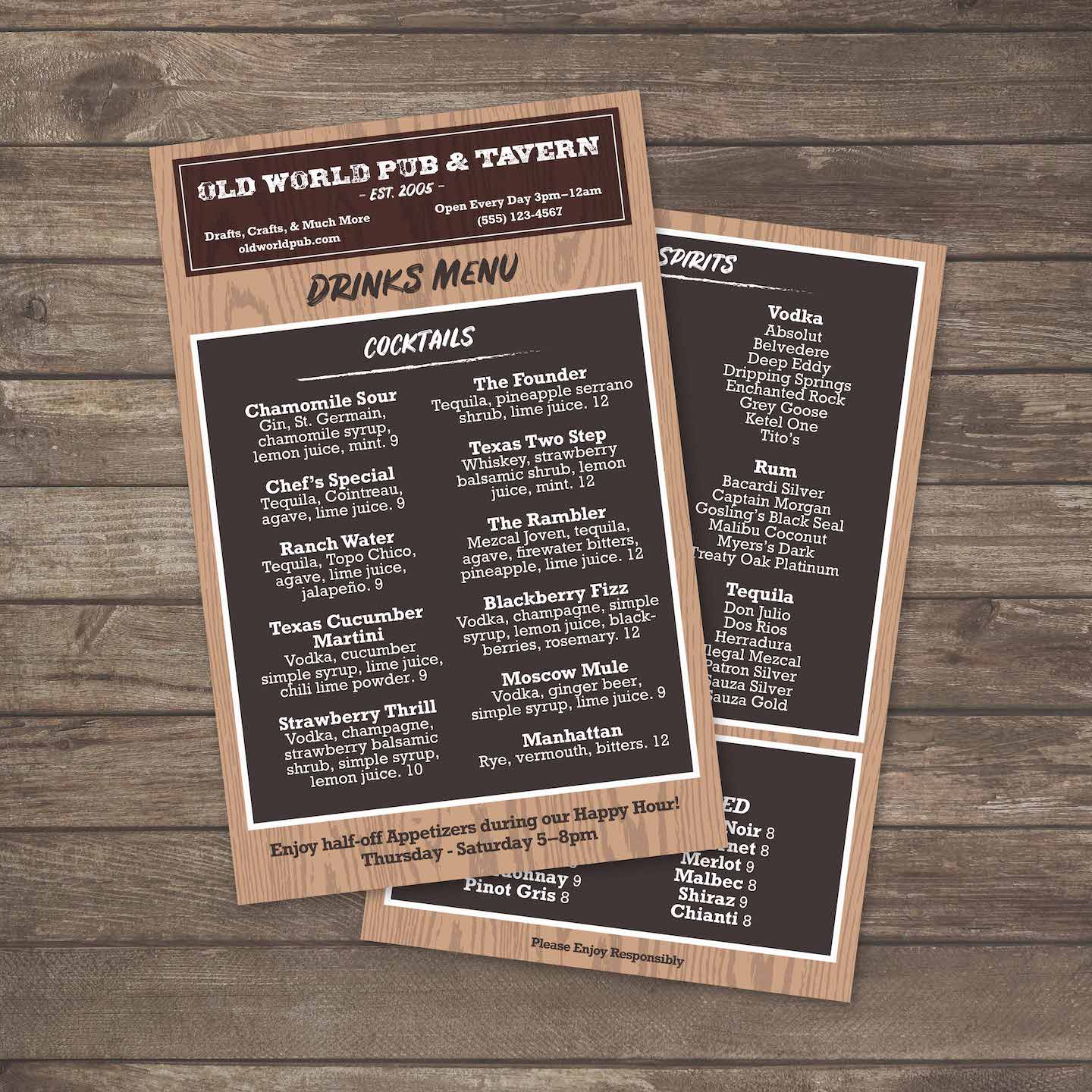
Choose the template file type that matches your design workflow, such as DOCX, PDF, or AI. Confirm the layout suits your service style, whether you need a single-page menu, bi-fold, tri-fold, or a specialty fold for larger beverage lists or rotating specials. This ensures that your template supports real-world handling and display needs from the outset. If you’re building a premium beverage or small plates menu, our free bar lounge menu templates provide a polished structure that adapts well to compact formats while maintaining a clear hierarchy.

Plan Menu Content Before You Start Designing

Organize sections, pricing, and item descriptions in a separate document or spreadsheet, allowing you to paste content cleanly without constant reformatting. Group items logically and keep descriptions concise so guests can scan. This step prevents overcrowding and reduces layout errors that cause readability problems in high-traffic environments. The same workflow also helps service-based menus stay consistent, and our free salon menu templates are a good reference for structuring tiered pricing, add-ons, and service packages without clutter.

Apply Brand Styling with Clear Typography and Consistent Graphics

Use editable layers to insert your logo, align with brand colors, and establish a type hierarchy for headings and descriptions. Prioritize fonts that remain readable in low-light conditions and under frequent use. When possible, use vector graphics for logos and icons to ensure output remains crisp across various print methods and thickness options.

Add Operational Features Like Icons, Callouts, and Notes

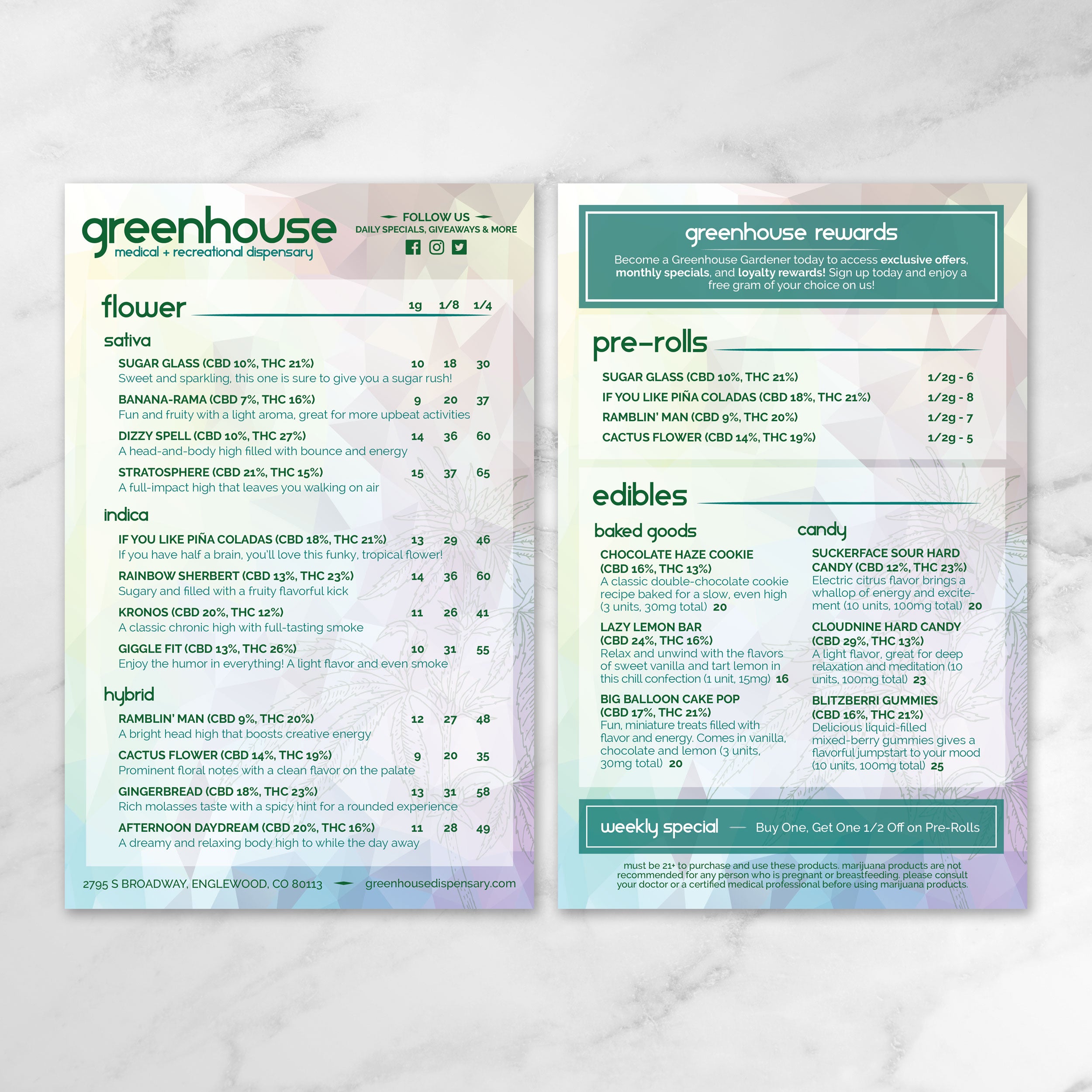
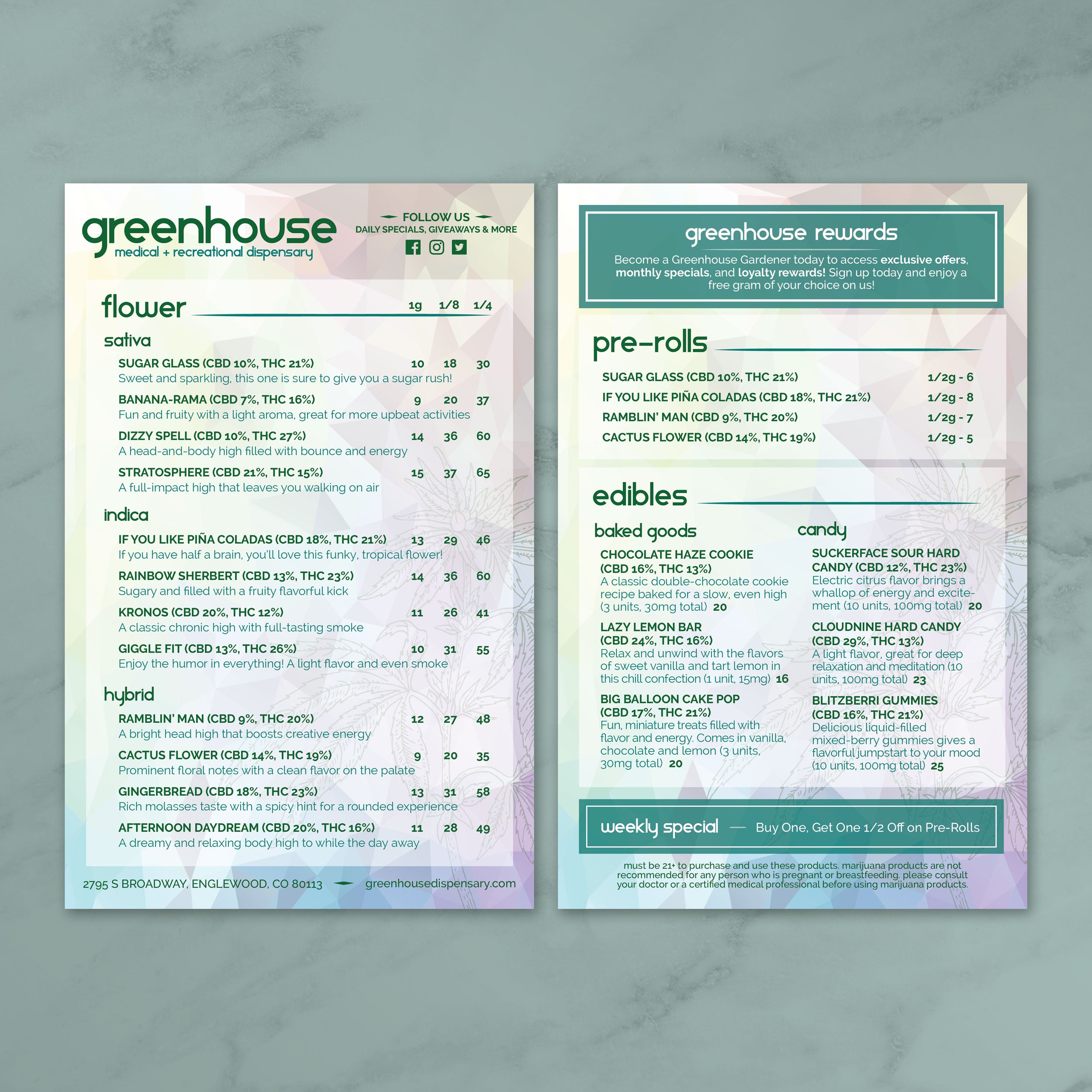
Depending on your environment, add practical elements such as dietary icons, allergy callouts, QR codes, or service notes in dedicated areas of the layout. Keep these features consistent across panels to ensure the menu remains easy to navigate. For fast-service venues, clear visual cues help reduce ordering friction and speed up table turns. If you’re building high-density product listings and need clear callouts for categories, strains, or specials, our free dispensary menu templates also show how to structure heavy information cleanly without overwhelming the reader.

Build the Layout Around Folding and Long-Term Reuse

If the template is designed for folding, include clean fold guides and keep critical text away from crease areas. Maintain strong contrast and adequate spacing to prevent clutter. Fold-ready layouts should preserve alignment and readability even after repeated opening, refolding, and handling.

Finalize, Proof, and Export for Print-Ready Production

Proofread pricing, spelling, and layout consistency before exporting. Save print-ready files as high-resolution PDFs or native working files that match your printing environment. If using thicker options, such as 14 Mil, plan to use a commercial press or high-quality printer to ensure accurate feed and crisp reproduction.

Print, Test in Service, and Lock in a Repeatable Update Process

Run a small print test before producing a full batch, checking fold behavior, readability under your venue lighting, and how well the menu cleans after spills. Once approved, save the template with editable fields so that seasonal updates and pricing changes can be made quickly without requiring a redesign.

Military grade polymers make menus perform like durable service tools instead of disposable paper products. In high-traffic environments, menus are subjected to constant handling, spills, grease, and repeated cleaning, resulting in material failure that becomes a direct operational cost. Synthetic menus constructed from advanced polymer structures address this issue by providing durability throughout the core of the sheet, rather than relying on a fragile surface layer.

Polymer Engineering That Prevents Rips and Edge Damage

These polymers are engineered for strength and flexibility under stress. Unlike paper fibers that tear, fray, or weaken when wet, polymer-based sheets rely on densely bonded molecular chains that distribute force across the entire surface. This is what creates rip-proof performance. Corners hold their shape, edges resist splitting, and the menu remains intact even after heavy bending and repeated handling in busy dining rooms, outdoor venues, healthcare facilities, or pro sports concessions.

Waterproof Performance Built Into the Material

Waterproofing comes from the sheet itself, not a surface film. Instead of relying on lamination, which can cloud up over time and peel at the edges, synthetic menus are waterproof through their full thickness. The surface does not absorb moisture, oil, or food residue, so menus stay flat and readable even after exposure to condensation, drink spills, and wet hands. This makes them especially valuable for outdoor dining operations where humidity and weather quickly destroy standard paper.

Folding Durability for Bi-Folds, Tri-Folds, and Gate Folds

Folded menus are essential for compact service and organized layout flow, but menus that use traditional lamination also cannot be folded reliably and often crack along fold lines. Polymer-based menus support bi-fold, tri-fold, and gate fold formats while maintaining crisp folds that hold up over hundreds of open-and-close cycles. This allows restaurants to present extensive offerings in a clean, structured format without sacrificing structural integrity.

Thickness Options for Different Service Environments

Synthetic materials scale across multiple thickness levels depending on how and where the menu will be used. Lighter stocks offer flexibility for inserts, takeout menus, and quick-turn print needs. Thicker stocks deliver rigidity and a premium hand feel for high-end dine-in menus and long-life tabletop collateral. TerraSlate is available in multiple thicknesses, including 14 Mil for maximum durability, which may require a commercial press and is compatible with high-quality printers.

A 5.5" x 8.5" menu provides limited space, so the layout must be intentional: branding needs to remain consistent, and upsell zones must be strategically placed where guests naturally look first, without cluttering the ordering process.

  • Use Folding Panels to Assign Clear Roles: If you print on waterproof synthetic paper, formats like bi-fold, tri-fold, or gate fold become realistic and durable. Use inner panels for core categories and keep outer panels for branding elements, quick-hit promotions, or featured drinks so the flow stays clean and guests see your best offers immediately.
  • Create One Dedicated Upsell Box Per Panel: Compact menus work best when upsells are contained within a single box. Use a bordered box or a high-contrast block for chef’s specials, premium add-ons, or bundles, and keep it visually separate from the main menu list so it reads as a highlight, not clutter.
  • Place High-Margin Items in Natural Eye Zones: For single panels, prioritize top-right and mid-center locations where guests naturally scan first. For folded menus, place high-margin offers on the first panel guests open to, so the upsell message lands before decision fatigue sets in.
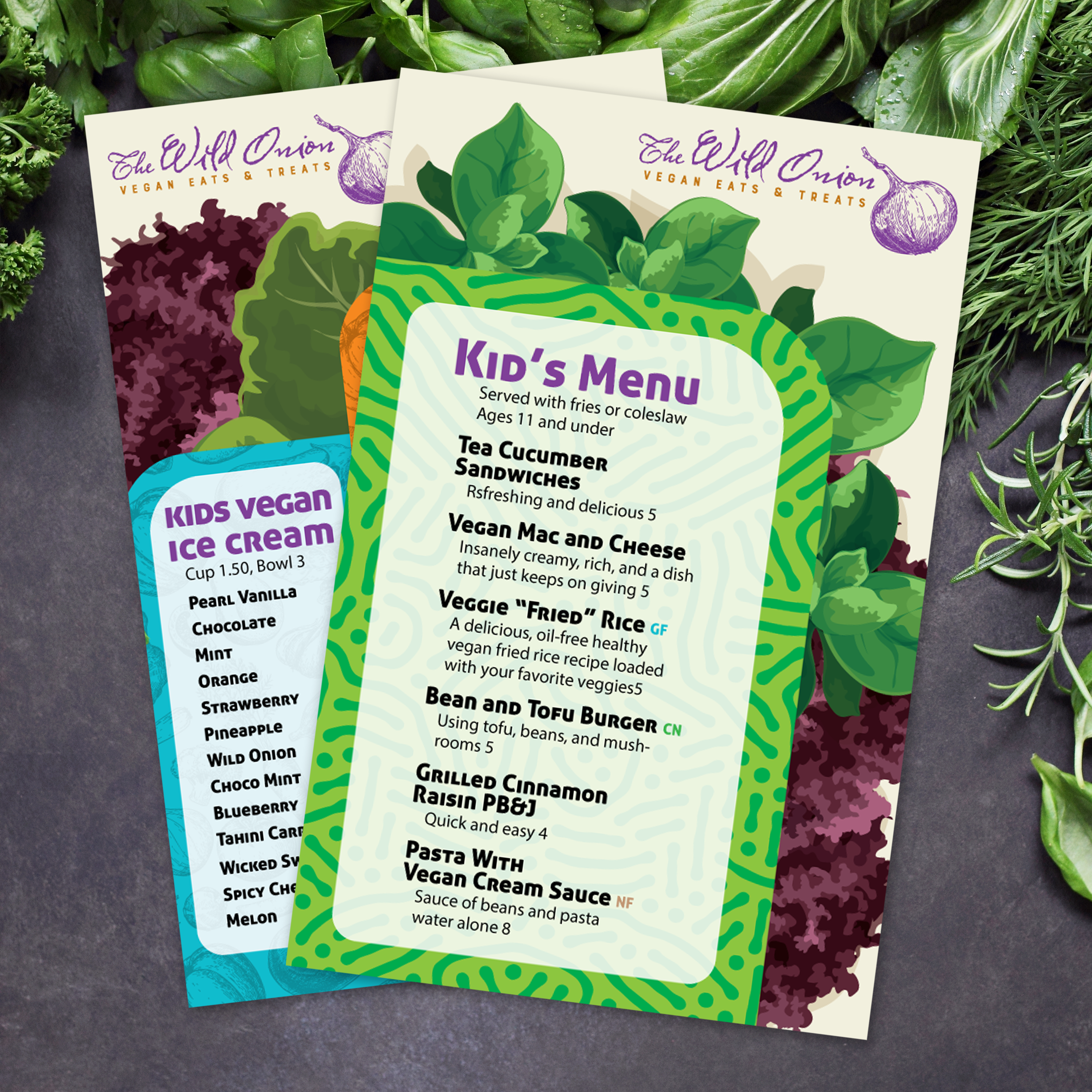
  • Reinforce Branding Through Repeated Visual Anchors: Maintain consistent logo placement, use the same typography hierarchy across panels, and repeat a recognizable brand element, such as a color strip, icon style, or heading format. Synthetic waterproof stock preserves sharp lines and color vibrancy, which keeps branding looking premium even after heavy handling.
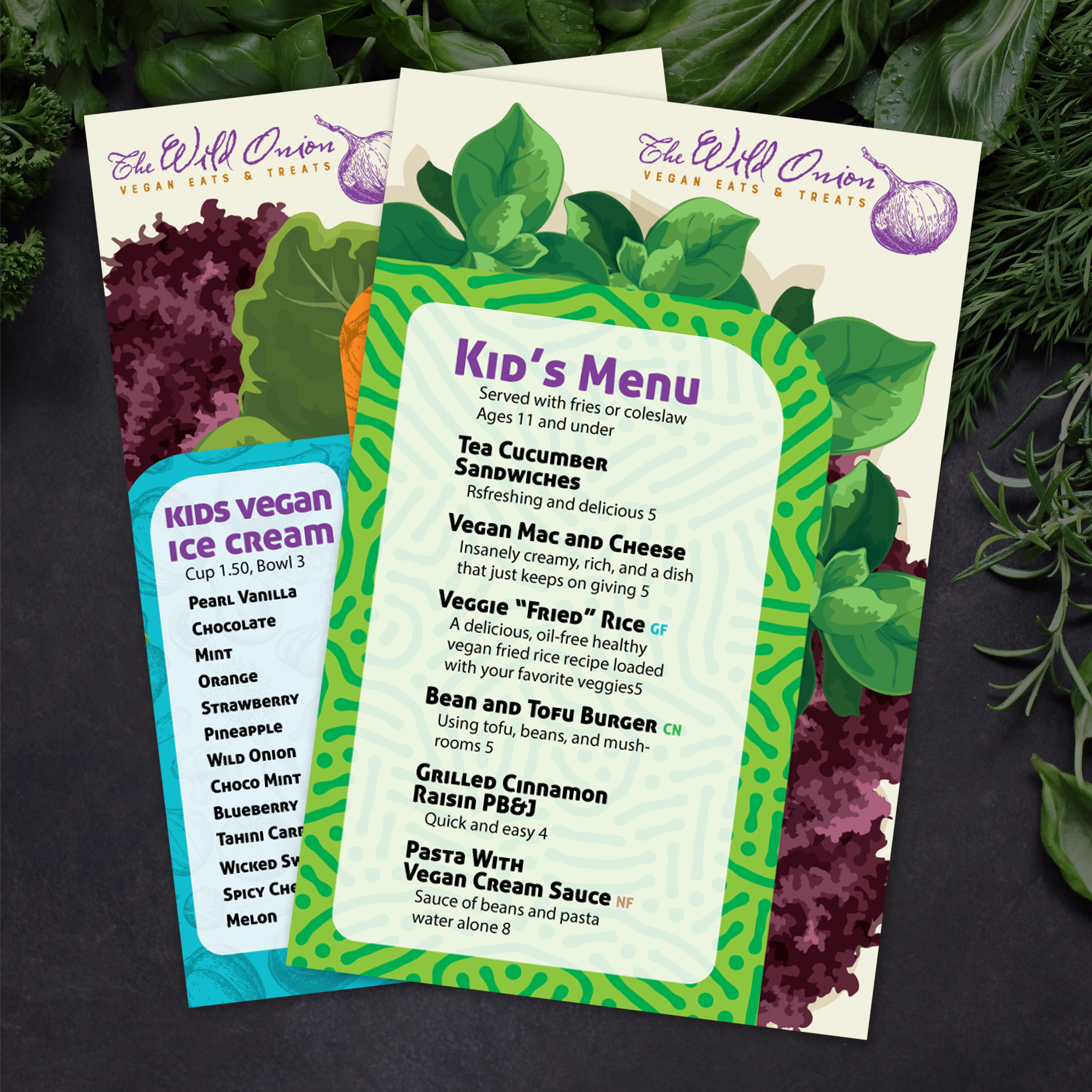
  • Use QR Codes as a Clean Extension of Limited-Time Offers: Instead of overcrowding the menu with extra promos, use one QR code tied to seasonal features, loyalty perks, or rotating cocktails. Place it in a dedicated “extras” zone so it supports upsells without interrupting ordering flow.

To make the format work long-term, treat the 5.5" x 8.5" menu like a system: branding stays fixed, upsell zones remain consistent, and only the content inside those zones changes.

Choosing between TerraSlate waterproof paper and traditional lamination comes down to how well your menus withstand real service conditions. In high-traffic environments, the differences become apparent quickly in readability, lifespan, workflow efficiency, and the frequency of menu replacements.

Clarity That Stays Consistent Over Time

Laminated menus rely on a plastic film layer that often becomes cloudy or dull with repeated wiping, heat exposure, and daily handling. That haze reduces readability and makes menus look worn even when the paper underneath is still intact. TerraSlate maintains crisp print definition and strong color clarity without the need for a laminate film, ensuring text and graphics remain sharp throughout long service cycles.

Durability Without Peeling, Bubbling, or Delamination

Lamination fails at its weakest points: edges, seams, and folds. Over time, menus can peel, bubble, or separate, allowing moisture and grime to seep in and accelerate the degradation of the menu. TerraSlate is built from military-grade polymers that deliver rip-proof strength and 100% waterproof performance throughout the full sheet, so it holds up under spills, grease, and constant handling without structural breakdown.

Faster Production with Less Workflow Friction

Lamination adds extra steps to your production process, which slows turnaround whenever menus change. A typical workflow requires printing, trimming, laminating, and then trimming again, with the entire cycle repeated for updates. TerraSlate is print-ready, eliminating the need for lamination, and allows menus to be produced faster on standard laser printers or presses. For thicker stocks, TerraSlate is available in multiple thicknesses, including 14 Mil for maximum durability, which may require a commercial press and is compatible with high-quality printers.

Cleaning That Supports Daily Service Hygiene

Laminated menus often exhibit haze and abrasion after repeated cleaning, and once the surface begins to degrade, they become more challenging to sanitize effectively. At TerraSlate, our menus are designed for repeated wipe-downs without clouding. Simple soap and water are recommended for our paper, allowing staff to clean menus quickly between table turns while keeping them clear and ready for guests.

Folding and Layout Flexibility Lamination Can’t Match

Menus that use traditional lamination also cannot be folded reliably, which limits design options and prevents bi-fold, tri-fold, and gate fold layouts from lasting through daily use. TerraSlate supports these folded formats while maintaining clean folds and firm structure, enabling compact layouts, multi-panel storytelling, and better space efficiency without sacrificing durability.

Menu performance depends on two key factors working together: a layout that’s easy to scan and a material-ready design that withstands daily service conditions. These are the most common mistakes we see, along with how our 5.5" x 8.5" templates are built to eliminate them.

  • Overcrowded Layouts: When too much information is packed into a small space, guests slow down, miss key items, and feel decision fatigue. Our templates feature a clear hierarchy, intentional spacing, and structured sections, allowing guests to scan and find what they want without visual overload.
  • Unsupported Folds: Laminated menus are stiff and often fail at creases, limiting you to flat formats or short-lived folded menus. Our templates are designed to support bi-fold, tri-fold, and gate-fold layouts on waterproof synthetic paper, ensuring folded menus remain crisp, readable, and functional through repeated use.
  • Lack of Water and Rip Resistance: Standard paper breaks down fast, and laminated menus may cloud up or peel at the edges after heavy handling and wiping. Our templates are optimized for use with rip-proof, waterproof synthetic material, ensuring the finished menus resist spills, grease, and rough service without losing clarity.
  • Subpar Print Quality and Limited Thickness Support: Some menu designs don’t translate well to thicker stocks or press printing, resulting in blurry text, weak contrast, and inconsistent branding. Our templates are built for clean print output across multiple thickness options, including 14 Mil for high-durability applications (which may require a commercial press or high-quality printer.

Using templates built for real service conditions ensures your menu remains readable, durable, and brand-consistent, even through spills, folds, and non-stop handling.

Seasonal updates should feel fresh without ever looking like a new brand. The most effective approach is to keep your structure and visual identity consistent, then swap seasonal items into dedicated spaces so the menu remains consistent, readable, and production-ready.

Standardize Non-Negotiable Brand Elements

Maintain consistent logo placement, typography, color palette, spacing rules, and icon style across all seasonal versions. These elements serve as your “brand frame,” allowing guests to instantly recognize the menu, even when items change. A saved style sheet or master template prevents drift and reduces editing time each season.

Use Modular Templates That Support Seasonal Swaps

Work from a fixed template format, such as a 5.5" x 8.5" layout, and build it around modular content blocks. Sections like “Seasonal Features,” “Limited-Time Pairings,” or “Chef’s Picks” should be designed as drop-in areas so changes don’t require redesigning the full menu. If you use folding layouts, plan your panel structure in advance so that the content stays balanced and doesn’t shift unpredictably.

Maintain Print Consistency Across Every Version

Seasonal menus still need to look like the same product line. Use the same print settings, file preparation standards, and substrate choices to maintain sharp text, consistent colors, and a uniform tactile feel across cycles. If you print on synthetic waterproof stock, you also protect the menu from fading, spills, and handling wear, which helps each seasonal run stay guest-ready longer.

Highlight Seasonal Items Without Disrupting Navigation

Introduce new items using consistent visual cues, such as a small icon, a color tag, or a structured callout box. Avoid changing the central layout hierarchy to “make room” for seasonal dishes, because it slows ordering and confuses repeat guests. Maintain consistent category flow and highlight seasonal items in predictable locations.