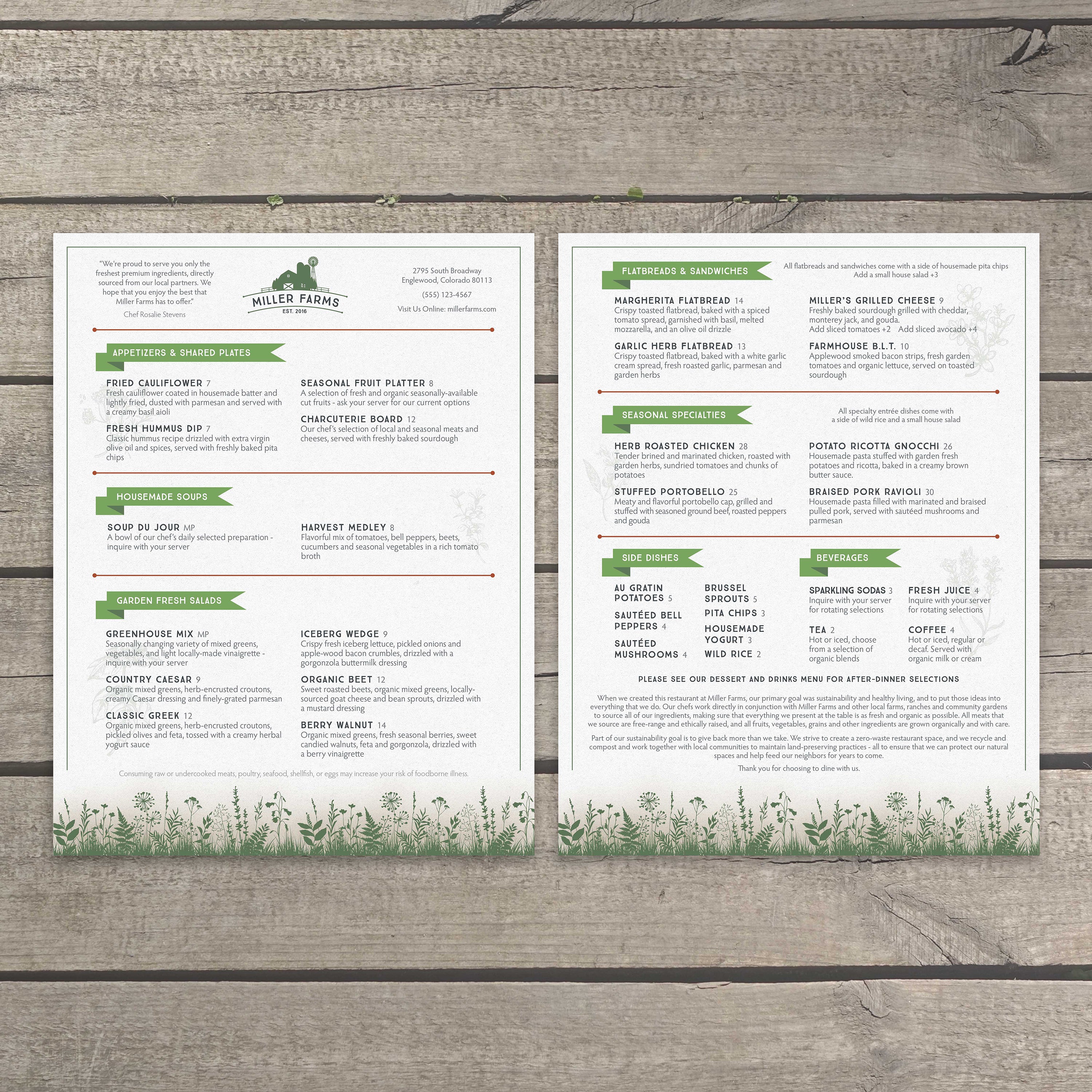
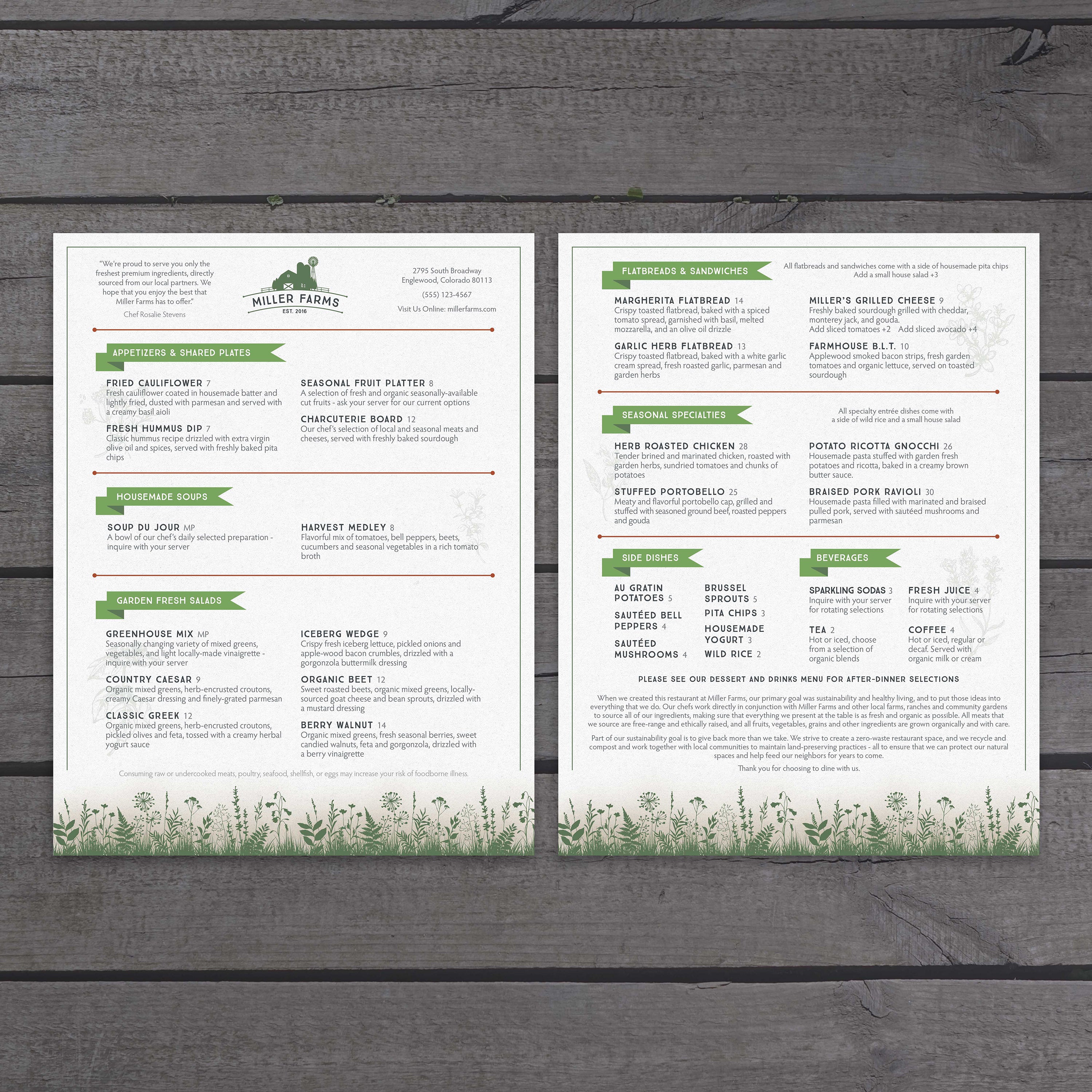
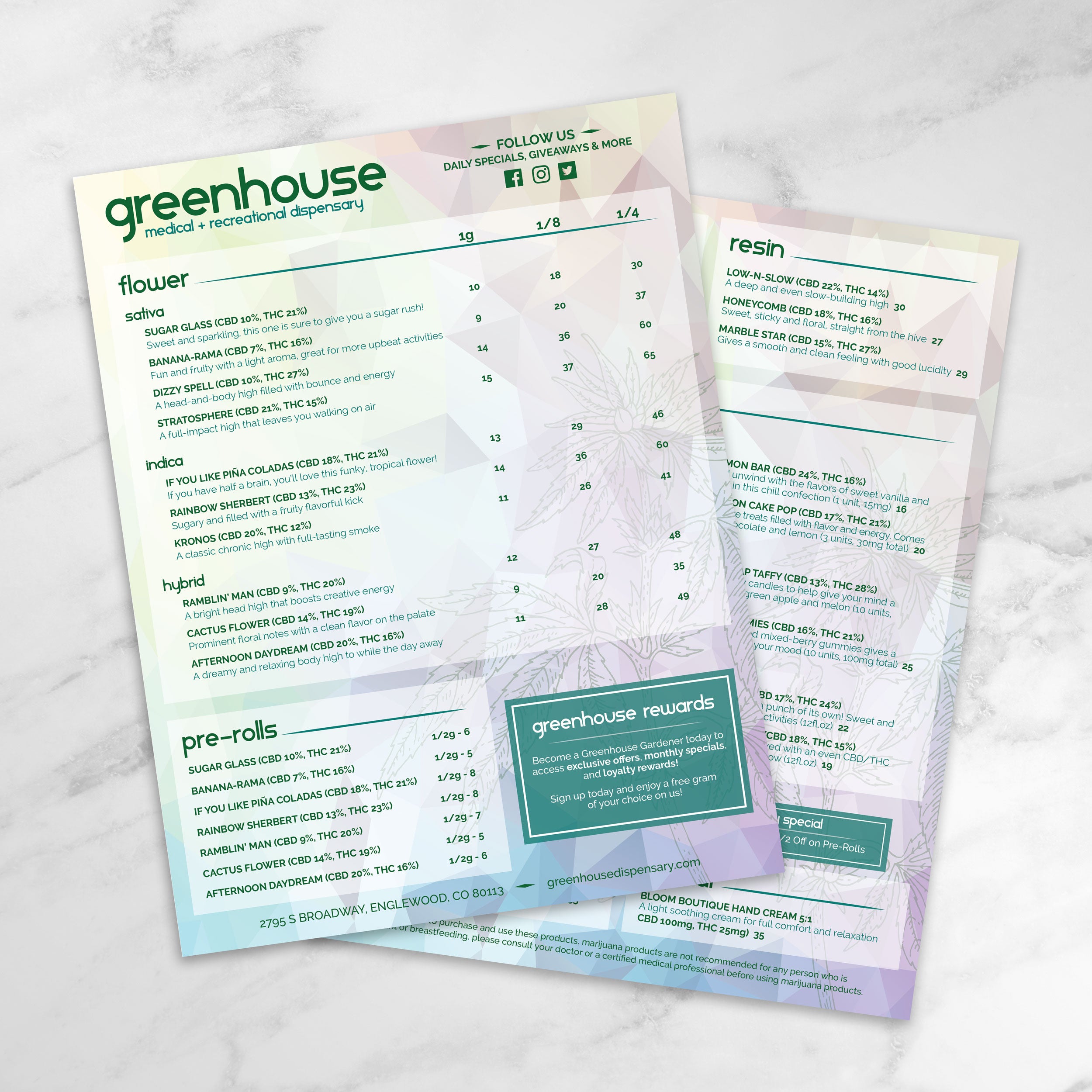
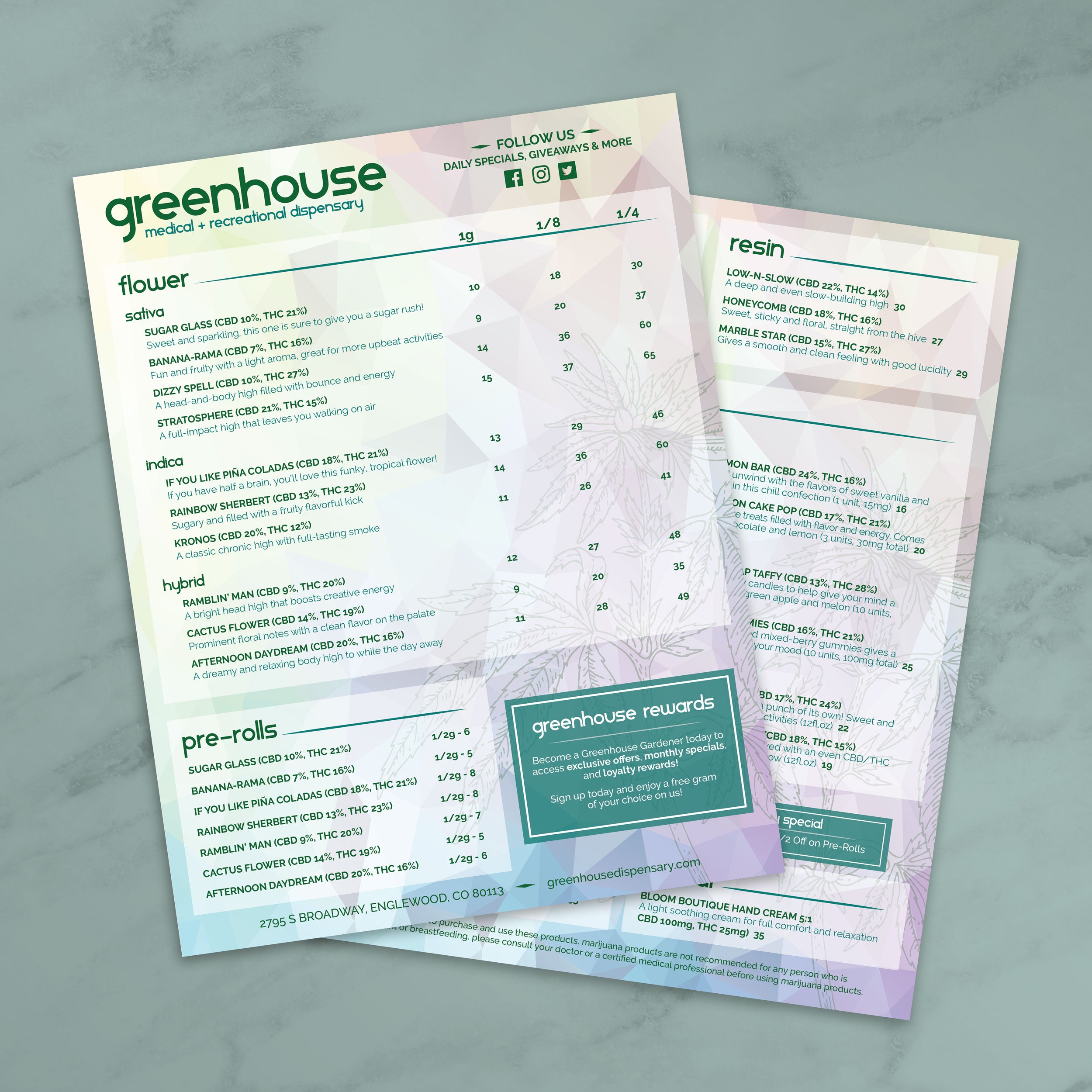
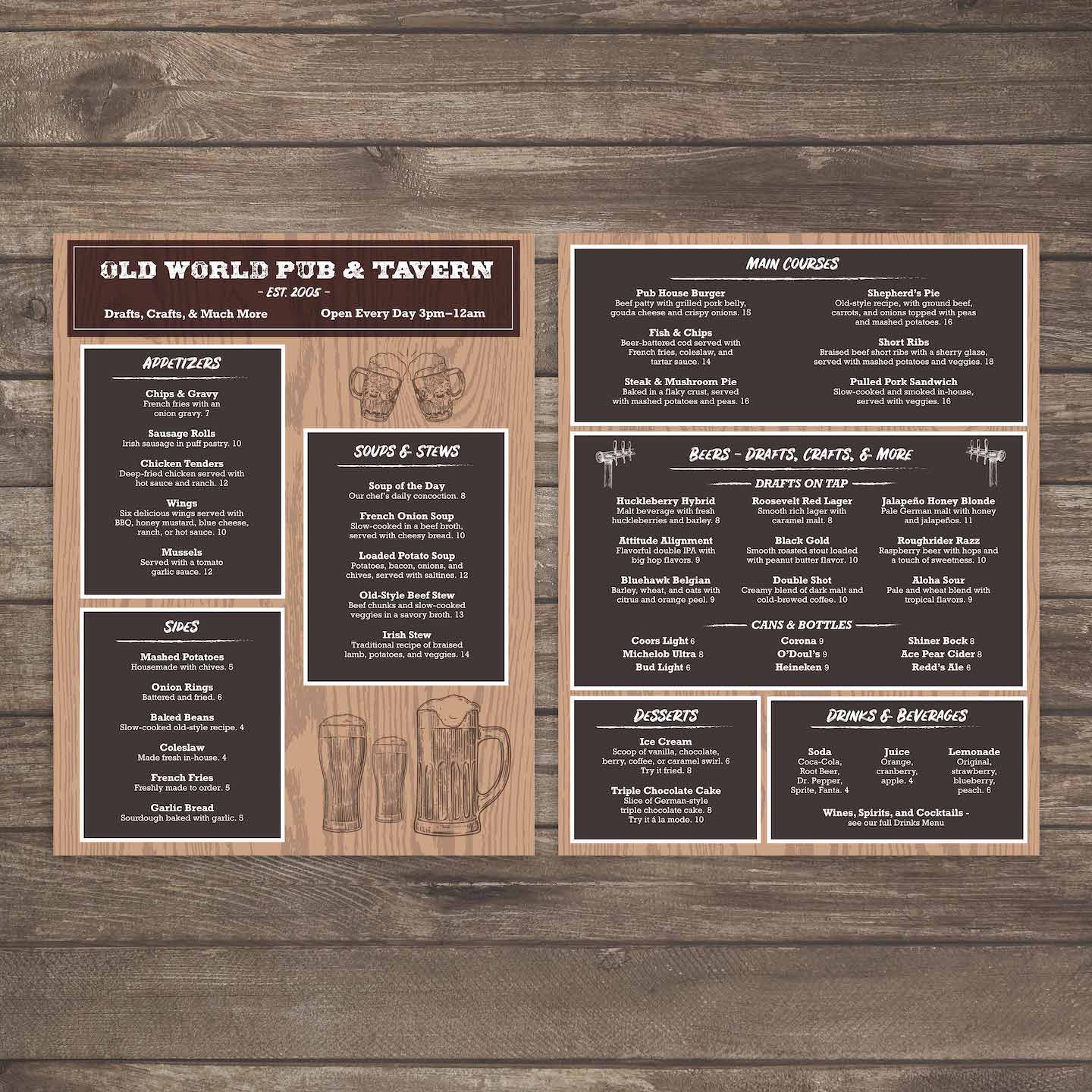
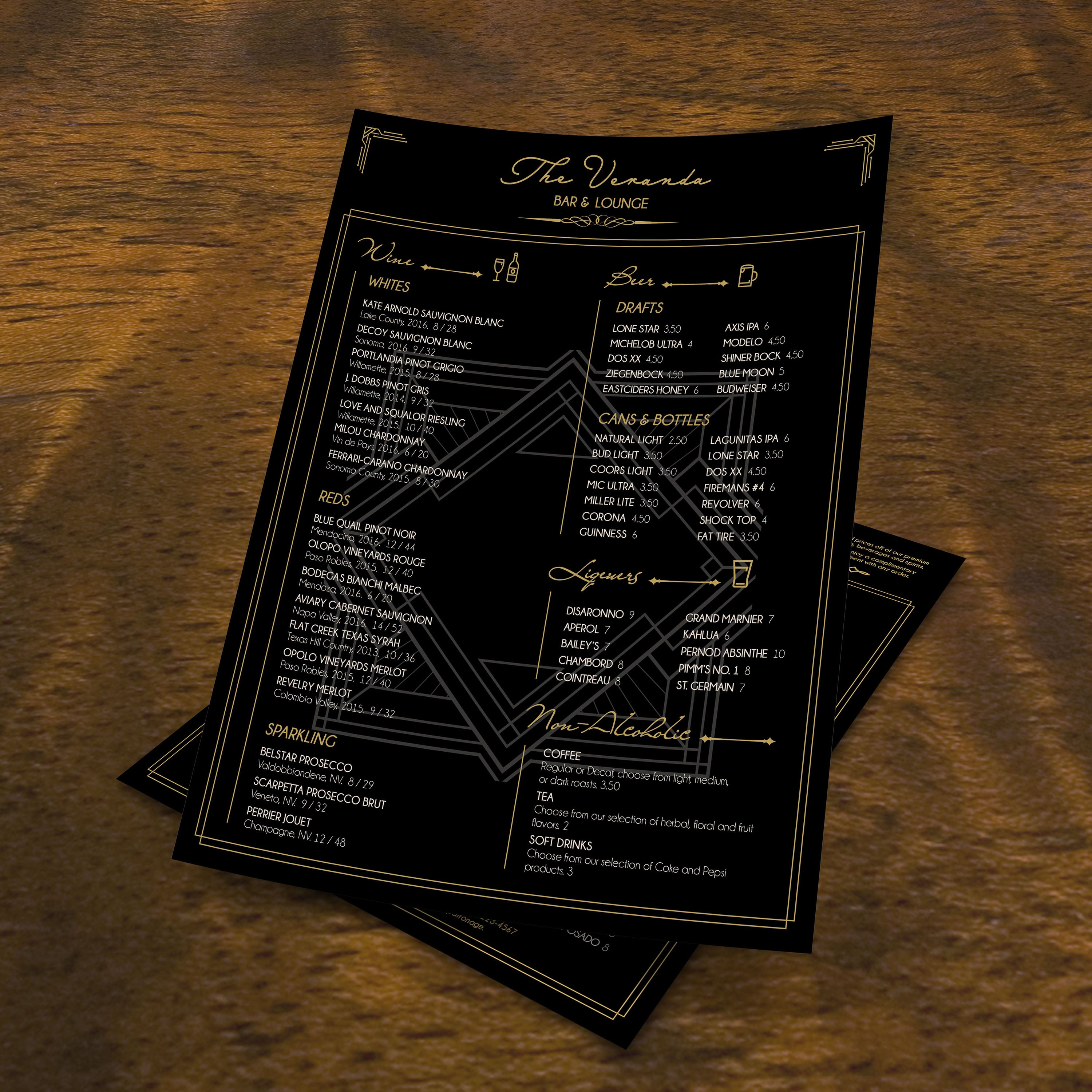
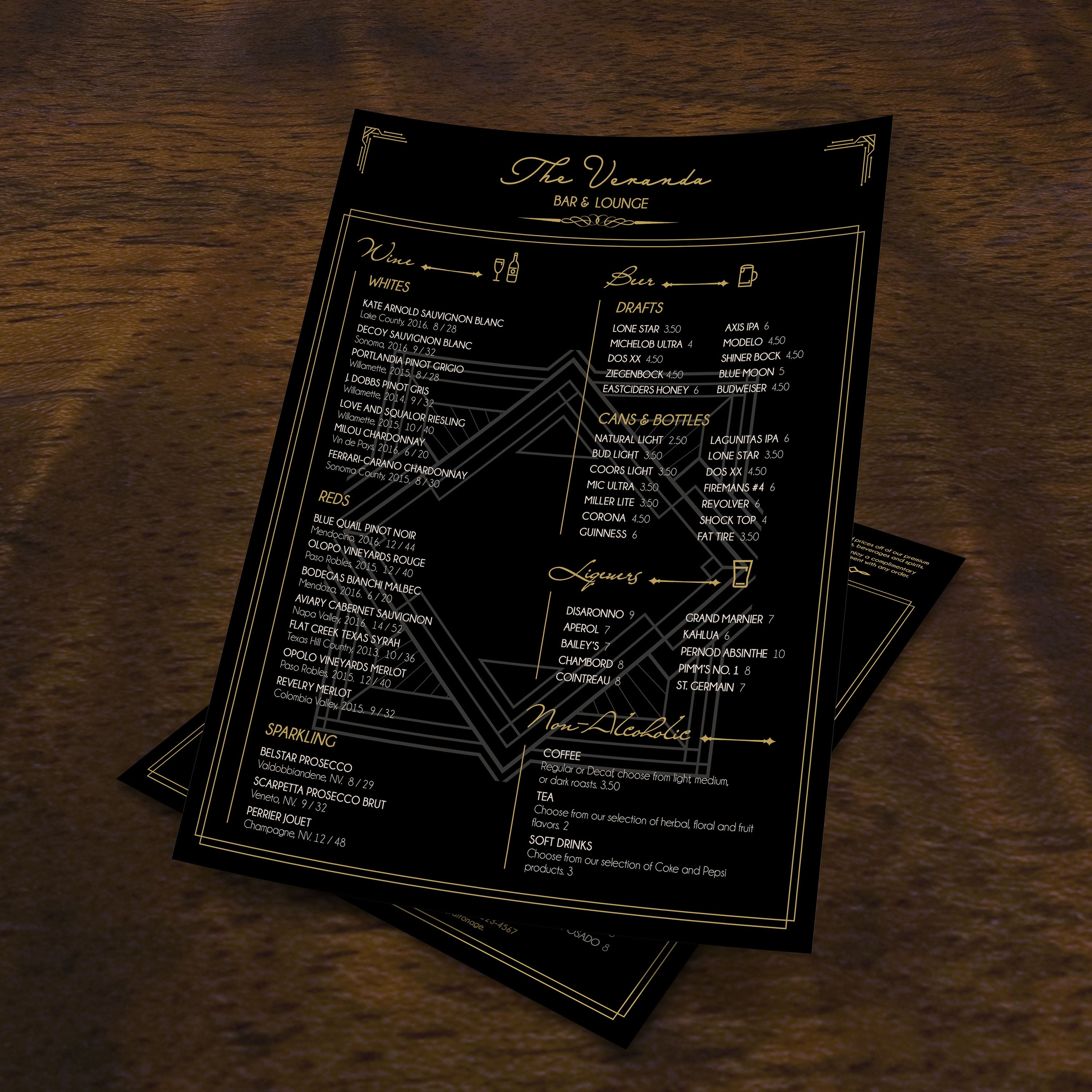
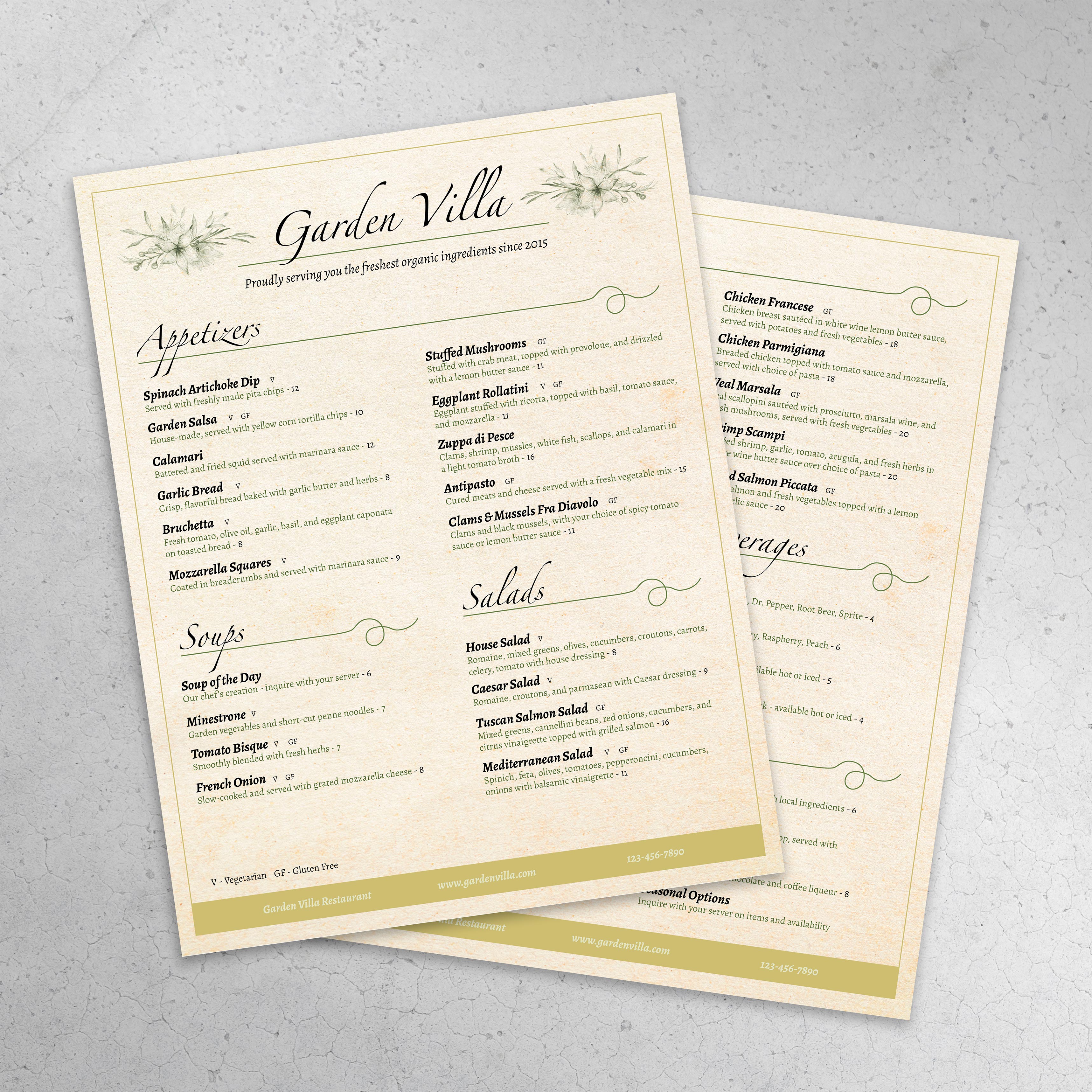
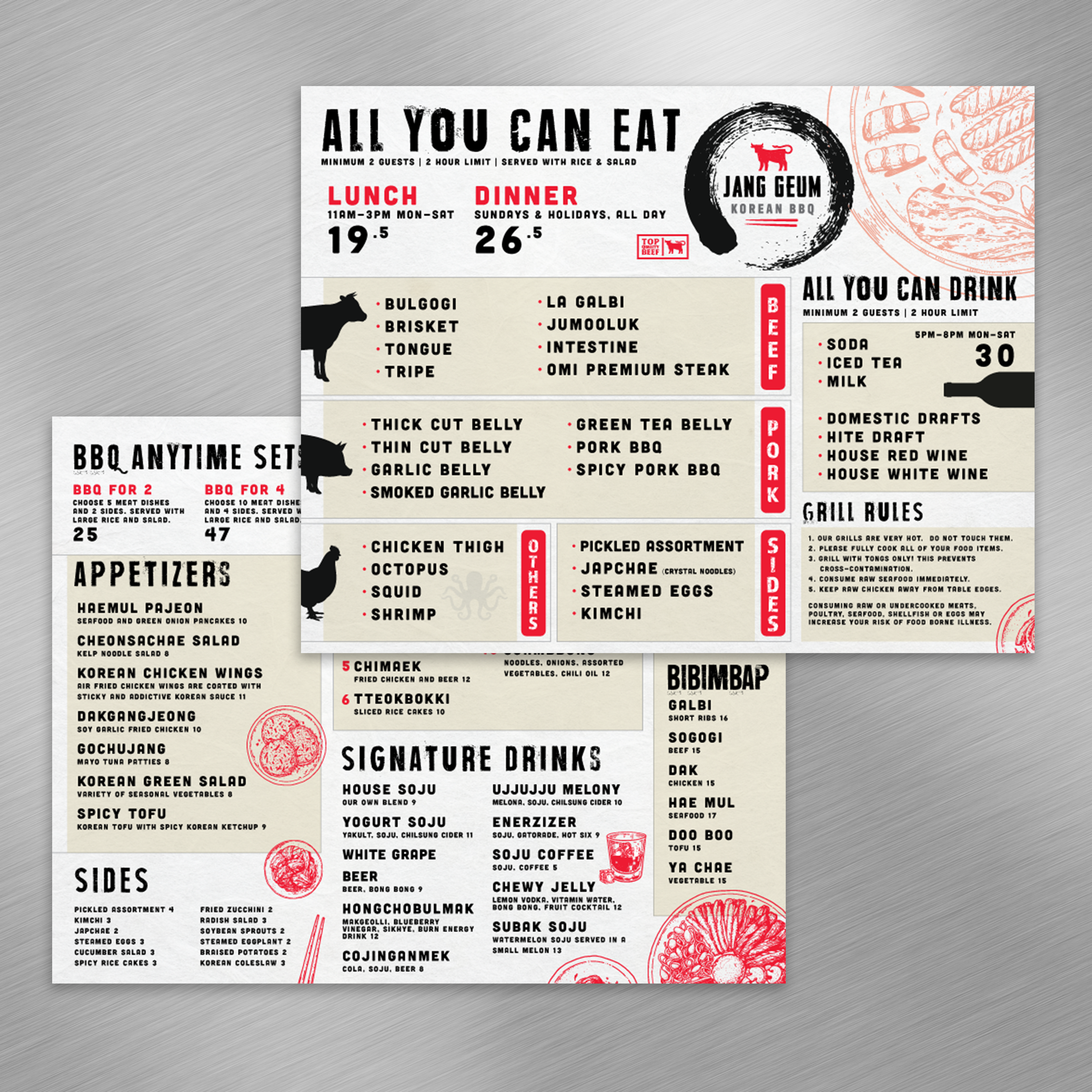
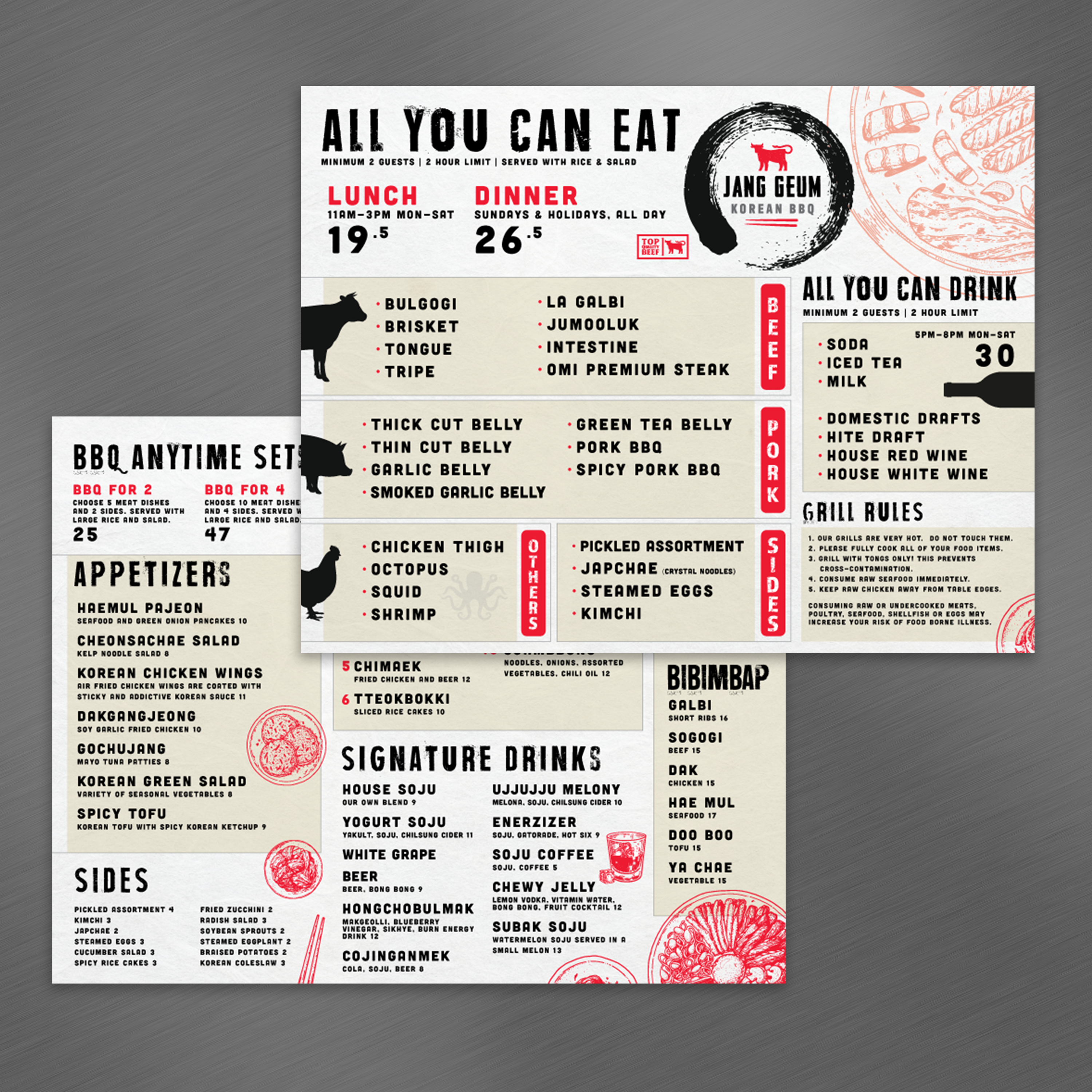
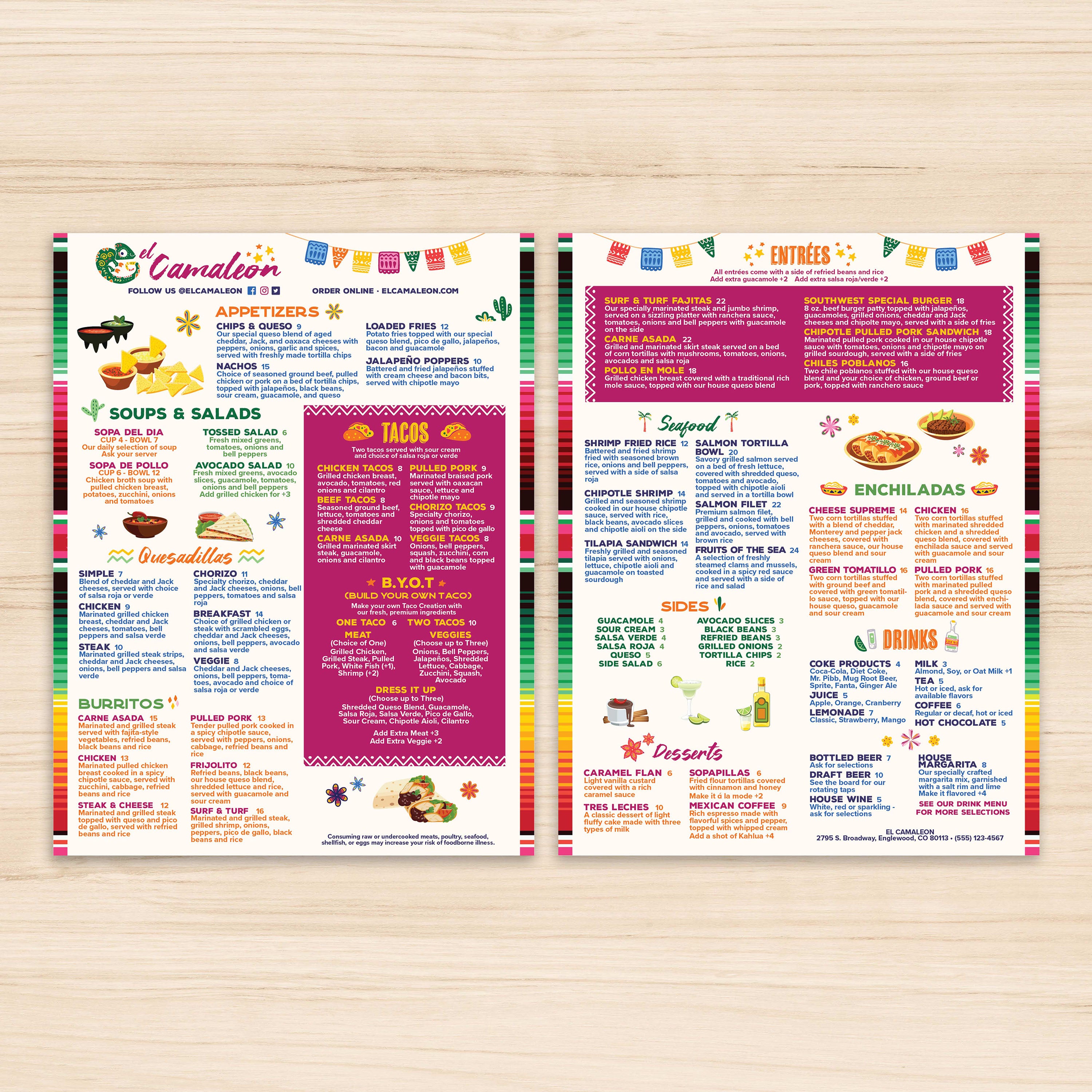
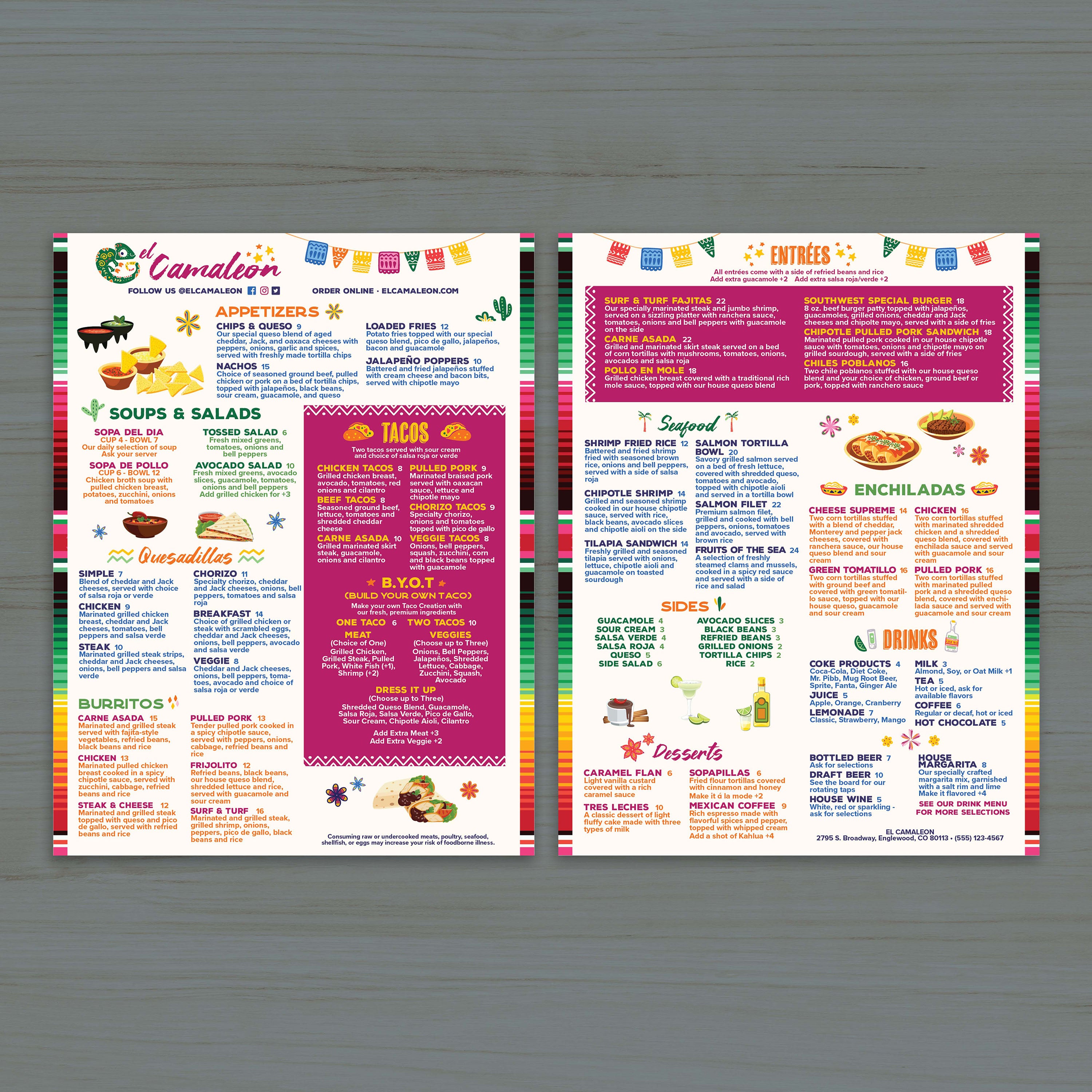
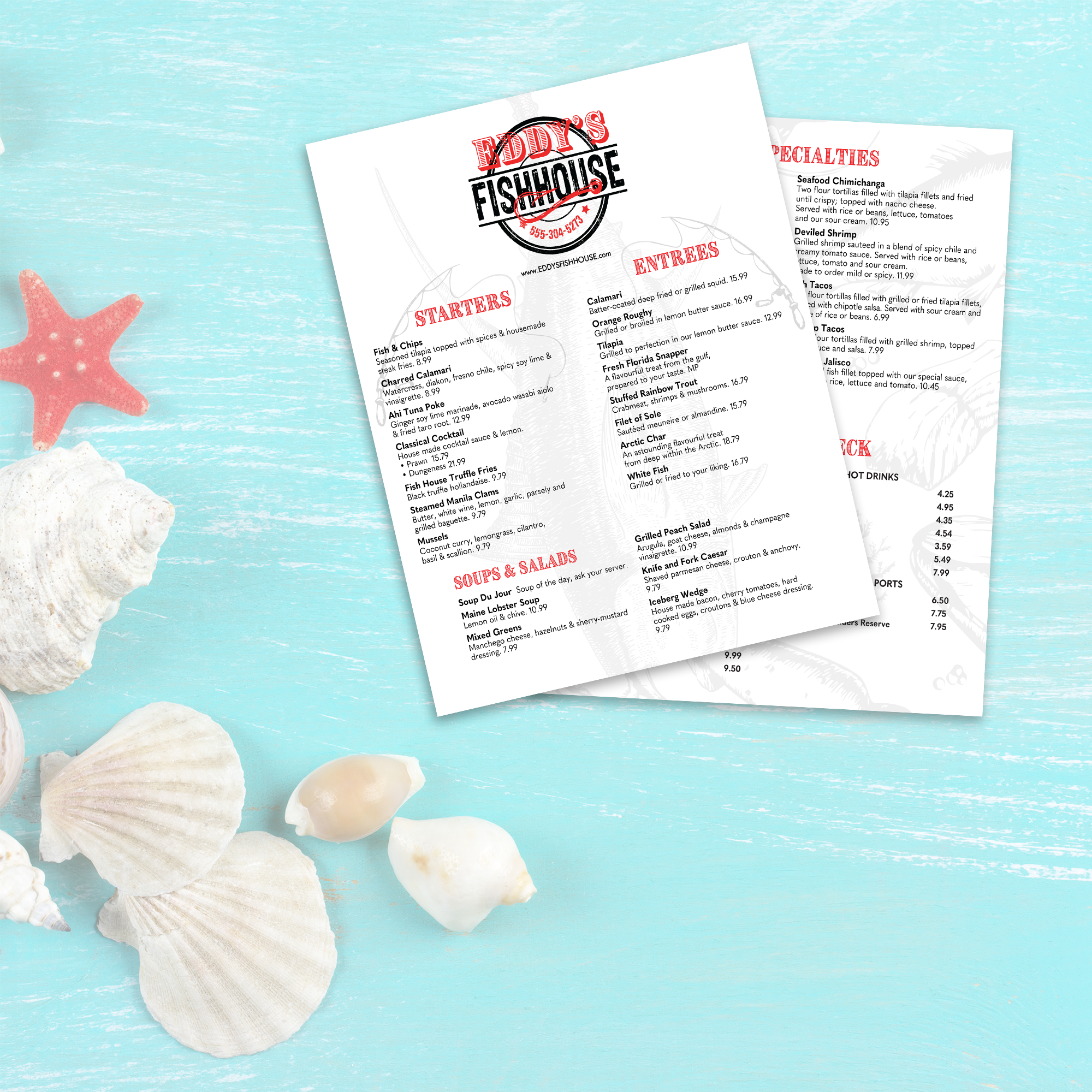
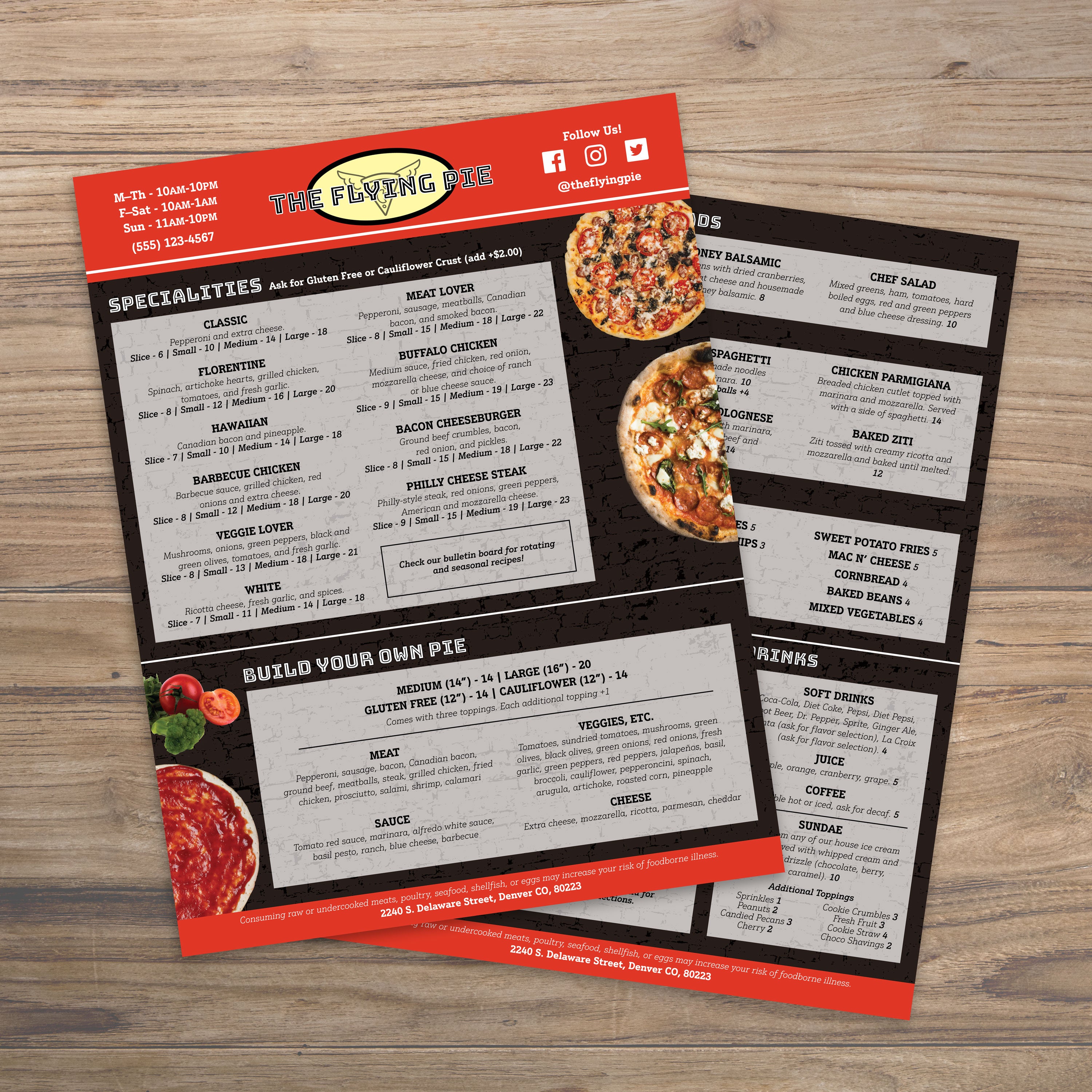
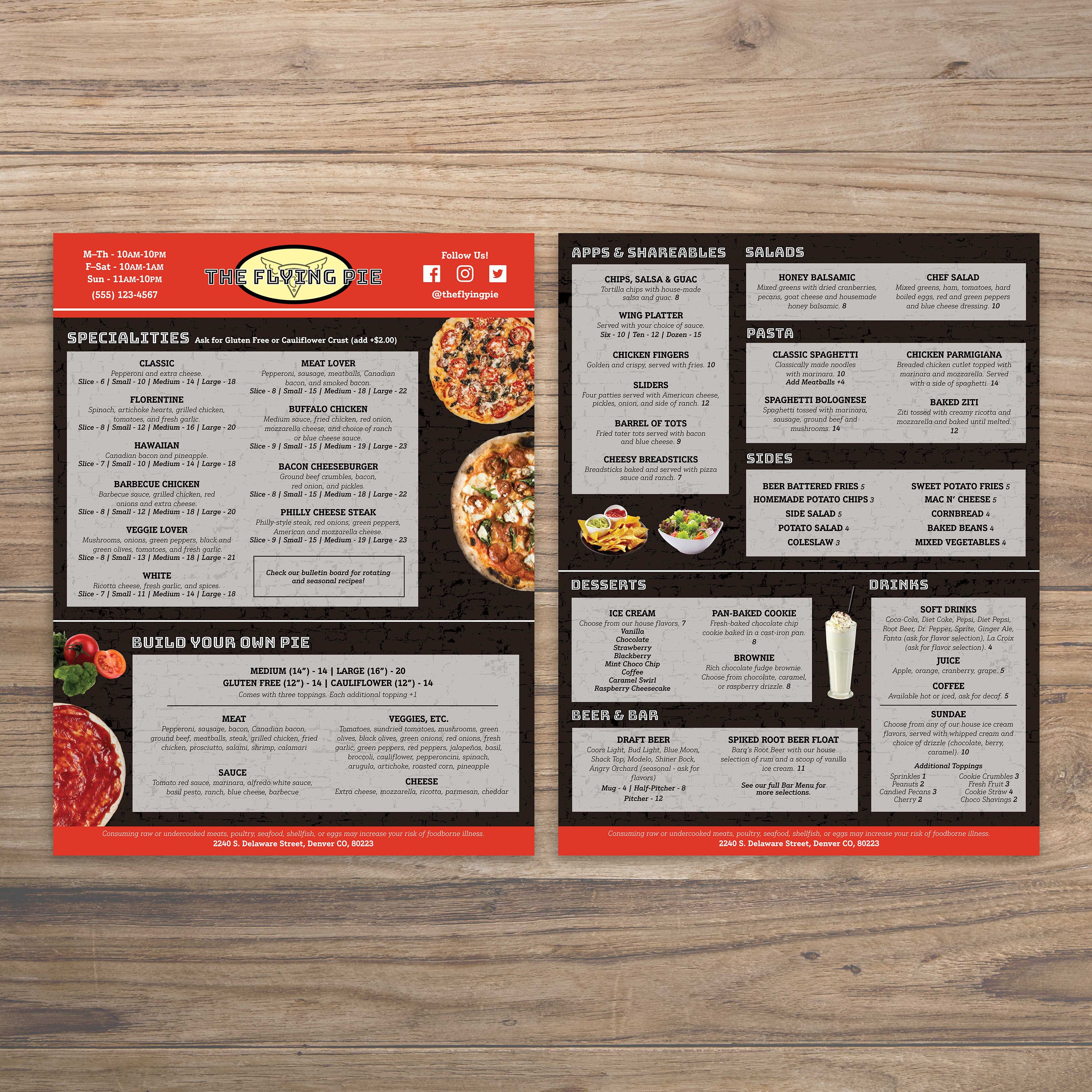
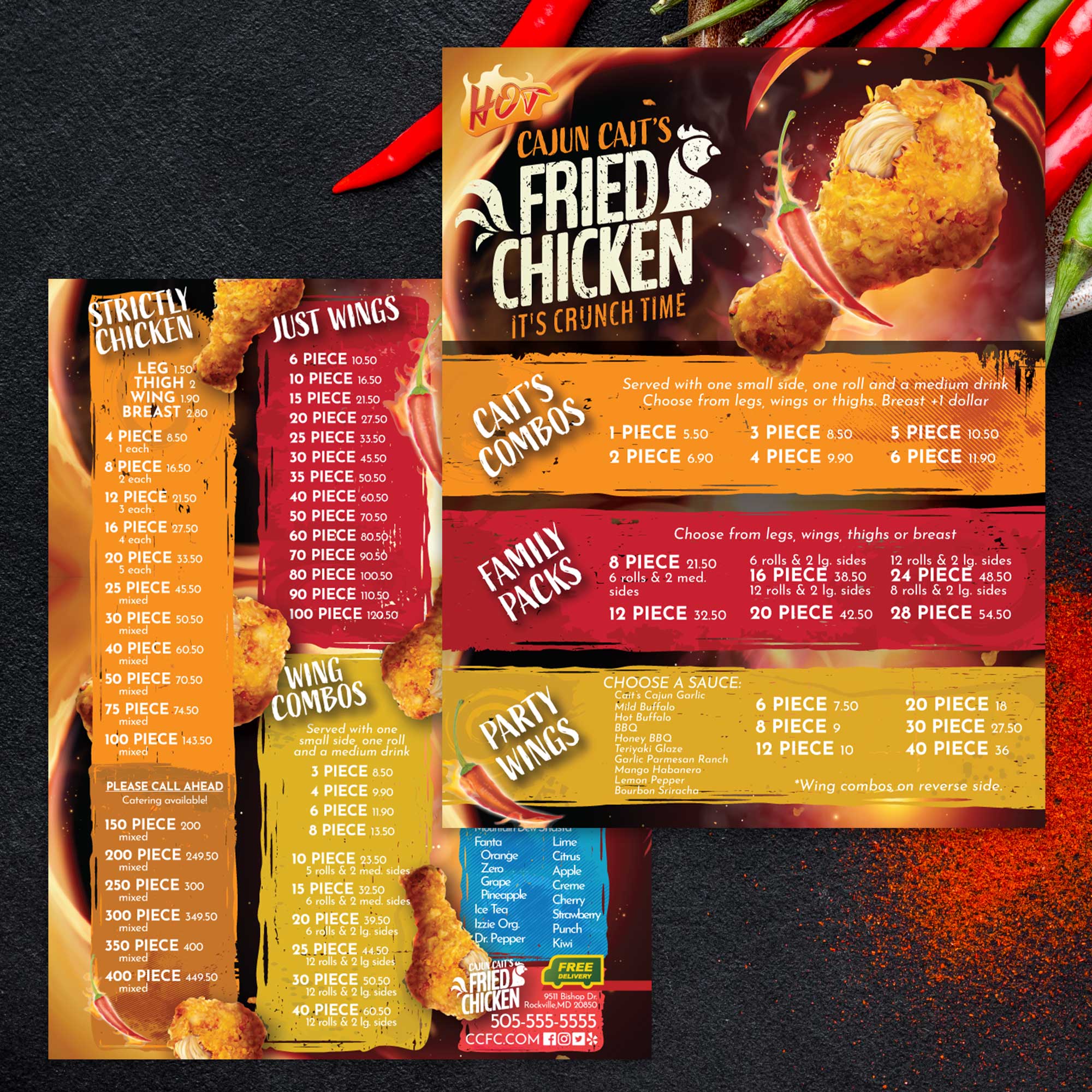
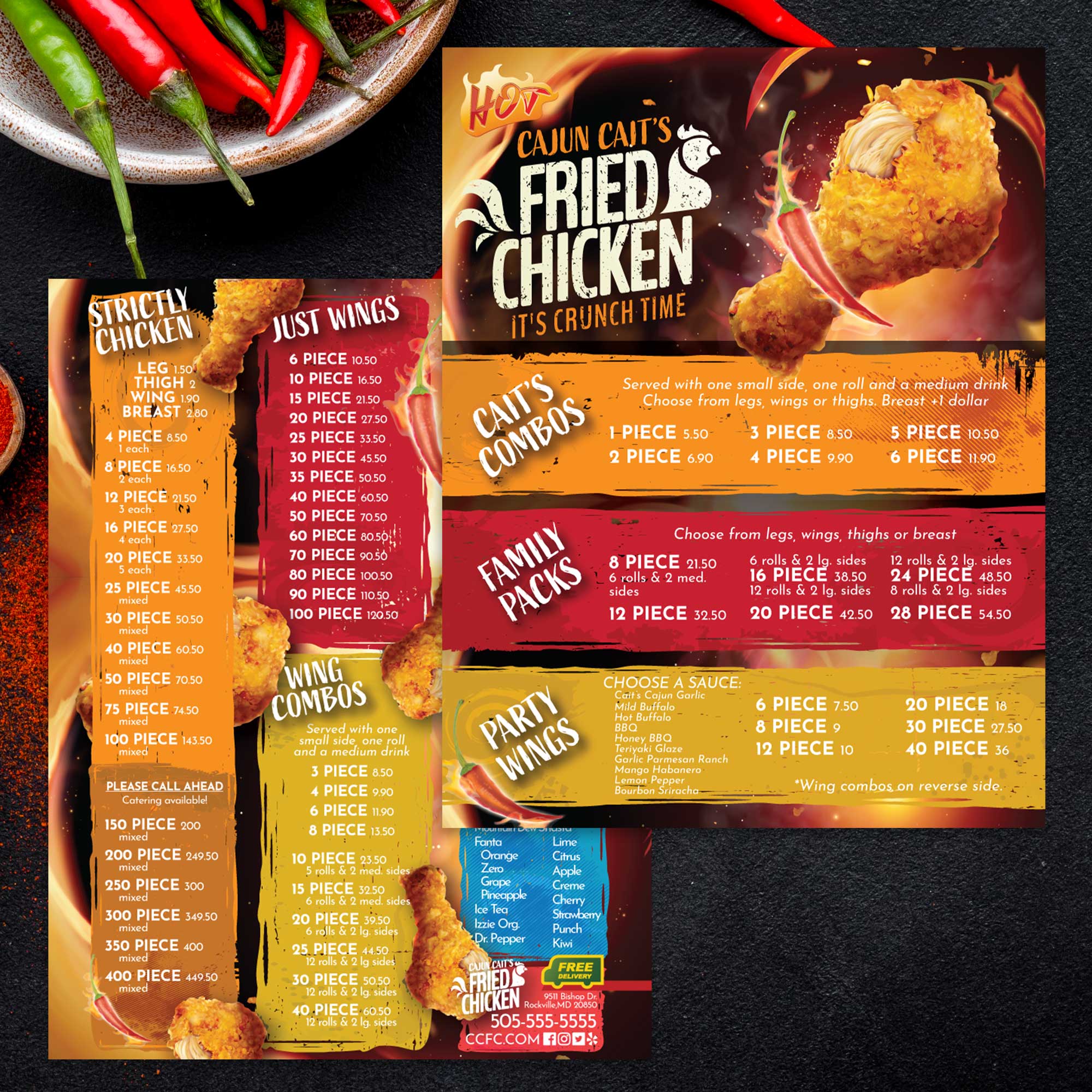
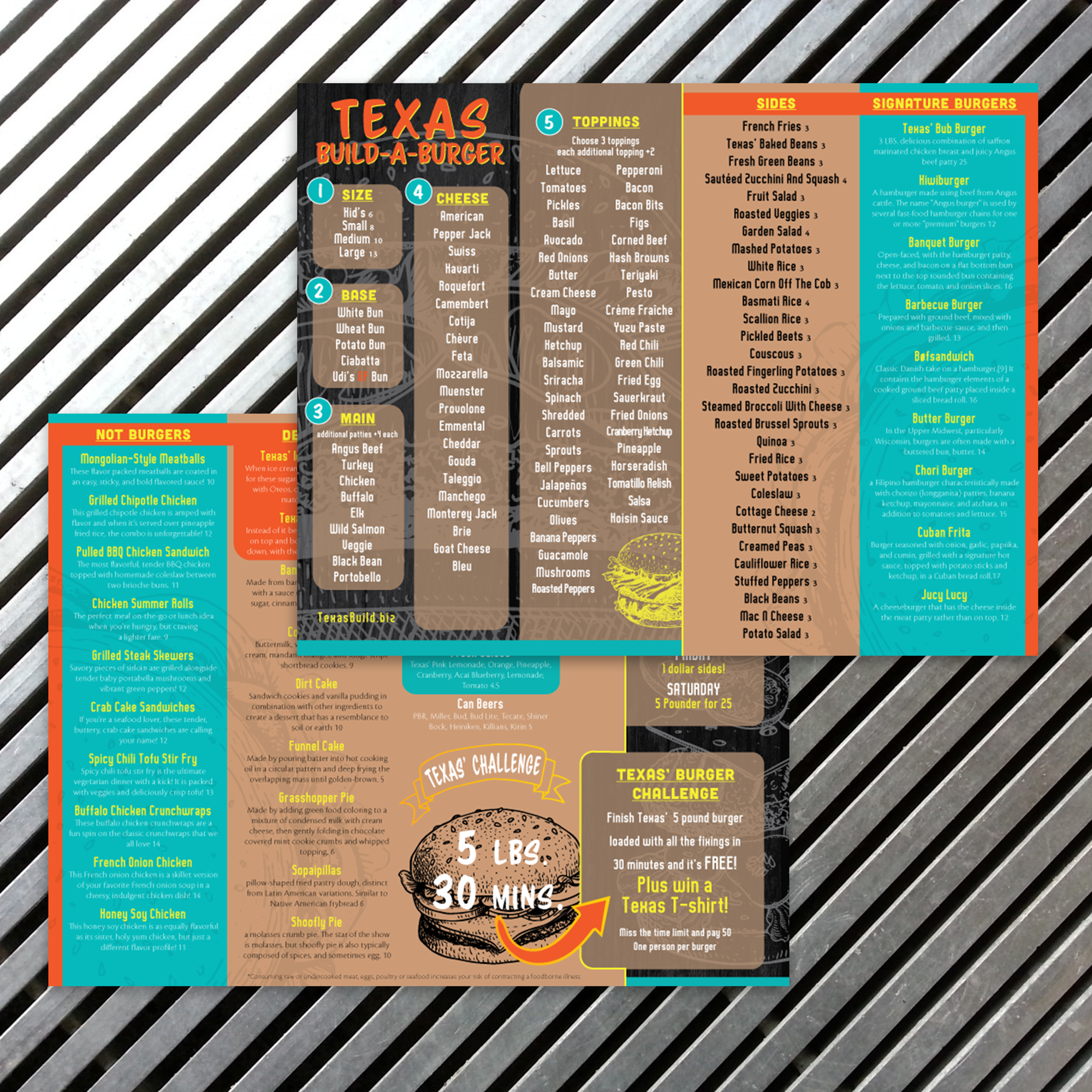
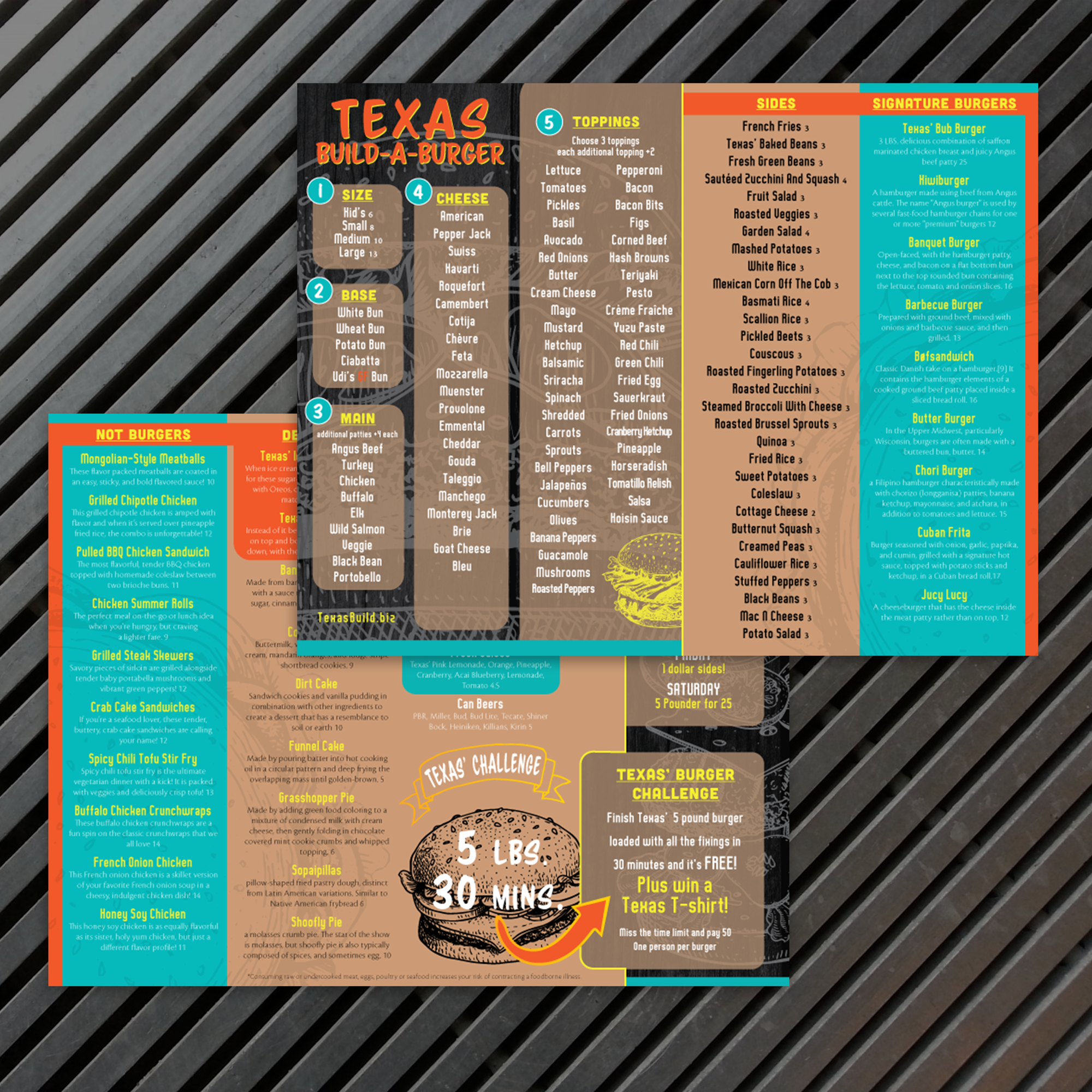
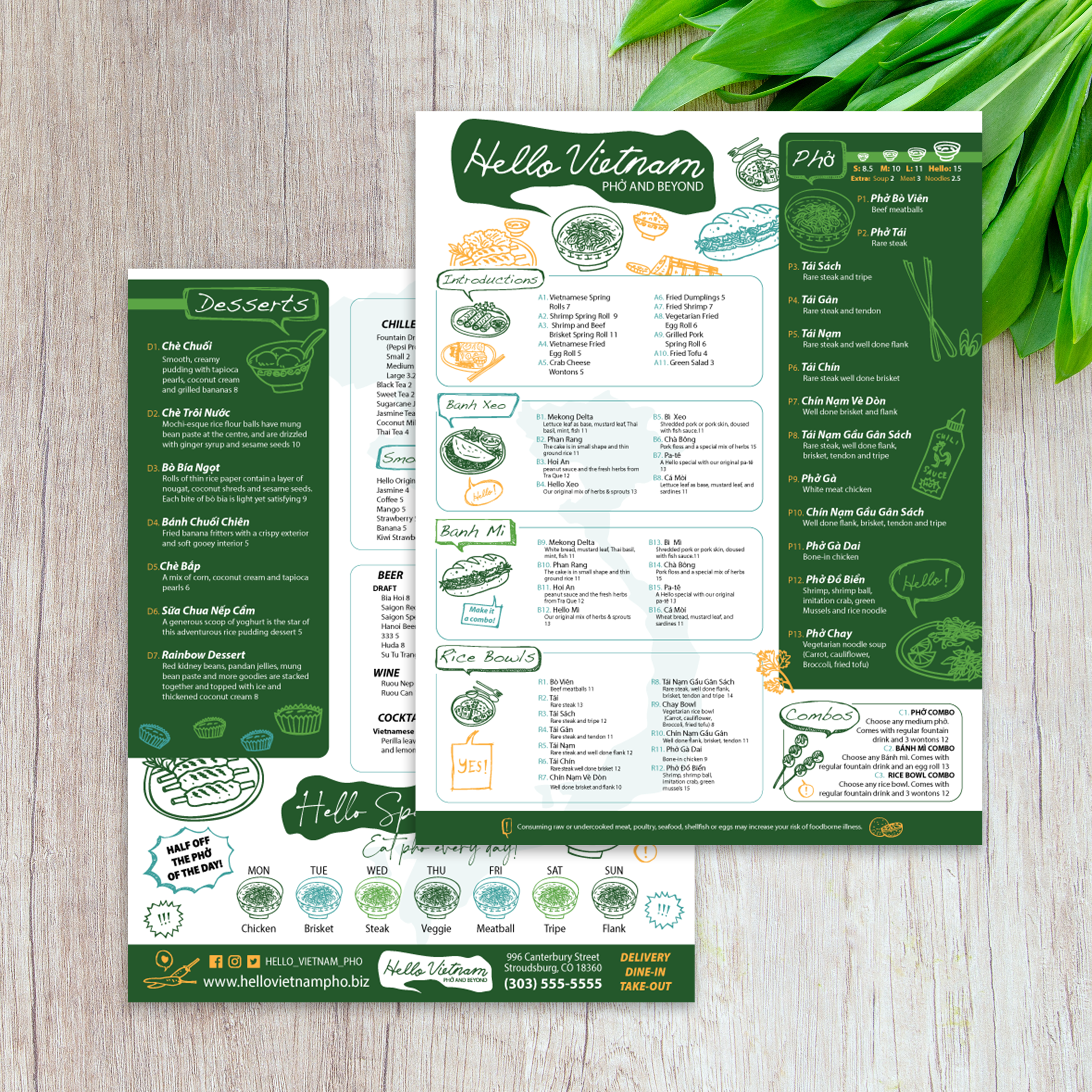
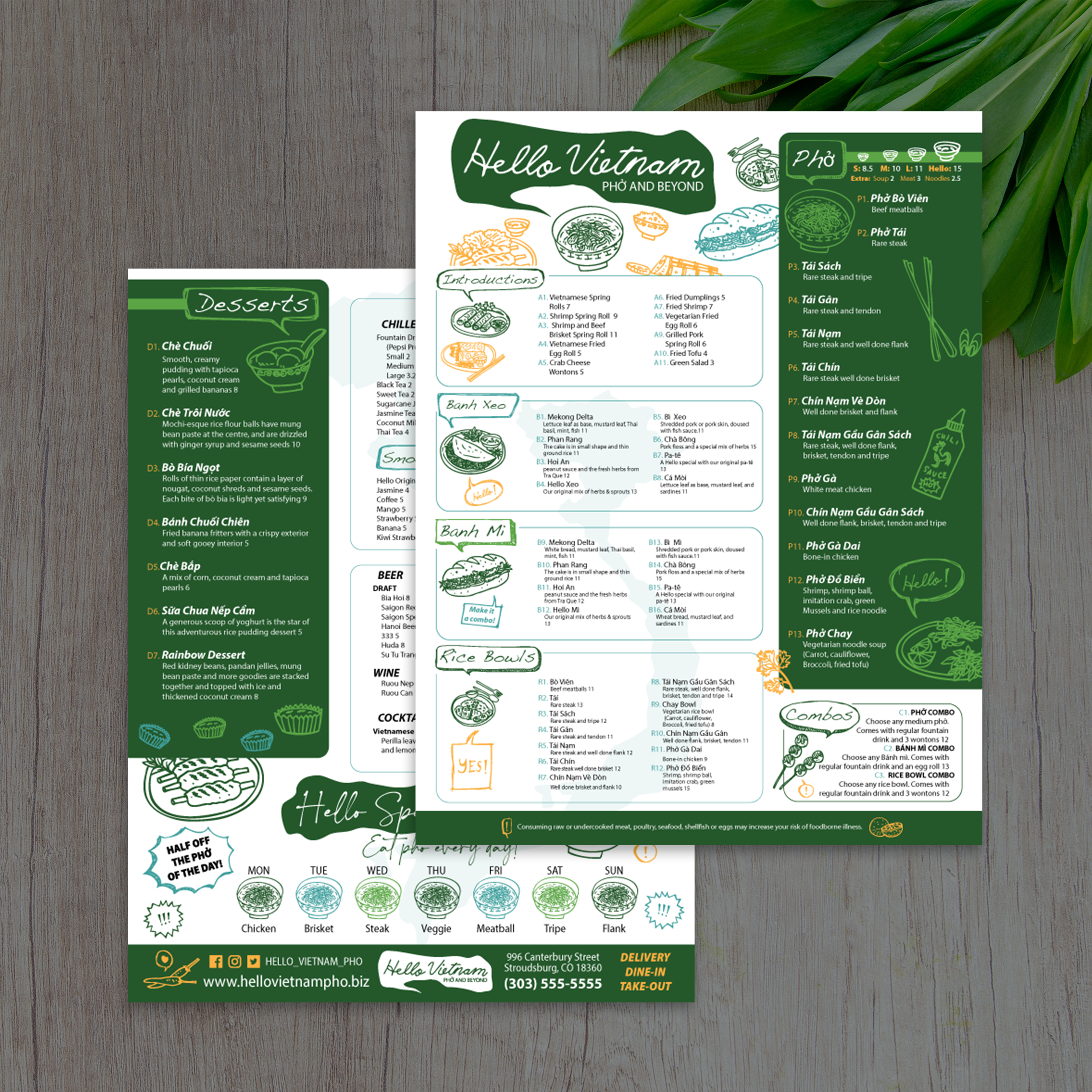
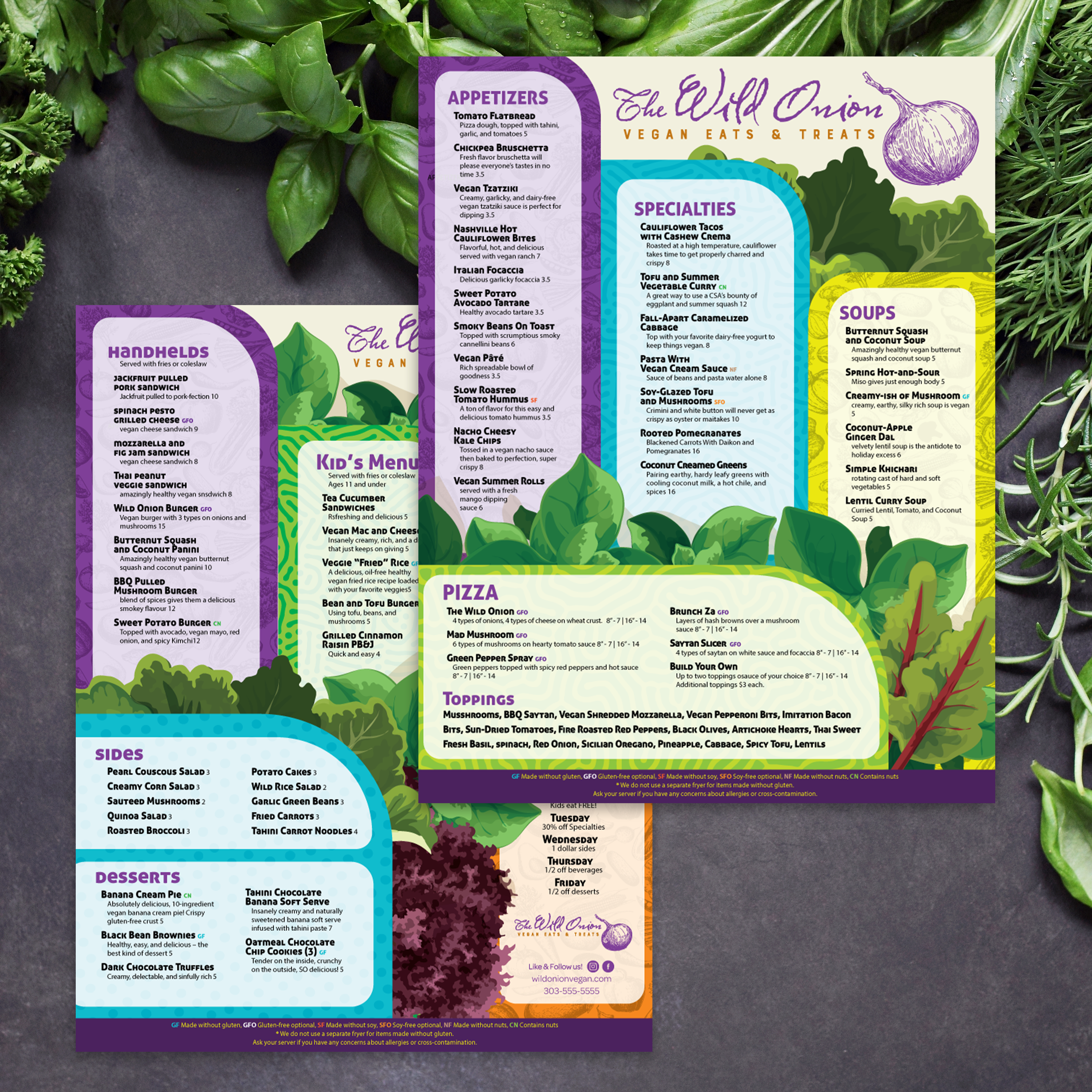
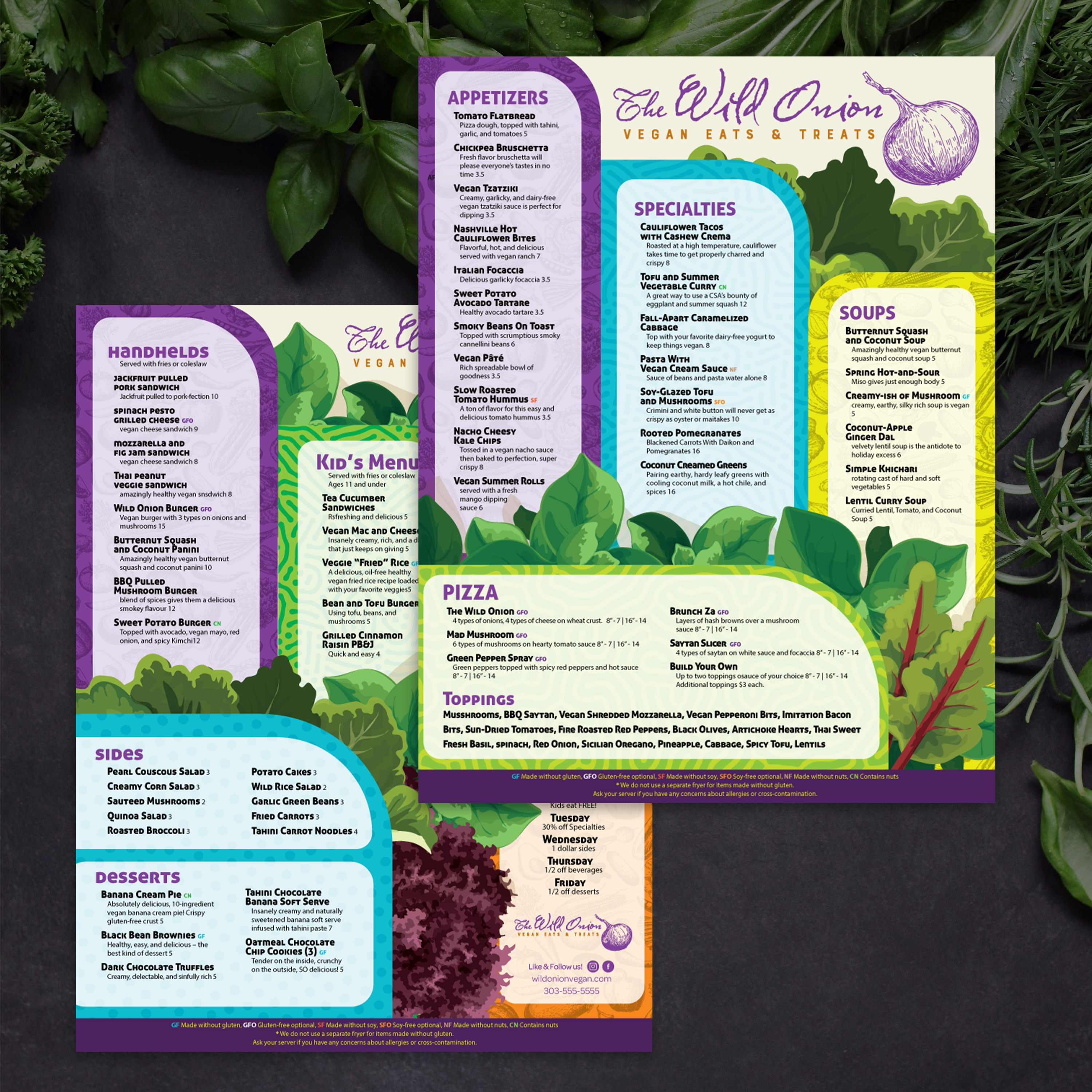
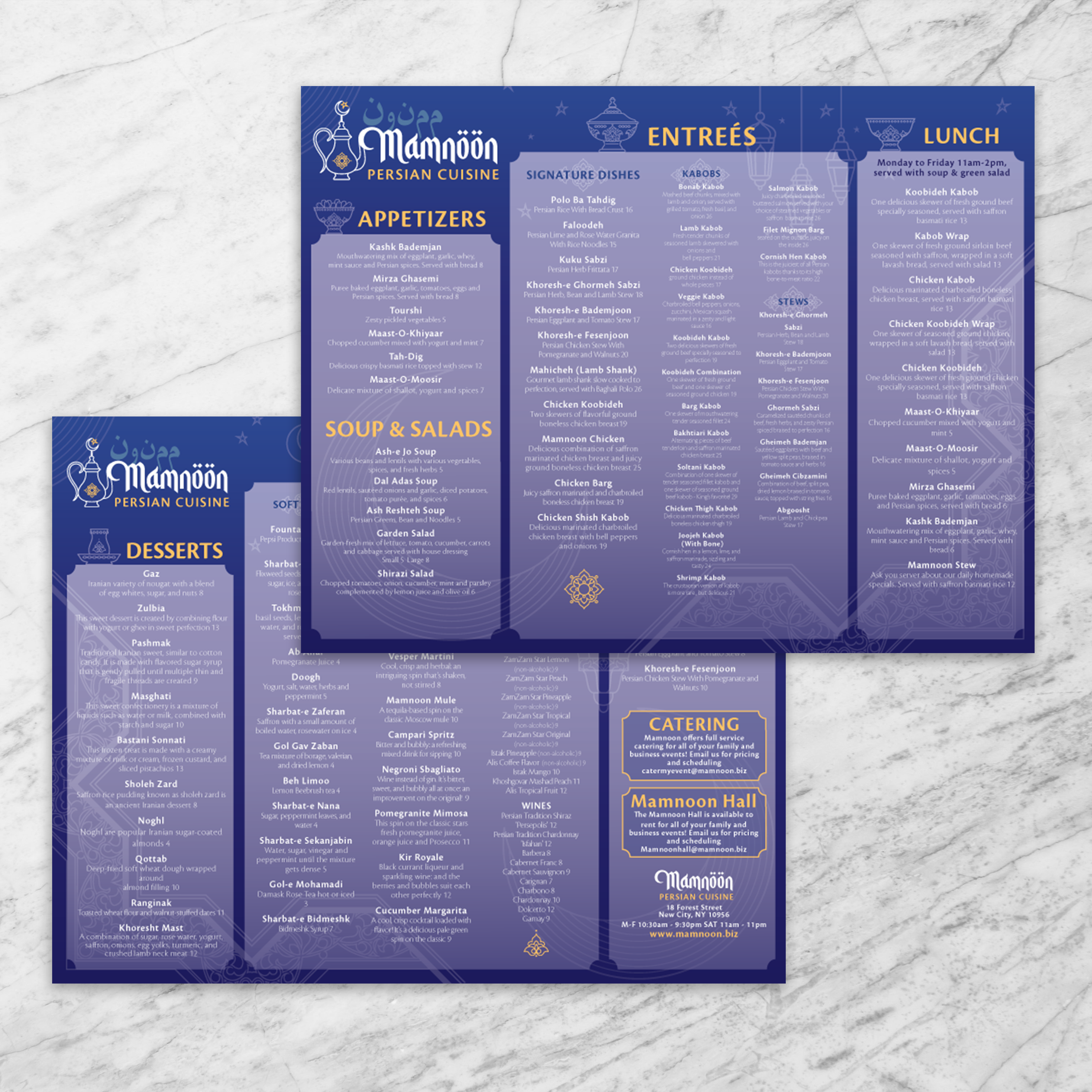
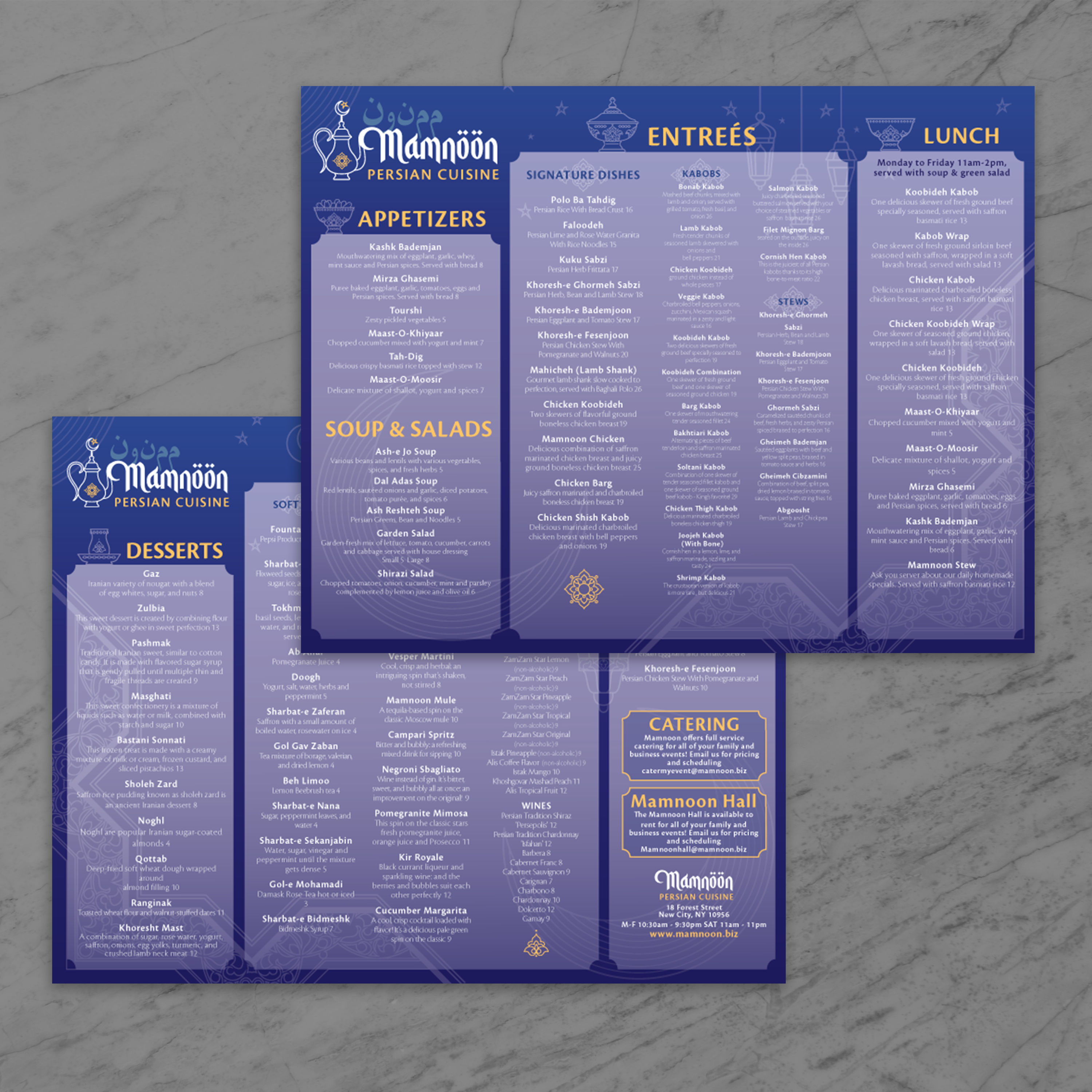
8.5" x 11" Menu Templates

25 products

Showing 1 - 24 of 25 products

Showing 1 - 24 of 25 products
View
Classic Black & White Template 8.5" x 11" - TerraSlate Inc.

Recently viewed

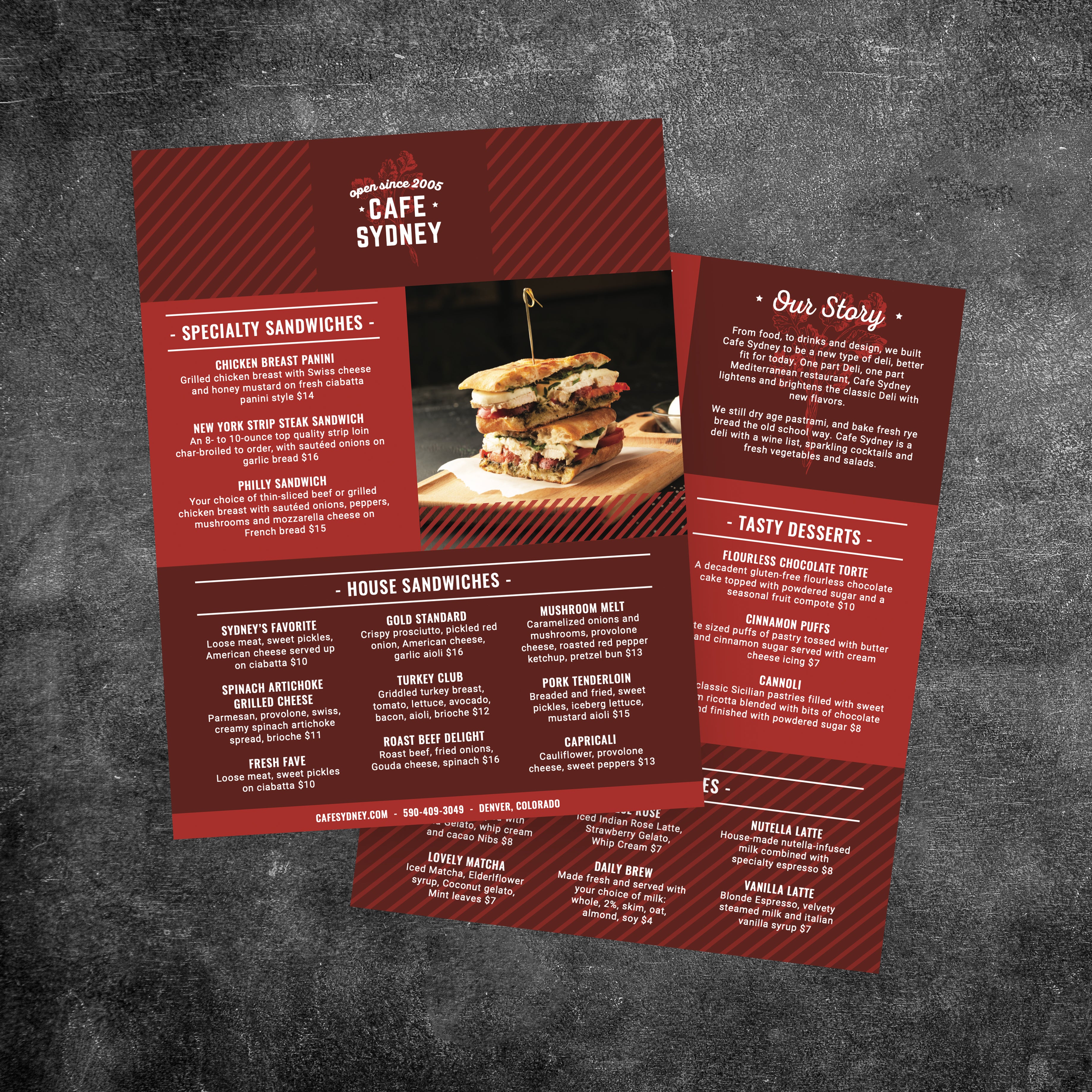
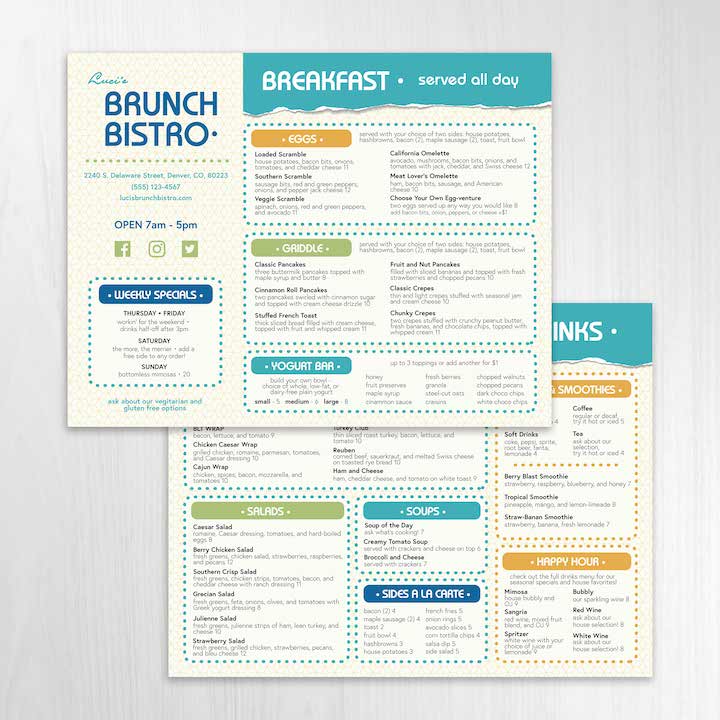
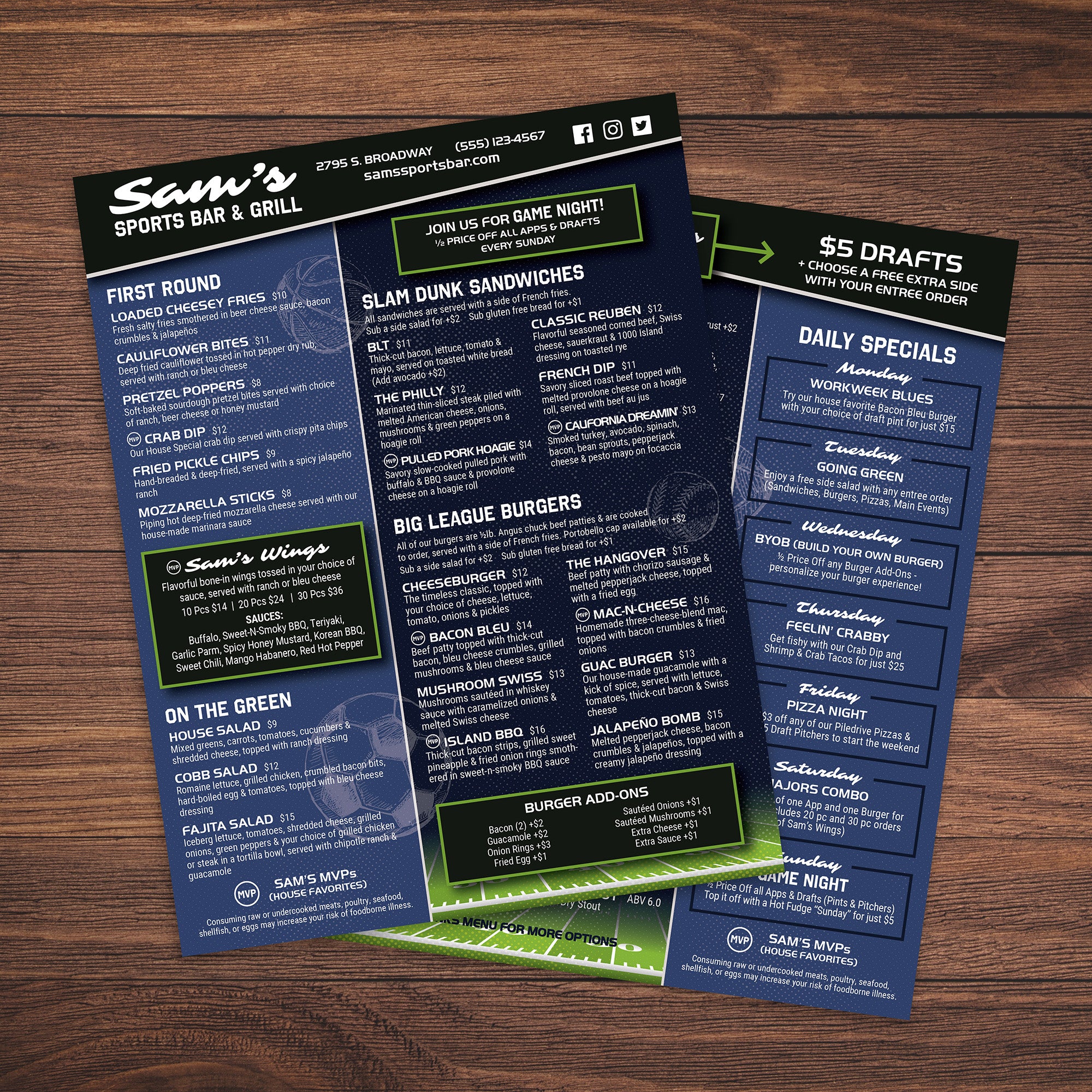
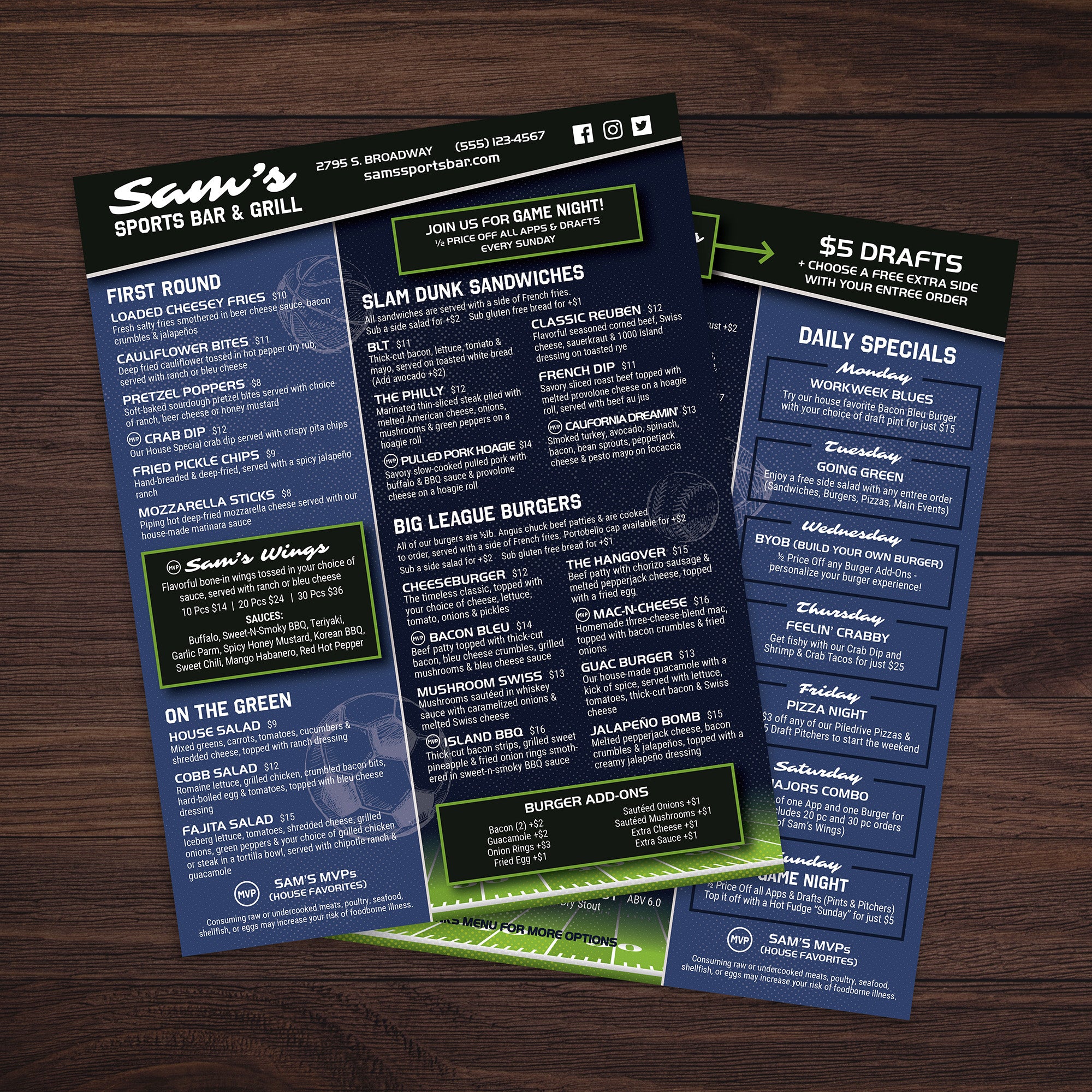
If you need a menu that’s easy to update, easy to print, and easy to hand out during busy service, 8.5” x 11” is the format that simply works. It’s the standard size for fast production, quick edits, and consistent results across locations. At TerraSlate, we built free 8.5” x 11 templates so you can launch a clean, professional menu quickly, then choose the material that fits your durability needs.

Why 8.5” x 11” Is the Standard for Fast Printing and Fast Updates

This size prints on standard equipment, which means you can update pricing, swap seasonal items, or add a new special without waiting on oversized prints. It’s also easy to file, store, and replace in small batches, which keeps your menu program flexible.

Who Uses This Size Most: Restaurants, Cafes, and Quick Service

8.5” x 11” menus are ideal for cafes, quick-service restaurants, food trucks, counters, and table service concepts that want speed and simplicity. It’s also a popular size for drink lists, lunch menus, and takeout menus, as guests can quickly scan it without flipping pages.

When Single-Page Menus Beat Larger Formats

If your menu is focused, flat formats often outperform larger folds. A single page keeps ordering fast, reduces clutter on the table, and makes revisions painless. It’s also a strong choice when you frequently rotate items, run daily specials, or want a simplified menu presentation for seasonal updates.

What to Prep Before You Customize a Template

Before editing, gather your category structure, final item names, pricing, and brief descriptions. Decide whether you want a small callout for specials and whether the menu needs a QR code for online ordering. Starting with clean content ensures consistent spacing and prevents last-minute layout issues before printing.

Which Template Style Fits Your Concept Best

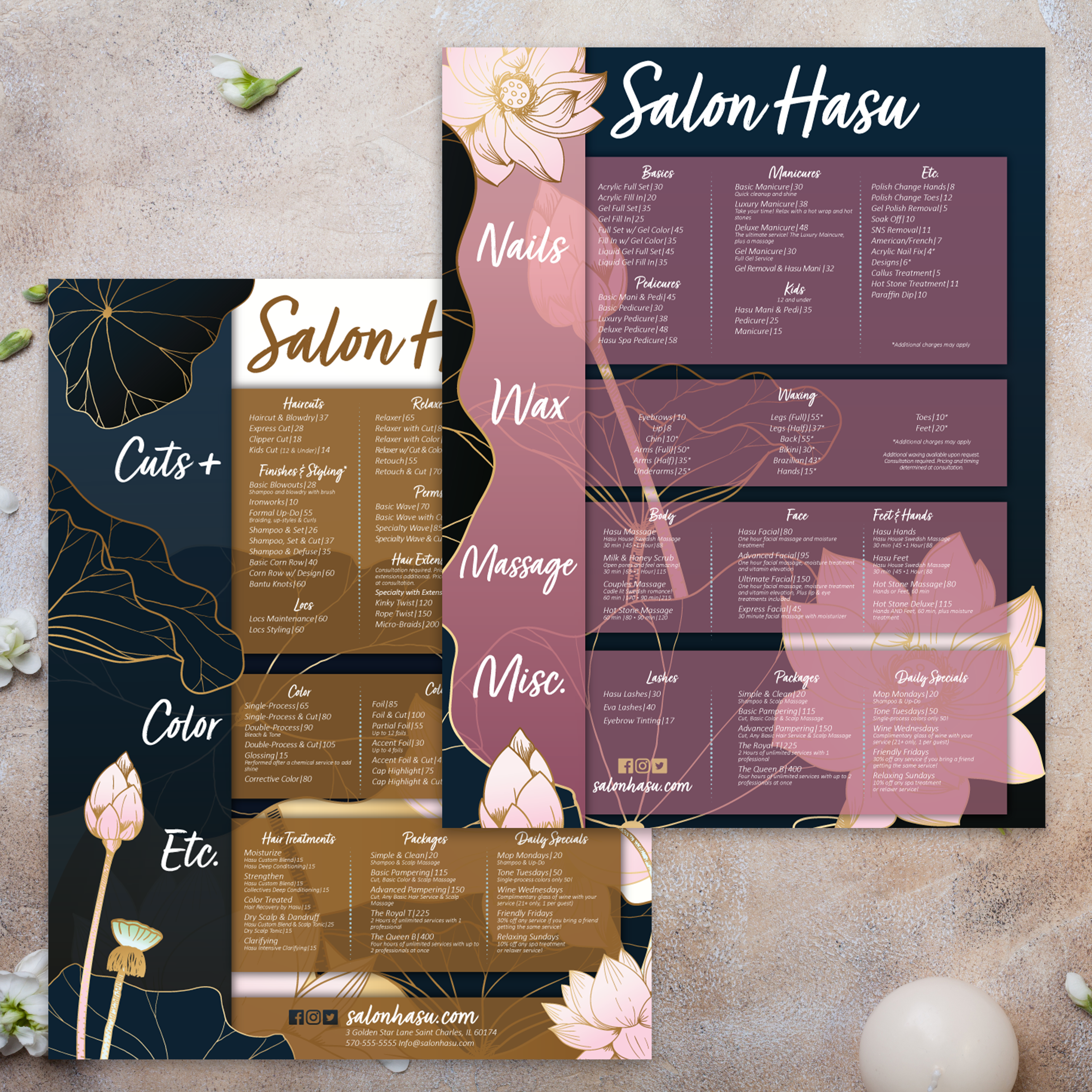
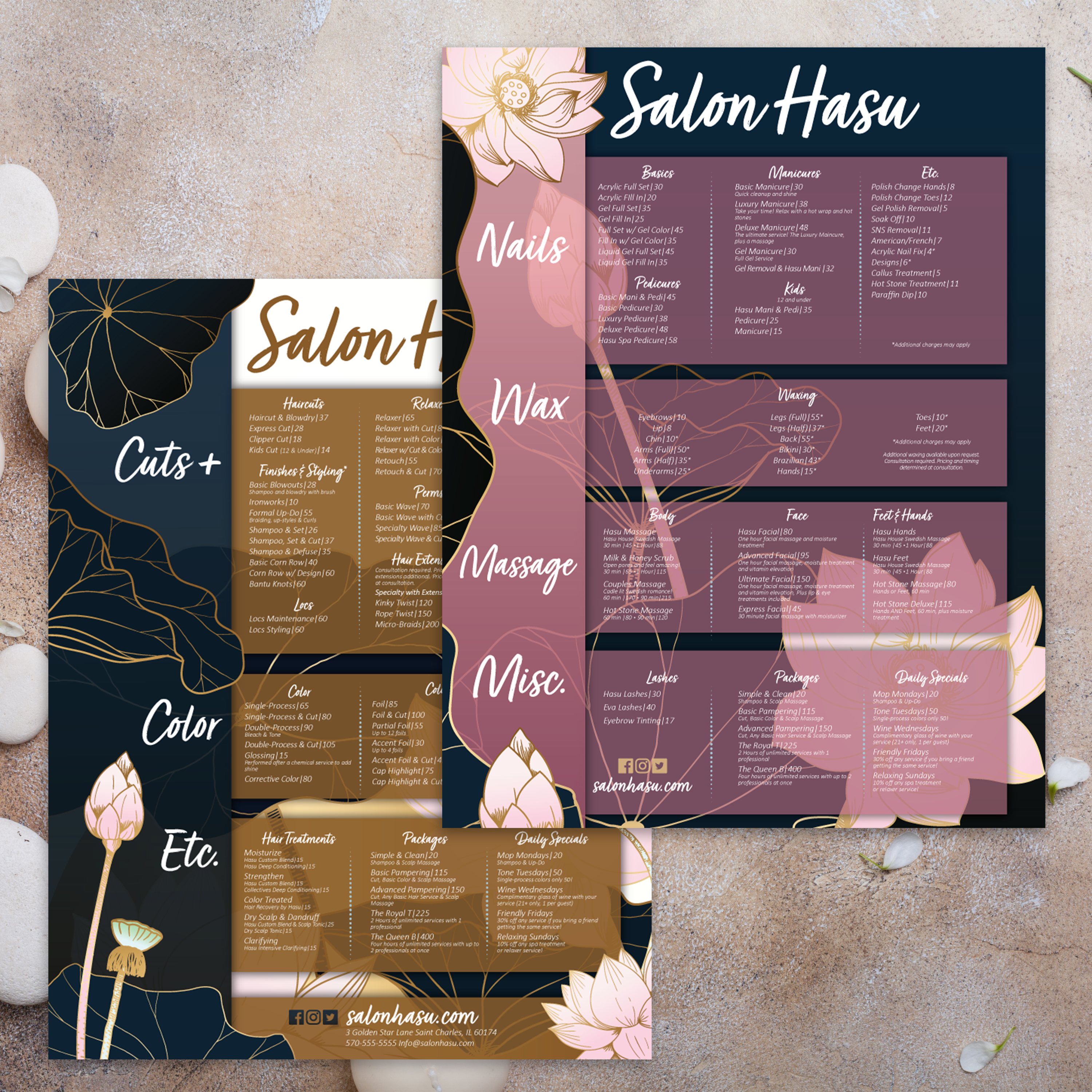
Template style should match your service type. For nightlife and beverage-focused layouts, our Free bar lounge menu templates are built for drink categories and specials. For service-based businesses, our Free salon menu templates make it easy to list offerings and pricing cleanly. Once your format is chosen, TerraSlate helps you print menus that stay readable and presentable through daily handling, spills, and routine cleaning.

A single-page menu has one job: to communicate clearly at a glance. The best 8.5” x 11” menus feel organized, readable, and intentional, even when you’re listing a full lineup of items or services. At TerraSlate, we design templates to support fast scanning, clean spacing, and simple updates, because menus evolve constantly.

The Best Layout Choices: One Column vs. Two Columns

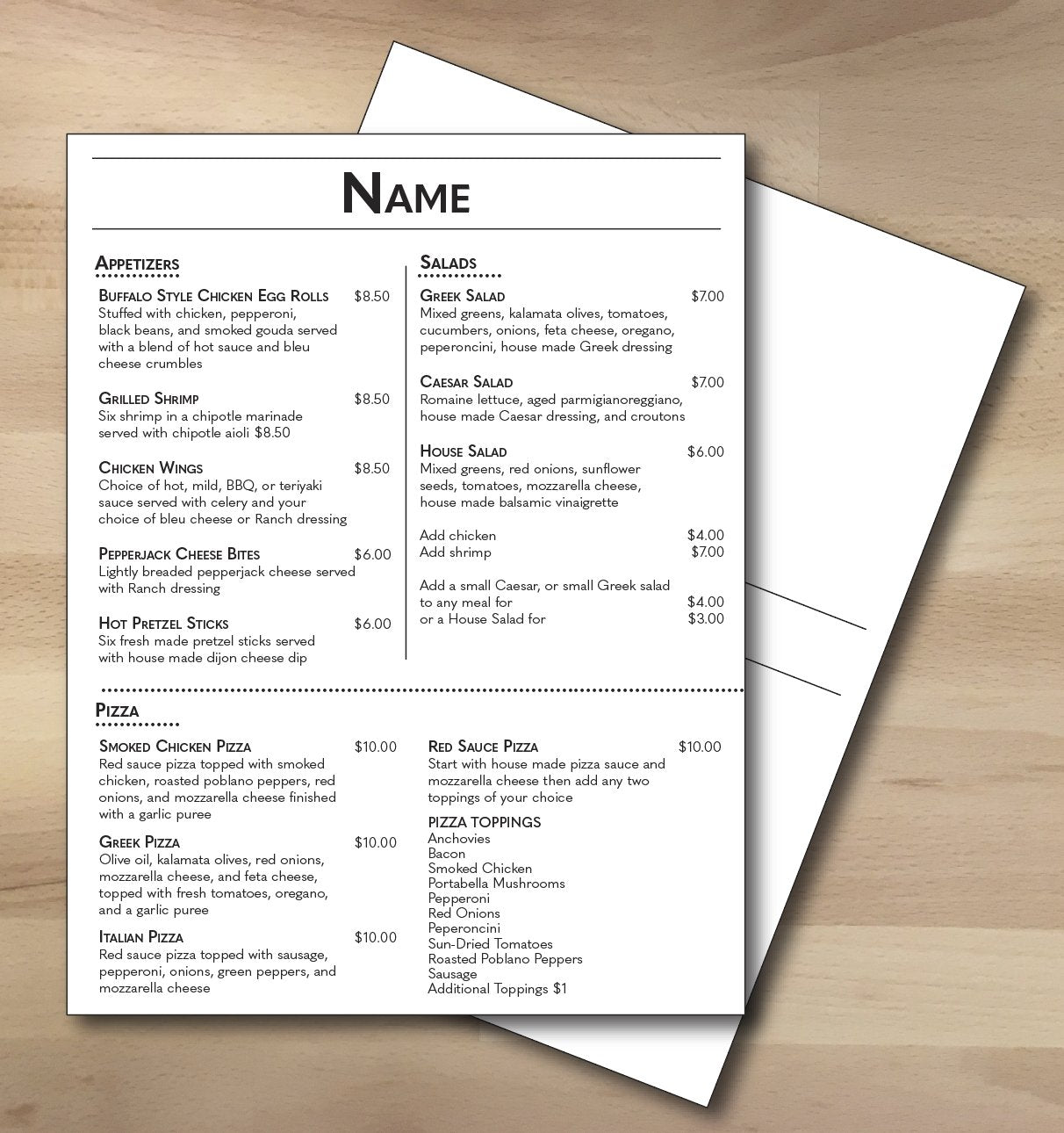
One-column layouts feel premium and uncluttered, especially for shorter menus or service lists. Two columns work better when you have more categories or want to keep pricing aligned neatly on the right. The key is consistency: once you choose a layout, keep spacing uniform across the page.

Category Structure That Improves Scanning Speed

Guests scan for category anchors first. Use clear headings, then group similar items under each section. Keep the category order predictable, and avoid mixing unrelated sections in the same area. The faster someone finds what they want, the faster they order.

Pricing and Description Rules That Keep the Page Clean

Use short descriptions and consistent formatting. If descriptions run long, the page becomes dense and more complex to read. Align prices consistently across every category and minimize decorative clutter around pricing. Clean typography and spacing do more for perceived quality than any design trick.

How to Highlight Specials and Best Sellers

Highlighting works best when it’s minimal. Use one consistent visual style for featured items, like a small icon or a “house favorite” label. Reserve a dedicated area for daily specials so they don’t interrupt the main flow. Too many callouts make the menu feel chaotic.

Converting the Same Layout for Different Industries

The same design rules work beyond restaurants. If you’re building a menu-style layout for a regulated retail space, our Free dispensary menu templates show how to organize extensive inventories and pricing without overcrowding the page. Whether it’s food, drinks, services, or product listings, the goal stays the same: clarity, structure, and fast decision-making.
8.5” x 11” menus are easy to print, but the file still needs to be set up correctly if you want clean trimming, sharp typography, and consistent results every time. A few small setup choices can prevent cut-off text, uneven margins, or “almost right” prints that end up wasting time and paper.
Bleed, Safe Zones, and Margin Standards

If your menu has full-bleed backgrounds or color blocks, include bleed so the design extends past the trim line. Keep all important information inside safe zones so it won’t get clipped by trimming variation. Even if you’re not cutting, safe margins still enhance readability and maintain a balanced layout.

Font Choices That Print Clearly on Standard Printers

Choose fonts that stay crisp on standard printers. Avoid overly thin typefaces and keep body text large enough to read in dim lighting. For menus that will be handled often, clarity matters more than style. A clean type system reduces guest confusion and streamlines the ordering process.

Export Settings for Sharp Print Quality

Export as a print-ready PDF with embedded fonts and high-resolution images. Avoid aggressive compression, especially for logos or detailed graphics. If you’re printing multiple batches across locations, consistent export settings prevent color shifts and layout drift.

Proofing Checklist Before Full Production

Print one test copy at actual size and review it as a guest would. Check spacing, category alignment, price placement, and readability across the whole page. Confirm spelling, item names, and pricing. This is the fastest way to prevent reprints caused by simple errors.

The Most Common Errors and How to Avoid Them

The most common mistakes are missing bleed, text too close to edges, inconsistent pricing alignment, and low-resolution images. Fix them by using a simple grid, maintaining clear margins, and adhering to the template’s guidelines. When setup is clean, your 8.5” x 11” menu stays predictable, repeatable, and easy to update.

An 8.5” x 11” menu is often the most frequently handled piece in a restaurant or service environment. It gets picked up, set down, cleaned, and passed from guest to guest all day. If the material can’t handle that routine, the menu wears out quickly, and you end up reprinting far more than you should. At TerraSlate, we offer durable options that replace lamination and keep menus cleanable, readable, and professional.

Why Traditional Paper and Lamination Wear Out Fast

Standard paper absorbs moisture and grease, stains easily, and breaks down at corners. Lamination appears good at first, but it can cloud up, bubble, or delaminate at the edges, and adds a plastic layer that scratches and dulls over time. It also creates a surface that feels worn long before the menu content actually needs updating.

TerraSlate Flagship Sheets for Waterproof, Rip-Proof Menus

TerraSlate is our flagship synthetic paper, built to be 100% waterproof and rip-proof. It’s designed for heavy handling and frequent cleaning, which makes it ideal for daily menus, drink lists, and service menus that stay in rotation. When you want the longest lifespan and the cleanest presentation, this is the premium choice.

Value-Oriented PolySlate for High-Volume Menu Programs

Value-oriented PolySlate is a strong option for high-volume printing, providing waterproof results when needed. It’s designed for laser printing and works well for menus that are frequently updated, such as weekly specials or rotating service lists. It’s a cost-effective way to move beyond paper without paying for premium durability you may not need for short-run prints.

TerraShield™ Anti-Microbial Coating for High-Contact Menus

For menus shared constantly, TerraShield™ adds built-in protection for long-term use. TerraSlate can print menus for you with our proprietary TerraShield™ anti-microbial coating with industry-leading turnaround and fast shipping. It supports a cleaner menu program while reducing reliance on harsh chemical disinfectants.

Picking the Right Thickness for Your Use Case

Thickness affects how the menu feels in-hand and how well it holds up to repeated use. 5 Mil is flexible, 8 Mil is a strong everyday option, 10 Mil adds structure for heavier handling, and 14 Mil is more rigid for the harshest environments. Choosing the right thickness helps your 8.5” x 11” menus stay presentable for longer and reduces the frequency of replacements.

An 8.5” x 11” menu format isn’t limited to food service. It’s a simple, familiar layout that works anywhere you need a clear list of offerings, pricing, or options that people can scan quickly. At TerraSlate, we see businesses across various industries utilize this size for menus, service lists, signage, training sheets, and high-touch reference materials, especially when they require waterproof, rip-proof performance.

Bars and Lounges: Drink Menus and Specials

Bars and lounges use 8.5” x 11” menus for cocktails, beer lists, and rotating specials because the format updates easily and prints fast. It’s also ideal for happy hour menus that change by daypart. When paired with durable materials, it stays cleanable through spills and heavy handling.

Salons and Spas: Service Menus and Pricing Boards

Salons and spas rely on clear service menus, add-on pricing, and package options. An 8.5” x 11” format keeps services organized and easy to update as pricing evolves. It also works well at the front desk as a quick reference sheet for staff and guests.

Dispensaries: Product Menus and Compliance-Friendly Layouts

Dispensaries often require structured menus that can accommodate frequent inventory changes. An 8.5” x 11” layout helps organize product categories, pricing, and featured items without overcrowding. Durable, water-resistant materials also support high-traffic retail environments where menus are handled constantly.

Medical, Education, and Training: Reference Sheets and Checklists

This size is perfect for charts, instruction sheets, training checklists, and quick-reference guides. In clinics, schools, and industrial training environments, waterproof and rip-proof materials reduce replacement needs and keep information readable even when conditions get messy.

Retail and Hospitality: Signage, Price Sheets, and Inserts

Retail teams use 8.5” x 11” sheets for price lists, shelf inserts, and point-of-sale signage. Hospitality teams use them for service guides, room-service menus, and guest information sheets. When these materials need to last, TerraSlate synthetic paper replaces lamination, supporting a cleaner, more consistent presentation across every location.

Printing in-house can be effective for quick updates, but it isn’t always the best option for maintaining consistent quality, bulk production, or multi-location menus. The best approach is choosing the method that fits your workflow: in-house for speed, and professional output when you want reliable results at scale. At TerraSlate, our printing services help businesses get durable menus and high-touch materials that look consistent, clean, and ready for daily use.

When You Need Higher Consistency Across Locations

If you run multiple locations, consistency matters. When every store prints on different machines, colors shift, margins drift, and menus stop matching. Professional production ensures that trims, typography, and print clarity are consistently aligned across every batch, maintaining your brand's presentation integrity.

When You Want TerraShield™ Anti-Microbial Coating

TerraShield™ is available through our printing services and is designed for high-contact menus and printed materials. TerraSlate can print menus for you with our proprietary TerraShield™ anti-microbial coating with industry-leading turnaround and fast shipping. This supports long-term protection while reducing reliance on harsh chemical disinfectants.

When You Need Specialty Trimming, Finishing, or Bulk Runs

If you’re printing hundreds of menus at once, professional trimming and finishing saves time and reduces waste. It also ensures your menus look polished, especially for front-of-house presentation, where clean edges and consistent sizing make a difference.

How to Keep Menus Clean with Soap and Water

Simple soap and water are recommended for our paper because they clean effectively without degrading the printed surface over time. When menus are printed on waterproof, rip-resistant materials, routine cleaning becomes part of the system rather than a reason to replace menus constantly.

Building a Template System That Saves Time and Money

The real savings come from combining templates with durable printing. Use templates to quickly update pricing and specials, then print materials designed to last longer than paper or lamination. That reduces replacement cycles, keeps menus looking premium, and makes menu updates faster for your team over time.