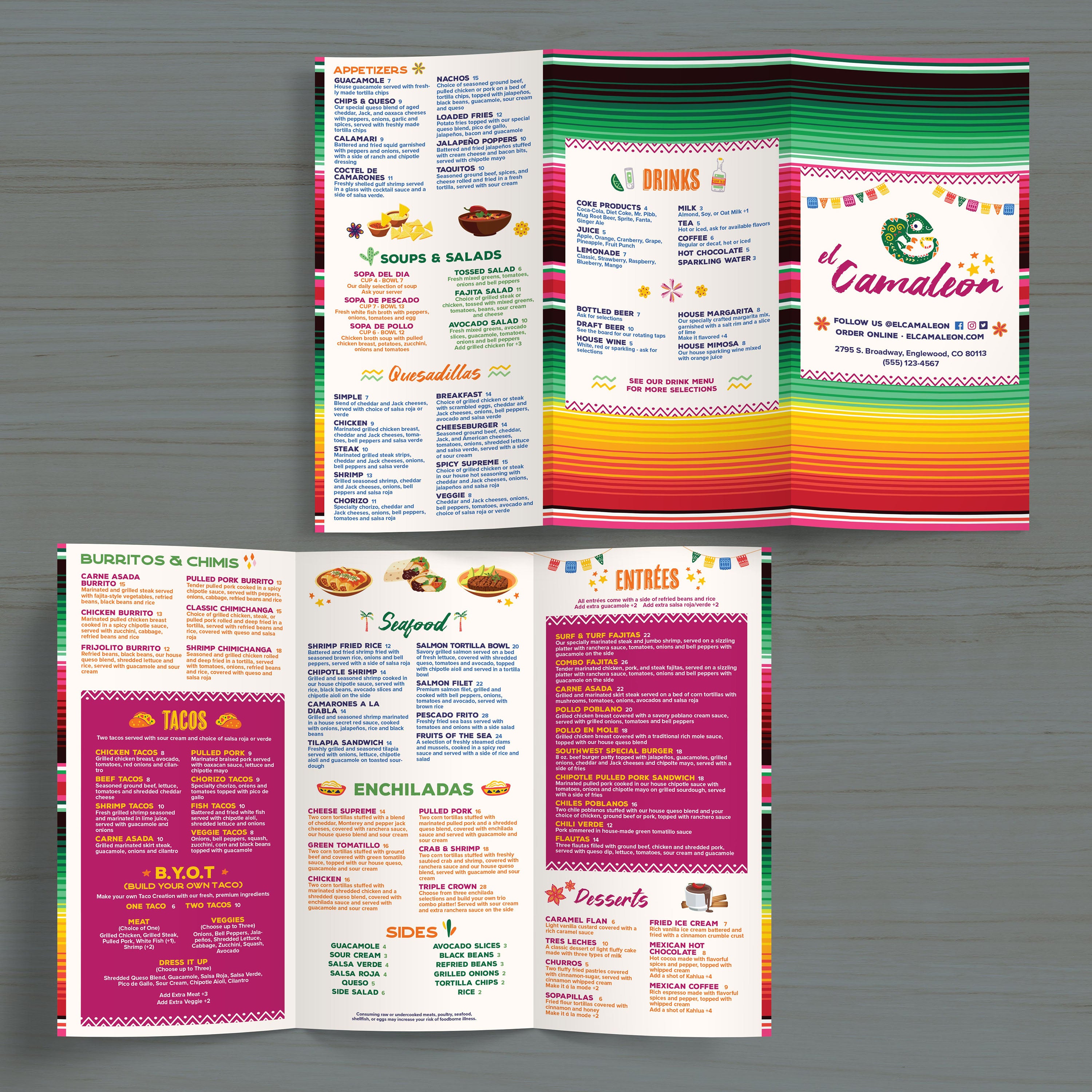
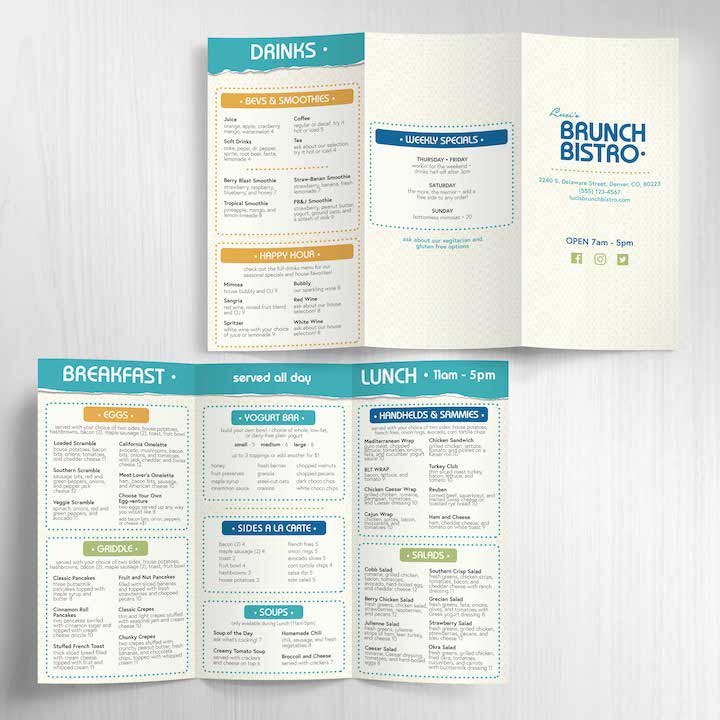
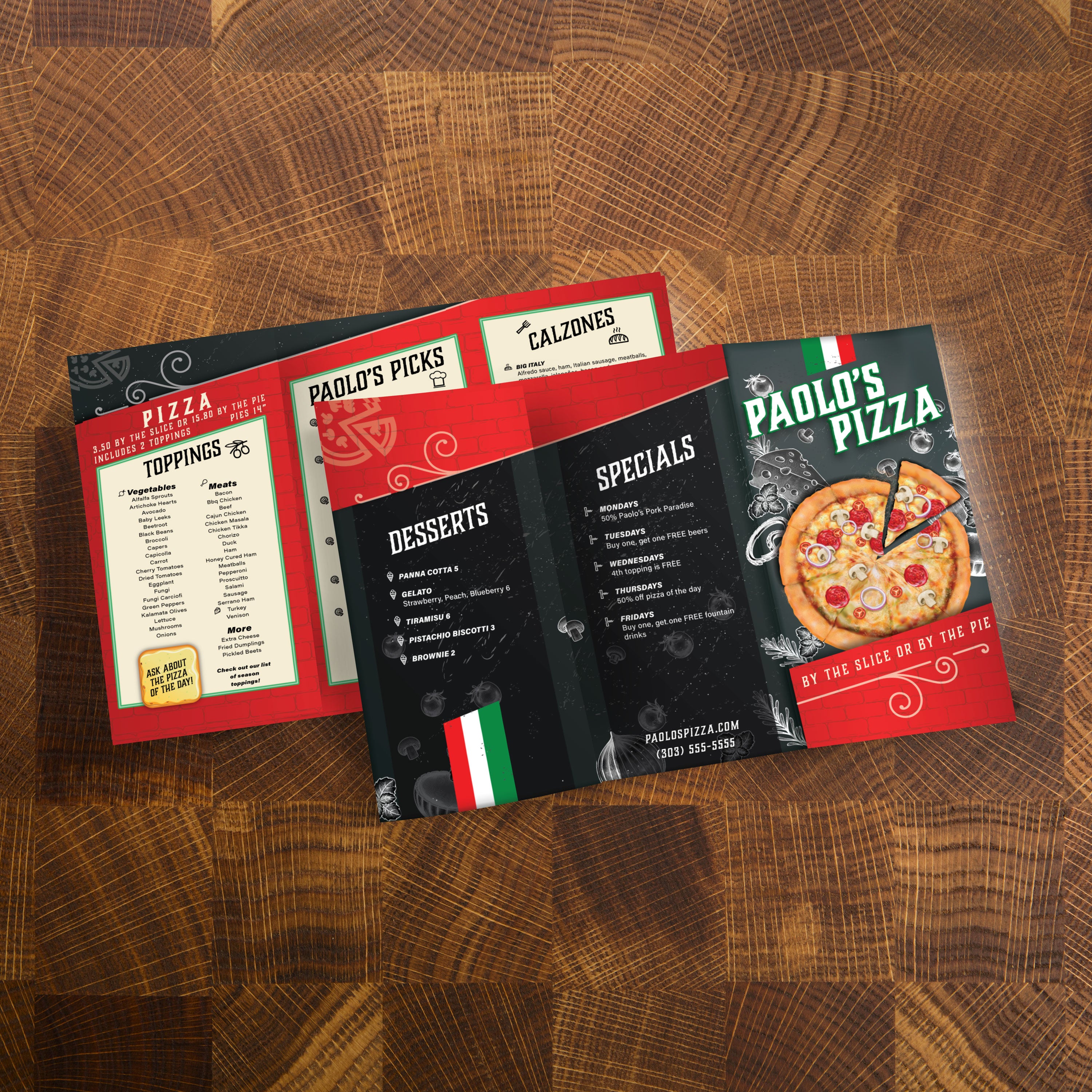
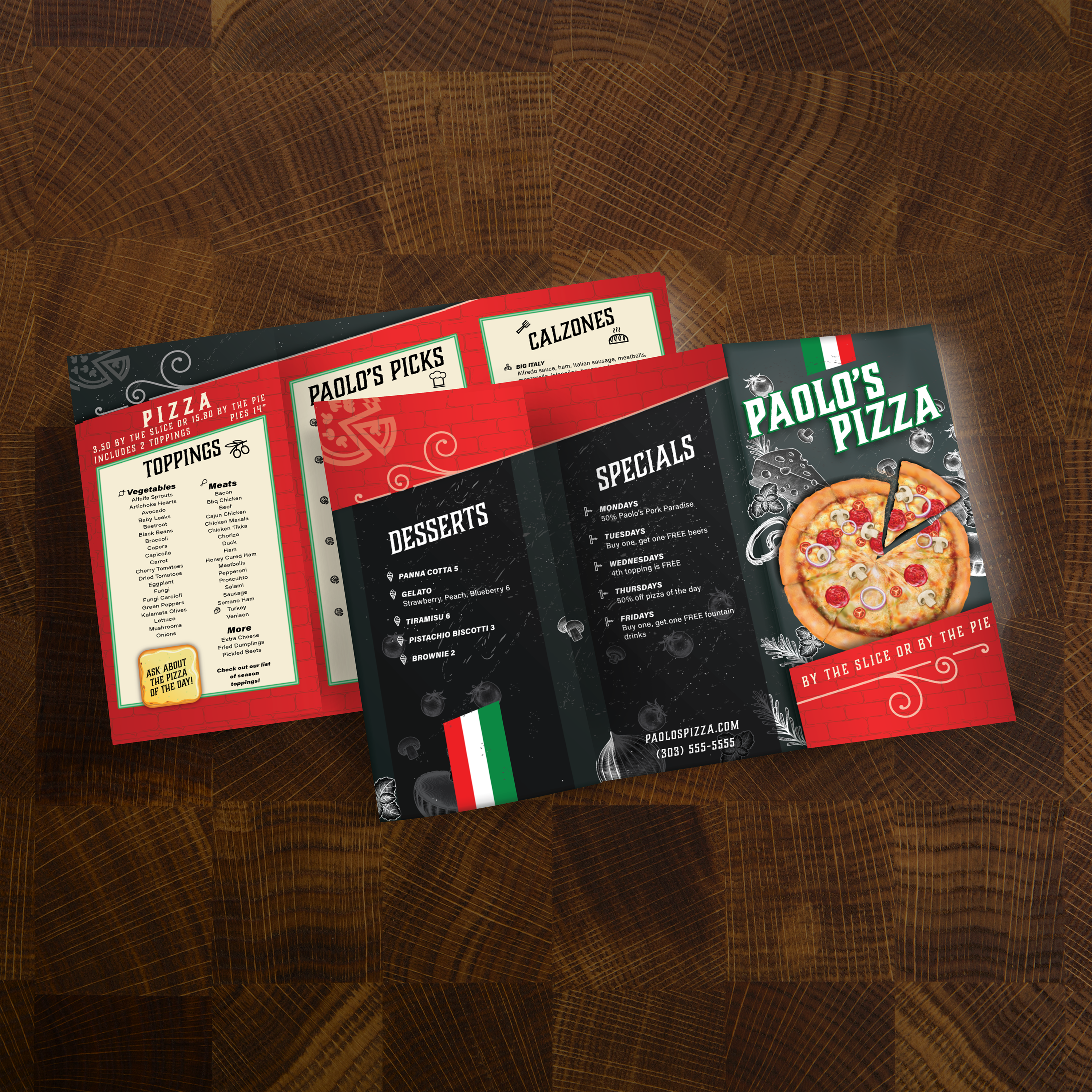
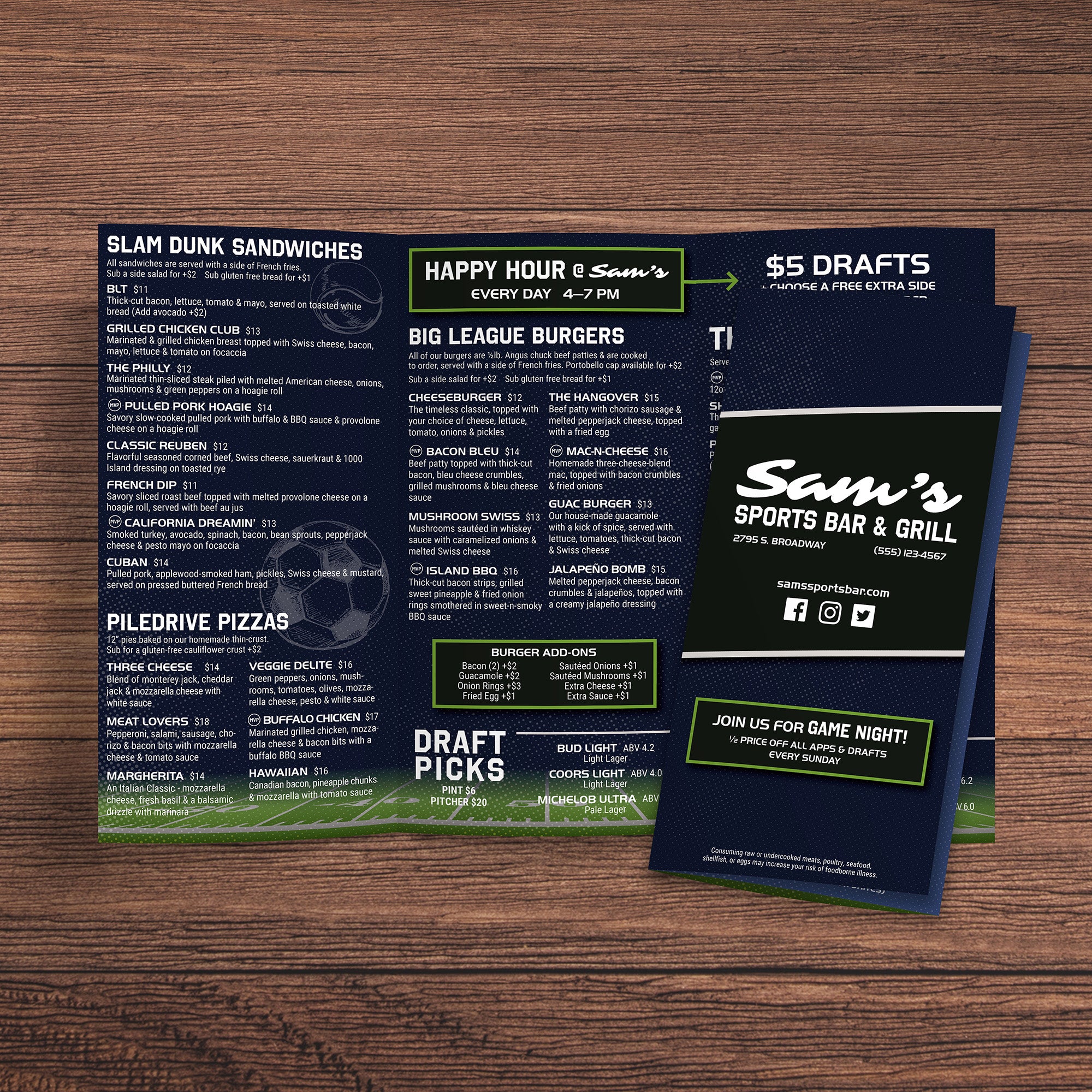
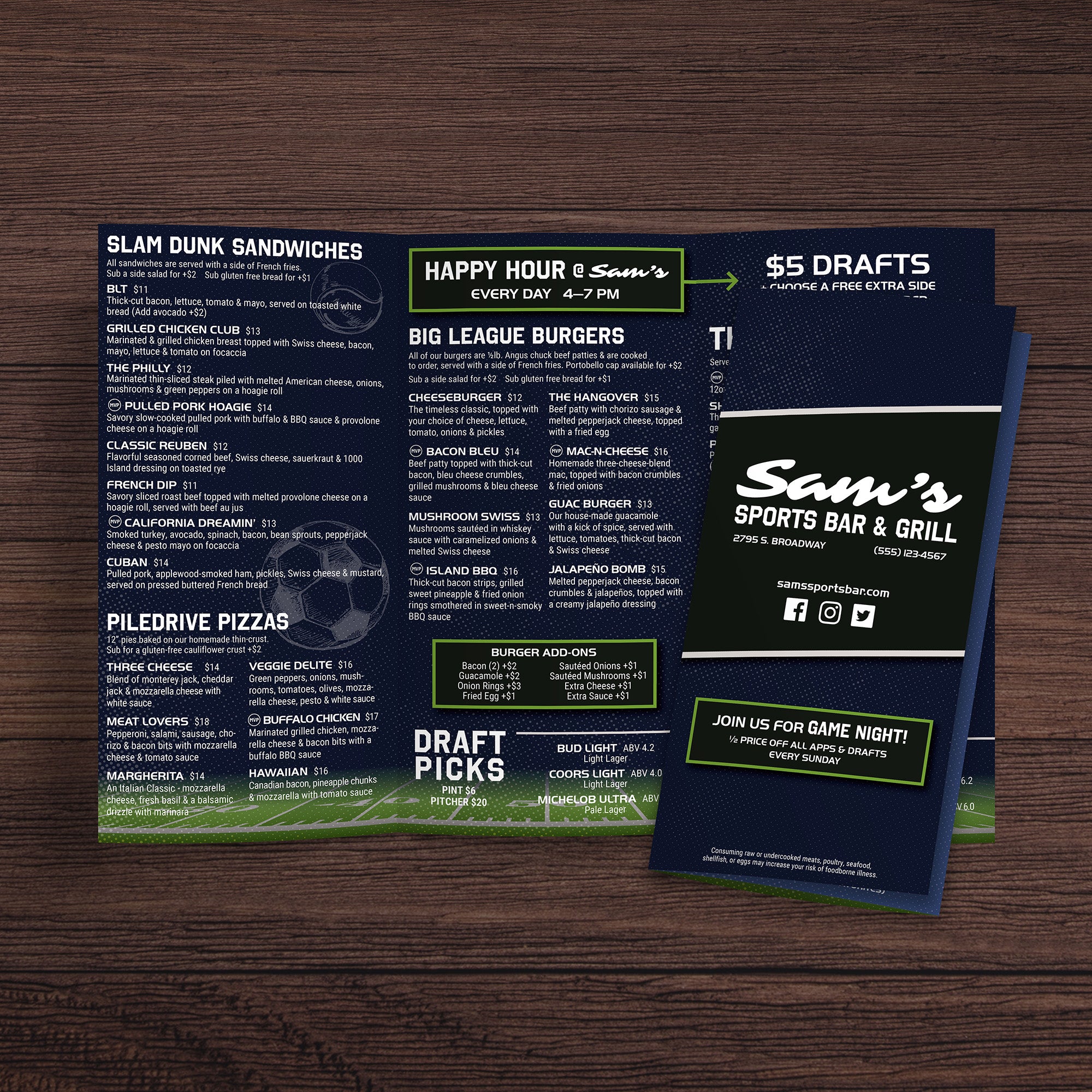
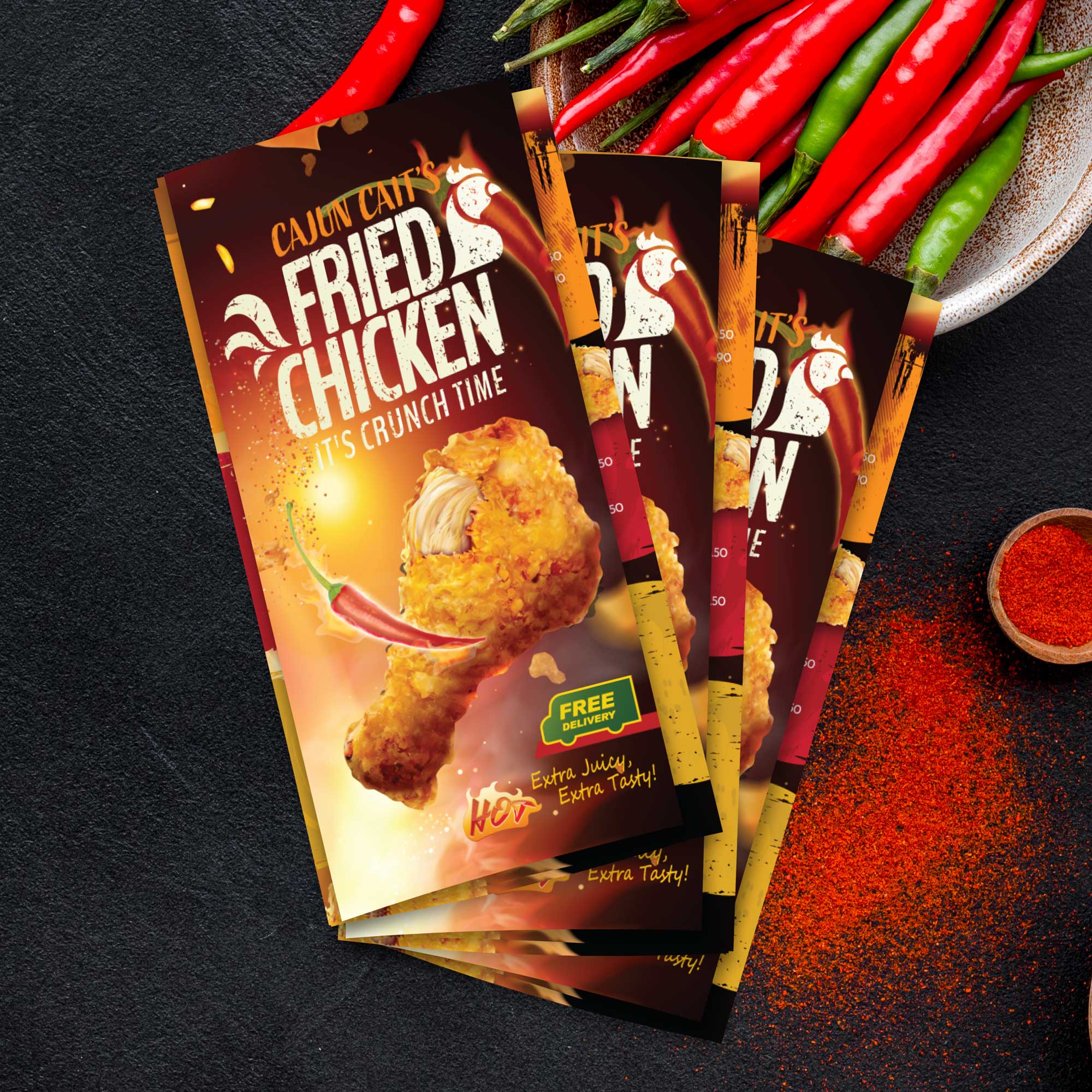
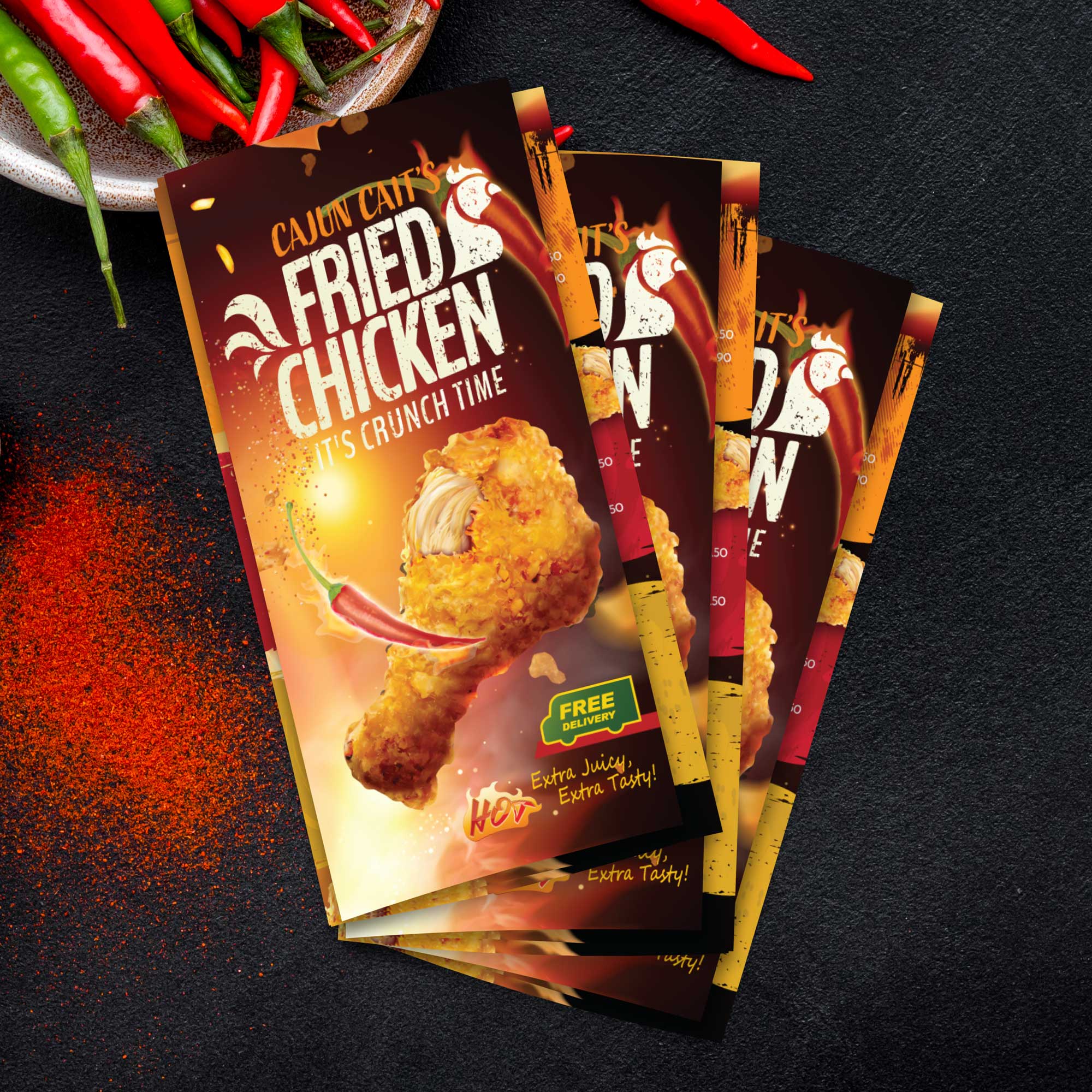
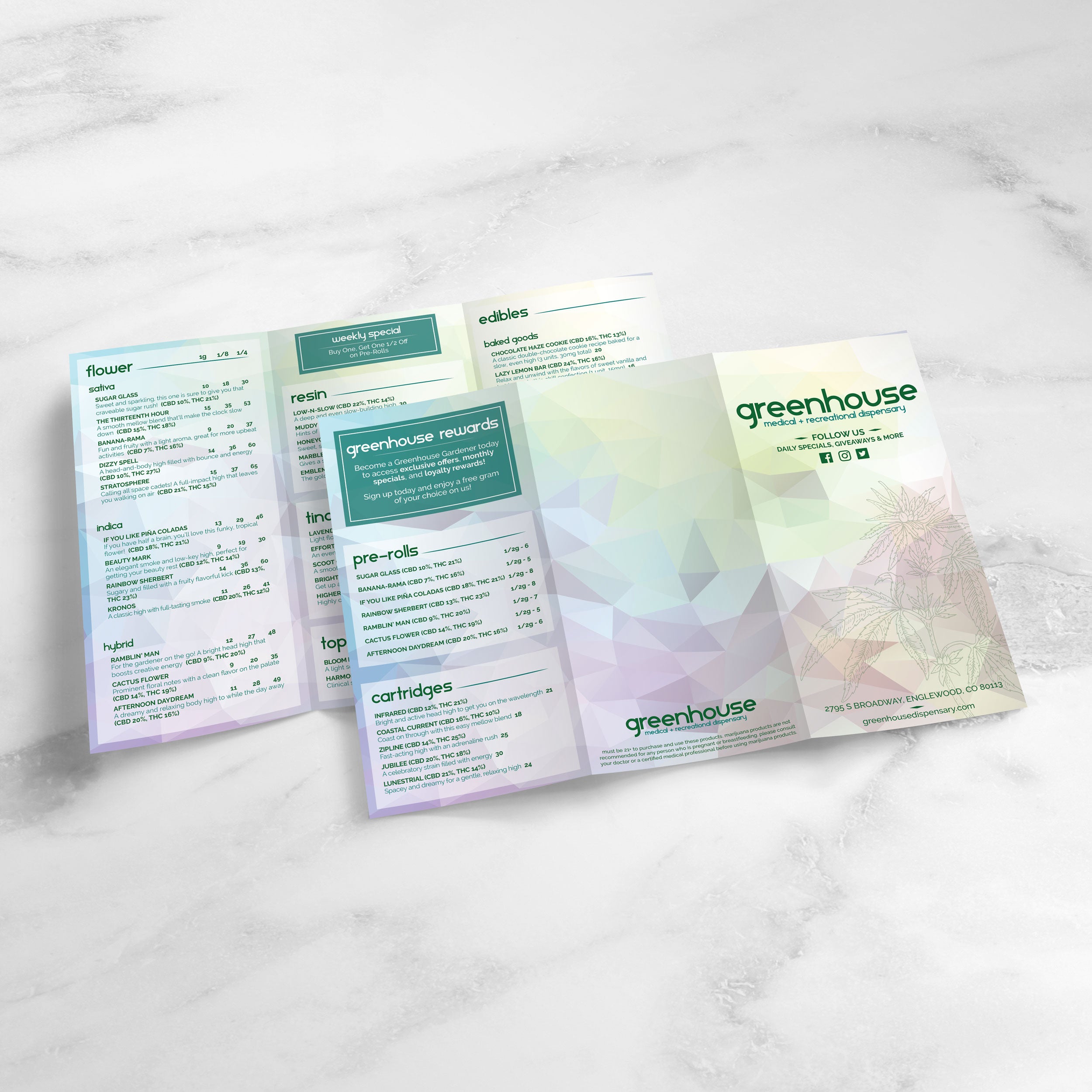
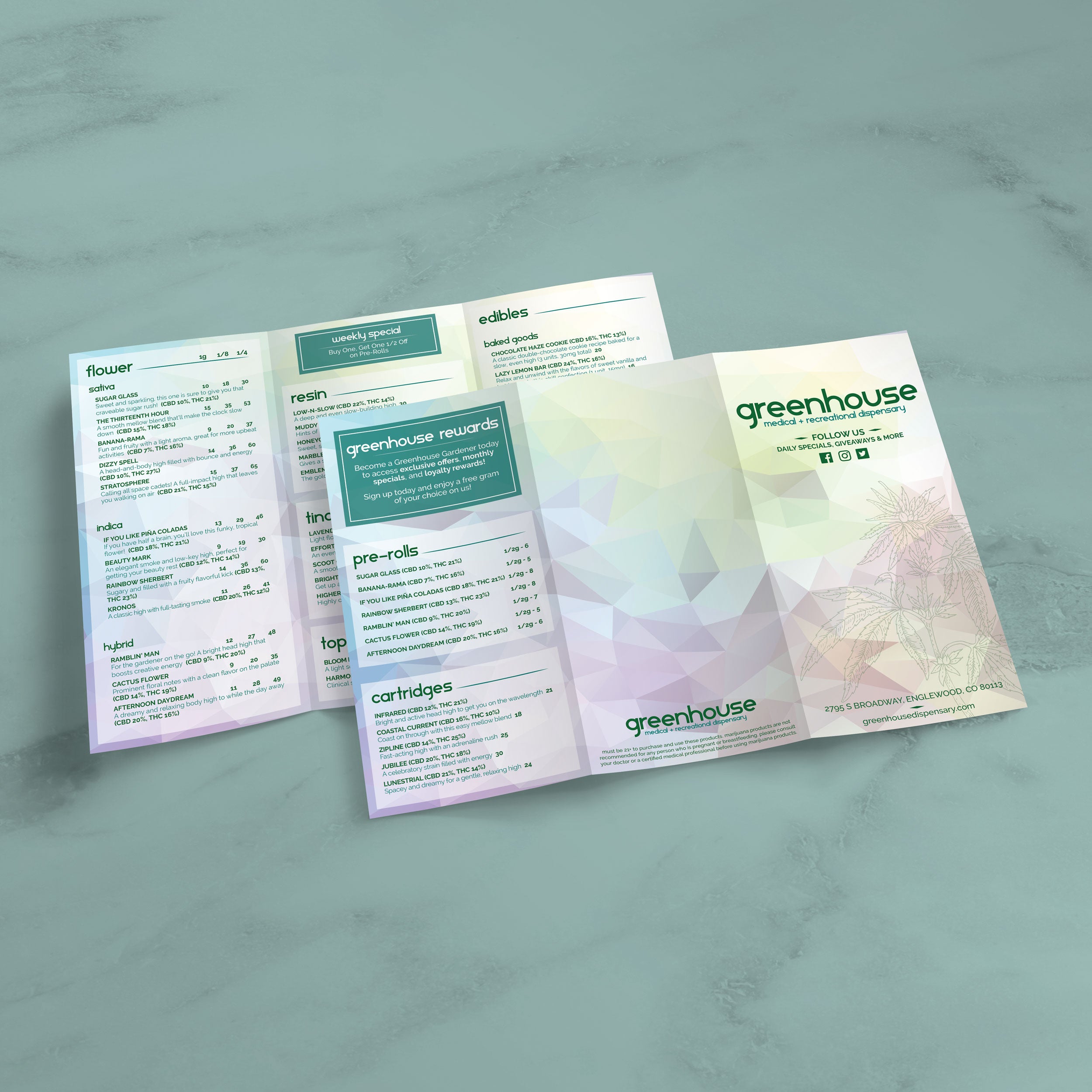
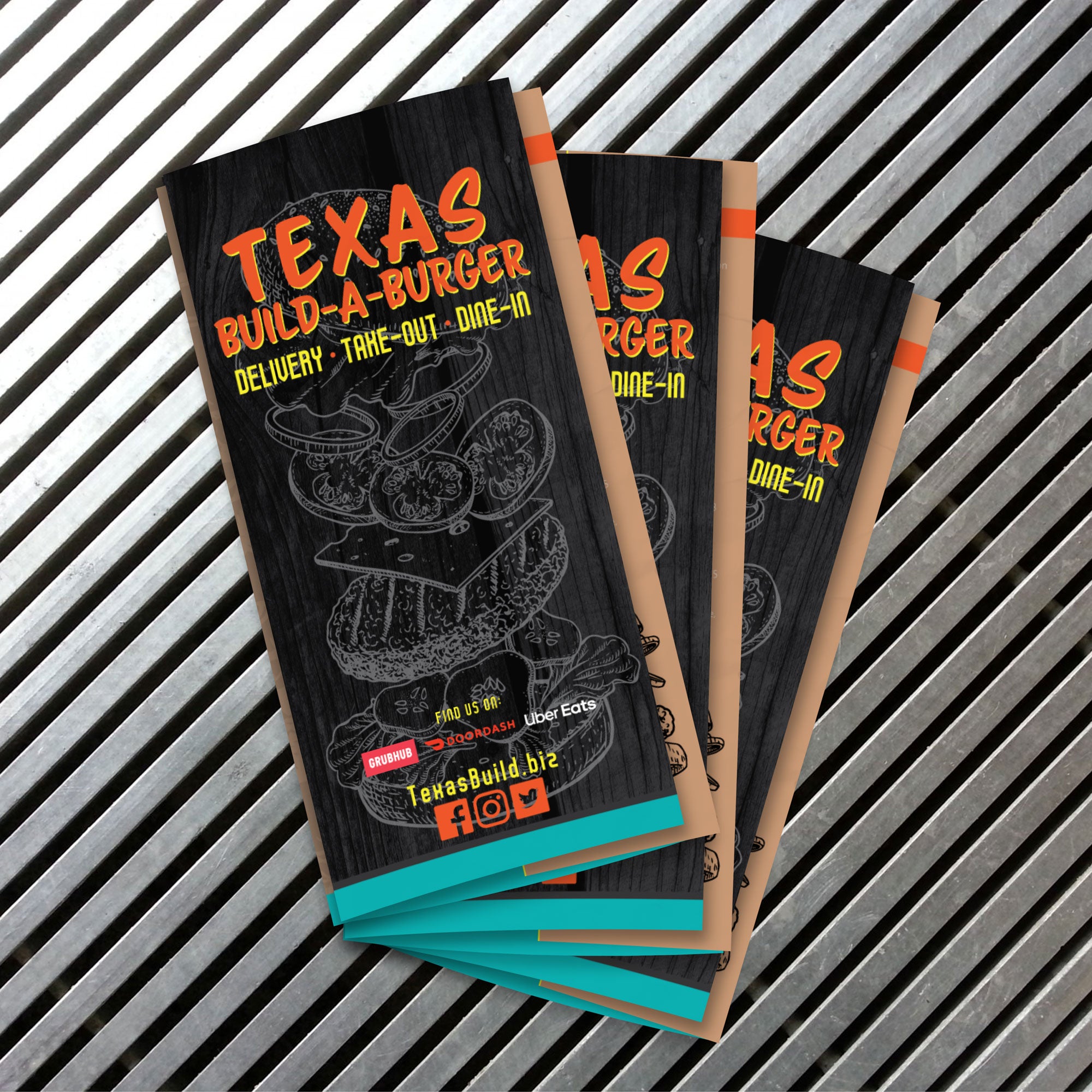
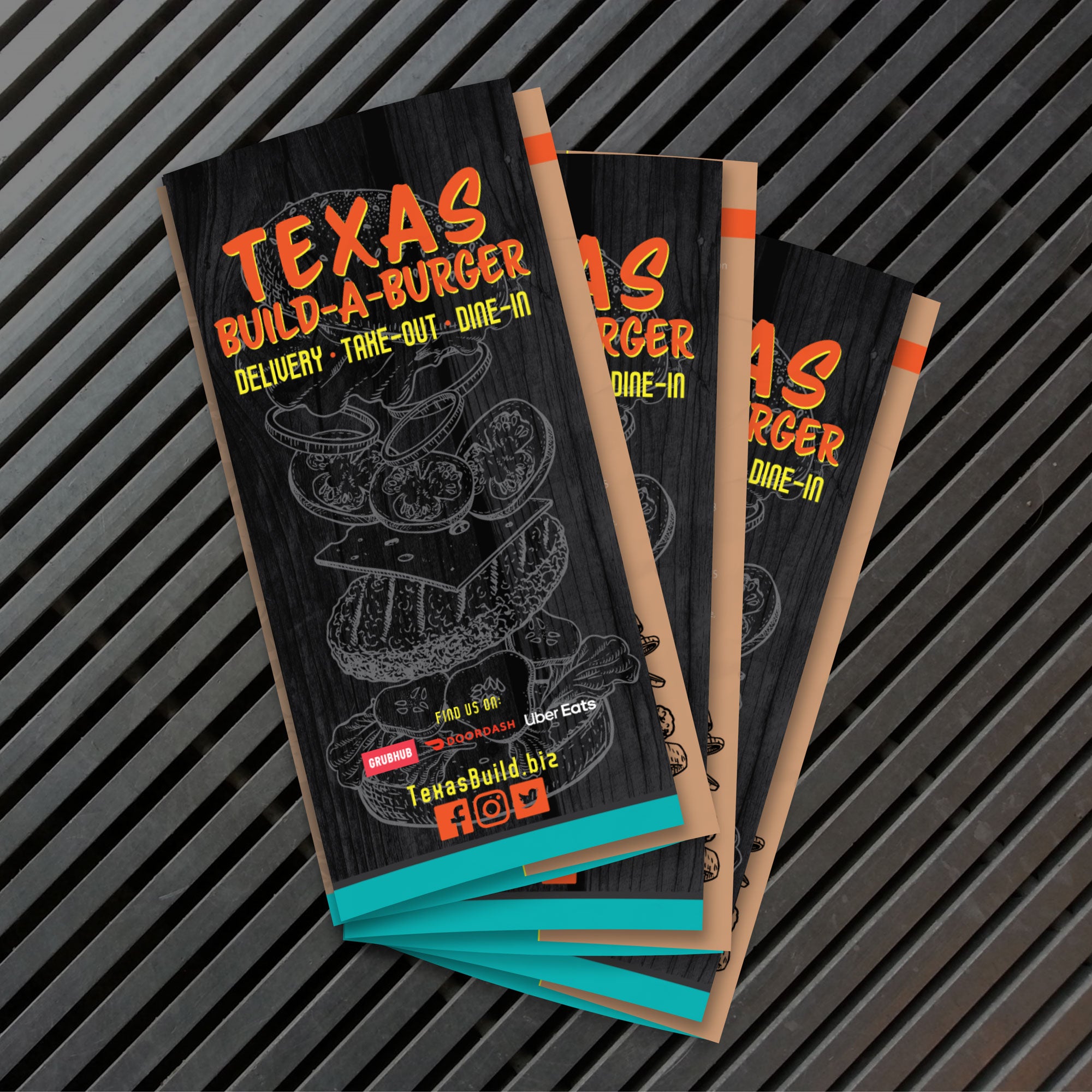
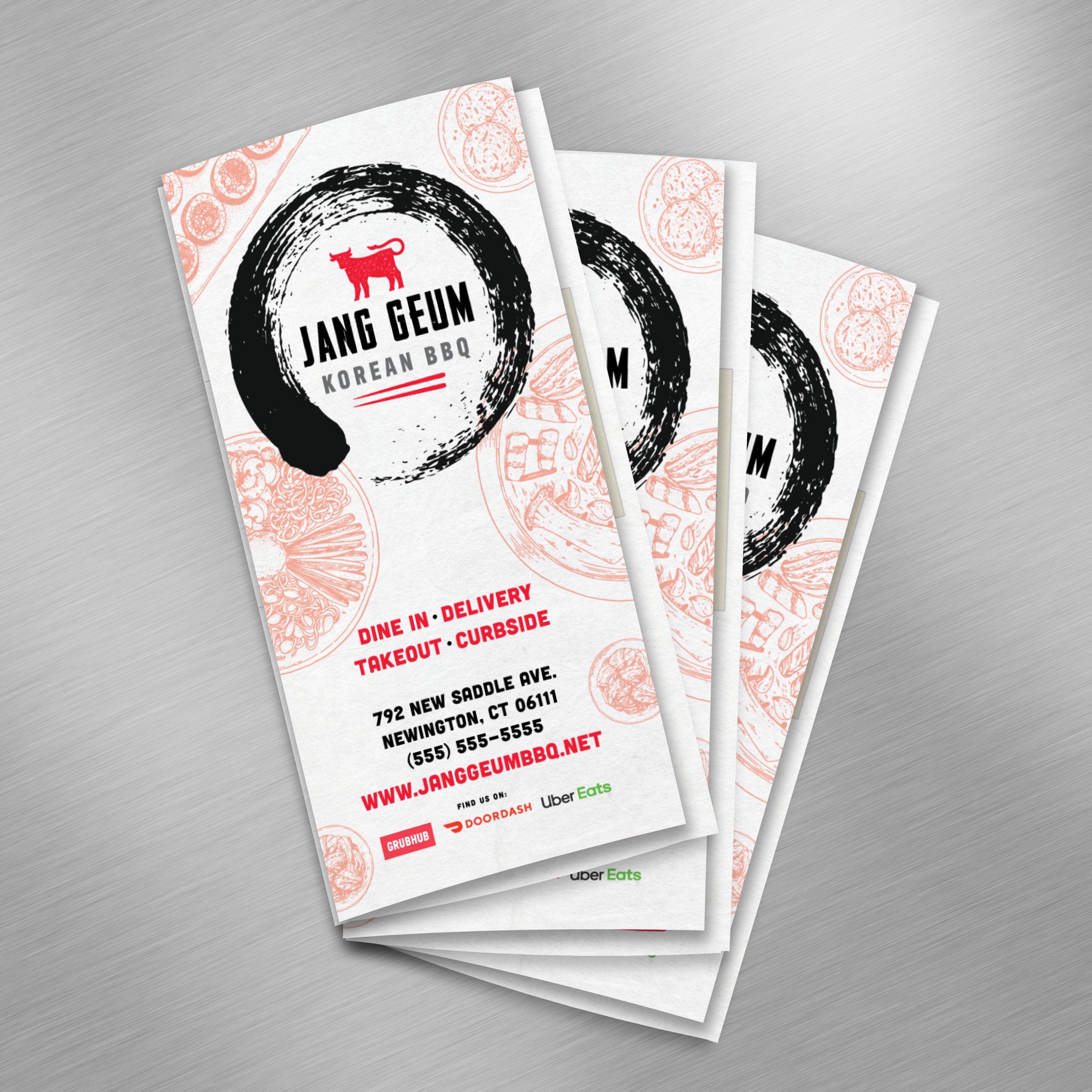
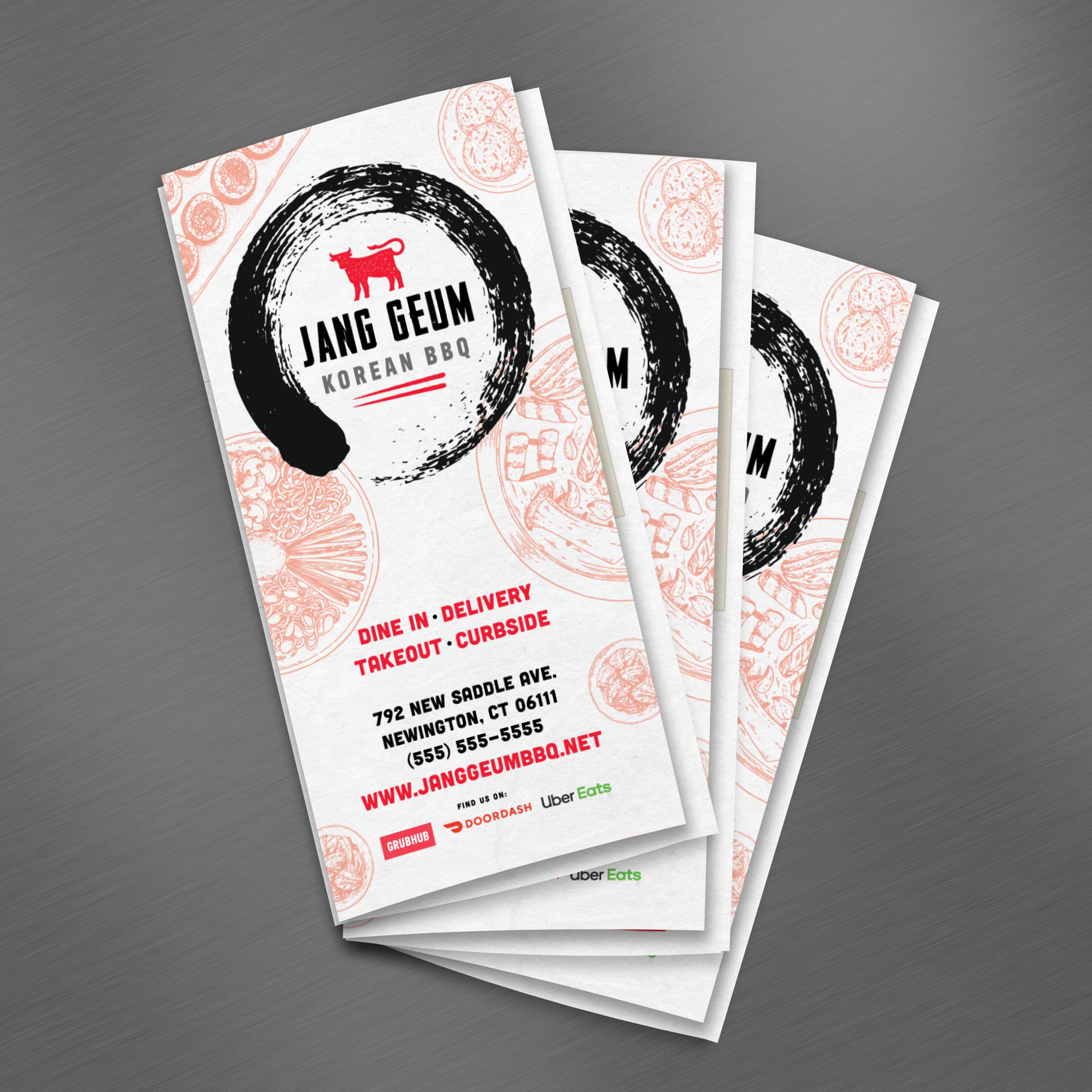
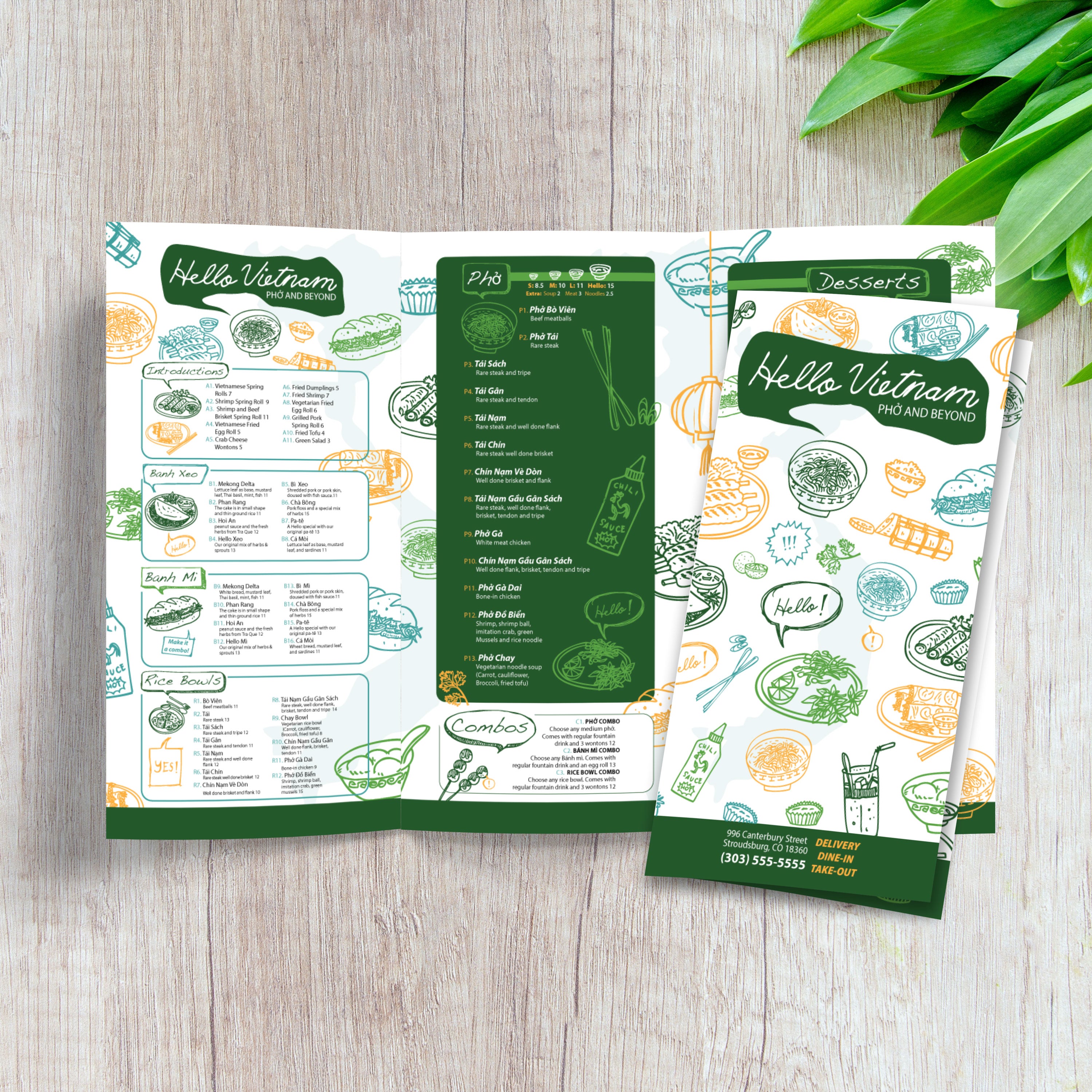
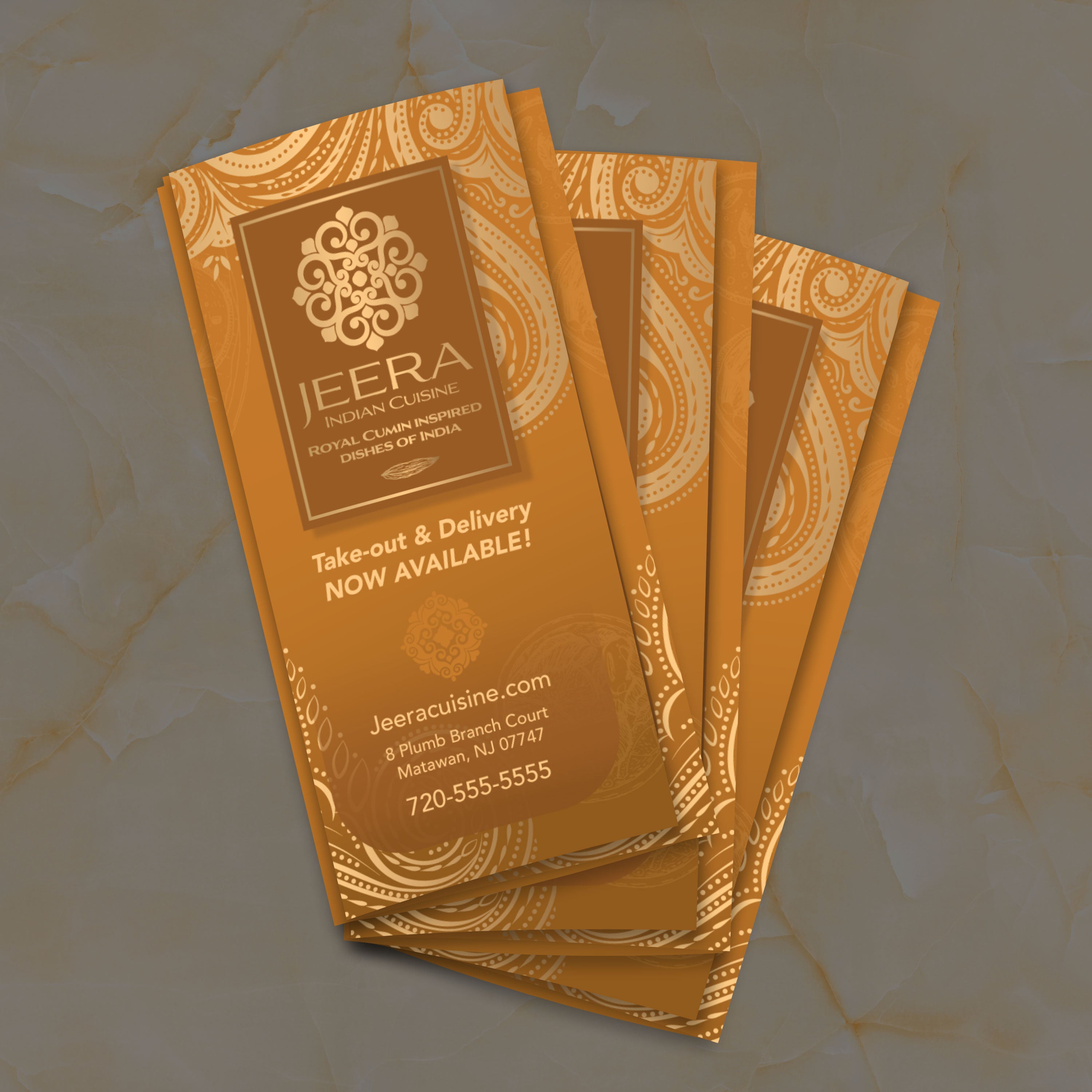
13" x 19" Trifold Menu Templates

22 products

Showing 1 - 22 of 22 products

Showing 1 - 22 of 22 products
View

Recently viewed

If you want a menu that feels premium, stays readable, and organizes a lot of content without looking crowded, a 13” x 19” trifold is one of the strongest formats you can use. It provides six panels, a clean reading flow, and sufficient space per panel to ensure typography remains comfortable for guests. At TerraSlate, we built free 13” x 19” trifold templates to help restaurants start with a proven structure, then customize the design without rebuilding everything from scratch.

What 13” x 19” Trifold Means (Six Panels and Reading Flow)

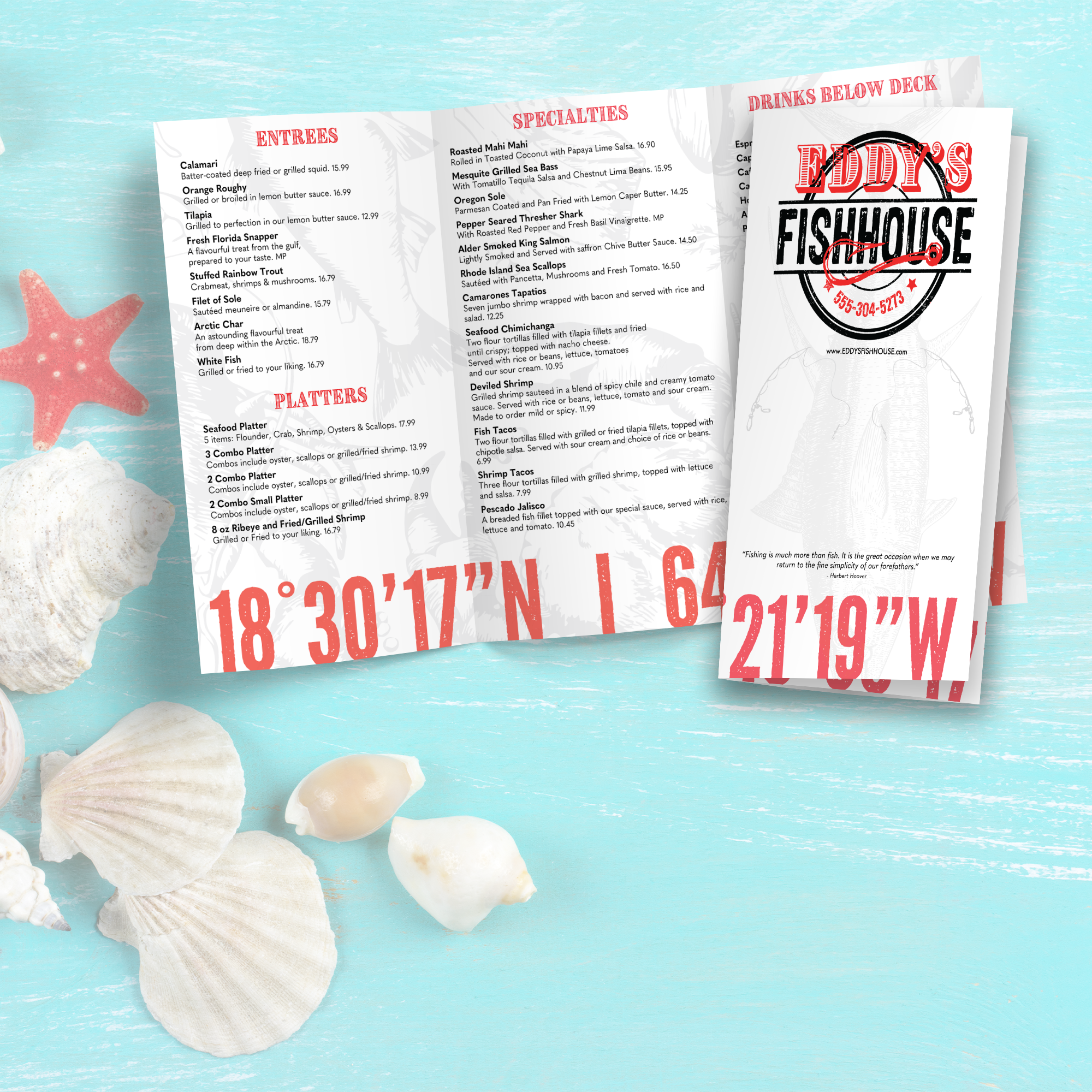
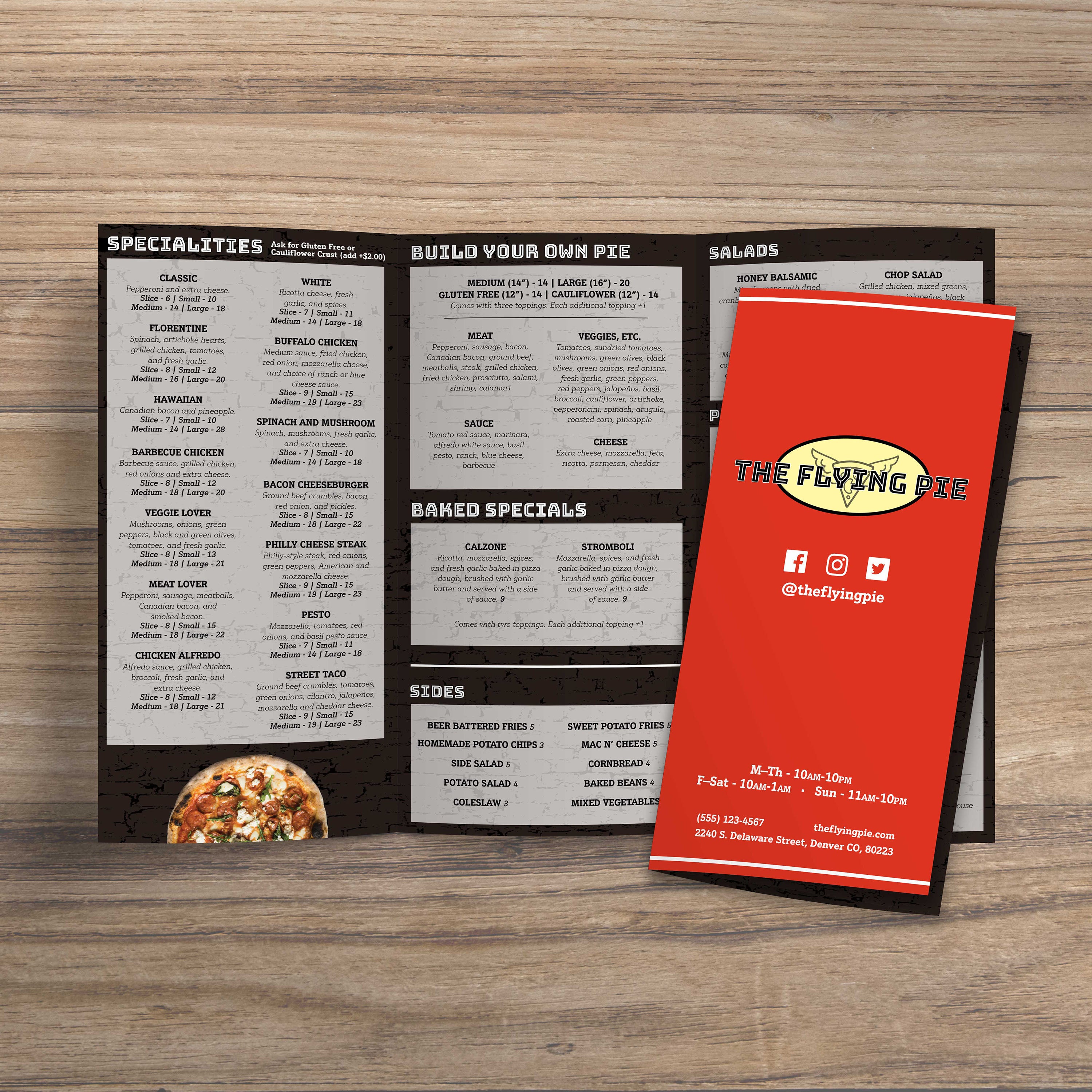
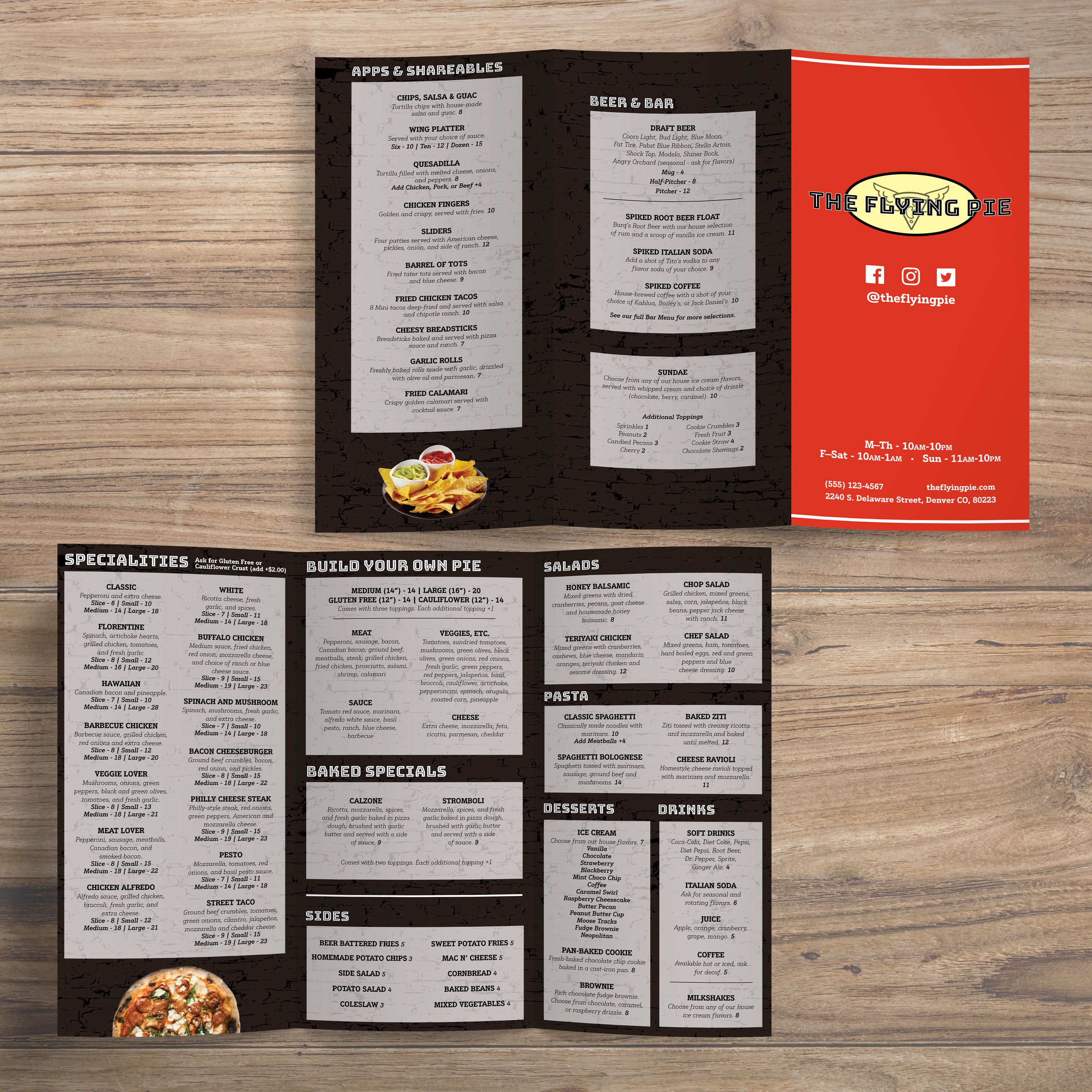
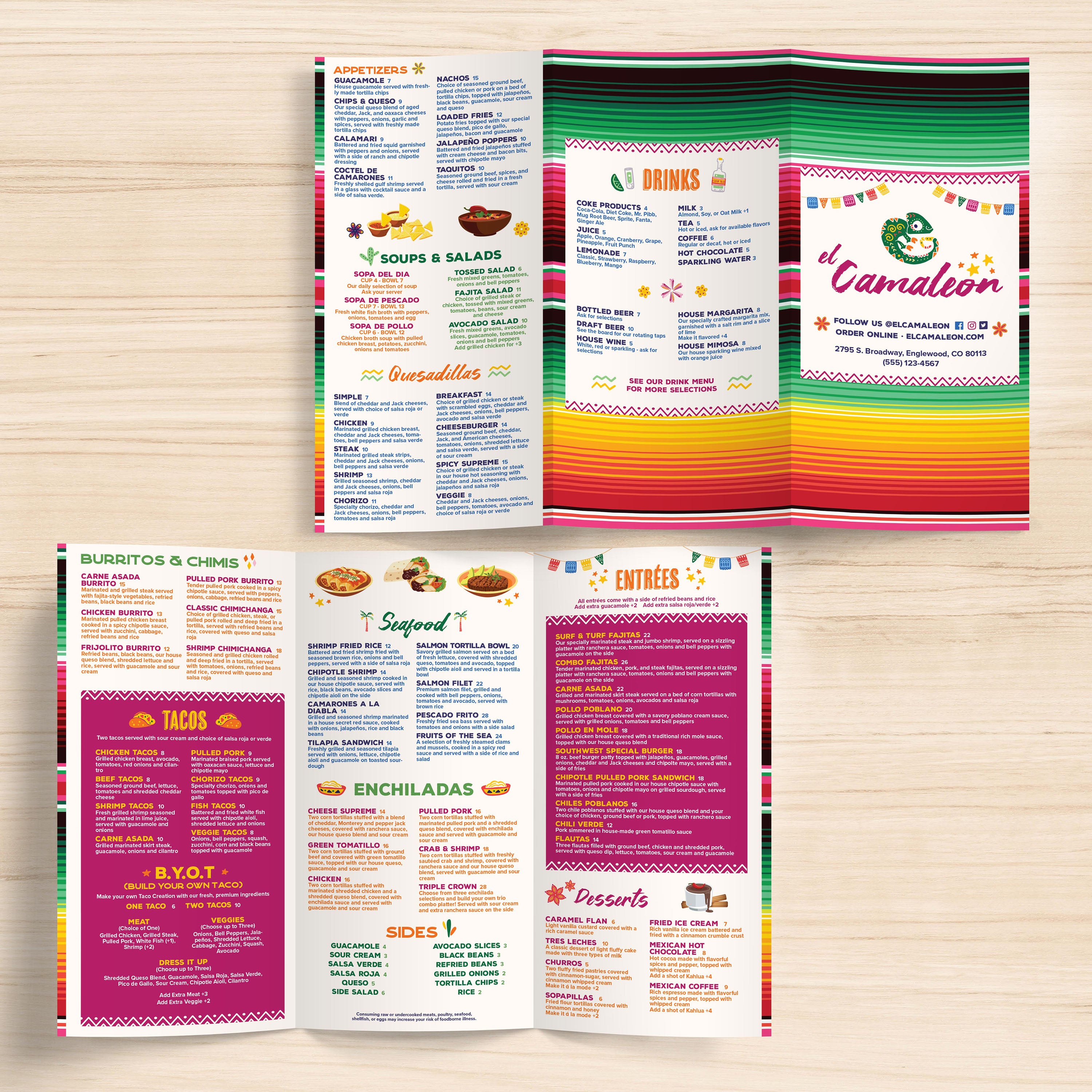
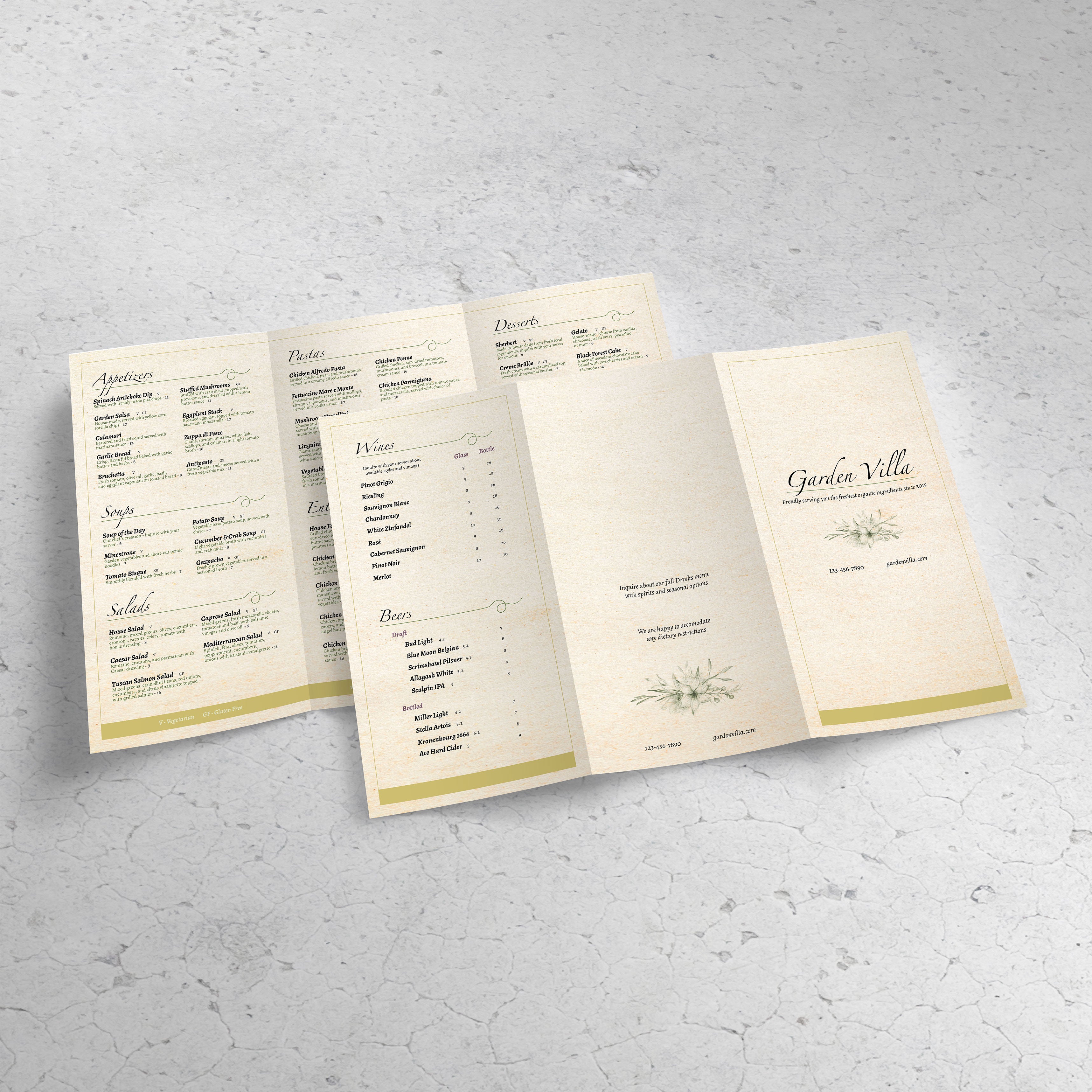
A 13” x 19” trifold is one sheet folded into three sections, creating a total of six panels. This allows you to guide guests through categories in a logical order, rather than presenting a full menu as a single block. The result is a menu that feels organized, easy to scan, and faster to order from.

Why Larger Trifold Panels Improve Readability

Compared to smaller trifolds, 13” x 19” gives you larger panels, which means better spacing, bigger fonts, and clearer category breaks. That’s especially important in low-light dining rooms or bars, where small text can slow down ordering. Larger panels also support better visual hierarchy without squeezing everything together.

Best Use Cases: Full Menus, Drink Programs, and Multi-Category Layouts

This format is ideal for restaurants with multiple food categories, a strong beverage program, and rotating specials. You can dedicate panels to drinks, desserts, and featured items without sacrificing readability. It’s also a solid choice for seasonal menus where content shifts but the structure stays consistent.

When 13” x 19” Trifold Beats Smaller Trifolds

If your menu includes many items, detailed descriptions, or multiple beverage sections, smaller trifolds can force crowded layouts. A larger trifold keeps everything calmer and easier to scan. If you’re comparing flat formats instead of folds, our free 12 x 18 flat menu templatesfree 13 x 19 flat menu templates, and free 13 x 19 trifold menu templates are strong options when you want a single-sheet menu with maximum visibility.

What to Gather Before Editing a Template

Before editing, gather your category list, final item names, pricing, and short descriptions. Decide where specials should live and which panel should carry drinks or desserts. Starting with clean content makes template customization faster and prevents layout issues when printing, trimming, and folding.

A premium trifold menu isn’t about adding more design elements; it’s about using space well. With a 13” x 19” trifold, you have six panels to guide guests through categories in a way that feels calm and intentional. At TerraSlate, we recommend designing trifolds like a flow chart: each panel has a specific task, and the guest always knows where to look next.

Panel Planning: Cover, Inside Spread, and Back Panels

Use the cover to set expectations with your logo and a quick hook, such as “house favorites” or “seasonal features.” Inside panels should hold core menu categories, while the back panels can be reserved for beverages, desserts, or ordering notes. Keeping a clear panel plan prevents category overlap and makes the menu more straightforward to use.

How to Split Categories Across Panels Without Confusing Guests

Split categories logically and avoid cutting a category across two panels unless necessary. For example, keep starters on one panel, mains across two panels, and drinks on a dedicated panel. Guests scan faster when categories are kept separate, and staff answer fewer menu questions during peak service.

Description and Pricing Formatting That Looks Premium

Descriptions should be concise and consistent. Focus on key ingredients, preparation style, and flavor cues. Keep pricing aligned consistently across the menu so guests can easily compare options. Premium formatting stems from spacing, alignment, and clarity, rather than decorative clutter.

Highlighting Best Sellers and High-Margin Items Subtly

Use subtle highlights to guide attention, such as a “house favorite” label, a small icon, or a light callout box. Keep the style consistent across categories so it feels intentional, not salesy. A single, clear highlight approach works better than multiple competing callouts.

Building a Layout That Updates Easily

Trifolds work best when the structure stays stable. Build sections where specials can rotate without shifting the entire layout. If you want a ready-to-use layout explicitly built for this format, our Free 13_19 trifold menu templates give you a strong starting point that’s already designed for clean category flow and consistent panel spacing.

A 13” x 19” trifold menu has more moving parts than a flat layout because folds and panel widths must line up perfectly. If the file isn’t set up correctly, you’ll see misaligned panels, clipped text, and folds that land in awkward places. A clean production setup keeps your menu crisp, readable, and professional from the first print to the final fold.

Bleed, Safe Zones, and Cut Marks for Large Trifolds

Use bleed anytime backgrounds, borders, or design elements touch the edge. This prevents white edges after trimming. Keep item names, prices, and headings inside safe zones so they don’t get clipped or distorted near fold lines. Cut marks should stay outside the trim area so they don’t appear on the finished menu.

Fold Allowances and Panel Width Adjustments

Trifolds often require a slight panel adjustment because the inside fold panel needs to be slightly narrower to fold cleanly. If all three panels are precisely equal, the fold can buckle and push content out of alignment. Templates built for trifolds usually handle this, but always confirm panel widths before exporting.

Export Settings for Sharp Typography and Color

Export as a print-ready PDF with embedded fonts and high-resolution images. Avoid heavy compression, as it softens text and makes small details appear blurry. Crisp typography is a significant quality signal in menus, especially in multi-panel formats where guests hold the menu close.

Proofing Checklist Before Full Production

Print one test copy at actual size and fold it. Check panel alignment, trim lines, fold placement, and readability across every panel. Confirm spacing consistency and that no text sits too close to fold lines. Proofread pricing, spelling, and item names. This one test prevents most reprint mistakes.

Common Large-Trifold Mistakes and Fixes

The most common issues are missing bleed, overcrowded panels, borders placed too close to fold lines, and categories split awkwardly between panels. Fix these by increasing margins, tightening content, and keeping a consistent hierarchy across panels. A large trifold should feel structured and calm, not packed edge to edge.

A premium menu format requires a material that can withstand real service, including spills, frequent handling, and repeated cleaning. Trifolds are especially demanding because guests open and close them constantly, which puts stress on folds and edges. At TerraSlate, we offer a range of material options and printing services, allowing you to select the durability level that best suits your workflow, volume, and environment.

Why Paper and Lamination Fail in High-Touch Service

Paper absorbs moisture and grease, stains quickly, and breaks down at corners and fold lines. Lamination may look good at first, but it clouds up, can bubble or delaminate at the edges, and it cannot be folded without cracking. Trifold menus depend on folds, so lamination typically fails at the exact point the menu needs to perform.

TerraSlate Flagship Sheets for Waterproof, Rip-Proof Trifolds

TerraSlate is our flagship synthetic paper, built to be 100% waterproof and rip-proof. It’s designed for frequent handling and routine cleaning, making it ideal for trifold menus that stay in rotation. When you want menus that stay readable and presentable for the long term, this is the premium choice.

Value-Oriented PolySlate for High-Volume Printing

Value-oriented PolySlate is a strong fit for restaurants that print menus in large batches or frequently update them. It’s made for laser printing and delivers waterproof results at a lower cost per sheet. This option is ideal for rotating specials, seasonal changes, or multi-location menu programs that need predictable cost control.

TerraShield™ Anti-Microbial Coating for Shared Menus

For high-contact menus, TerraShield™ adds built-in protection for long-term use. TerraSlate can print menus for you using our proprietary TerraShield™ anti-microbial coating, offering industry-leading turnaround and fast shipping. It supports a cleaner menu program while reducing reliance on harsh chemical disinfectants.

When to Use Our Menu Printing Services vs. Print In-House

Printing in-house can be effective when you have the right printer, consistent settings, and a well-defined process for trimming and folding. Our printing services are the ideal choice when you require reliable color consistency, clean finishing, and professional results across large batches or multiple locations. If you’re managing a full menu program, professional production keeps everything consistent, polished, and ready for daily service.
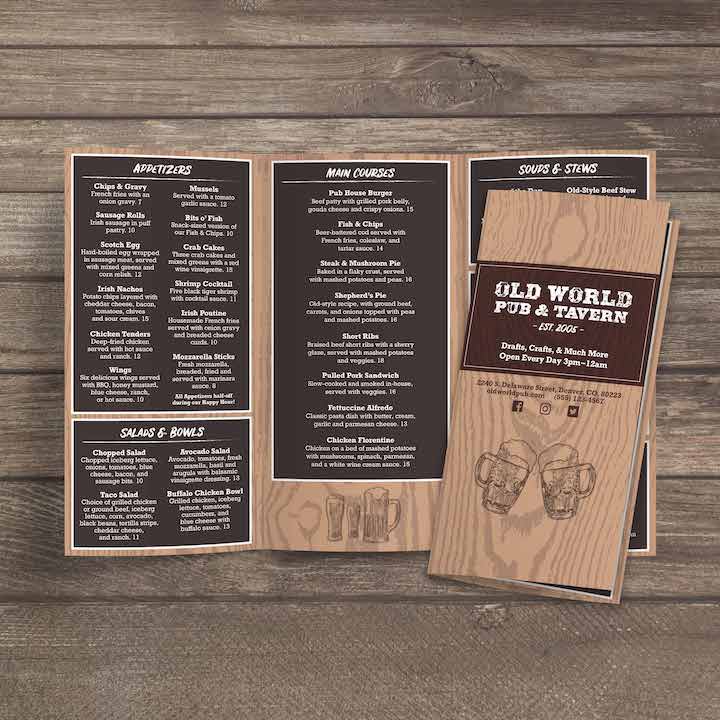
A 13” x 19” trifold template is more than a single menu layout. When you treat it as a reusable system, it becomes a flexible format you can apply across different menu types, service styles, and even industries that rely on clear, structured pricing and category lists. The six-panel format provides sufficient room for depth while maintaining a compact and easy-to-handle menu.

Dinner, Brunch, and All-Day Menus

This format is ideal for full menus because it cleanly separates categories and maintains readable typography. You can dedicate panels to starters, mains, sides, and desserts without packing items together. For all-day menus, trifolds also make it easy to include breakfast or lunch categories without making the menu feel overwhelming.
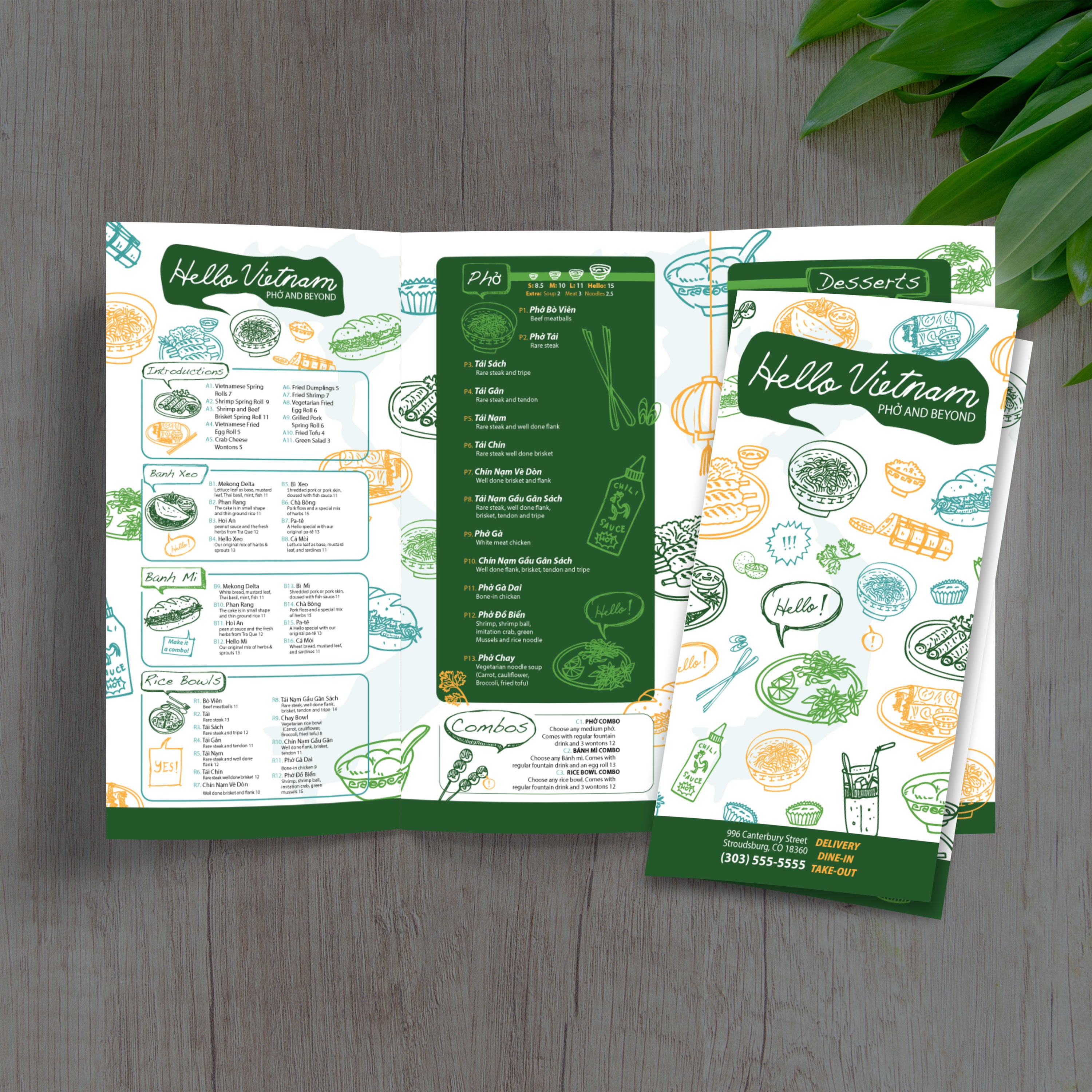
Cocktail, Wine, and Beverage Programs

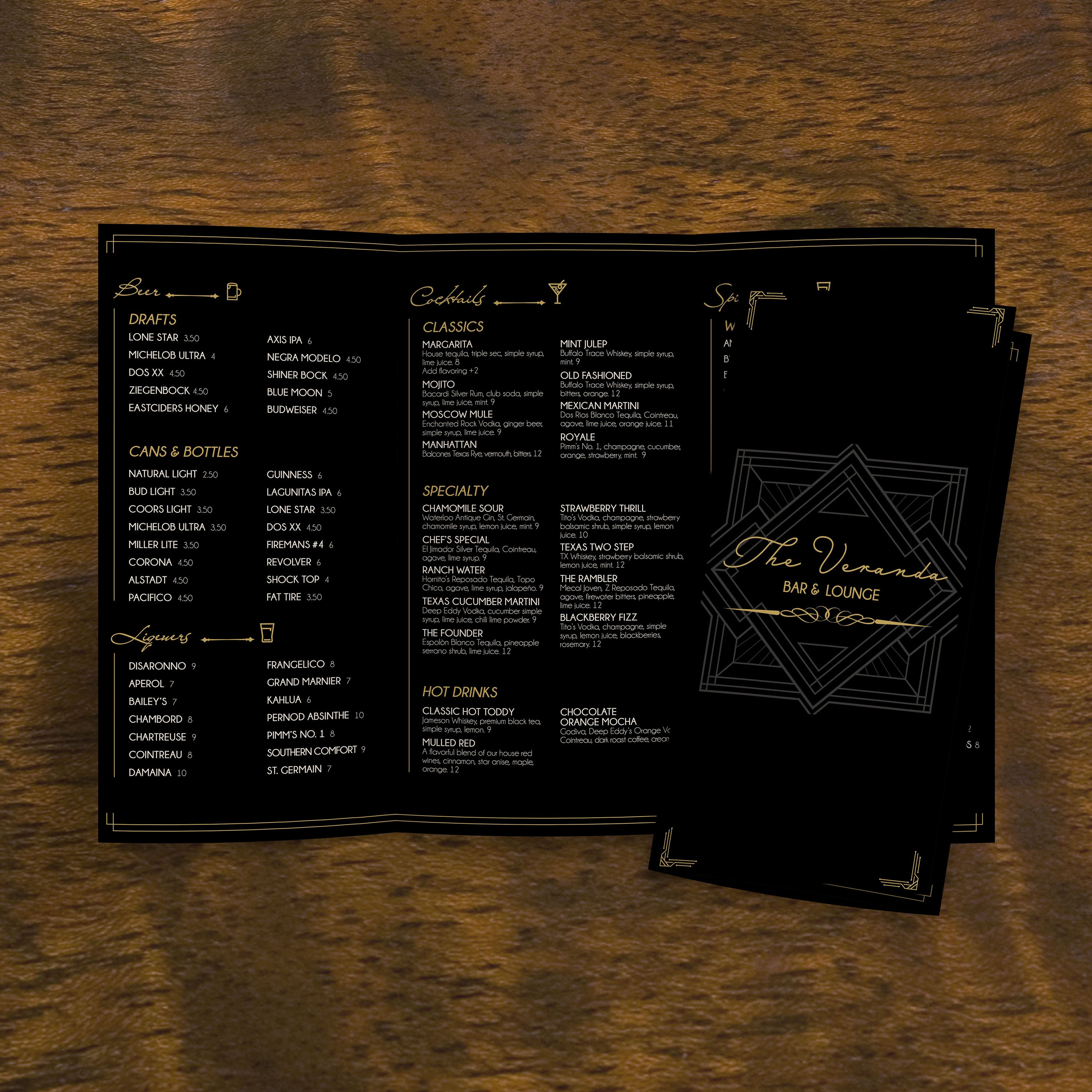
Trifolds work exceptionally well for beverage programs because you can organize cocktails, wine, beer, spirits, and zero-proof options into their own panels. Guests can scan faster and compare possibilities without having to jump around the page. This also makes it easier to update seasonal cocktails without touching the entire layout.

Catering and Event Menus

Catering menus require structure, including package tiers, serving sizes, add-ons, and ordering notes. A trifold makes that information easier to follow while still maintaining a premium look. It also works well for event menus, as it can be handed out as a clear reference during tastings, planning meetings, or on-site service.

Hotels, Retail, and Service Menus Beyond Restaurants

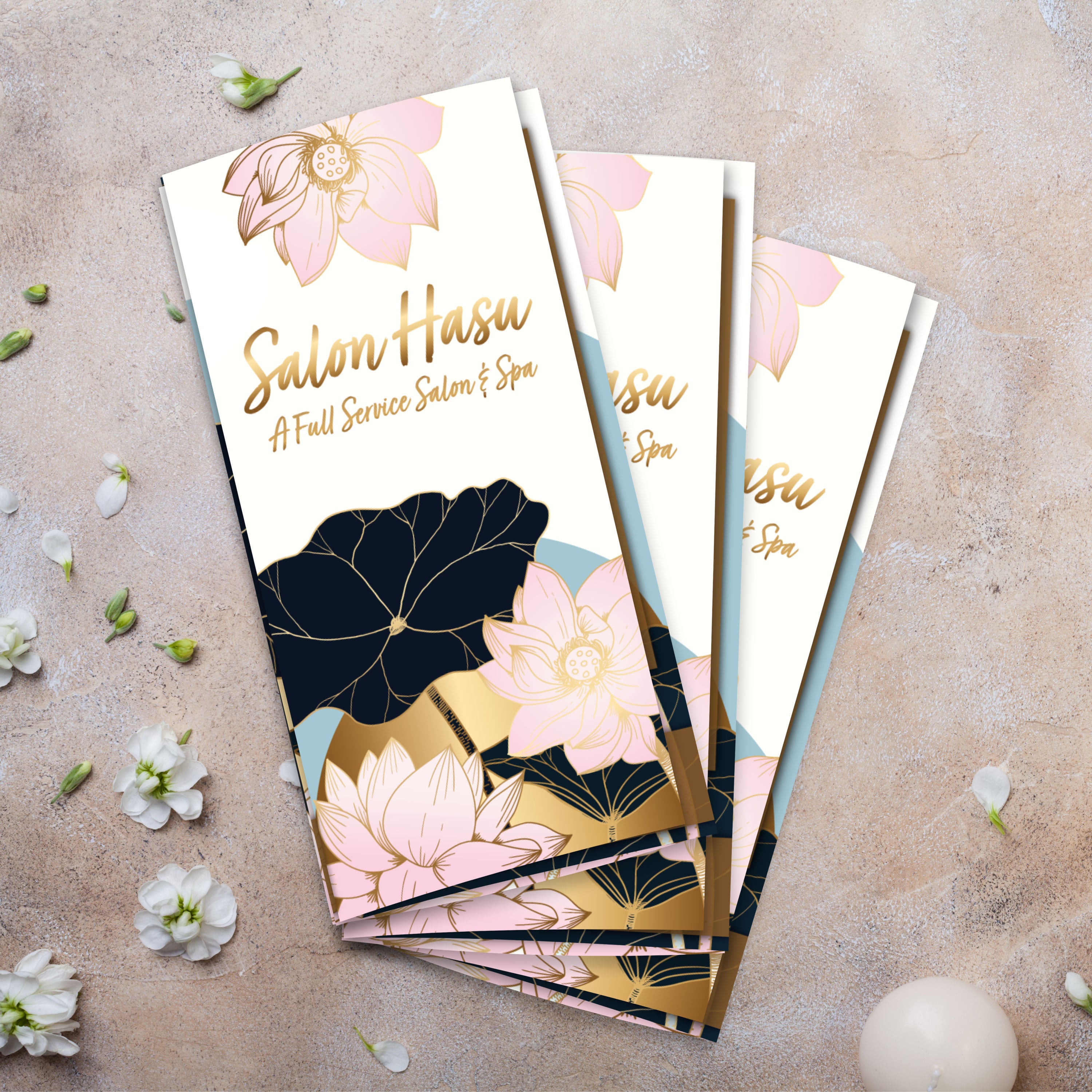
This format also works outside food service. Hotels utilize it for concierge guides, room service menus, and event packages. Retail teams use it for product guides and seasonal promotions. Service businesses use it for service lists and pricing menus. The same trifold structure that helps guests order more quickly also enables customers to compare options with greater confidence in any setting.
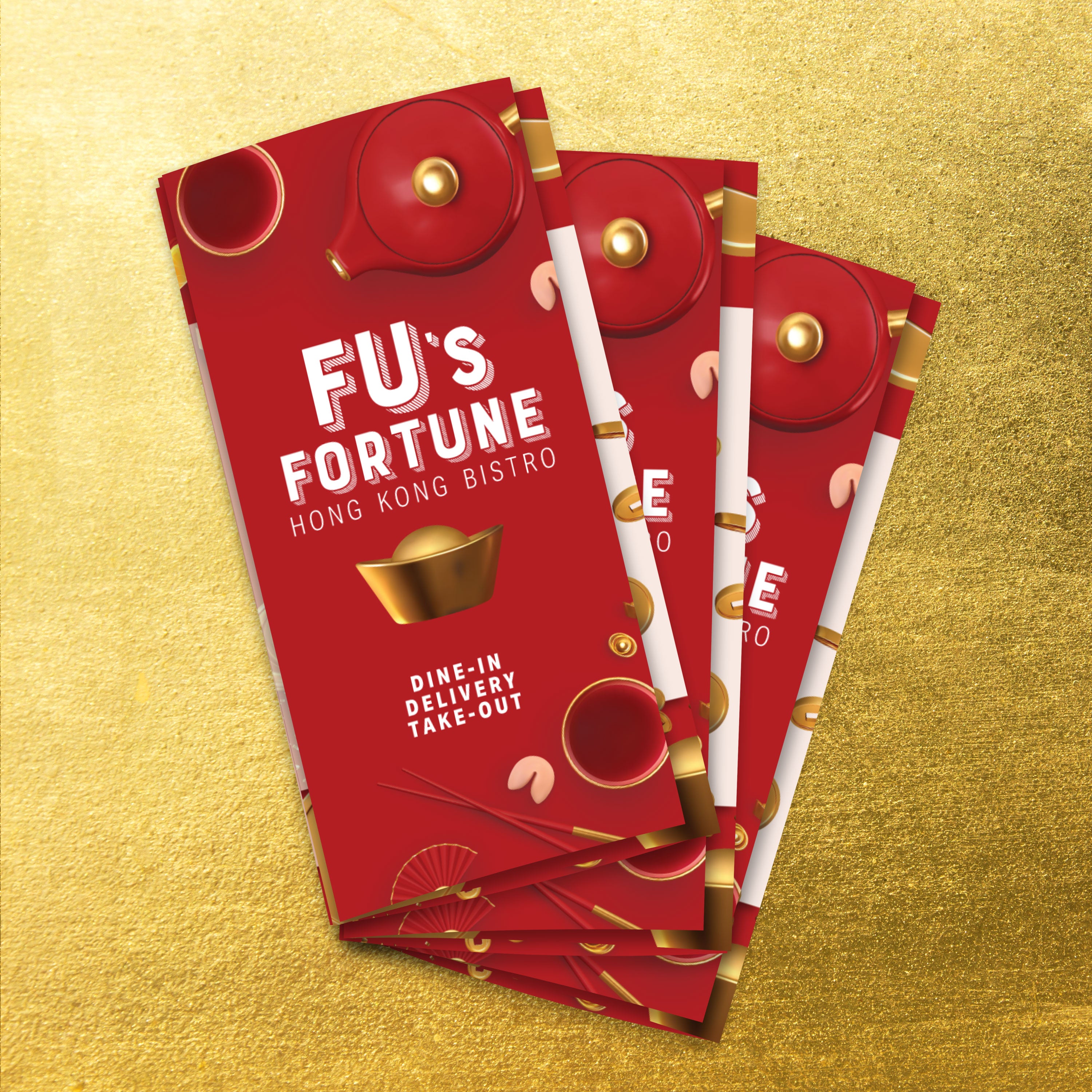
Template Systems for Multi-Location Brands

If you run multiple locations, templates keep everything consistent. You can maintain one brand-wide structure, then adjust only what needs to change for pricing, local specials, or regional offerings. This reduces errors, speeds up updates, and maintains consistent presentation quality across all locations.

A menu program works best when it’s built for daily reality: heavy handling, spills, and frequent cleaning. Trifold menus add another variable, fold lines, which can wear out quickly if the material isn’t designed for repeated opening and closing. With the right material and routine, your menus stay clean, foldable, and presentable for far longer than traditional paper or lamination.
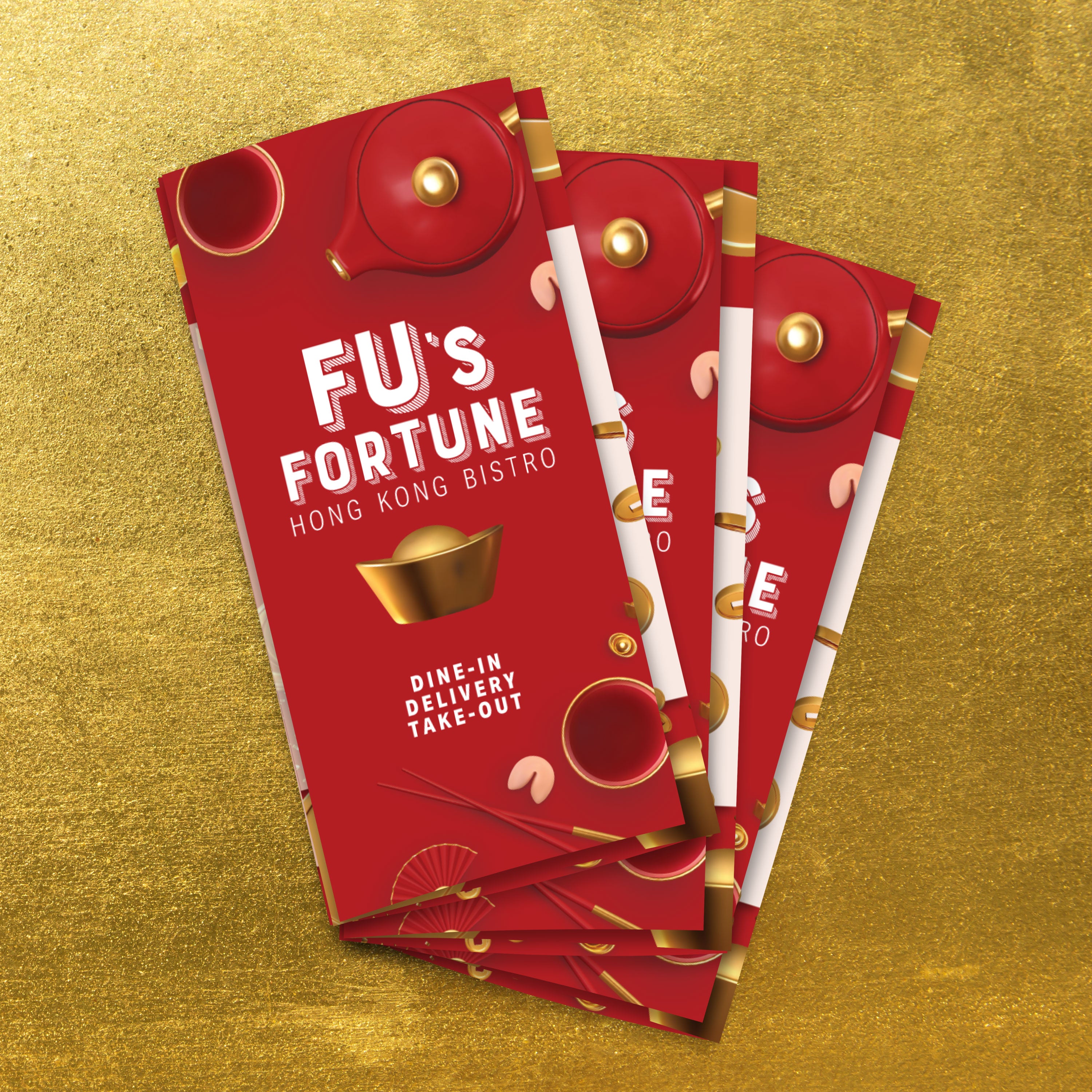
Cleaning Routine for Waterproof Menus

Wipe menus down regularly to prevent grease buildup and keep them guest-ready throughout service. Clean after peak shifts and spot-clean as needed during the day. Waterproof synthetic menus make this easy because moisture doesn’t soak in, and the menu won’t warp or soften over time.

Why Soap and Water Work Best

Simple soap and water are recommended for our paper because they clean effectively without degrading the printed surface over time. Harsh chemical cleaners can be unnecessarily aggressive when used frequently. A consistent soap-and-water routine keeps menus readable and professional while supporting long-term durability.

Storage and Handling Tips for Fold Lines

Store trifolds neatly stacked and avoid over-folding beyond the natural creases. Train staff to handle menus by the edges rather than pinching fold lines repeatedly. Rotating stacks also helps distribute wear, so the same few menus don’t take all the stress and begin to look worn early.

Updating Templates Without Redesigning

Keep your trifold structure stable and swap content as needed. Update pricing, rotate specials, and refresh seasonal categories without rebuilding the entire design. This reduces errors, maintains consistent typography, and facilitates faster updates for your team.

Why Better Than Lamination Lowers Lifetime Menu Costs

Lamination clouds up, can bubble or delaminate, and cannot be folded without cracking. Trifold formats rely on folds, so laminated menus often fail quickly at the exact stress points that matter most. When you use waterproof, rip-proof, and foldable materials, you replace menus less usually and maintain higher presentation quality over time. That lowers lifetime menu costs and makes menu maintenance far more predictable.