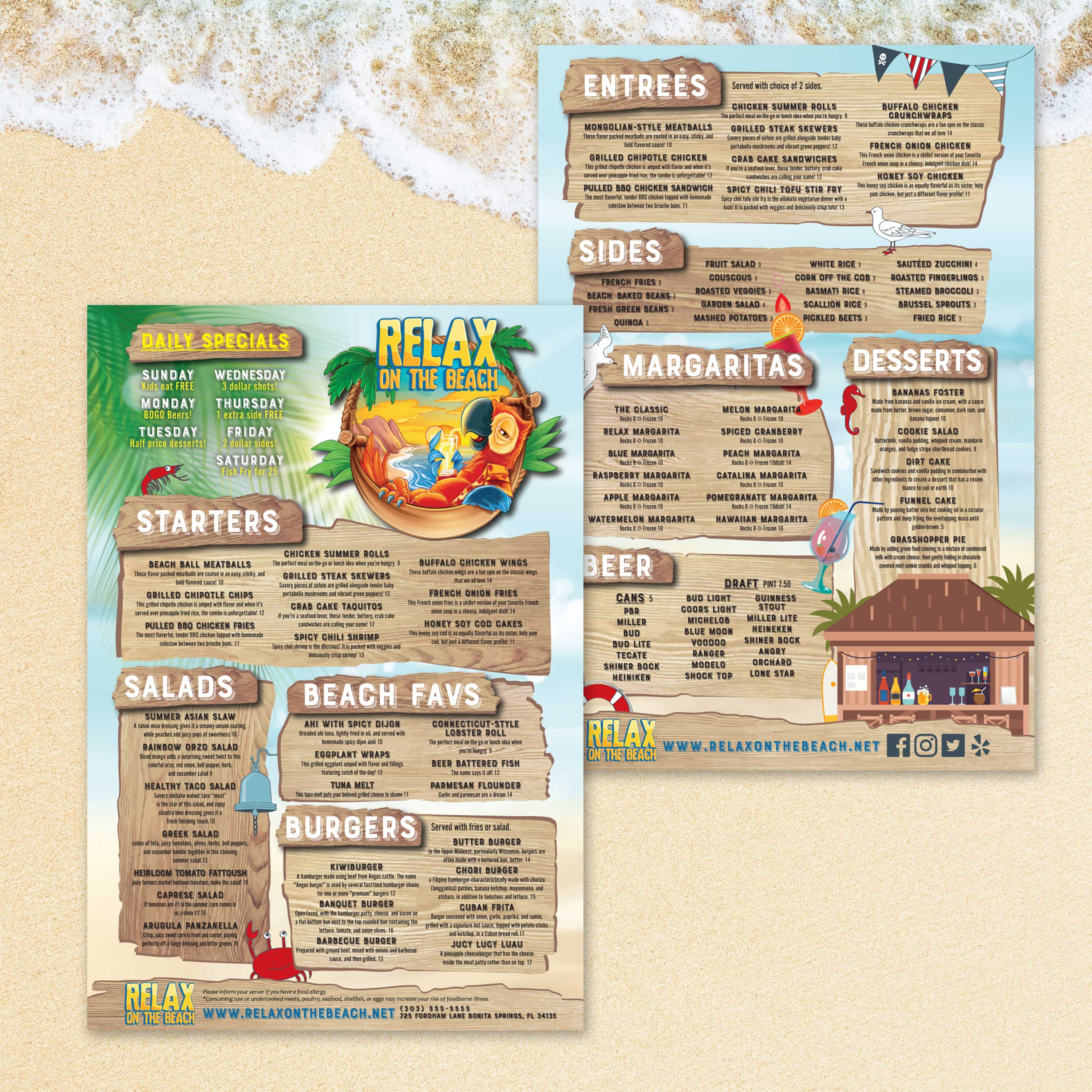
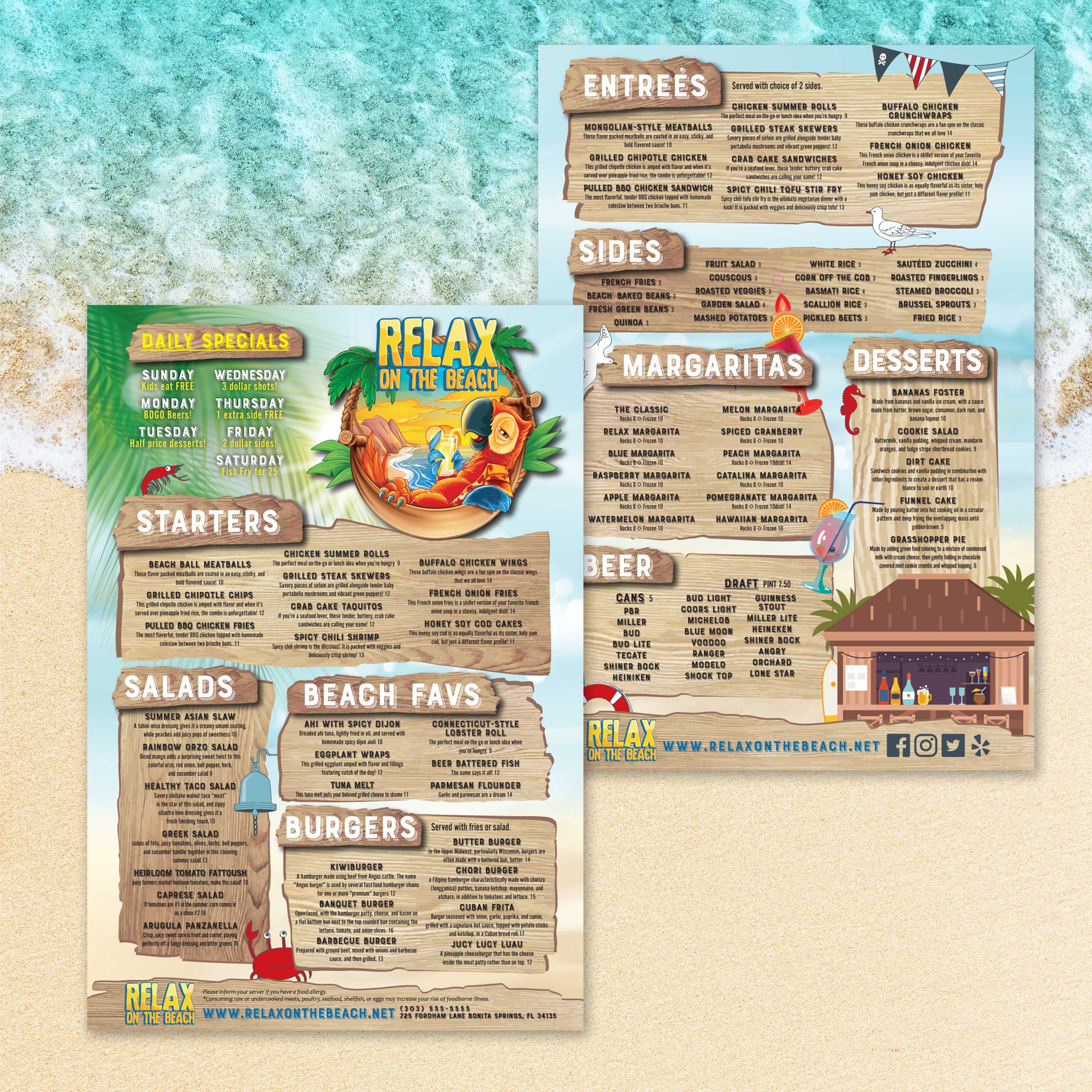
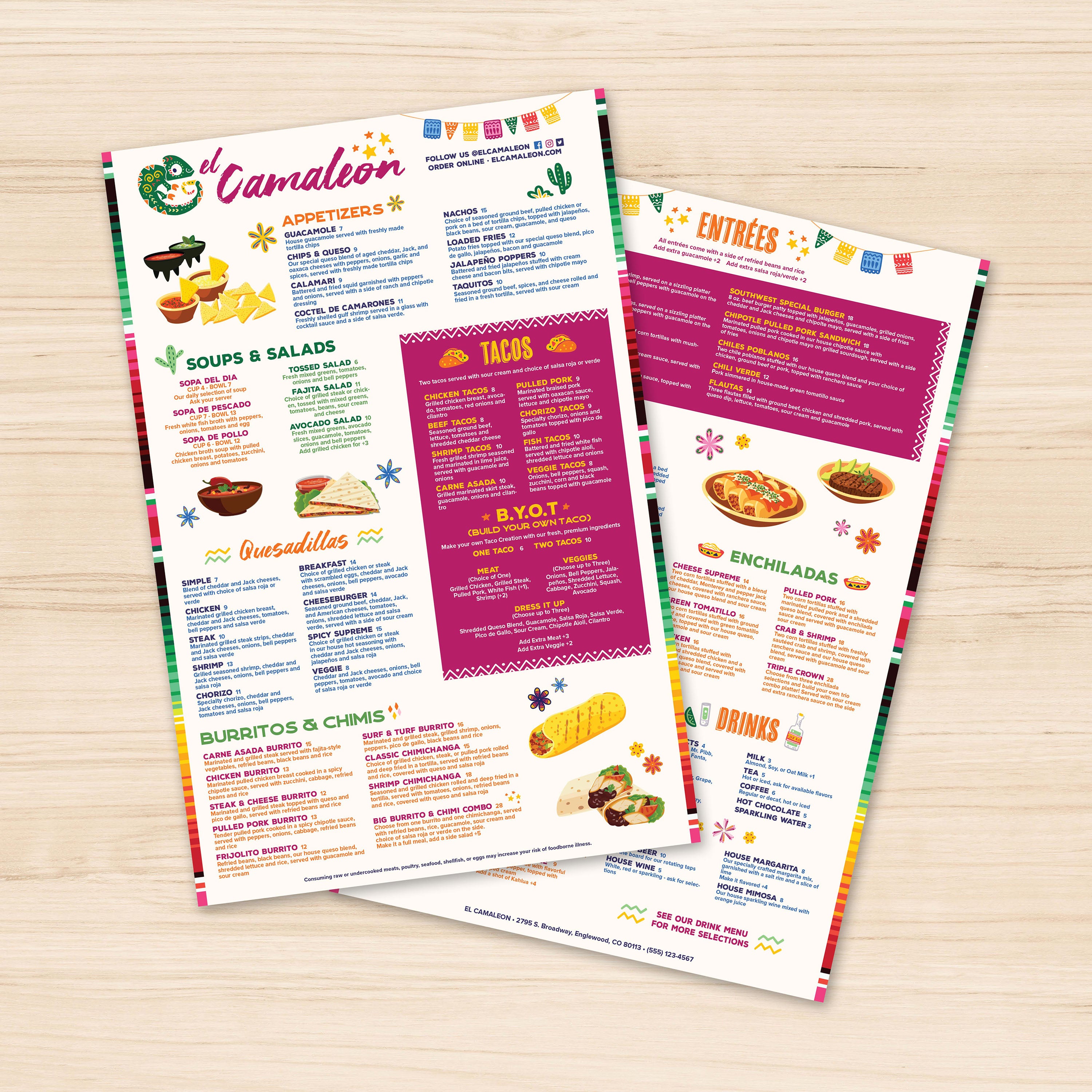
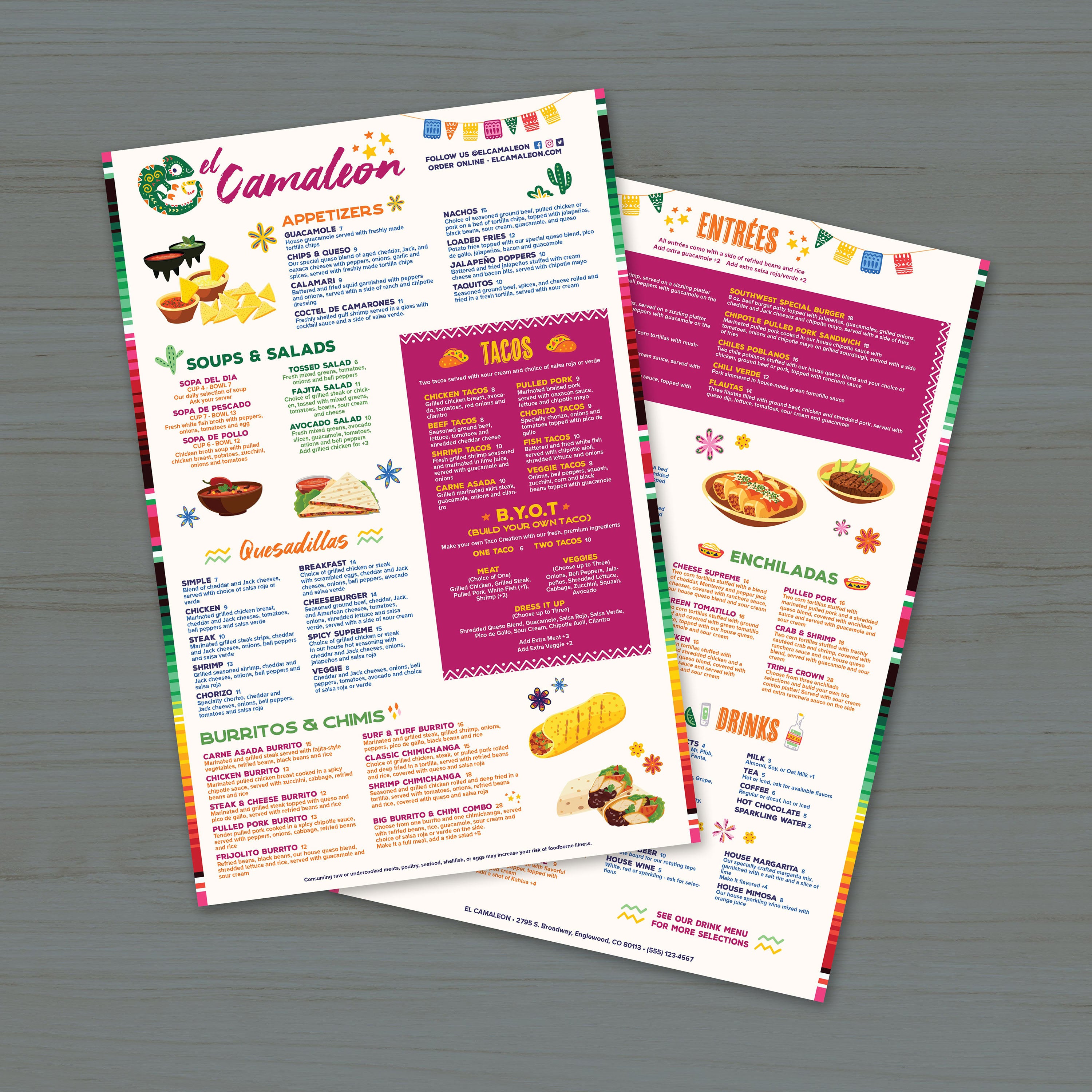
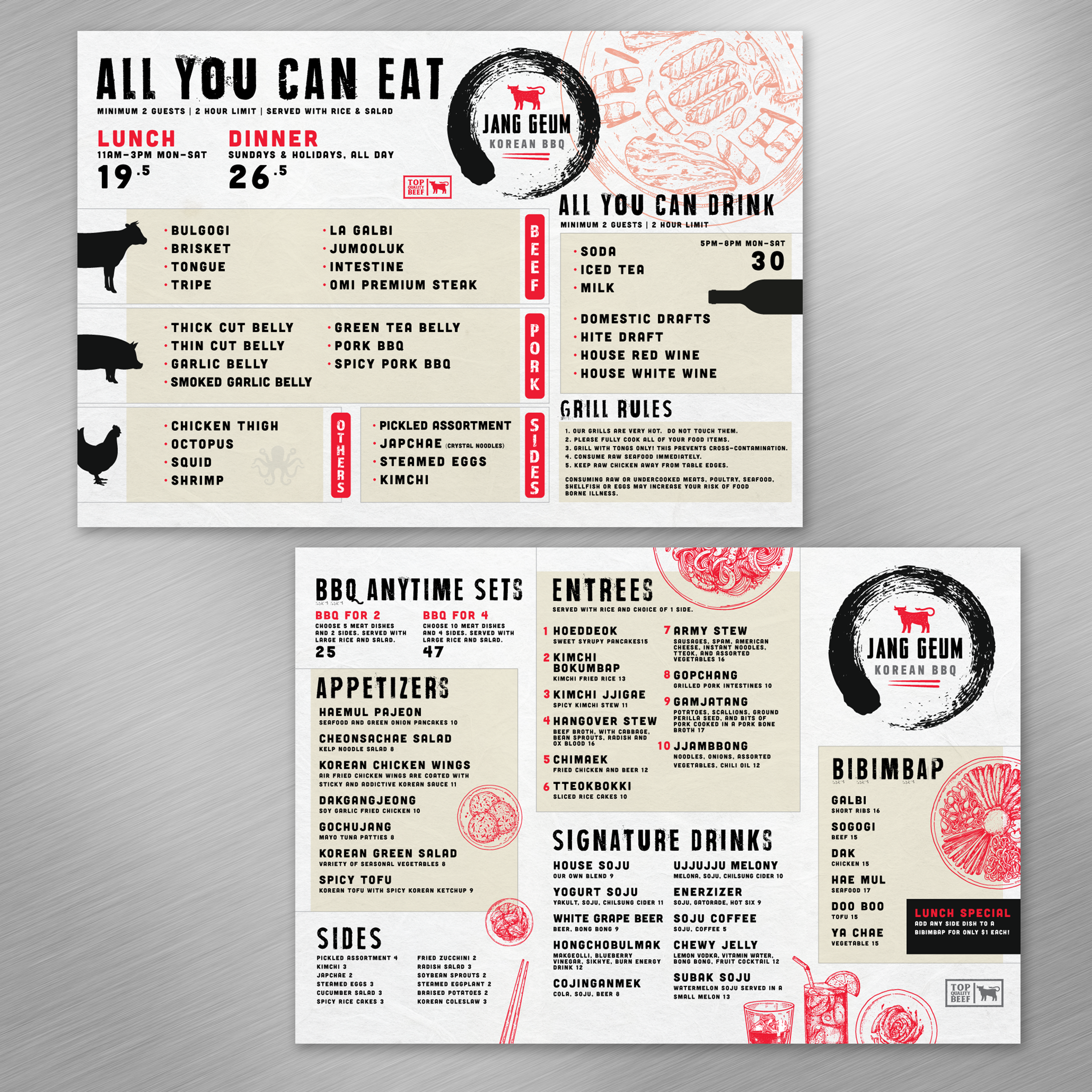
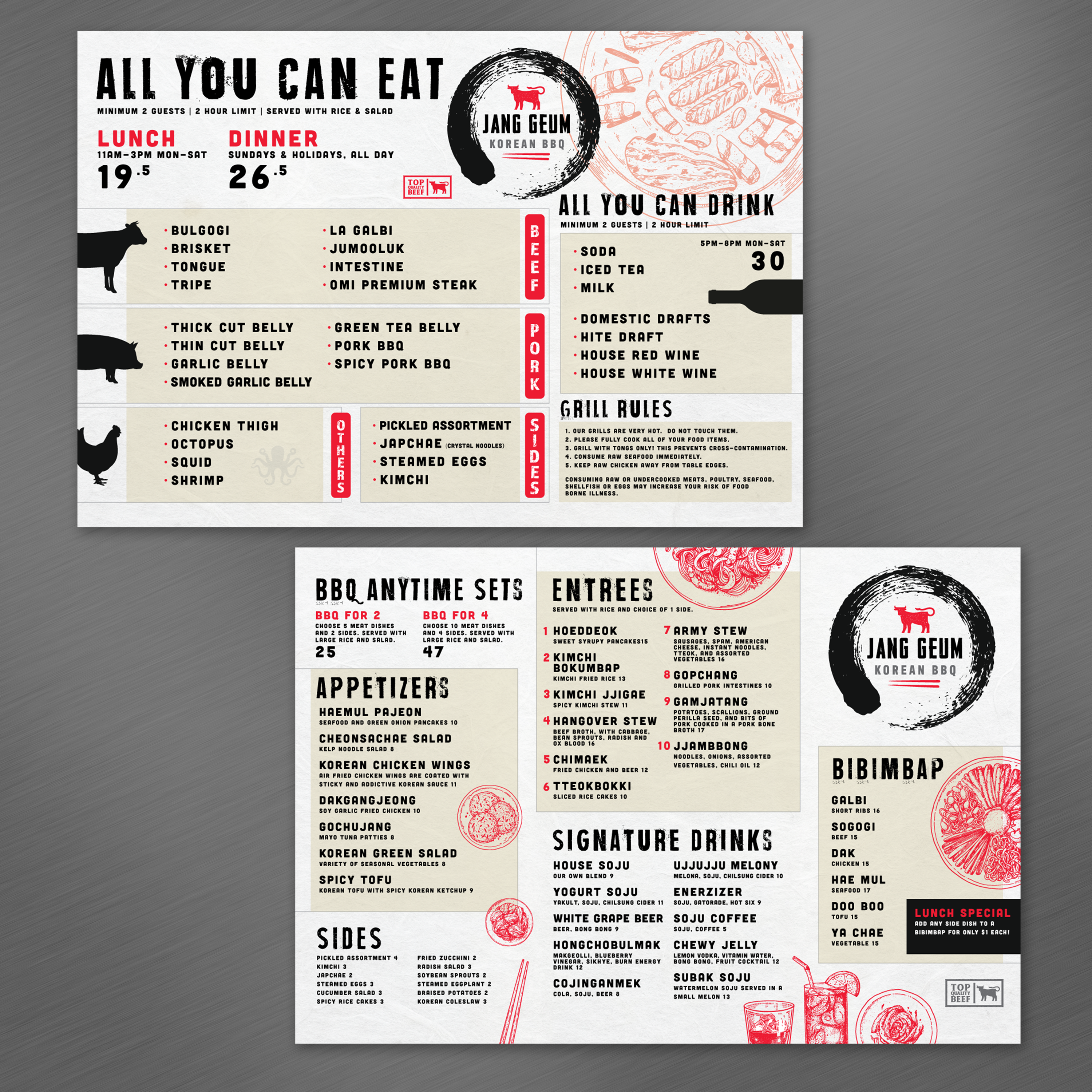
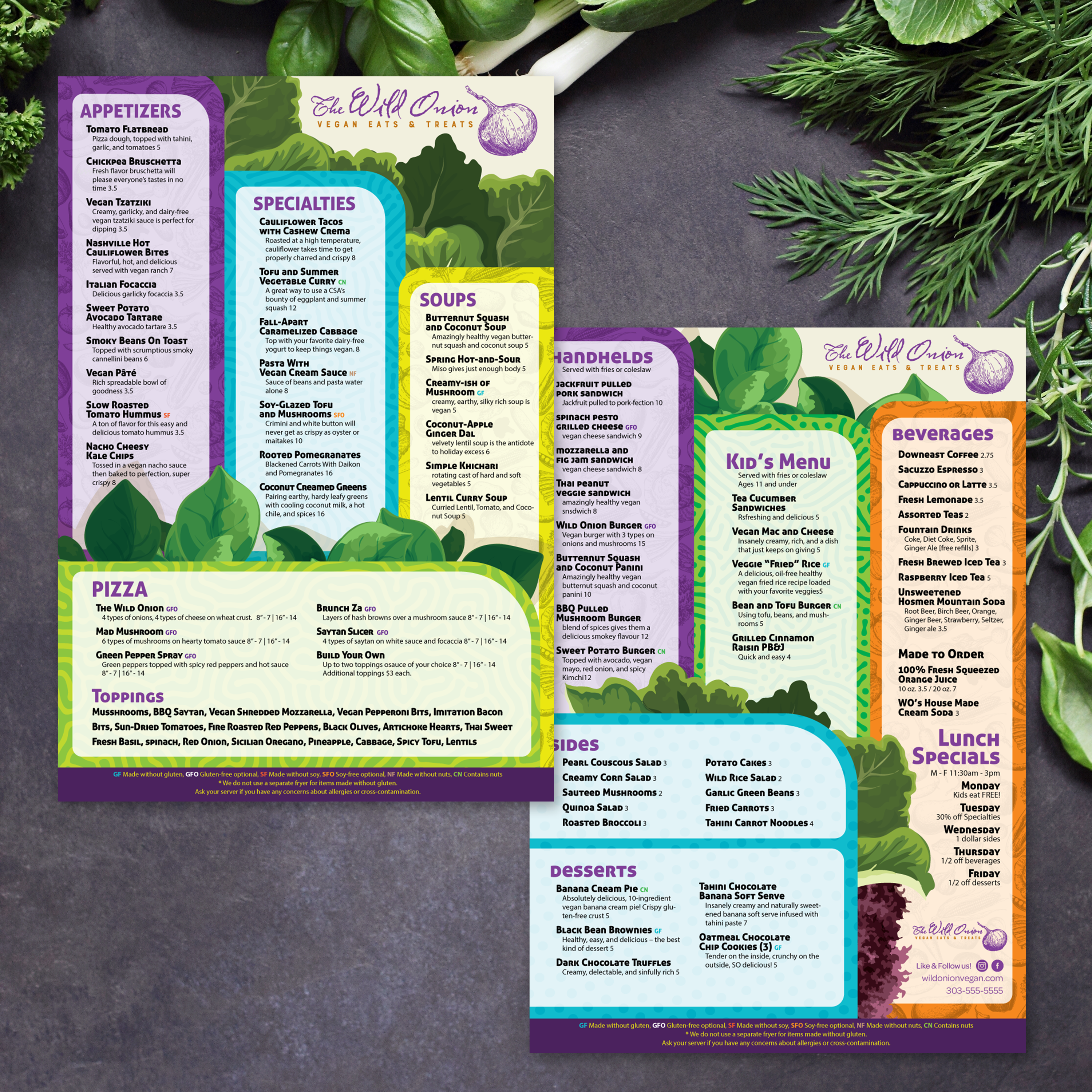
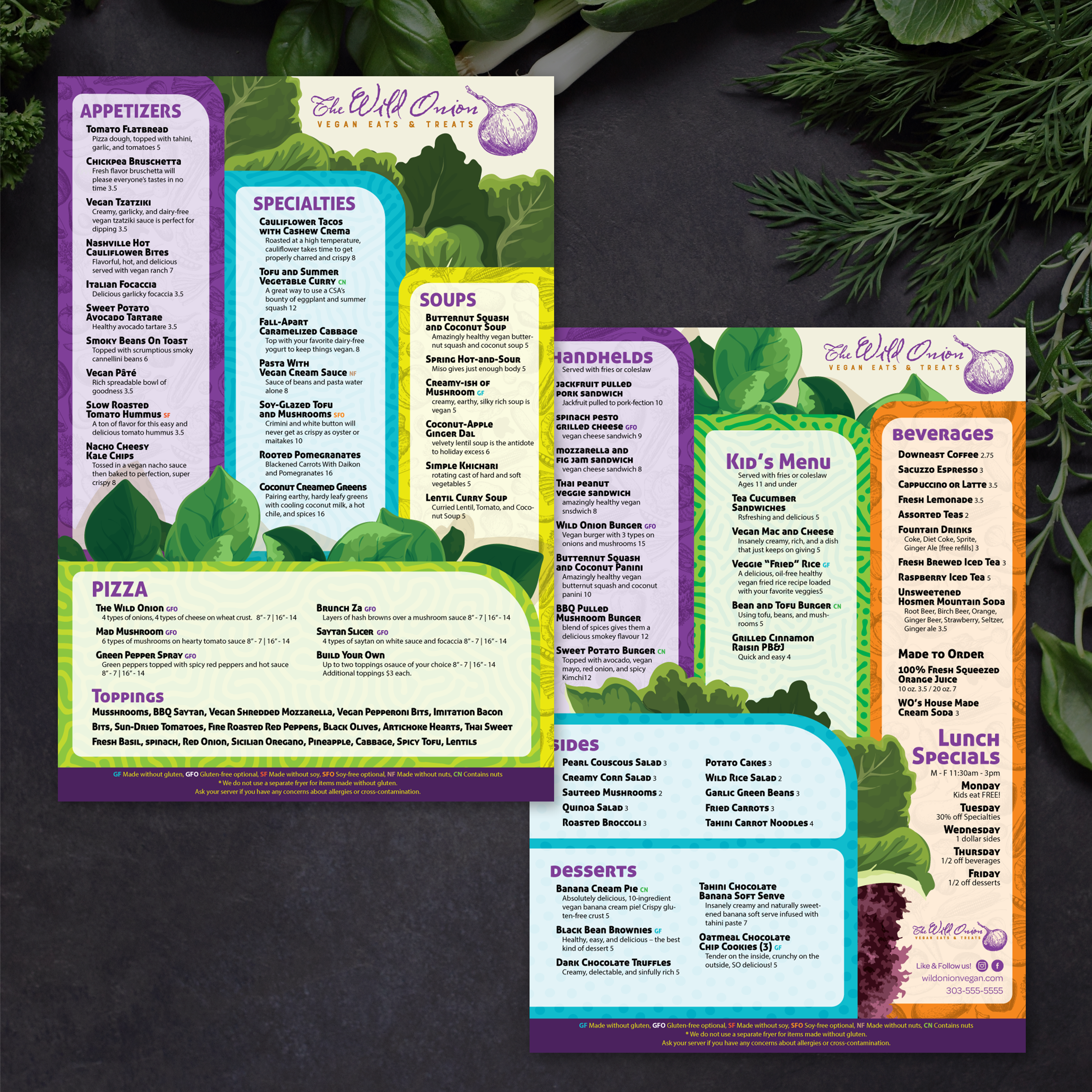
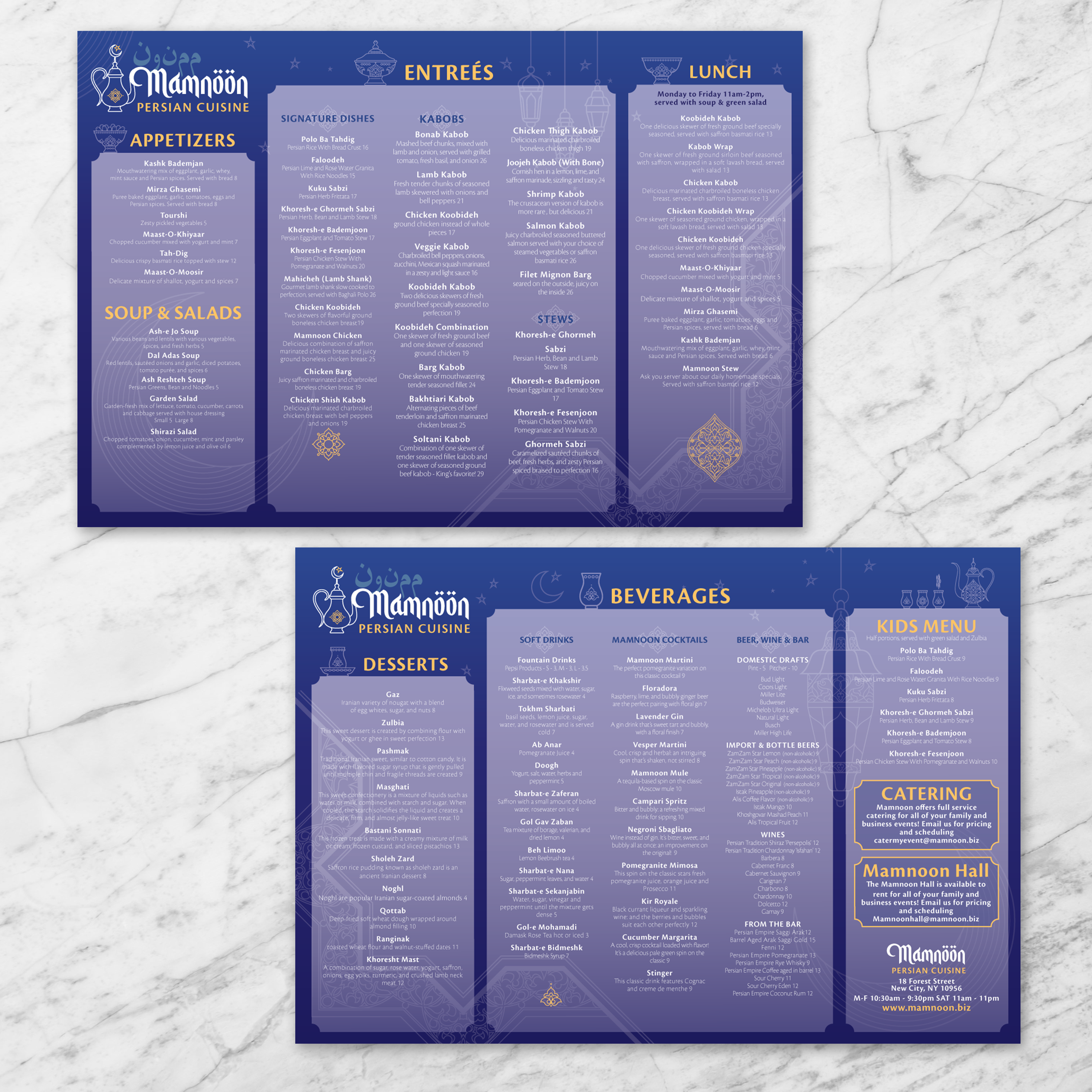
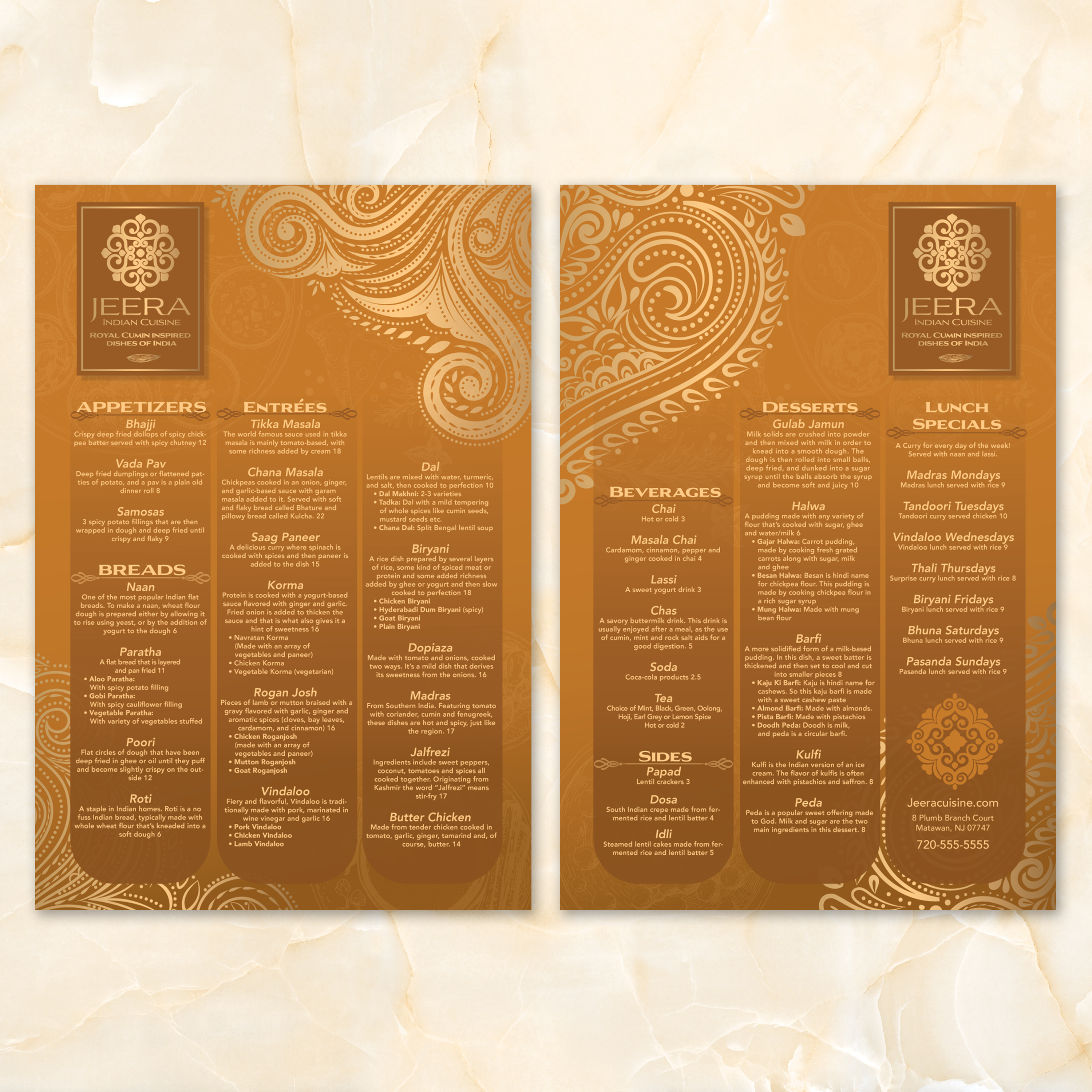
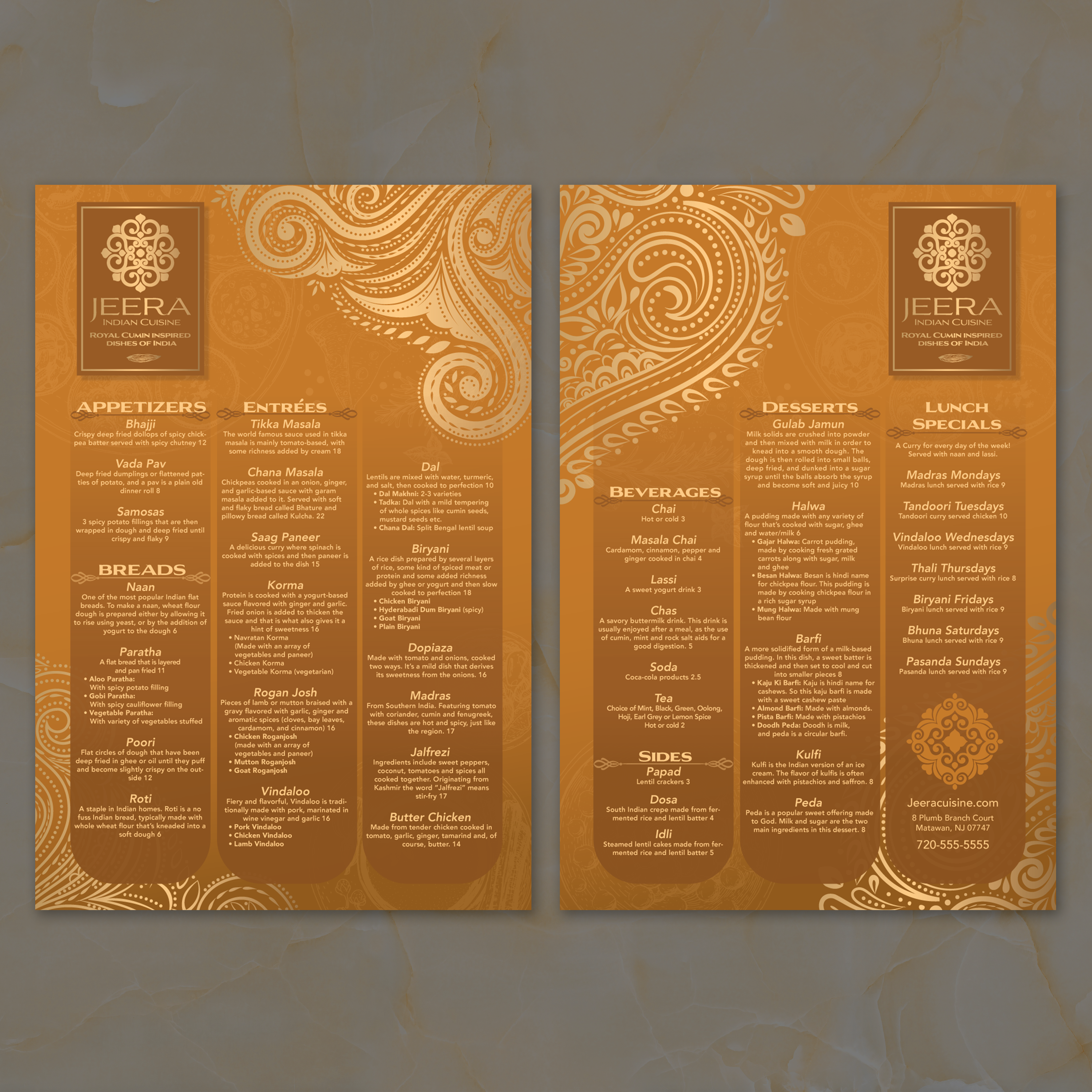
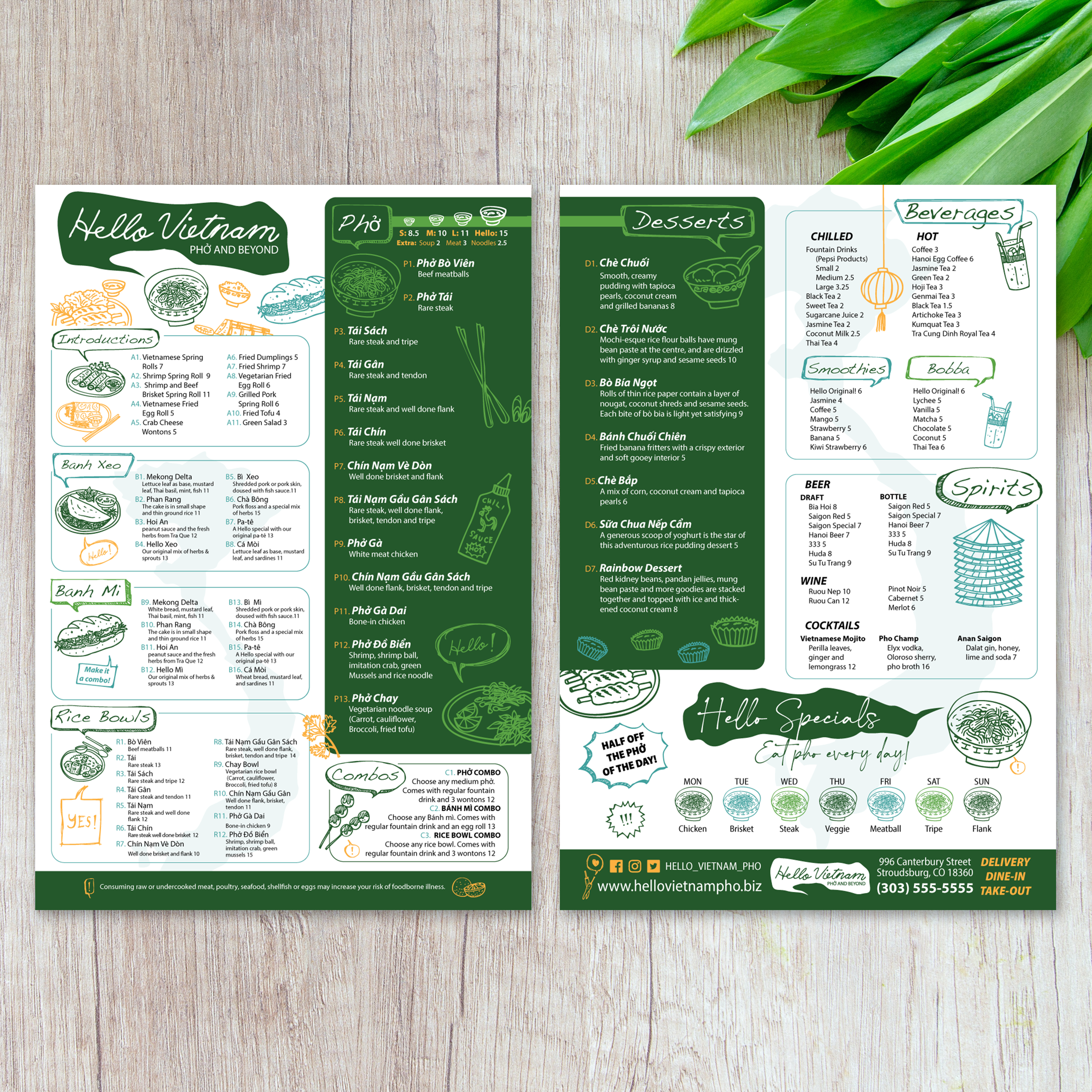
13" x 19" Flat Menu Templates

21 products

Showing 1 - 21 of 21 products

Showing 1 - 21 of 21 products
View

Recently viewed

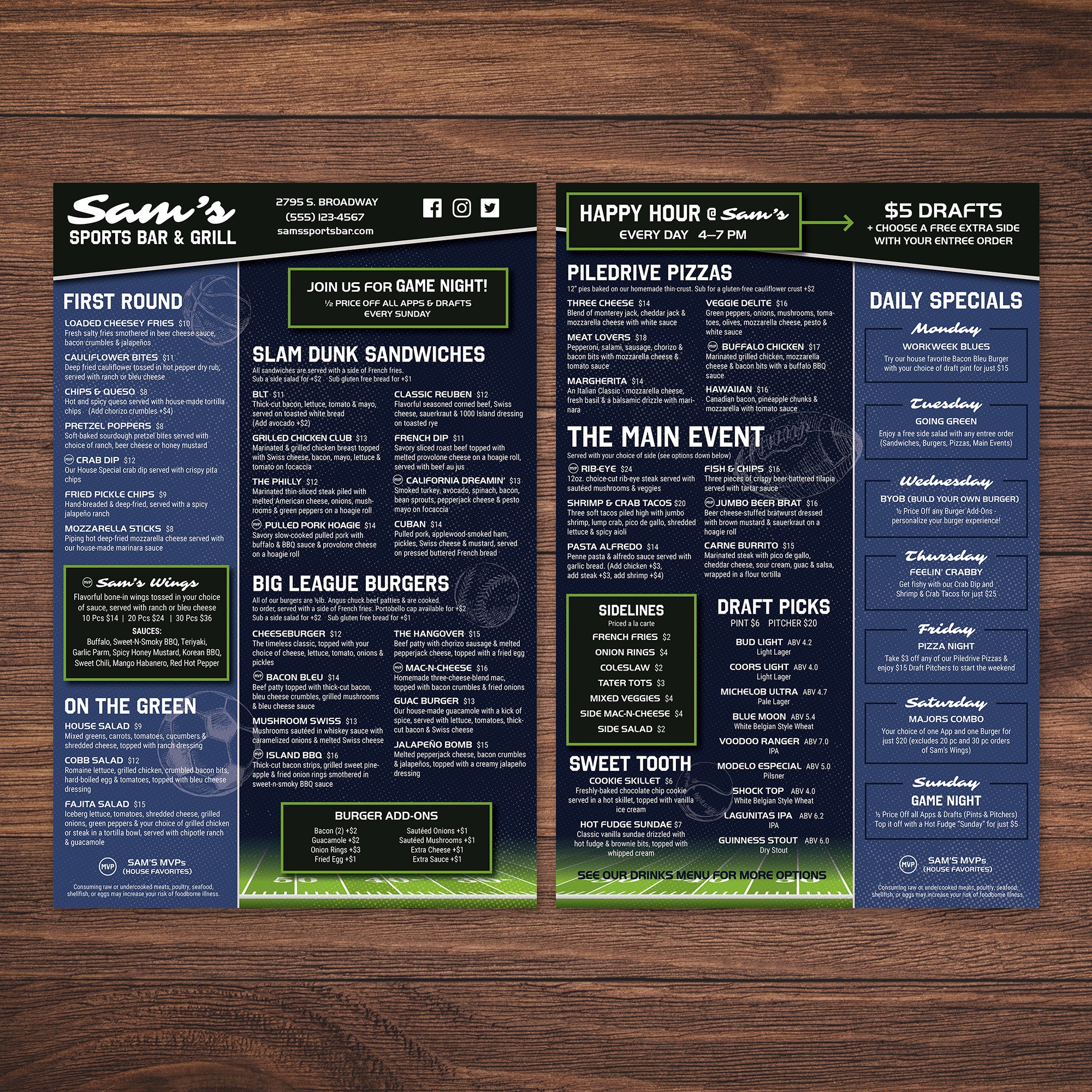
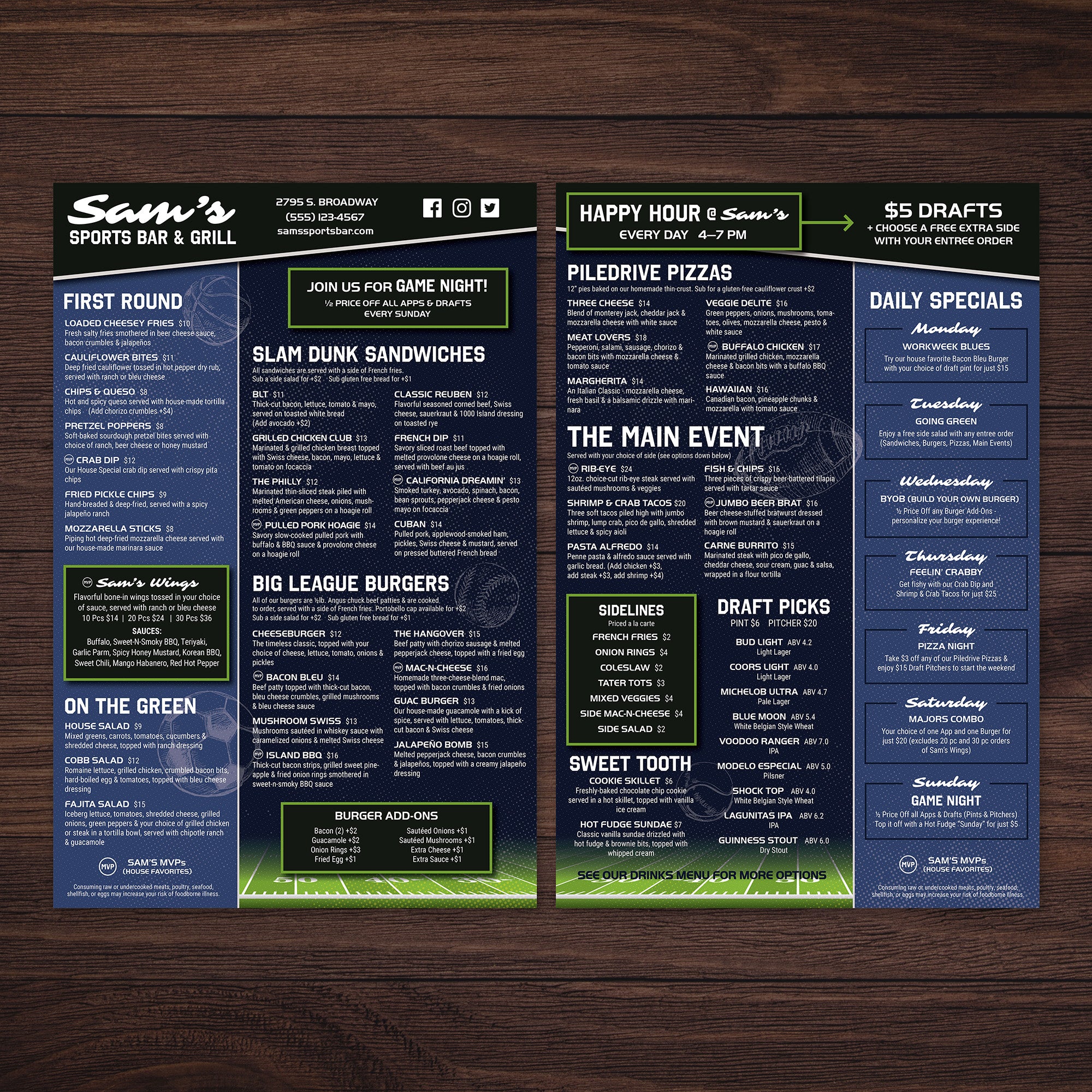
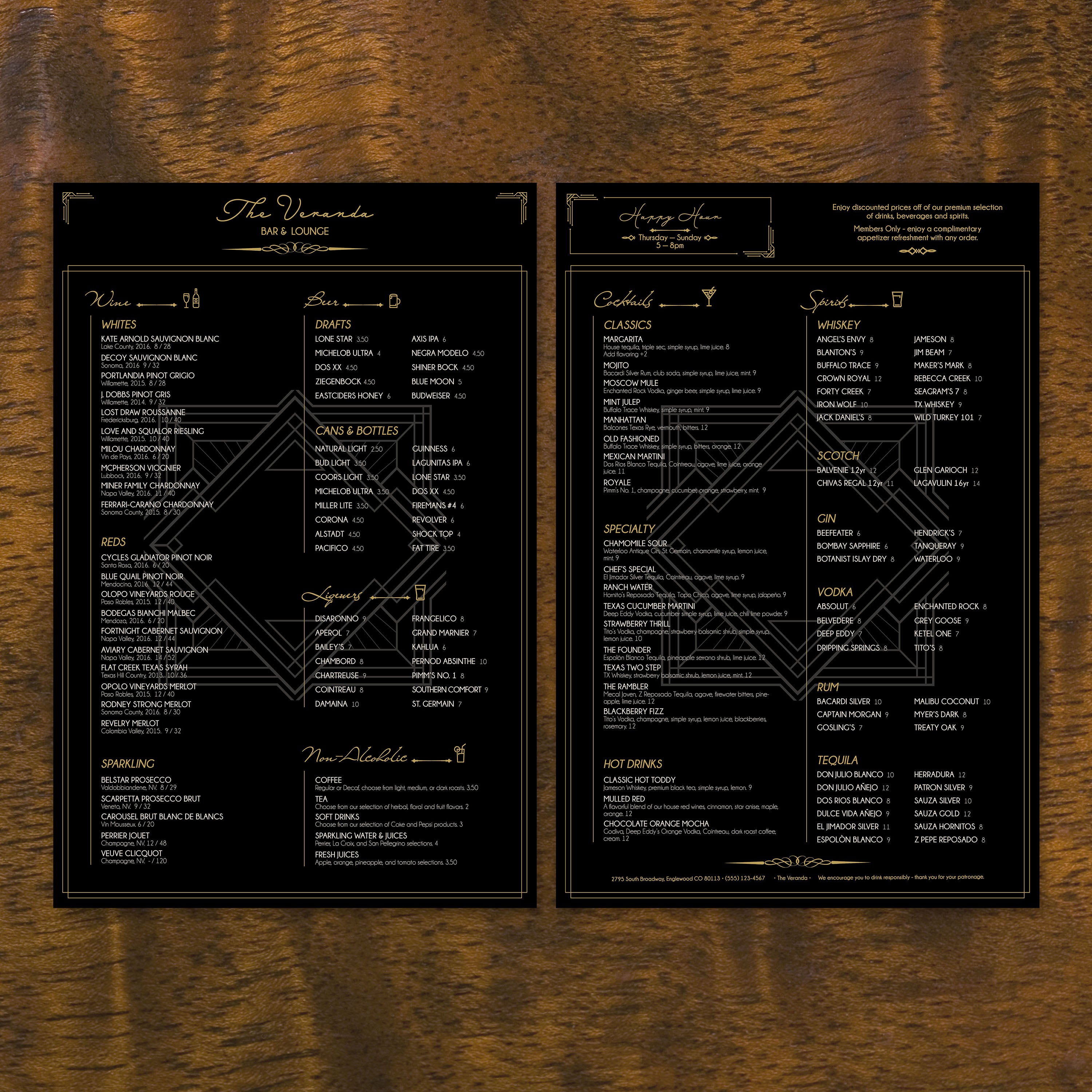
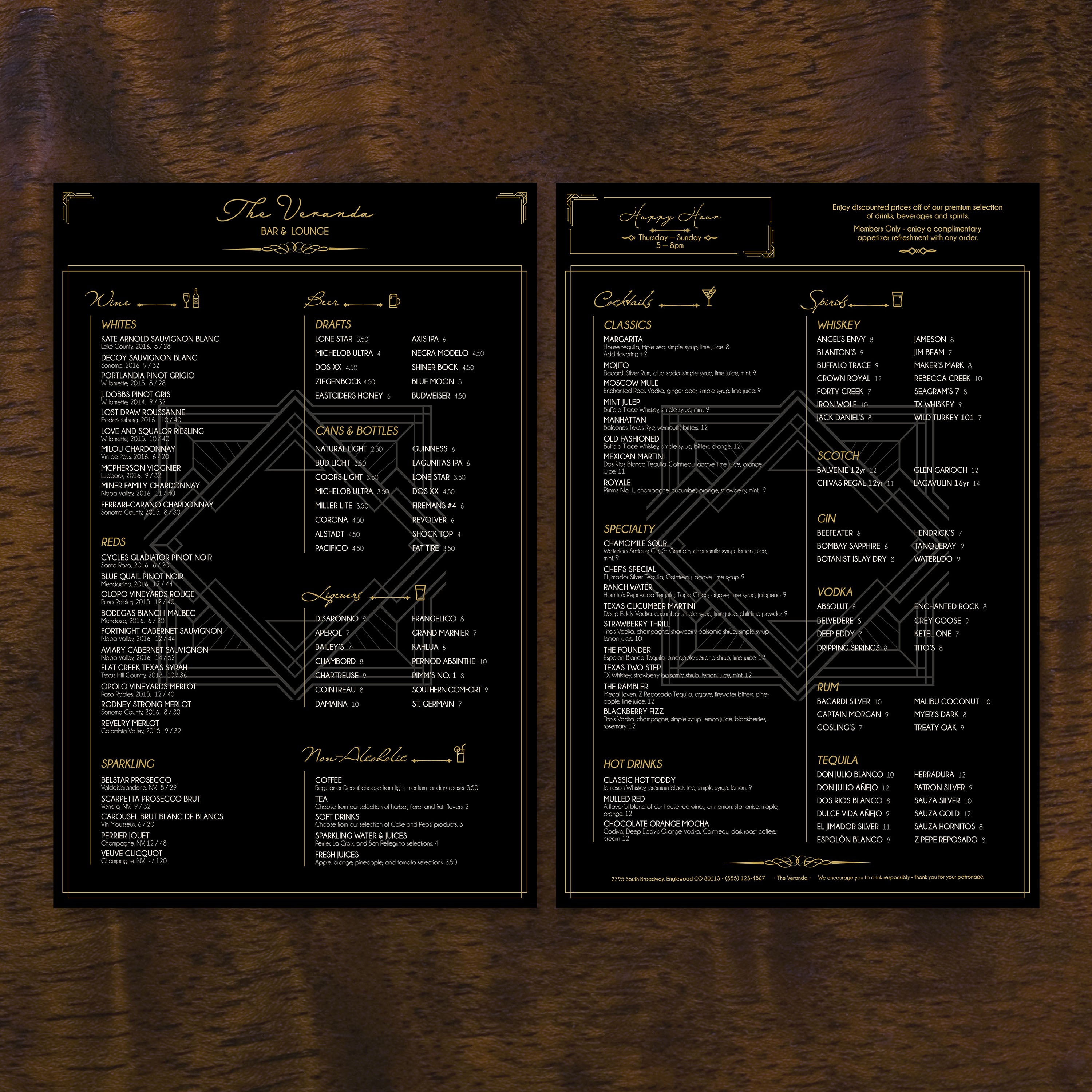
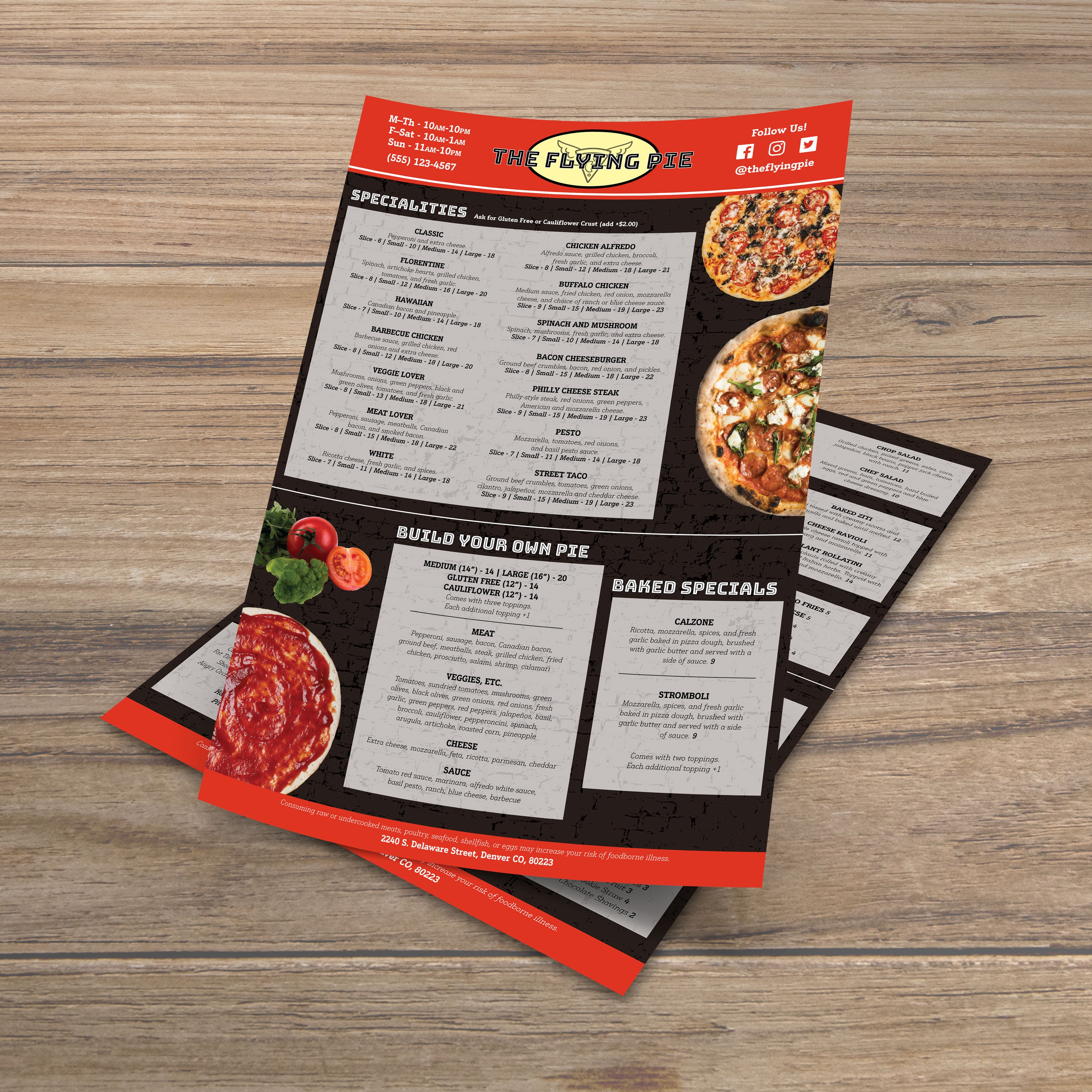
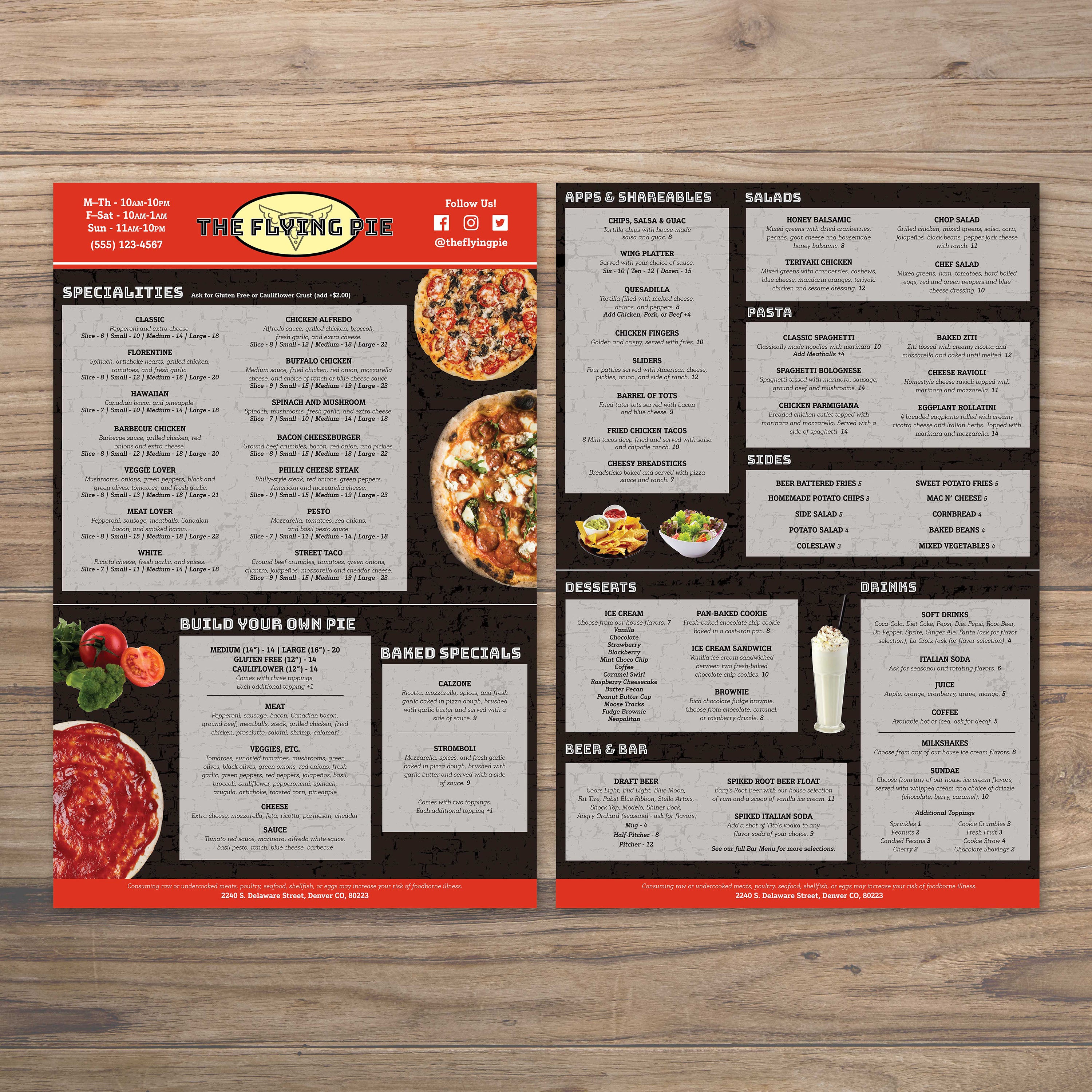
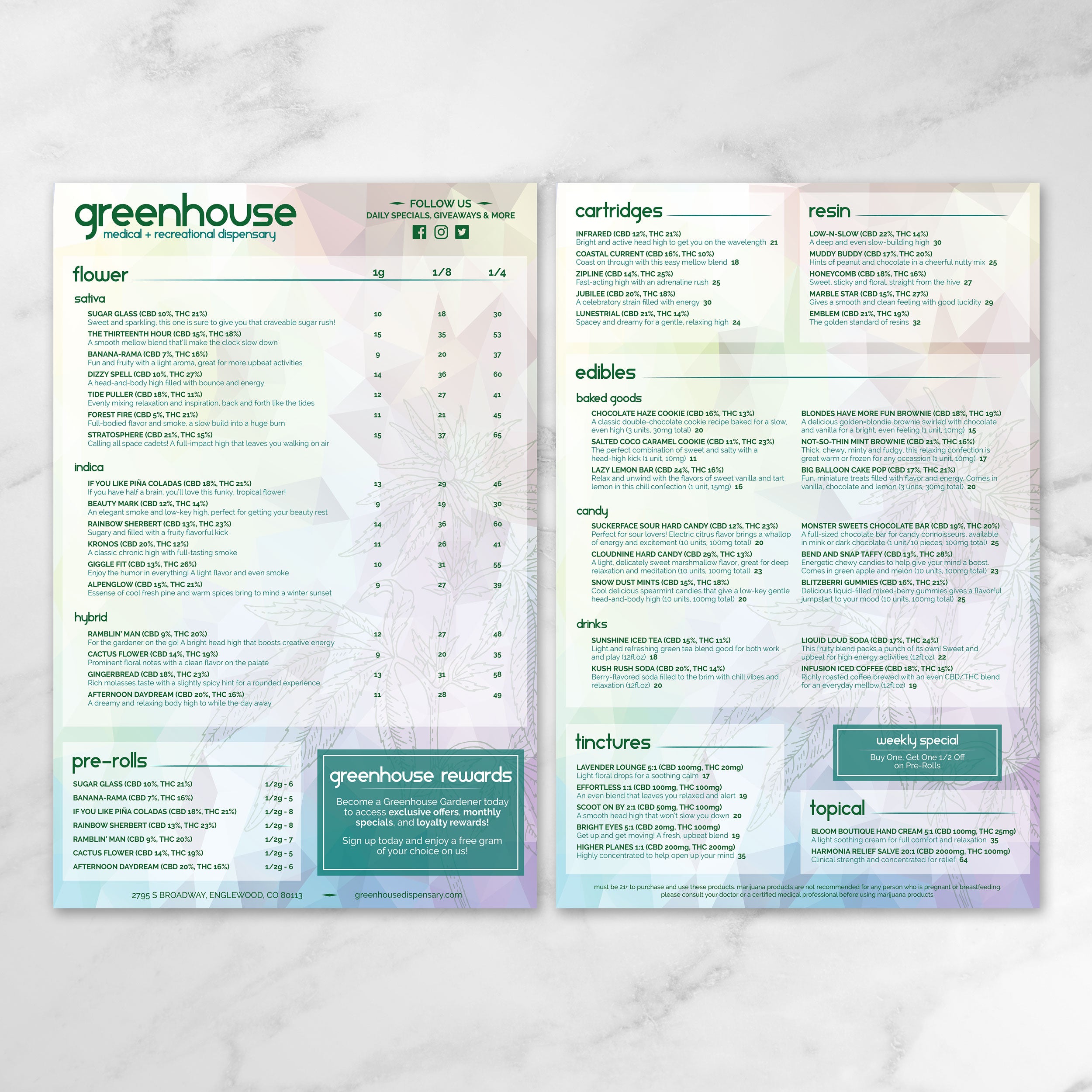
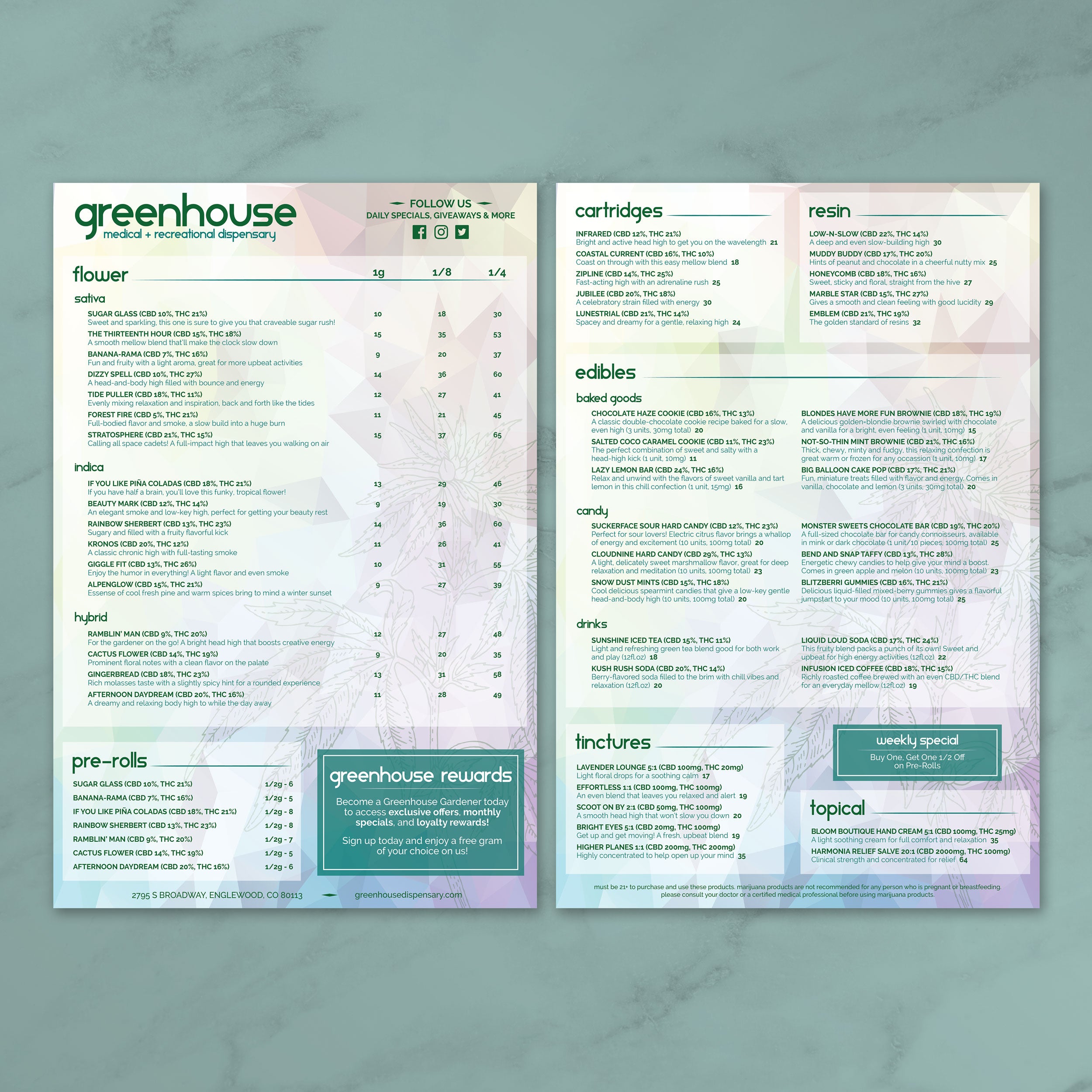
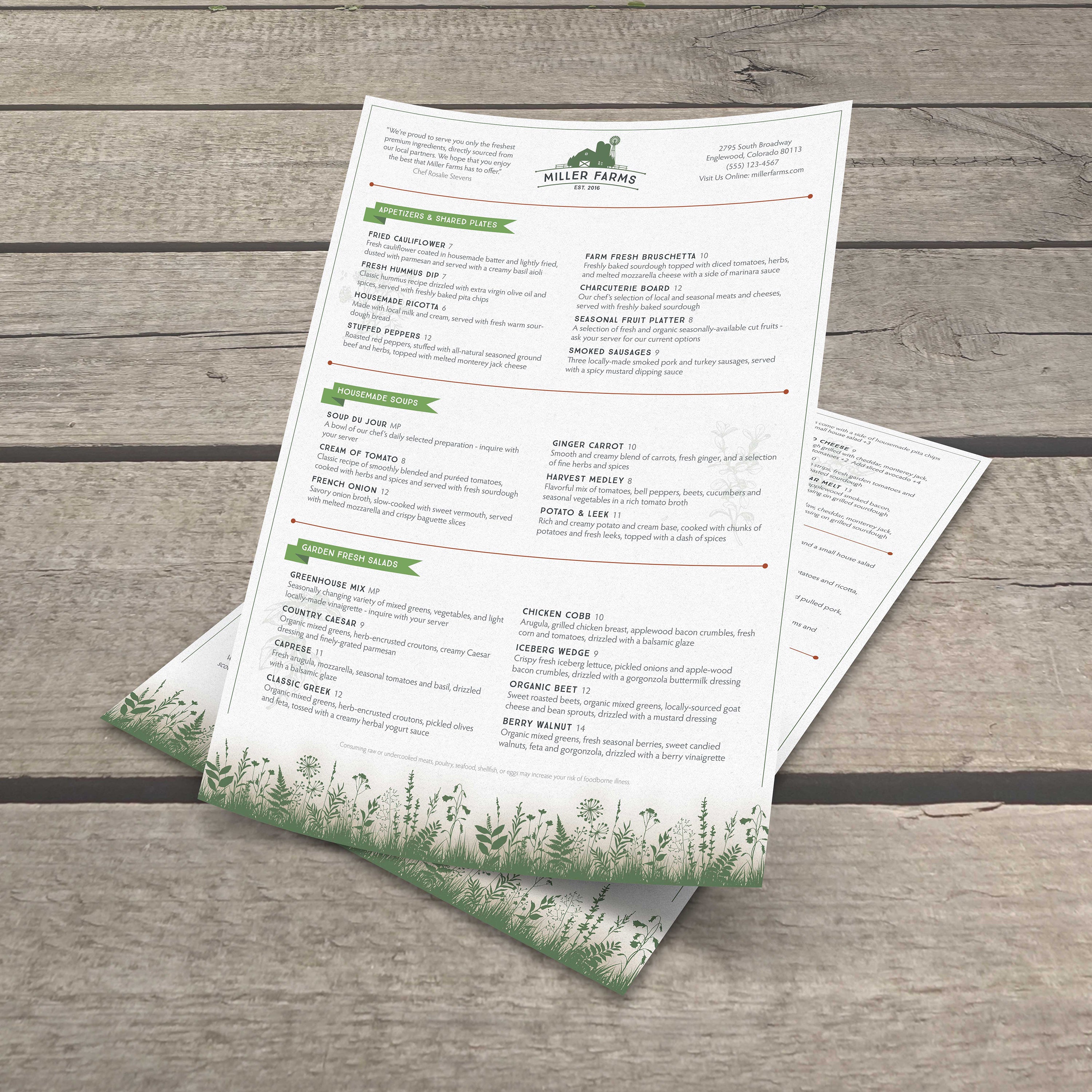
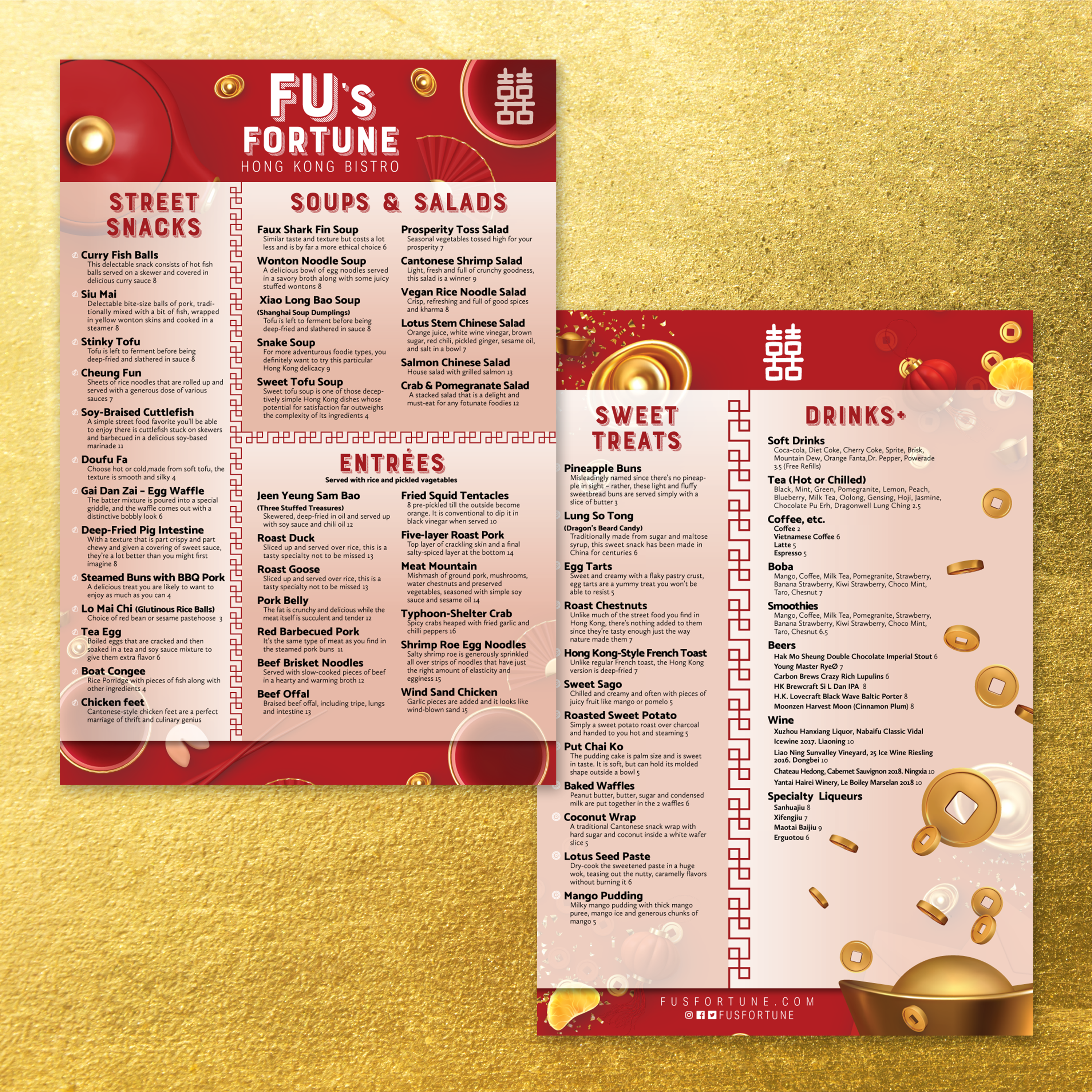
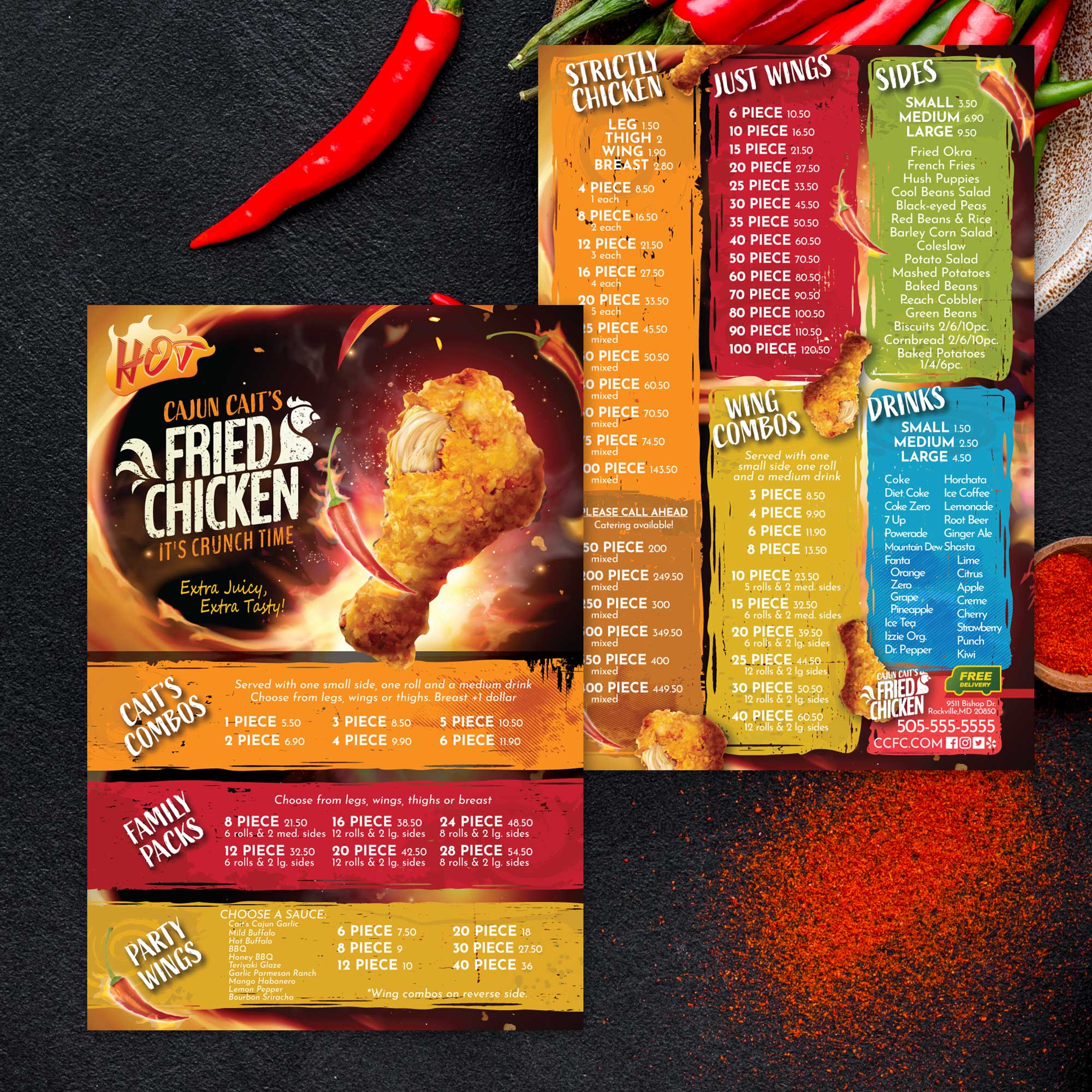
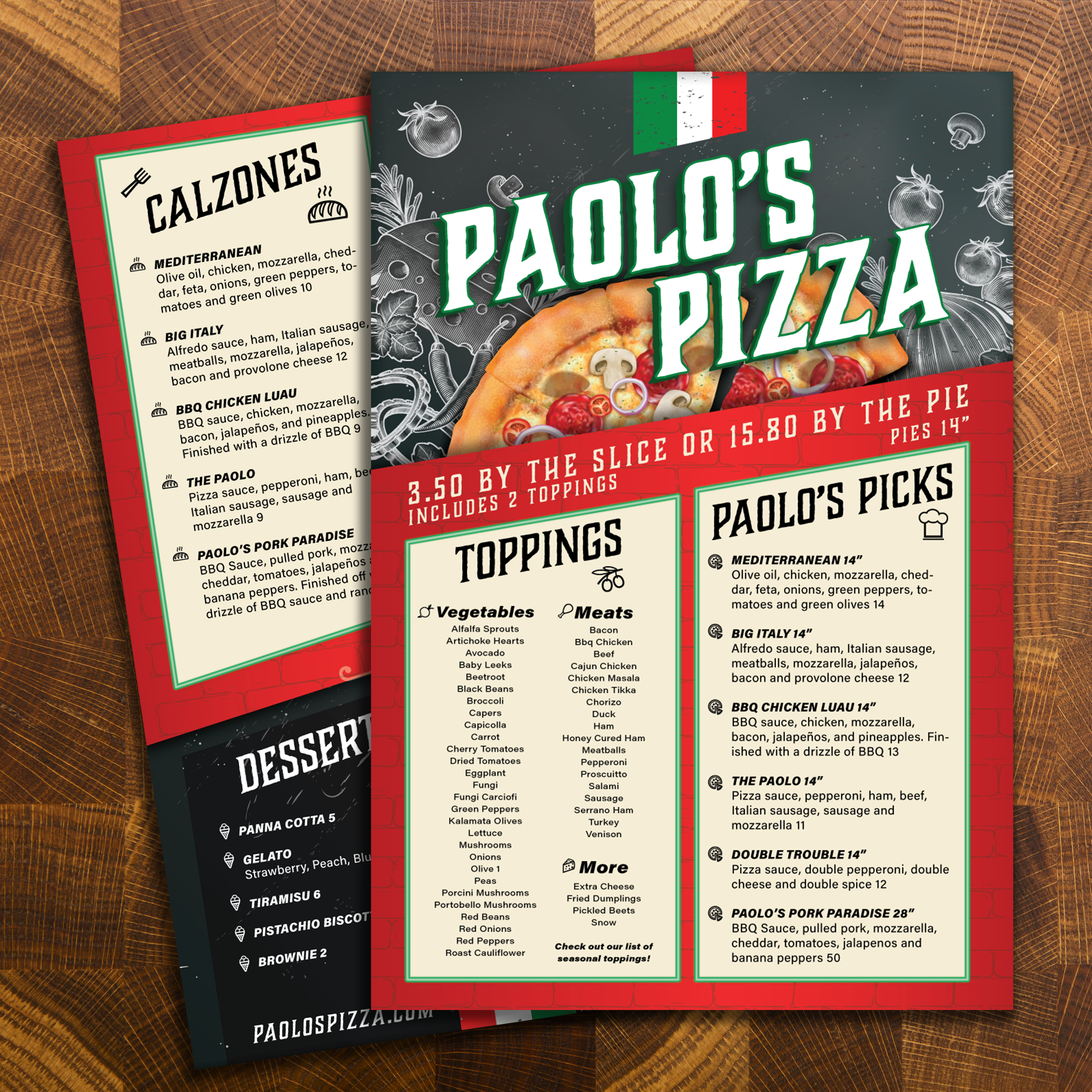
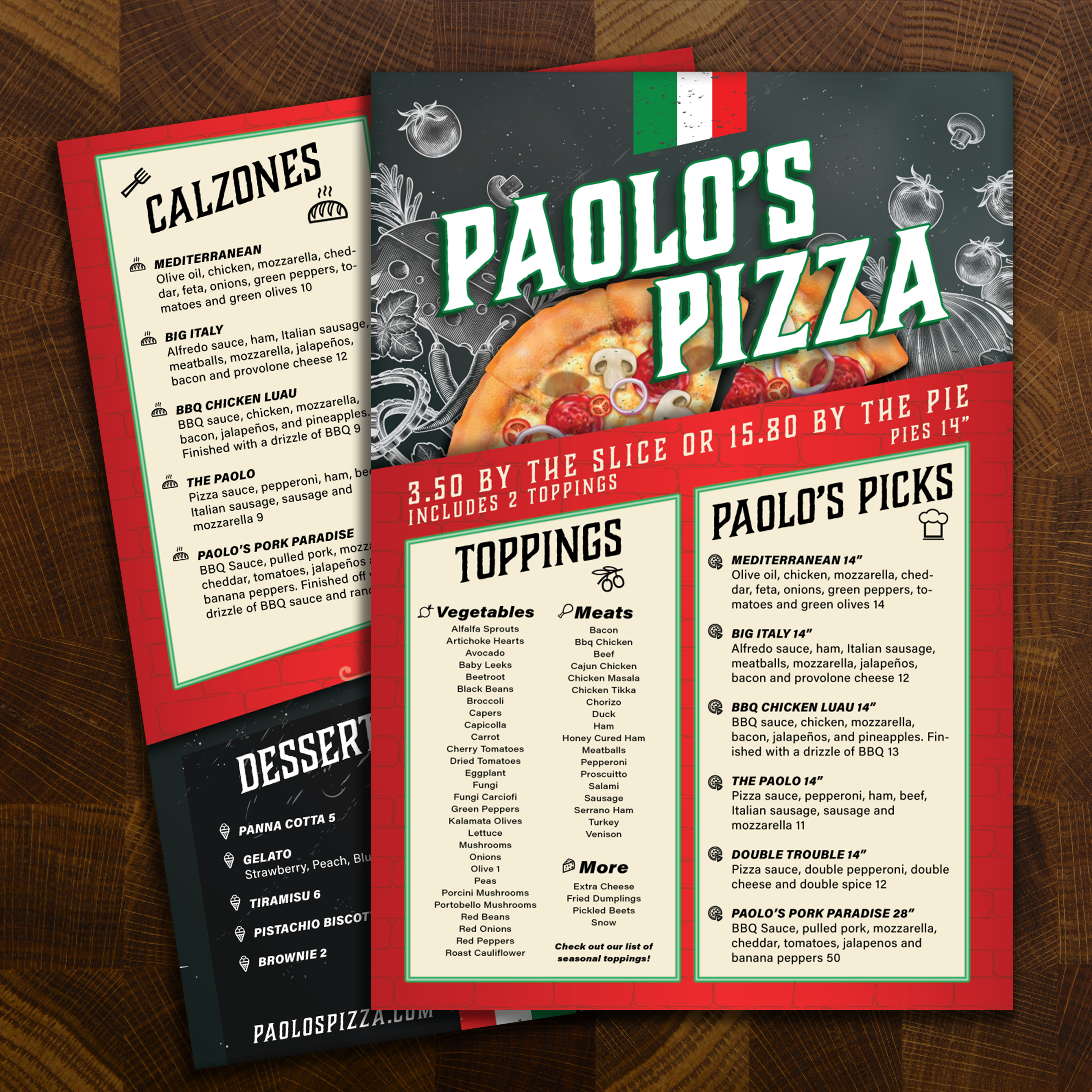
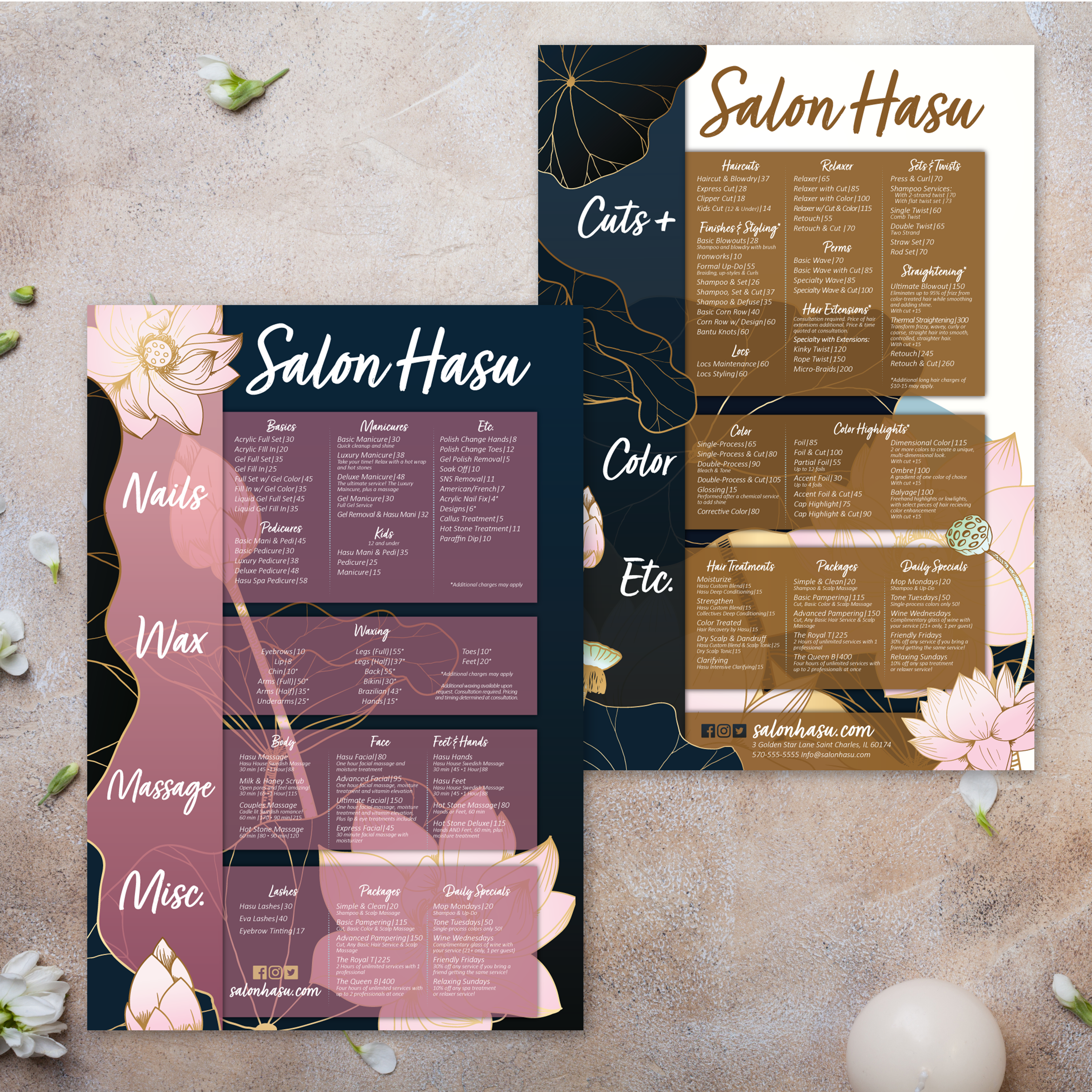
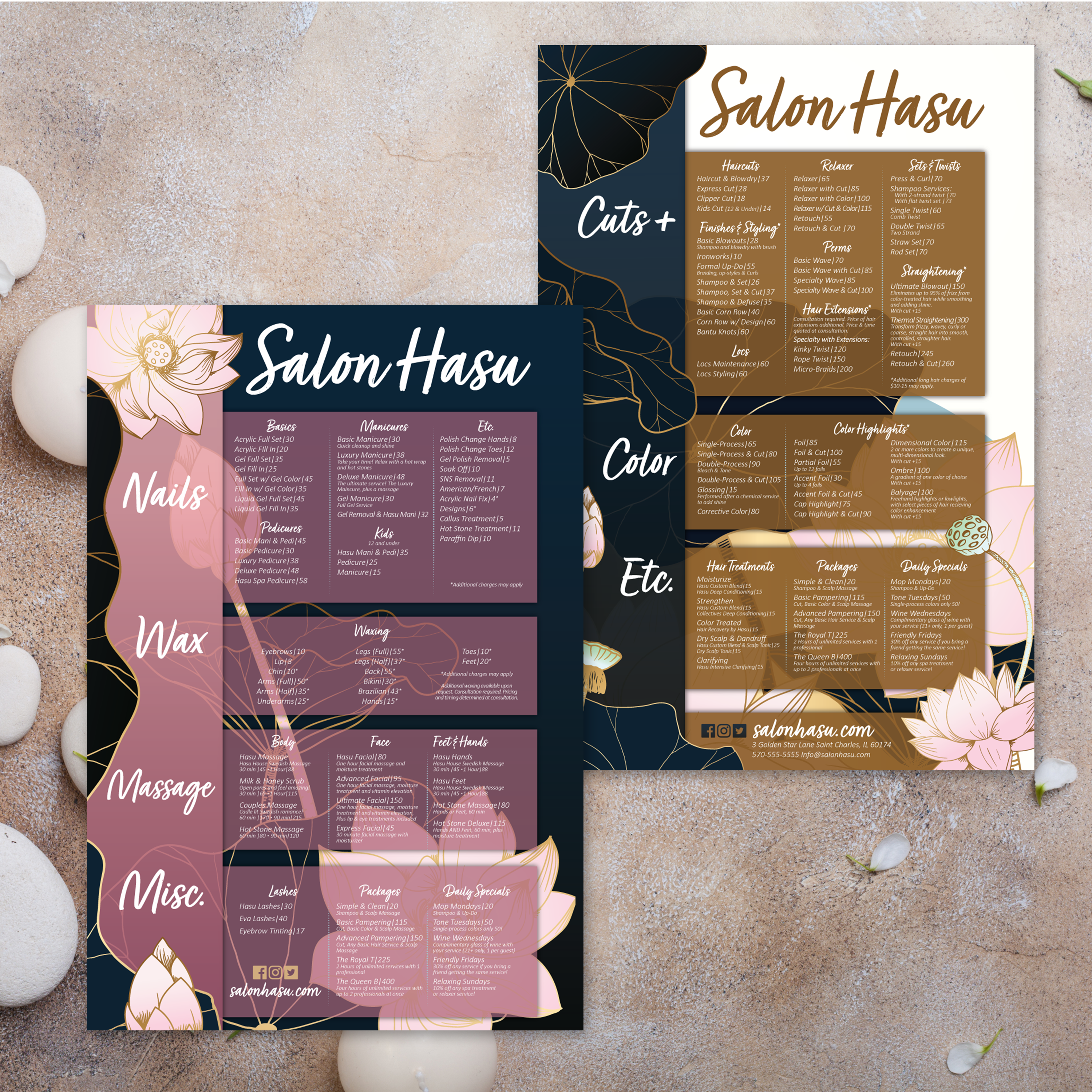
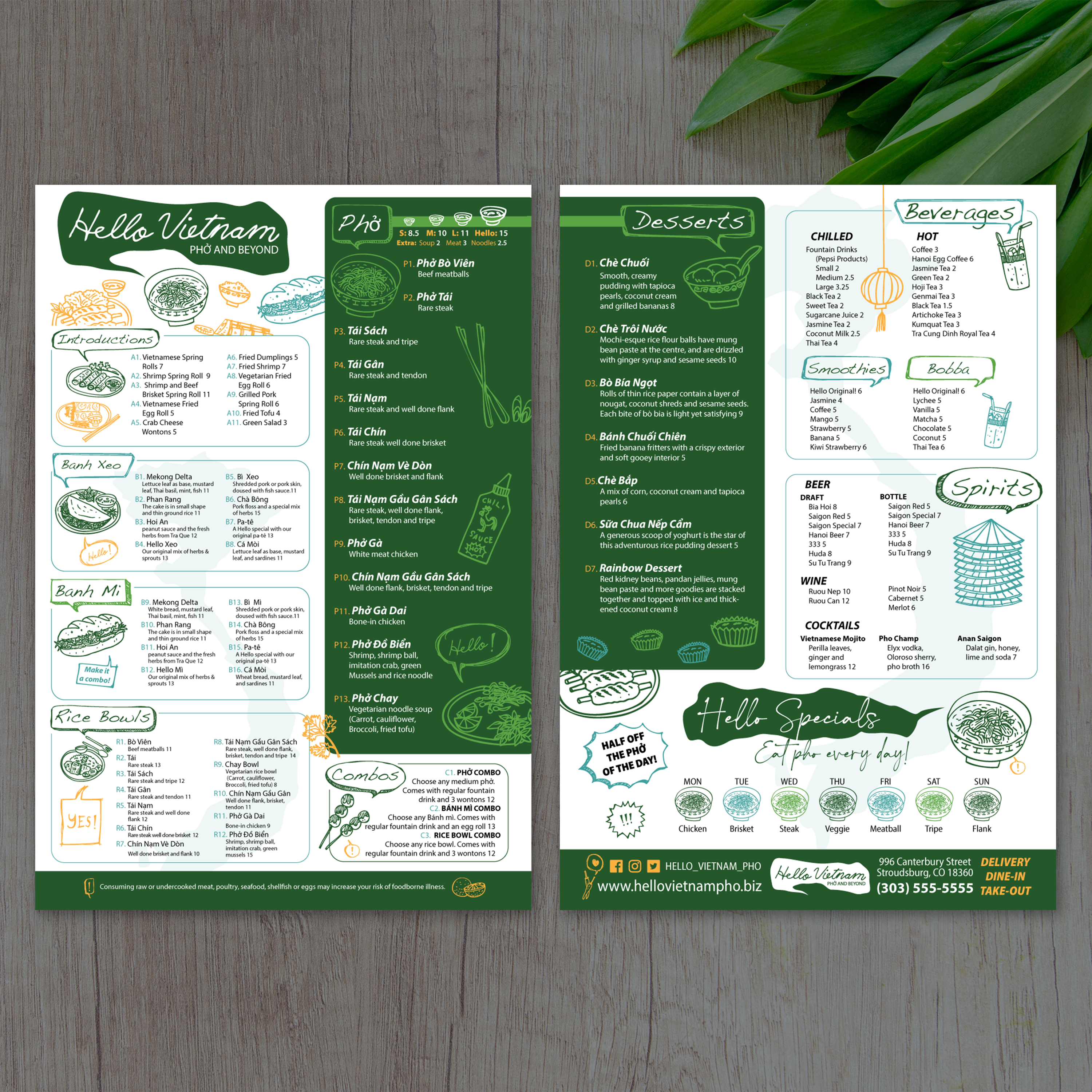
A flat menu is one of the simplest formats to run in a busy restaurant, and it can still feel premium when the layout is clean and the material is built to last. With a 13” x 19” flat template, you get a single-sheet design that gives guests a full view of your offerings without flipping pages or opening folds. At TerraSlate, we created free templates to help restaurants get a professional format fast, then choose the durability level that matches daily service.

What “Flat Menu” Means (Single-Sheet Layout Benefits)

A flat menu is one sheet with no folds, designed to present categories in one continuous layout. It’s easy for guests to scan quickly, easy for servers to hand out and collect, and easy to update when pricing or seasonal items change.

Why 13” x 19” Is a High-Impact Size for Guests

The 13” x 19” size gives you the space to use larger fonts, clearer category breaks, and better spacing between items. It also supports a stronger visual hierarchy, so guests can find top sellers and high-margin items faster without the menu feeling crowded.

Best Use Cases: Table Menus, Bar Menus, and Event Menus

Flat menus work exceptionally well for table service when guests want everything in front of them at once. They also perform well as bar menus, tasting menus, and event menus where you want a clean presentation without multiple pages. For shorter formats, our Free 8.5 x 14 menu templates are a strong option when you need a compact layout that still reads clearly.

When Flat Menus Work Better Than Bifold Formats

If your menu is straightforward and doesn’t require multiple panels, flat menus often look cleaner than bifolds. They’re also a great fit when you want to place menus under table glass, use them as counter handouts, or create disposable-style menu programs without losing professional design quality.

What You Need Ready Before Editing a Template

Before customizing a flat template, collect your final categories, item names, pricing, and brief descriptions. Decide whether you want room for specials or seasonal callouts. If you’re creating a full table set, you can also pair your menu with matching pieces like our Free 4 x 4 coaster template to keep the guest experience consistent from the first sip to the final check.

A flat menu provides a full page of space, but the design still requires structure. Without clear sections and visual hierarchy, a single-sheet menu can feel overwhelming. At TerraSlate, we recommend building flat menus around scanning behavior: guests first look for category anchors, then compare items and prices, and finally circle back for descriptions.

Layout Grid Basics: Columns, Sections, and Whitespace

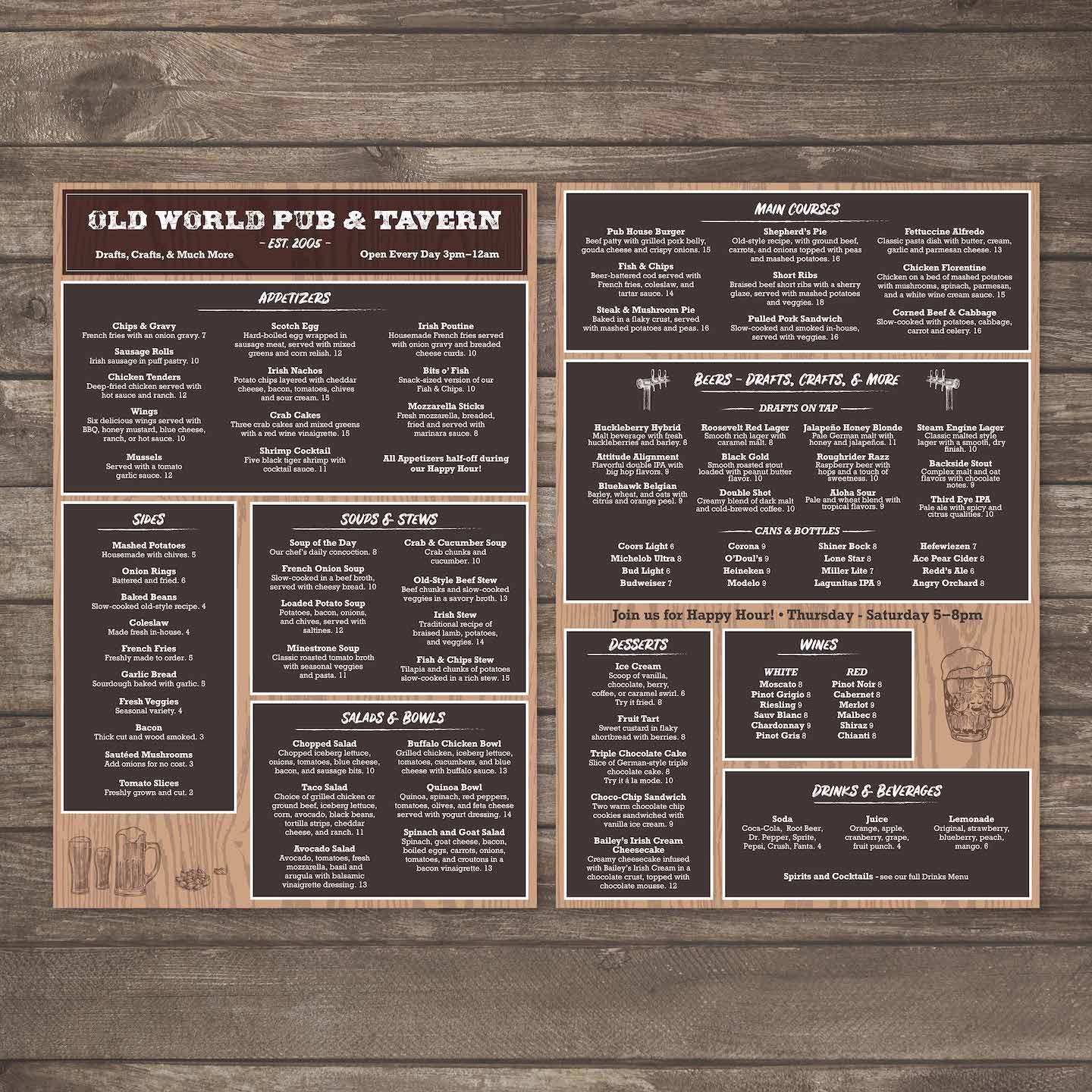
Start with a simple grid. Two or three columns typically work best for 13” x 19” layouts, depending on how many categories you need. Use consistent spacing between sections and lean on whitespace to separate groups. A clean grid makes the menu feel premium, even with a lot of content.

Best Category Flow for Fast Decisions

Arrange categories in the order guests think about them: starters, mains, sides, drinks, then desserts. If your bar program is a significant draw, consider moving drinks to a higher level. Keep related items together and avoid scattering categories across the page. When the flow is predictable, ordering gets faster.

Pricing and Description Formatting That Looks Premium

Use consistent alignment for prices and keep descriptions short and informative. Avoid long paragraphs. Guests want quick clarity: what it is, what it tastes like, and what it costs. Premium formatting is about spacing and consistency, not decorative fonts.

Highlighting Specials Without Making the Menu Look Busy

Specials should stand out, but not overpower the layout. Use a single highlight style, such as a border, a shaded box, or a “featured” label, and place it in a consistent area. Too many callouts make the menu harder to scan and reduce the impact of what you want to sell.

Making the Design Work for Both Dine-In and Takeout

If the same menu supports dine-in and takeout, include easy-to-spot sections for combos, family meals, or quick picks. Keep phone numbers, QR codes, or ordering instructions clean and separated from food categories. If you want a layout example with multiple panels for comparison, our Free 11 x 17 trifold templates can help you see how content density changes when information is split into fold-based sections.

A flat menu is straightforward to design, but printing issues still happen if the file isn’t built for production. The goal is a clean trim, sharp typography, and consistent results every time you print. When your file is set up correctly, you avoid white edges, cut-off text, and reprints caused by preventable layout errors.

Bleed and Safe Zones for Full-Page Designs

Always use bleed so backgrounds and design elements extend past the trim line. This prevents unwanted white borders after cutting. Keep important text, prices, and headers inside safe zones so nothing gets trimmed off, even with minor cut variations.
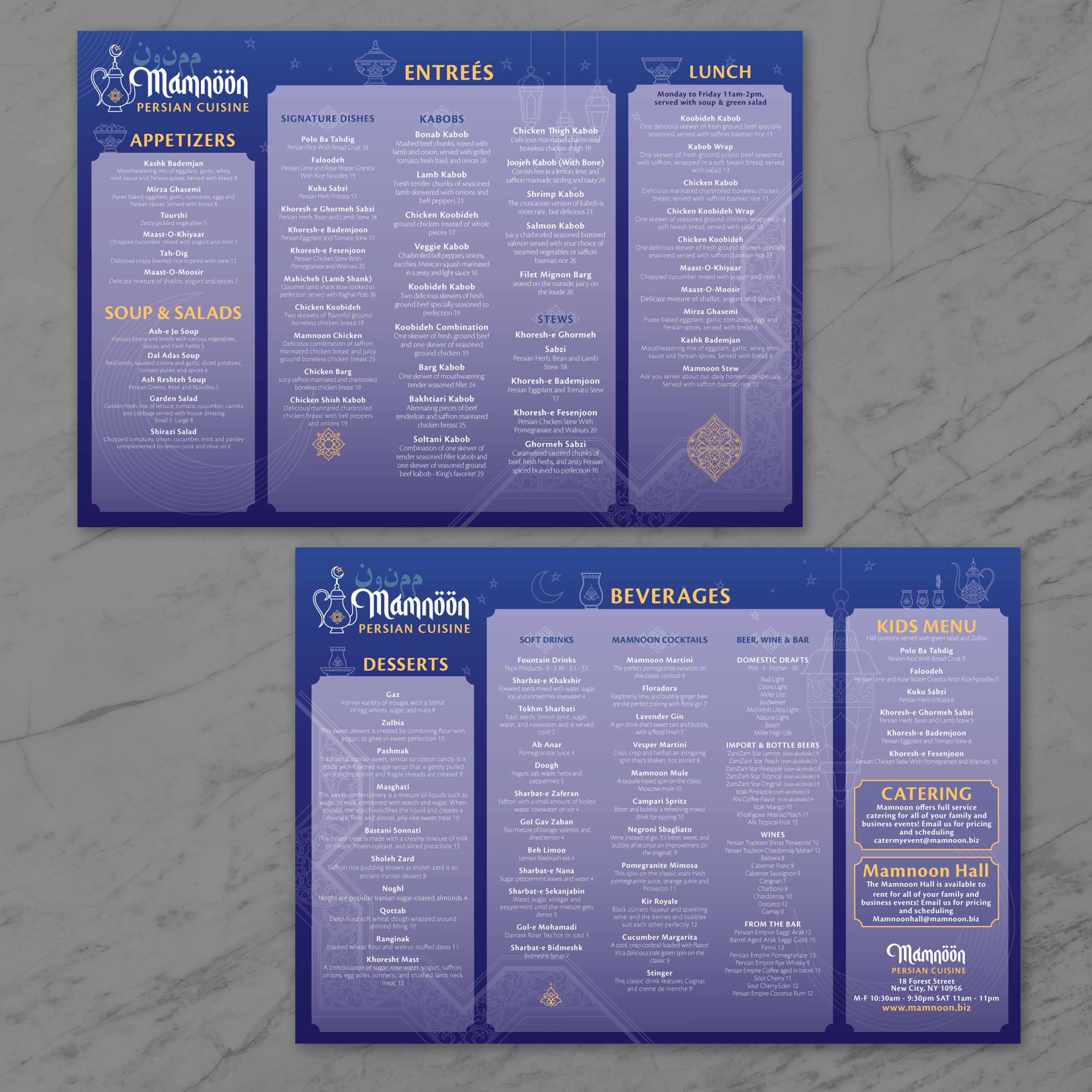
Image Resolution and Font Settings for Sharp Prints

Use high-resolution images and avoid stretching low-quality graphics. Menus are held close and read under mixed lighting, so clarity matters. Embed your fonts and stick with clean typography that prints well. Thin fonts can be challenging to read, especially in dimly lit restaurants.
Paper Orientation and Cut Marks That Reduce Errors

Confirm your layout orientation before exporting. A 13” x 19” flat menu can be designed in either portrait or landscape orientation, but your print settings must match. Include cut marks if your printer requires them, and ensure they are positioned outside the trim area so they don’t appear on the final menu.

Proofing Checklist Before You Print a Full Batch

Print one test copy at actual size. Check for margins, alignment, readability, and any clipping near the edges. Confirm pricing and spelling. Review how the menu looks on a table, not just on screen. This is the quickest way to catch issues before you print a full run.

Common Flat Menu Mistakes and How to Avoid Them

The most common problems are missing bleed, text too close to the edge, inconsistent spacing between categories, and low-resolution images. Fix them by using proper guides, maintaining strong margins, and adhering to a consistent grid. A clean setup gives you menus that print predictably and look professional every time.

Flat menus tend to be handled a lot: guests pick them up, set them down, slide them across tables, and touch them repeatedly while ordering. That means durability matters just as much as design. If you rely on standard paper, you’ll see stains and worn corners fast. If you rely on lamination, you’ll deal with clouding, edge bubbling, and a surface that looks tired over time. At TerraSlate, we built menu options that stay readable, cleanable, and presentable without the downsides of lamination.

Why Traditional Paper and Lamination Fall Short

Paper absorbs moisture and grease, warps, and stains quickly. Lamination seems like the answer, but it clouds up, can bubble or delaminate at the edges, and adds a plastic layer that gets scratched and dull. When menus look worn, the whole table presentation feels less polished.

TerraSlate Flagship Sheets for Waterproof, Rip-Proof Menus

TerraSlate is our flagship synthetic paper, designed to be 100% waterproof and rip-proof. It holds up to heavy handling and repeated cleaning, making it ideal for full-size flat menus that stay in rotation day after day. When you want durability without sacrificing presentation, this is the strongest option.

Value-Oriented PolySlate for High-Volume Menu Runs

Value-oriented PolySlate is designed for high-volume printing, delivering waterproof results. It’s intended for laser printing and works well for menu programs that are frequently updated. If you’re running seasonal swaps or often changing prices, PolySlate helps keep costs under control without reverting to paper.

TerraShield™ Anti-Microbial Coating for High-Contact Menus

If your menus are shared constantly, TerraShield™ adds built-in protection for long-term use. TerraSlate can print menus for you with our proprietary TerraShield™ anti-microbial coating with industry-leading turnaround and fast shipping. It supports a cleaner menu program while reducing reliance on harsh chemical disinfectants.

Choosing Thickness (5 Mil, 8 Mil, 10 Mil, 14 Mil) for Flat Menus

Thickness changes how your menu feels in-hand. 5 Mil is flexible, 8 Mil is a strong balance for most restaurant menus, 10 Mil adds structure for heavier use, and 14 Mil is more rigid for the harshest environments. The best choice depends on how often menus are handled, how frequently they’re cleaned, and how premium you want the final presentation to feel.

One of the most significant advantages of designing a strong 13” x 19” flat menu is that the content can be reused across multiple formats. When your categories, descriptions, and pricing are clean and consistent, it’s easy to repurpose the duplicate menu copy into folded menus, smaller handouts, and table pieces without having to rebuild everything from scratch. That creates a consistent guest experience and enables faster updates.

Converting Flat Menus Into 13” x 19” Bifold Menus

A flat layout can be split into four panels by moving categories into a cover, two inside panels, and a back panel. This works well when you want a more premium feel or need better organization. The content stays the same, but the reading flow becomes more structured.

Adapting Content Into Trifold Menus

Trifolds give you six panels and work exceptionally well for long menus, bar programs, or restaurants with many categories. The exact flat menu copy can be broken into smaller sections, allowing guests to scan panel by panel, which reduces overwhelm and improves ordering speed.

Turning Menu Sections Into Bar Inserts and Drink Lists

If your menu includes a full drink section, you can pull it into a separate bar menu or insert it. This is useful for restaurants that want a dedicated cocktail list or a smaller menu for bar seating, while keeping the main food menu clean.

Using the Same Design for Catering Menus and Flyers

Flat menu layouts also convert easily into catering sheets, banquet menus, and event handouts. Keep the same typography and brand look, then adjust content blocks to include package tiers, add-ons, and service notes.

Creating Matching Table Pieces Like Coasters and Inserts

When your menu design is consistent, it’s easy to create matching table pieces, such as coasters, tent cards, QR code inserts, and drink special cards. These pieces reinforce your branding and create a more polished table experience, without requiring a totally new design system.

Flat menus are simple, but they still require a maintenance plan to stay presentable. Corners wear out, surfaces become greasy, and paper-based menus quickly become a reprint cycle. A durable menu system reduces those replacements and keeps the menu looking sharp for longer. At TerraSlate, we focus on materials and routines that make flat menus easier to run day after day.

Cleaning Routine for Waterproof Menus

Clean menus regularly to prevent buildup, especially during periods of high-volume service. Wipe down after shifts and spot-clean as needed during the day. Waterproof menus make this routine simple because moisture doesn’t soak in, and the menu won’t warp or soften over time.

Why Soap and Water Is the Best Standard

Simple soap and water are recommended for our paper because they clean effectively without degrading the printed surface over time. Harsh chemical cleaners can be unnecessarily aggressive when used frequently. A consistent soap-and-water routine helps menus stay clear, readable, and professional.

Storage Tips That Prevent Curling and Corner Wear

Store flat menus stacked neatly on a clean surface or in a flat bin. Avoid heat sources and keep them away from direct sunlight when possible. Rotating stacks also helps reduce wear on the same few menus, extending the life of the full set.

How to Update Templates Without Redesigning

Use the same core layout and swap content as needed. Update pricing, replace specials, and rotate seasonal items while maintaining consistency in spacing, typography, and category structure. This reduces mistakes and makes menu updates faster for your team.

Why Better Than Lamination Saves Money Over Time

Paper wears out quickly, and lamination clouds up, scratches, can bubble or delaminate, and adds cost without delivering long-term durability. With waterproof, rip-proof menu materials, you reduce reprints and maintain higher presentation quality across more shifts. That lowers lifetime menu cost and makes your menu program more predictable and easier to manage.