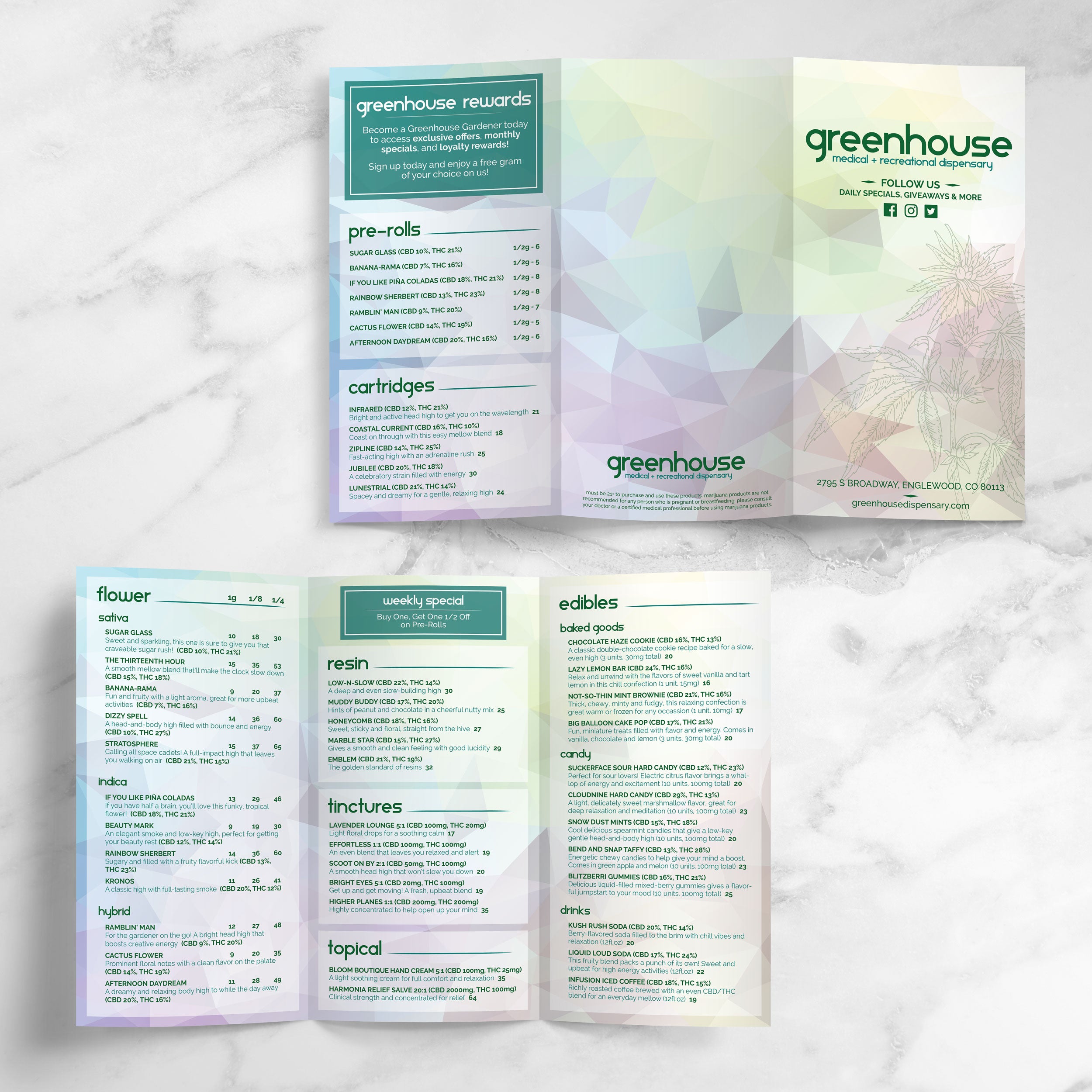
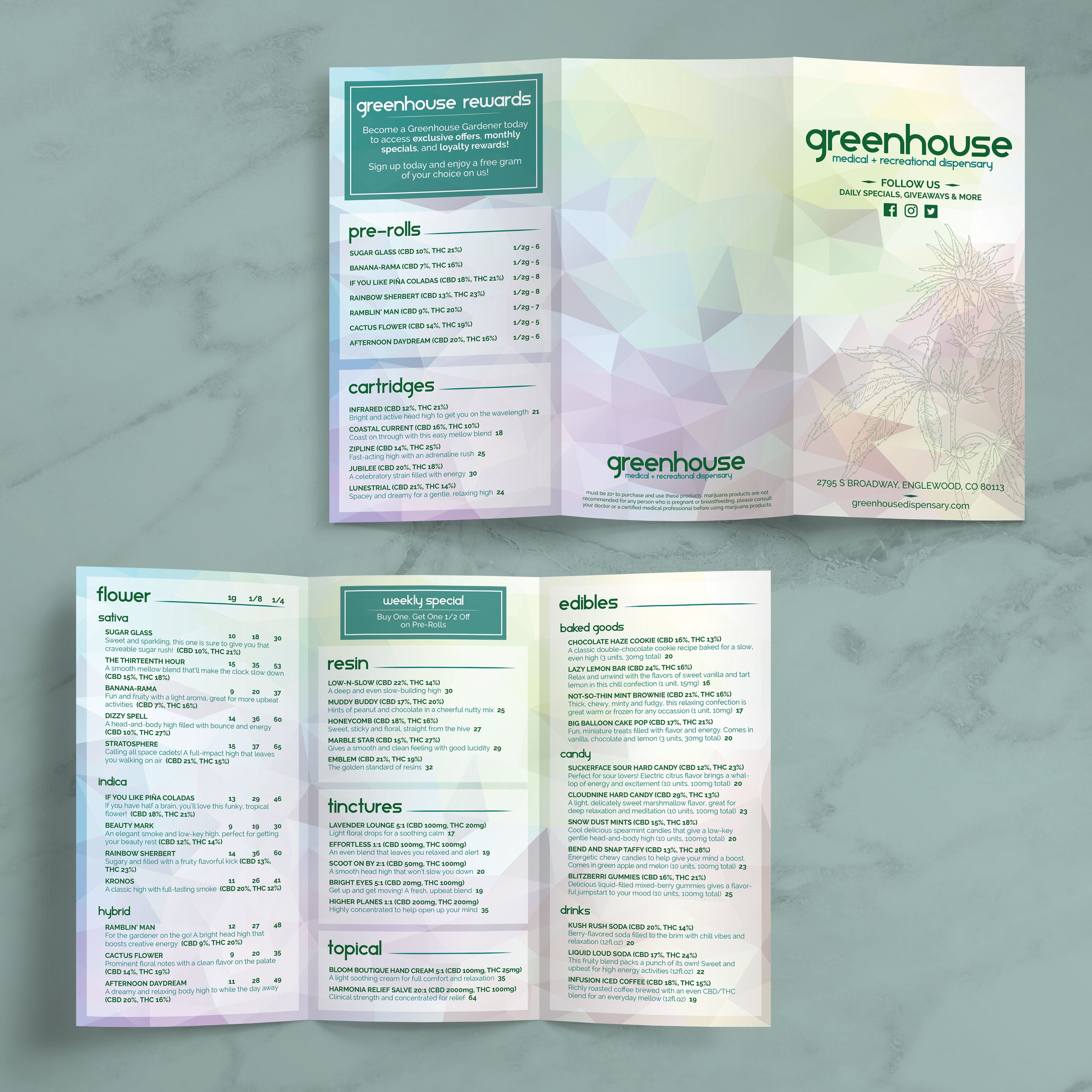
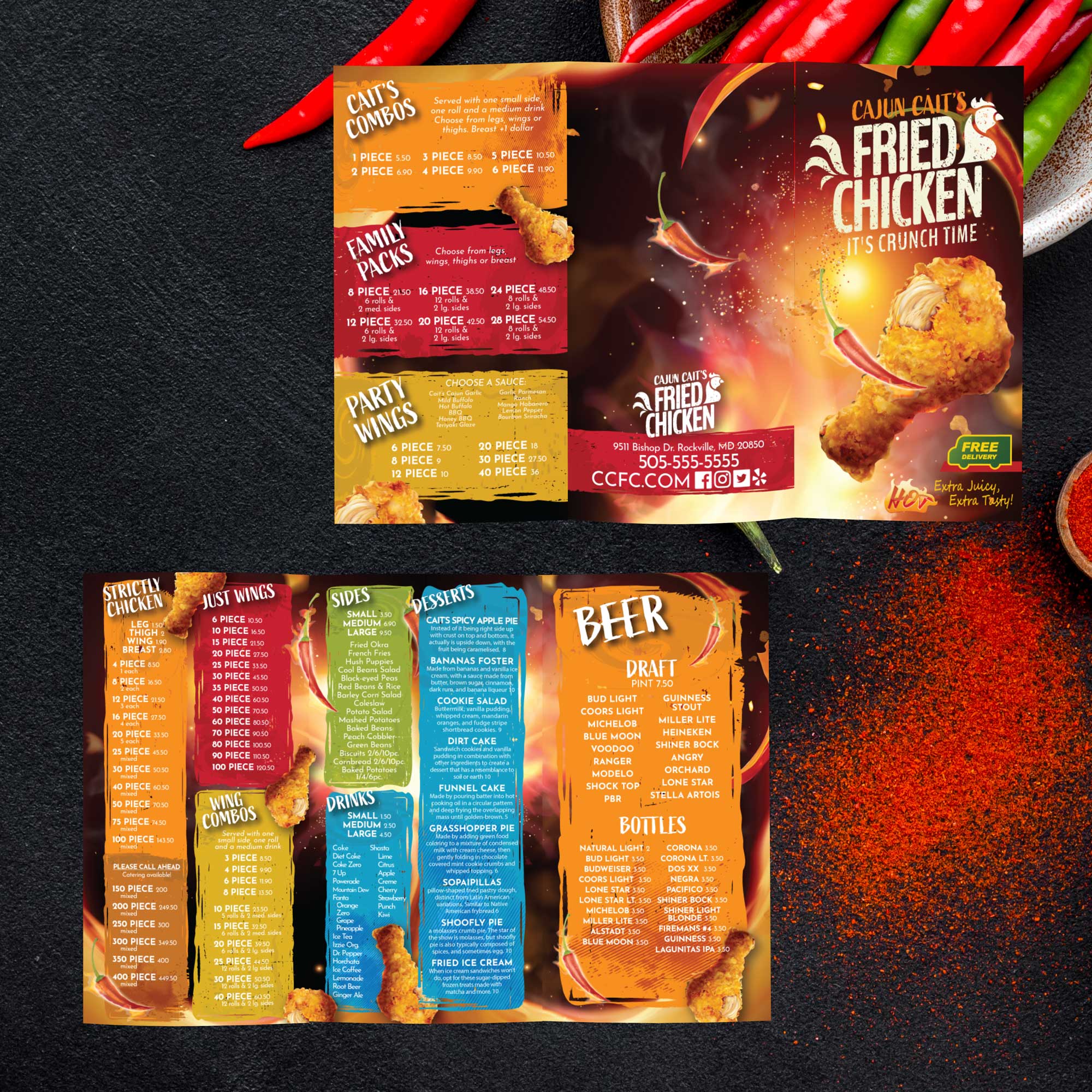
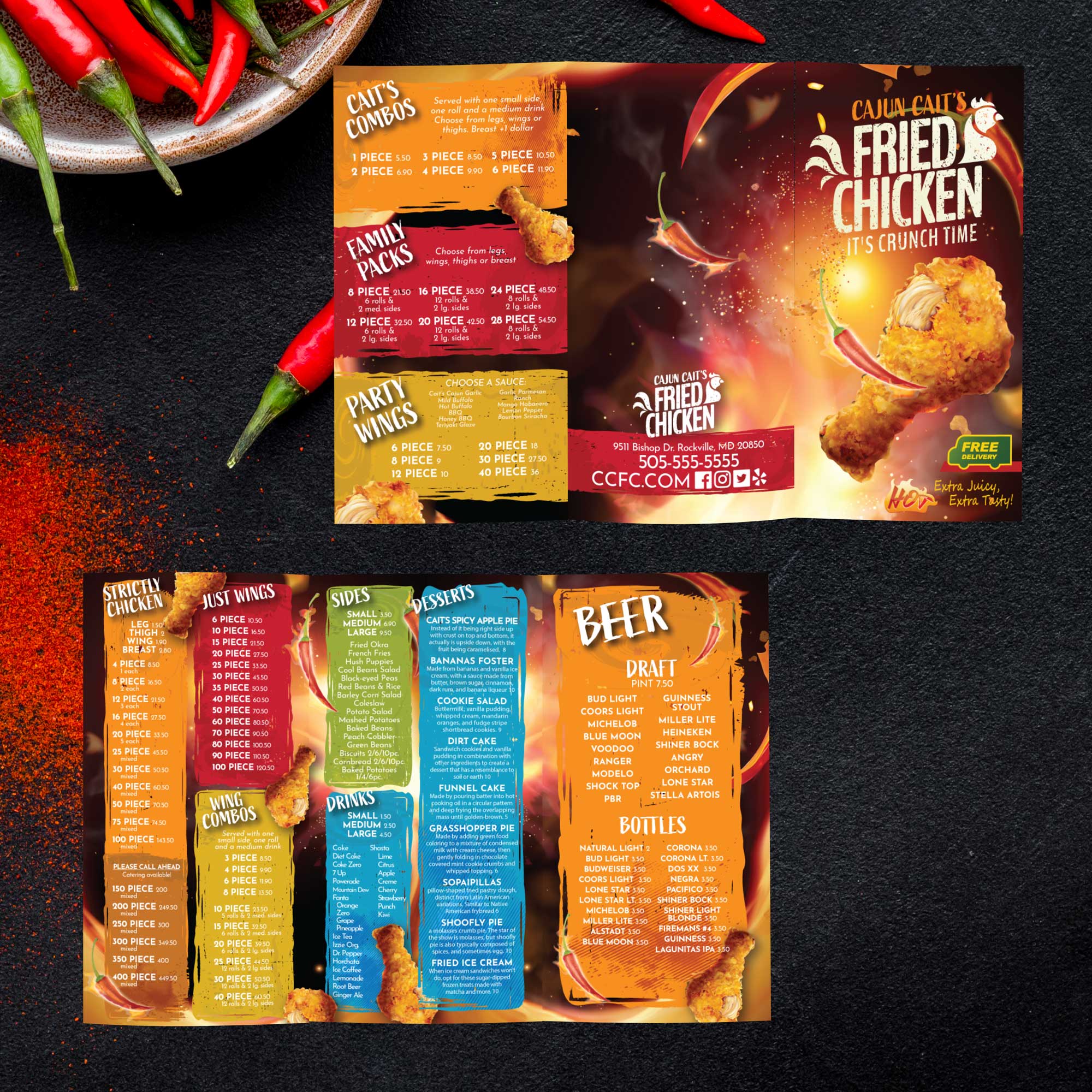
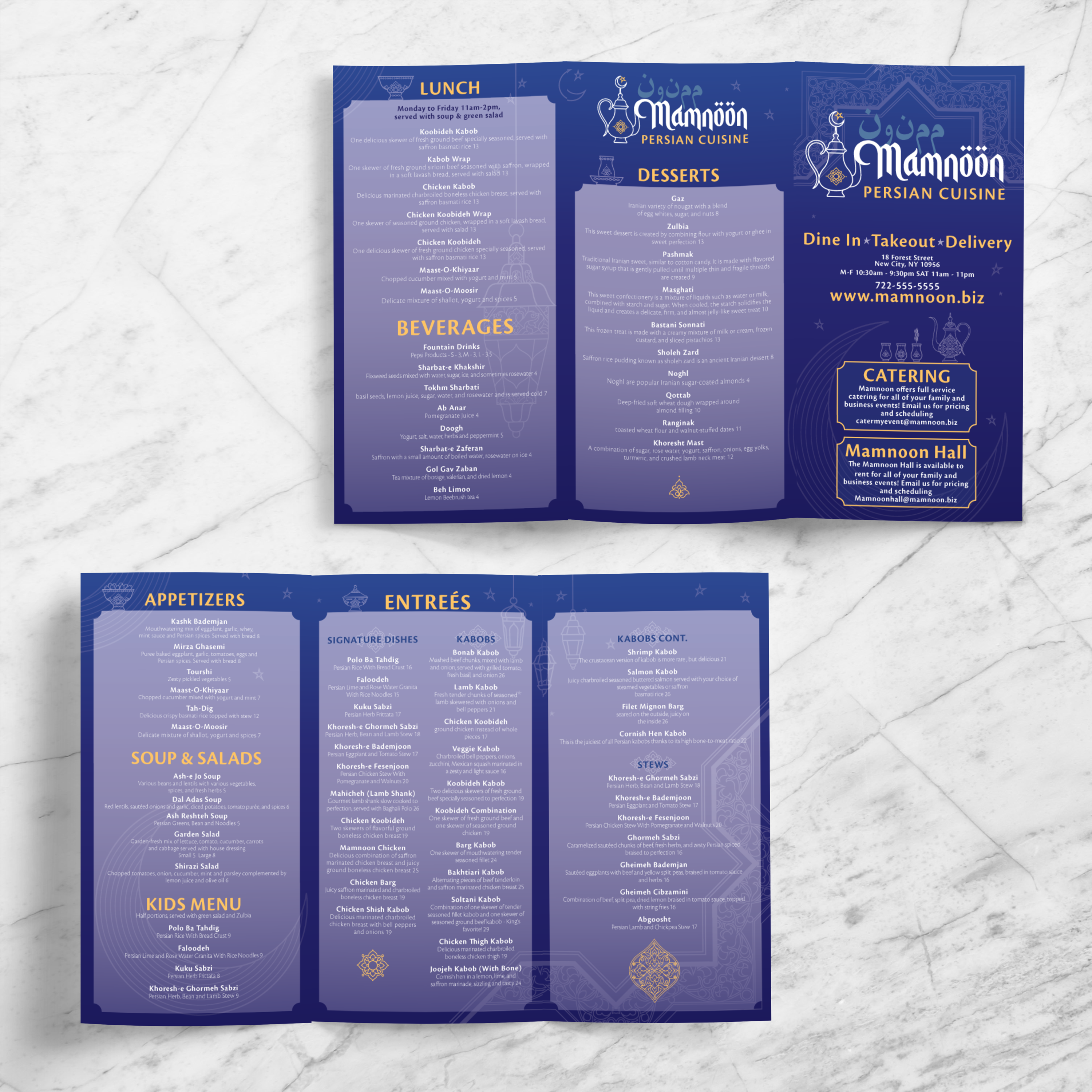
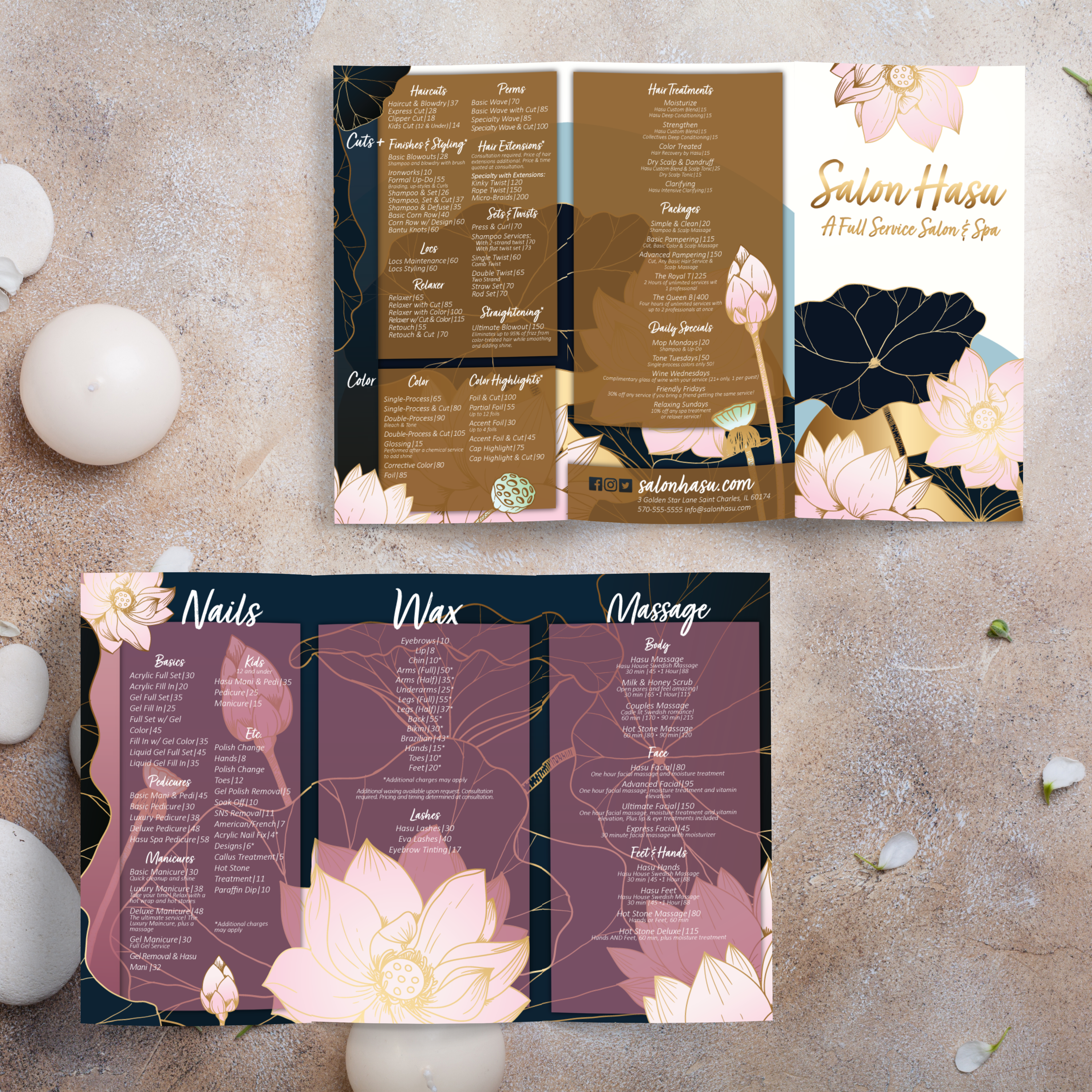
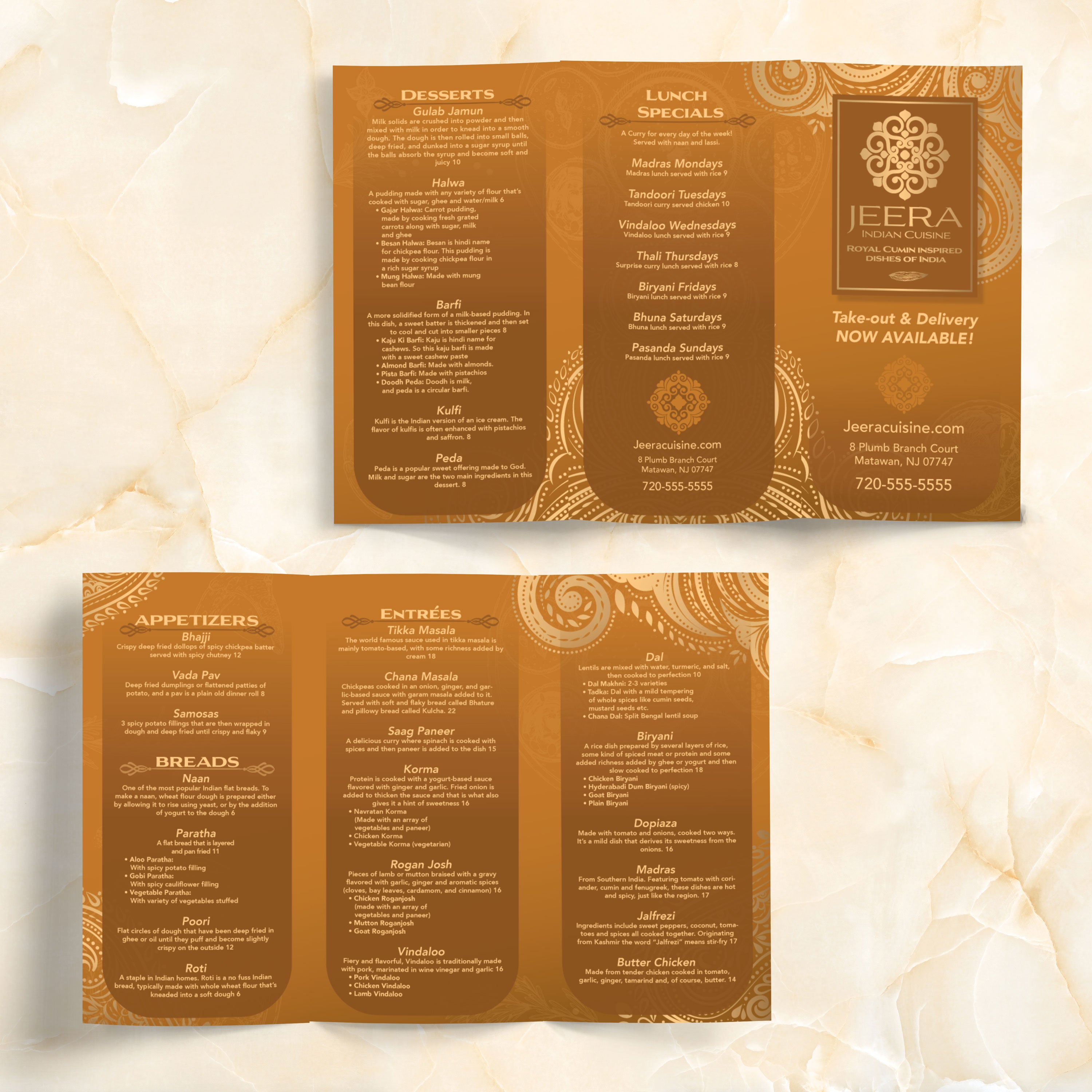
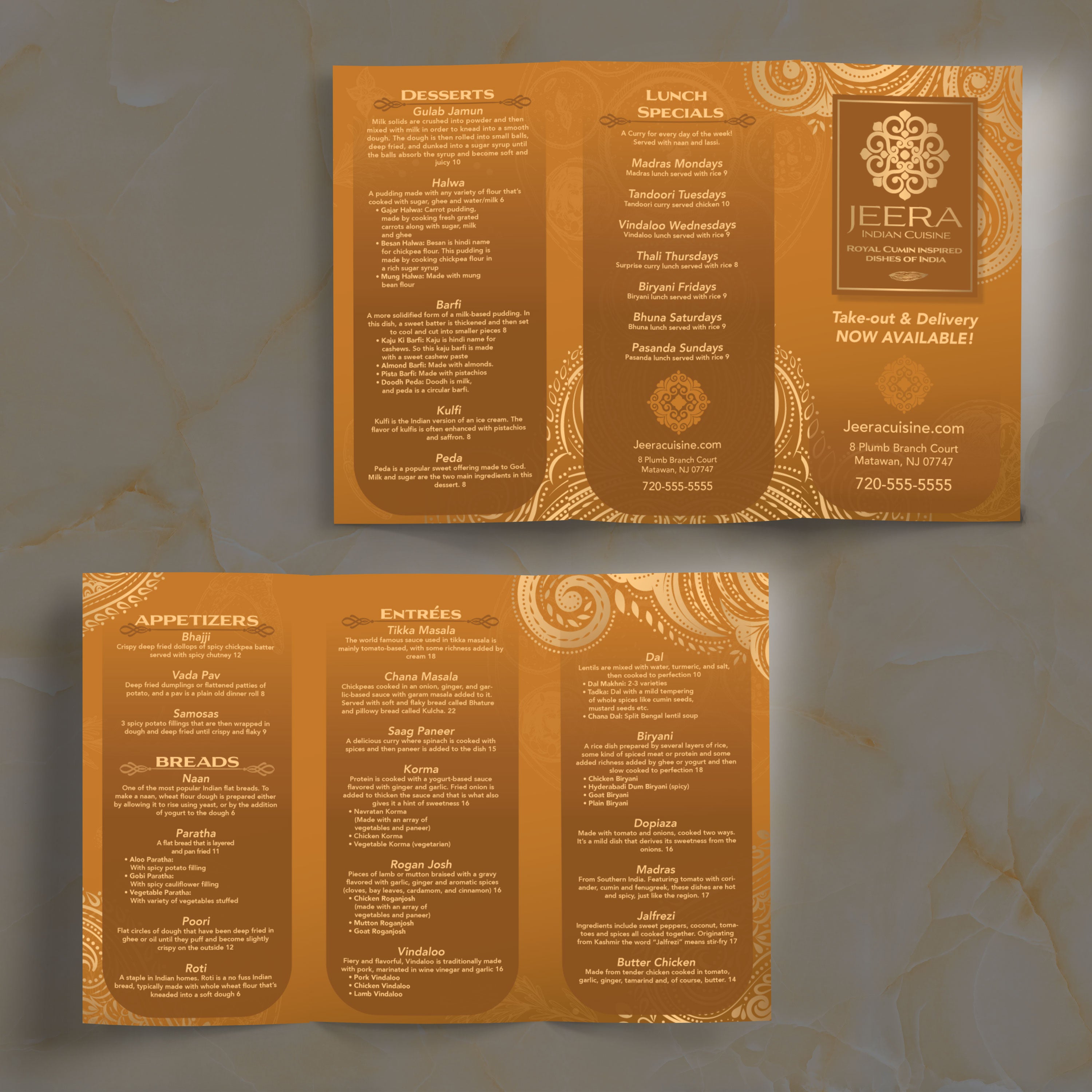
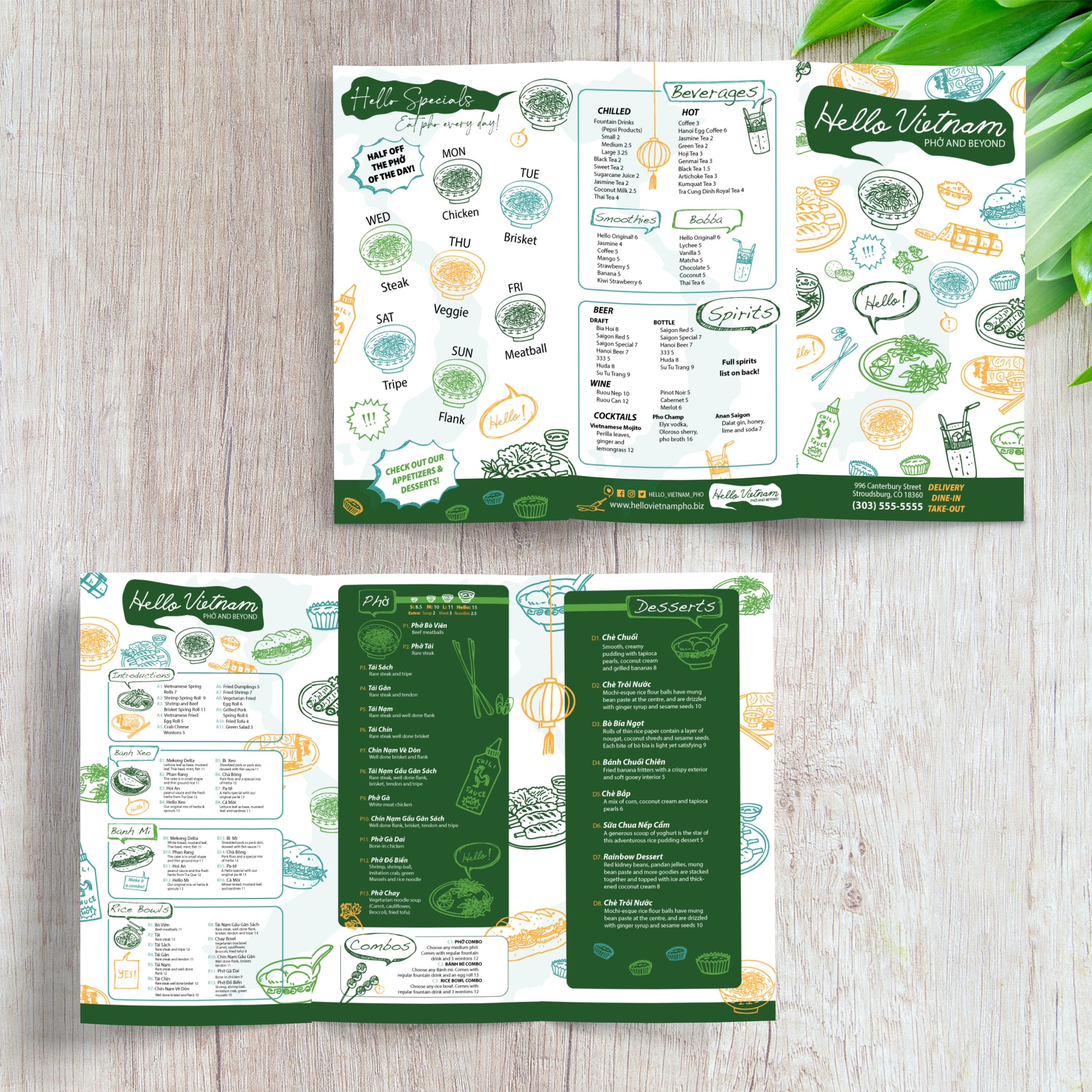
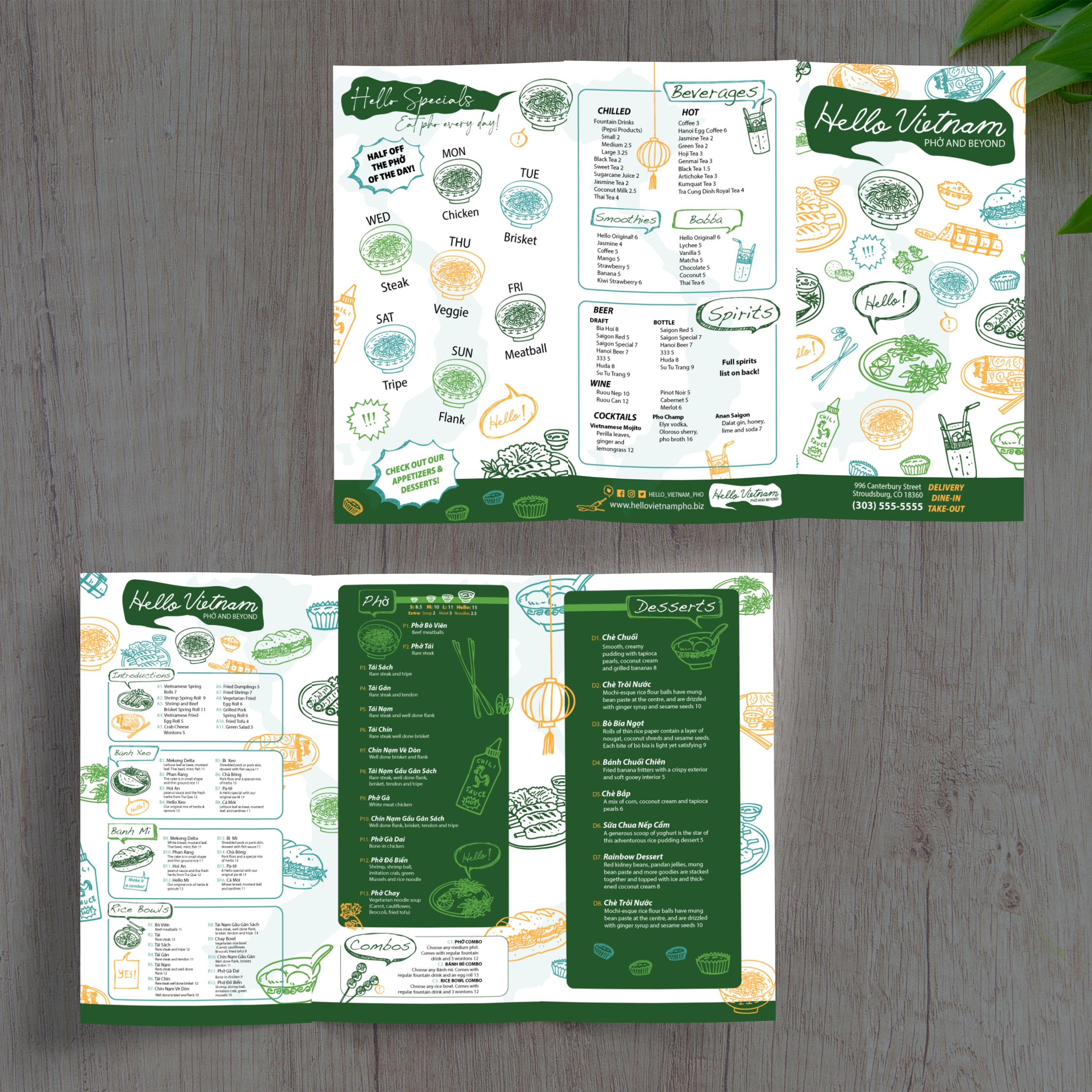
11" x 17" Trifold Templates

24 products

Showing 1 - 24 of 24 products

Showing 1 - 24 of 24 products
View

Recently viewed

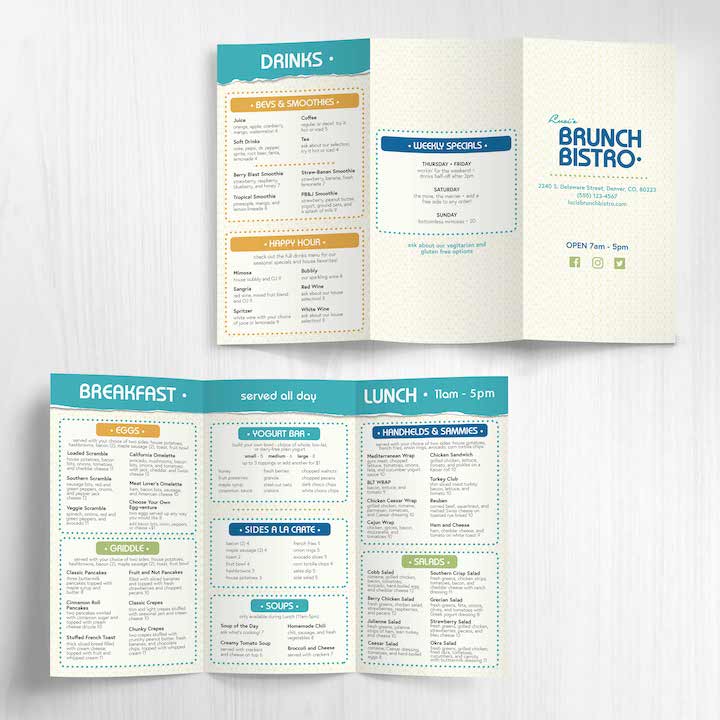
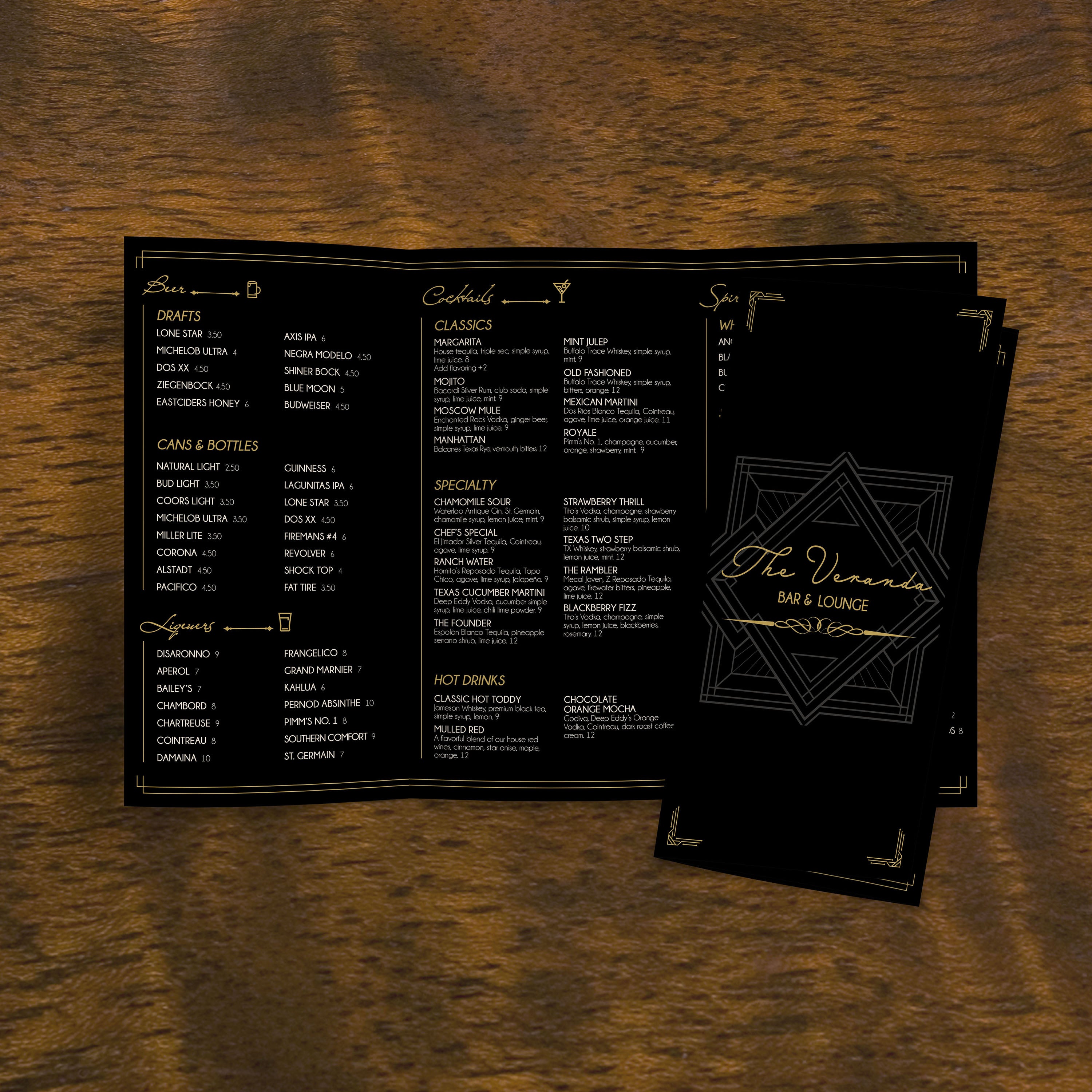
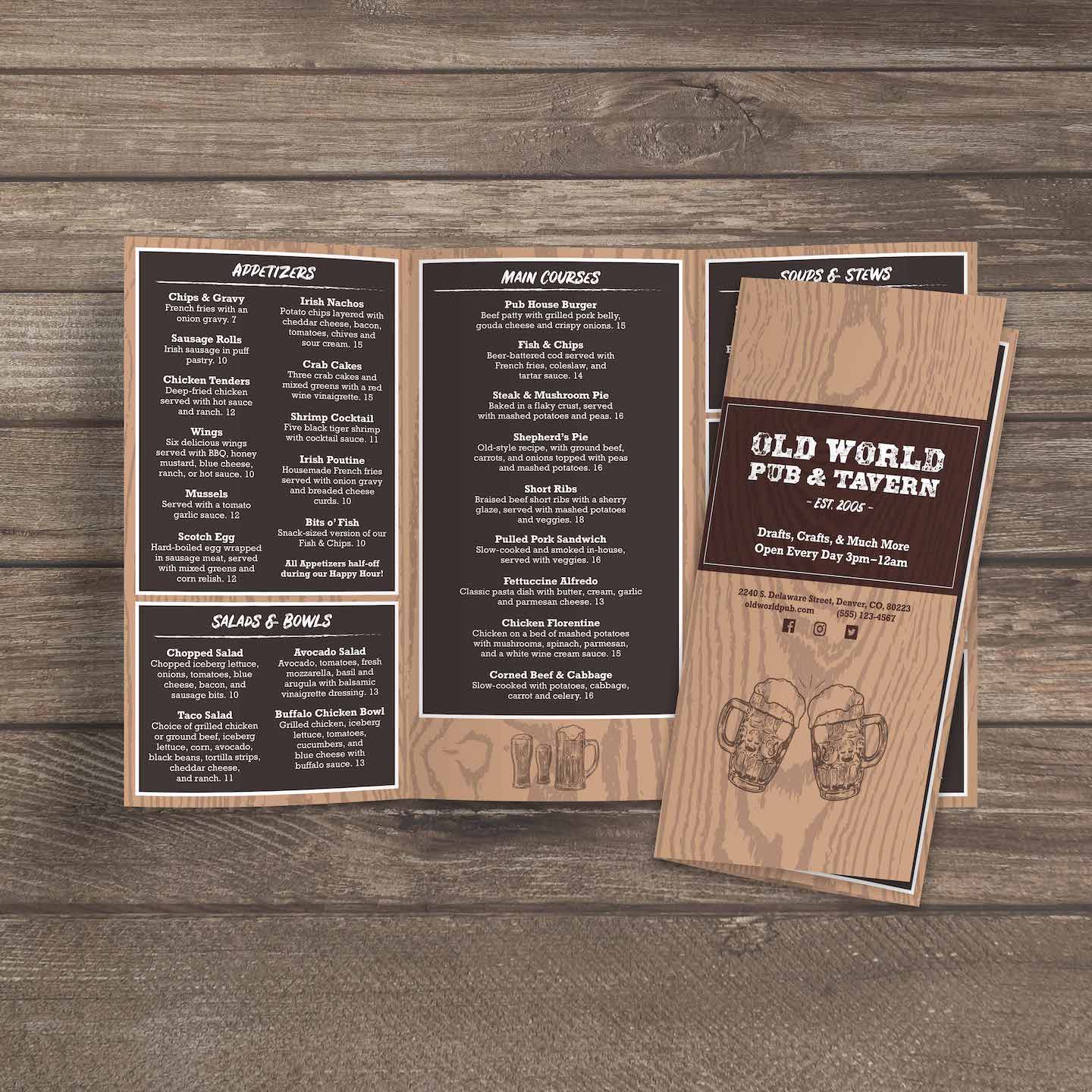
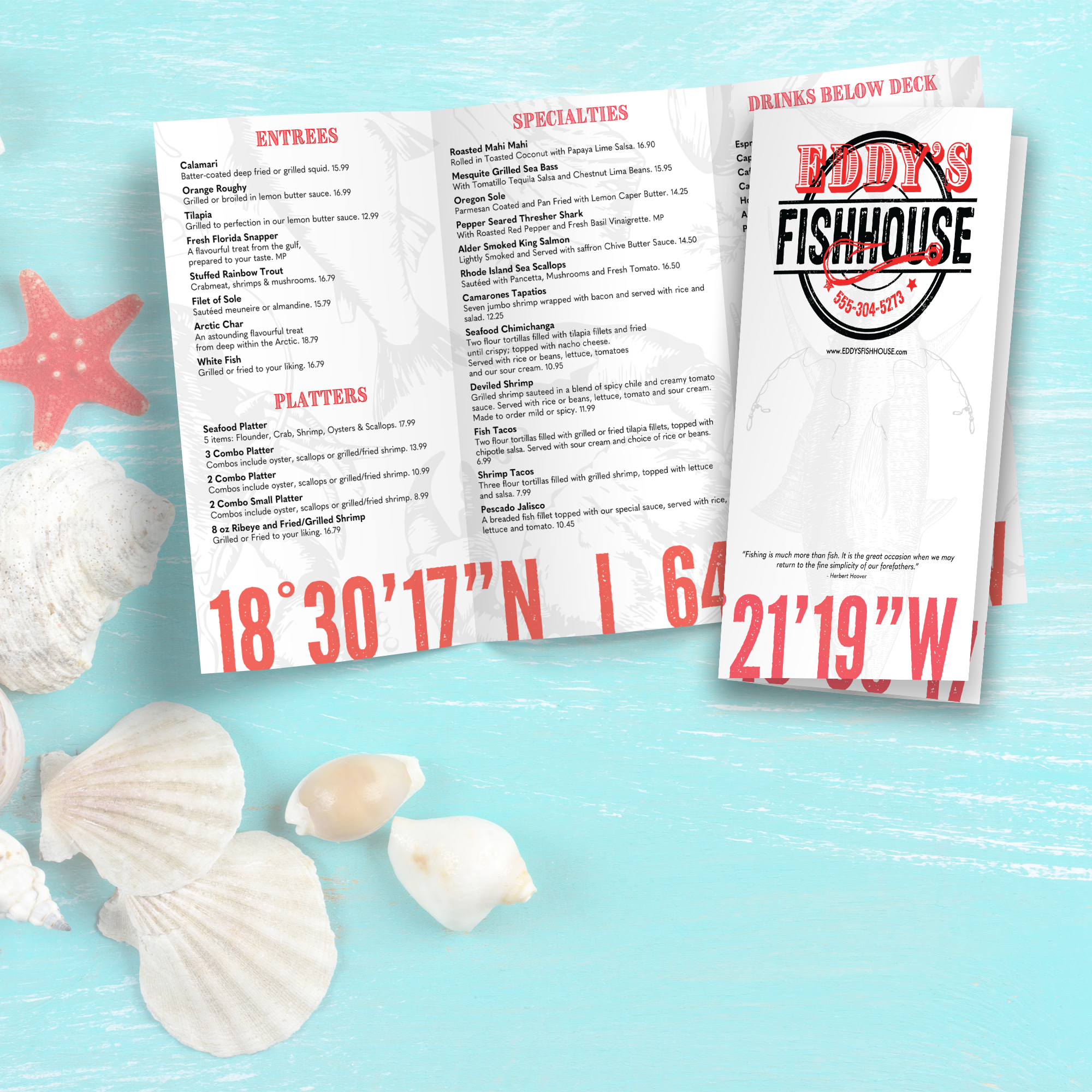
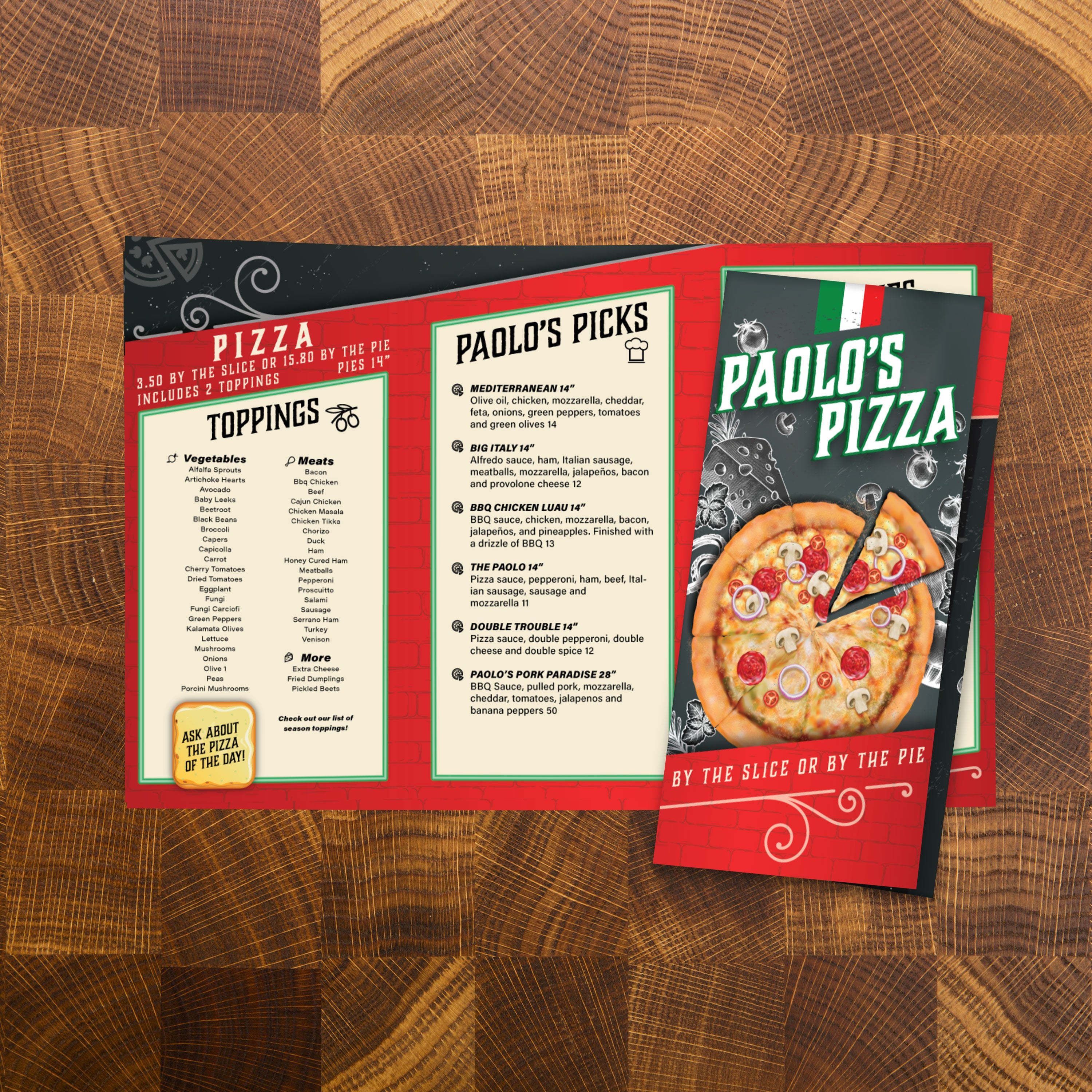
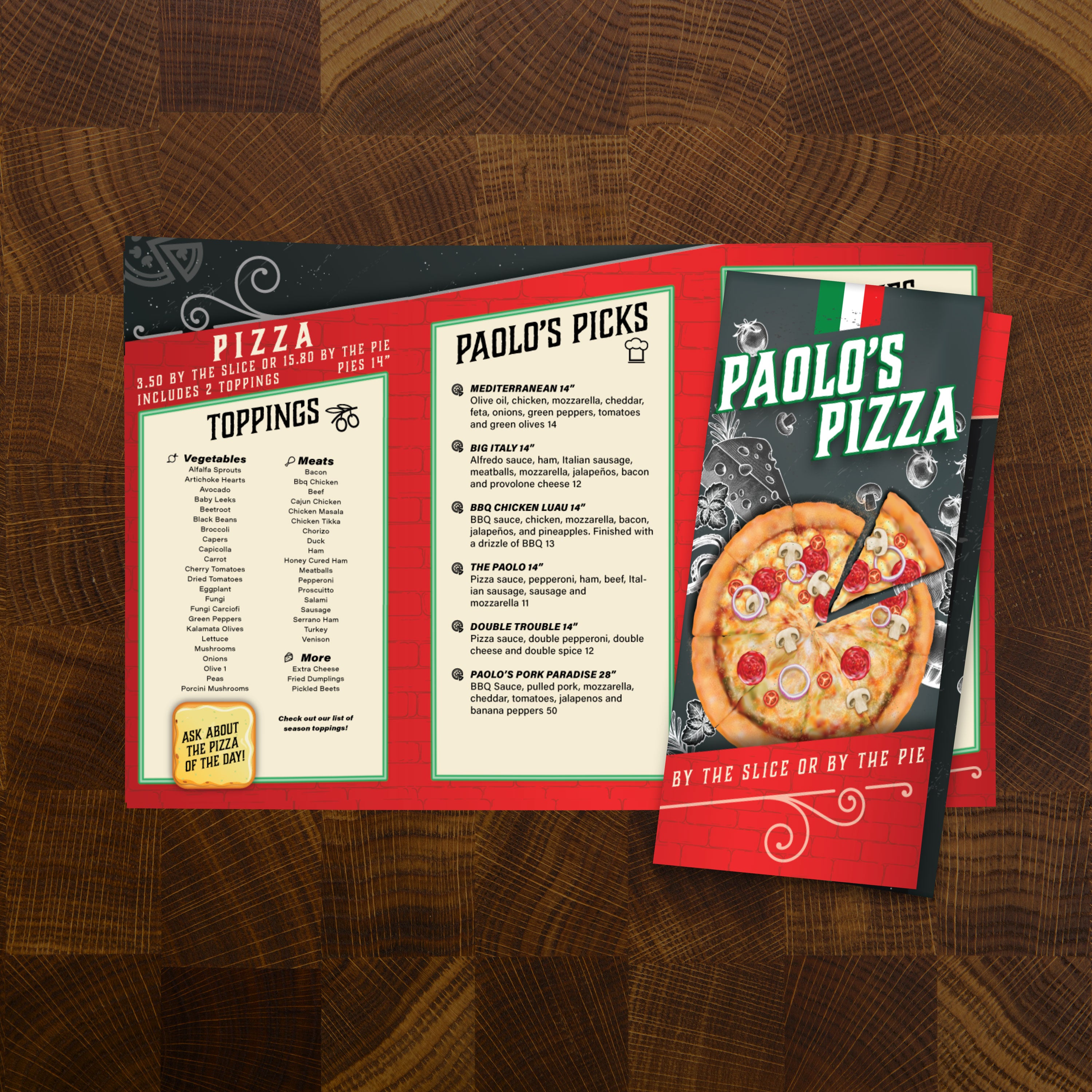
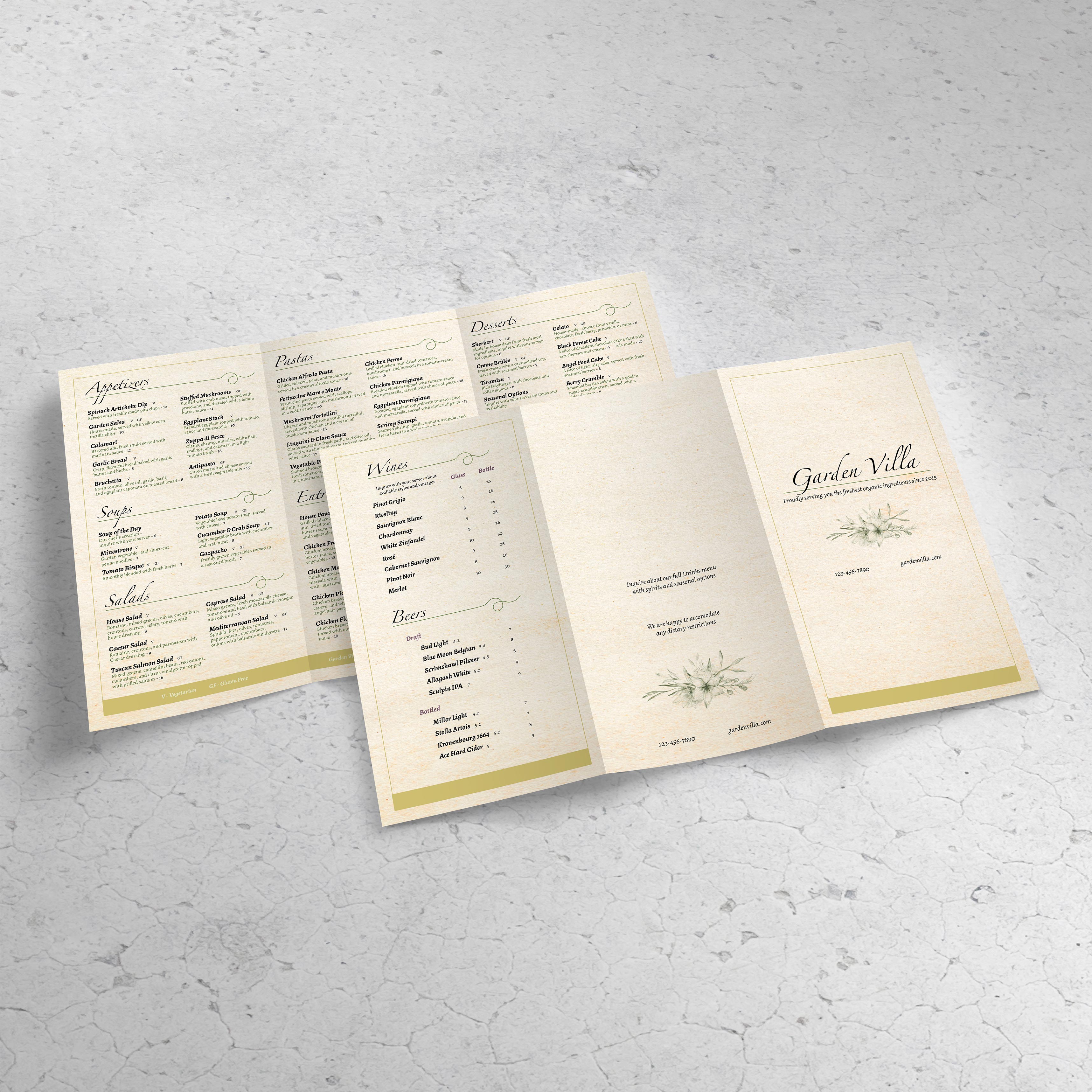
If your menu features multiple categories, numerous options, or a comprehensive drink program, a trifold format can effectively organize everything without forcing small text or overwhelming guests. An 11” x 17” trifold provides a compact, easy-to-handle menu that still offers six panels of usable space. At TerraSlate, we've built free trifold templates so you can start with a proven layout, customize quickly, and print in a format designed for real-world service.

What 11” x 17” Trifold Means (Panel Count, Fold Style, and Final Size)

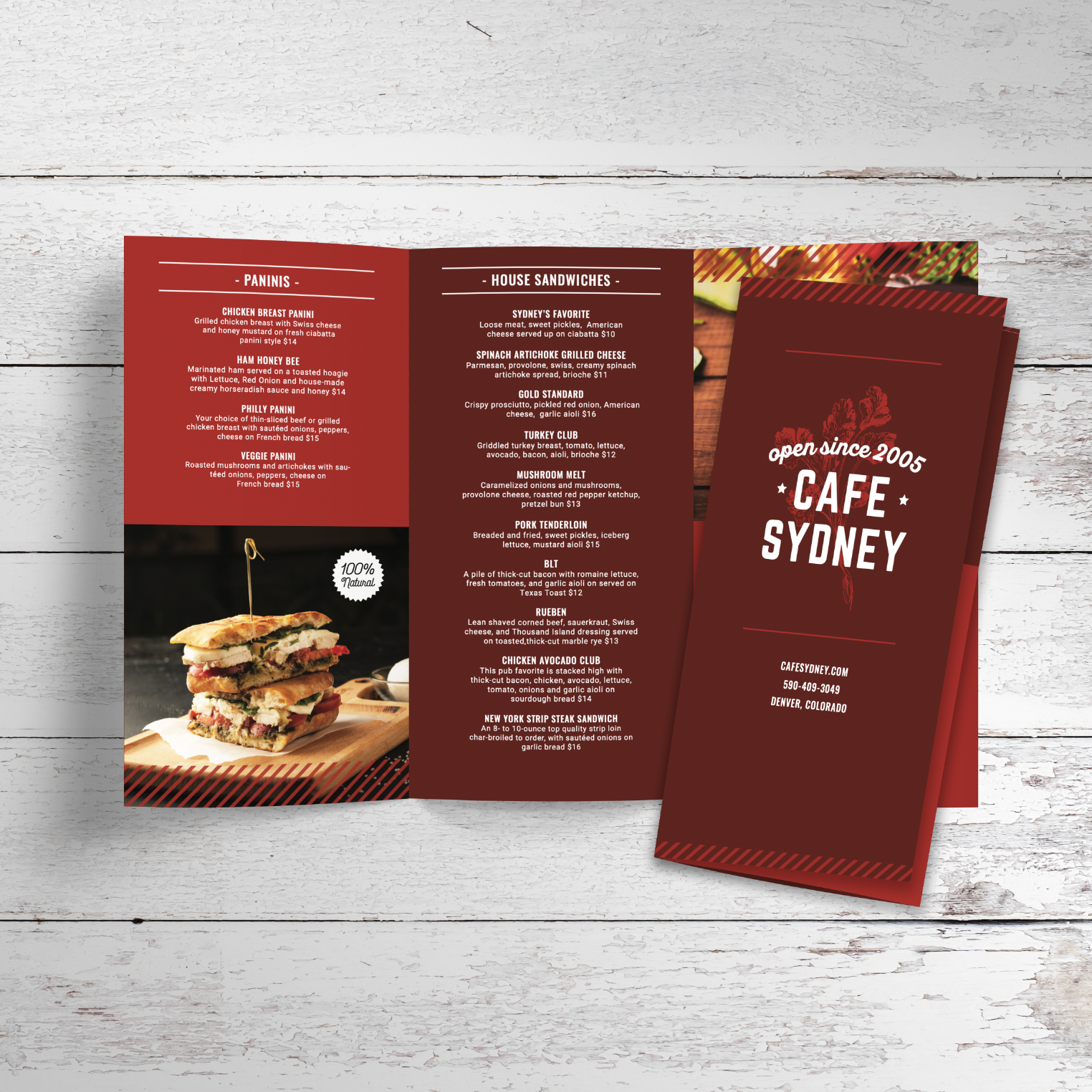
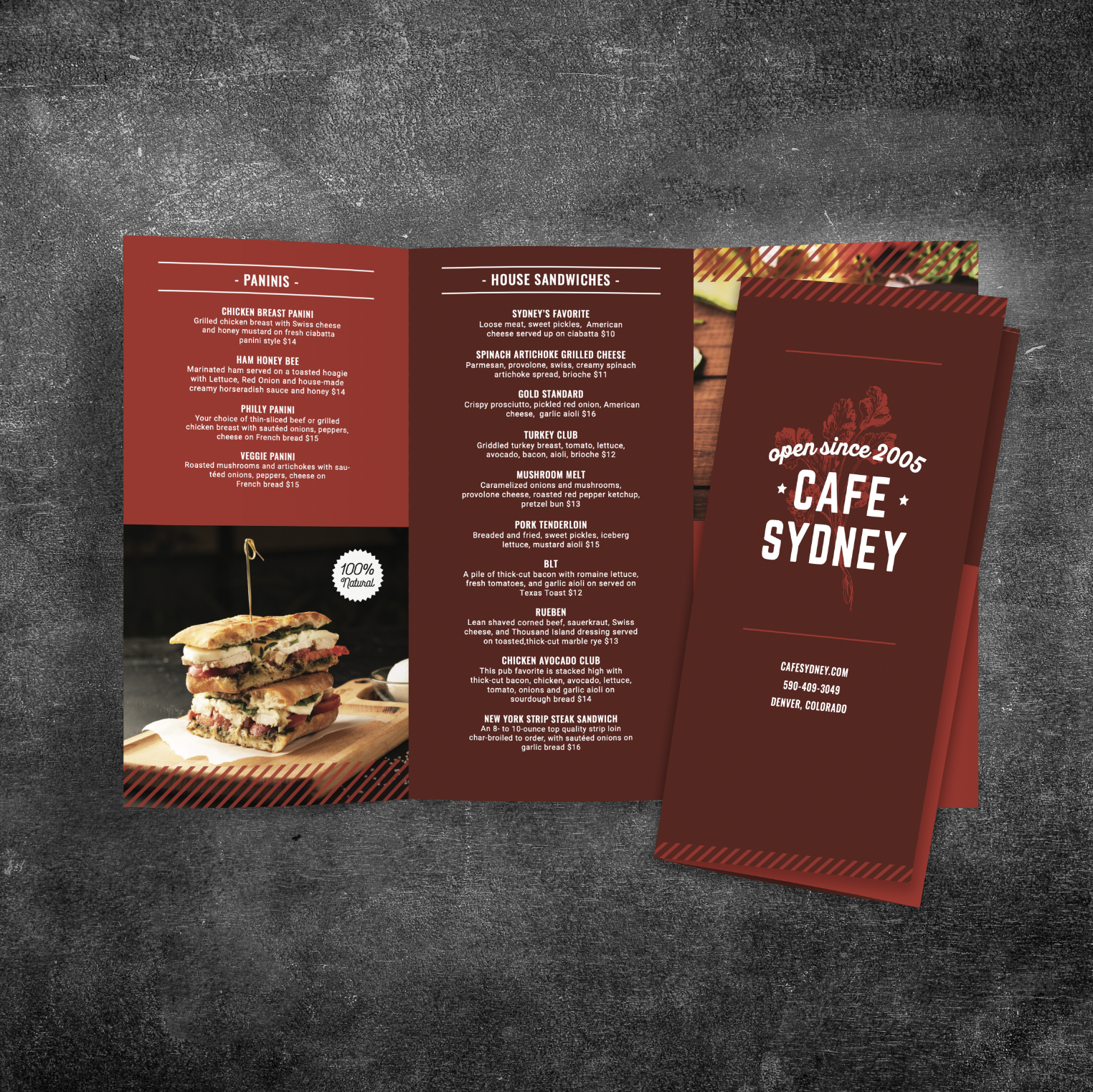
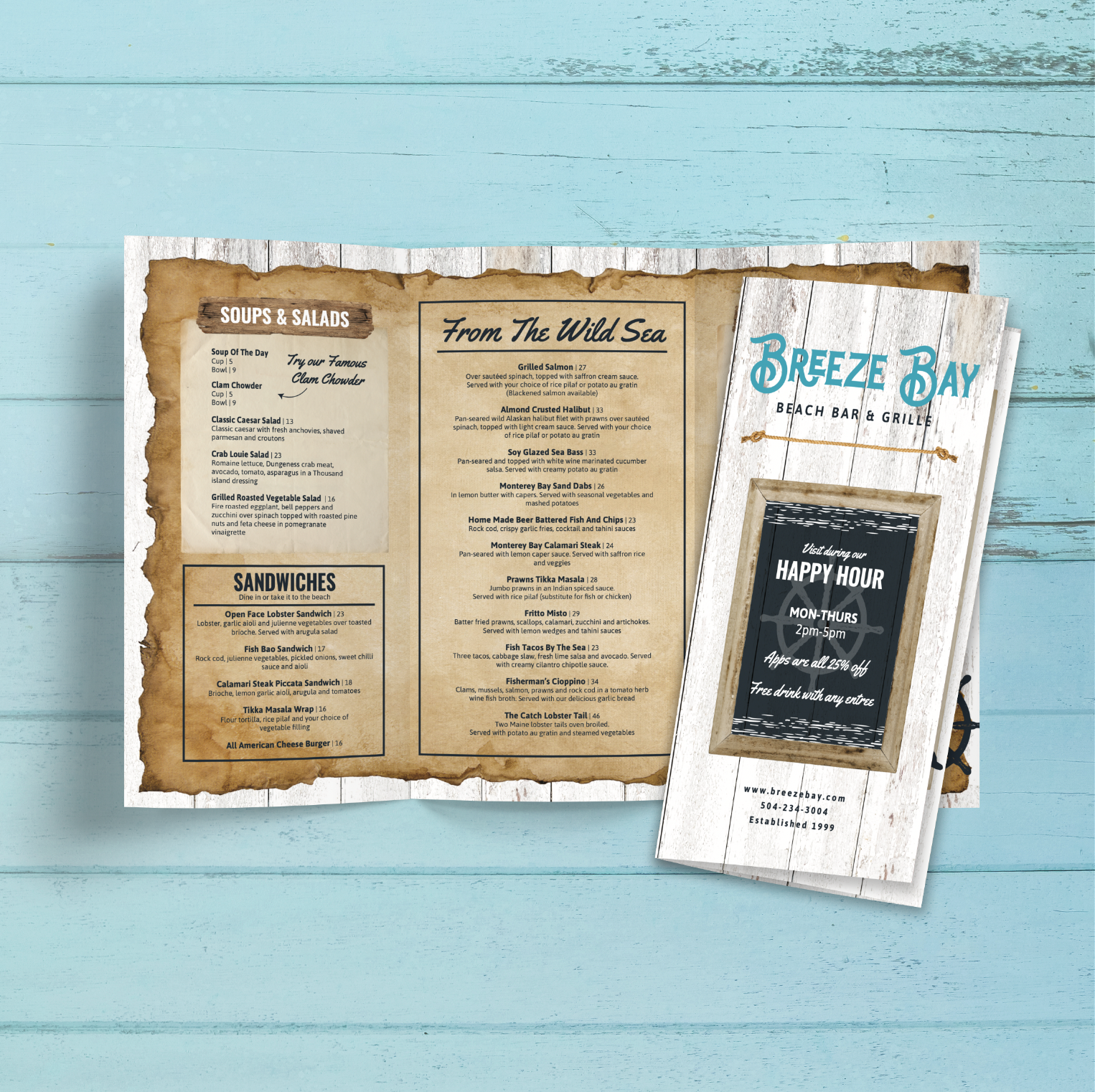
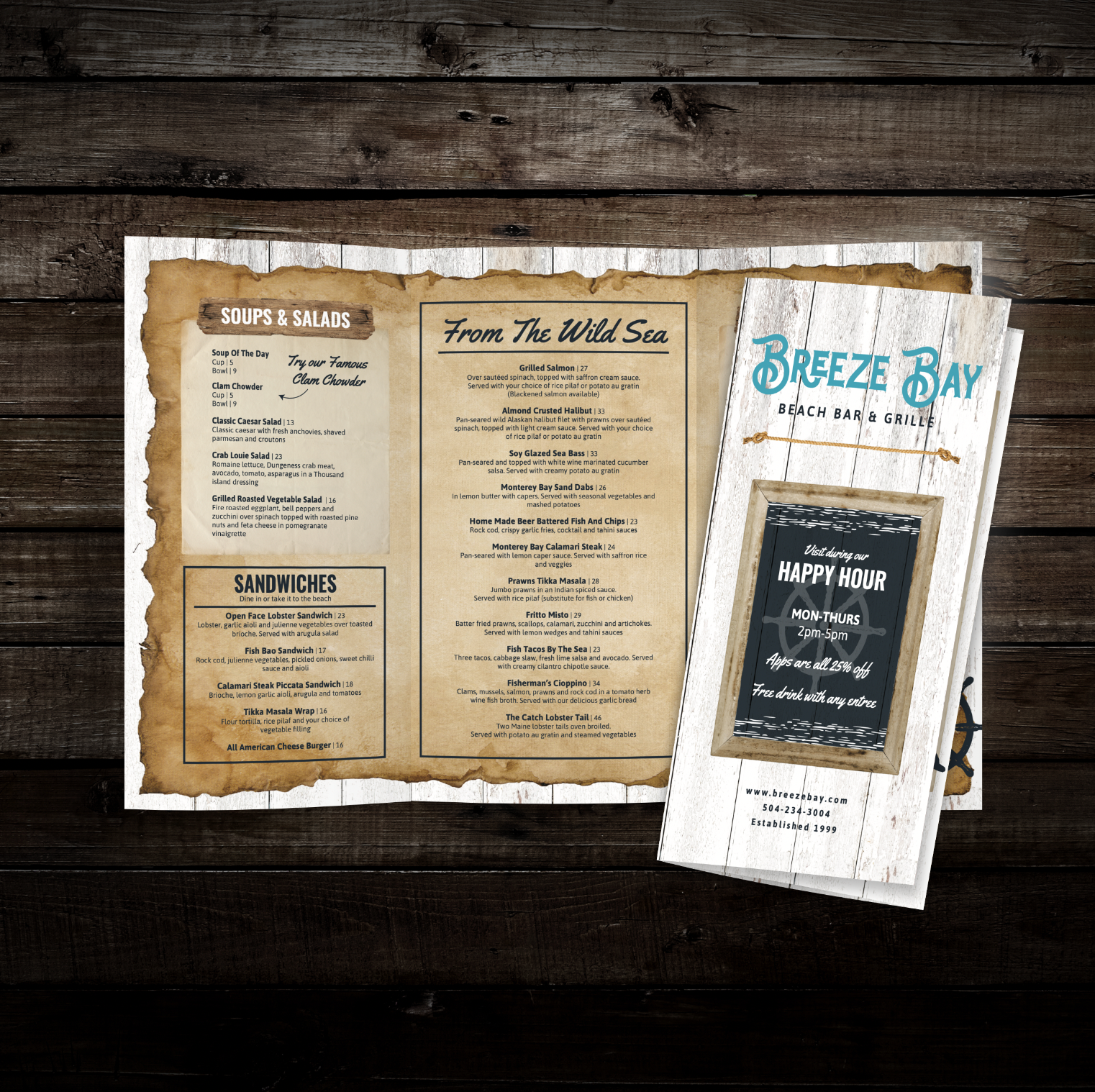
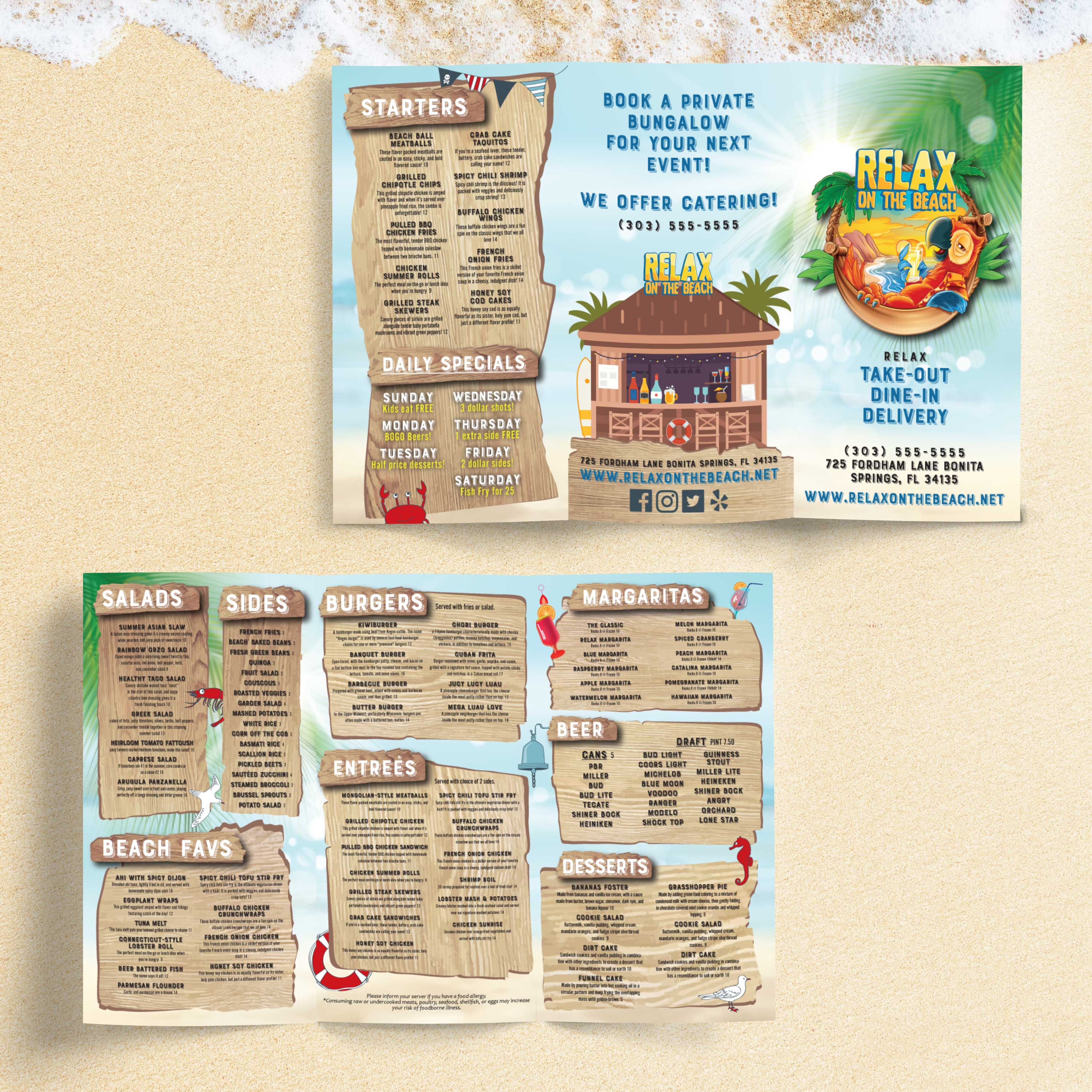
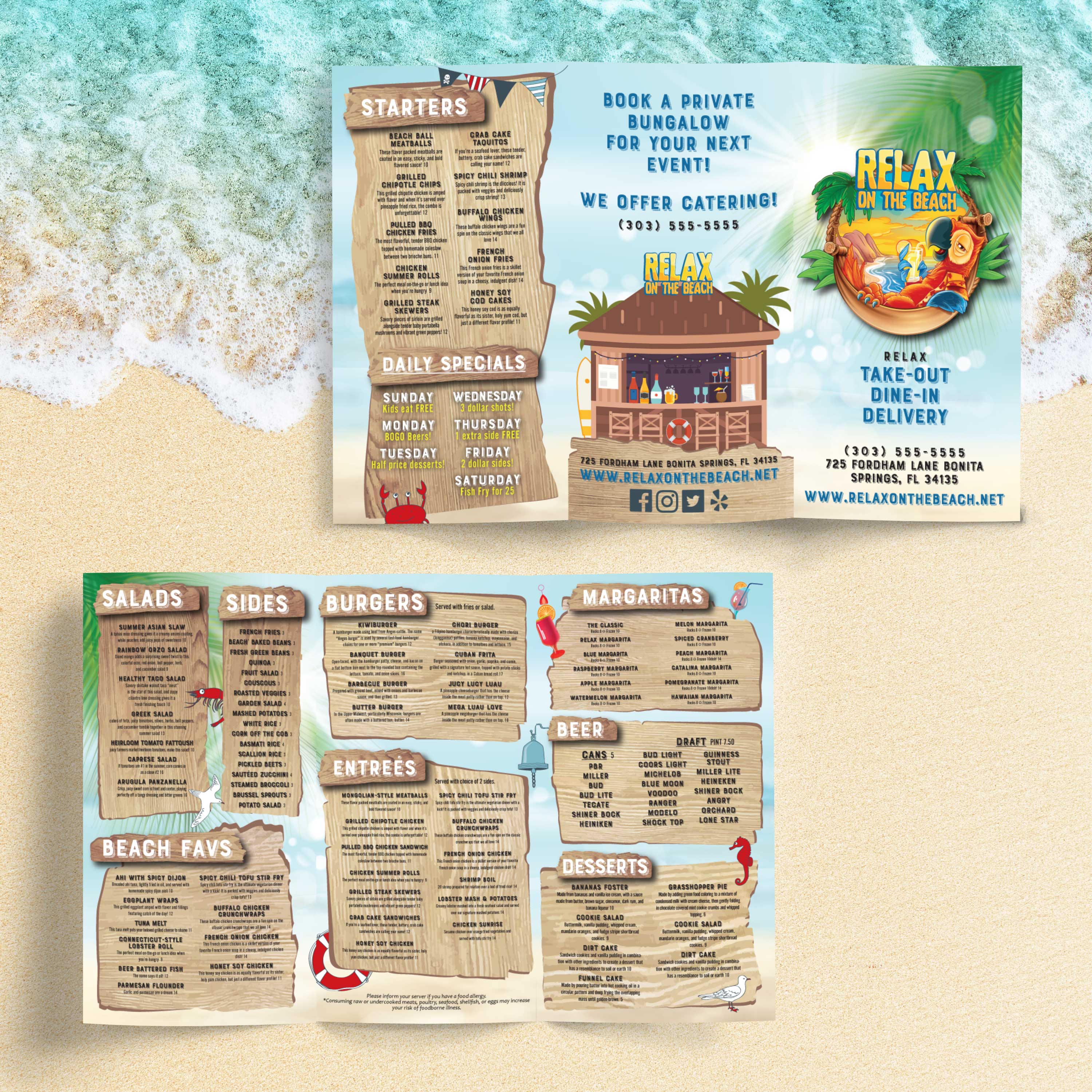
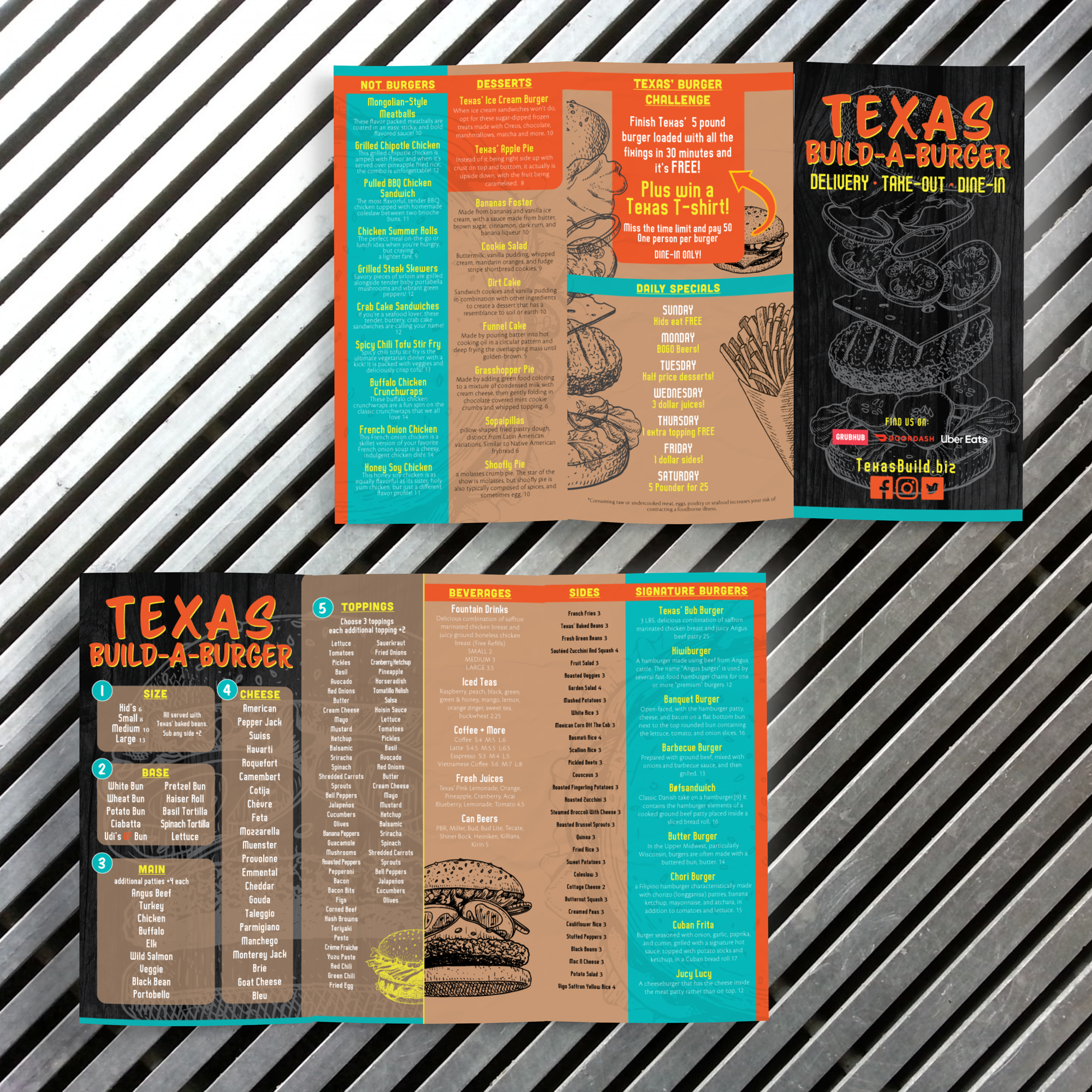
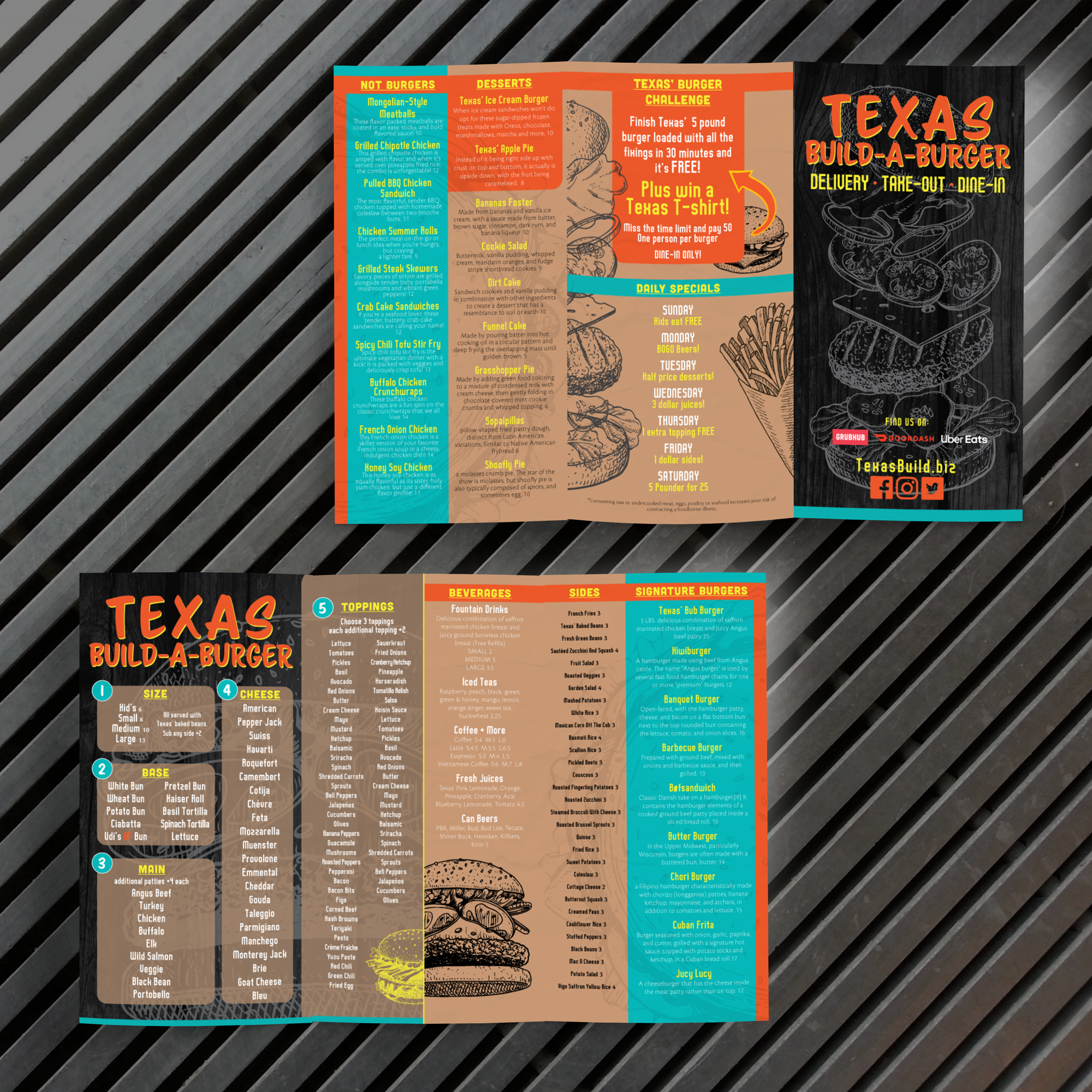
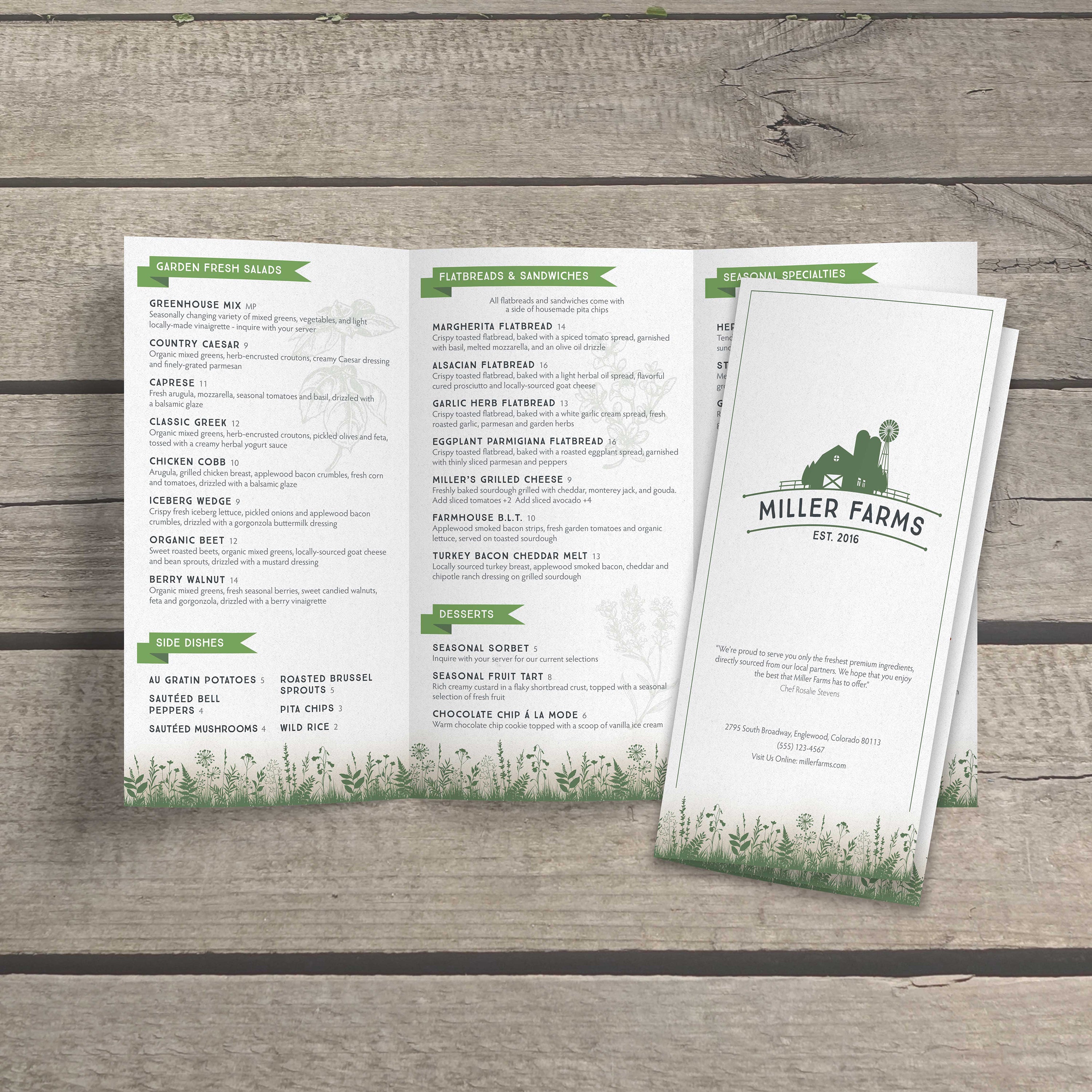
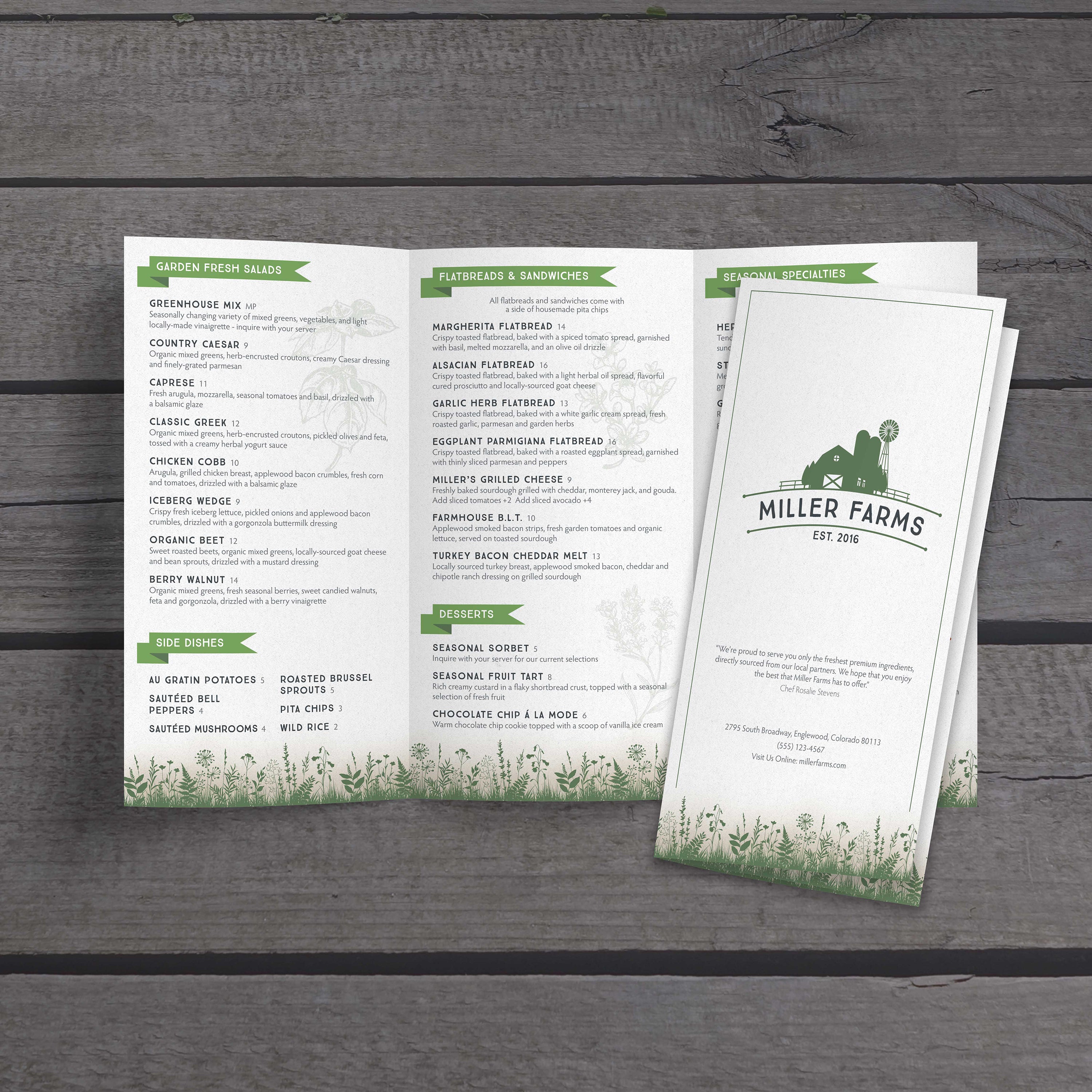
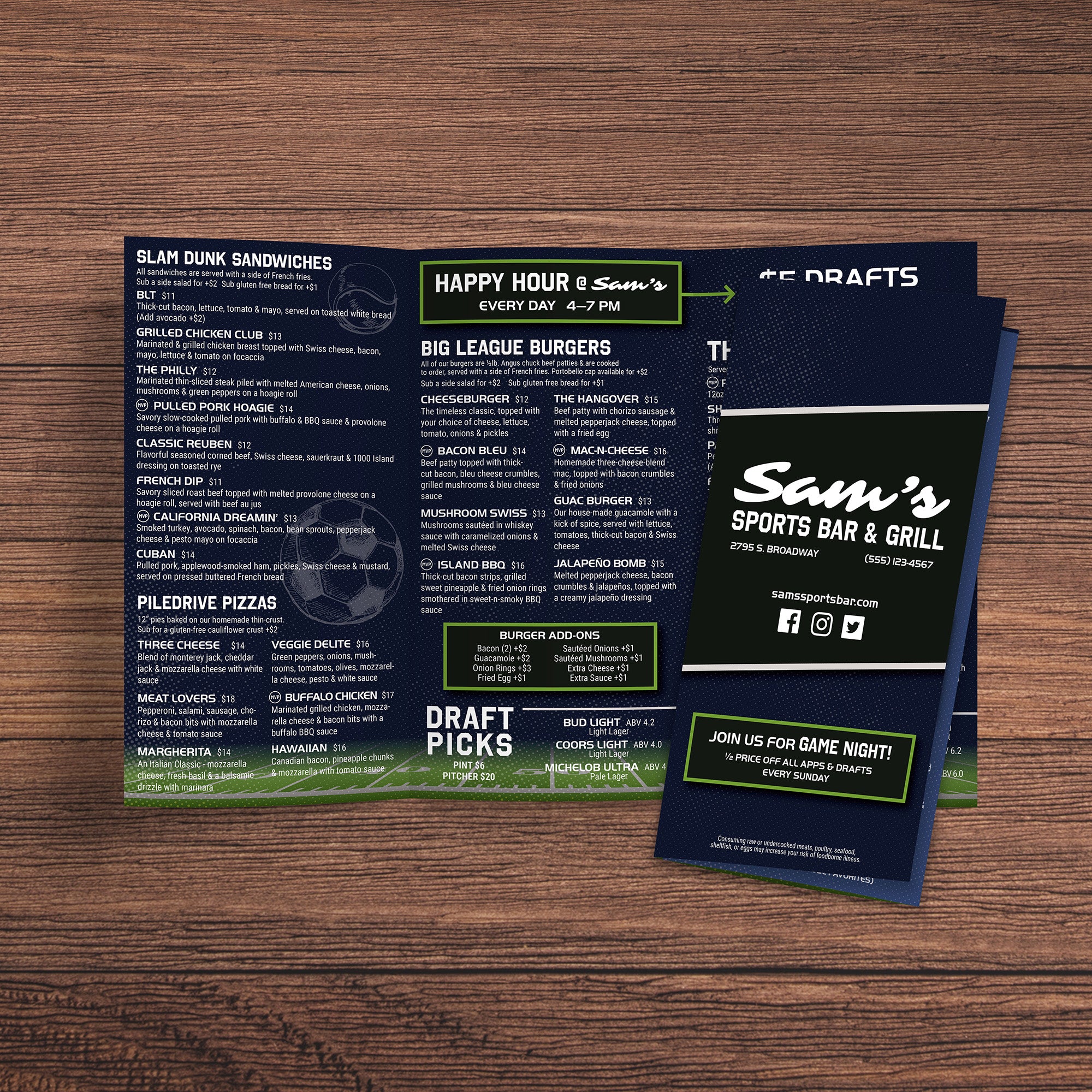
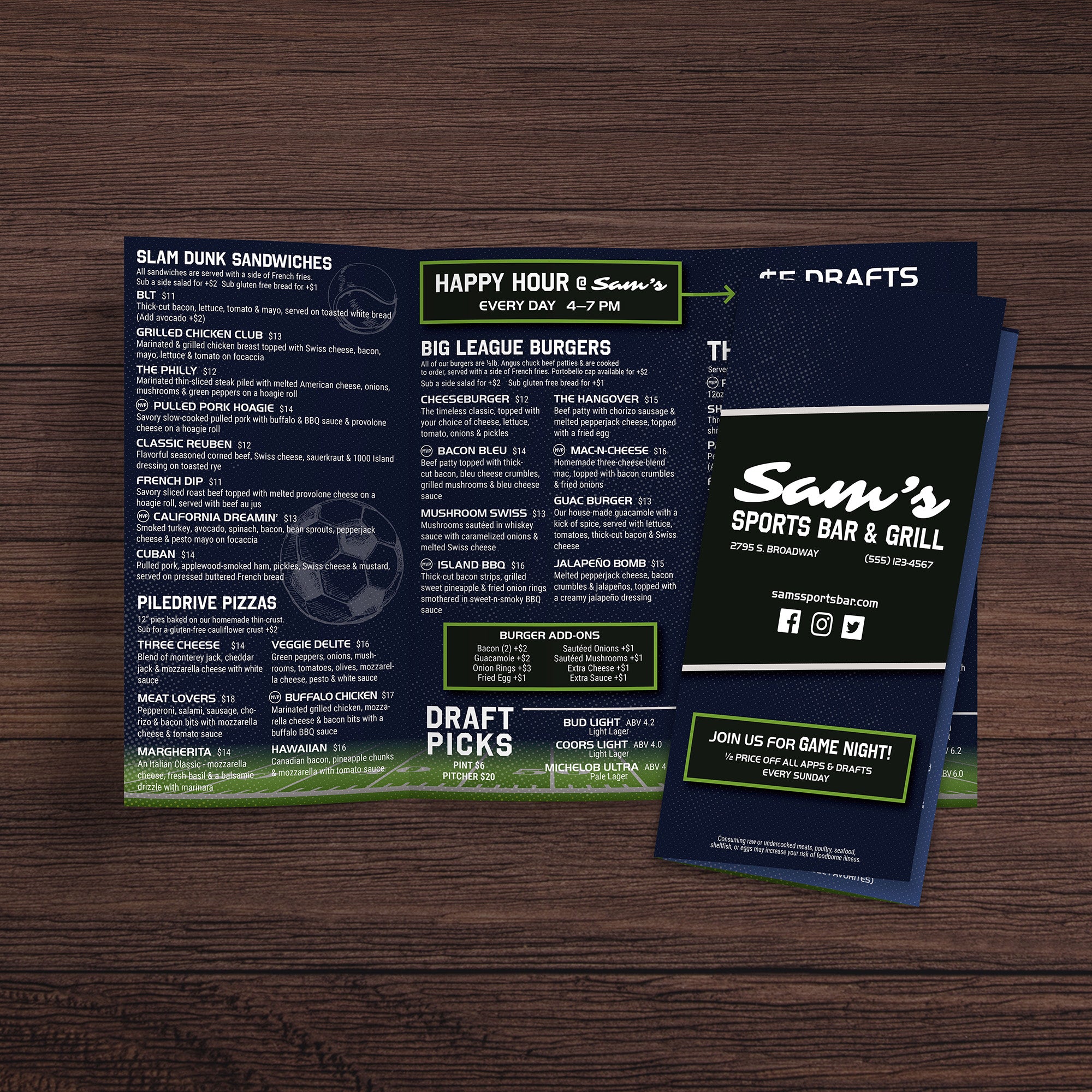
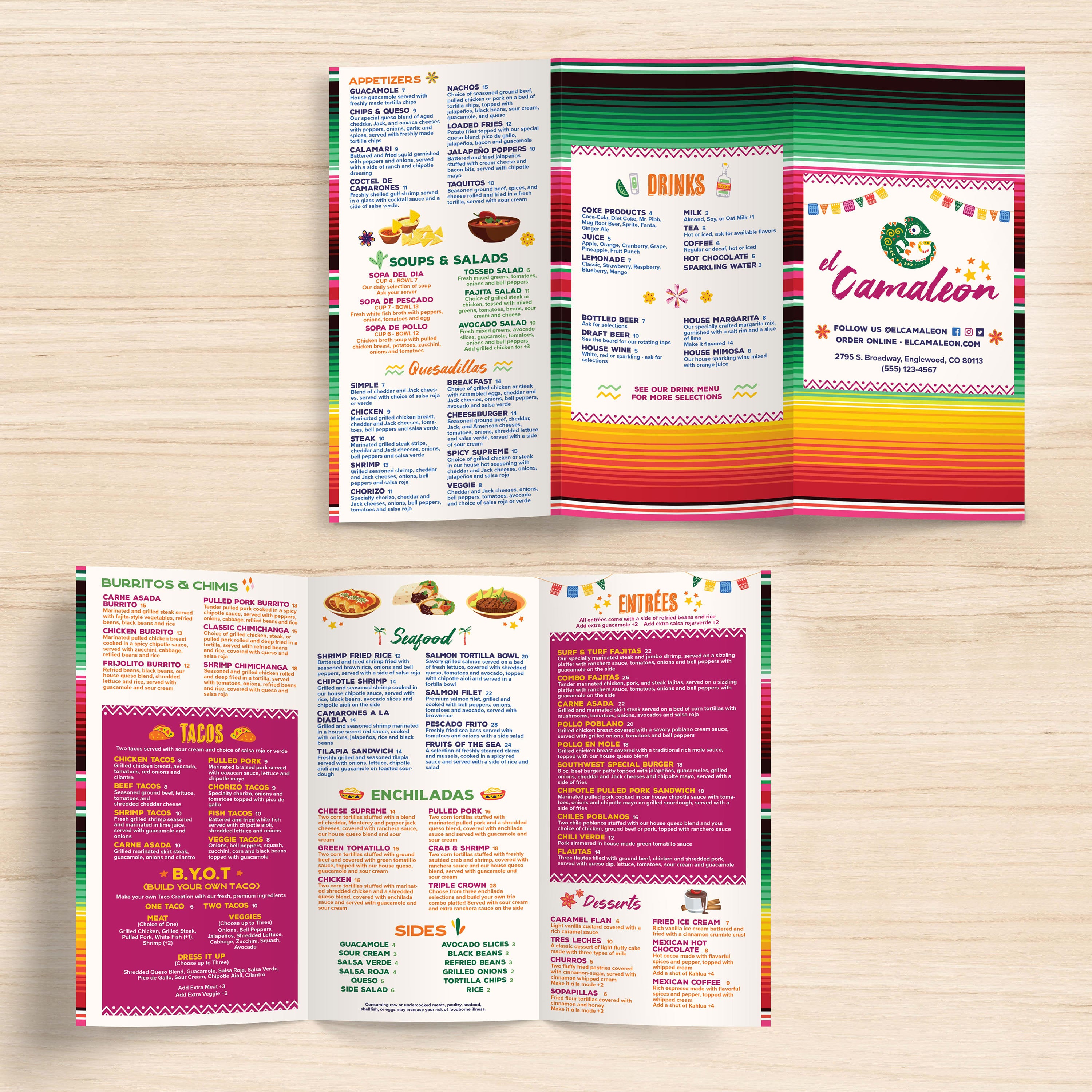
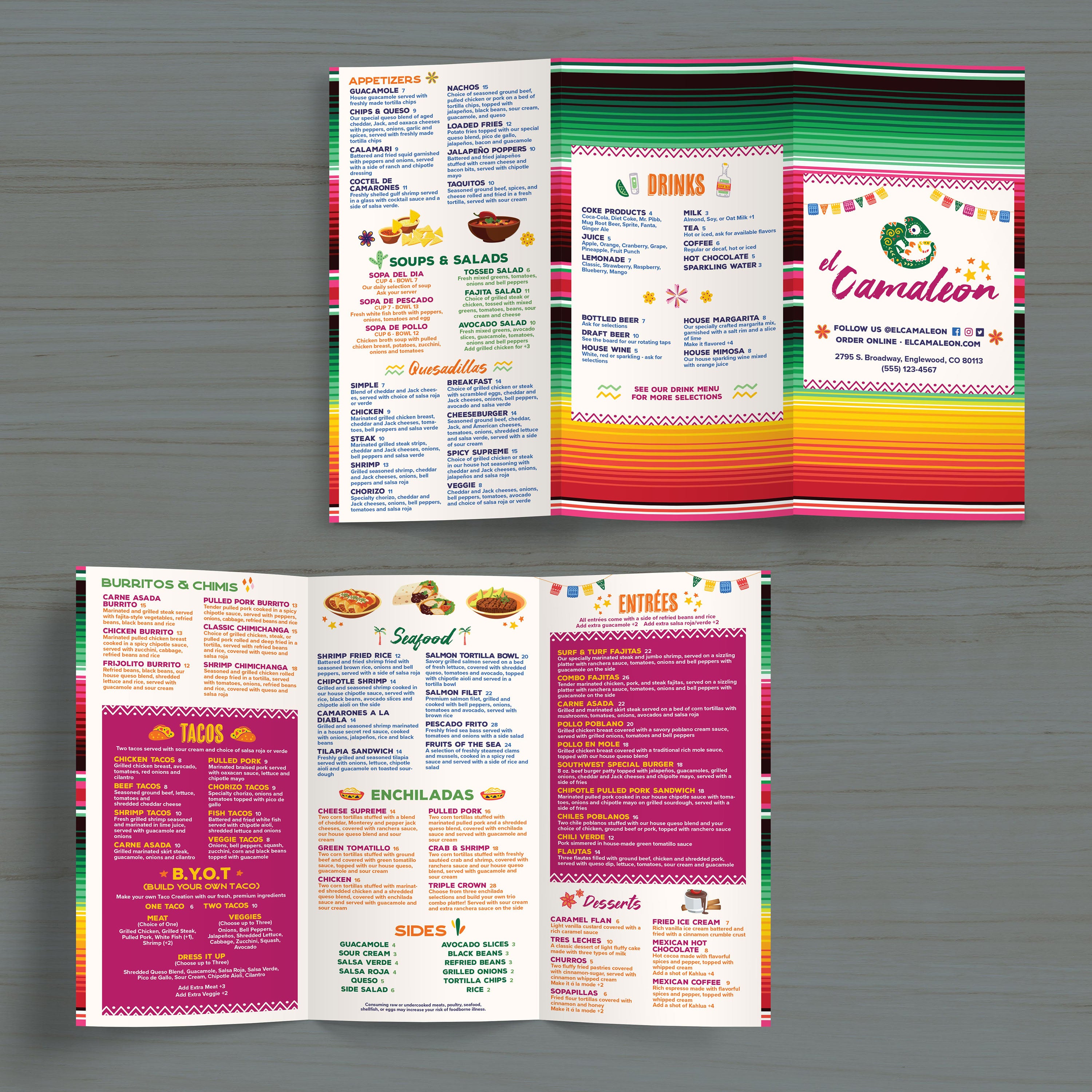
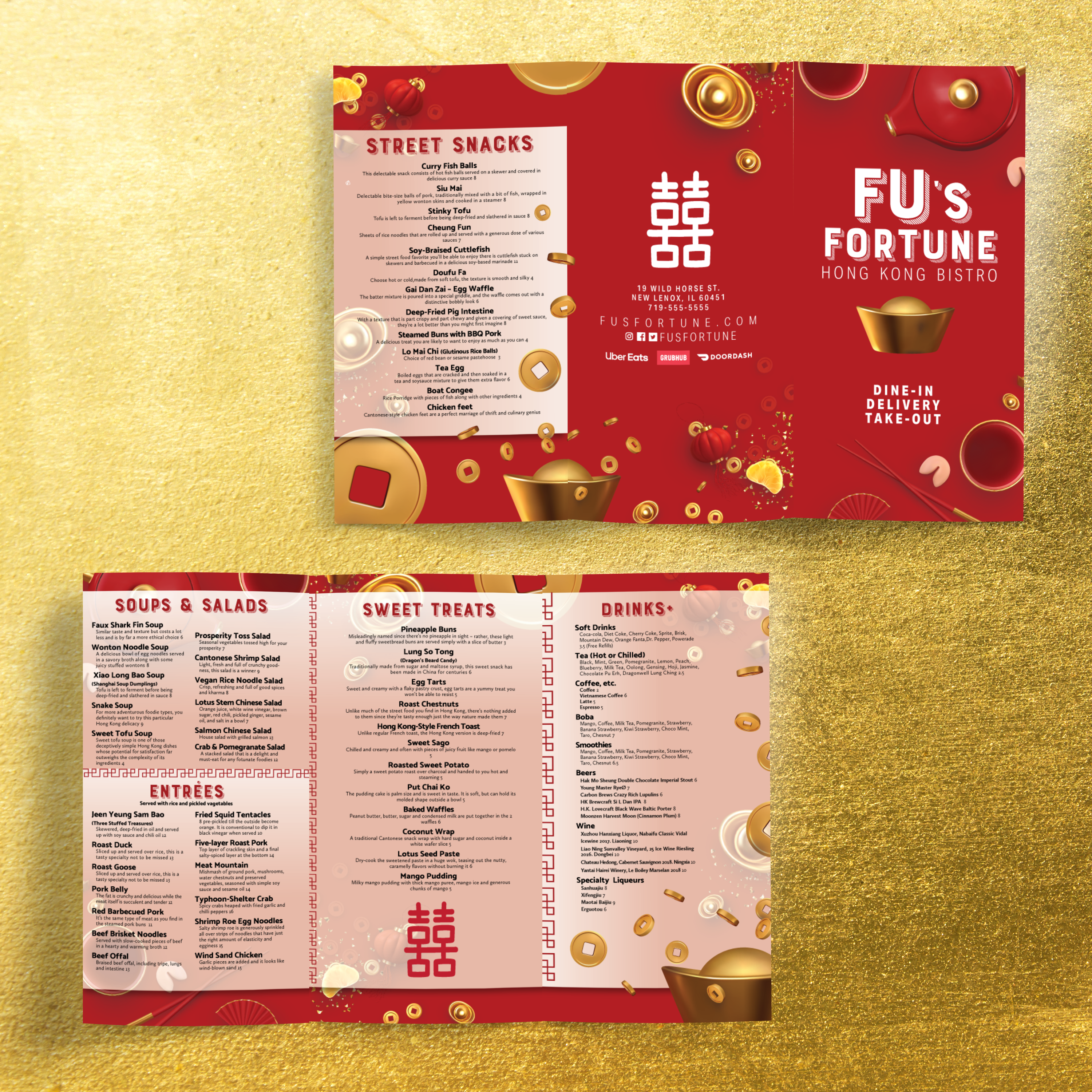
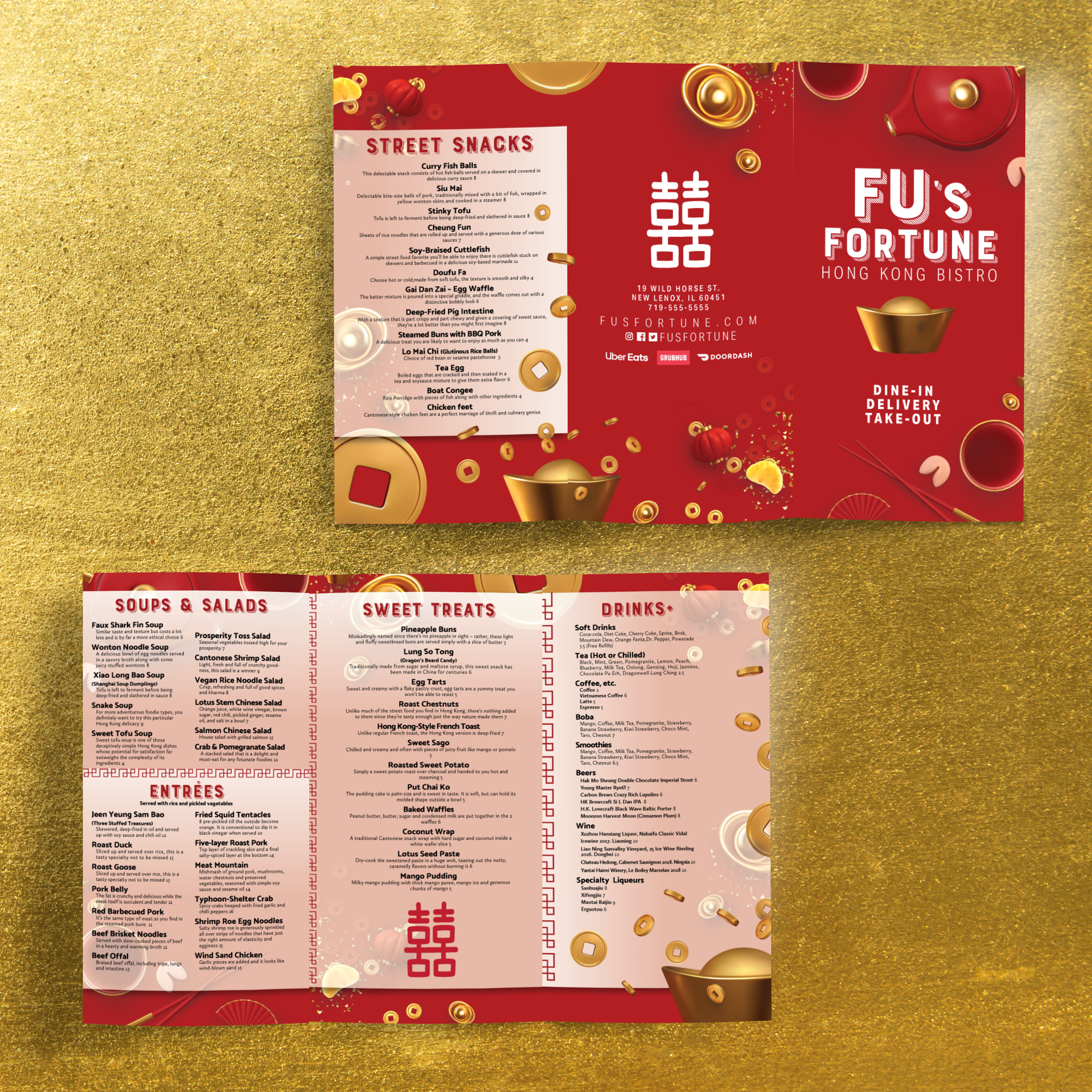
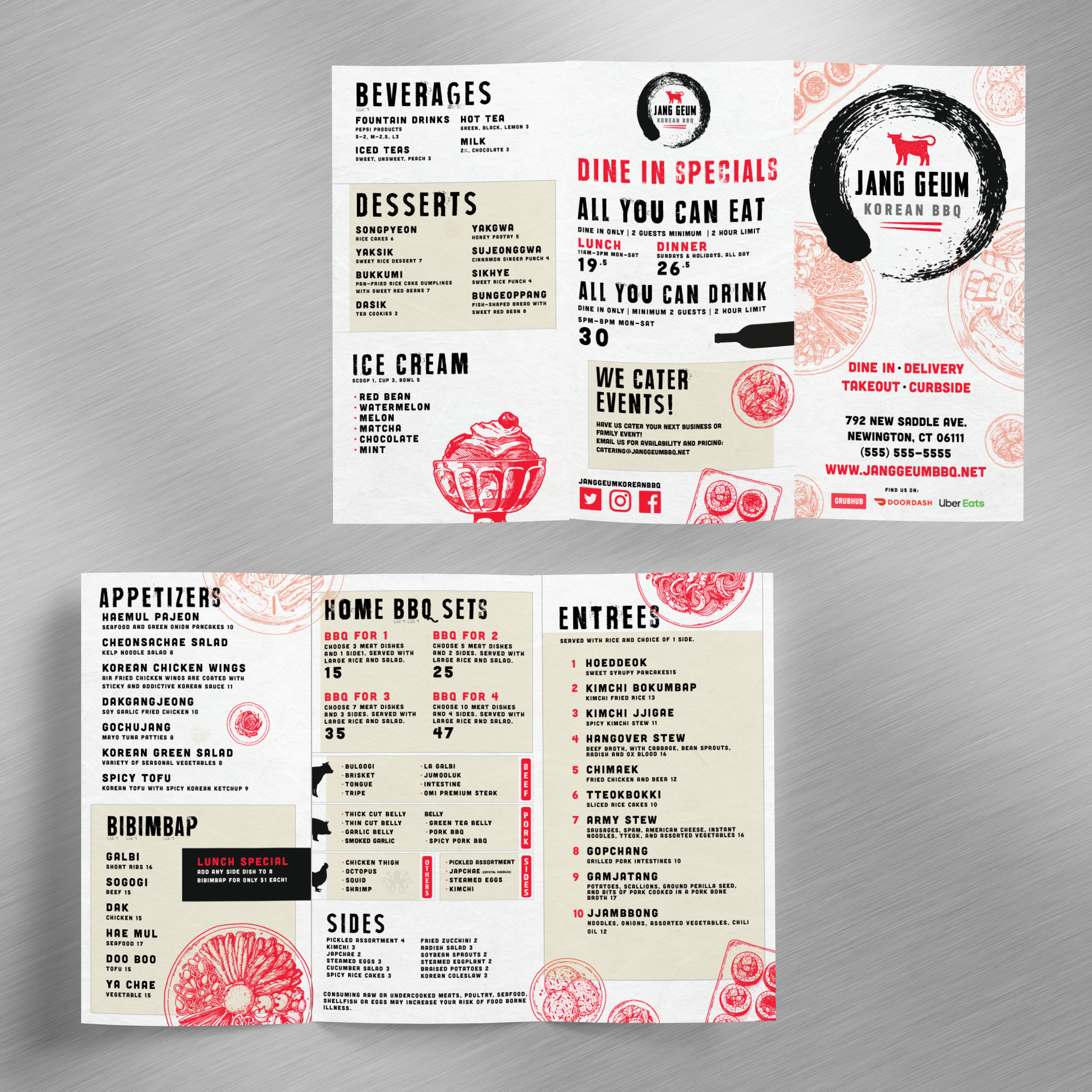
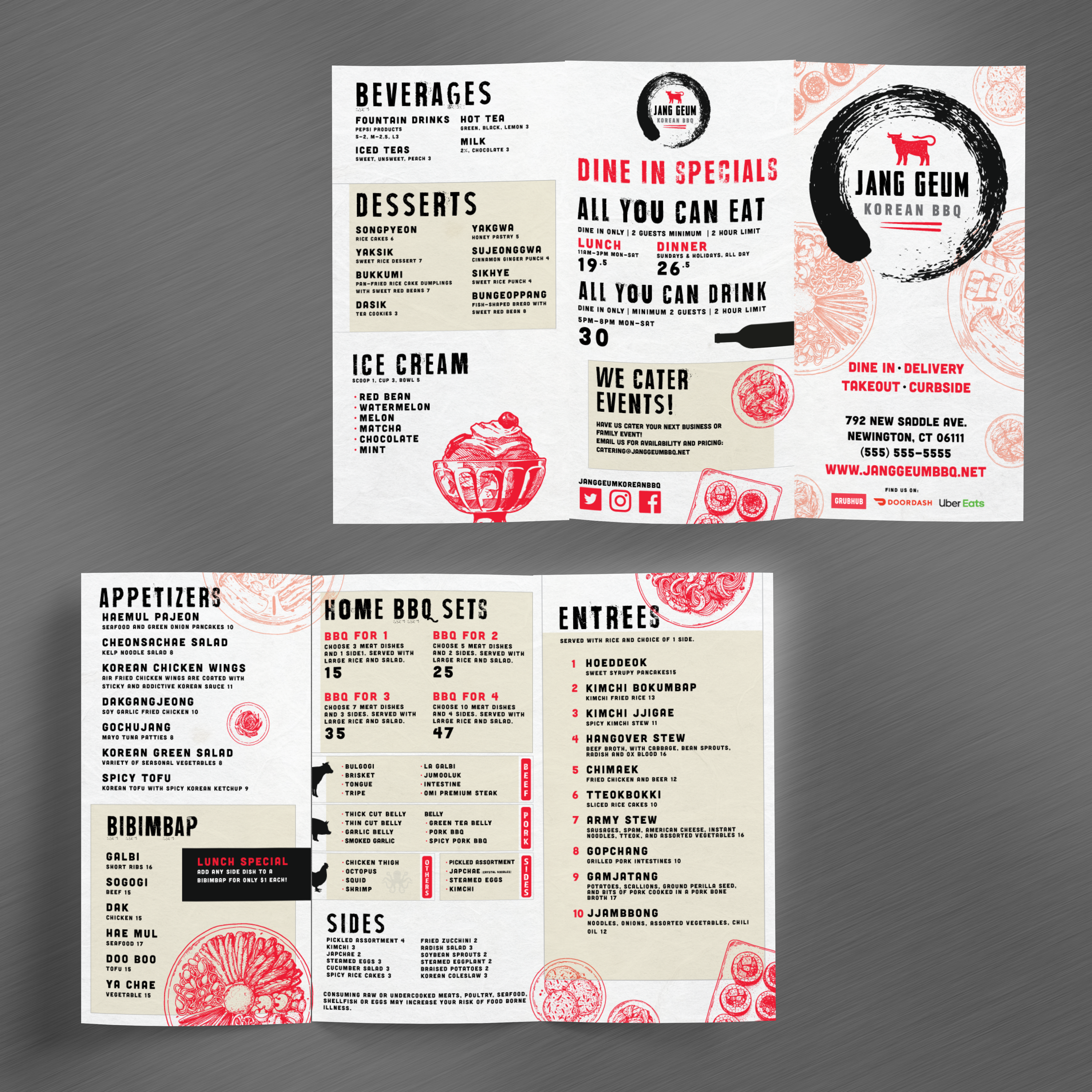
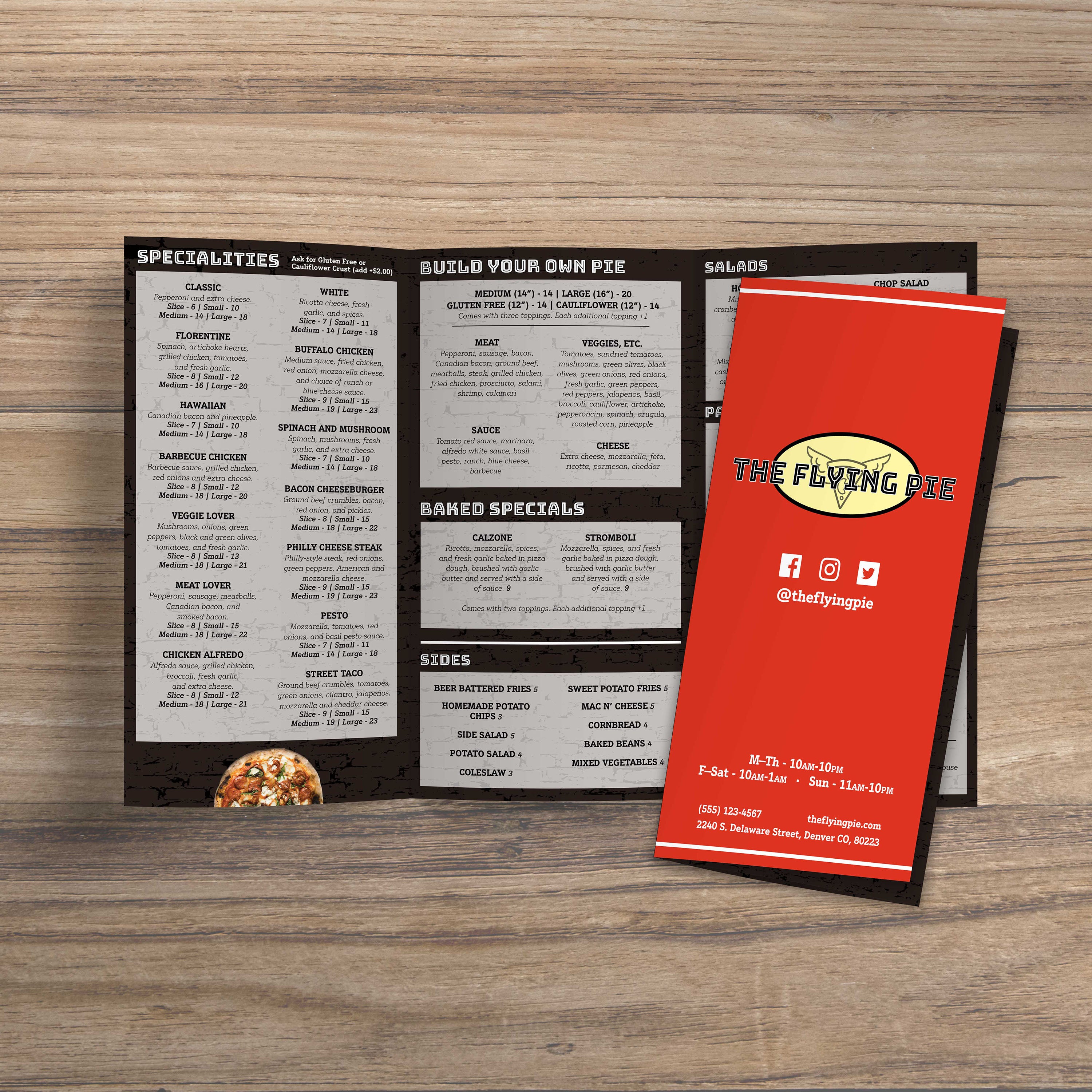
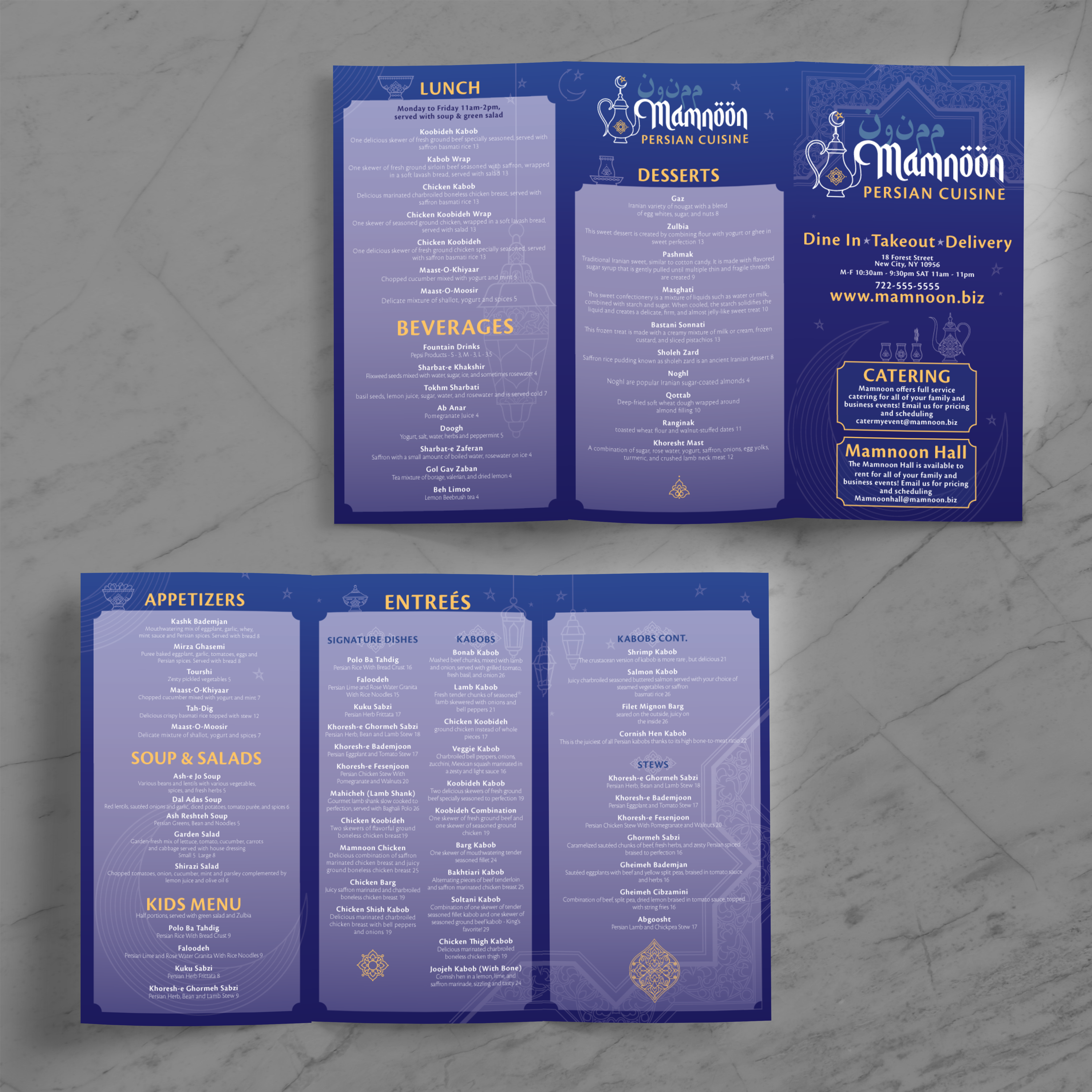
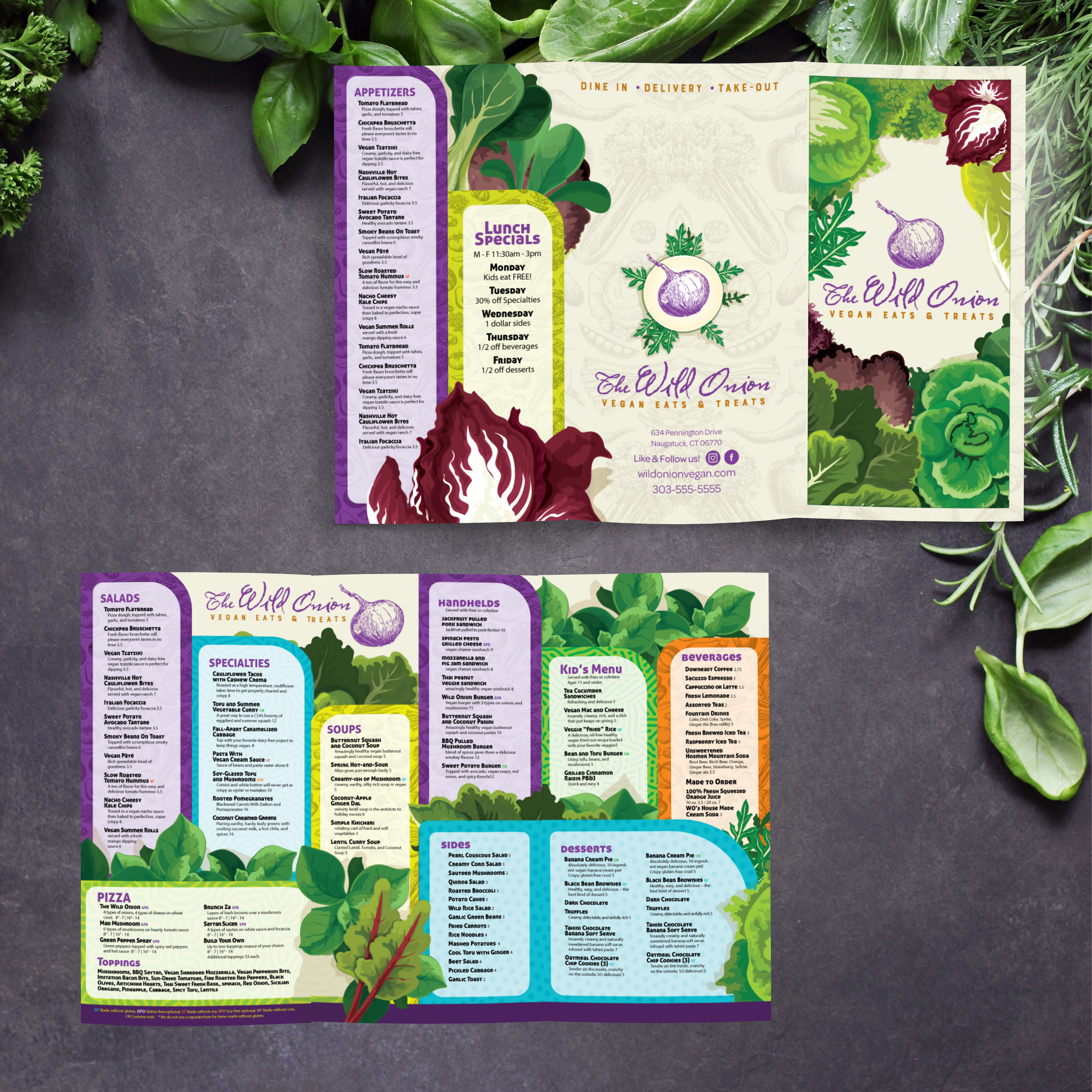
An 11” x 17” trifold is one sheet folded into three sections, creating a total of six panels. That includes three panels on the front and three on the back. The fold structure helps you separate categories and guide guests through the menu panel by panel instead of presenting everything in one large block.

Why This Size Works for Guests and Table Space

11” x 17” trifolds are large enough to stay readable, but compact enough to sit comfortably on a table. Guests can easily hold them, scan, and open them without needing to spread an extensive menu across the table. This is especially helpful in busy dining rooms where table space is limited.

Best Restaurant Types for 11” x 17” Trifolds

This format works well for restaurants with multiple food categories, rotating specials, and a strong beverage lineup. It’s also an excellent fit for cafes, diners, lounges, and any concept that wants a structured menu that feels premium without being oversized.

When Trifold Beats Flat and Bifold Menus

Trifolds shine when you need more organization. Compared to flat menus, trifolds reduce clutter by splitting content across panels. Compared to bifolds, trifolds give you more “dedicated” space for drinks, desserts, or specialty categories. If you want to compare formats, our free 11 x 17 menu templates include non-fold options in the same size, and our free 12 x 18 bifold menu templates are a strong alternative when you want four panels instead of six.

What to Prepare Before You Customize a Template

Before editing, gather your final categories, item names, pricing, and short descriptions. Decide where specials should be placed and whether drinks or desserts require their own panel. Starting with clean content makes template customization faster and prevents layout issues when printing, trimming, and folding.

Trifold menus offer six panels, but the format only works effectively if each panel serves a distinct purpose. The best trifolds are structured, readable, and easy to scan, rather than dense or chaotic. At TerraSlate, we recommend designing around guest flow: where they start, what they see next, and how quickly they can compare options without getting lost.

Panel Mapping: What Goes on the Cover, Inside Panels, and Back

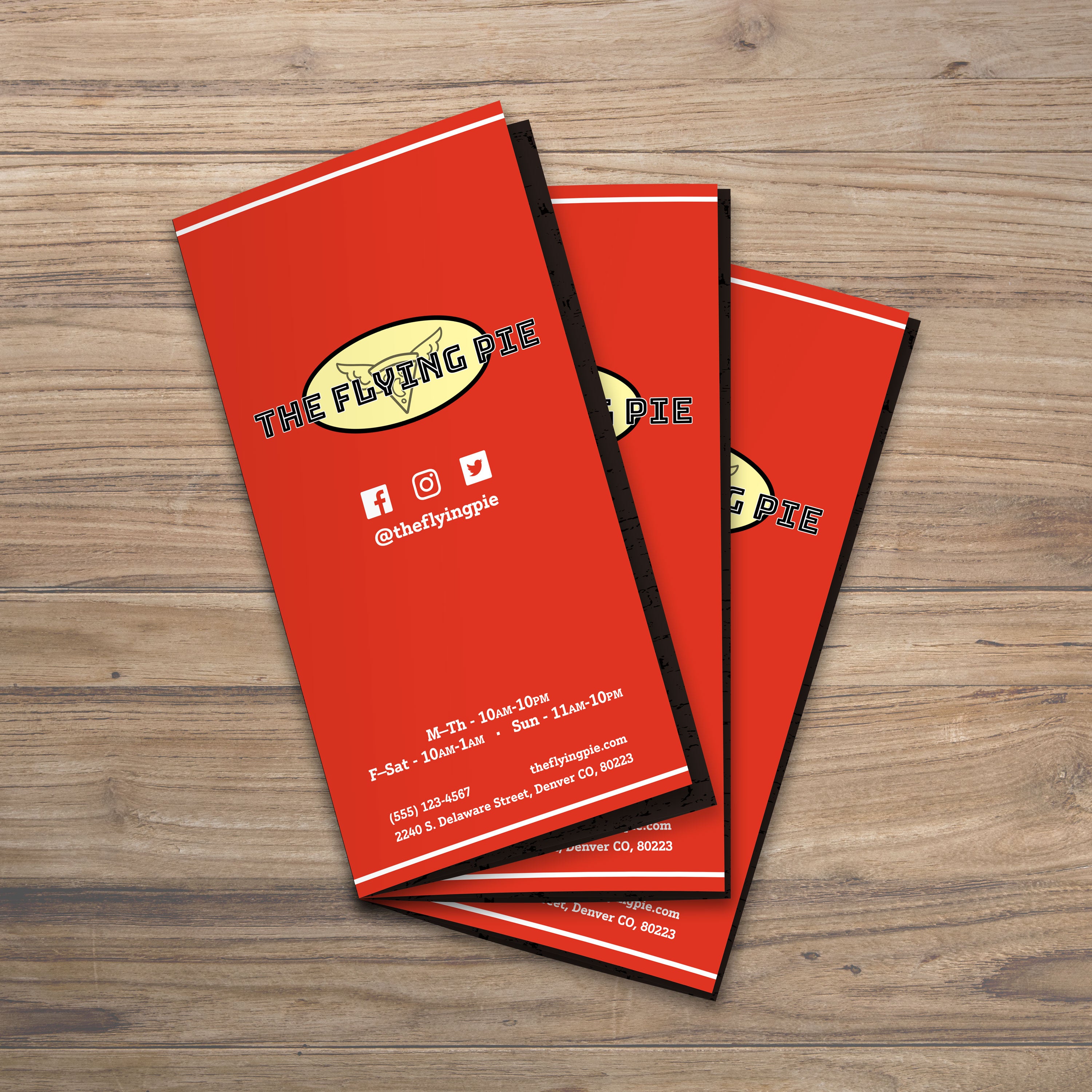
Use the front panel as a cover with your logo and a quick hook, such as “House Favorites” or “Seasonal Features.” Inside panels should hold your core food categories, while the back panels can carry drinks, desserts, sides, or ordering notes. When each panel has a job, guests feel guided instead of overwhelmed.

How to Break Categories Across Panels for Faster Scanning

Split categories logically. Keep similar items together and avoid cutting a category across two panels unless necessary. For example, keep appetizers on one panel, mains across two panels if needed, and drinks on a dedicated panel. This reduces back-and-forth scanning, helping guests order faster.

Font Size and Spacing Rules That Improve Readability

Trifold panels are narrow, so font size and spacing are critical. Use clear headers, consistent line spacing, and enough breathing room between items. If the menu starts to feel tight, remove low-performing items instead of shrinking text. Readability is what makes a trifold feel premium.

Using Visual Hierarchy to Highlight Best Sellers

Highlighting should be subtle and consistent. Use a consistent style for featured items, such as a “house favorite” label or a simple icon. Guests should be able to spot best sellers quickly without the menu feeling like a billboard.

Building a Layout That’s Easy to Update

Design for change. Maintain consistent spacing and create areas where specials can rotate without disrupting the entire layout. If you want a larger bifold format for comparison, our free 13 x 19 bifold menu templates show how a four-panel structure works when you need more space per panel and fewer category breaks.

A trifold menu requires more production precision than flat menus because folds and panel alignment can quickly expose setup mistakes. The goal is to achieve clean trims, accurate folds, sharp typography, and panels that align correctly when the menu is opened and closed. When your file is set up correctly, printing becomes repeatable, and the final menu feels professional.

Bleed, Trim, and Safe Zones for Trifolds

Use bleed for any background colors, borders, or design elements that reach the edge of the menu. This prevents white lines after trimming. Keep item names, prices, and headings inside safe zones so they aren’t clipped or distorted near folds. Trifold layouts need stronger inner margins than flat menus because folds create tighter viewing space.
Fold Allowances That Prevent Misalignment

Trifolds often require a slight panel adjustment because the inside fold panel needs to be slightly narrower to fold cleanly. If all three panels are exactly equal width, the menu can buckle and cause misalignment. Templates explicitly built for trifolds usually account for this, but always confirm panel widths before final export.

Export Settings for Sharp Print Quality

Export as a print-ready PDF with embedded fonts and high-resolution images. Avoid aggressive compression, as it softens text and makes small details appear blurry. Crisp typography is one of the biggest quality signals in a menu, especially in a narrow panel format.

Proofing Checklist Before Full Production

Print one test copy at actual size and fold it. Check every panel alignment, trim line, and fold line. Confirm that text doesn’t sit too close to creases and that borders line up consistently. Review pricing, spelling, and spacing. This single proof step saves the most time and prevents the majority of menu reprints.
Common Trifold Print Mistakes and Fixes

The most common issues are missing bleed, text placed too close to fold lines, overcrowded panels, and inconsistent category spacing. Fix them by increasing margins, tightening content, and using a consistent hierarchy across every panel. Trifolds look best when the layout is structured and calm, not packed edge-to-edge.
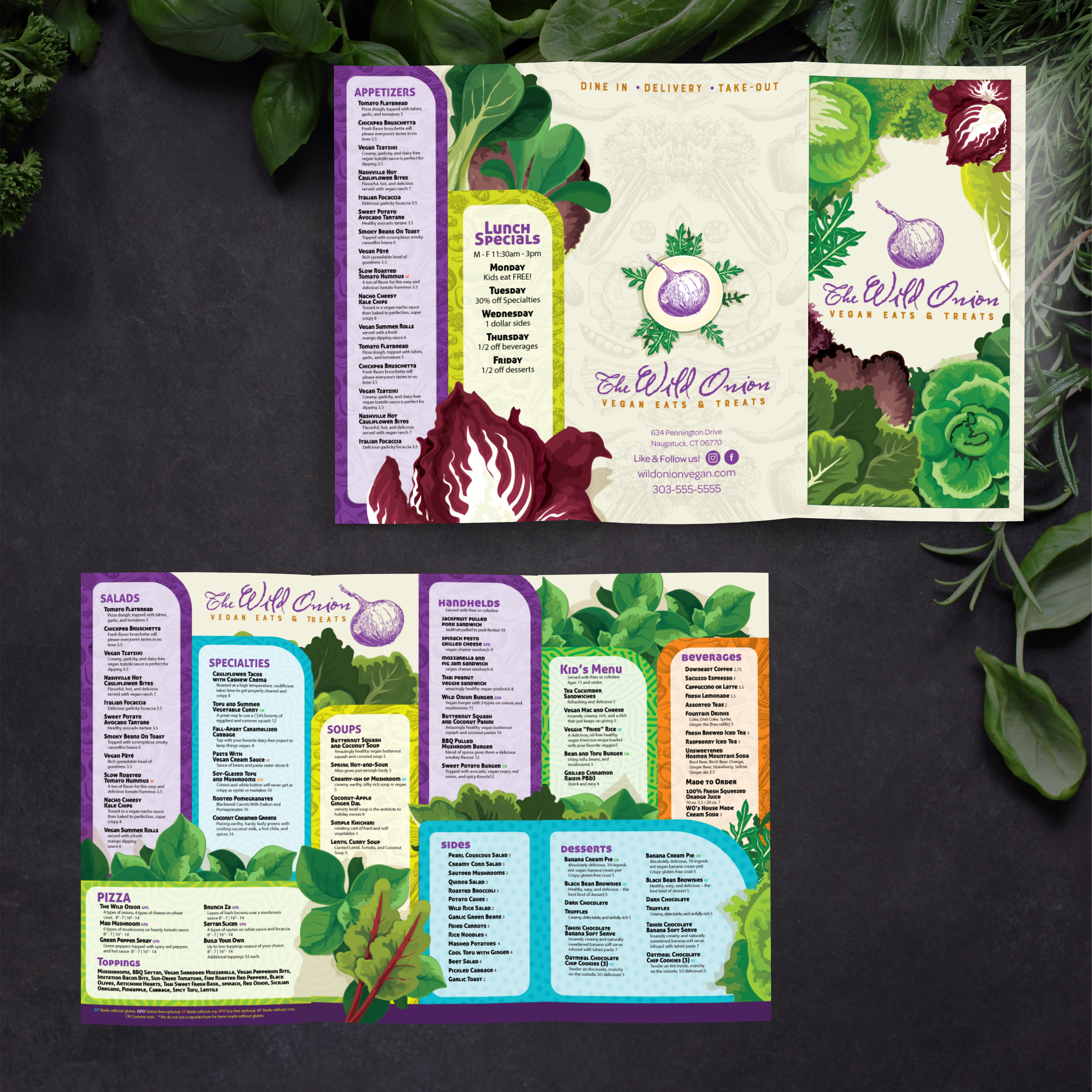
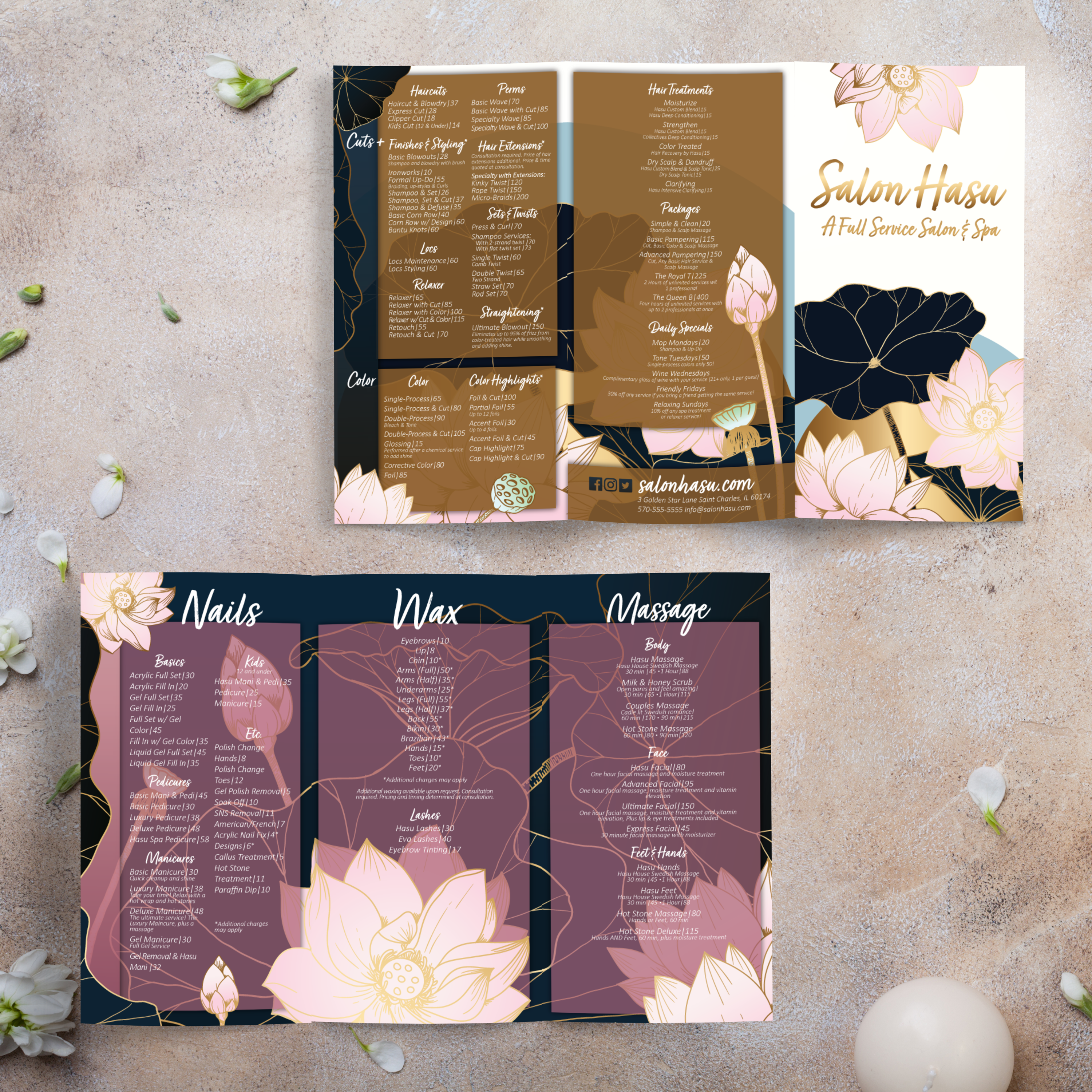
Trifold menus get handled constantly because guests open and close them repeatedly throughout a meal. That means durability and fold performance matter more than almost any other factor. If the material fails at the folds, the menus look worn quickly, and you’re forced into constant replacement. At TerraSlate, we create waterproof, rip-resistant options that replace laminates and withstand daily handling and routine cleaning.

Why Paper and Lamination Fail at Folds

Standard paper absorbs moisture, stains easily, and breaks down fastest at fold lines and corners. Lamination seems like a solution, but it clouds up over time, can bubble or delaminate at the edges, and cannot be folded without cracking. That makes lamination a poor match for trifold formats because folds are part of the design, not a rare exception.

TerraSlate Flagship Sheets for Waterproof, Rip-Proof Trifolds

TerraSlate is our flagship synthetic paper, built to be 100% waterproof and rip-proof. It’s designed for heavy handling, which makes it ideal for trifold menus that stay in rotation. When you want menus that stay readable, cleanable, and professional through daily service, our flagship sheets are the strongest choice.

Value-Oriented PolySlate for High-Volume Menu Programs

Value-oriented PolySlate is a strong fit for high-volume printing, particularly when you still require waterproof menus. It’s designed for laser printing and works well for menu programs that frequently update, such as rotating specials or seasonal menus. It helps you move beyond paper while keeping costs predictable.

TerraShield™ Anti-Microbial Coating for High-Contact Menus

For menus shared constantly, TerraShield™ adds built-in protection for long-term use. TerraSlate can print menus for you with our proprietary TerraShield™ anti-microbial coating with industry-leading turnaround and fast shipping. This supports a cleaner menu program and reduces reliance on harsh chemical disinfectants.

Choosing Thickness That Folds Cleanly and Lasts Longer

Thickness affects feel, durability, and how cleanly a menu folds. Mid-range thicknesses are typically ideal because they fold smoothly while still feeling premium. If you need extra durability, 10 Mil adds structure, and 14 Mil is more rigid for demanding environments while still supporting long-term use. The proper thickness depends on how often menus are cleaned, how heavily they’re handled, and how premium you want them to feel in-hand.

An 11” x 17” trifold is one of the most flexible print formats in hospitality, as it provides six panels of structure without requiring oversized sheets. That makes it valuable beyond a standard food menu. When you treat trifolds as a reusable template system, you can create multiple menu types that match your brand and update quickly across seasons, events, and service changes.

Cocktail Lists, Wine Guides, and Beverage Programs

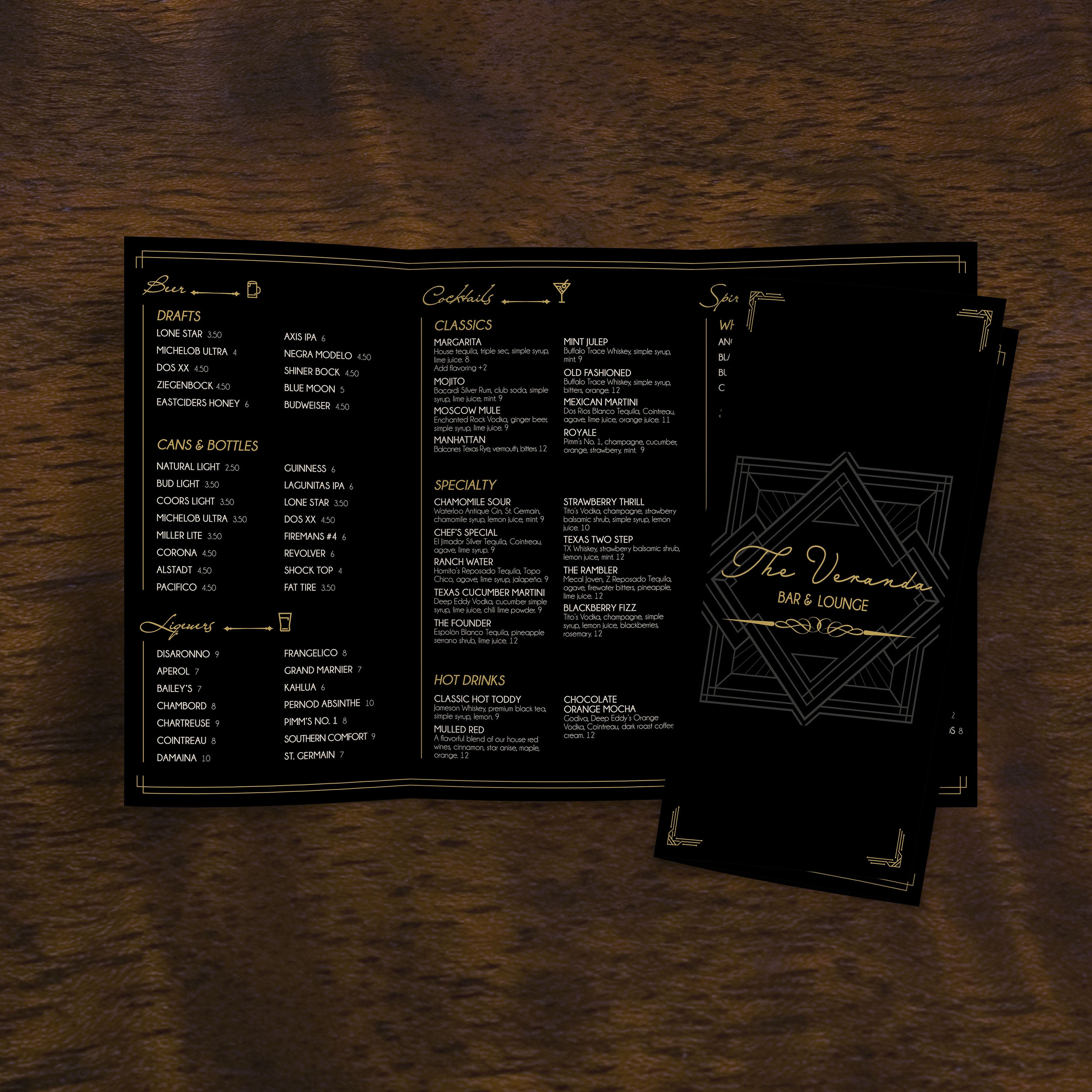
Trifolds are ideal for beverages because they allow you to separate cocktails, wine, beer, and spirits into dedicated panels. Guests can browse without feeling overwhelmed, and bartenders can update sections without needing to redesign the entire menu. This format also supports tasting notes and pairings without crowding the page.

Brunch, Lunch, and Limited-Time Menus

Many restaurants use trifolds for brunch and lunch menus because they keep the offerings focused and easy to scan. You can dedicate a panel to specials, another to combos, and still leave space for beverages and desserts. This makes time-based menus feel like a complete experience, rather than a temporary flyer.

Catering Menus and Event Menus

Catering menus need structure: package tiers, add-ons, headcount guidance, and service notes. A trifold keeps those details organized and professional while staying easy to hand out during meetings or tastings. It also works well for banquet menus and pricing for private events.

Takeout Menus and Delivery Inserts

Takeout inserts need to be compact, readable, and easy to update. Trifold menus help you present full category coverage without oversized sheets, providing space for ordering instructions, QR codes, or callouts for family bundles. When done well, trifolds make takeout feel just as branded as dine-in.

Retail, Hospitality, and Service Menus Beyond Restaurants

Trifold templates also work outside of the food service industry. Hotels use them for concierge guides and room-service menus. Retail teams use them for product guides and seasonal promotions. Service businesses use them for packages and pricing lists. The exact structure that makes a restaurant menu easy to scan also makes any list of options feel more organized and more premium.

Trifold menus can last a long time when they’re made from the right material and maintained with a consistent routine. Because folds are part of the format, keeping menus clean and preserving fold lines is essential. The best system is one that supports daily cleaning, prevents wear at stress points, and makes updates easy without constant reprints.

Cleaning Routine for Waterproof Menus

Clean menus regularly to prevent buildup from grease, spills, and fingerprints. Wipe down after peak shifts and spot-clean as needed during service. Waterproof menus make this process simple because moisture doesn’t soak in, and the menu won’t warp or soften over time.

Why Soap and Water Work Best

Simple soap and water are recommended for our paper because they clean effectively without degrading the printed surface over time. Harsh chemical cleaners can be unnecessarily aggressive when used frequently. Soap and water keep menus clear and readable while supporting long-term use.

Storage and Handling Tips to Protect Fold Lines

Store trifolds stacked neatly and avoid over-folding beyond the natural creases. Train staff to handle menus by the edges instead of repeatedly pinching fold lines. Rotating stacks also helps distribute wear, so the same few menus don’t take all the stress.

Updating Templates Without Redesigning

Trifolds are easiest to maintain when the layout stays consistent. Maintain your structure and typography, then update pricing, rotate specials, and refresh seasonal items without rebuilding the design. This reduces errors and makes menu refreshes faster.

Why Better Than Lamination Lowers Lifetime Menu Costs

Lamination clouds up, can bubble or delaminate, and cannot be folded without cracking. Trifold formats depend on folds, so laminated menus often fail quickly at the exact points that matter most. When you use durable, foldable, and waterproof materials, you replace menus less often and maintain higher presentation quality over time. That lowers total menu cost and makes the menu program easier to manage.