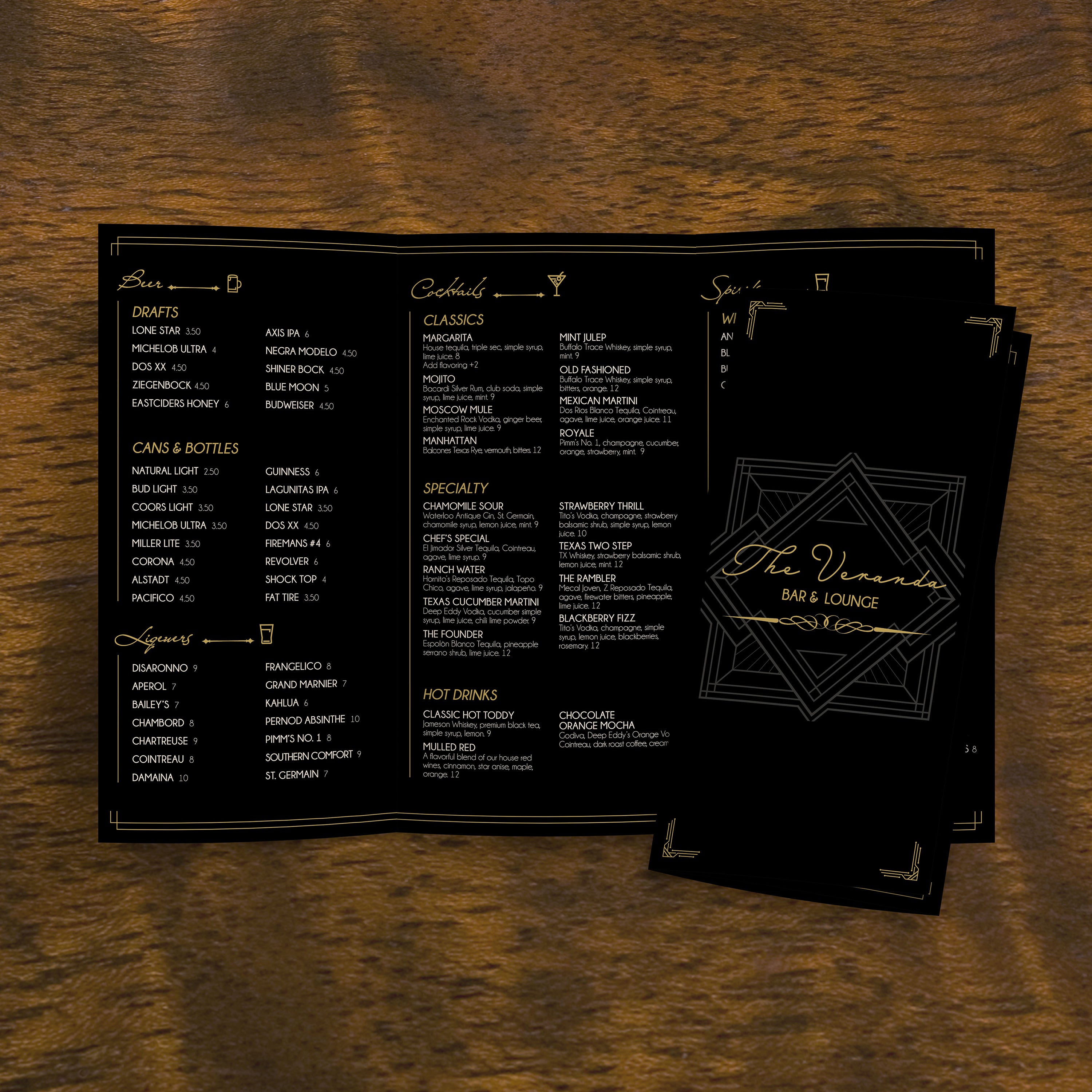
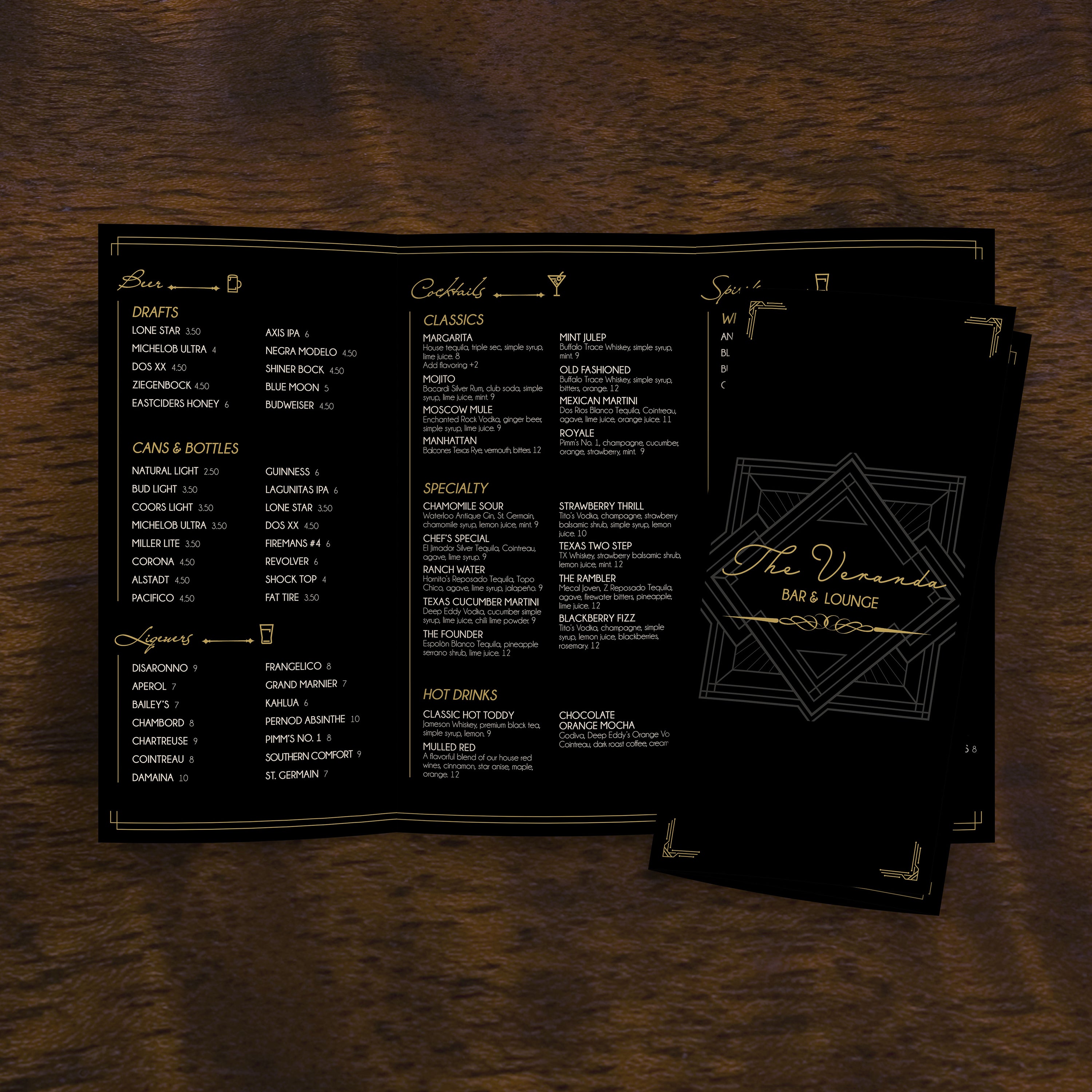
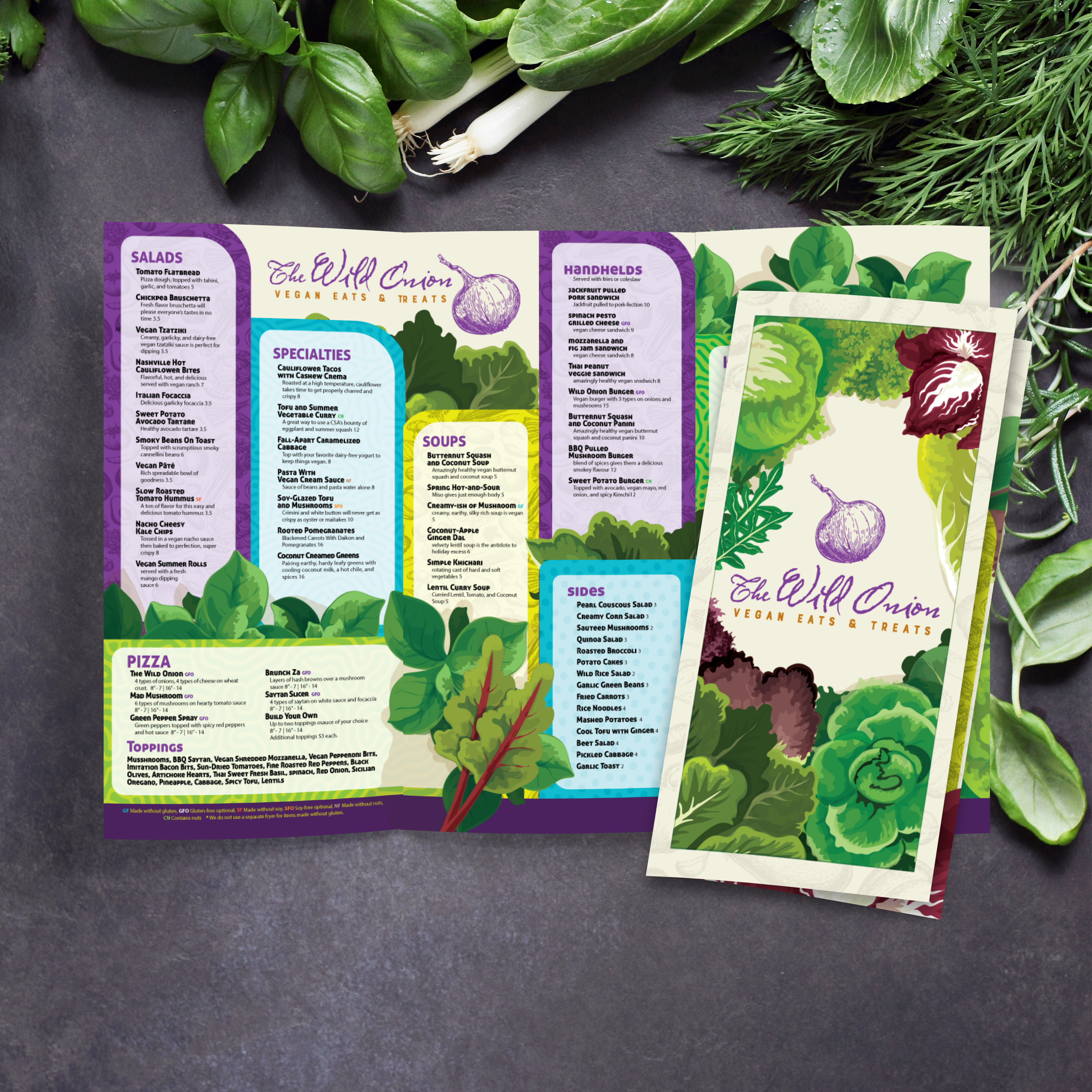
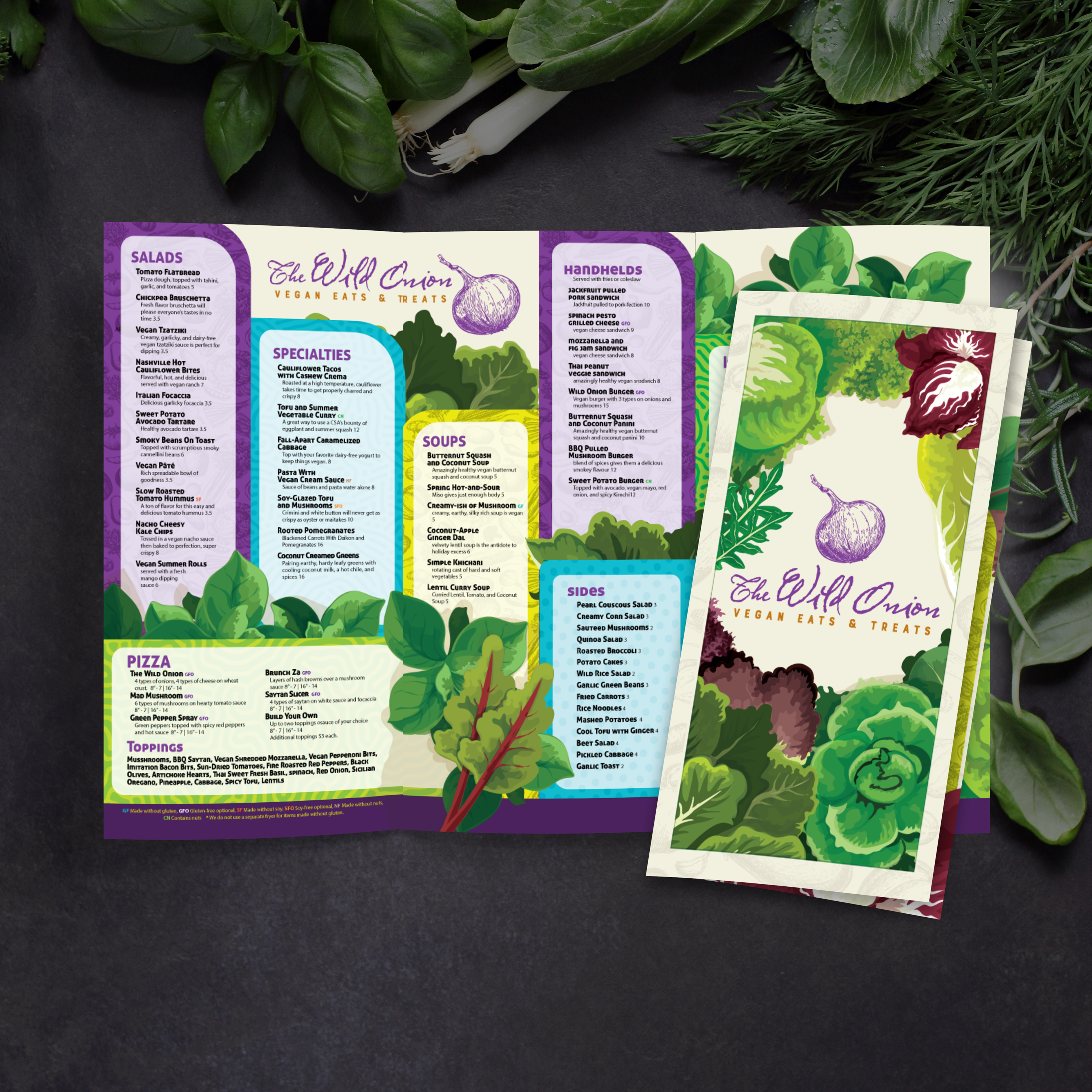
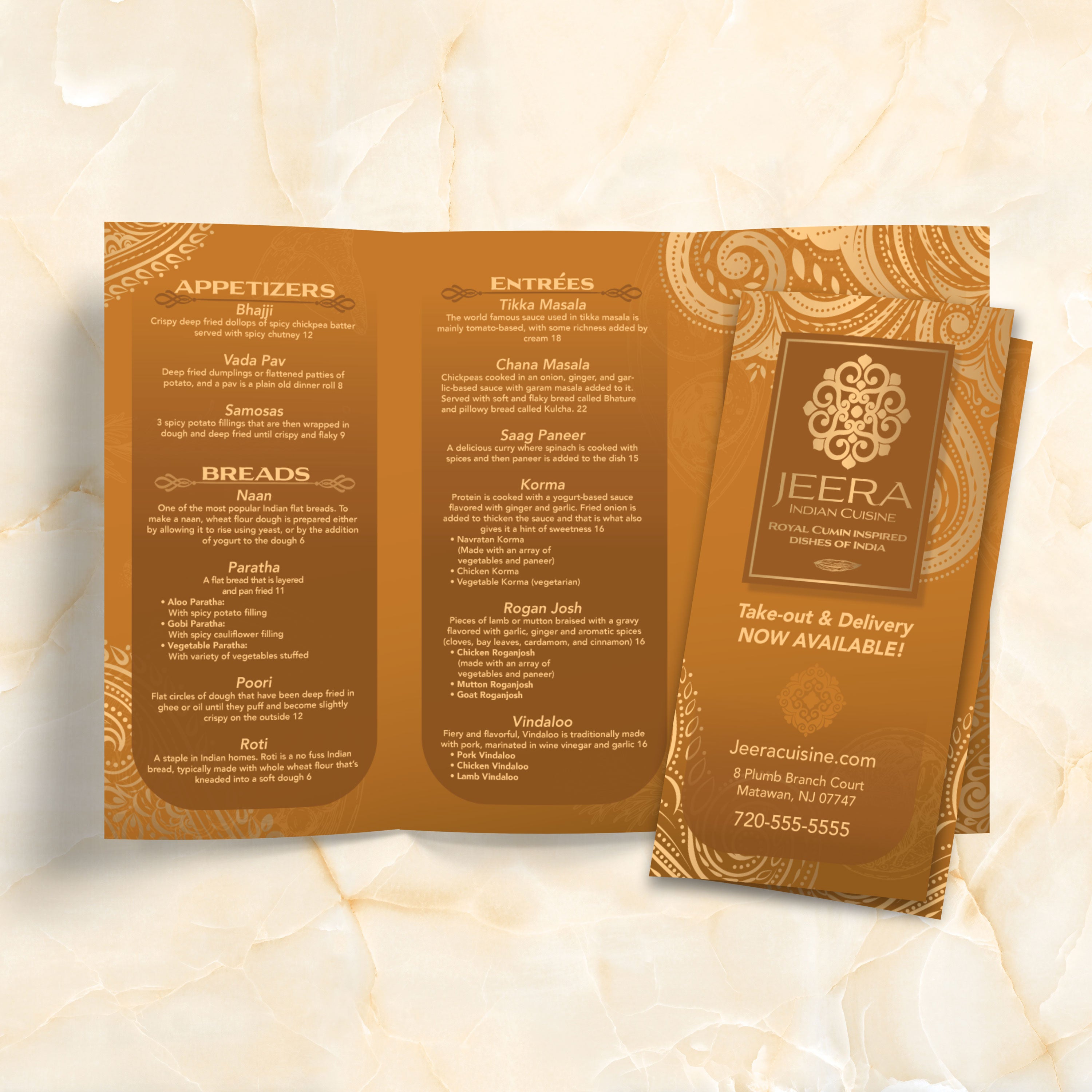
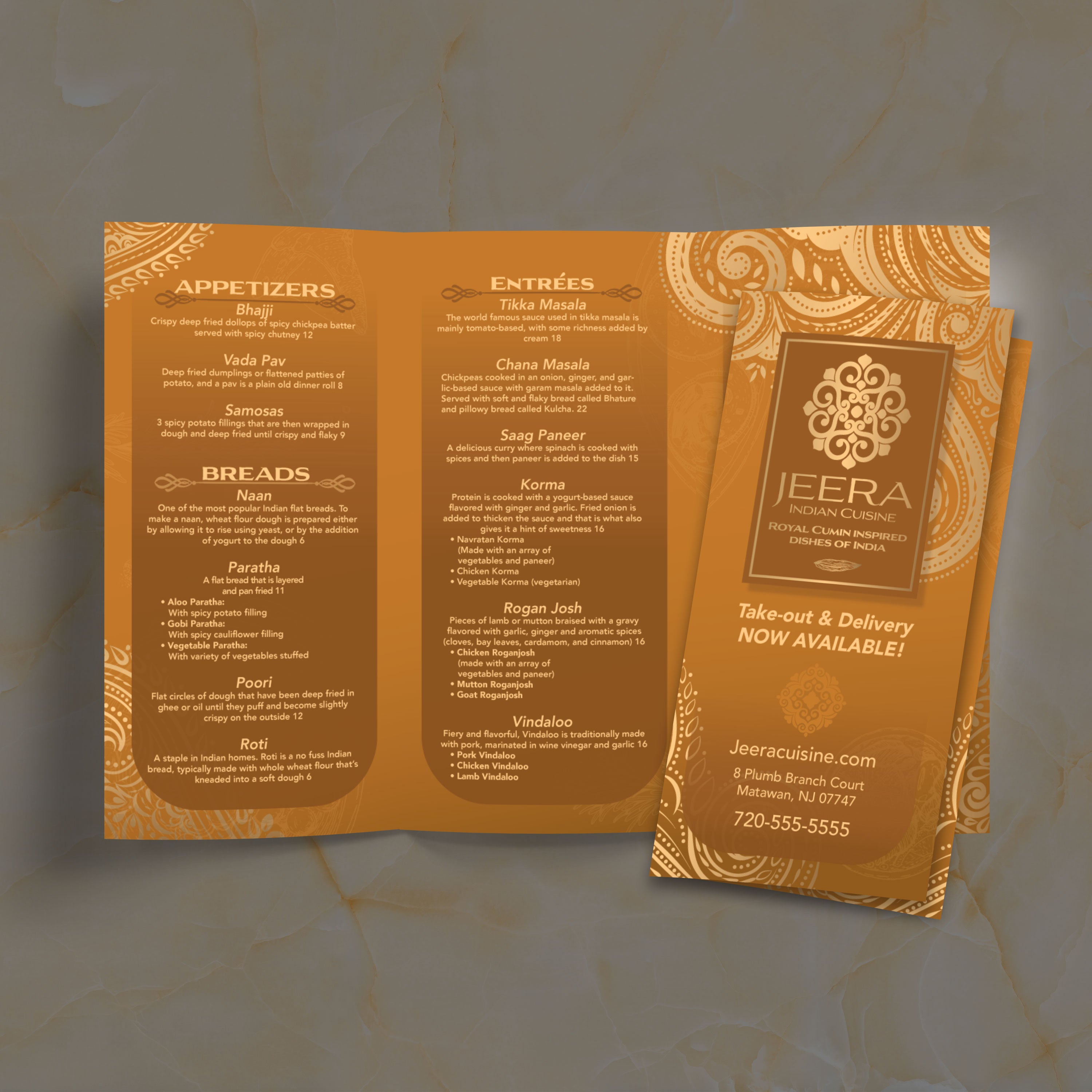
12" x 18" Trifold Menu Templates

22 products

Showing 1 - 22 of 22 products

Showing 1 - 22 of 22 products
View

Recently viewed

A trifold menu is built for restaurants that want structure, variety, and a clean flow through multiple categories. With the right layout, guests can scan faster, find what they want, and make decisions without needing extra explanation from staff. At TerraSlate, our free template collections make it easy to start with a proven format and customize it to match your brand and your service style.

What a Trifold Menu Is (Panels, Fold Style, and Layout Flow)

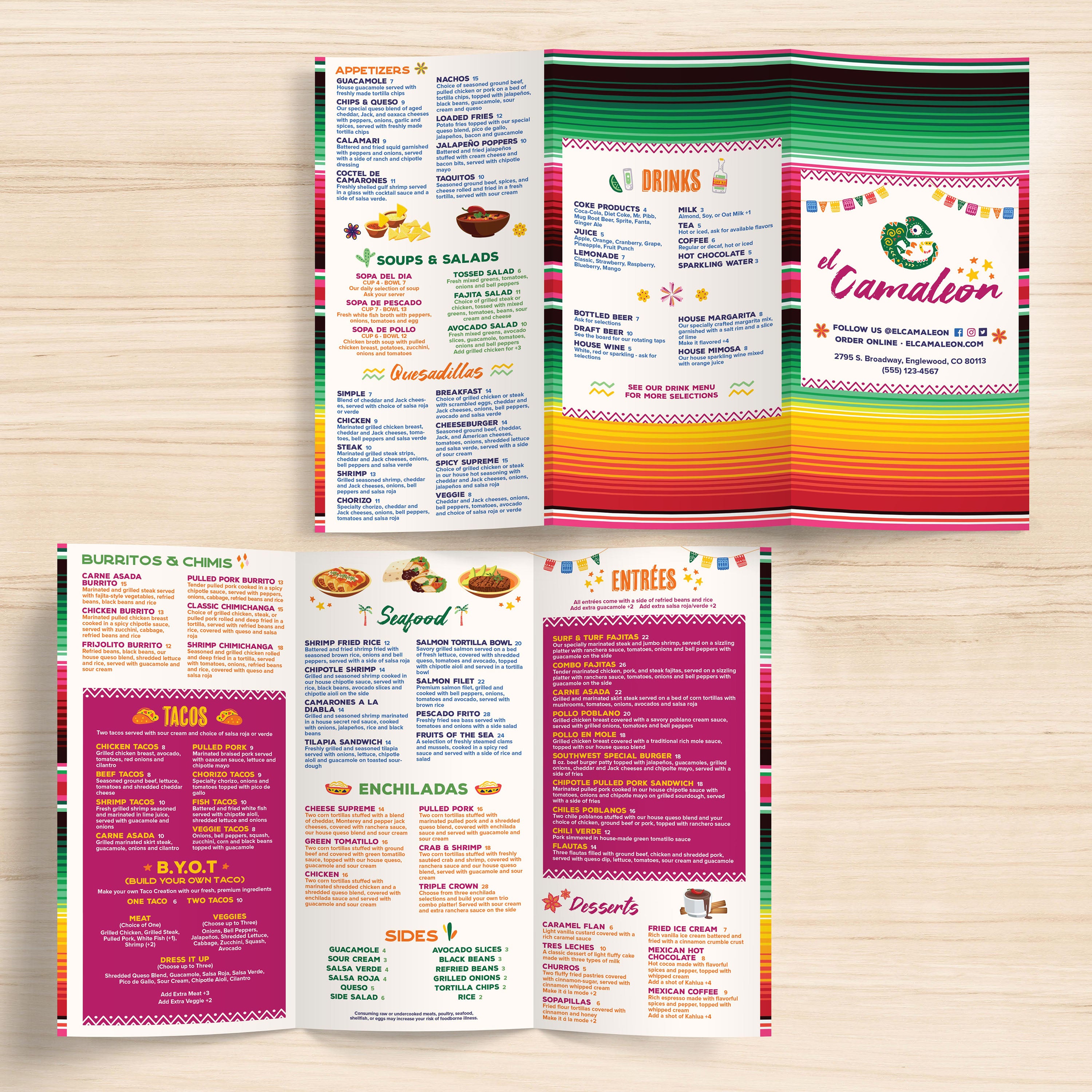
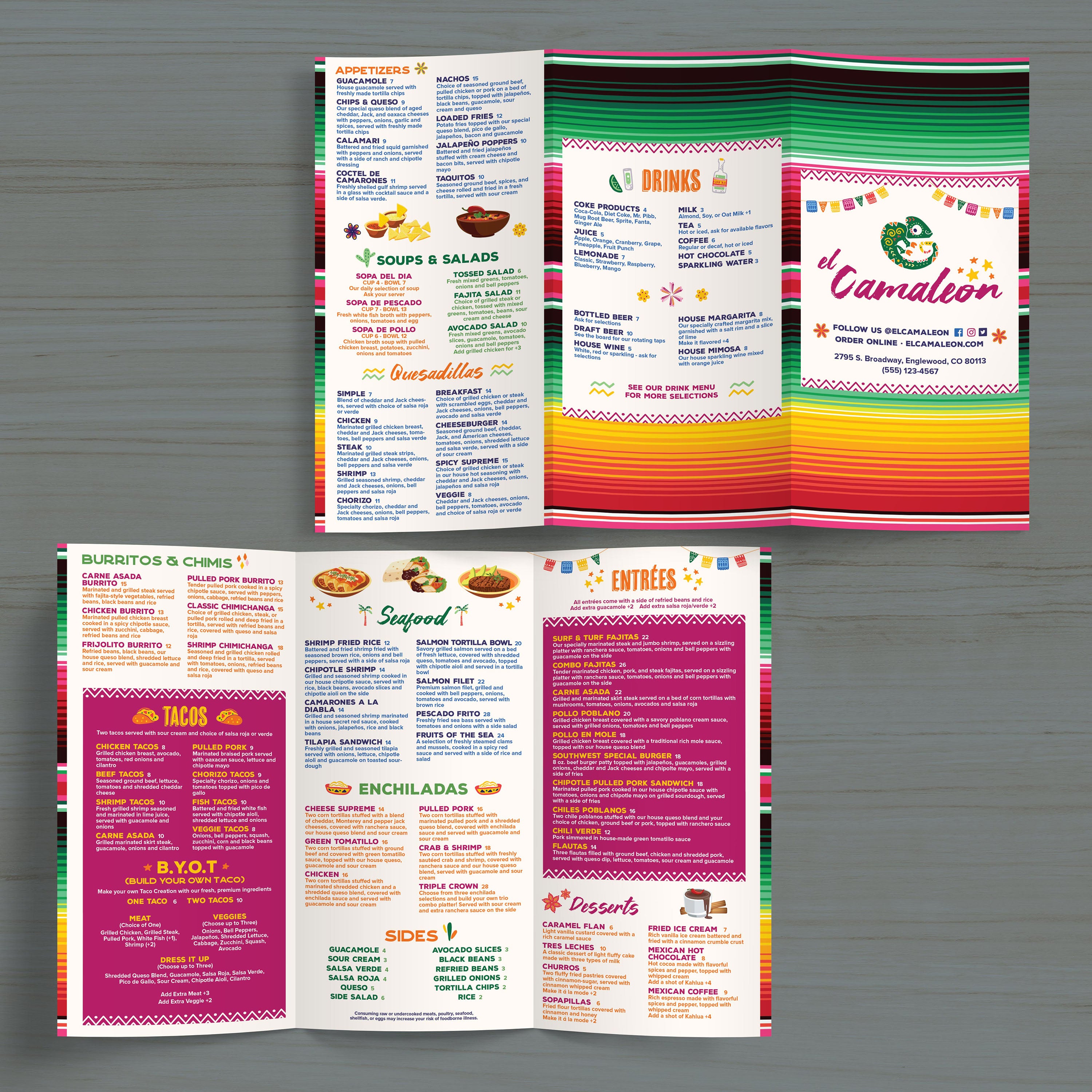
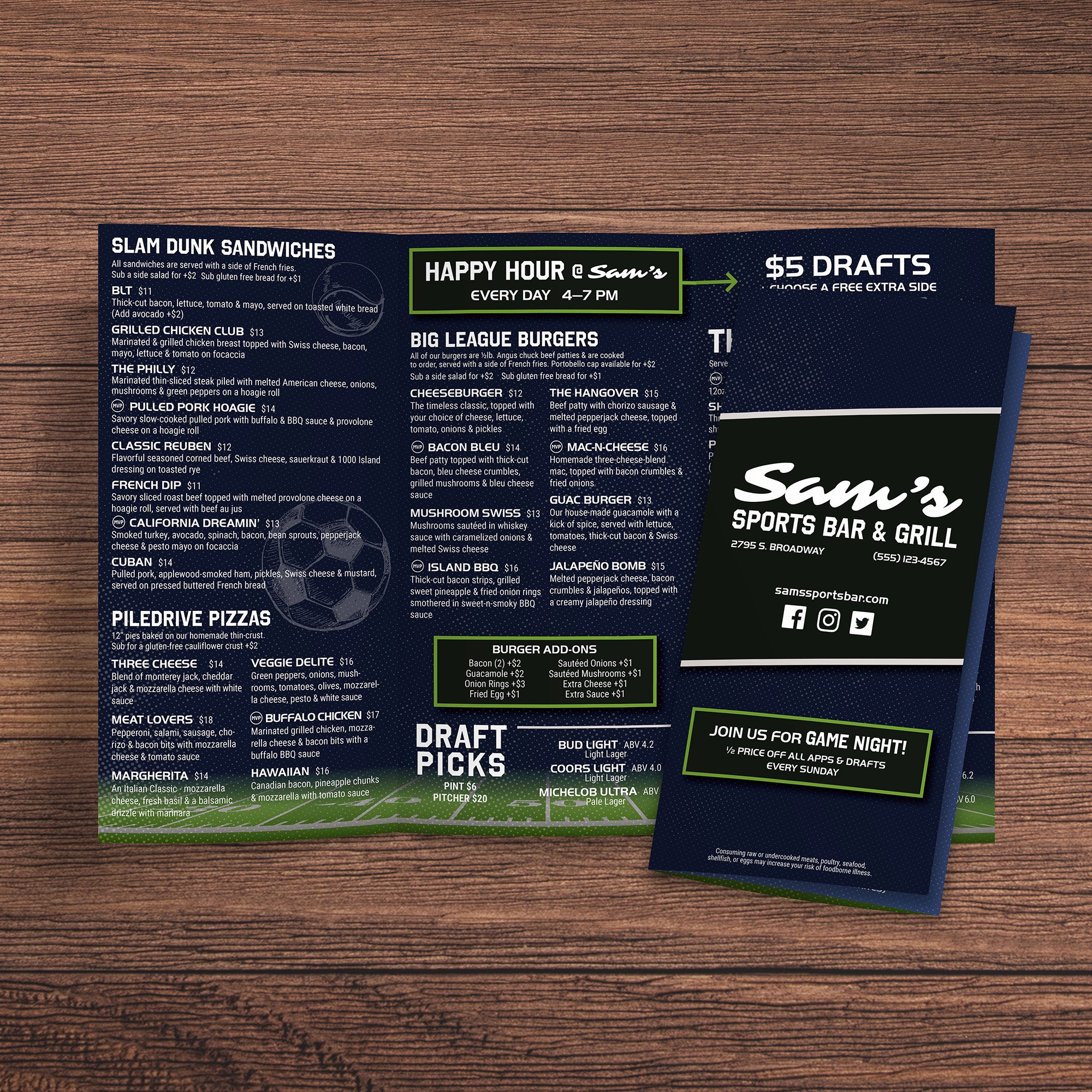
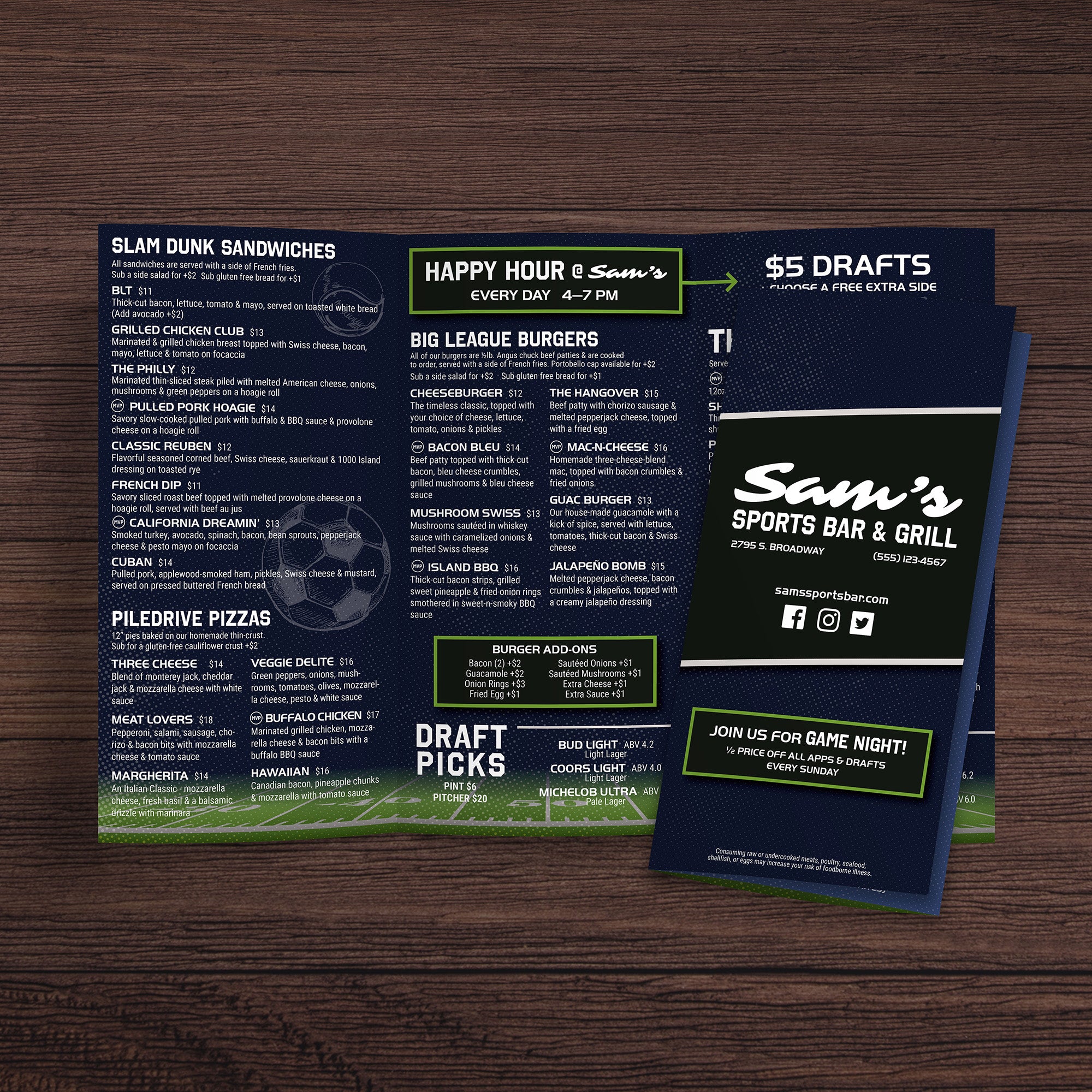
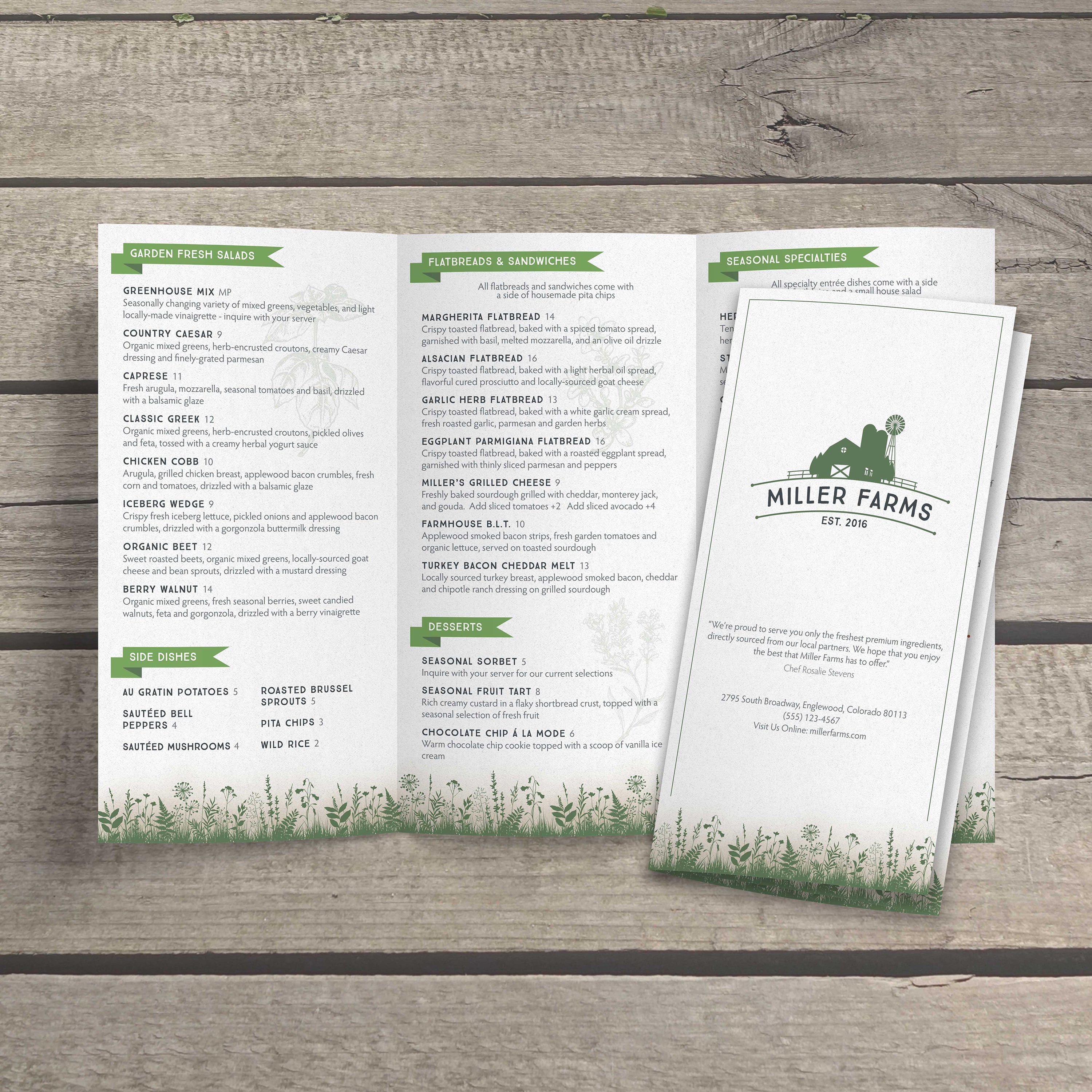
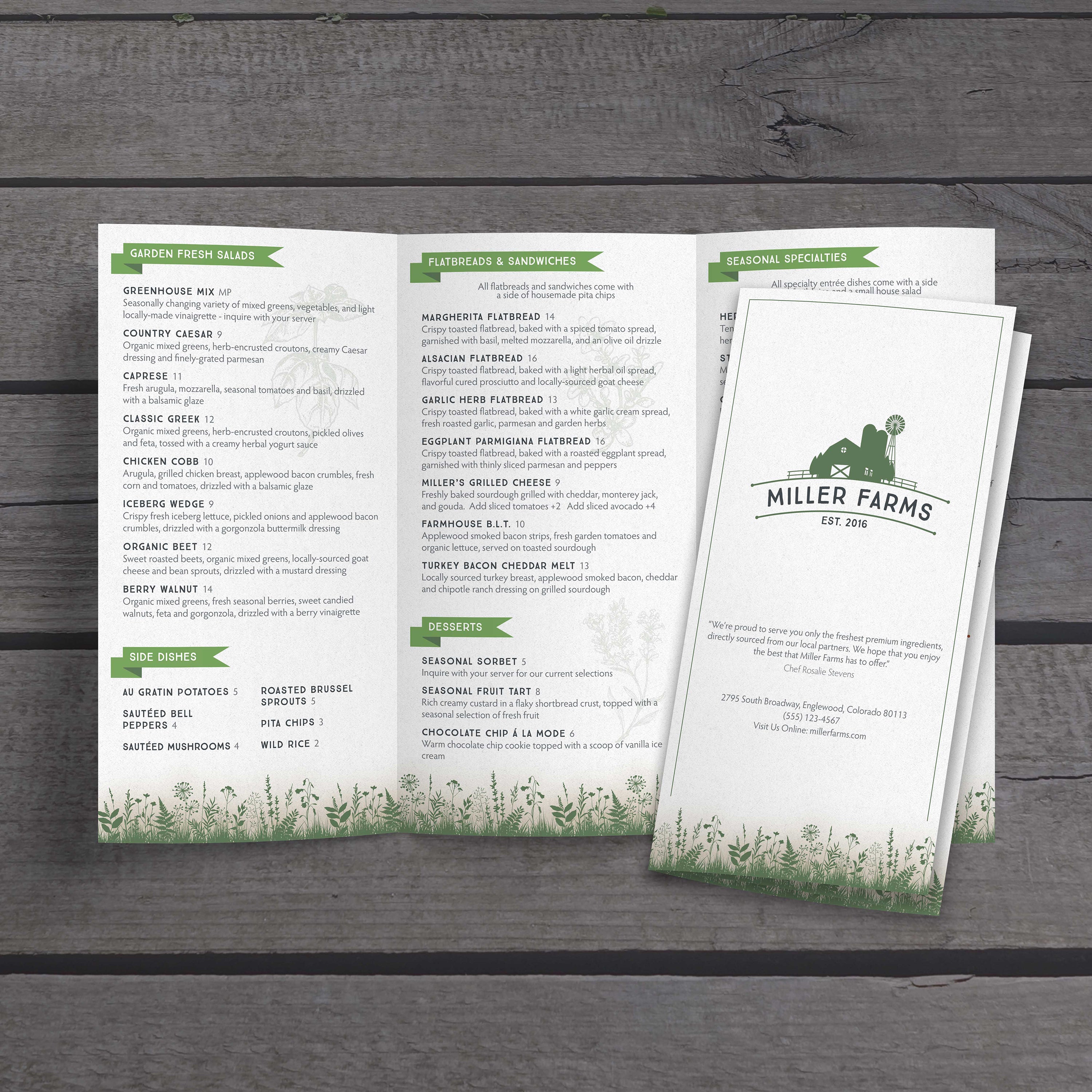
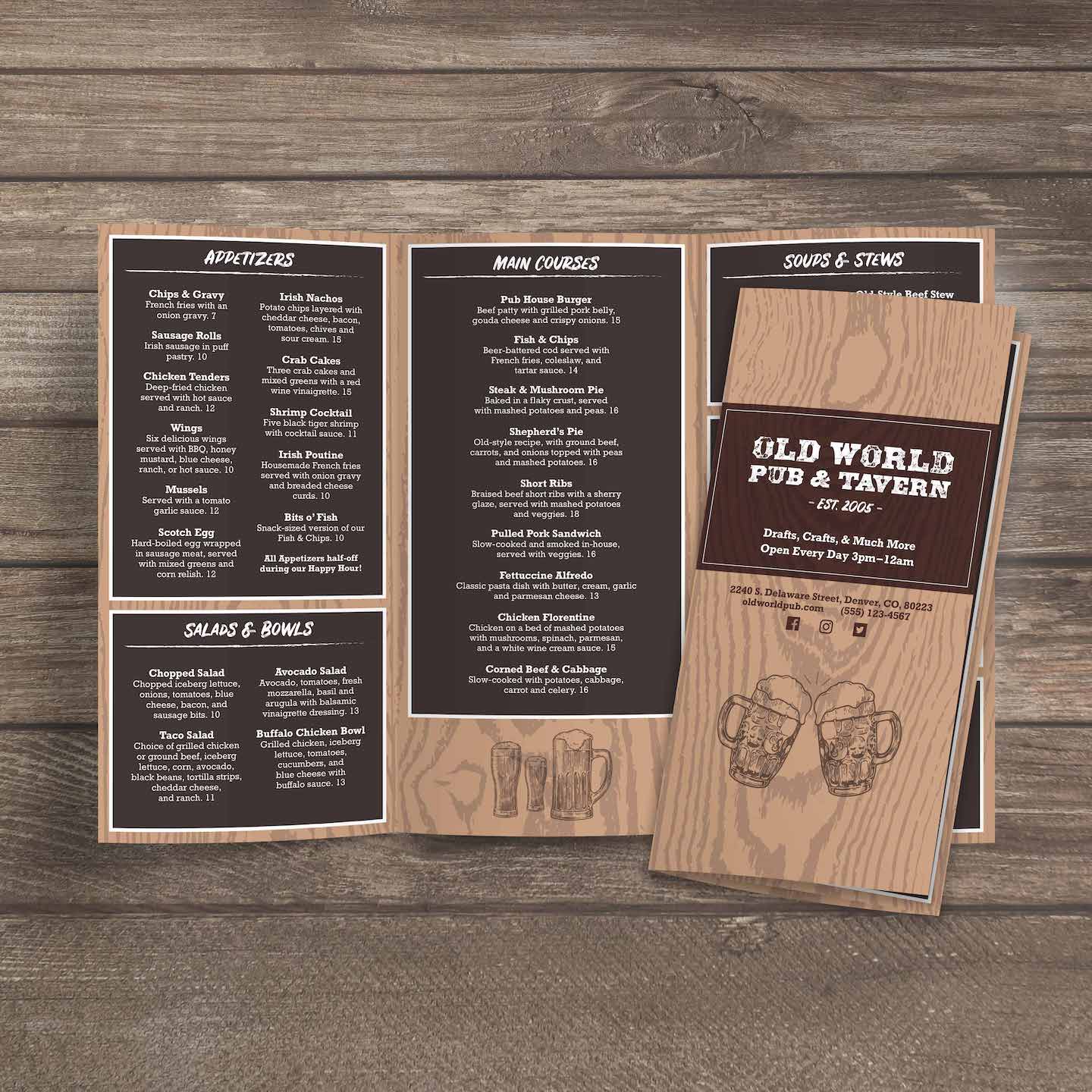
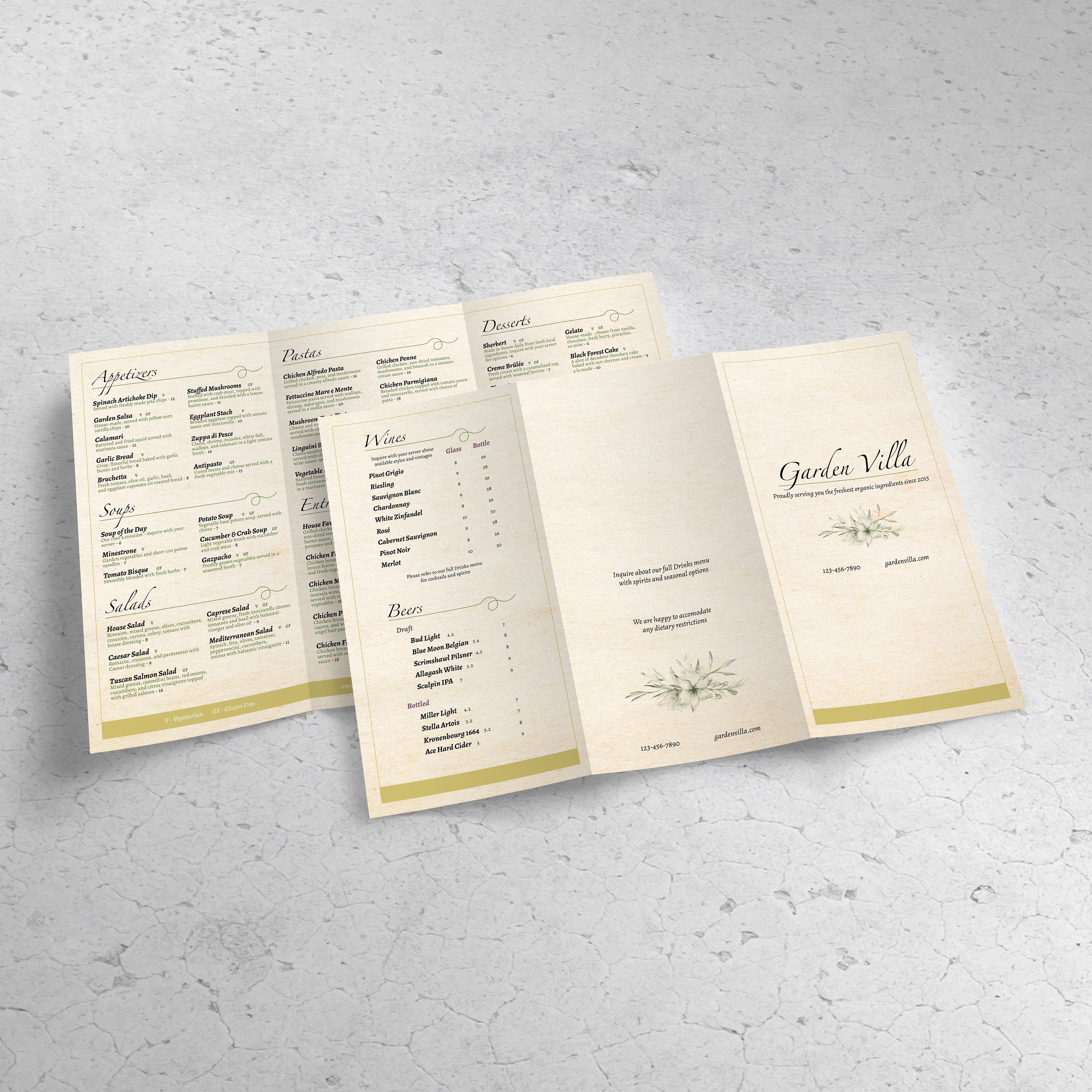
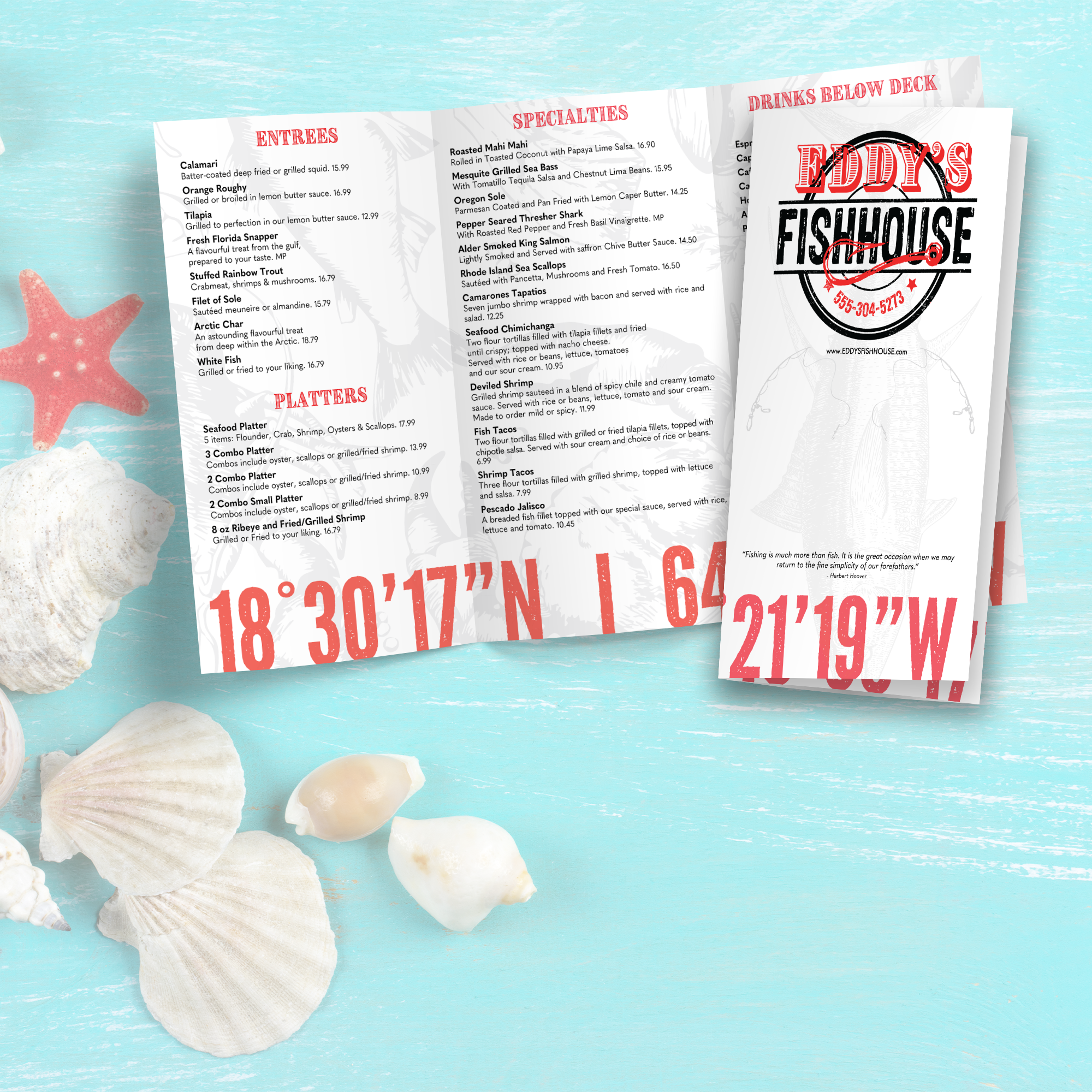
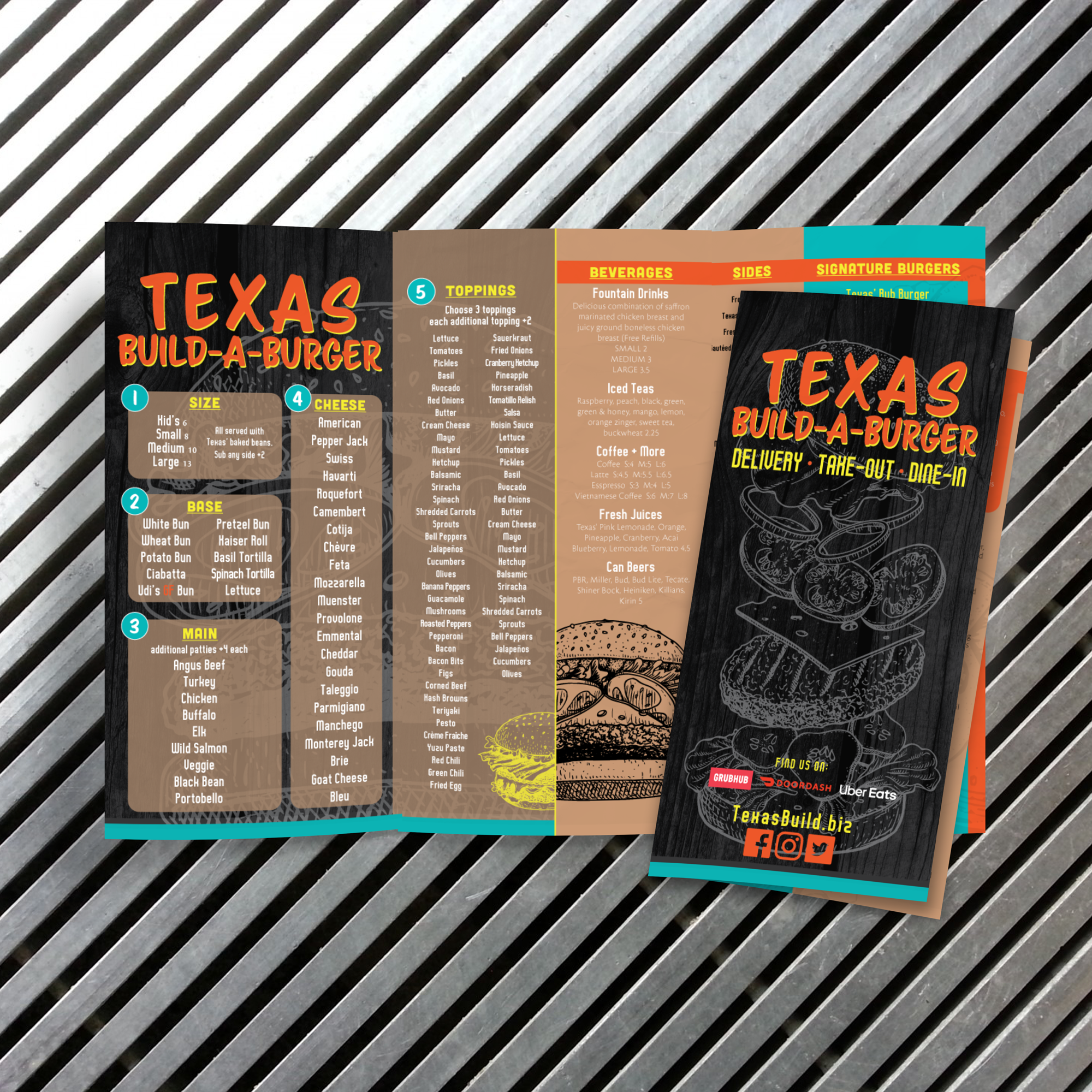
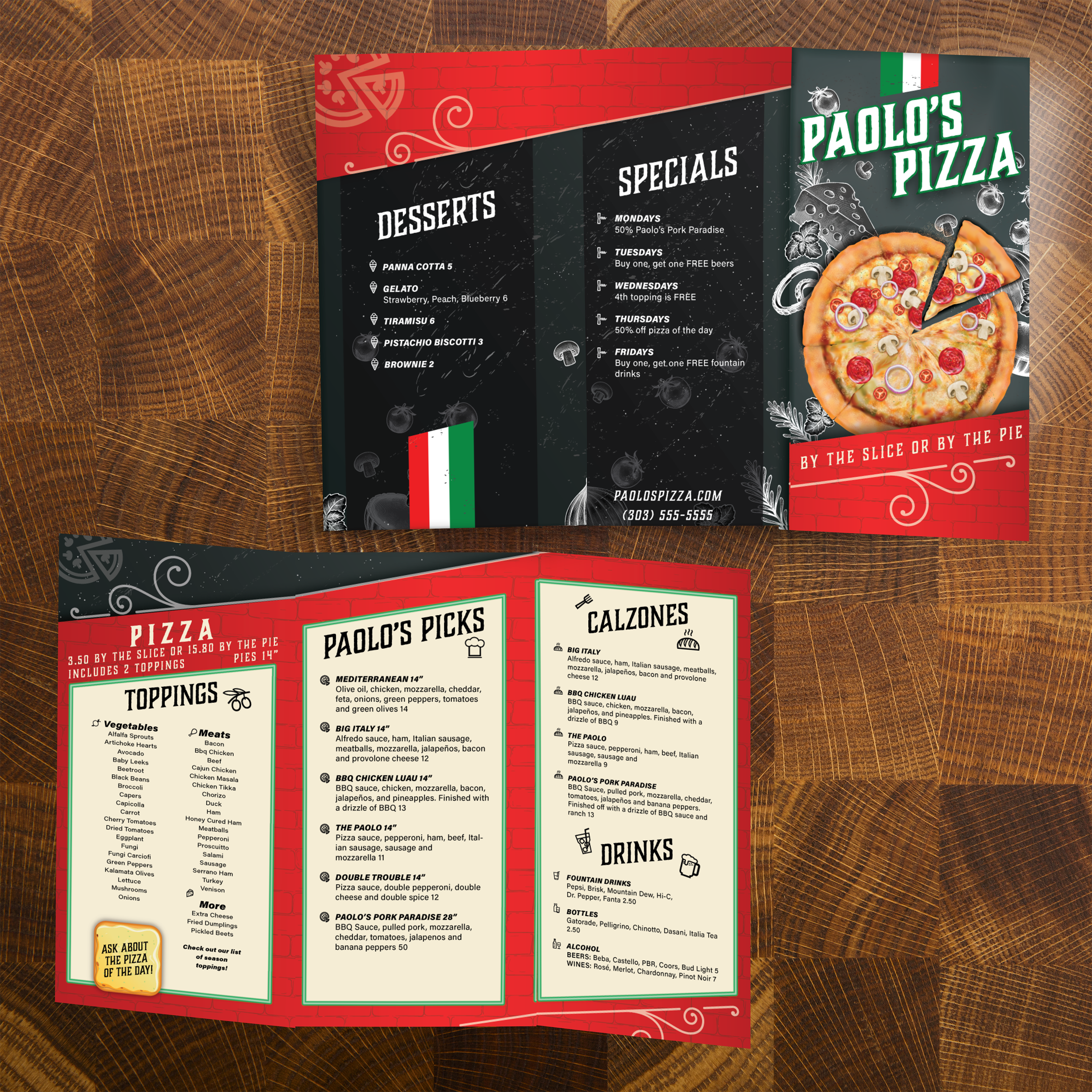
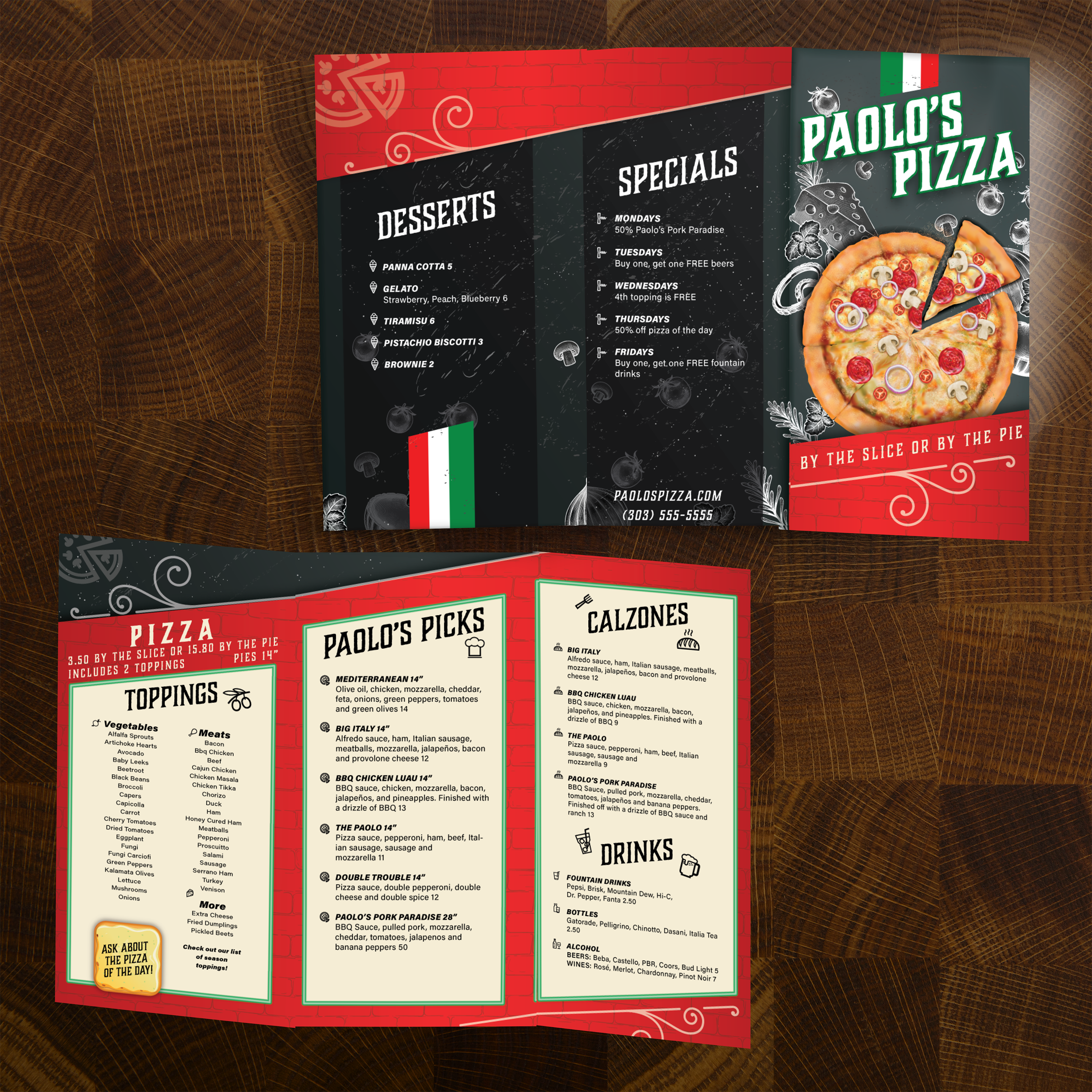
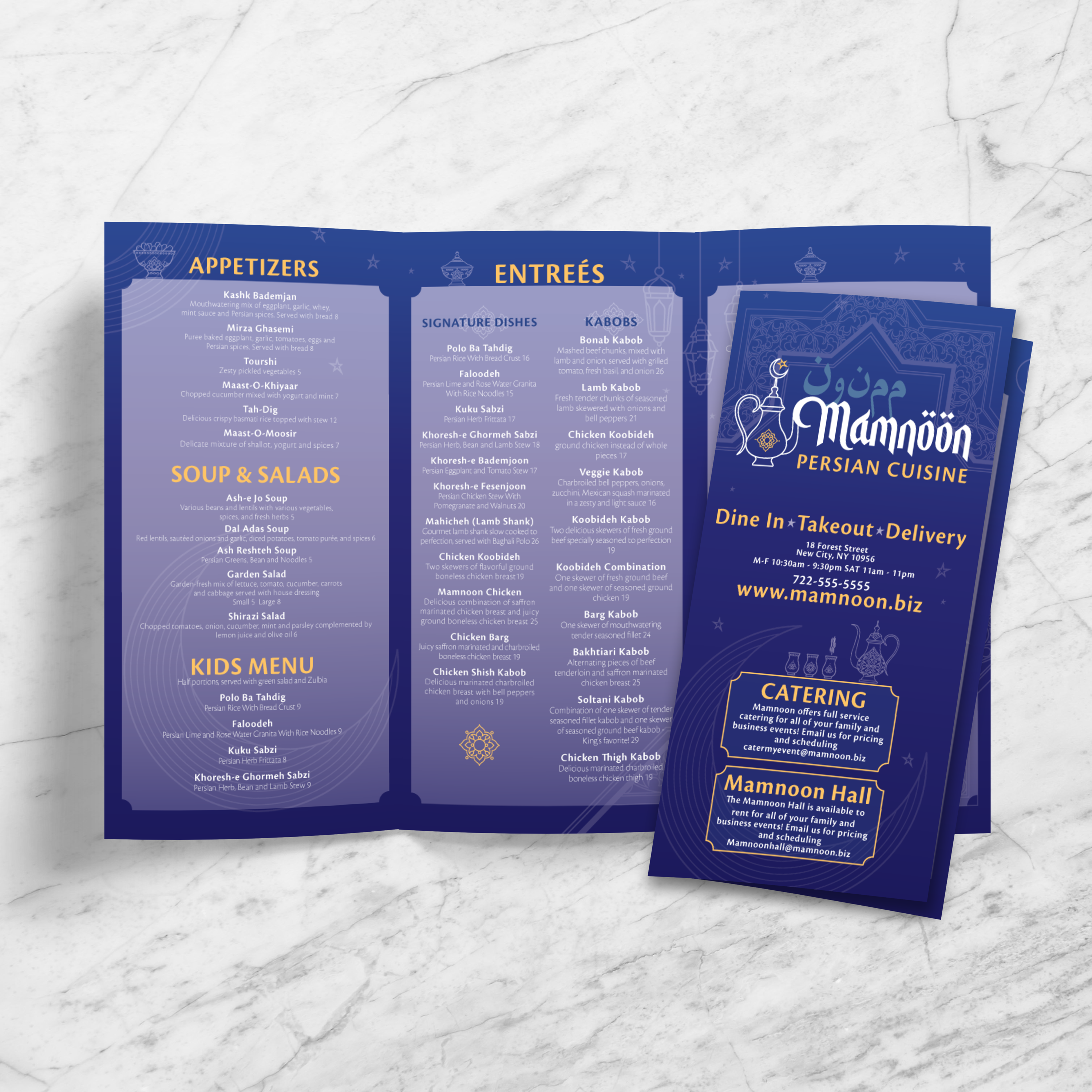
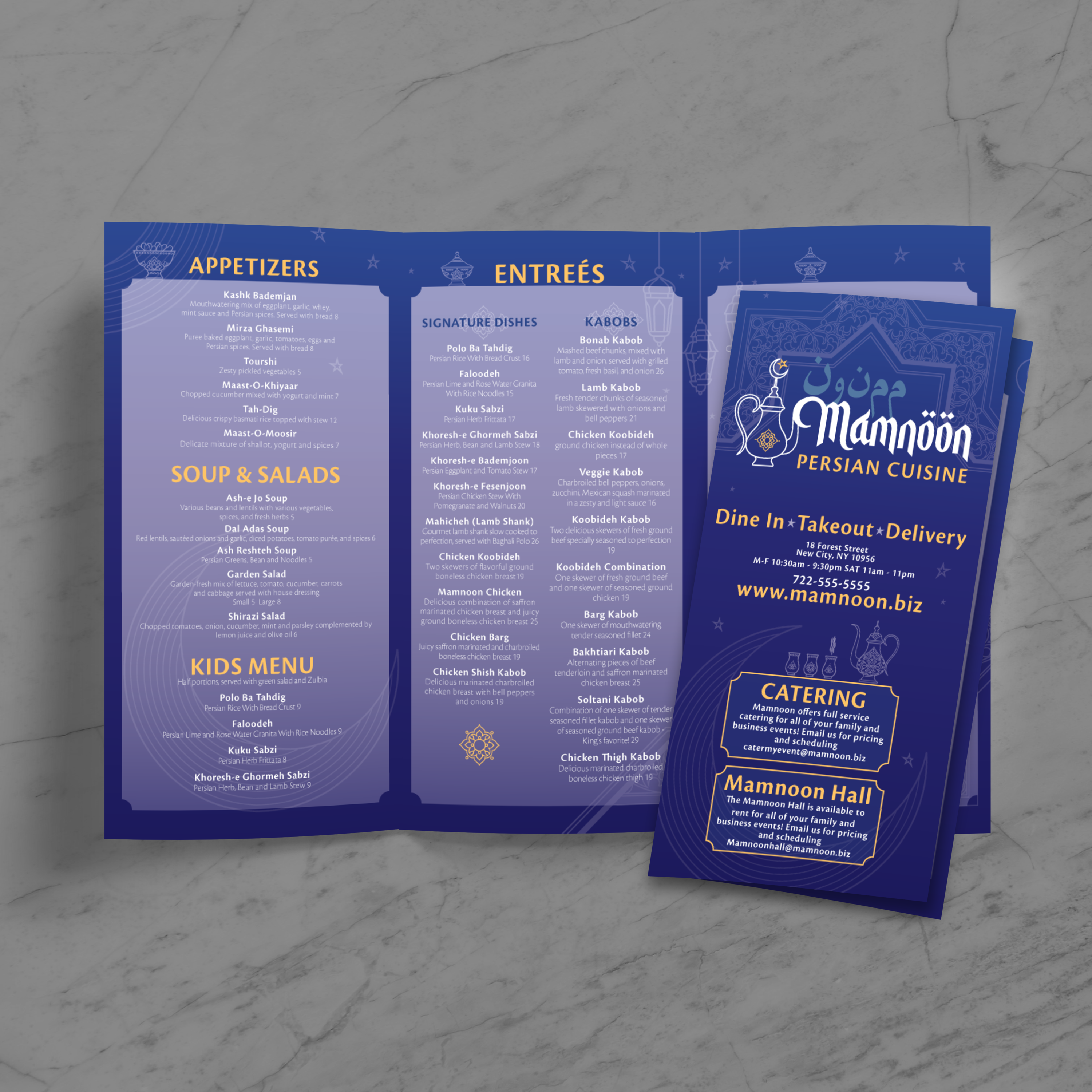
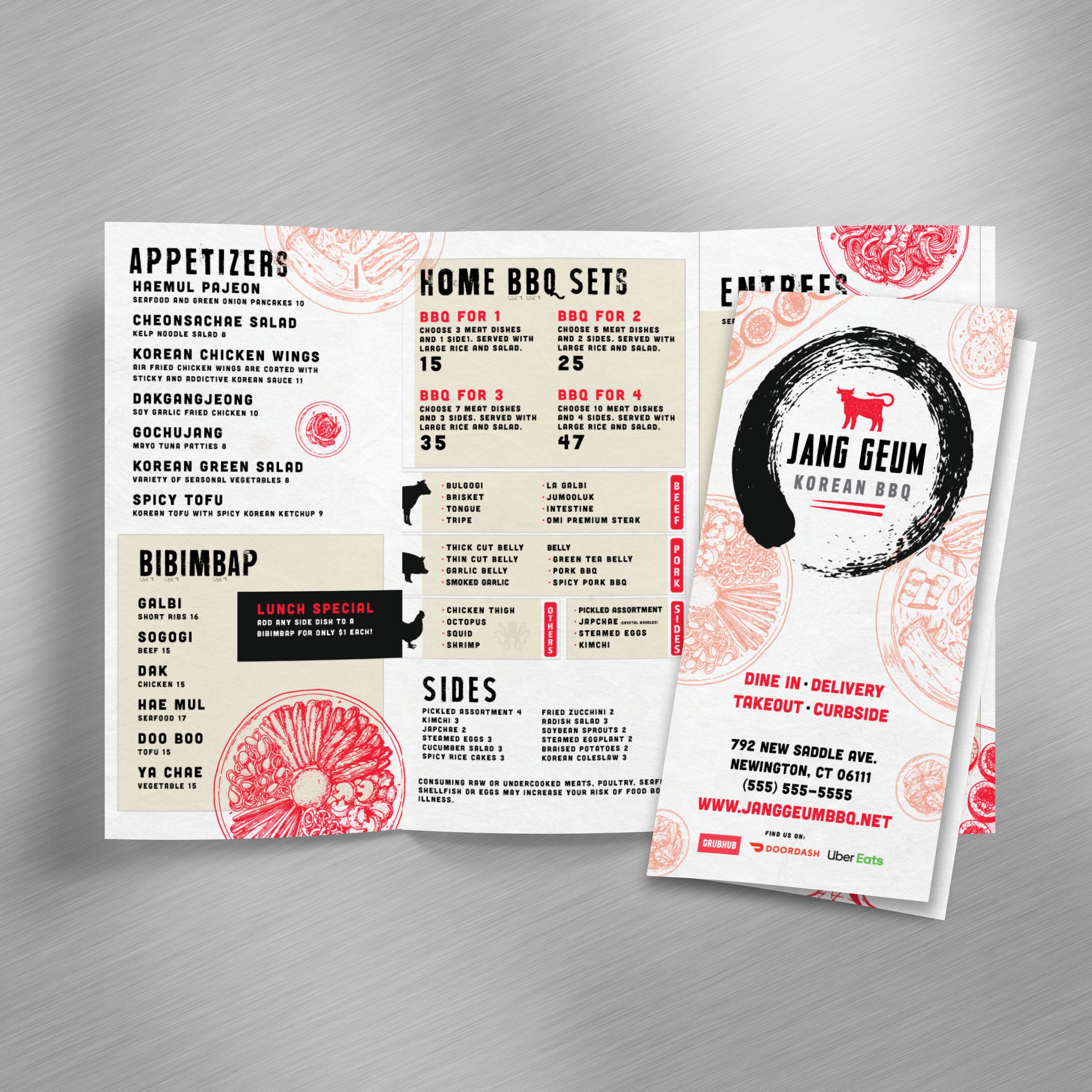
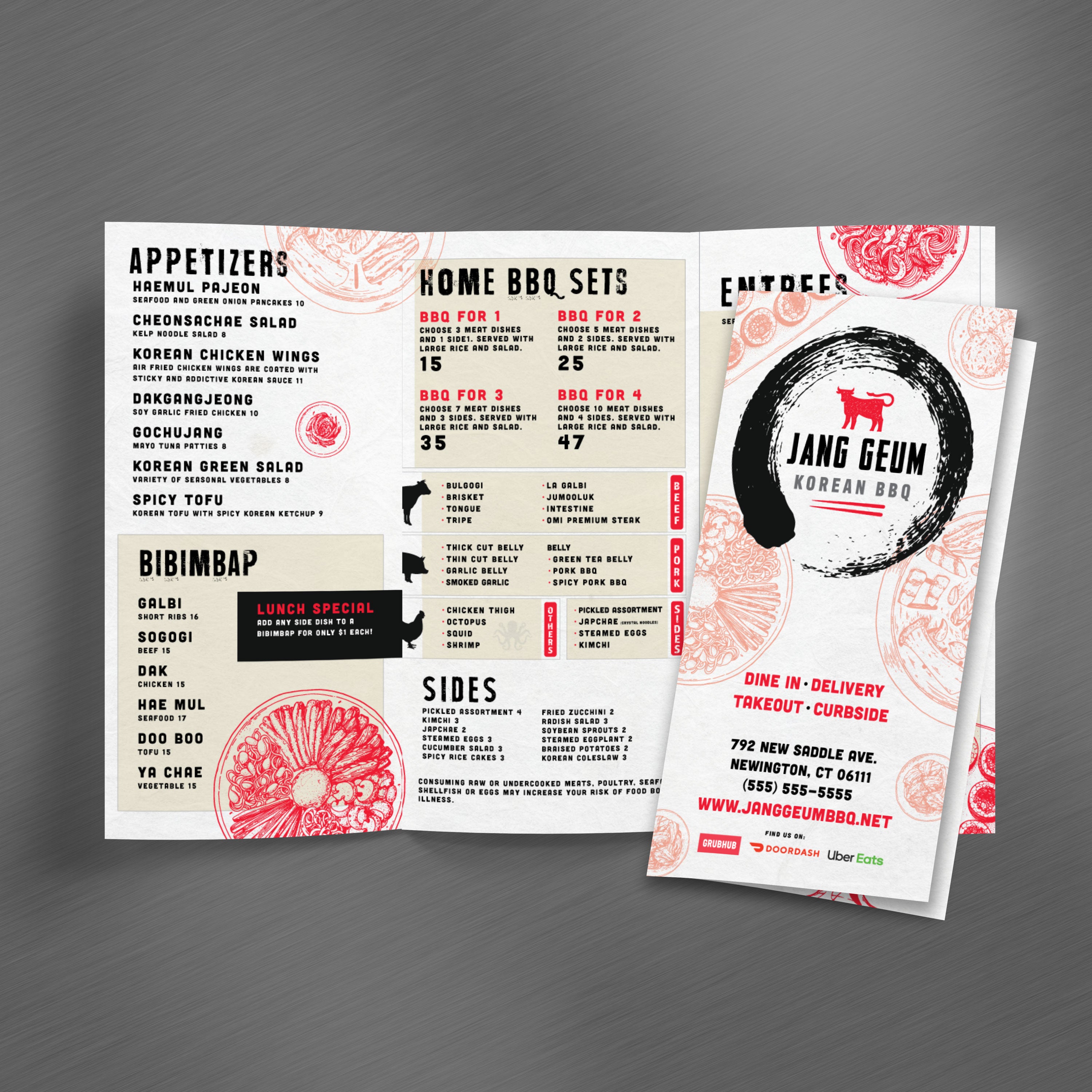
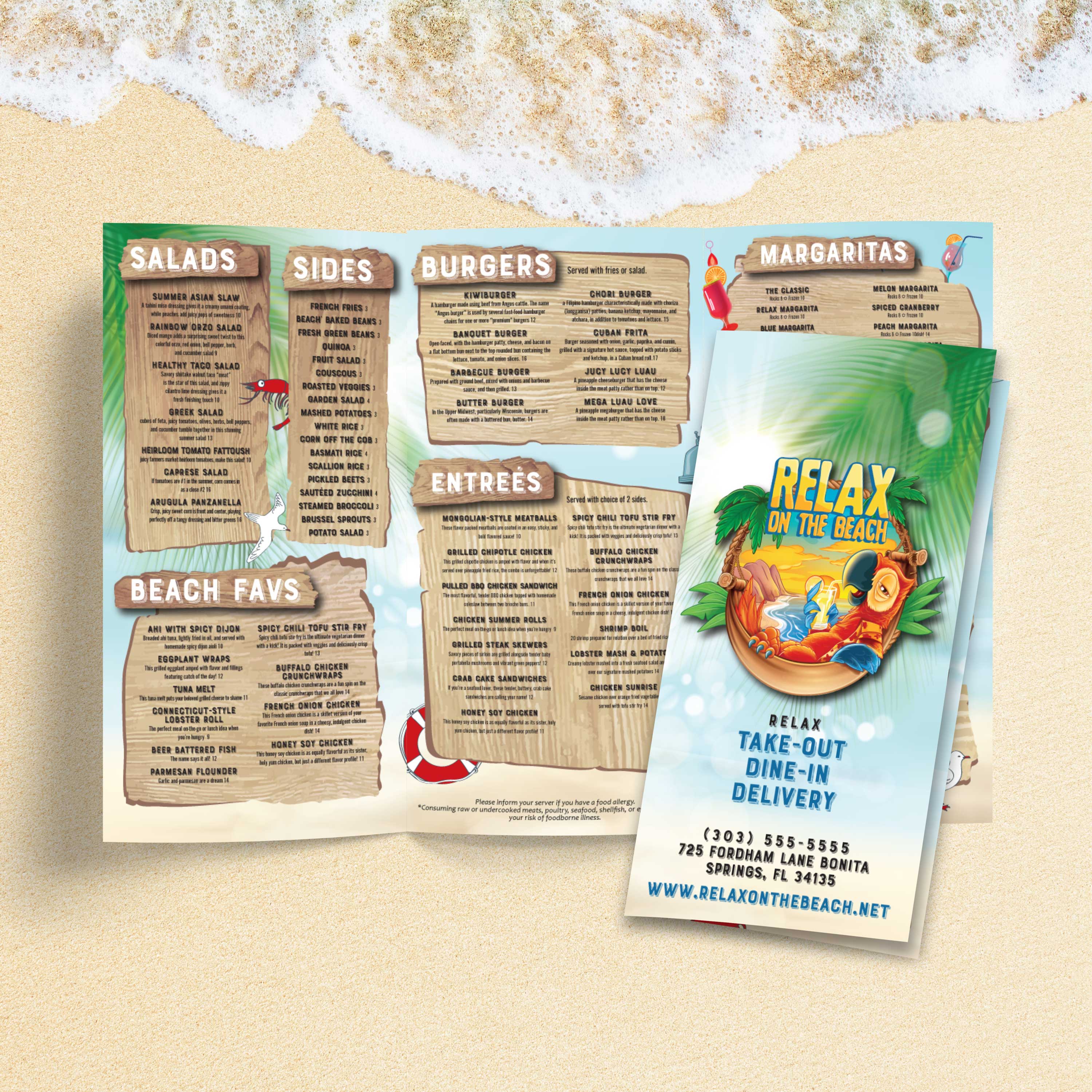
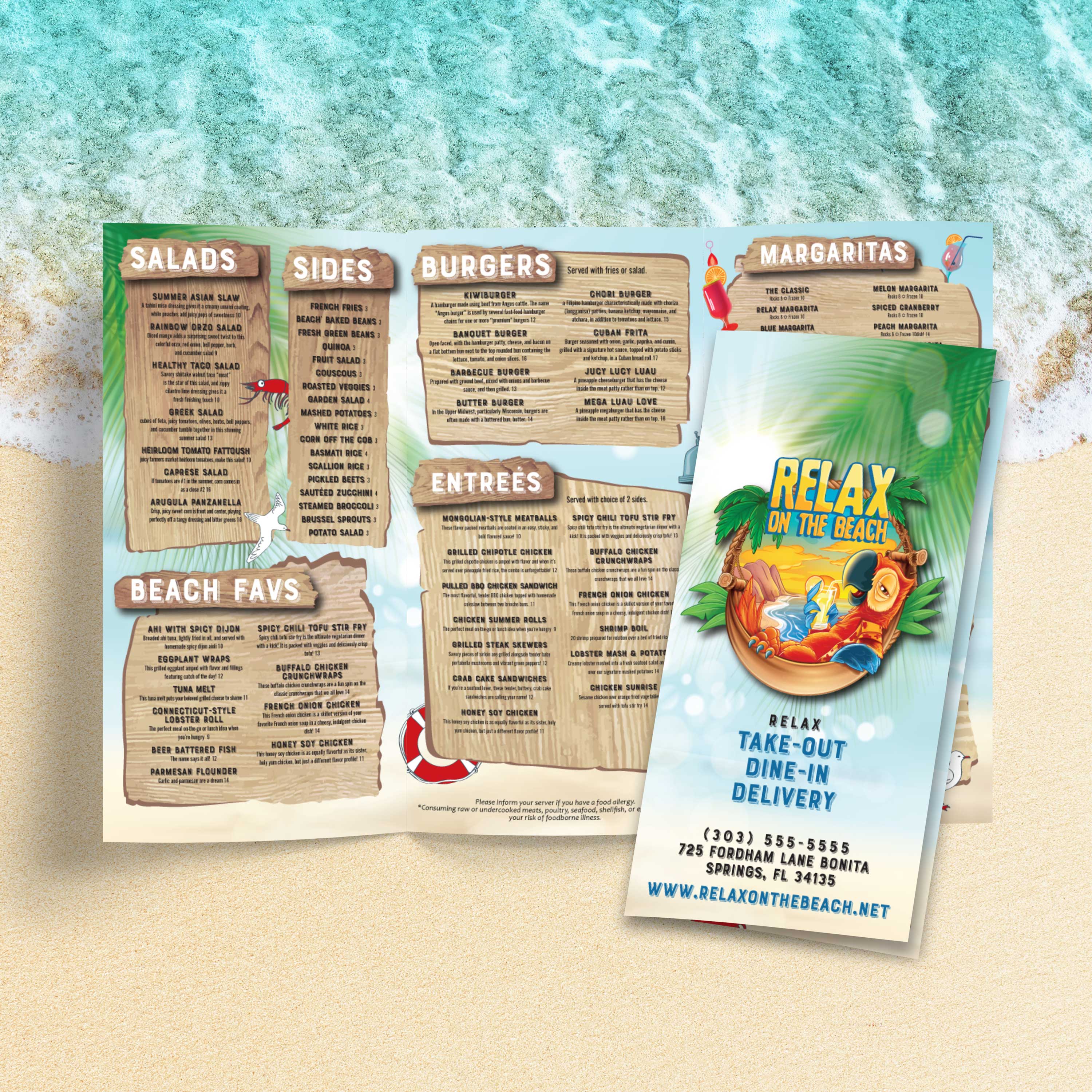
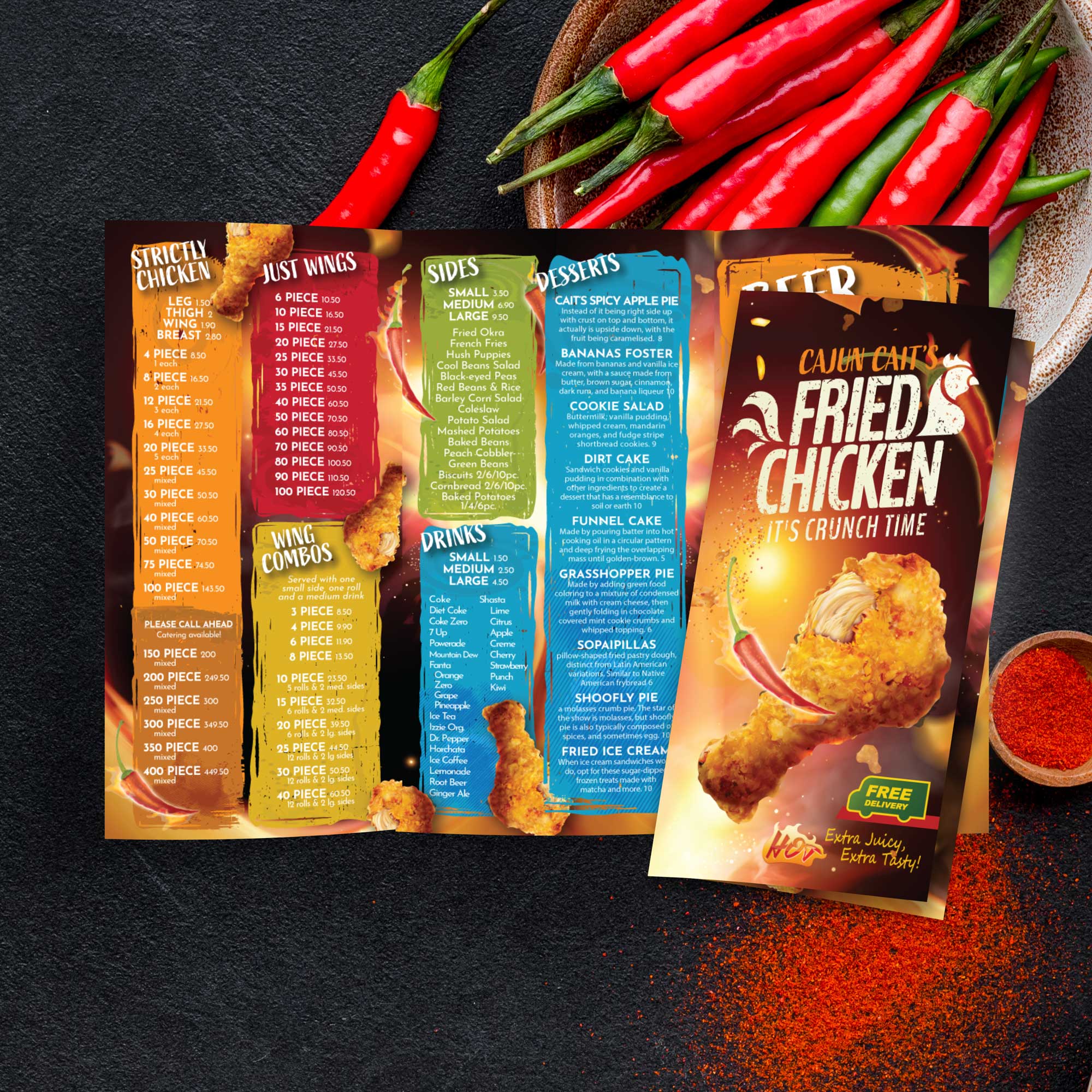
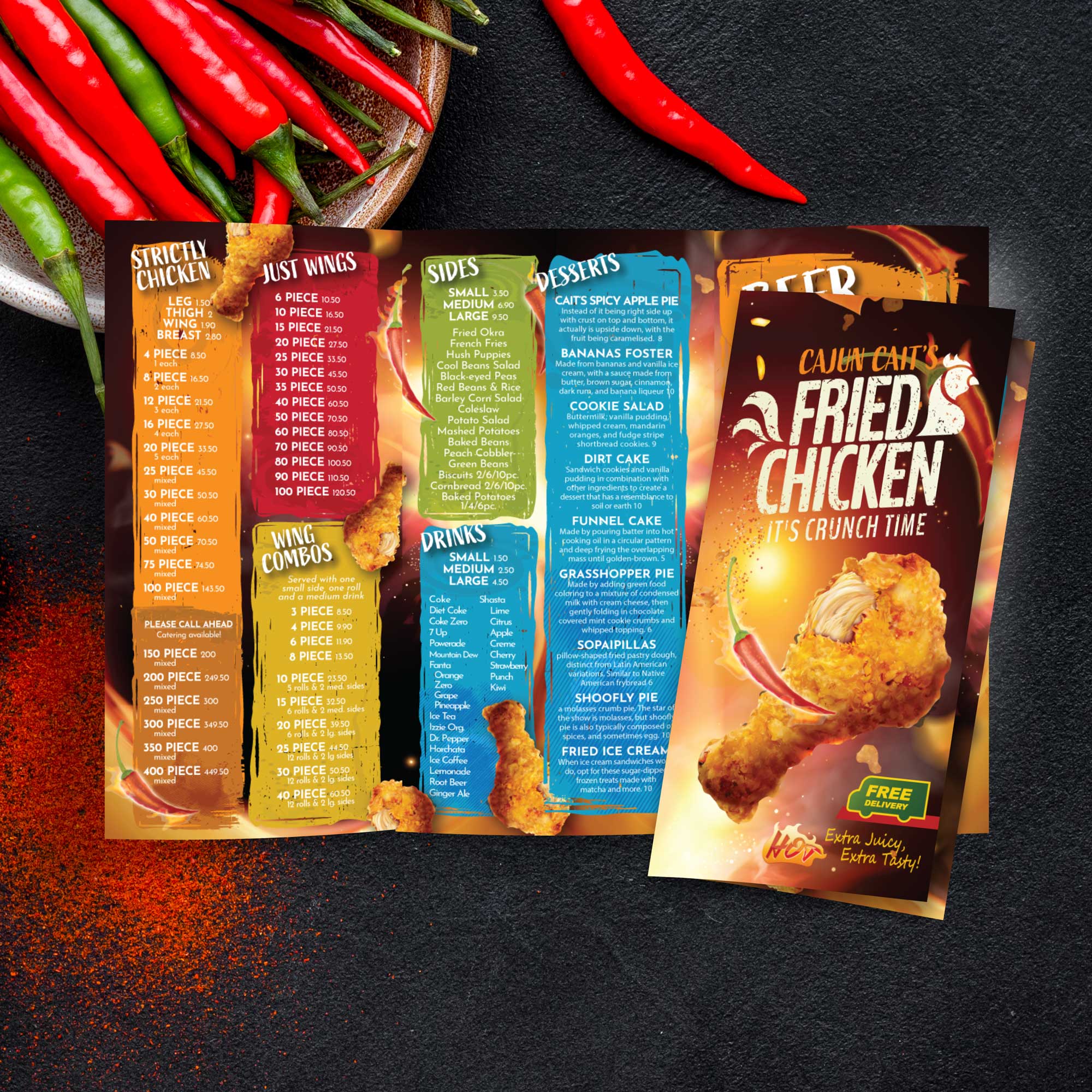
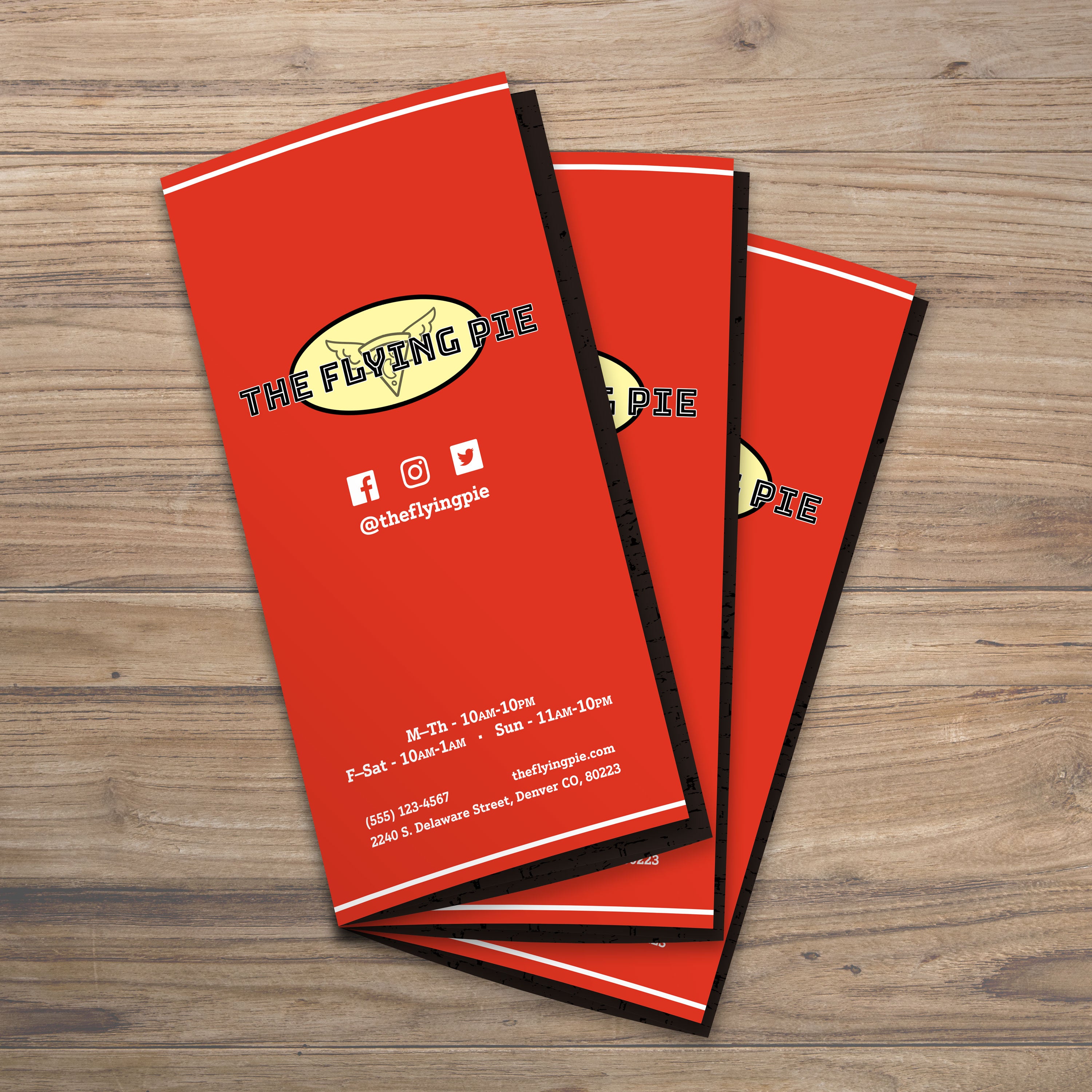
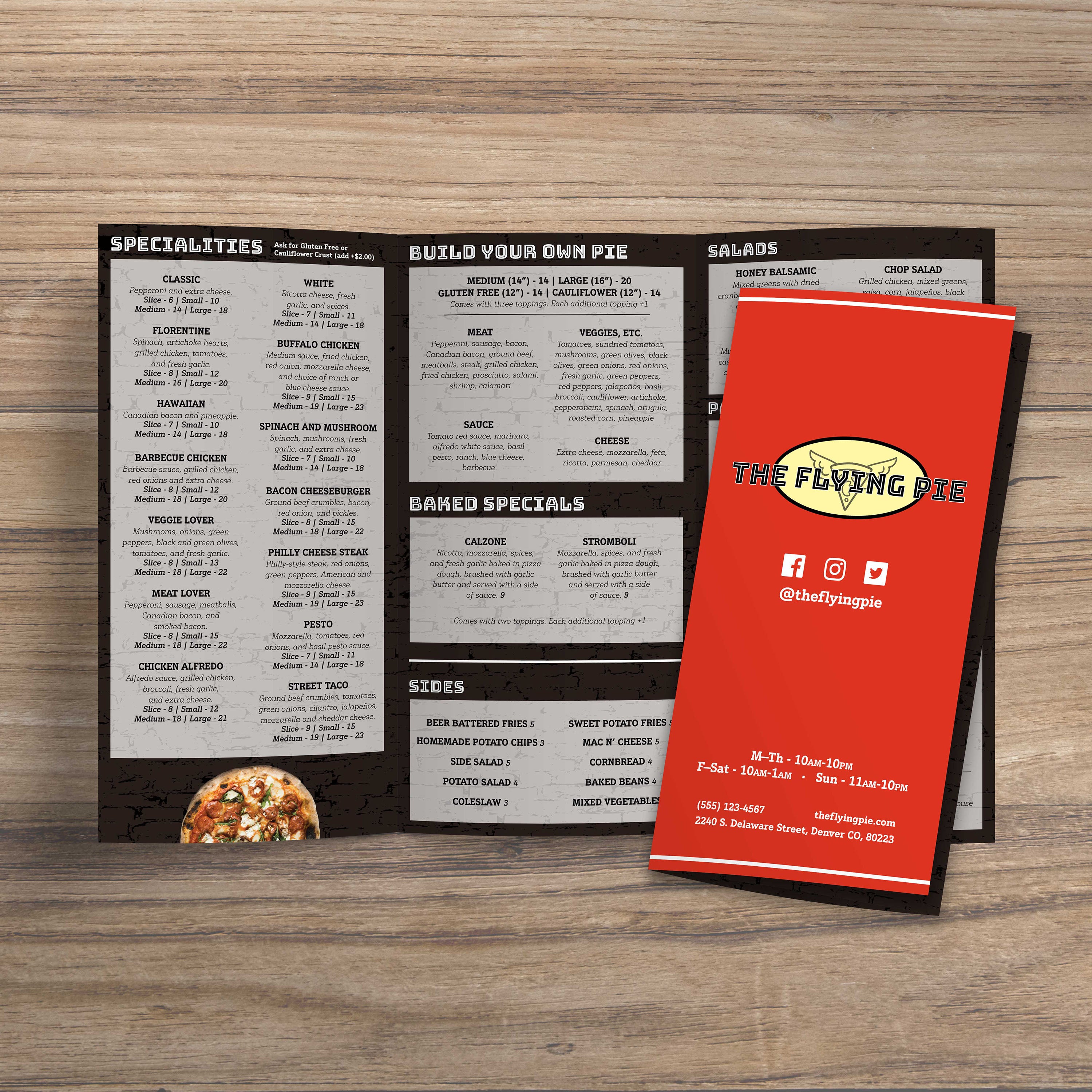
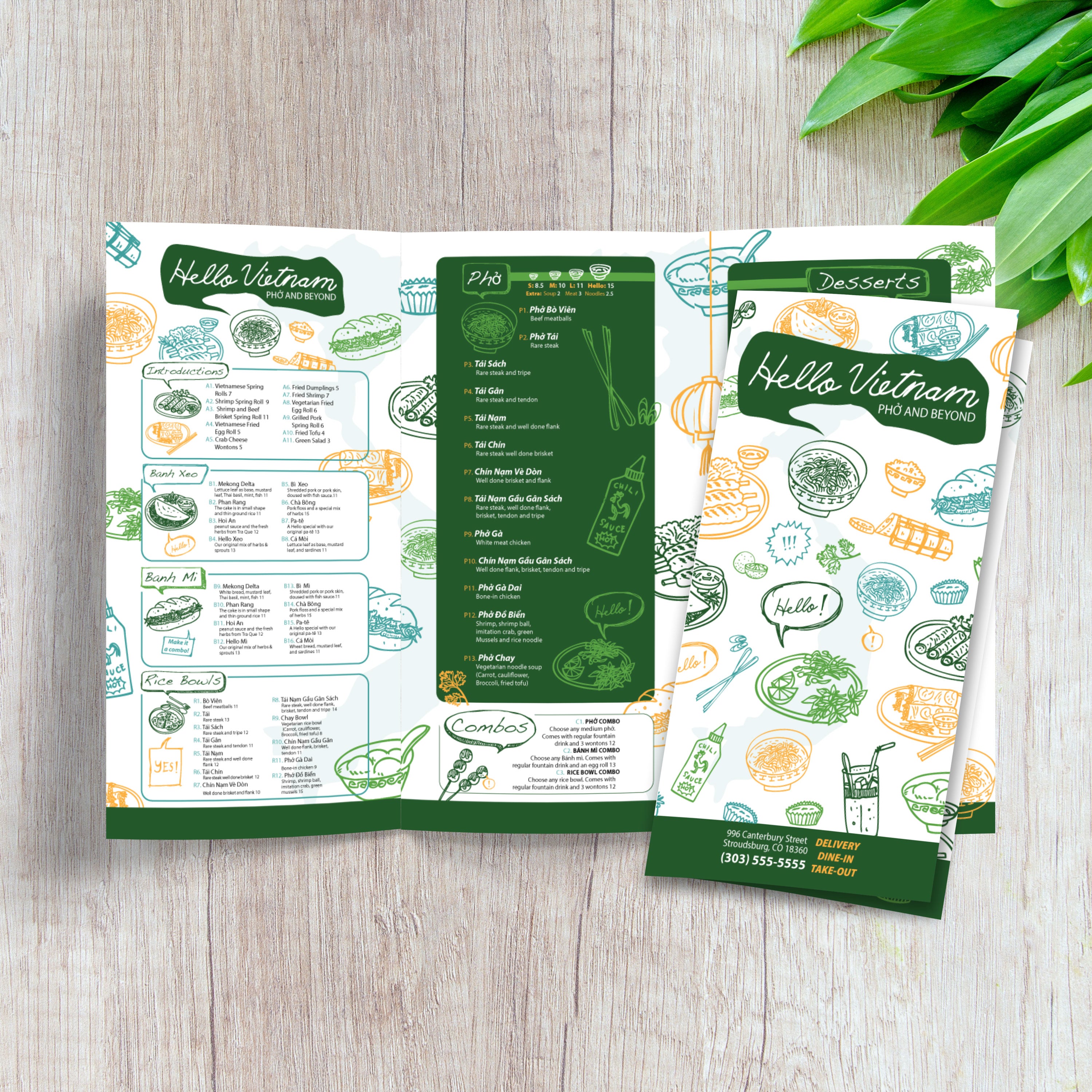
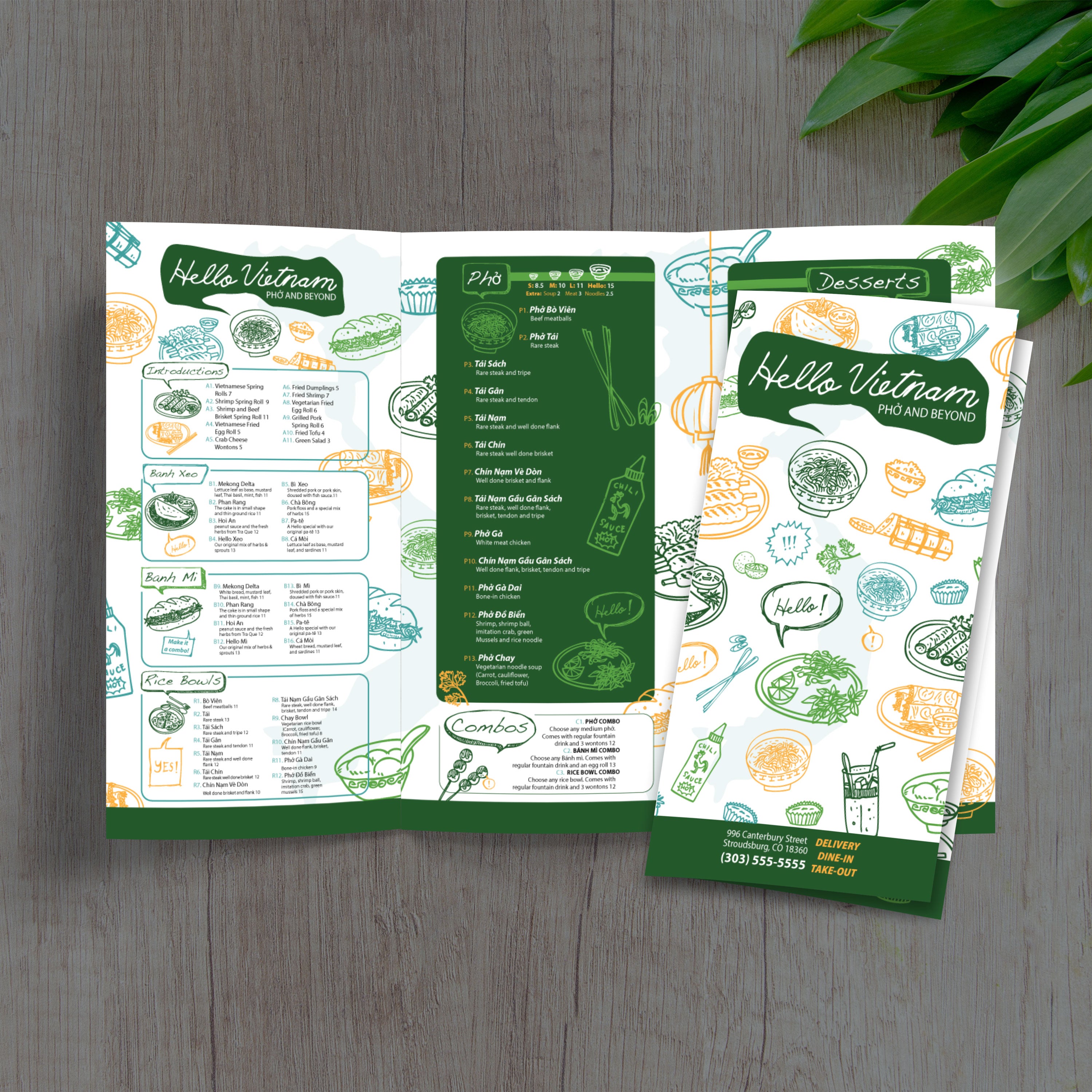
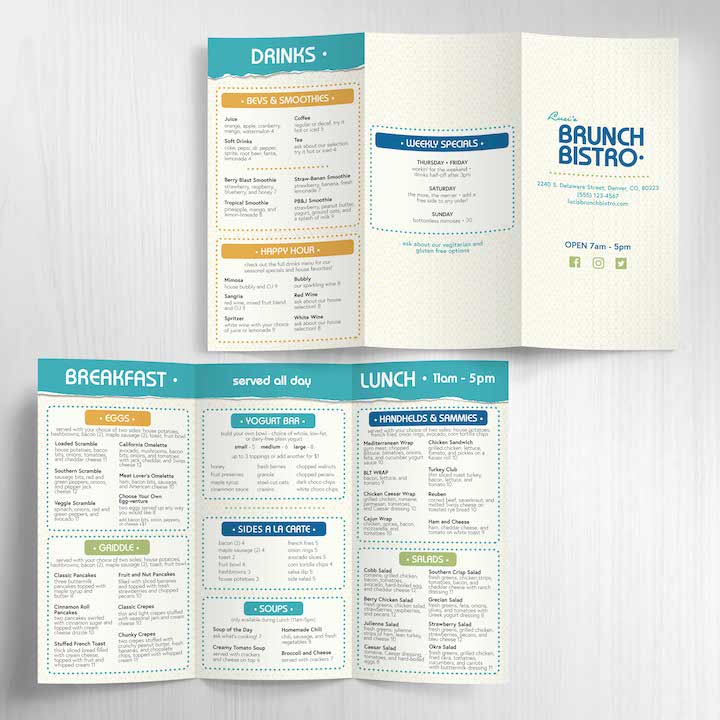
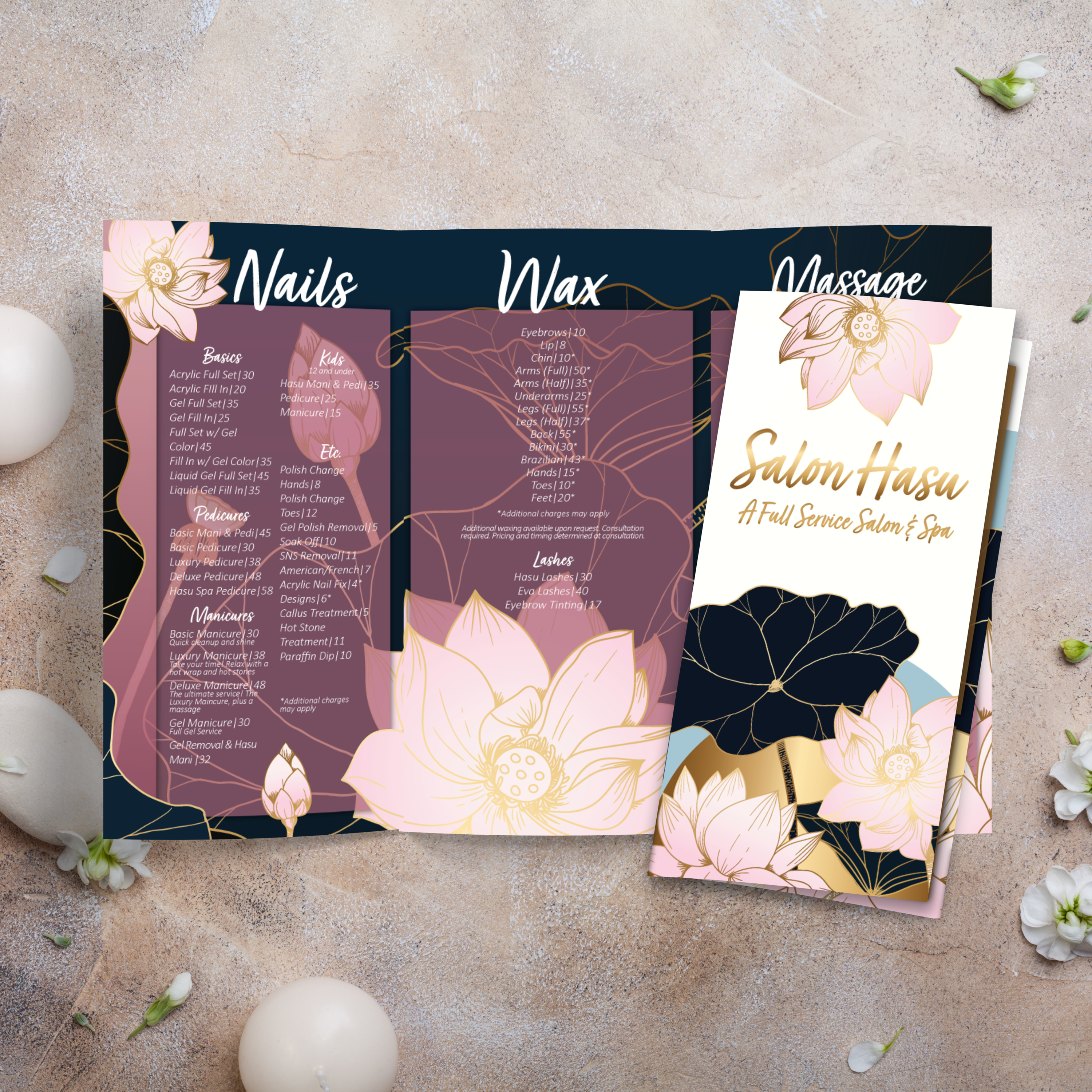
A trifold menu is one sheet folded into three sections, creating six panels total (three on the front, three on the back). This layout works well for menus with multiple categories because it guides the eye panel by panel instead of presenting everything at once.

Why 12” x 18” Is a Strong Size for Trifold Menus

The 12” x 18” size provides more room per panel than smaller trifolds, resulting in better readability and greater flexibility for item names, descriptions, and pricing. It also feels substantial in-hand, which supports a more premium menu presentation.

Best Restaurant Types for Trifold Menus

Trifolds are ideal for restaurants with layered offerings, such as full food menus, drinks, desserts, sides, or specials. They also work well for cafes, diners, and casual concepts where guests want a quick scan but the menu still needs space for variety.

When Trifold Beats Bifold and Flat Formats

If your categories are extensive, a trifold often beats a bifold because you get more panels for organization without making the menu oversized. Compared to flat menus, trifolds feel easier to handle and more structured. If you want smaller options for quick service formats, our Free 8.5 x 11 menu templates work well for tabletop menus and daily updates, and our Free 4.25 x 11 menu templates are a strong fit for slim drink lists or grab-and-go menus.

What You Need Ready Before Customizing a Template

Before editing a template, gather your category list, item names, pricing, descriptions, and brand assets, such as your logo, fonts, and colors. Decide where specials should live and whether you want a callout space for add-ons. Starting with clean content makes template customization faster and prevents layout issues when you go to print and fold.

A trifold menu provides six panels to work with, offering a significant advantage when you want clear categories without clutter. The key is treating each panel like a mini layout with a single purpose. At TerraSlate, we recommend building your trifold around flow: guests should know where to start, what to scan next, and where to find details like drinks or desserts without having to flip back and forth.

Panel Strategy: What Goes on the Front, Inside, and Back

Use the front panel as a cover and quick hook: logo, concept, and a featured category, such as top sellers or a signature item. Inside panels should display your main categories, while the back panels can accommodate drinks, desserts, sides, or a brief story about your restaurant. This keeps the menu organized and predictable.

Using Headings to Guide Ordering Decisions

Strong headings help guests order faster. Use clear category titles, consistent spacing, and a simple hierarchy: category name, item name, description, price. When headings are consistent from panel to panel, guests don’t have to “learn” the menu to understand it.

How to Avoid Clutter in Narrow Trifold Panels

Trifold panels are narrower, so you have to be intentional. Avoid long paragraphs and keep descriptions tight. Use whitespace, bullet-style formatting when appropriate, and limit the use of decorative icons. If everything feels cramped, remove low-performing items or move specials to a callout box.

Menu Descriptions That Increase Add-Ons

Descriptions should support decisions, not distract from them. Focus on key ingredients, preparation style, and flavor cues. For add-ons, use short prompts like “add grilled chicken” or “make it a combo,” placed consistently under the item. This helps staff sell items from the menu without being pushy.

Design Consistency: Fonts, Spacing, and Visual Hierarchy

Consistency makes a menu feel premium. Stick to one or two fonts, maintain uniform spacing, and keep the exact alignment for prices across panels. If you want a smaller trifold format for comparison, our Free 11 x 17 trifold templates can help you see how content density changes when panel space is reduced.

A trifold menu can look perfect on screen and still fail in production if the file isn’t set up for trimming and folding. The goal is simple: panels line up cleanly, text stays inside safe zones, and the folds land exactly where you designed them. At TerraSlate, we recommend treating setup as part of the design process, not something you do at the end.

Setting Up Trim, Bleed, and Safe Zones

Start with the template’s trim lines and bleed guides. Bleed prevents unwanted white edges after cutting, and safe zones ensure that text is not clipped. Background colors and design elements should extend into the bleed area, while prices, item names, and headers should stay comfortably inside the safe zone.

Fold Allowances That Prevent Misalignment

Trifold menus typically require a slight adjustment to the inside fold panel because it must be slightly narrower to fold cleanly without buckling. If all three panels are precisely equal, folds can cause content to shift off-center. Use a template built for trifolds or adjust your guides so the fold-in panel is slightly reduced.

Export Settings for Sharp Print Quality

Export your final file as a print-ready PDF using high-resolution settings. Embed fonts, keep vector elements intact, and avoid compressing images too aggressively. Sharp typography and clean graphics are essential because menus are often held close and read under mixed lighting conditions.

Proofing for the Fold: Test Prints and Adjustments

Always print a single test copy at actual size. Fold it and check alignment from every angle. Make sure panel borders don’t shift, text stays away from fold lines, and your inside panels don’t get clipped after trimming. This one step prevents most real-world menu reprint problems.

Common Layout Errors and How to Fix Them

The most common issues are text too close to folds, inconsistent spacing between panels, and missing bleed. Fix these issues by increasing your inner margins, maintaining design consistency, and ensuring all critical content remains within safe zones. A clean setup makes the final trifold menu feel intentional, professional, and easy to use during service.

Trifold menus get handled more than most formats because guests open and close them repeatedly during a meal. That makes durability and fold performance non-negotiable. If the material can’t hold up, you’ll see worn edges, cracked folds, and cloudy surfaces fast. At TerraSlate, we built our waterproof, rip-proof synthetic paper to handle exactly this kind of daily use.

Why Trifold Menus Fail Faster on Standard Paper

Standard paper absorbs moisture, stains easily, and breaks down at the folds first. Even when you use thicker stock, repeated folding creates weak points, and spills can quickly ruin the menu. For busy restaurants, this results in frequent reprint expenses for menus.

Why Lamination Cracks, Clouds, and Can’t Handle Real Folds

Lamination creates a plastic layer that initially looks good, but it clouds over time, can bubble or delaminate at the edges, and cannot be folded without cracking. That’s why laminated trifolds tend to fail exactly where they need to perform most: along the fold lines. Foldability is critical in trifold menus, and lamination works against it.

Why Waterproof, Rip-Proof Synthetic Paper Holds Up Longer

Synthetic paper stays strong in wet, greasy environments because it doesn’t absorb water. It also withstands heavy handling because it’s rip-proof. When menus last longer and stay readable, you can focus on service instead of constantly replacing worn-out menus. This is the “Better Than Lamination” advantage in the real world.
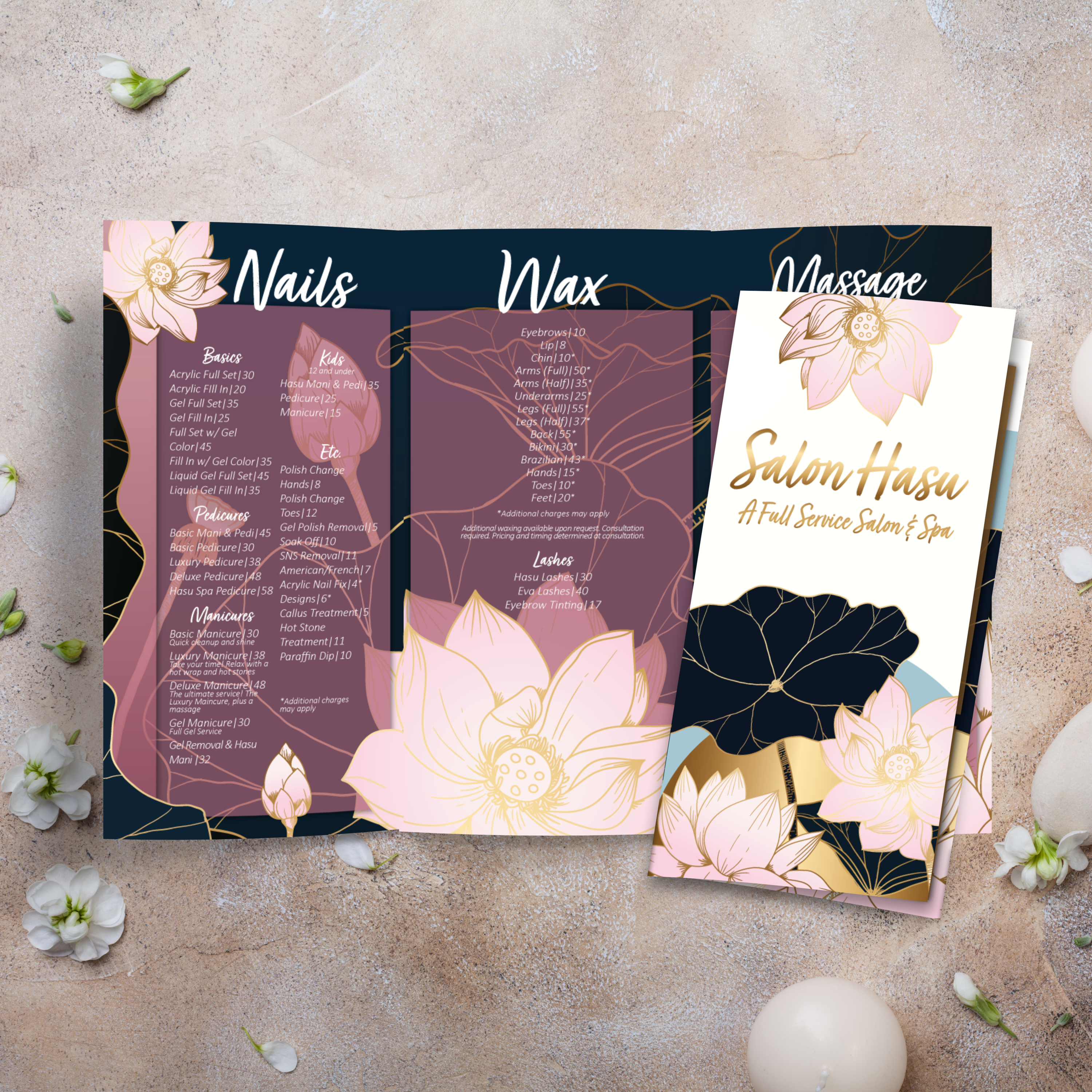
Choosing the Right Thickness for Trifold Folding

The best thickness depends on how often menus are handled and how you want them to feel. Mid-range thicknesses are typically ideal because they fold cleanly while still feeling premium. If you need extra durability, 10 Mil adds more structure, and 14 Mil is more rigid for the harshest environments, while still supporting a long lifespan.

When to Print In-House vs. Use Our Printing Services

If you have a laser printer that supports 12” x 18” sheets and the material you choose, printing in-house can be a fast and effective solution for updates. If you want consistent professional quality, precise trimming and folding, or options like TerraShield™ antimicrobial coating, TerraSlate printing services are the best choice for restaurants that wish to have durable trifolds without managing production details.

A trifold layout isn’t limited to full dinner menus. Because it features six panels, it can organize information cleanly while maintaining a compact and easy-to-handle design. That makes it one of the most flexible menu formats for restaurants, cafes, bars, and event services. At TerraSlate, we see restaurants use trifolds as a repeatable layout system for everything from daily specials to catering.

Trifold Menus for Drinks, Happy Hour, and Desserts

Trifolds are ideal for separating beverage categories, showcasing signature cocktails, and presenting wine lists without overwhelming guests. You can dedicate one inside panel to happy hour, another to cocktails, and a third to beer and wine, while still keeping room for dessert or after-dinner drinks on the back.

Trifold Menus for Catering and Events

Catering menus often require structure, including package tiers, add-ons, headcounts, and service notes. A trifold helps you keep this information organized and professional. It also makes it easy to create a handout for client meetings and tasting events that doesn’t feel like a single-page flyer.

Trifold Menus for Table Tents and Counter Displays

A trifold can double as a counter menu or folded display piece, especially when you highlight best sellers on the front panel and build details inside. This is a smart way to promote new items, seasonal offerings, or combo deals in quick-service settings.

Trifold Menus for Takeout and Delivery Inserts

Takeout inserts need to be compact, readable, and durable. A trifold format provides sufficient space for comprehensive category coverage without requiring oversized sheets. It also allows you to include ordering instructions, QR codes, and a callout for delivery platforms without cluttering the main menu panels.

Trifold Menus for Seasonal Promotions

Seasonal changes are faster when you have a trifold template system. Keep the layout consistent, rotate items and pricing, and swap out callouts for limited-time specials. When the format stays familiar, guests scan faster, and your team can update menus without redesigning from scratch.

Trifold menus are designed to be handled, opened, closed, and cleaned all day. If your menu program relies on standard paper or lamination, that routine quickly becomes a frequent replacement. The goal is to build a system that includes durable menus that remain presentable, a cleaning routine that protects print quality, and templates that facilitate quick updates. That’s the approach we support at TerraSlate.

Cleaning and Care for Waterproof Menus

Waterproof synthetic menus are built to be wiped down repeatedly. Clean regularly to prevent grease buildup and keep menus looking crisp. Because the sheet doesn’t absorb moisture, you avoid the warping and softening that happens with traditional paper menus.

Why Soap and Water Work Best

Simple soap and water are recommended for our paper because they clean effectively without degrading the printed surface over time. Harsh chemical cleaners can be unnecessarily aggressive when used multiple times per day. A consistent soap-and-water routine keeps menus clean and readable while protecting the longevity of the print.

When TerraShield™ Anti-Microbial Coating Makes Sense

For high-contact menus, TerraShield™ adds built-in protection for long-term use. TerraSlate can print menus for you with our proprietary TerraShield™ anti-microbial coating with industry-leading turnaround and fast shipping. This is a strong option when menus are shared constantly, and you want an added layer of protection beyond routine cleaning.

Updating Templates Without Redesigning Every Time

A strong template reduces menu updates to simple edits. Swap pricing, rotate specials, update seasonal items, and keep the same structure. This prevents layout drift and ensures every menu version remains consistent, even when updates occur weekly.

Lowering Lifetime Costs with Better Than Lamination Menus

Lamination clouds can bubble or delaminate and cannot be folded, making it a poor match for trifold formats. When menus last longer and stay cleanable, you reprint less often and spend less over time. That’s why a durable, foldable menu solution is preferable to lamination for restaurants seeking consistency, quality, and fewer replacements.