Why great screen designs can disappoint on paper
A file can look flawless on your monitor and still fall flat on press. Screens glow in RGB light, while printers lay down CMYK toner. Edges that look clean on screen get trimmed, and photos that look sharp on a phone turn soft at letter size.
That gap matters even more on synthetic paper. TerraSlate is built to survive spills, rain and constant handling, so the pieces printed on it stay in service for months or years. A menu with muddy color or a field guide with a sliver of white at the edge doesn't look off for a week. It looks off every single day until it's replaced.
The good news: nearly every print problem is preventable at the file stage. Here's how to get it right before anything reaches the printer.
Every design tool has its habits
Most print files come from a handful of programs, and each one has predictable tendencies worth knowing.
- InDesign and Illustrator are built for print. They handle bleed, CMYK color and image resolution well, as long as the document is set up correctly from the start.
- Canva has become a favorite of restaurants, small businesses and marketing teams, and for good reason. Just watch two things: it designs in RGB by default, and custom canvas sizes can drift away from standard paper dimensions.
- Photoshop is an image editor rather than a layout tool. It produces beautiful artwork, but files run heavy and small text can lose its crispness once flattened.
- Word, Pages, Google Docs and PowerPoint are fine for internal documents, but they rarely support bleed and often compress images on export.
- AI design generators are fun for exploring ideas. Treat what they produce as a first draft and check color, size and resolution before printing anything that matters.
None of these tools is wrong. The point is to know where each one tends to cut corners so you can catch it.
A five point checklist before you print
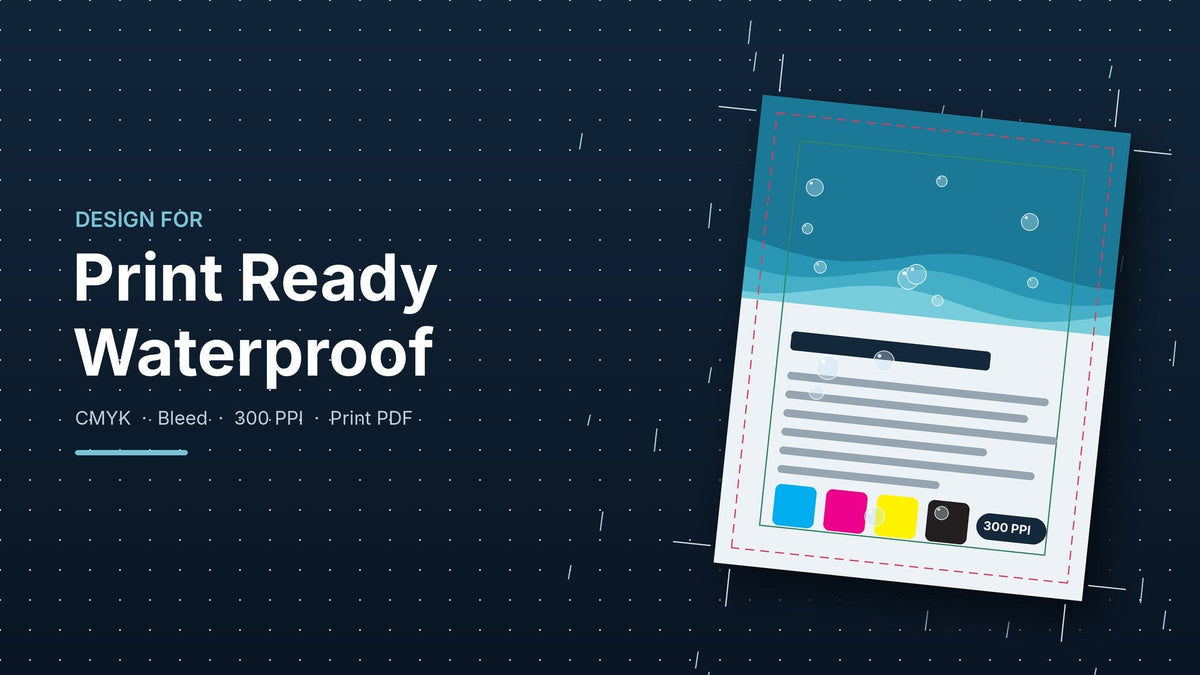
- Start at the finished size. Set your document to the exact final dimensions, such as 8.5 by 11 or 11 by 17 inches. Resizing at the end tends to distort layouts.
- Add bleed when color runs to the edge. Extend backgrounds and images 0.125 inches past the trim line on every side, and keep text and logos at least 0.125 inches inside it. Printing in house on a desktop laser printer? Most machines leave a small unprinted margin, so either design with a white border or plan to trim.
- Convert to CMYK early. Vivid RGB blues and greens can shift when printed. Converting while you design shows you what the printer will actually reproduce.
- Use high resolution images. Aim for 300 pixels per inch at the final printed size. A photo pulled from a website is usually around 72 and will look soft.
- Export a print PDF. In Canva, choose PDF Print and turn on crop marks and bleed. In Adobe programs, use a press quality preset and make sure fonts are embedded.
Then run a single test sheet before committing to the full job. It's the cheapest proof you'll ever buy.
Match the file to the right paper and printer
A perfect file still needs the right sheet underneath it.
TerraSlate and PolySlate are waterproof, rip-proof synthetic paper substrates engineered for toner: laser printers, copiers, and digital presses. TerraSlate is our top-tier, military-grade sheet and is rated for heat up to 350°F. PolySlate (sold on our website).
These sheets are not designed for inkjet printers, so please keep them out of yours.
Hydronote is the answer if you print on inkjet. It's our most affordable line, water-resistant and rip-resistant, and it works with any printer.
A couple of habits help with any laser printer. Check your printer's media settings and select a heavier paper type, and feed thicker sheets through the manual or bypass tray when your machine has one. Your printer's manual is the final word on what it can handle.
Built to last, so build the file right
Since 2013, TerraSlate has helped restaurants, field teams, coaches and hospitality brands print pieces that outlive ordinary paper. A few minutes of file prep is what makes that durability pay off: color that stays true, edges that stay clean, and text that stays sharp through every spill and season.
Not sure your file is ready? Reach out to our team, and we'll help you sort it out before it hits the printer.