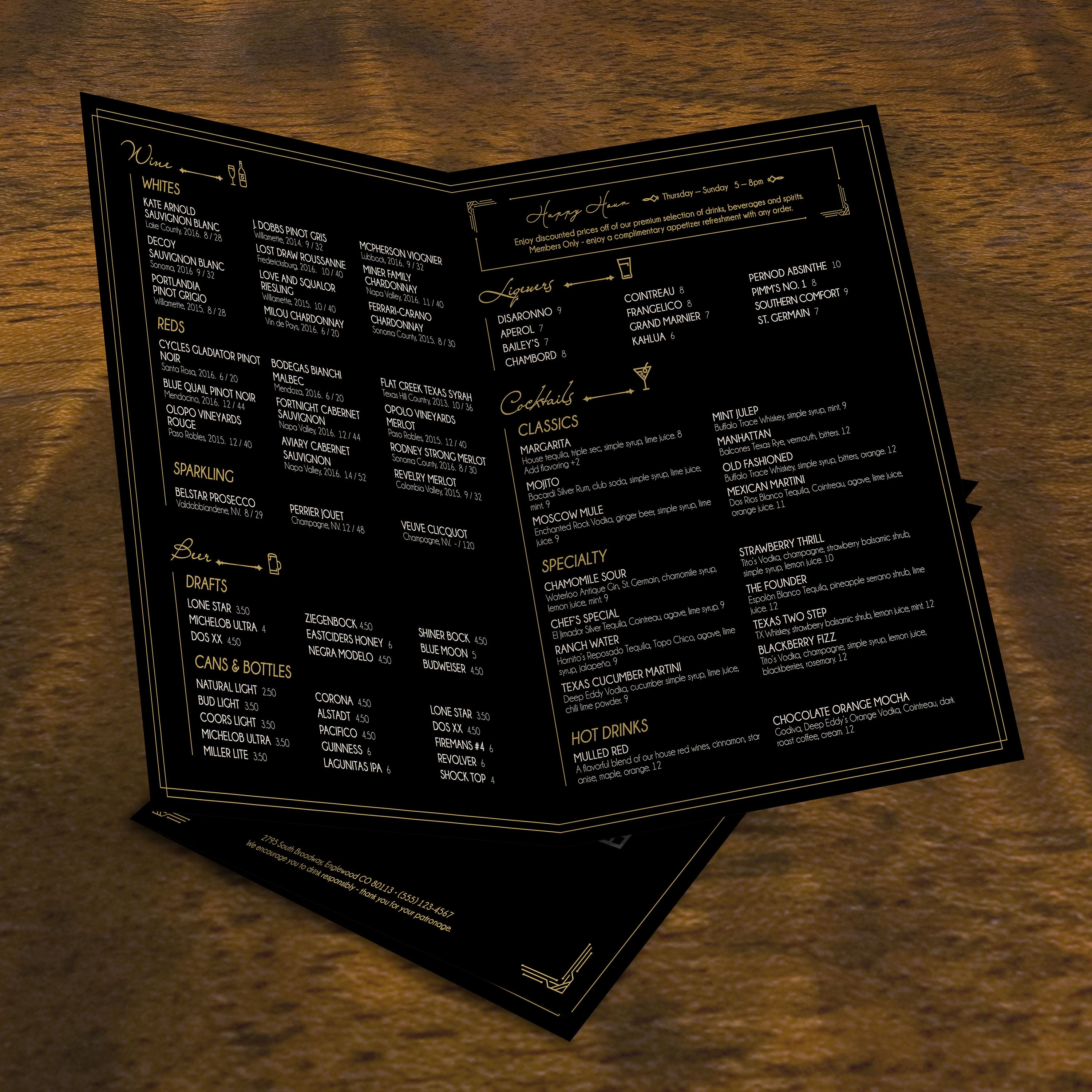
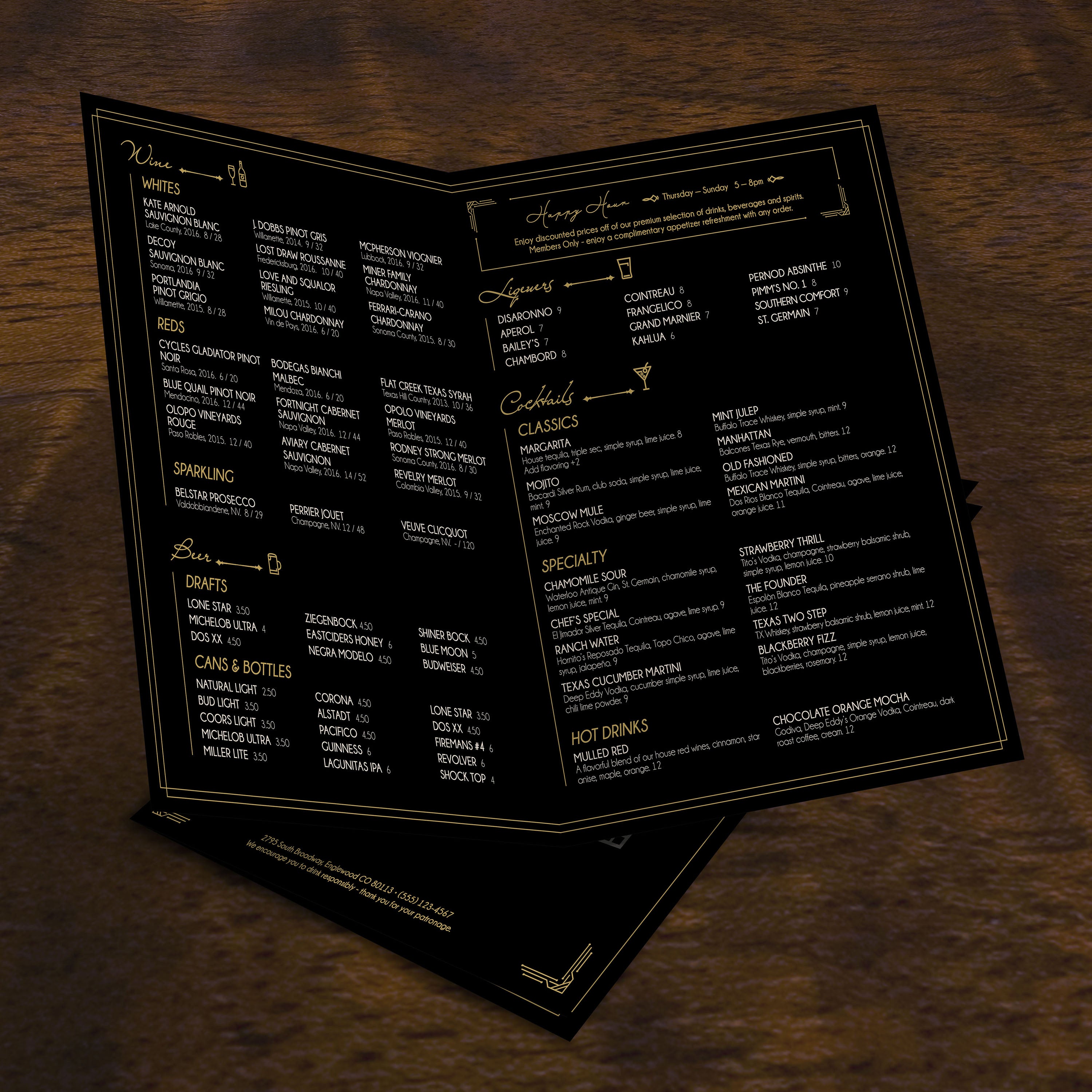
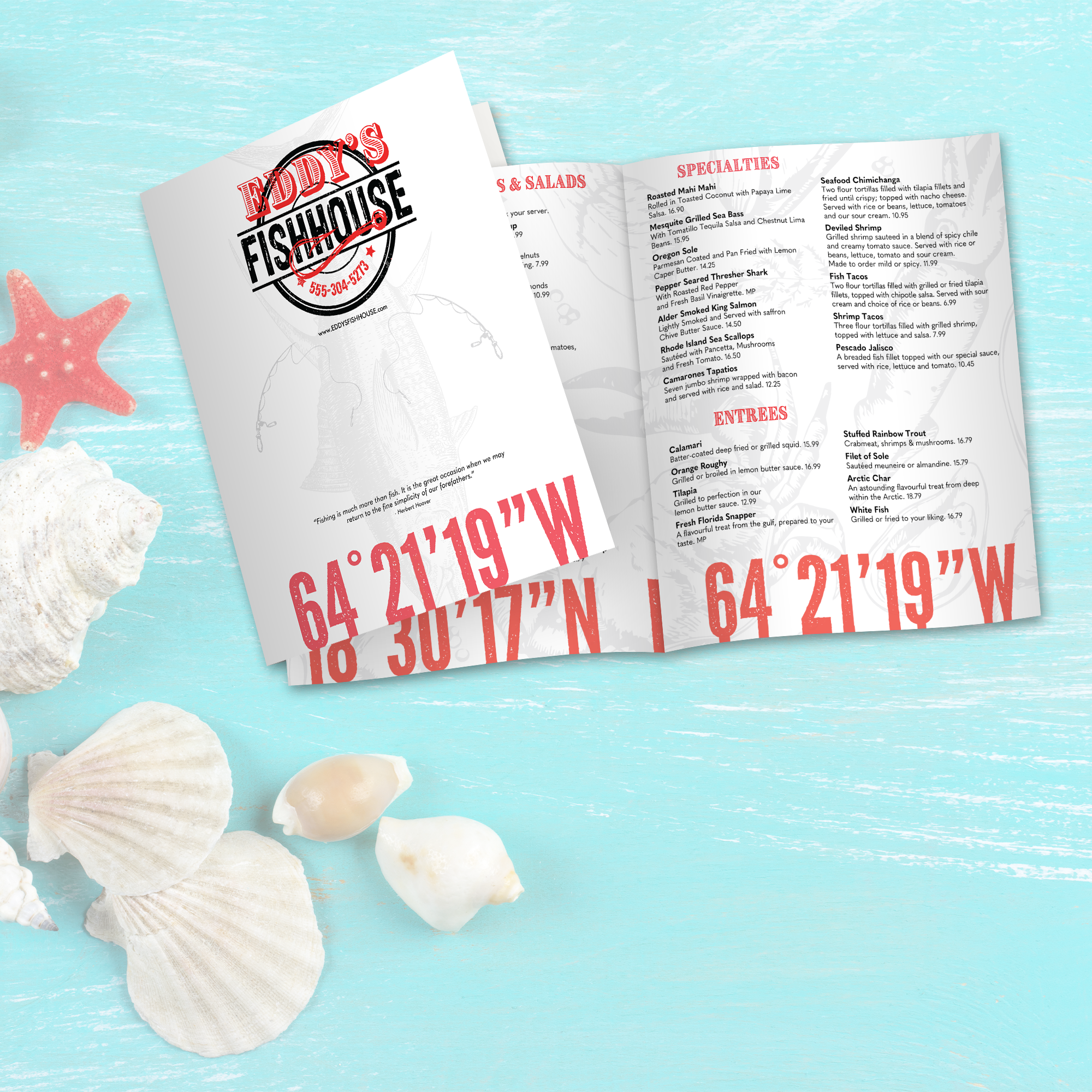
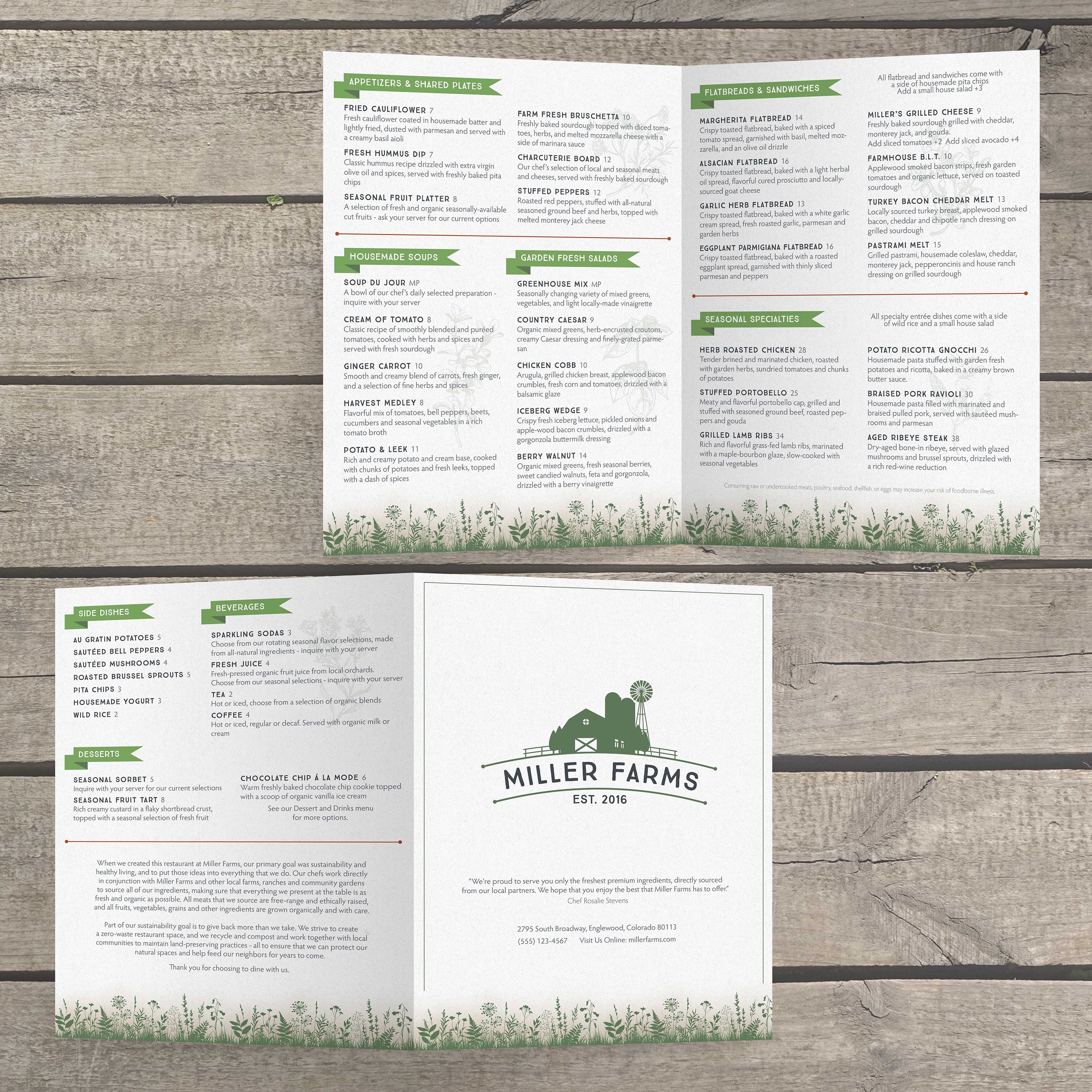
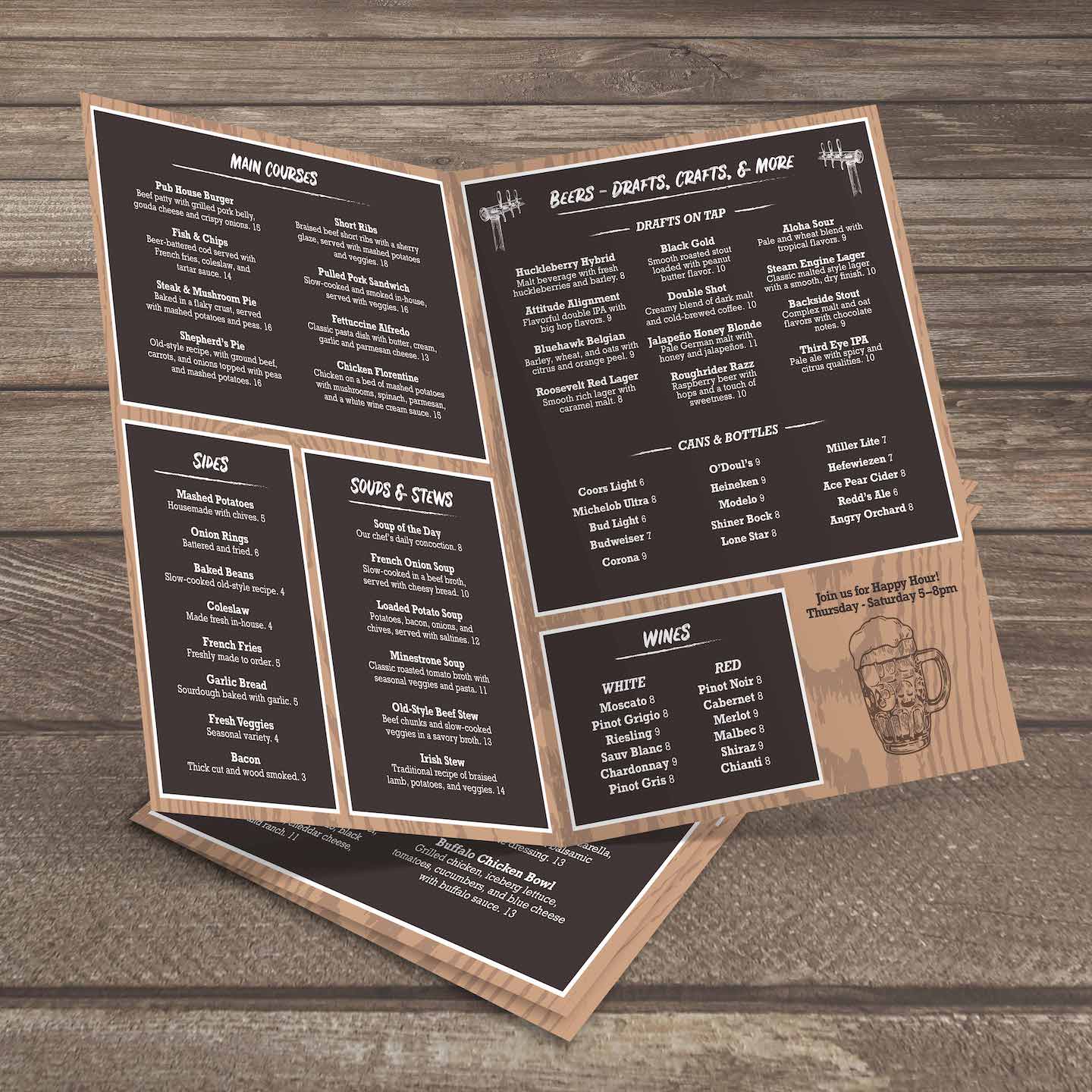
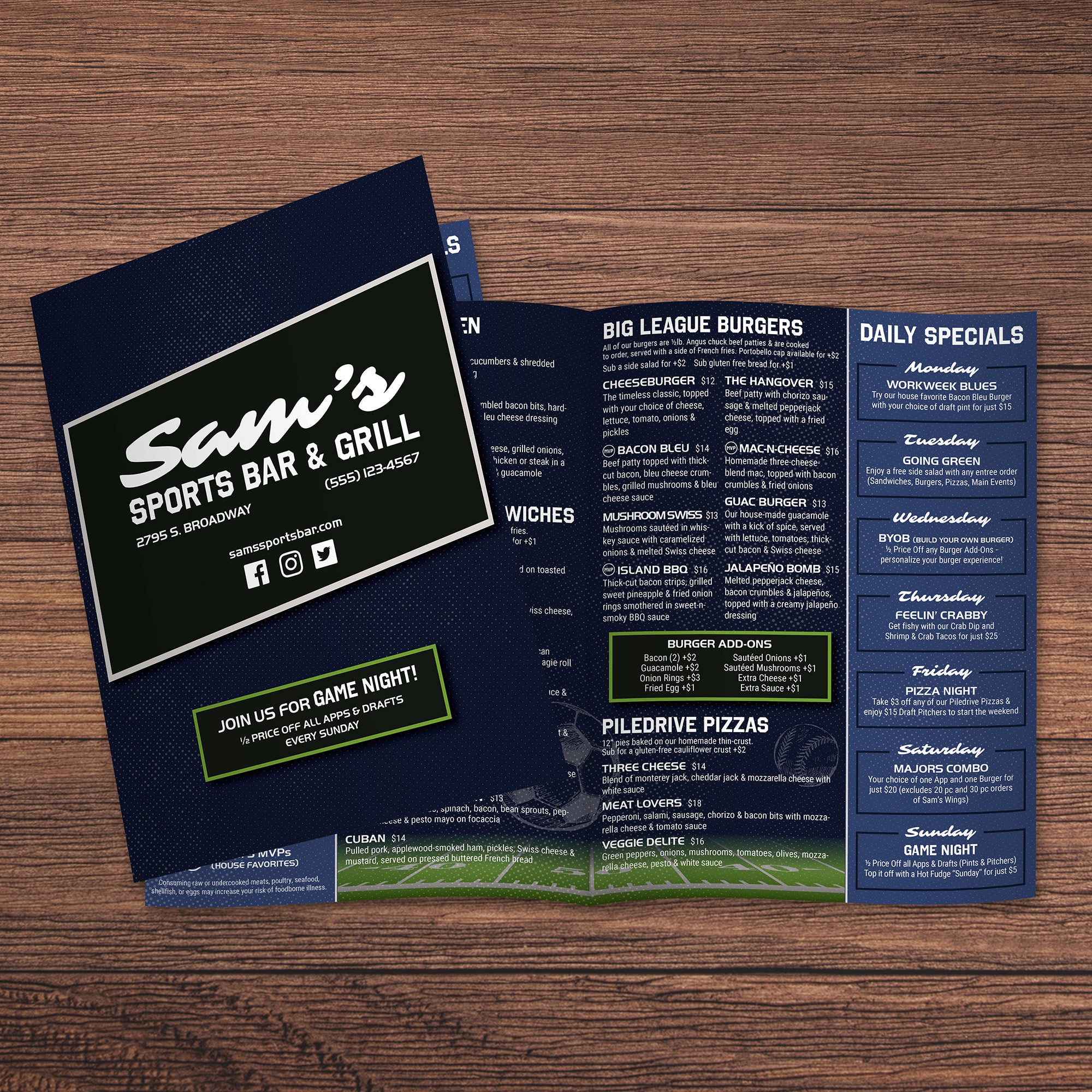
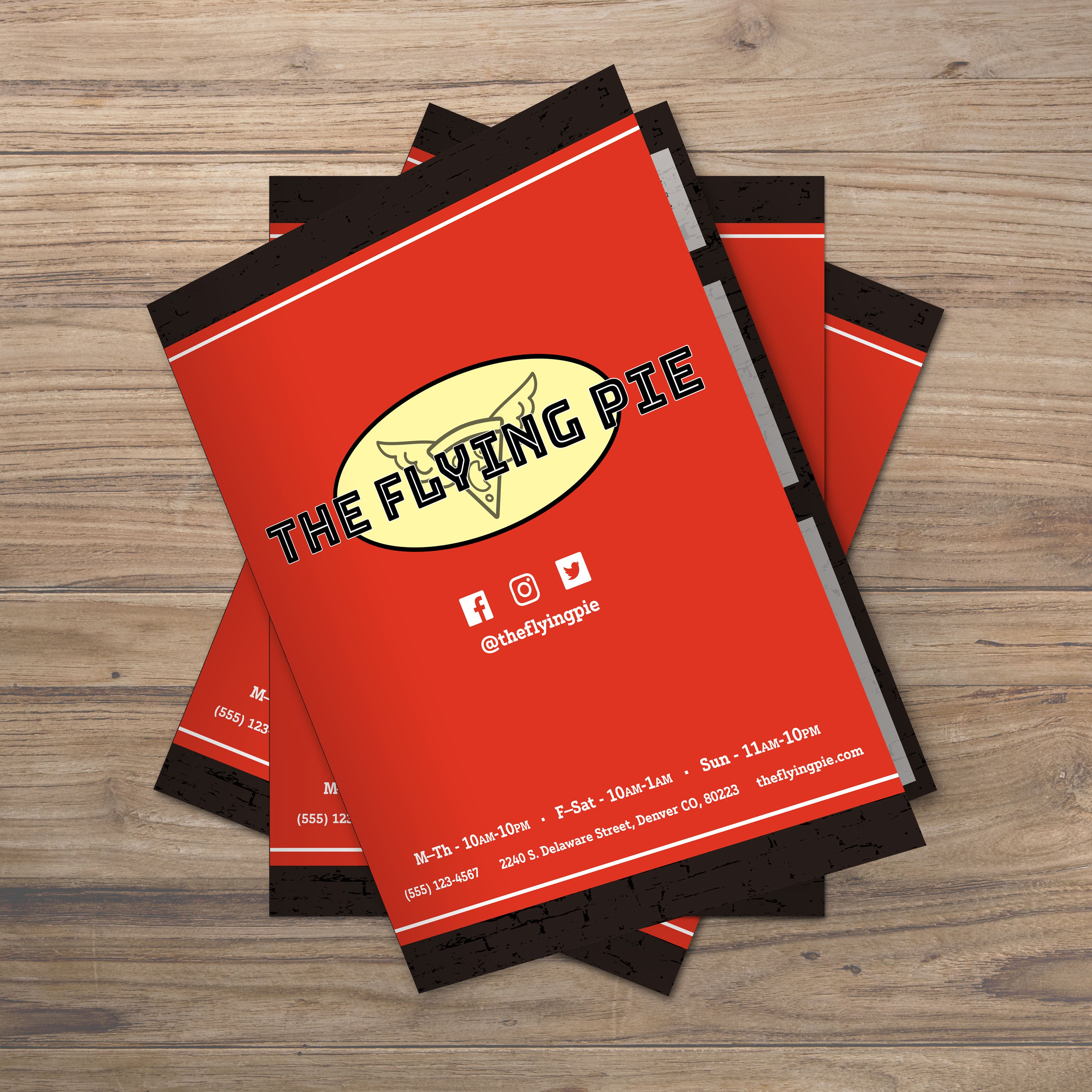
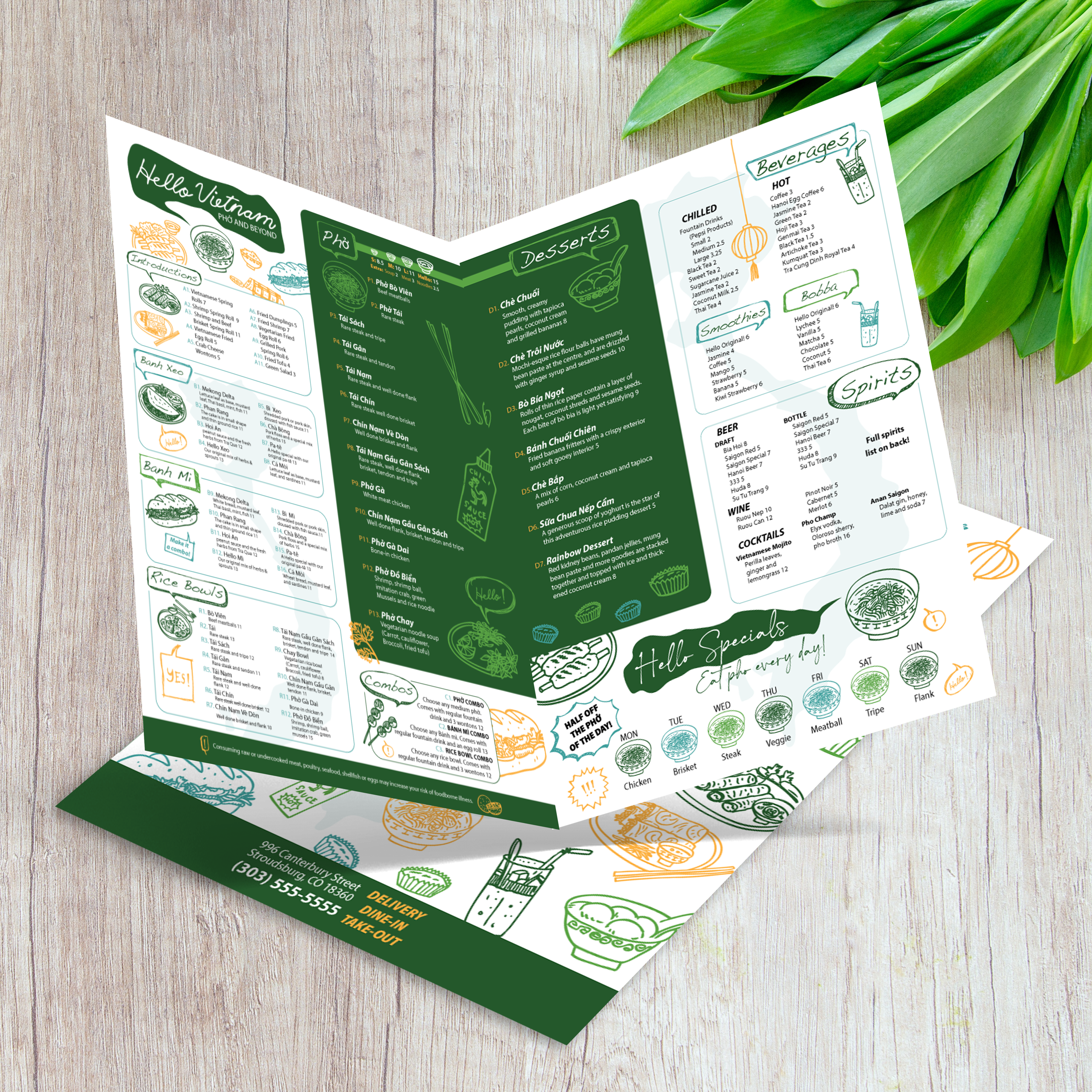
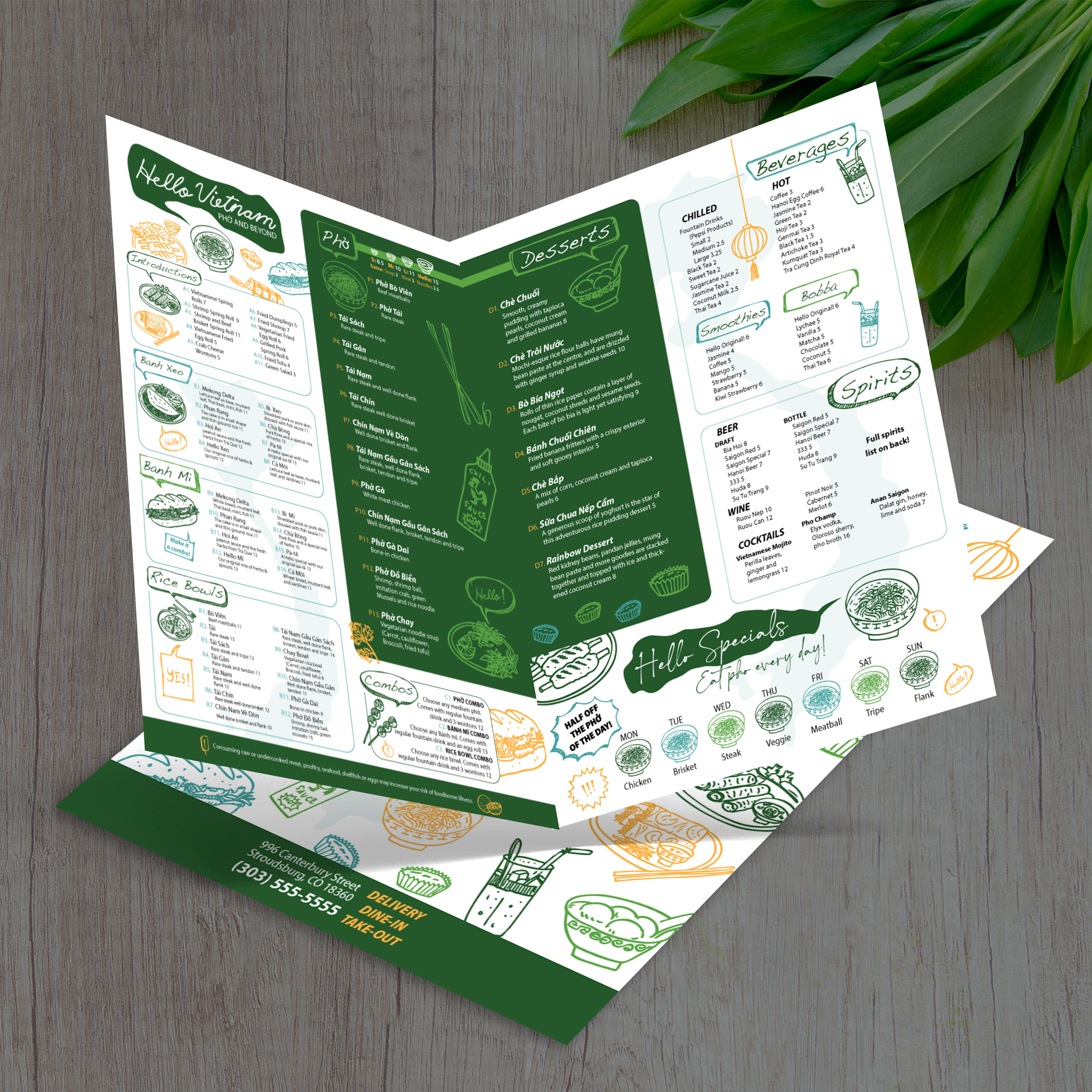
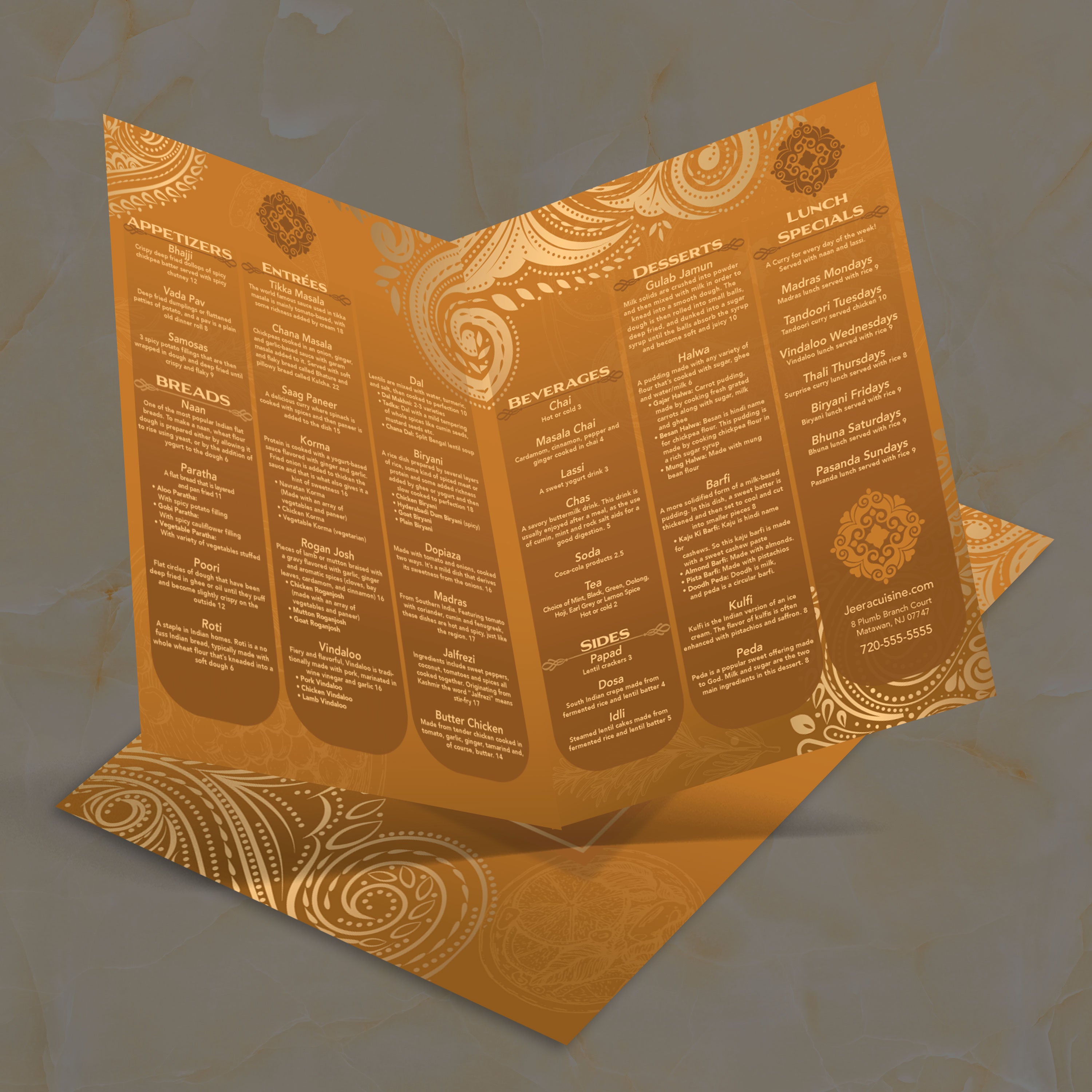
Modèles de menus pliables 12" x 18"

22 produits

Affiche 1 - 22 de 22 produits

Affiche 1 - 22 de 22 produits
Voir
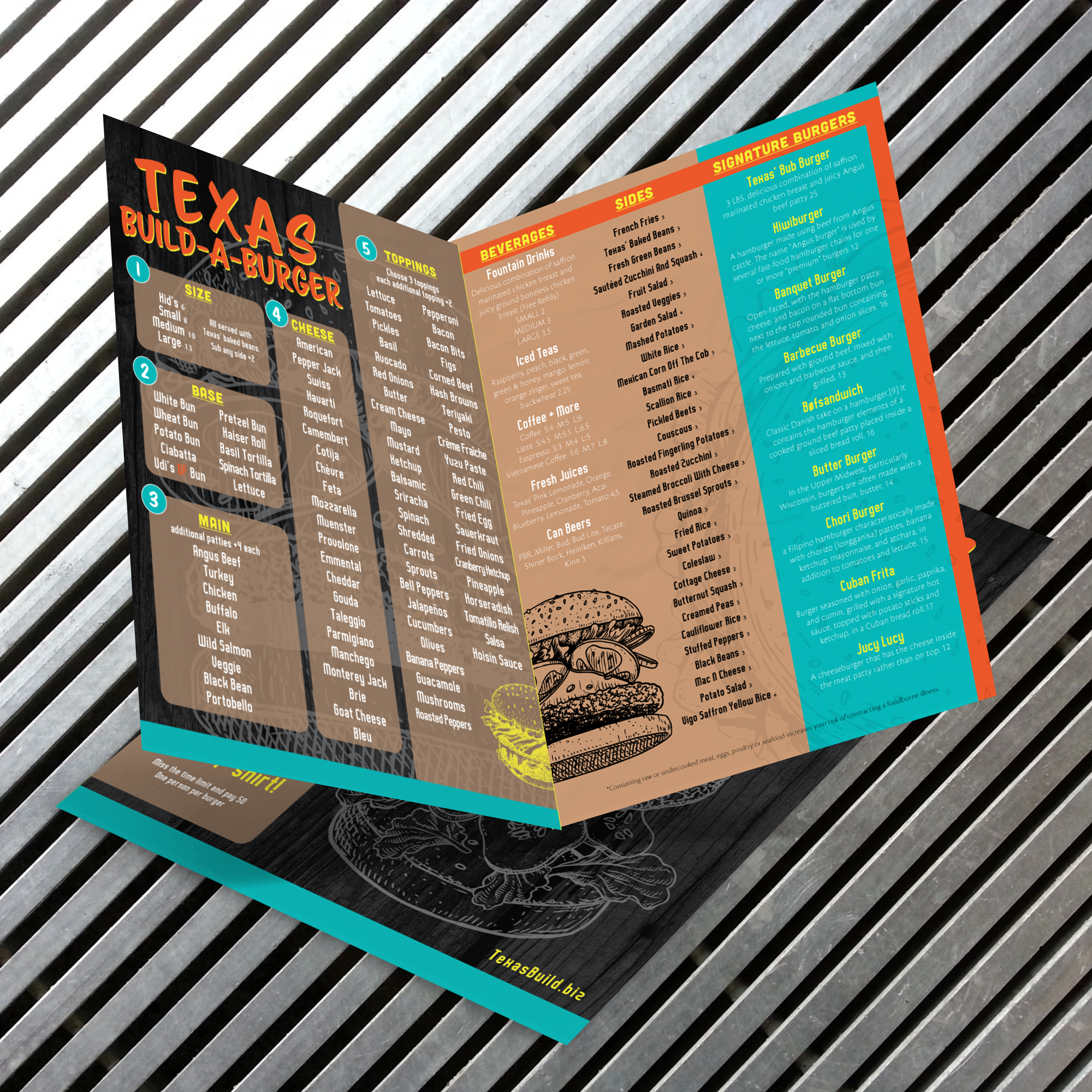
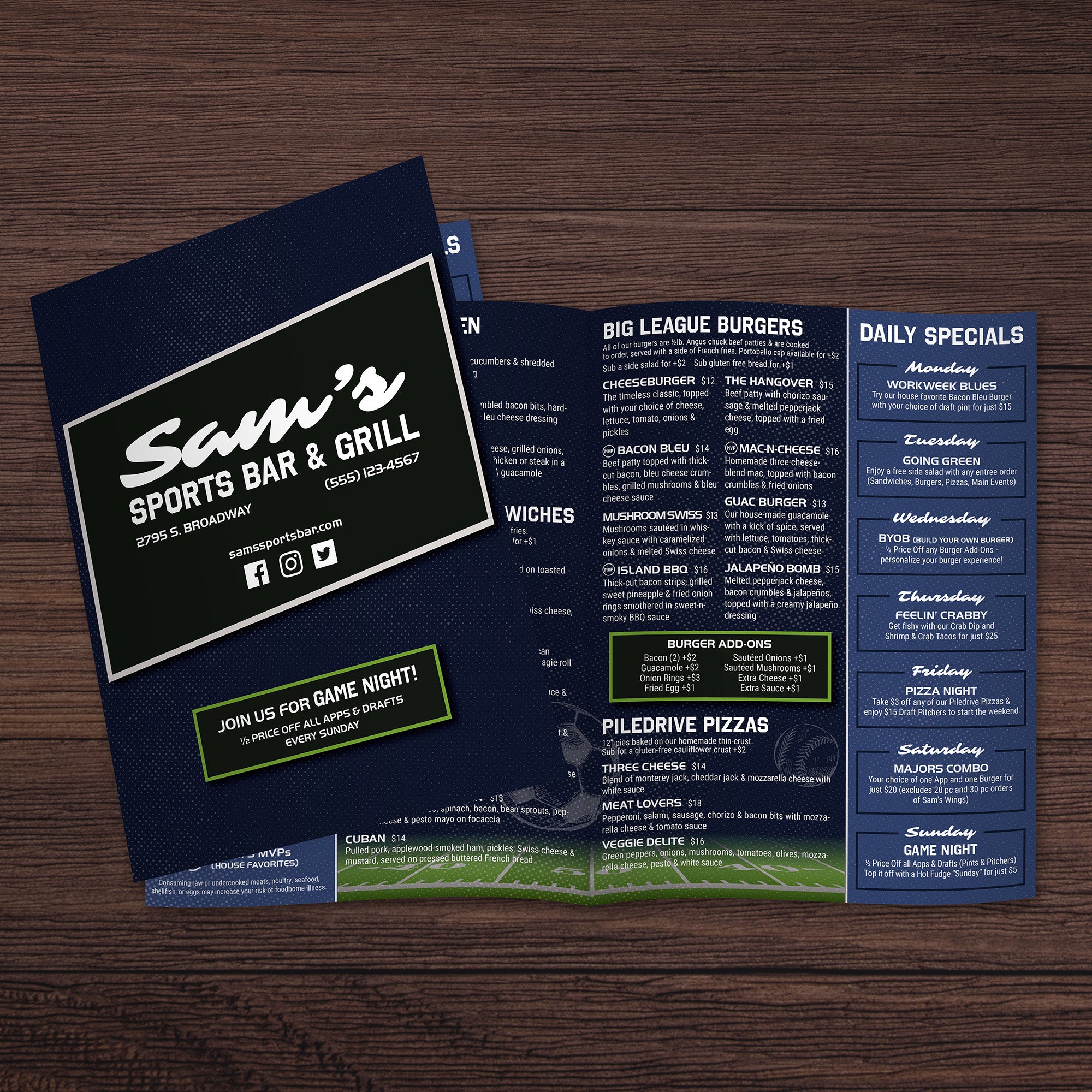
Build-a-Burger Template 12" x 18" Bifold - TerraSlate Inc.Build-a-Burger Template 12" x 18" Bifold - TerraSlate Inc.
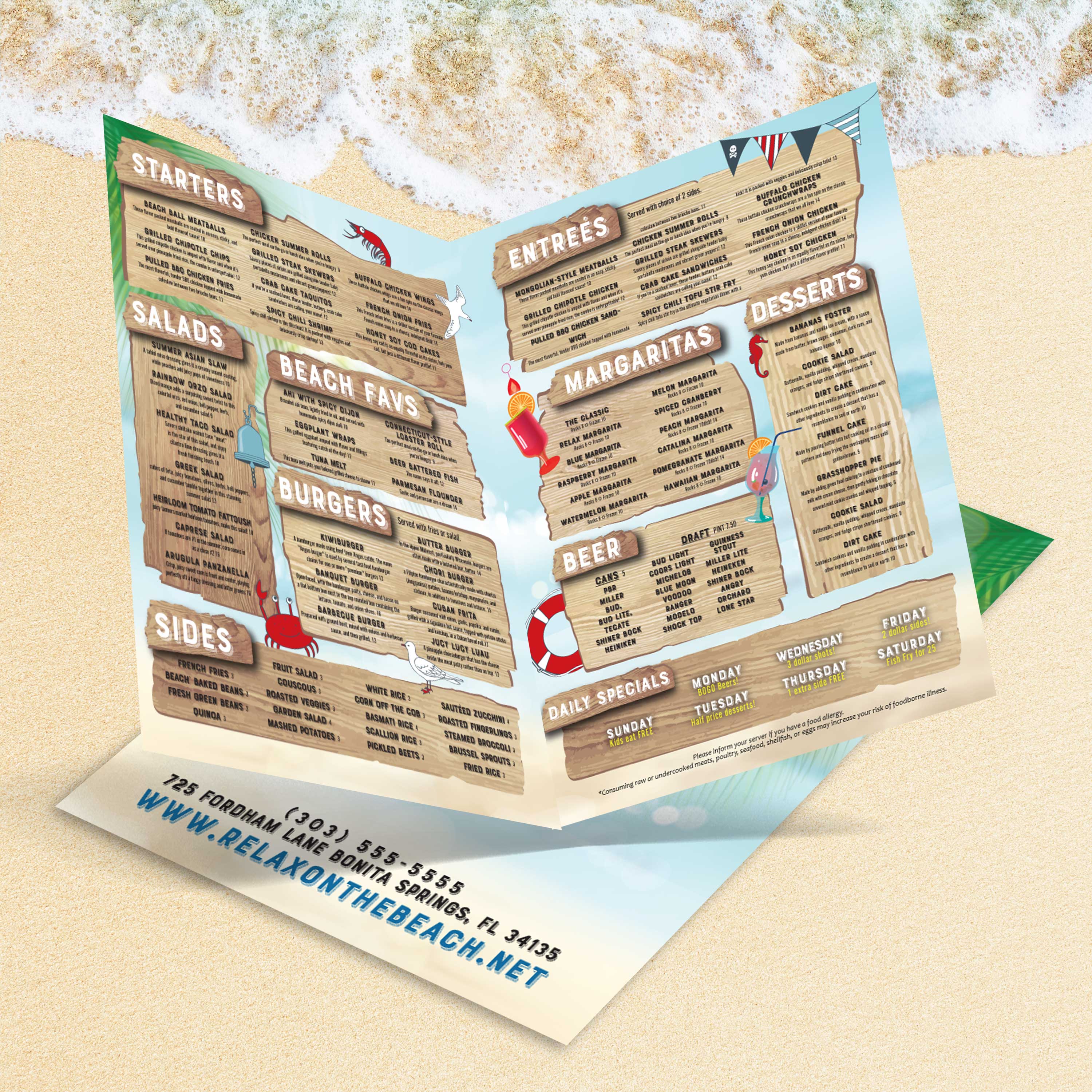
Modèle de hamburger pliable 12" x 18"
Prix réduitA partir de $0.00
0 avis
Choisir options
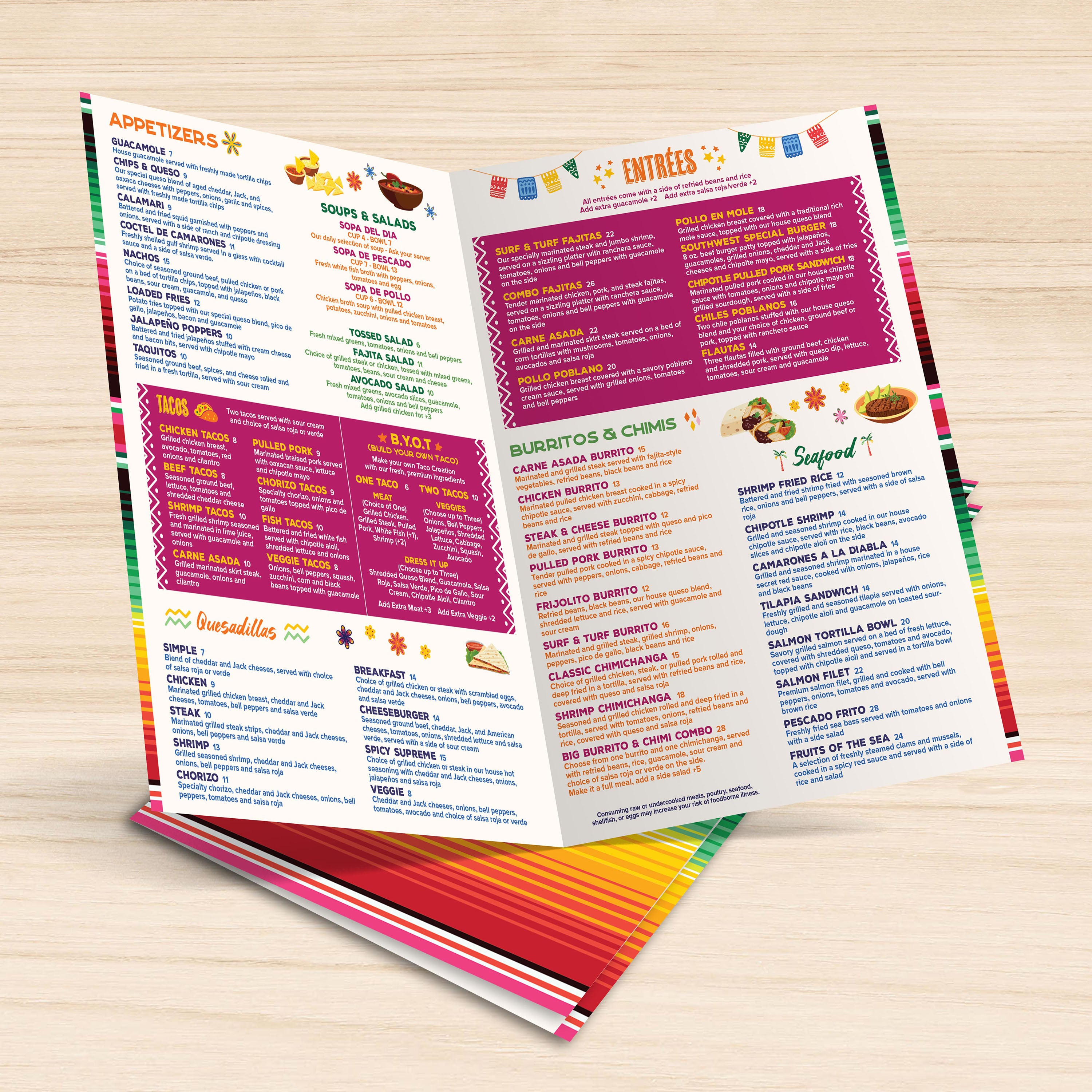
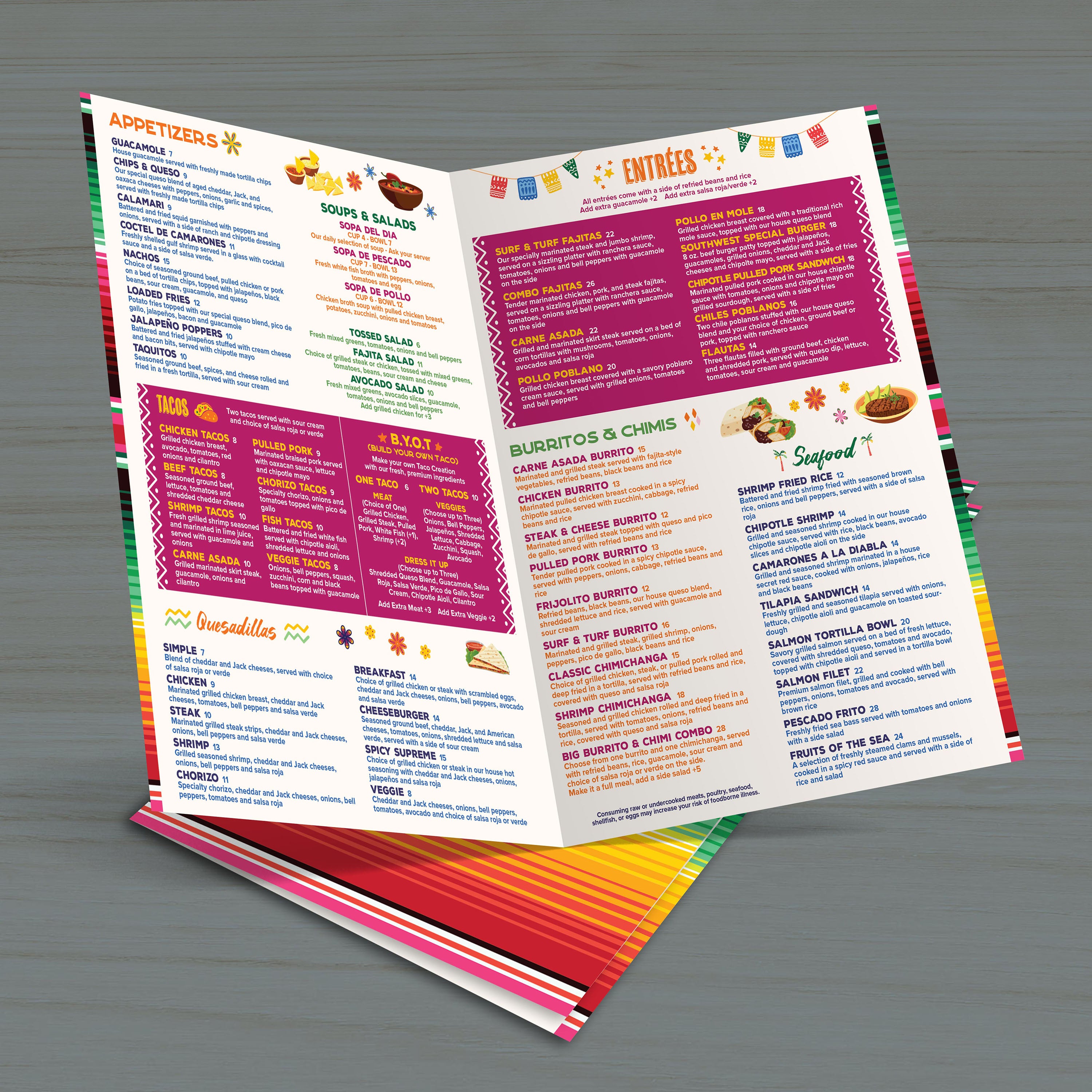
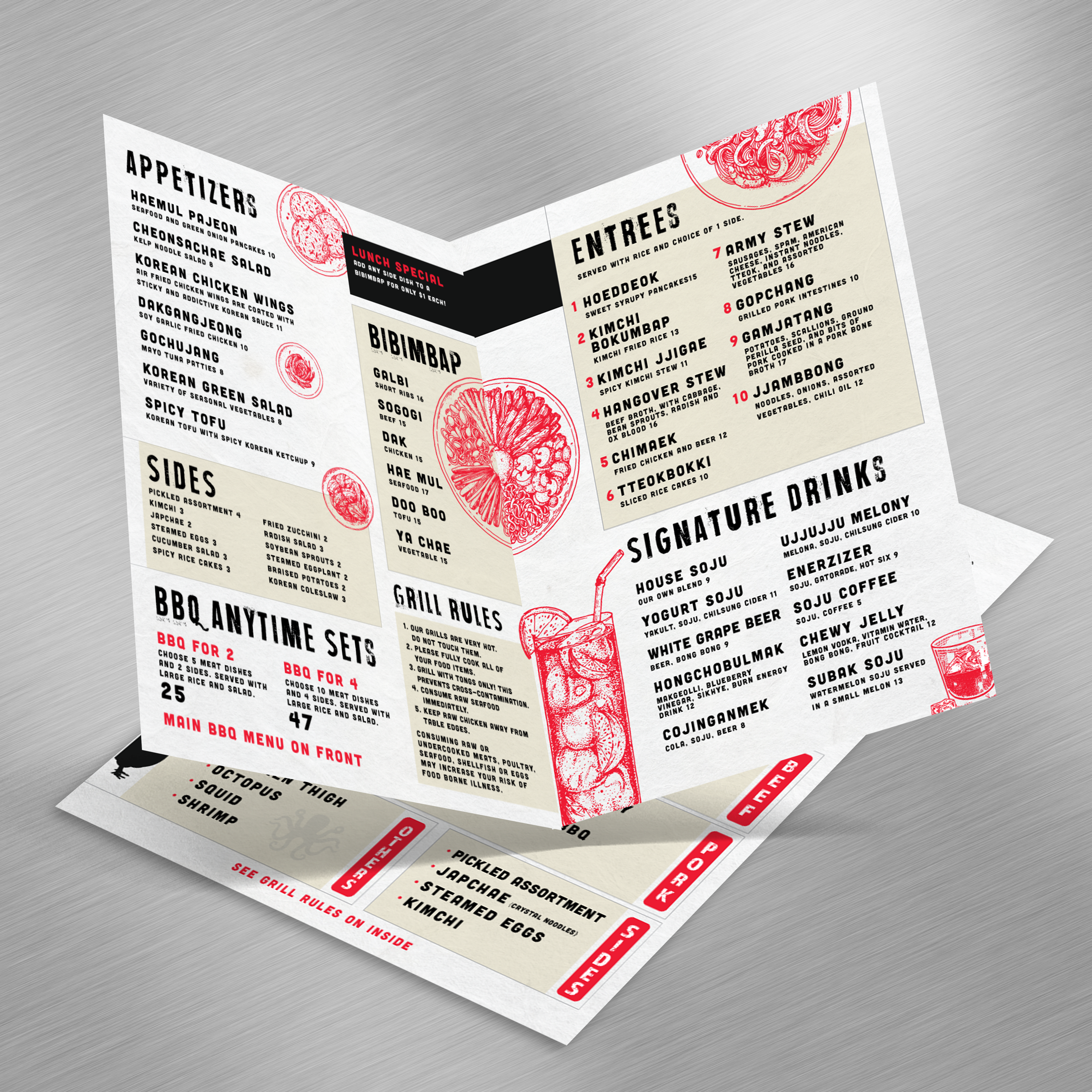
El Camaleon Template 12" x 18" Bifold - TerraSlate Inc.El Camaleon Template 12" x 18" Bifold - TerraSlate Inc.
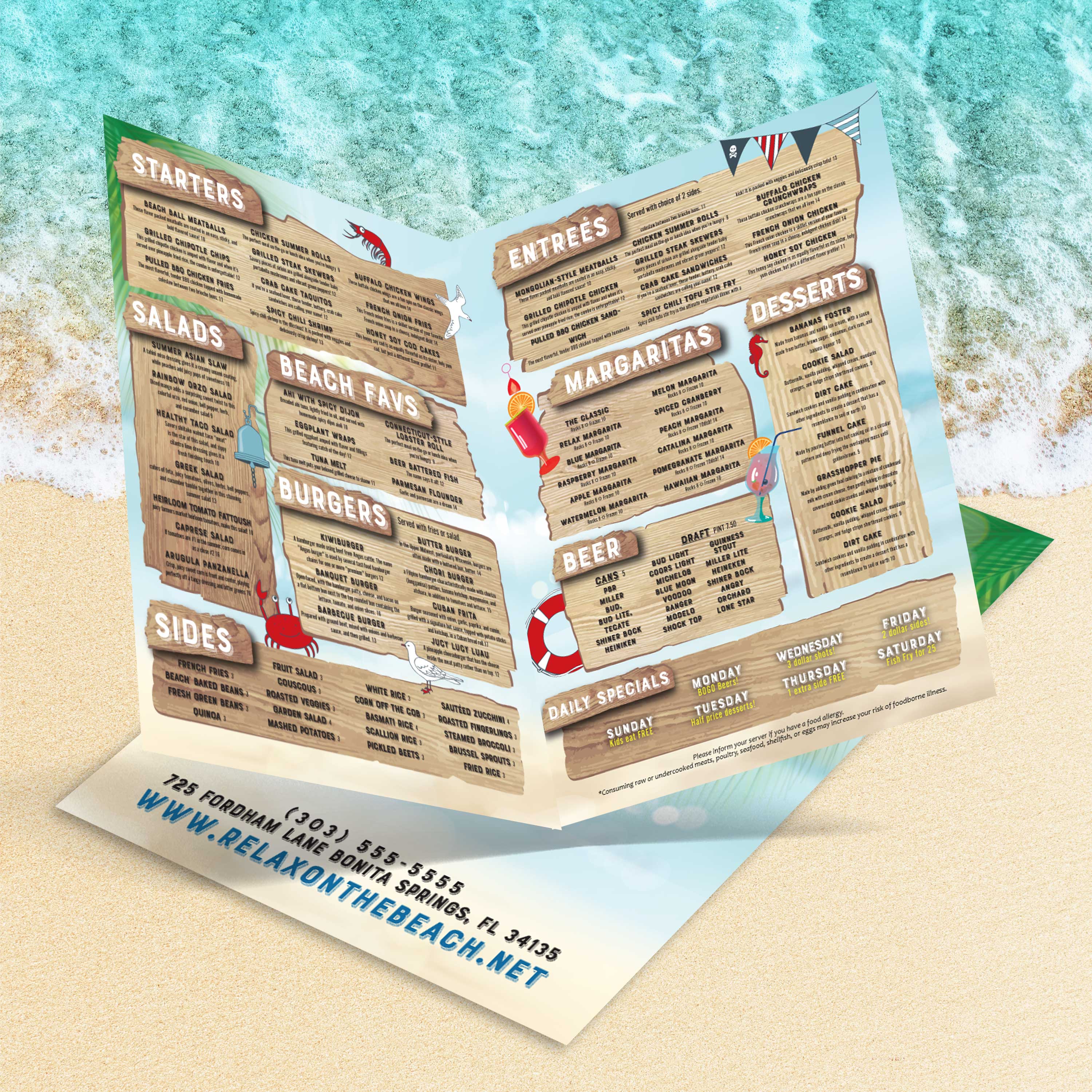
Modèle El Camaleon 12" x 18" pliable
Prix réduitA partir de $0.00
0 avis
Choisir options

Recently viewed

A great menu serves two purposes at once: it helps guests make quick decisions, and it holds up during actual service. At TerraSlate, we built our template library to make the design side easy, so you can focus on running your restaurant and presenting your offerings with confidence.

Why 12” x 18” Works So Well for Restaurants

A 12” x 18” menu provides ample space to lay out full categories, featured items, and drinks without forcing tiny type. It feels substantial in-hand, reads cleanly across a table, and provides ample room to build a premium layout that still scans quickly during busy shifts.

What “Bifold” Means (and What It Looks Like When Printed)

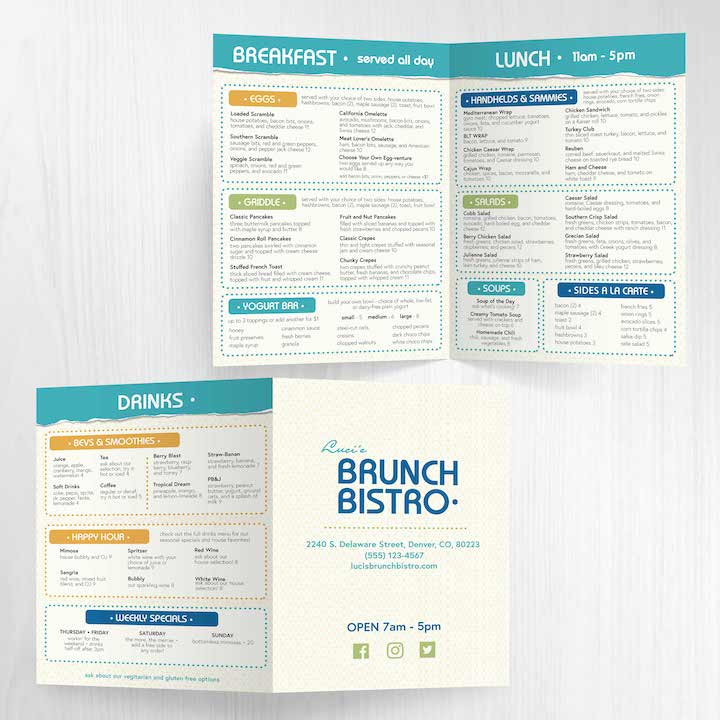
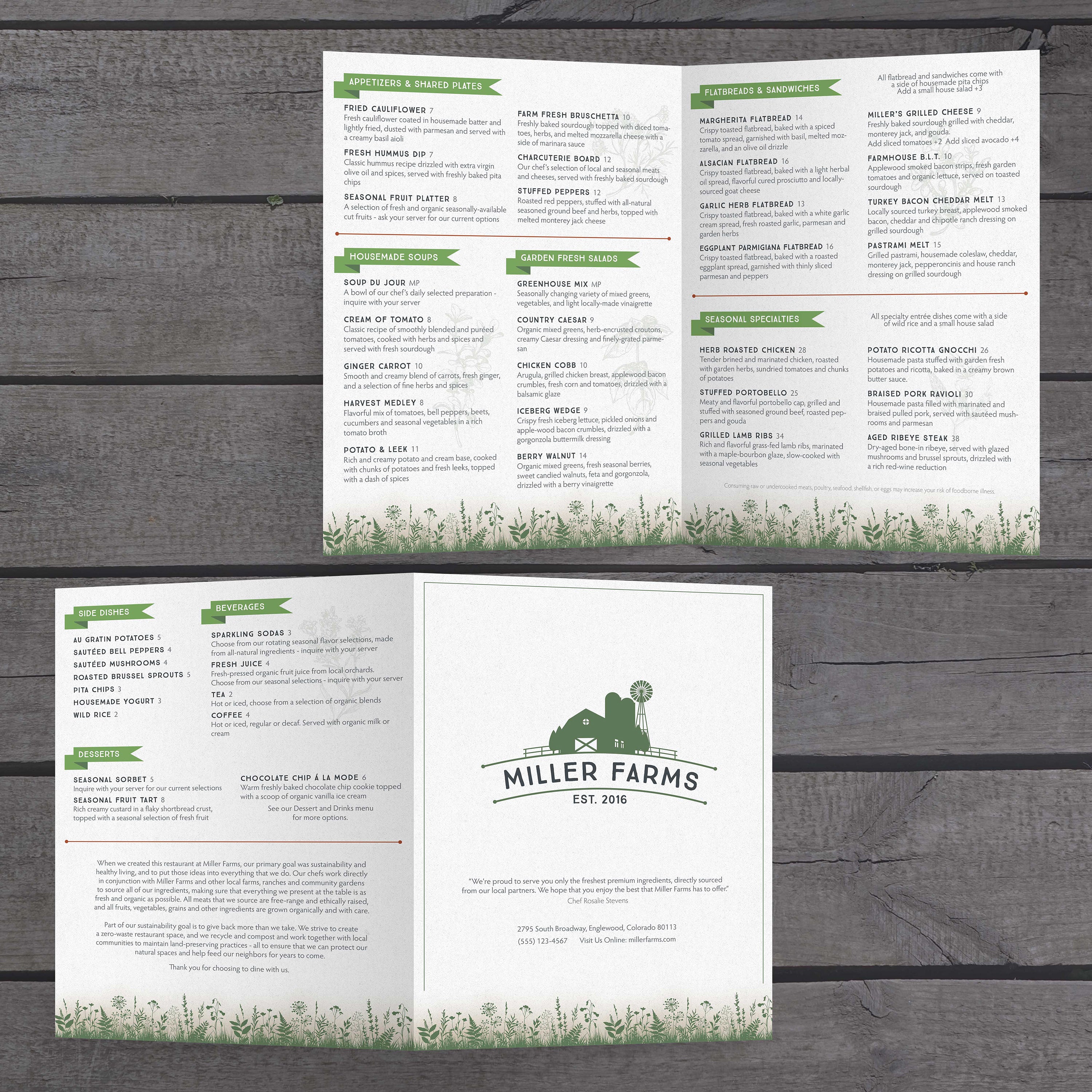
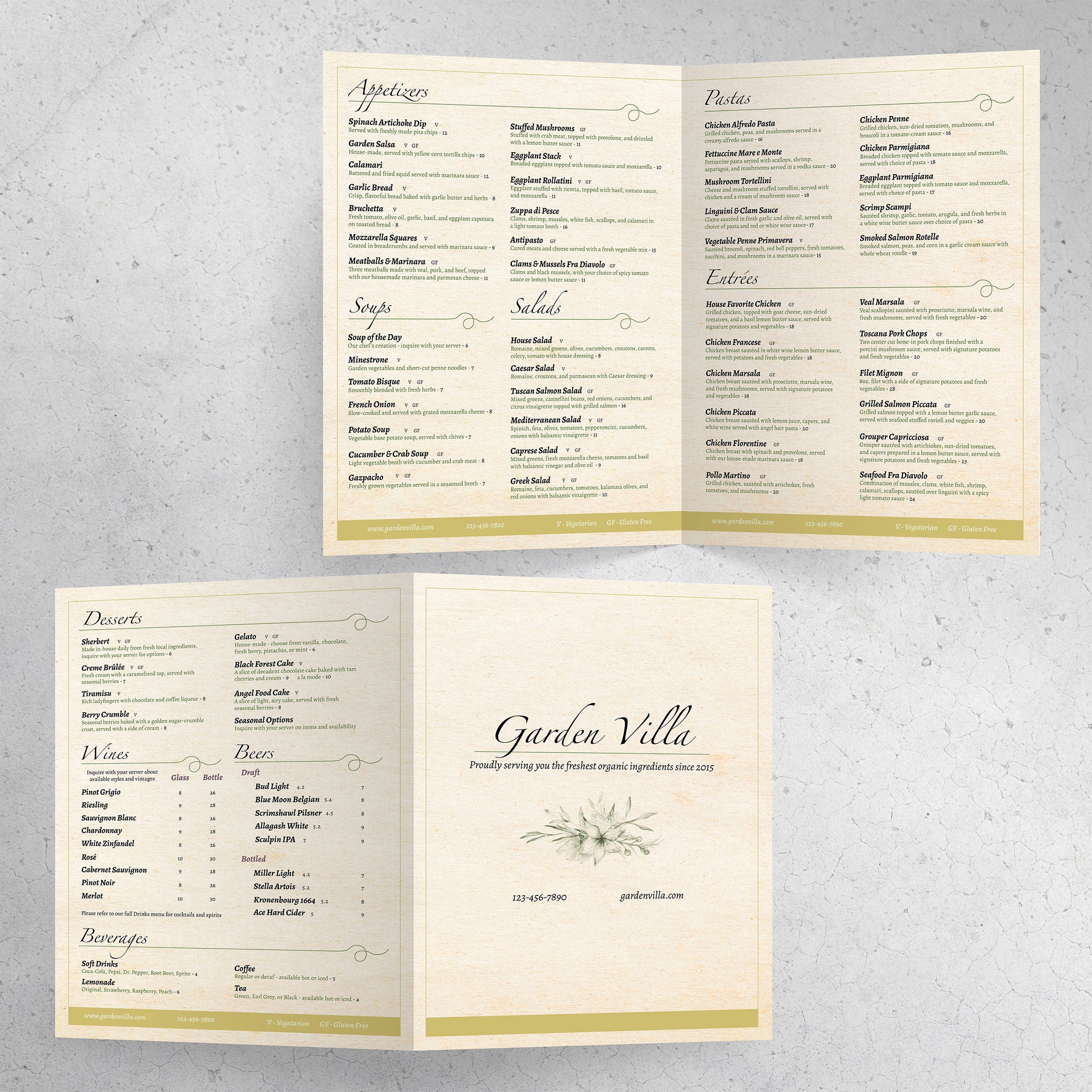
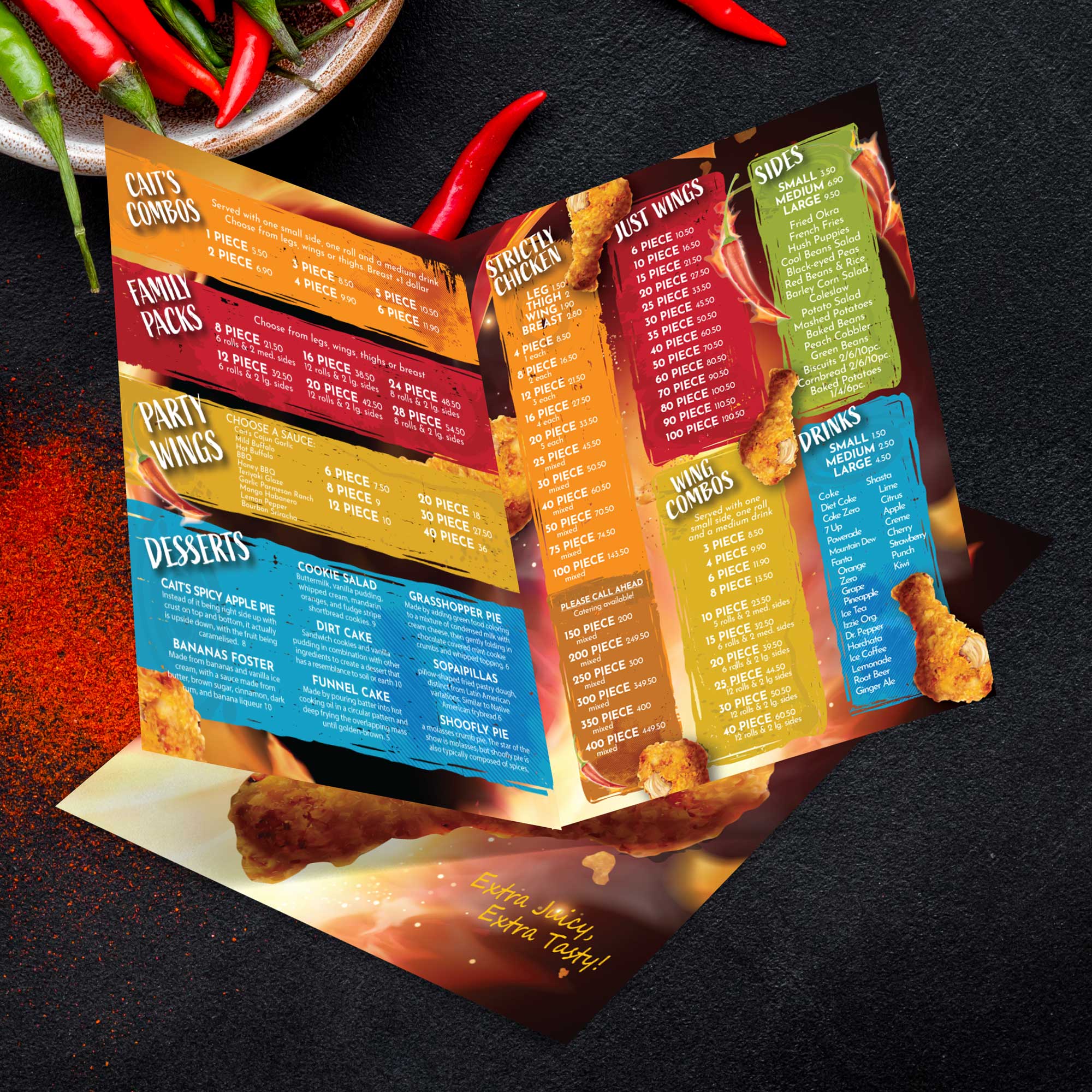
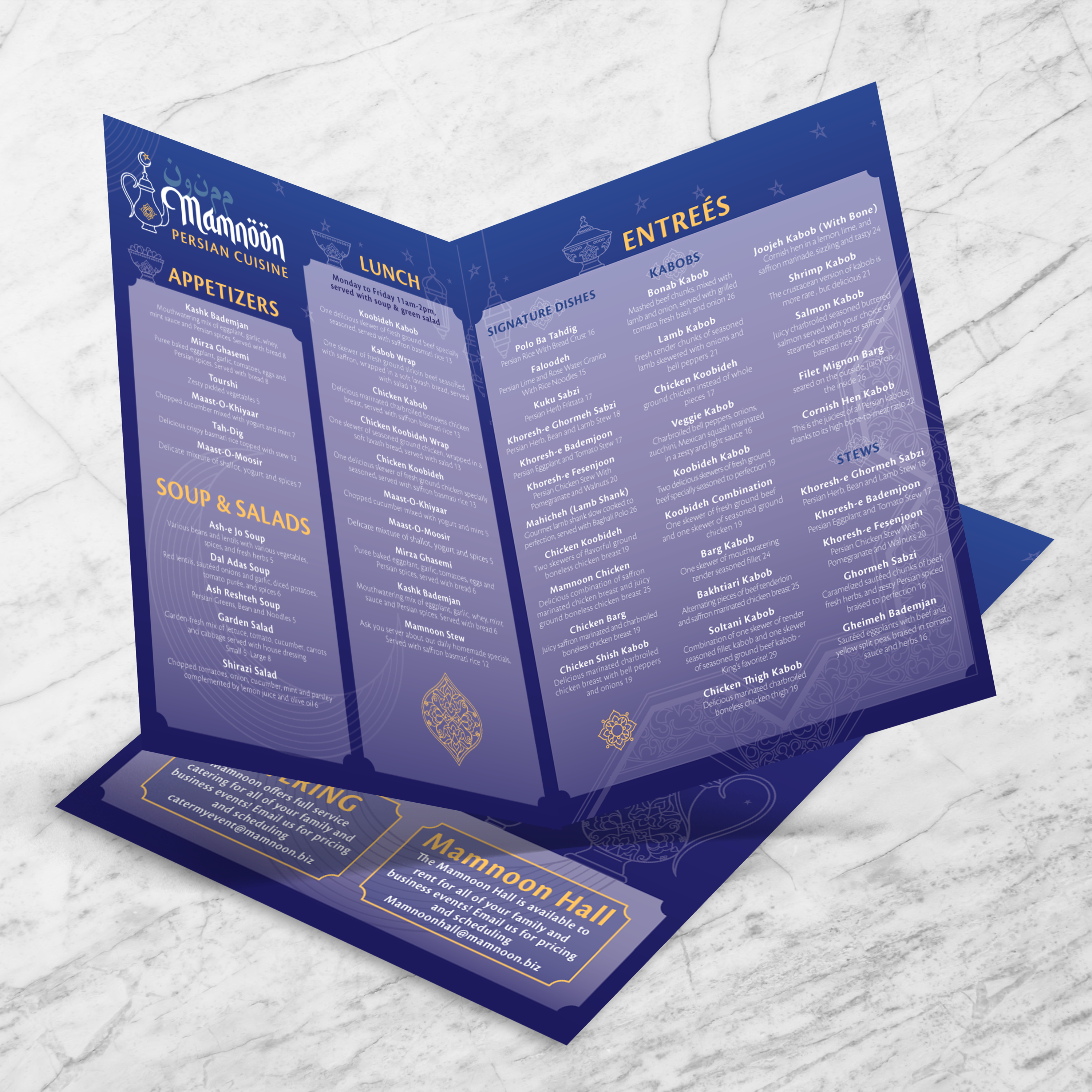
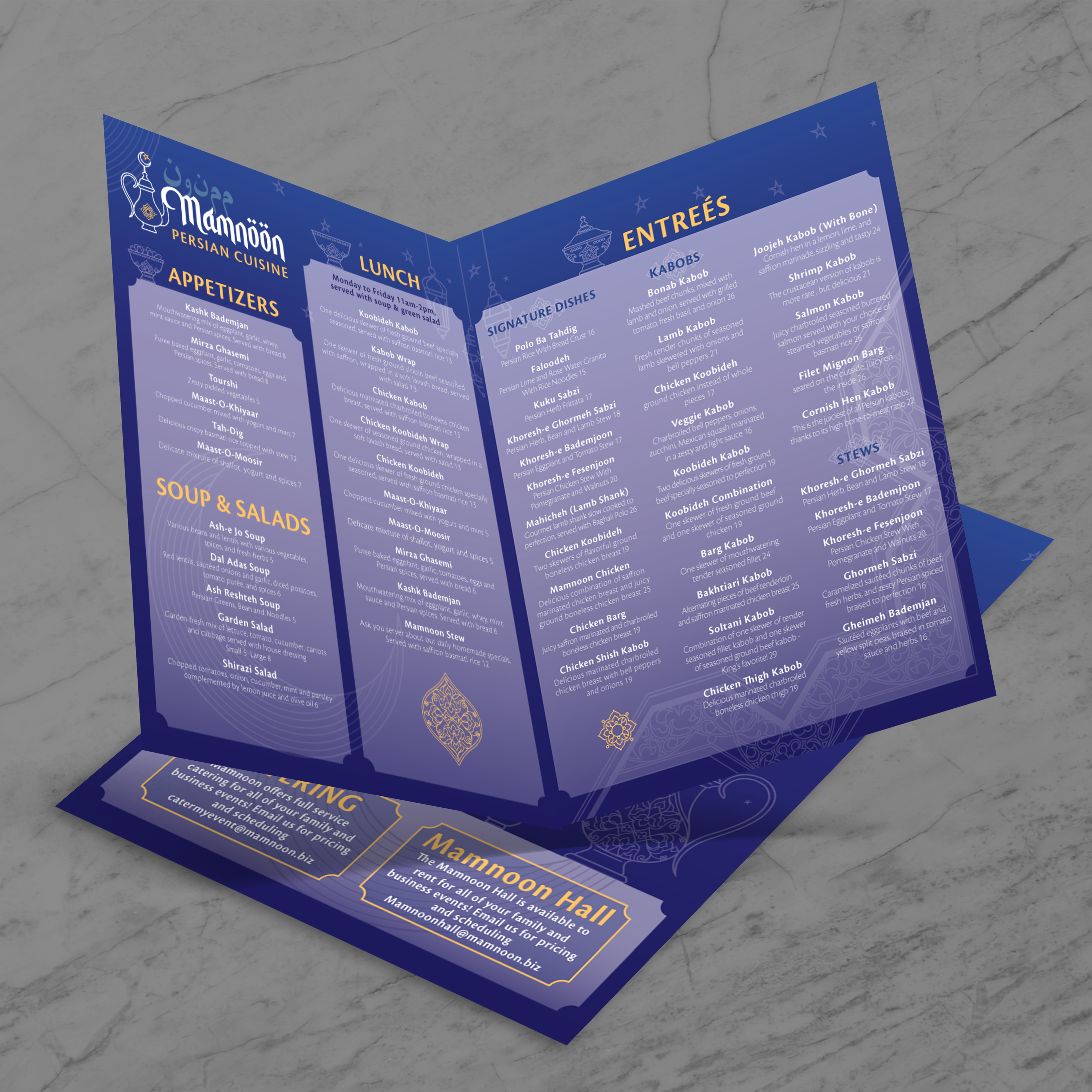
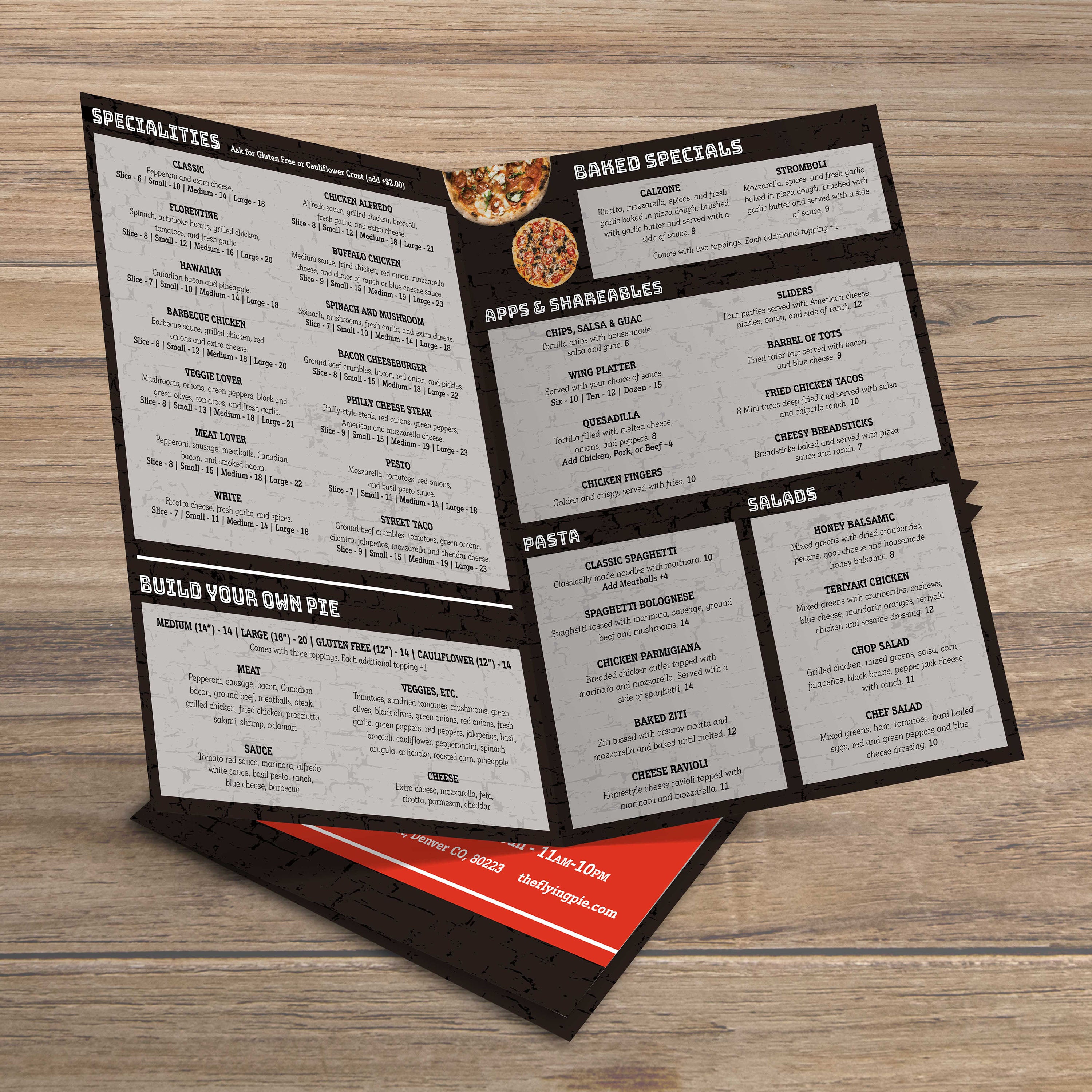
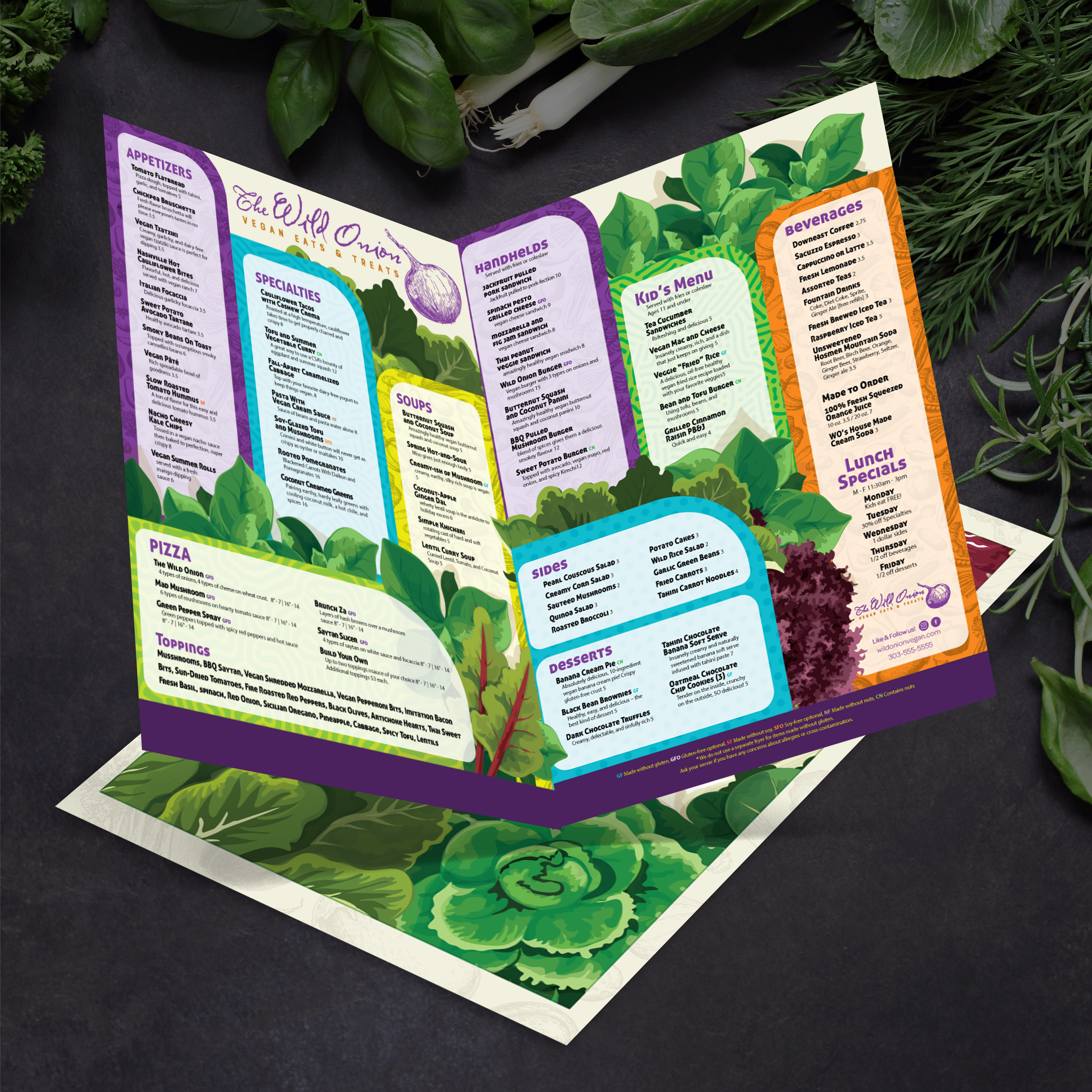
A bifold menu is one sheet folded once down the center, giving you four panels (front cover, inside left, inside right, and back). This format is ideal when you want structure without overwhelming guests. It also makes it easy to separate sections, such as starters, mains, drinks, and desserts.

When a Bifold Menu Beats a Flat Menu

Flat menus can work, but they are often more complicated to manage during service and are more prone to smudging, spilling, or creasing at the corners. A bifold keeps content organized, looks more polished, and naturally guides the eye from one panel to the next. If you want a flat option for specific use cases, you can also grab our Free 12 x 18 flat menu templates for quick layouts.

When a Bifold Menu Beats a Trifold Menu

Trifolds create smaller panels, which can result in tight spacing and reduced readability, especially in dim lighting. A bifold provides larger blocks for item names, descriptions, and pricing, which helps guests place orders more quickly. If you still want trifold inspiration for longer menus, our Free 13 x 19 flat menu templates are a strong starting point for larger layouts.

What You Need Before Downloading and Editing Templates

Before editing, gather your menu categories, item names, pricing, and any brand elements, such as your logo and fonts. Decide whether you want room for specials or seasonal swaps. Once the content is ready, the template becomes a fast, repeatable system you can update without redesigning from scratch.

Once you choose a template, the next step is to set it up so that it prints cleanly, folds sharply, and remains easy to read on the table. At TerraSlate, we have found that the most significant print issues often stem from skipped layout basics, rather than the design itself. Therefore, this section focuses on the details that prevent costly reprints.

Choosing the Right Software for Editing Templates

Most menu templates work best in standard design tools, such as Adobe Illustrator, InDesign, Canva, or even PDF editors, depending on the file type. Use a program that allows you to edit text cleanly, control export settings, and maintain consistent fonts across devices. If you run multiple locations, choose one tool and standardize it so that updates can be made quickly.

Bleed, Safe Zones, and Margins That Prevent Cutoff

Always design with a bleed area and keep important text inside a safe zone. Bleed prevents white edges after trimming, and safe zones protect item names and prices from getting cut. If your template includes trim lines, follow them exactly and avoid pushing key details to the edge.

How to Design for a Sharp Fold Without Cracking or Peeling

Folds are where laminated menus fail. Lamination can crack, bubble, or peel at the fold line. A well-built bifold layout should leave breathing room near the center fold and avoid heavy ink coverage directly on the crease. This keeps the fold clean and helps the menu stay presentable during daily handling.

Font Size and Layout Rules That Improve Readability

Prioritize readability over clever formatting. Use clear headers, consistent spacing, and a hierarchy that guides the eye. Keep body text large enough to read in low light, and avoid thin fonts that disappear under restaurant lighting. A bifold shines when each panel has a clear job.

Proofing Tips Before You Print a Full Batch

Proof once digitally, then print one test copy at actual size. Check alignment, trims, and fold accuracy. Confirm prices, spelling, and spacing on every panel. If you also want inspiration from a multi-panel format, our Free 13 x 19 trifold menu templates can help you compare how content flows across folds before you finalize your bifold layout.

Your design can be perfect, but if the material can’t handle service, the menu will still fail. The paper you choose affects everything: how it feels in-hand, how it folds, how it cleans, and how often you’re forced to reprint. We built TerraSlate specifically to solve the problems restaurants face with traditional paper and lamination.

Why Traditional Paper and Lamination Fail in Restaurants

Standard paper absorbs moisture, warps, and stains quickly. Lamination helps for a short time, but it introduces new issues: it clouds up, it can bubble or delaminate at the edges, and it cannot be folded. That’s a problem because folded menus are a staple in honest service, especially when you want a premium presentation without oversized sheets.

Why Waterproof, Rip-Proof Synthetic Paper Changes Everything

Synthetic paper is designed for repeated handling in wet, greasy, high-traffic environments. Because it doesn’t absorb water, it stays cleanable, and because it’s rip-proof, it holds up longer than paper that tears at corners and fold points. This is where TerraSlate stands out: we help restaurants replace lamination entirely while keeping menus readable and professional shift after shift.

Picking the Right Thickness (5 Mil, 8 Mil, 10 Mil, 14 Mil)

Thickness changes how rigid your menu feels. 5 Mil is flexible, 8 Mil is a firm middle ground for most bifold menus, 10 Mil adds more structure for heavy daily use, and 14 Mil is more rigid for the harshest environments or long-term durability. The right choice depends on how often menus are handled, cleaned, and updated.

Why Foldability Matters for Real Menu Service

Many restaurants want folded menus because they’re easier to hand out, stack, and store, and they guide guests through the layout naturally. Menus that use traditional lamination can’t be folded, which limits design options and creates cracks over time. With TerraSlate, folding is part of the solution, not a problem.

When You Should Print In-House vs. Let Us Print for You

If you have a laser printer that supports the required size and thickness, printing in-house can be a viable option for making fast updates. If you want professional finishing, consistent quality, or options like TerraShield™ anti-microbial coating, our printing services are a better fit for busy restaurants that want durable menus without managing production.

A bifold menu works best when it’s structured, easy to scan, and designed around how guests actually order. The goal is simple: help people decide faster while making every category feel intentional. When the layout is clear, your food and drink offerings do the selling, and your staff spends less time walking guests through the menu.

Best Section Order for Faster Ordering

Start with the categories that drive the most orders and the highest revenue. Many restaurants lead with their signature items or top sellers, followed by mains, then drinks, and finally desserts. If you have a strong bar program, drinks can move earlier. The key is to reduce decision fatigue and maintain a predictable flow.

How to Use Photos Without Cluttering the Design

Photos can help, but too many images make a menu feel busy and harder to read. Use one or two hero photos to spotlight best sellers, or reserve imagery for a featured panel. Keep backgrounds clean so prices and descriptions stay readable under restaurant lighting.

Pricing Layout That Looks Premium and Stays Easy to Scan

Prices should be aligned consistently and placed where the eye naturally lands. Avoid scattered pricing or overly decorative symbols. Use clean spacing and straightforward typography so guests can easily compare options without having to search. A premium menu isn’t about fancy fonts; it’s about clarity.
Highlighting Specials and Limited-Time Items

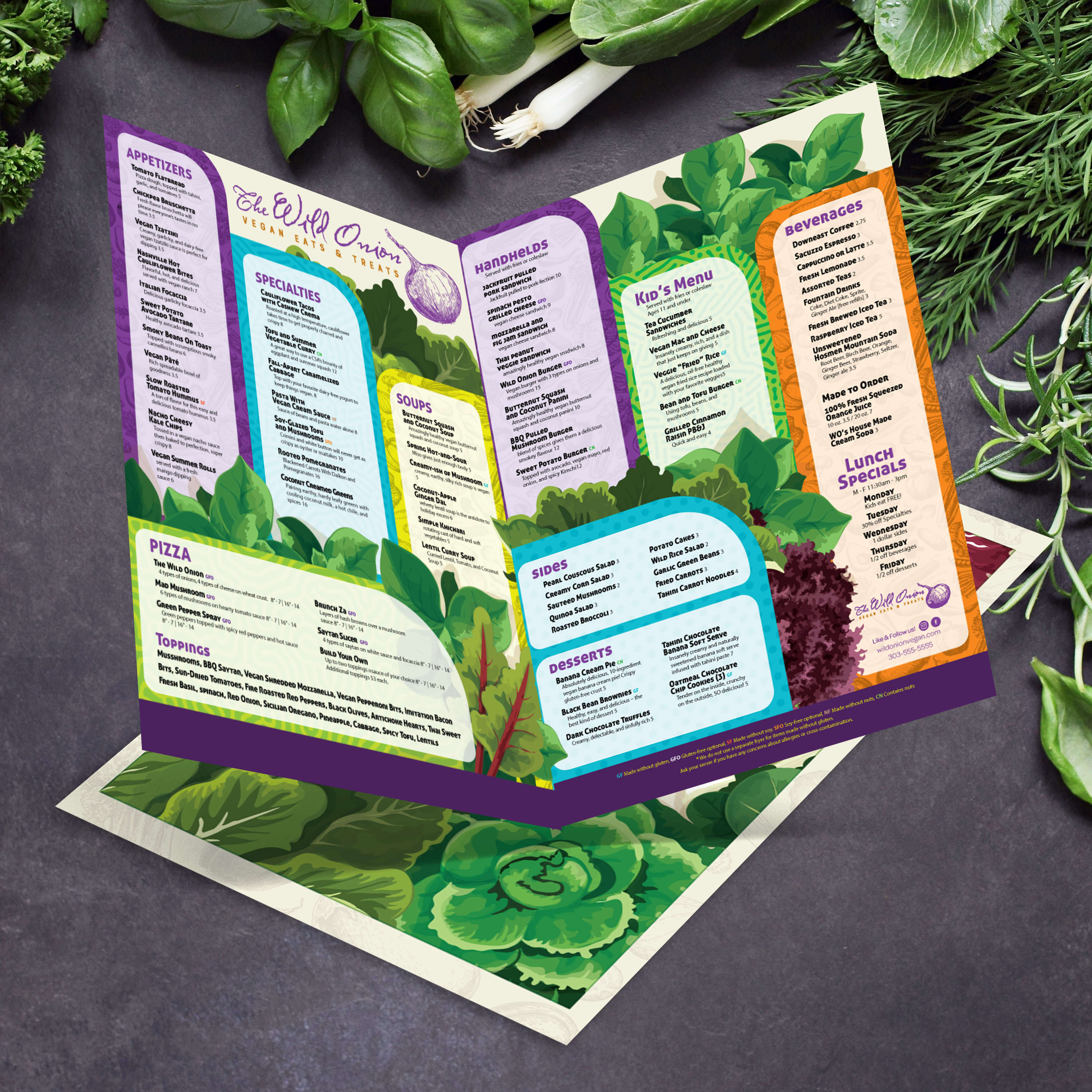
A bifold provides an easy way to feature specials: on the front panel, the top inside section, or a dedicated callout box. Keep limited-time items visually distinct with a consistent label. This helps servers point guests to promotions without interrupting the flow of the menu.

Matching the Menu Design to Your Brand Style

Use your brand colors, voice, and logo with restraint. Consistency matters more than decoration. When your menu looks cohesive, guests trust it, and your restaurant feels more established. A clean bifold layout also makes updates easier because you’re working within a repeatable structure, rather than redesigning each time you change pricing or add seasonal items.

Menus take a beating: spills, grease, fingerprints, sanitizer wipes, and constant handling. If the material can’t handle cleaning, you end up reprinting far more than you should. At TerraSlate, durability is critical, and cleaning is built into how our synthetic paper is designed for real-world use.

The Right Way to Clean Waterproof Menus

For waterproof menus, cleaning should be quick and consistent. Wipe down the surface, remove buildup, and let it air dry. Because synthetic paper doesn’t absorb moisture, it won’t warp, curl, or soften the way traditional paper does. This keeps your menus looking sharp even after repeated cleaning cycles.

Why Soap and Water Work Better Than Harsh Chemical Cleaners

Simple soap and water are recommended for our paper because they clean effectively without degrading print quality over time. Harsh chemical cleaners can be unnecessarily aggressive on any printed surface, mainly when used multiple times a day. If you’re looking for a menu that stays clear, readable, and long-lasting, gentle cleaning is part of the best practice.

When TerraShield™ Anti-Microbial Coating Makes Sense

If your menus are handled constantly, TerraShield™ anti-microbial coating adds another layer of long-term protection. TerraSlate can print menus for you with our proprietary TerraShield™ antimicrobial coating, featuring industry-leading turnaround and fast shipping. It helps reduce bacteria and other unwanted growth on high-contact materials, and it supports a cleaner menu program without relying on heavy disinfectant use.

Preventing Smudging, Fading, and Greasy Buildup

Smudging and fading typically result from low-quality prints, improper drying, or inadequate cleaning routines. With synthetic paper, the key is using the correct printing method and cleaning regularly before buildup becomes permanent. Wipe menus at the end of each shift and spot-clean during service to keep surfaces fresh.
Storage and Handling Tips for Long-Term Use

Store menus flat or neatly stacked and keep them away from heat sources. Train staff to avoid bending corners or over-folding creases. When menus are durable and handled correctly, you can update layouts when you want to, not because they’ve worn out too quickly.
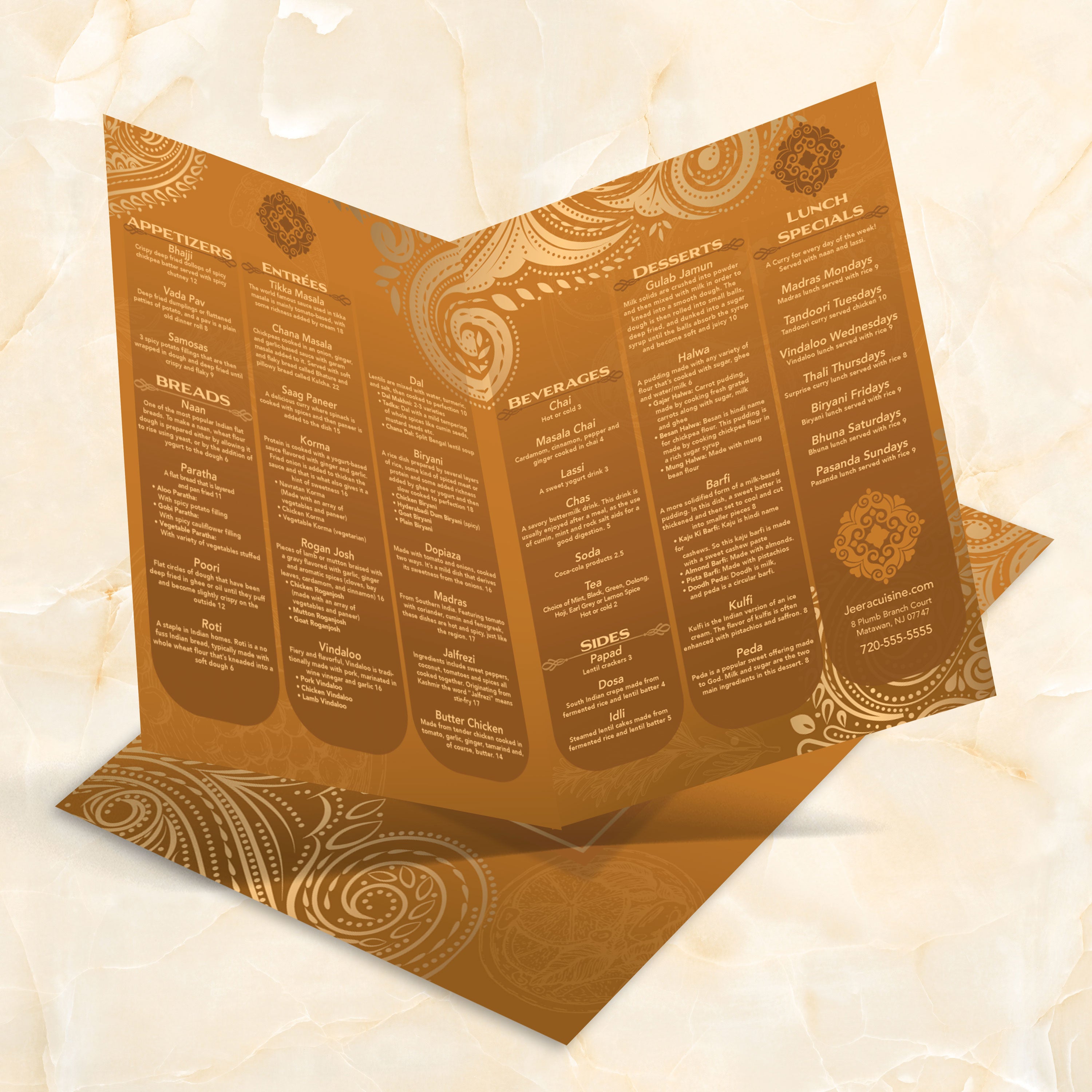
Templates are more than a design shortcut. They’re a repeatable system that helps you keep menus current without rebuilding layouts every time something changes. When you pair innovative templates with durable printing, you reduce downtime, minimize reprint waste, and maintain a consistent menu look across every shift and season. That’s precisely where TerraSlate helps: strong layouts plus materials built for long-term use.

Using Templates for Seasonal Changes

Seasonal menus are easier when the framework stays the same. Instead of redesigning each time, you can swap in new items, rotate photos, and update small callout areas for specials. A stable layout keeps your brand consistent while allowing flexibility for limited-time offerings.

Updating Prices Without Redesigning From Scratch

Price changes happen. With a bifold template, you can update pricing quickly without touching spacing, hierarchy, or typography. This reduces errors, speeds up approval, and keeps the menu looking polished even when updates are frequent.

Reusing Layouts Across Multiple Locations

If you operate multiple locations, templates keep everything aligned. You can maintain a shared structure for the full brand menu and adjust only what needs to vary, like local specials or regional pricing. A template-based system helps every location feel unified without sacrificing flexibility.

Building a Template Library for Promotions

Once you have one great template, build a small library that includes templates for lunch, dinner, happy hour, catering, and seasonal inserts. This enables faster marketing, simplifies staff training, and provides a consistent visual system that guests recognize immediately.

Why Better Than Lamination Lowers Lifetime Menu Cost

Traditional paper wears out quickly, and lamination adds cost while still failing at the fold, peeling, and clouding over time. When you print durable menus designed for real service, you reprint less often and maintain high presentation quality. TerraSlate menus are waterproof, rip-proof, and foldable, which helps restaurants spend less on replacements and deliver a better guest experience with every menu handoff.