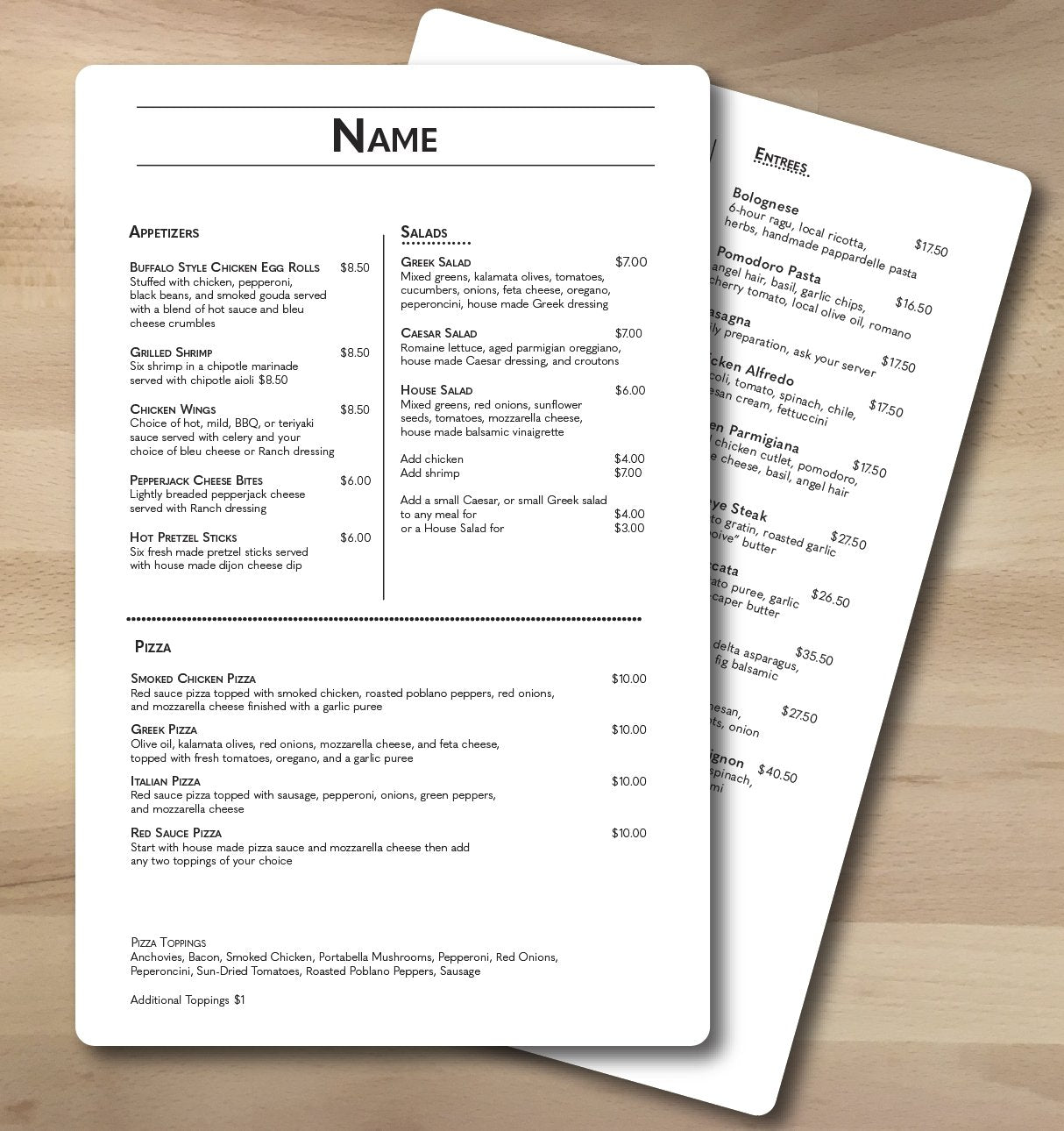
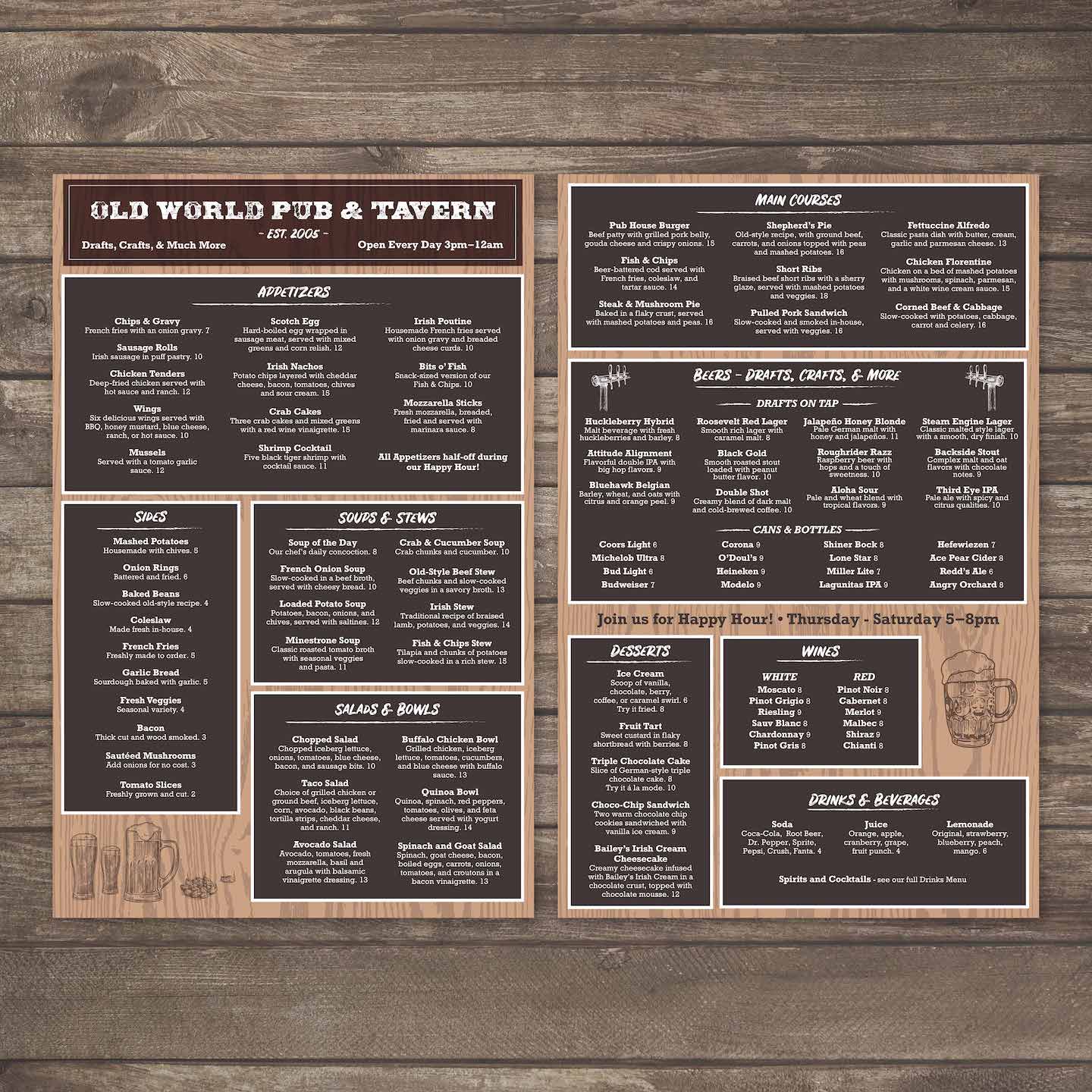
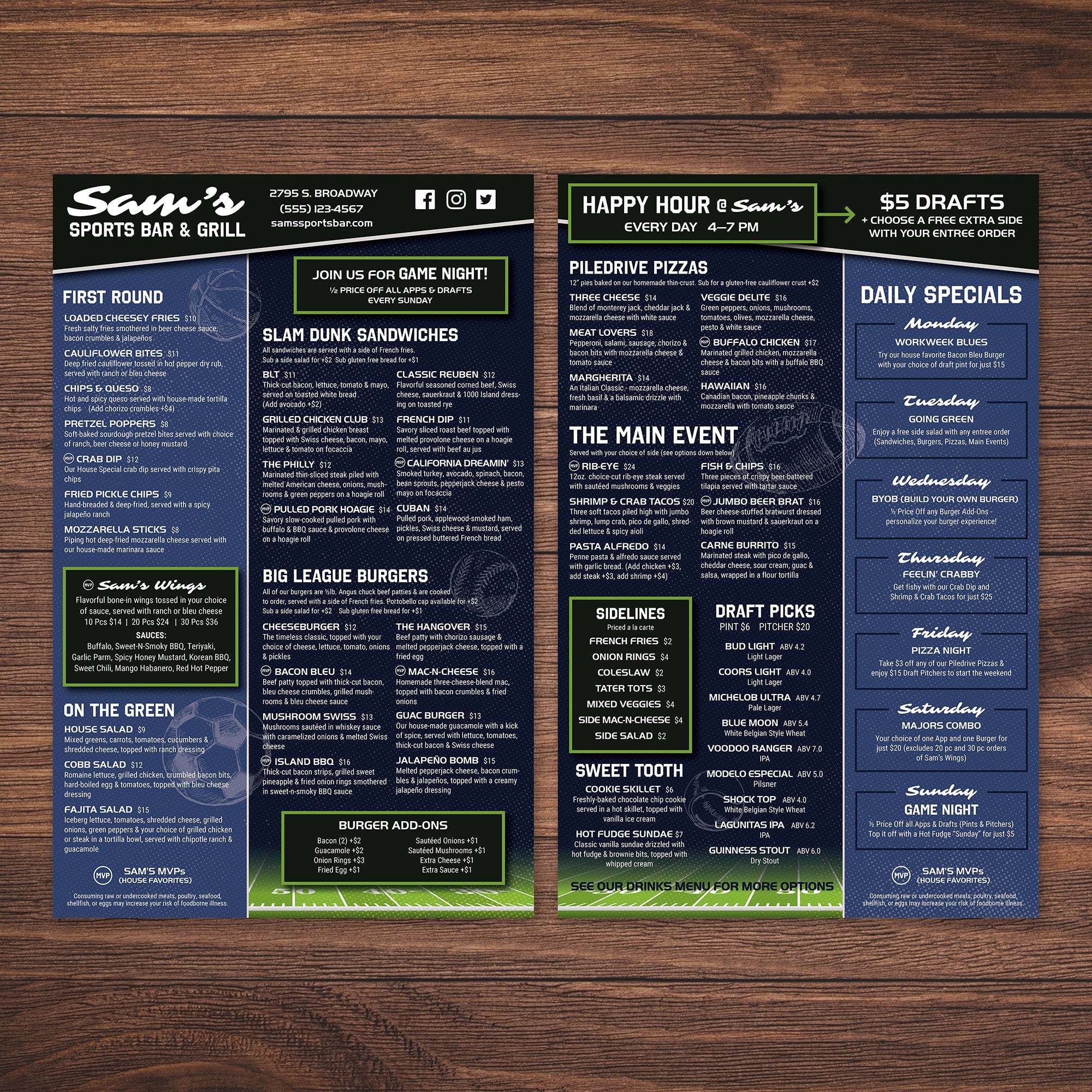
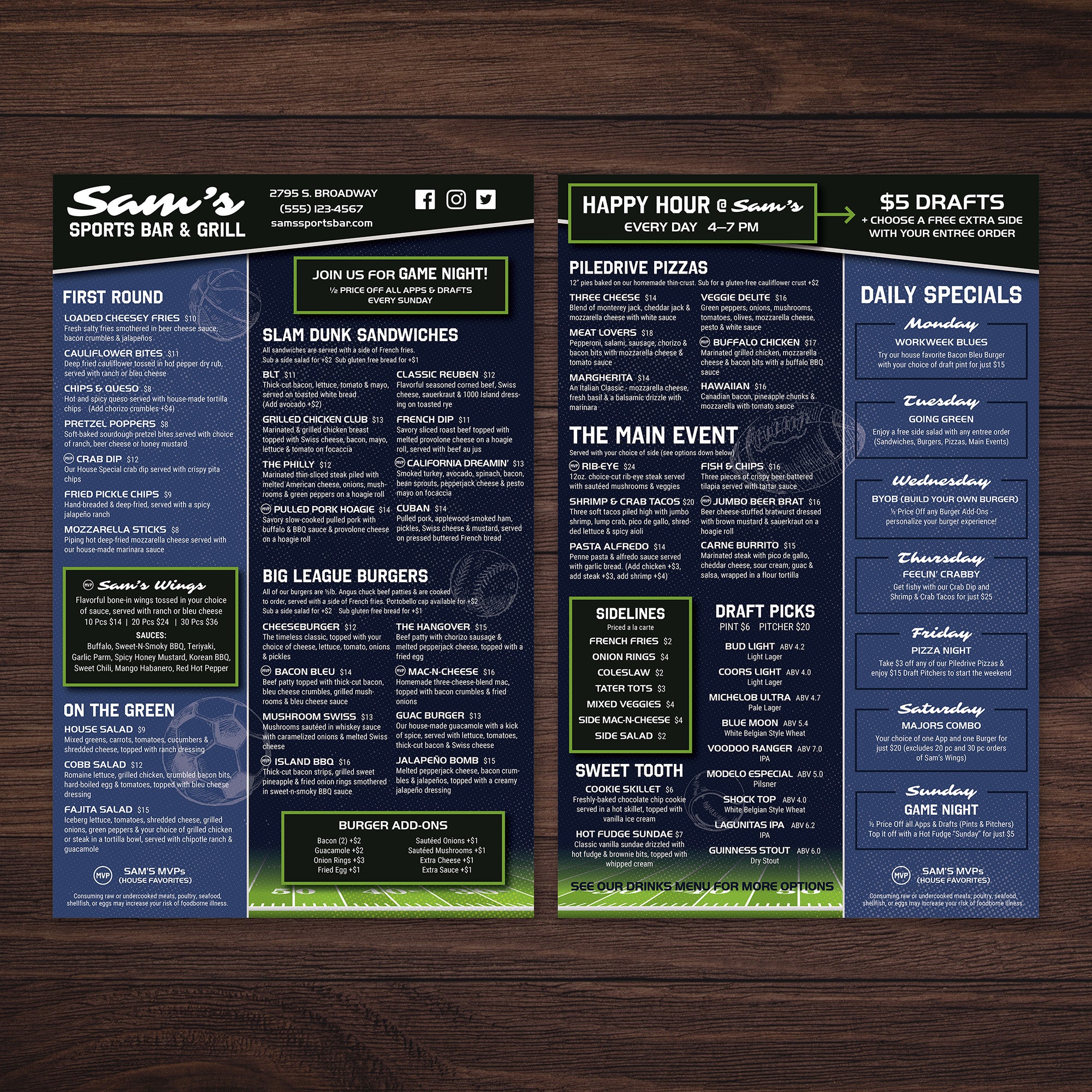
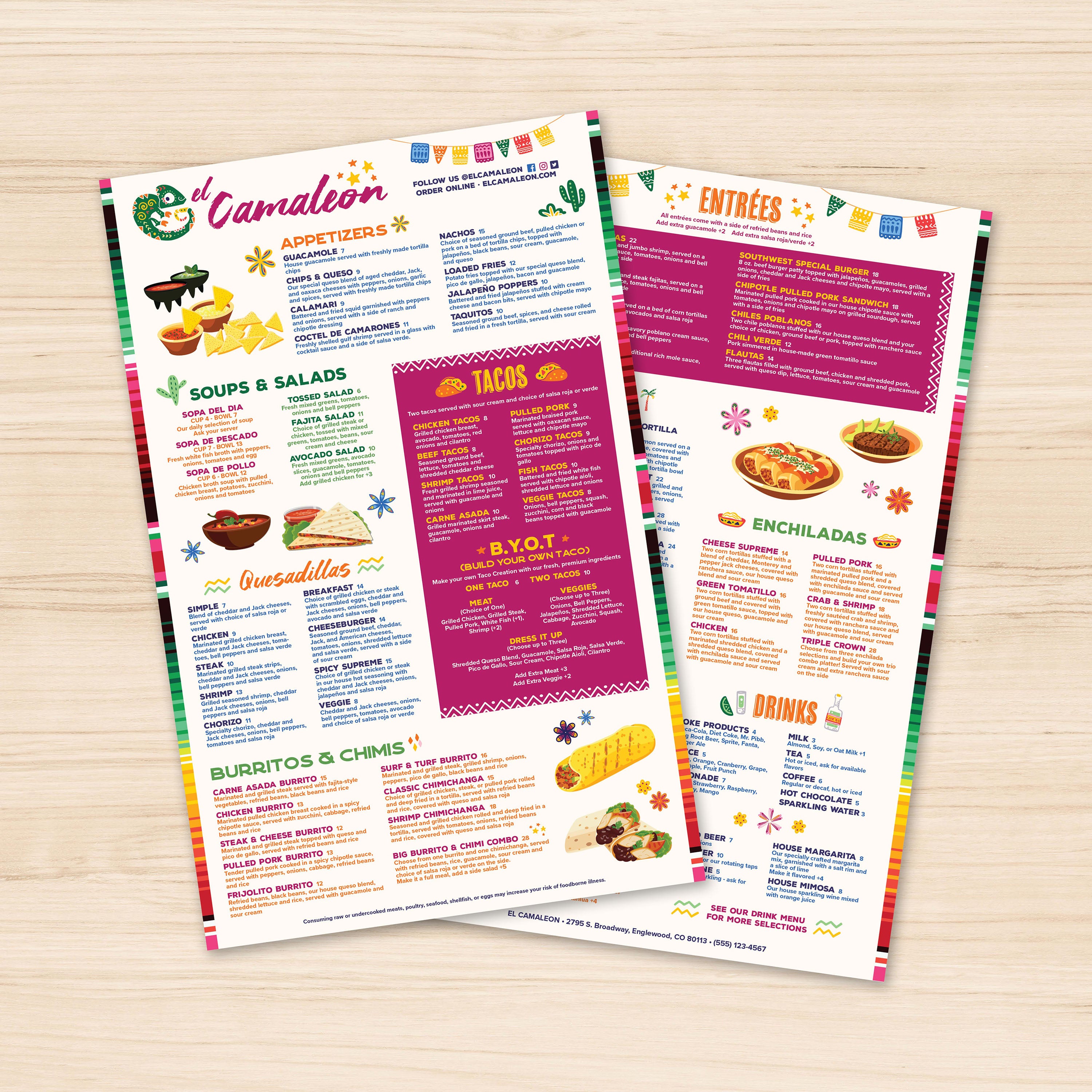
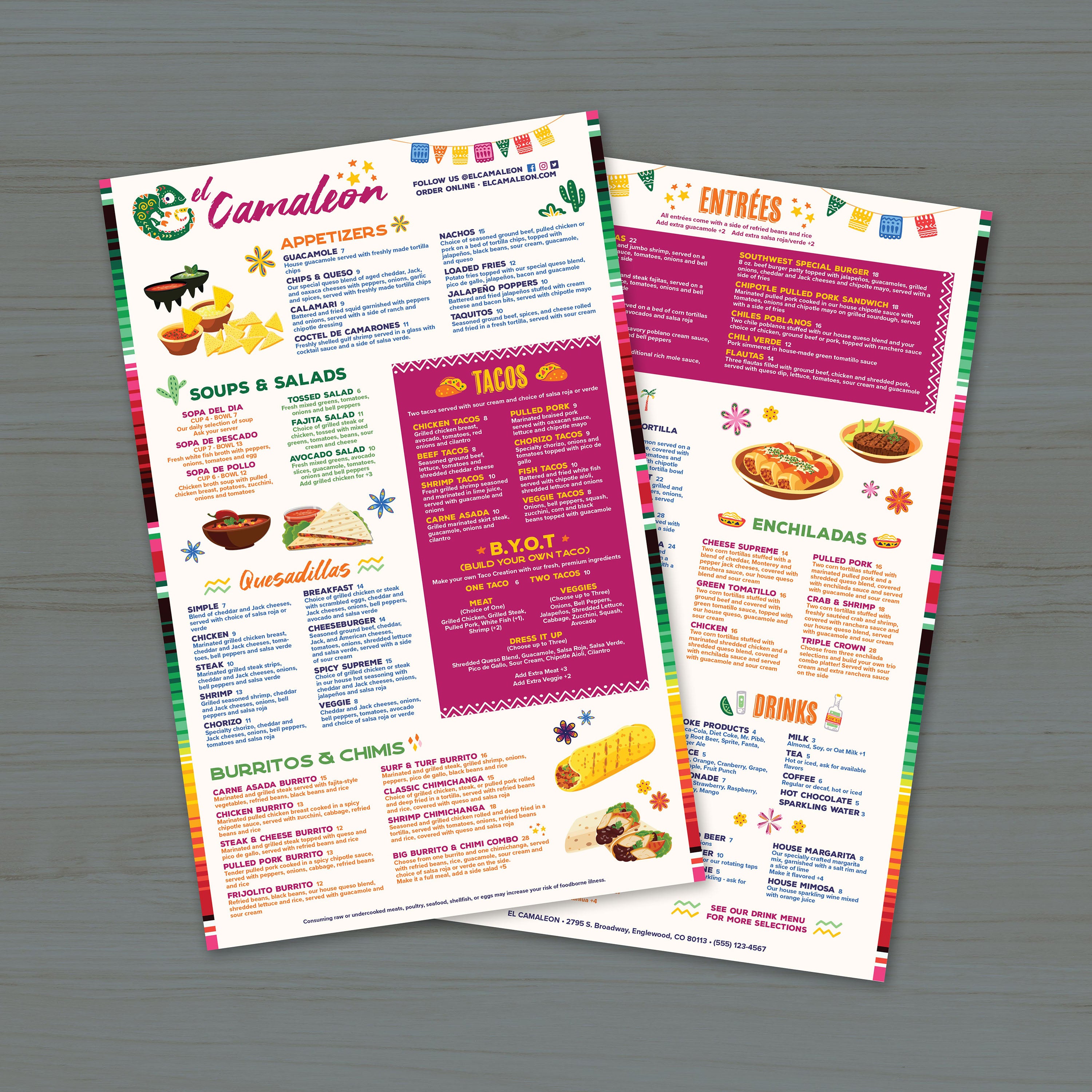
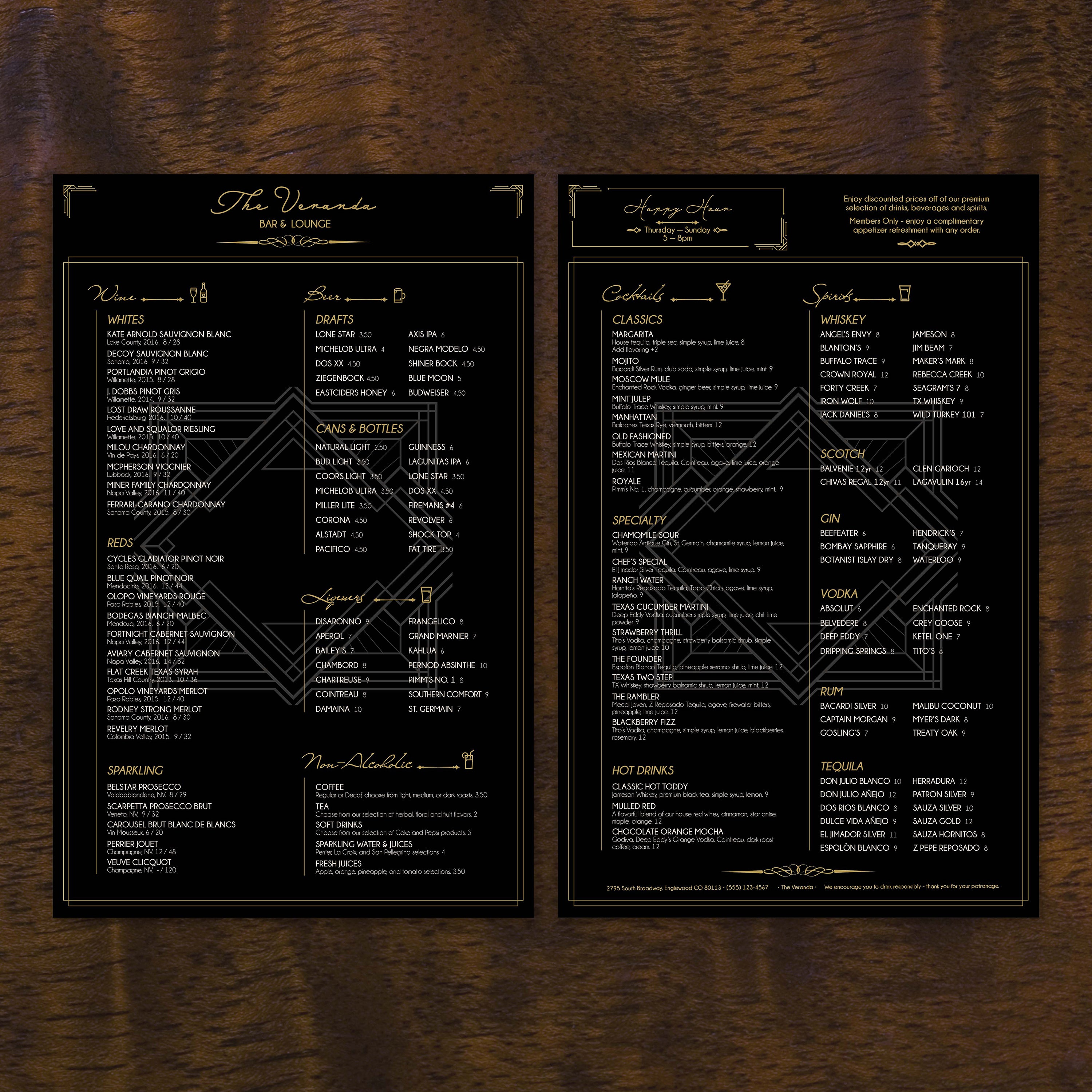
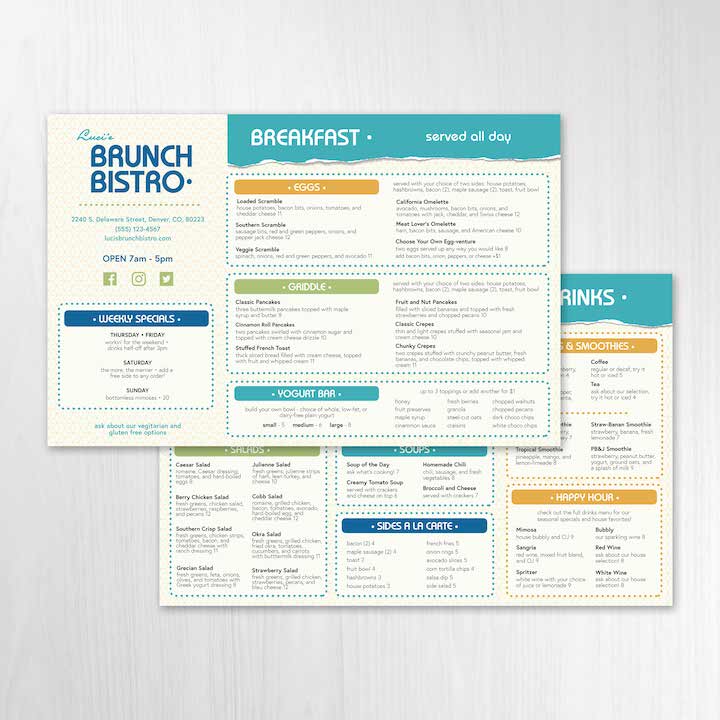
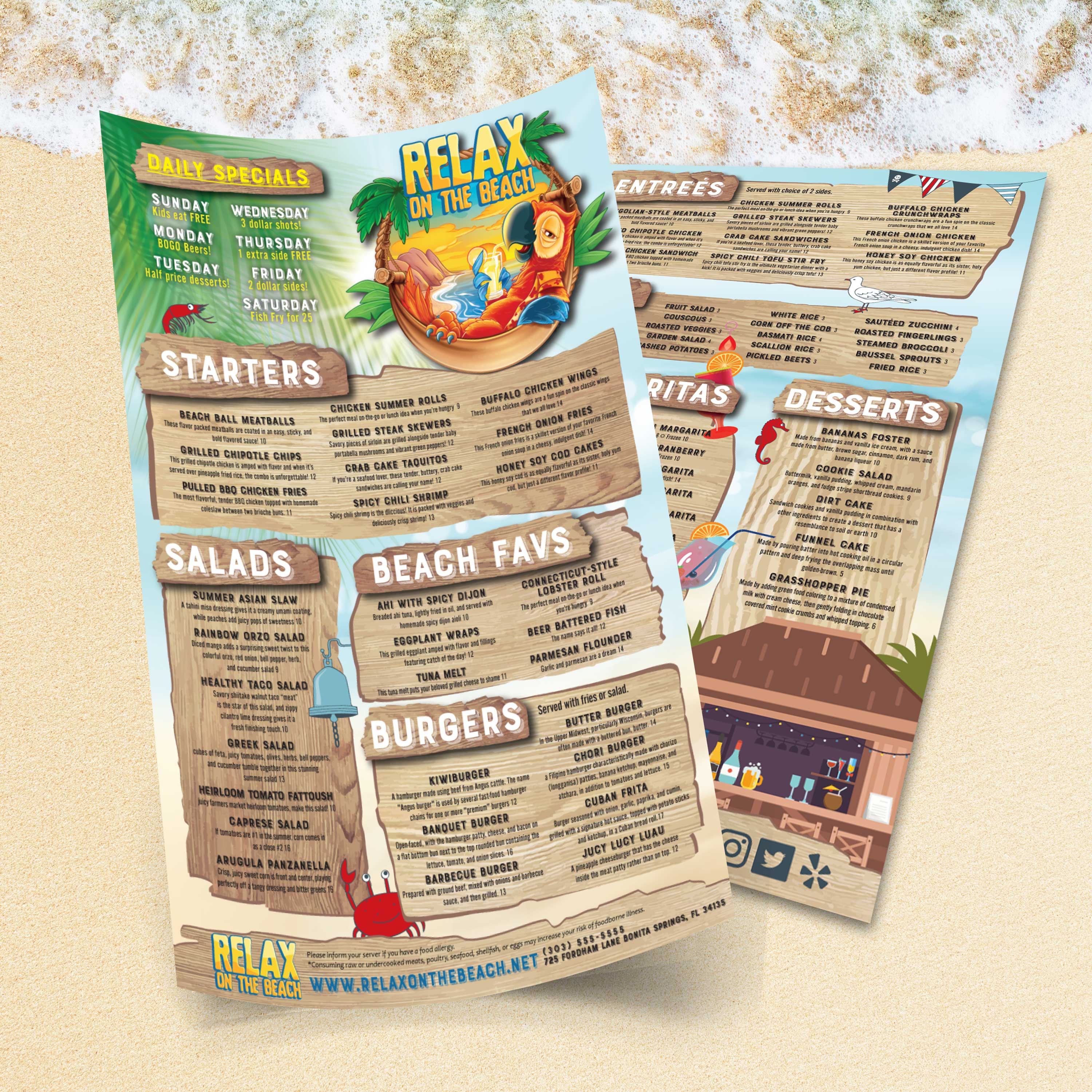
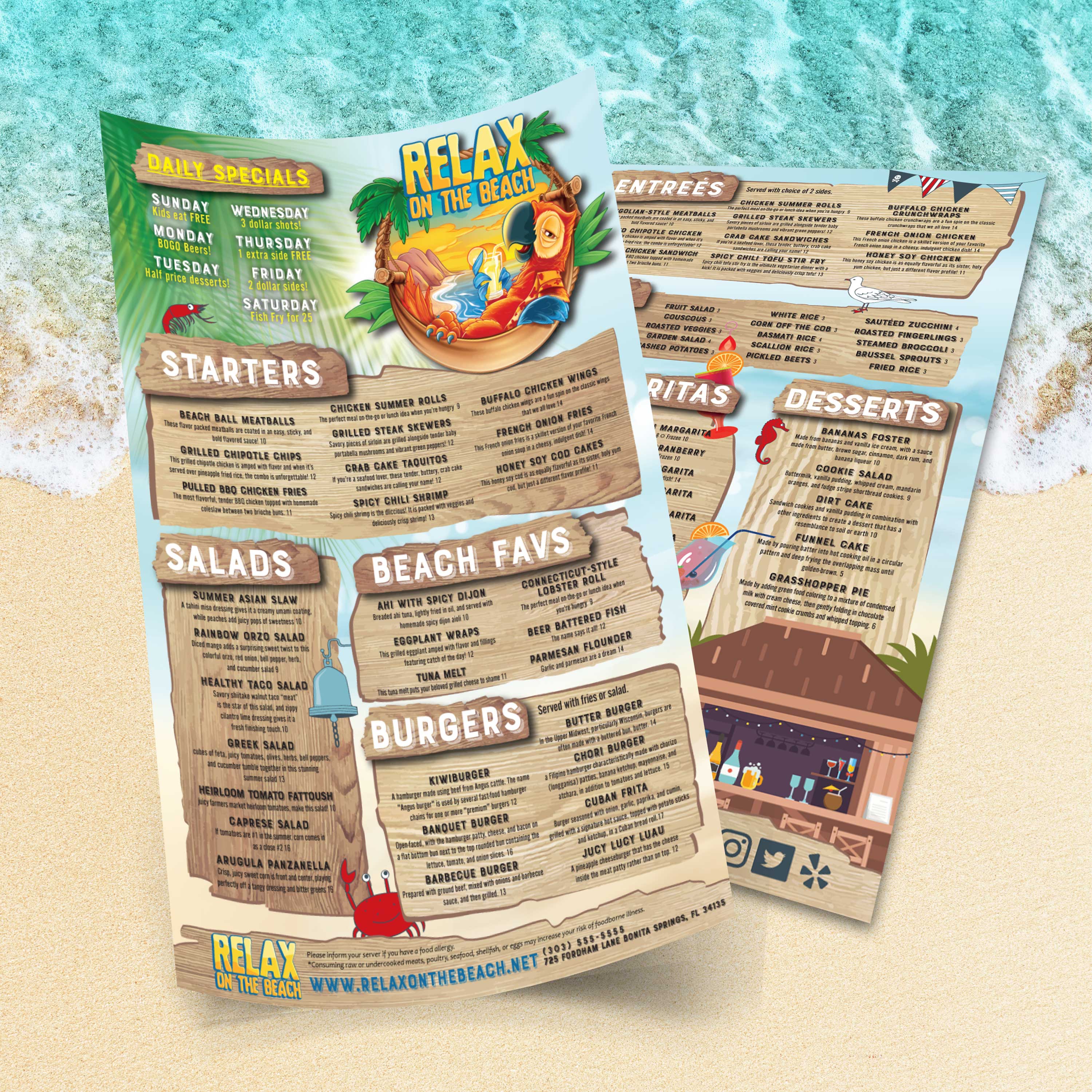
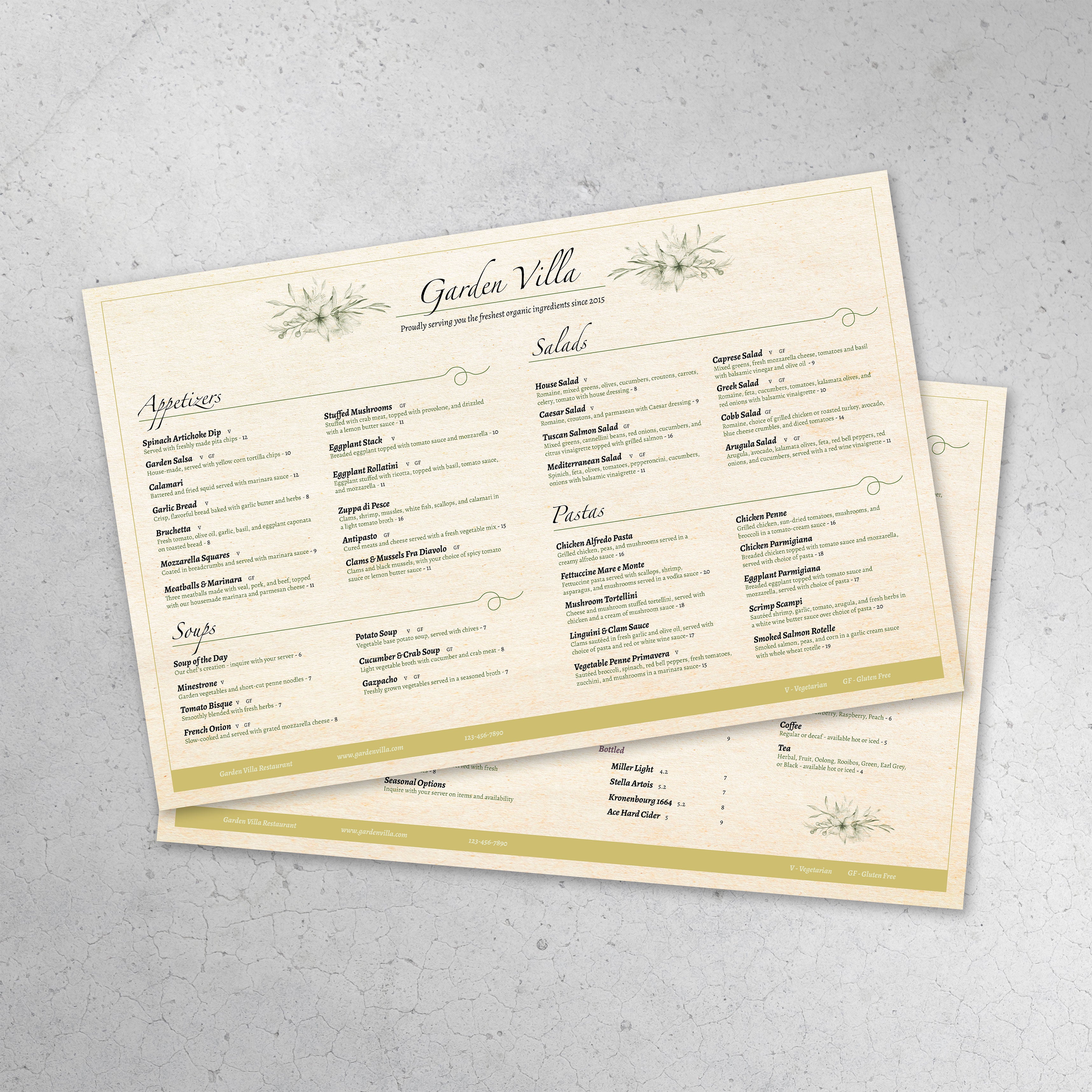
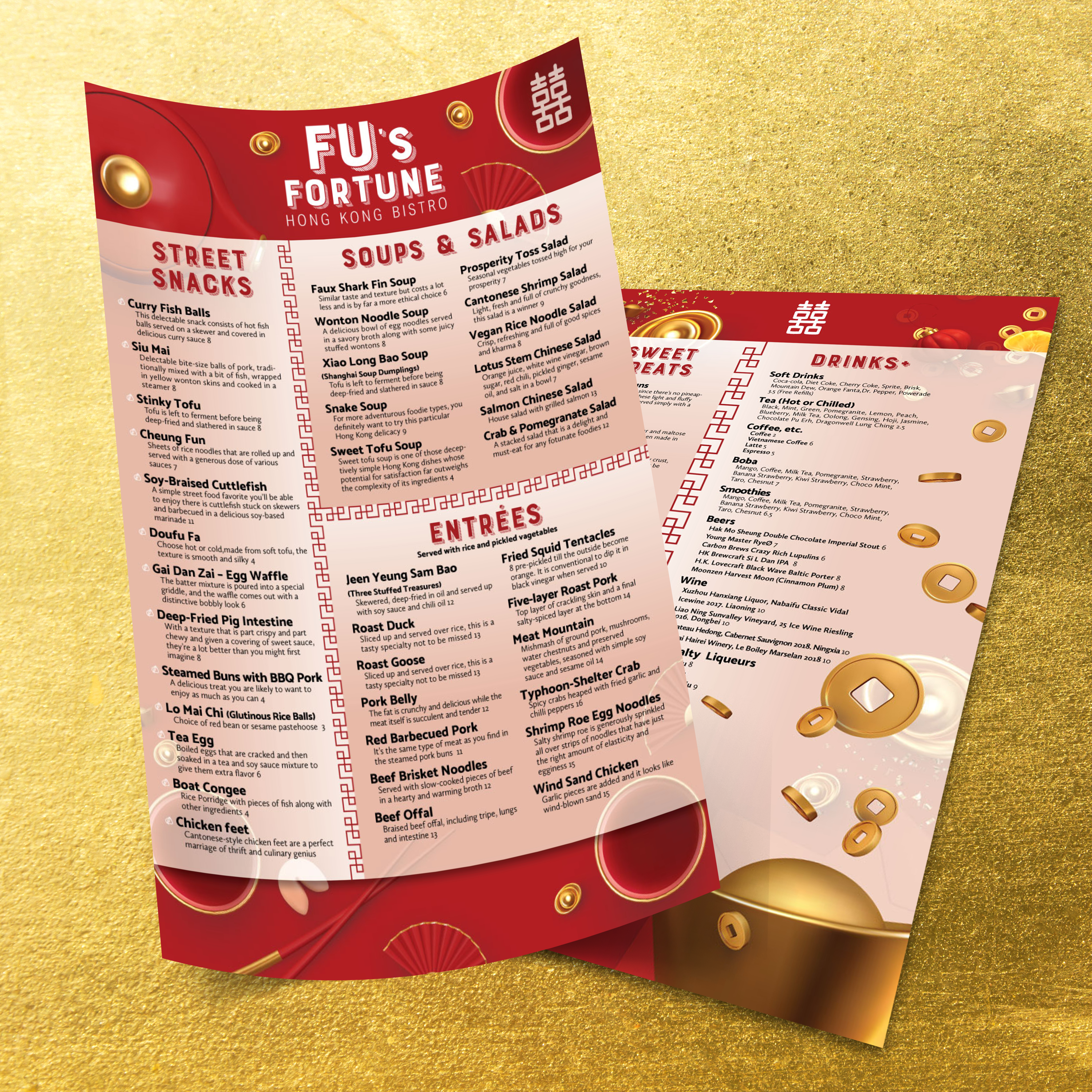
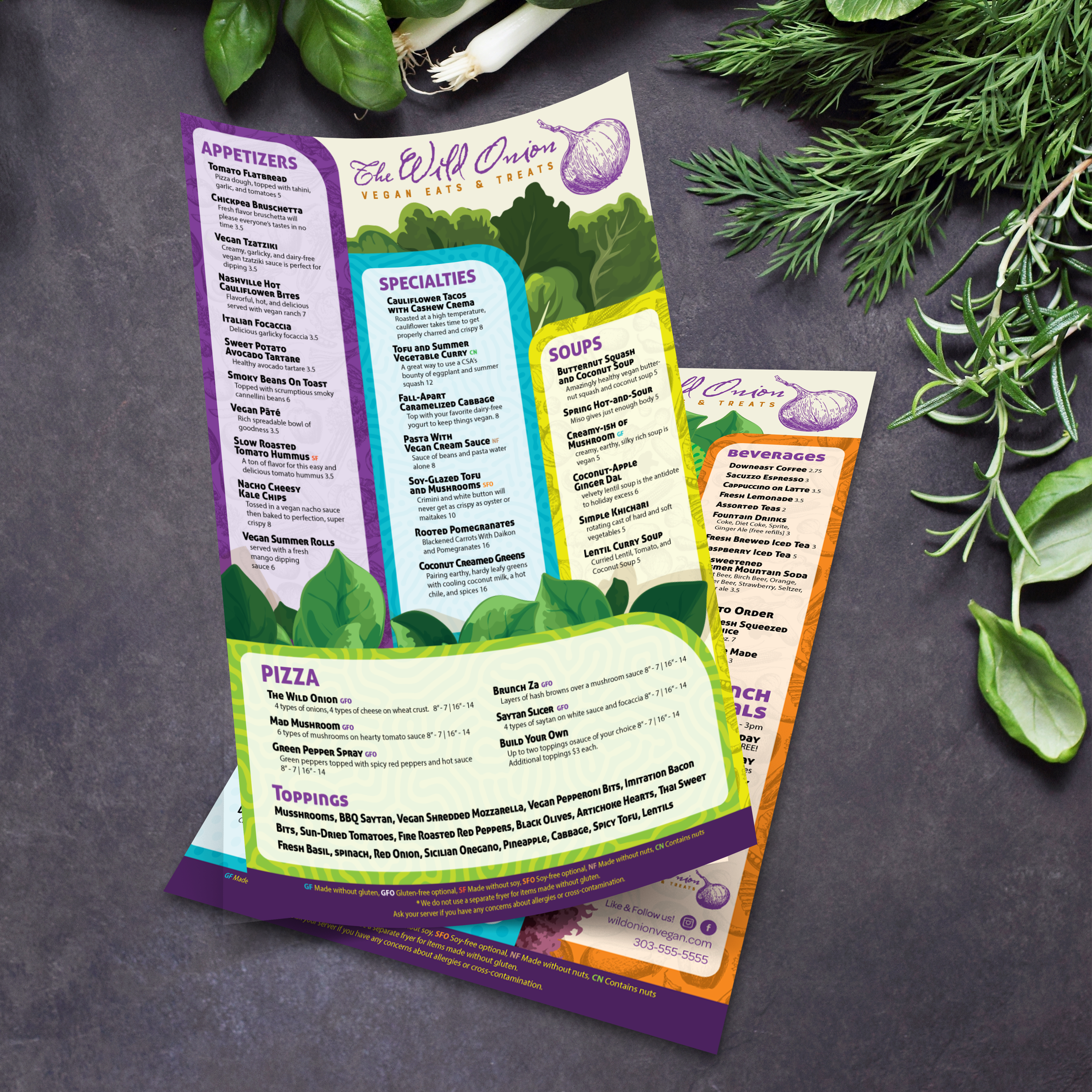
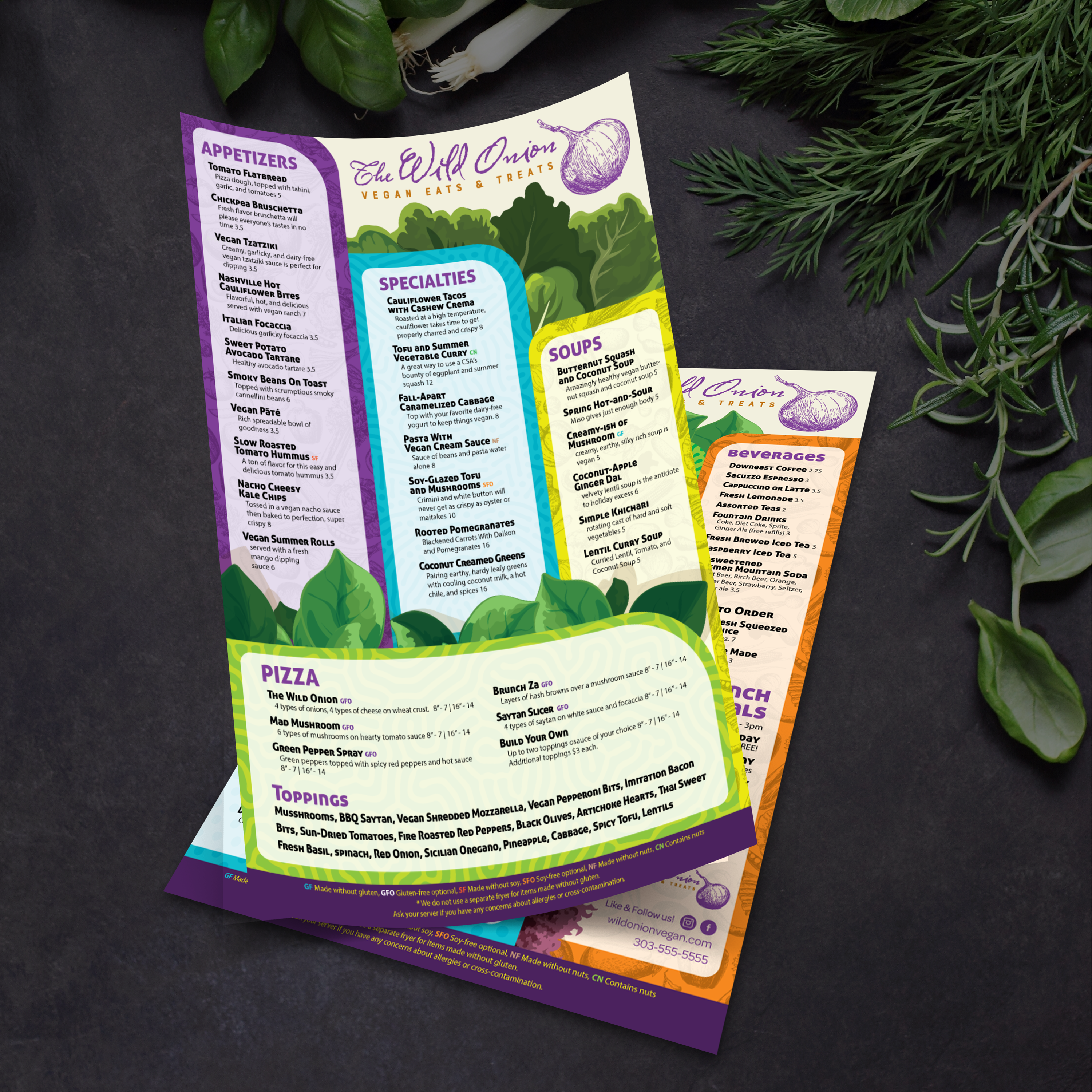
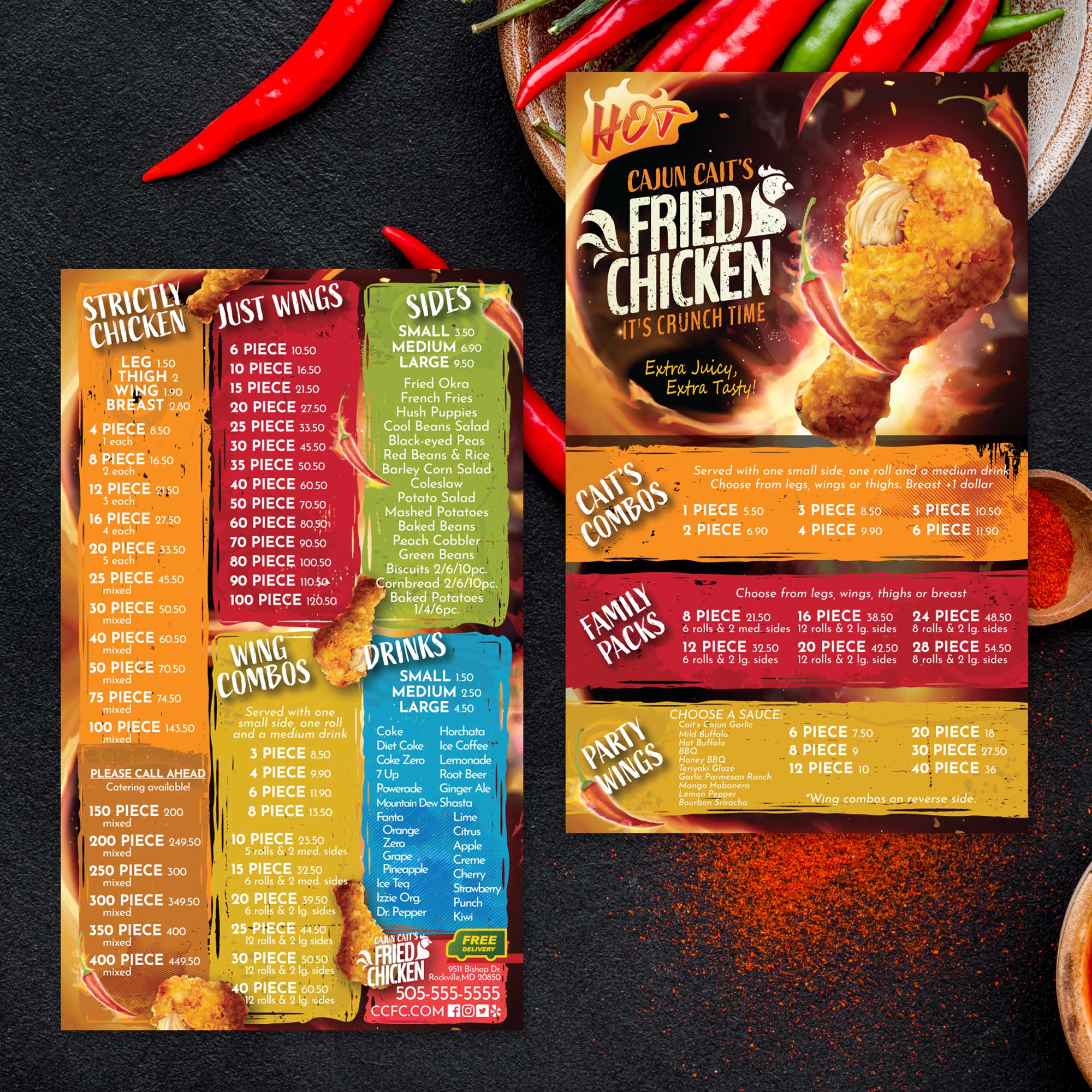
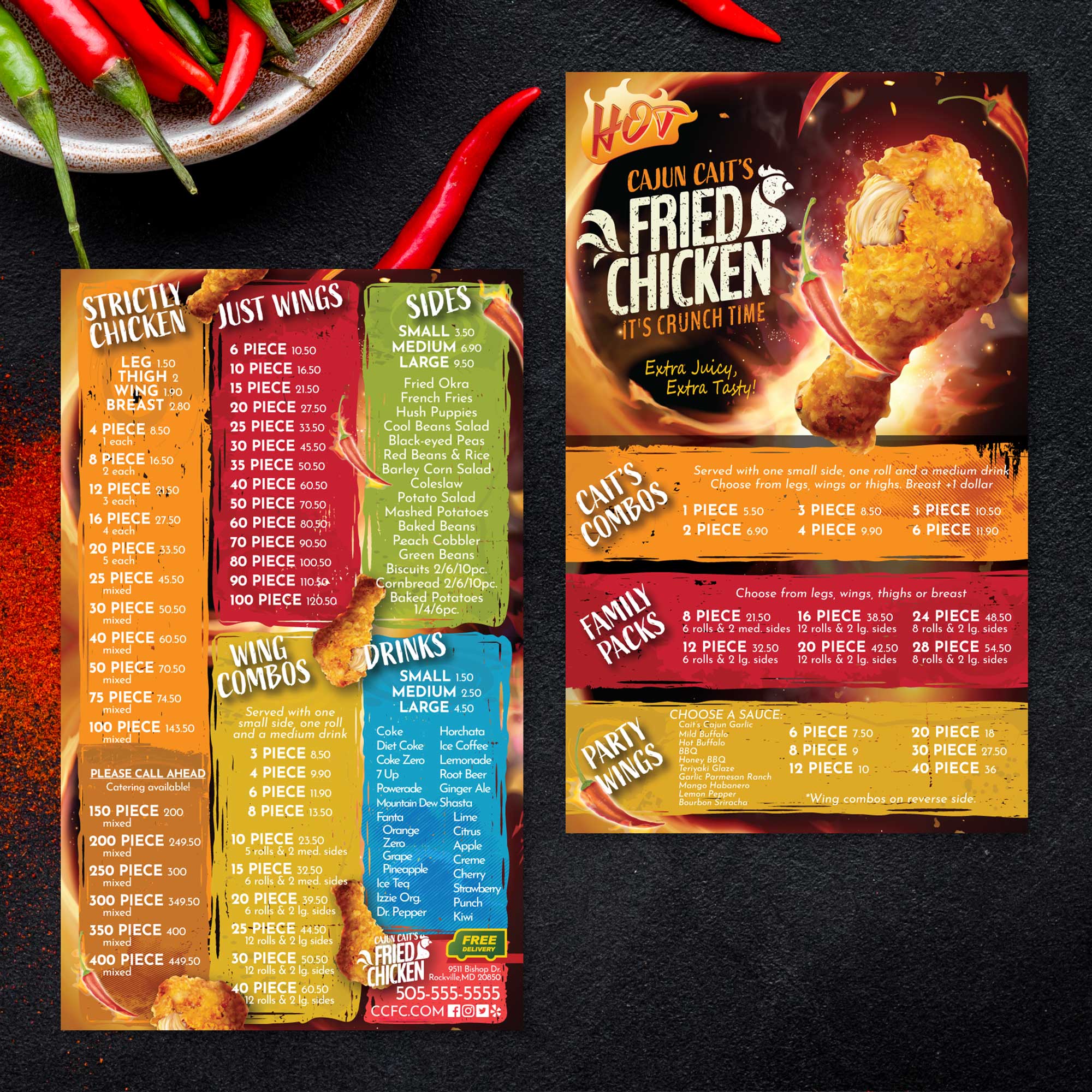
11" x 17" Flat Menu Templates

25 products

Showing 1 - 24 of 25 products

Showing 1 - 24 of 25 products
View
Classic Black & White Template 11" x 17" - TerraSlate Inc.

Recently viewed

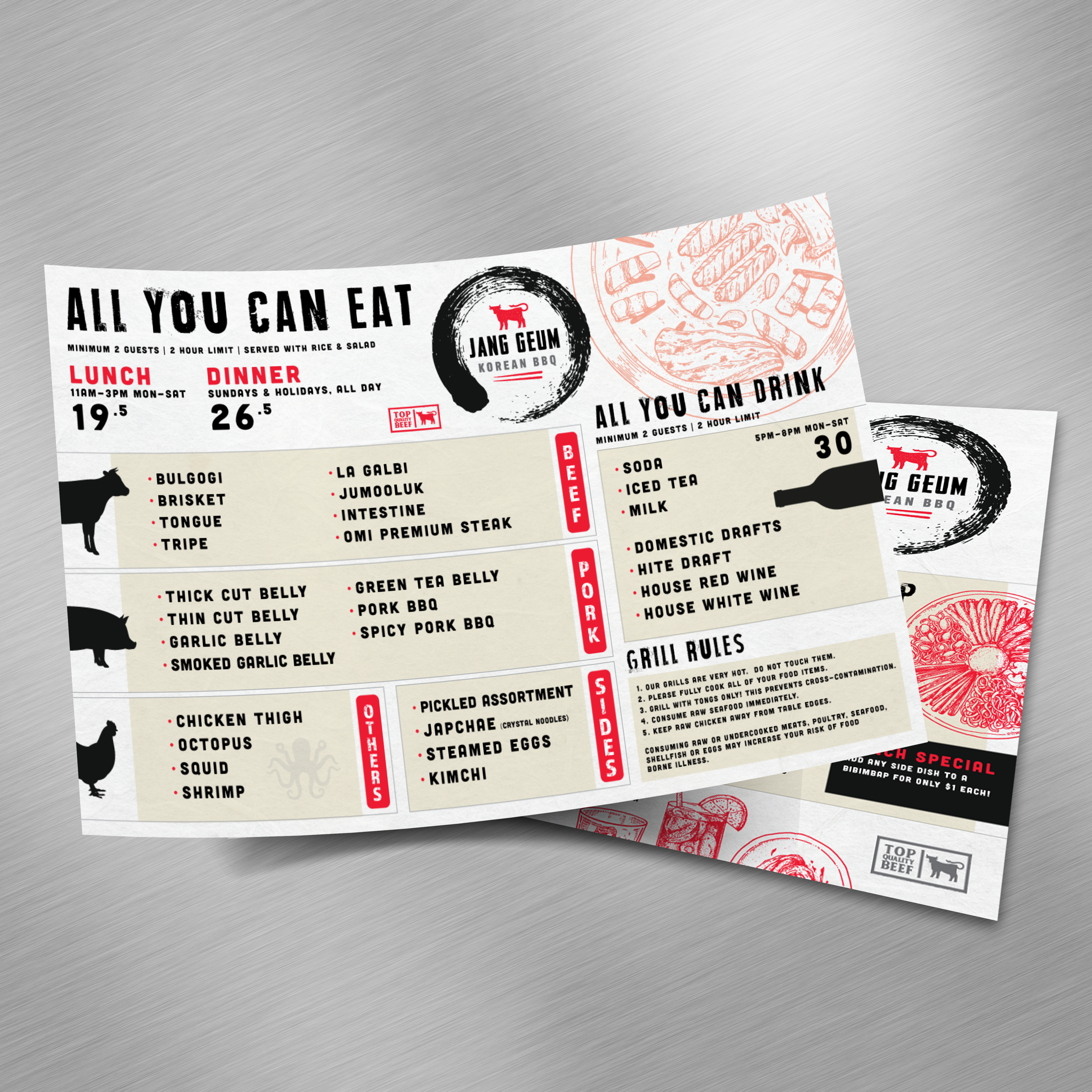
When you want a menu that feels bold, easy to read, and visually impressive without forcing tiny fonts, 11” x 17” is one of the best sizes you can choose. It provides sufficient space to clearly separate categories, feature best sellers, and maintain clean and consistent pricing. At TerraSlate, we built free 11” x 17” menu templates so you can start with a proven layout and customize quickly for your concept.

What Makes 11” x 17” Different From Standard Menu Sizes

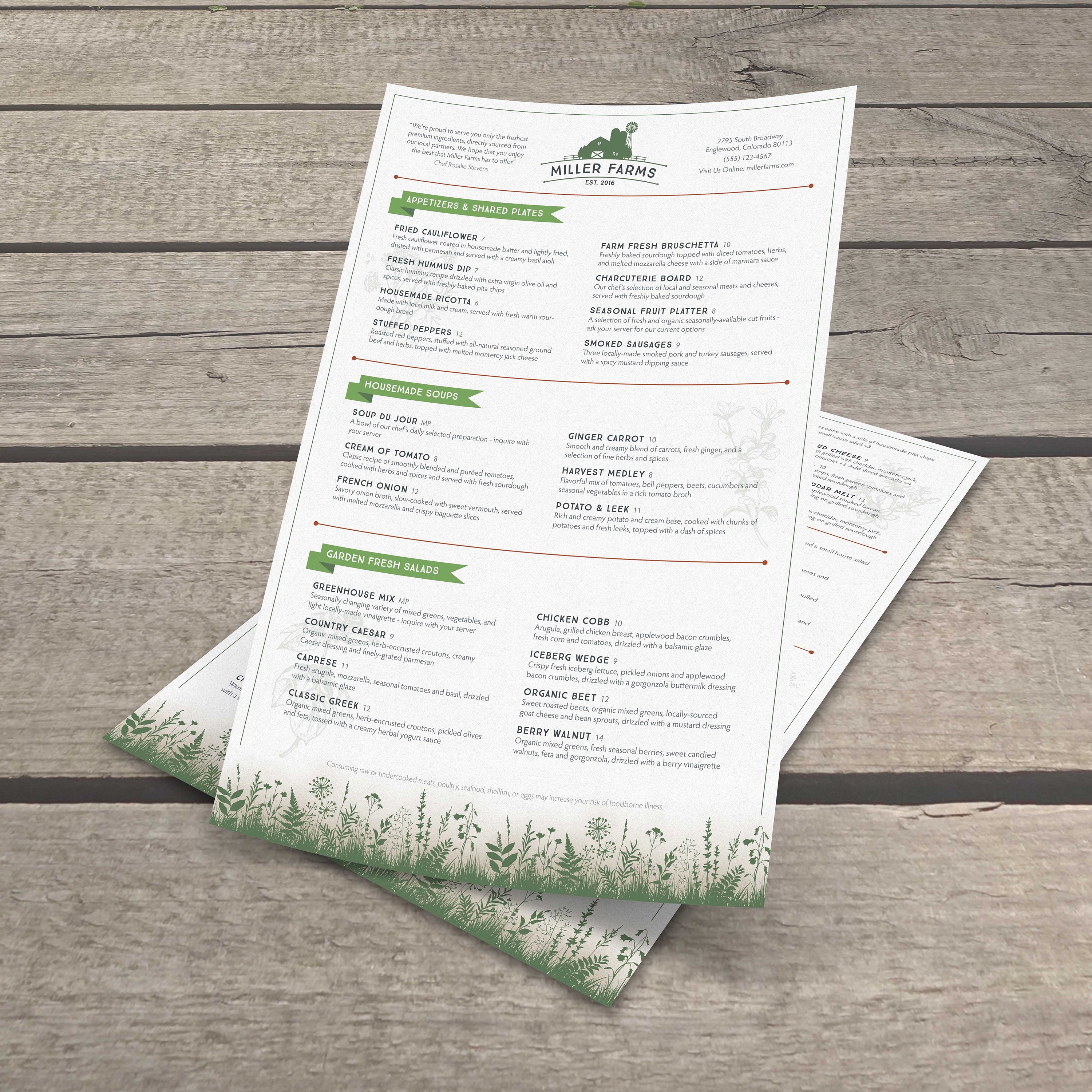
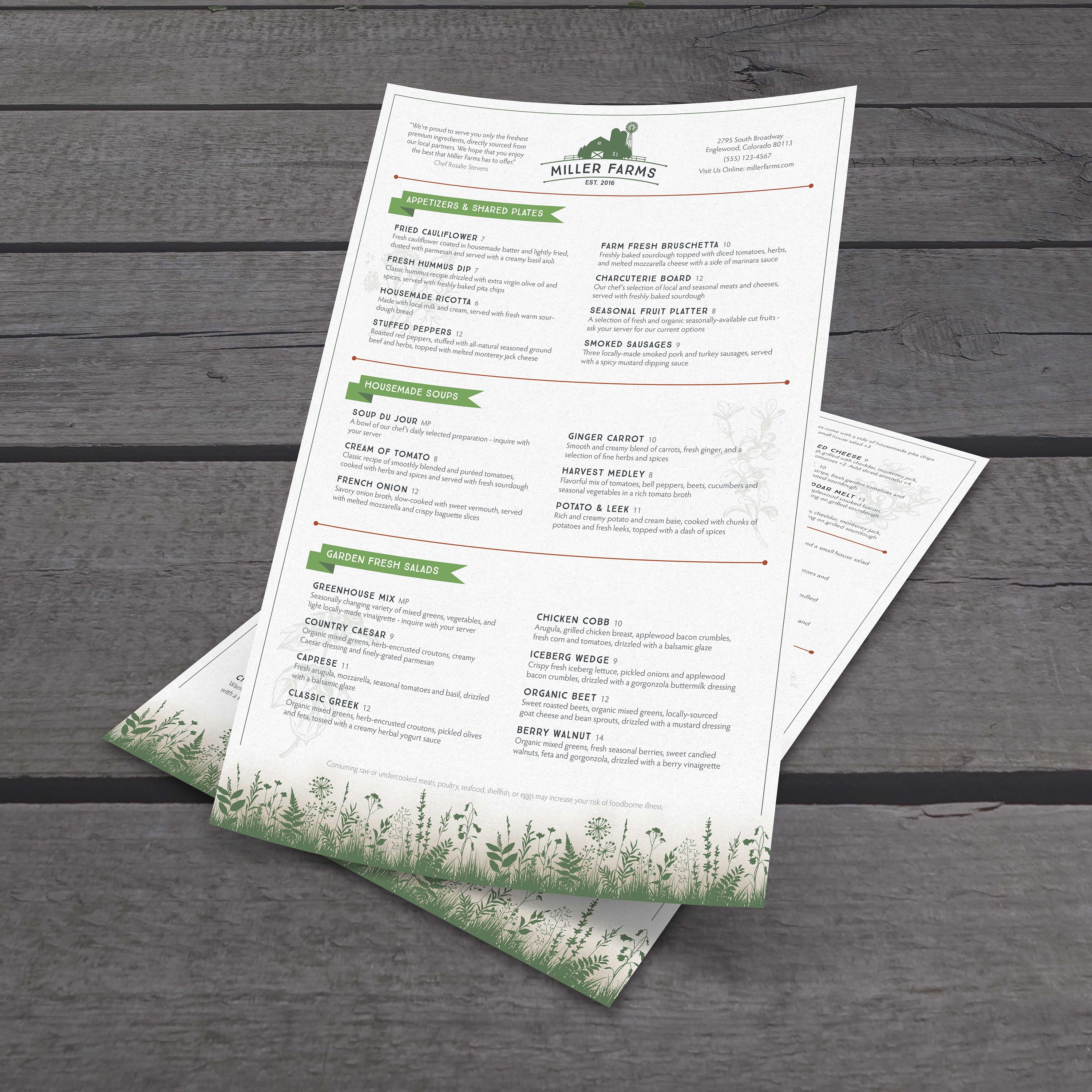
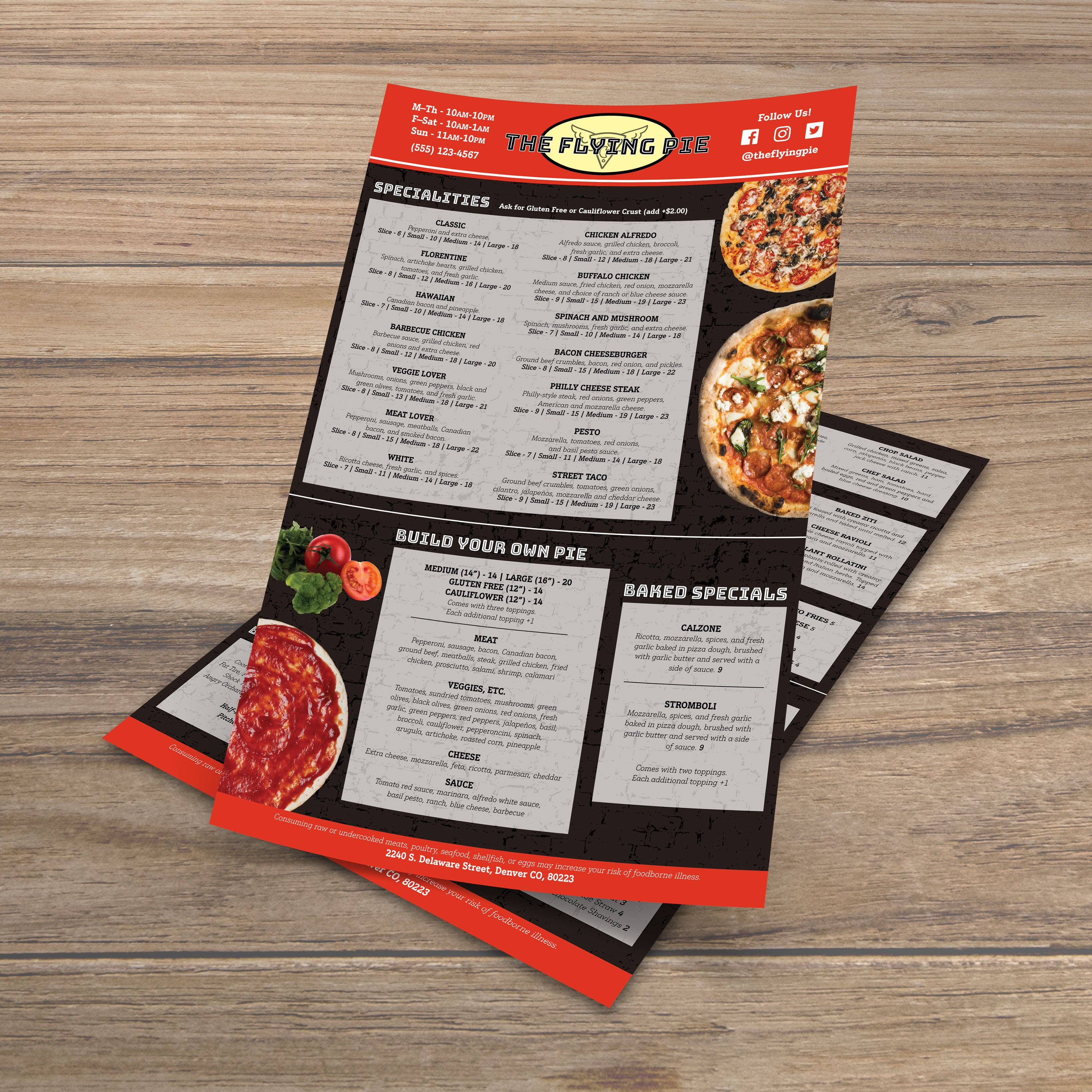
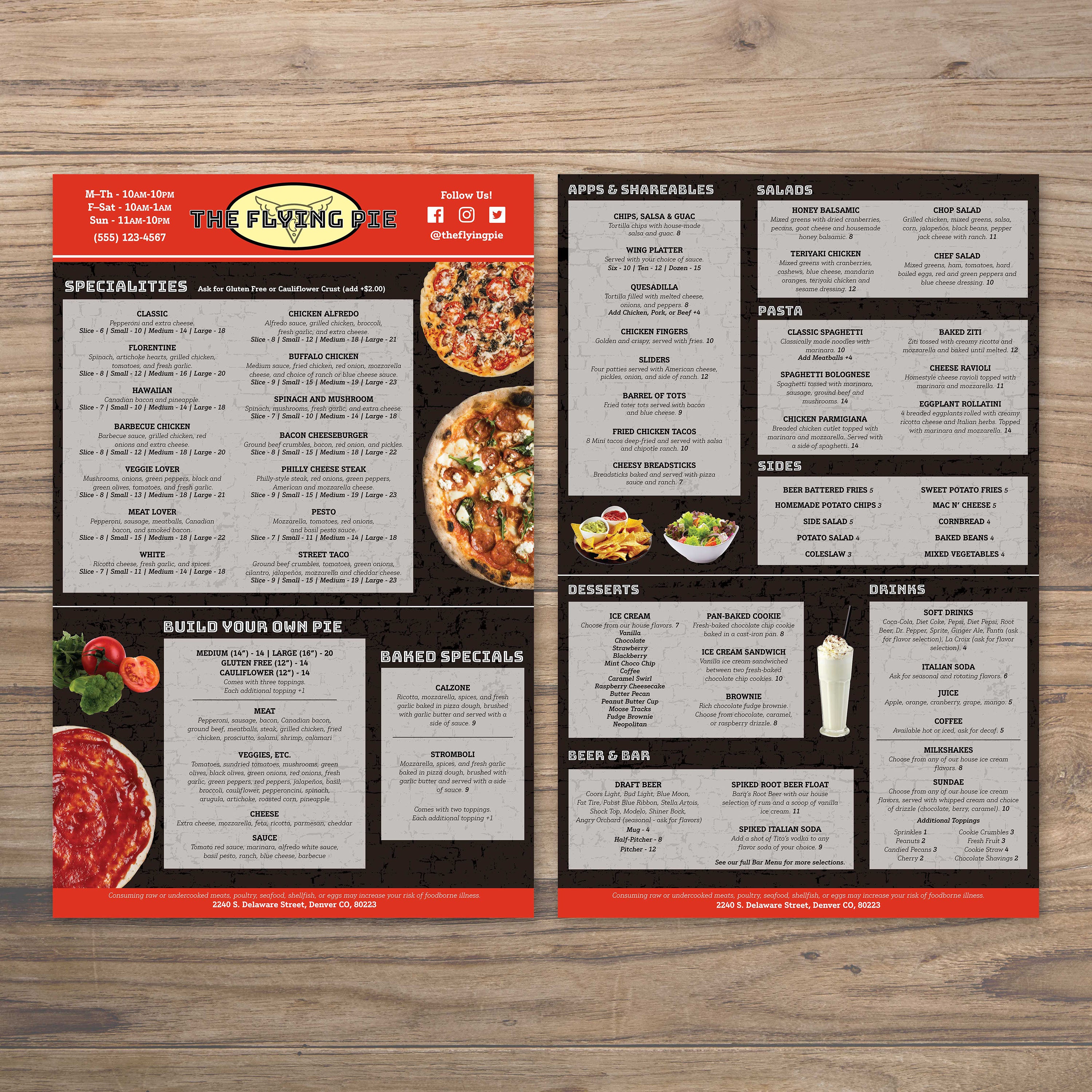
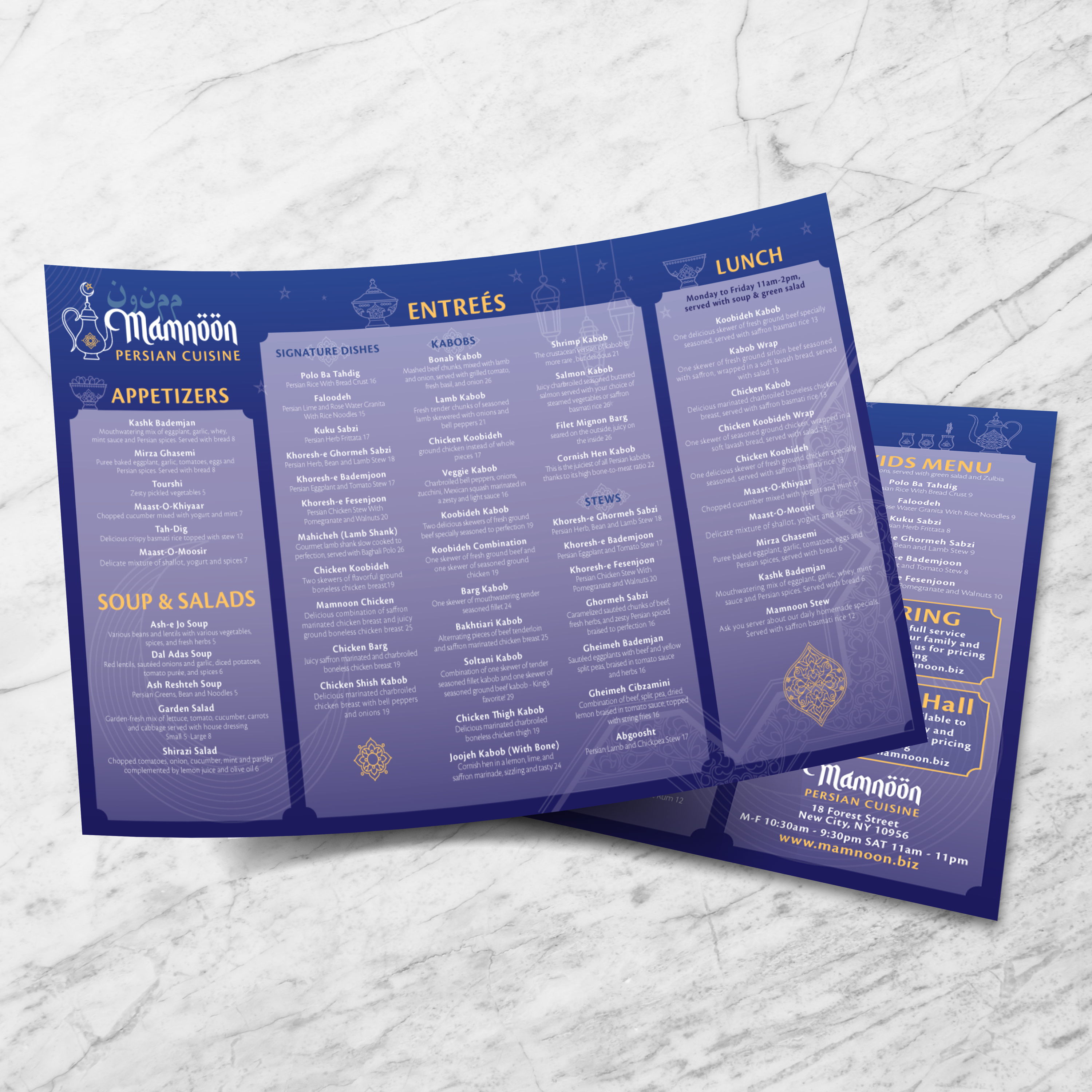
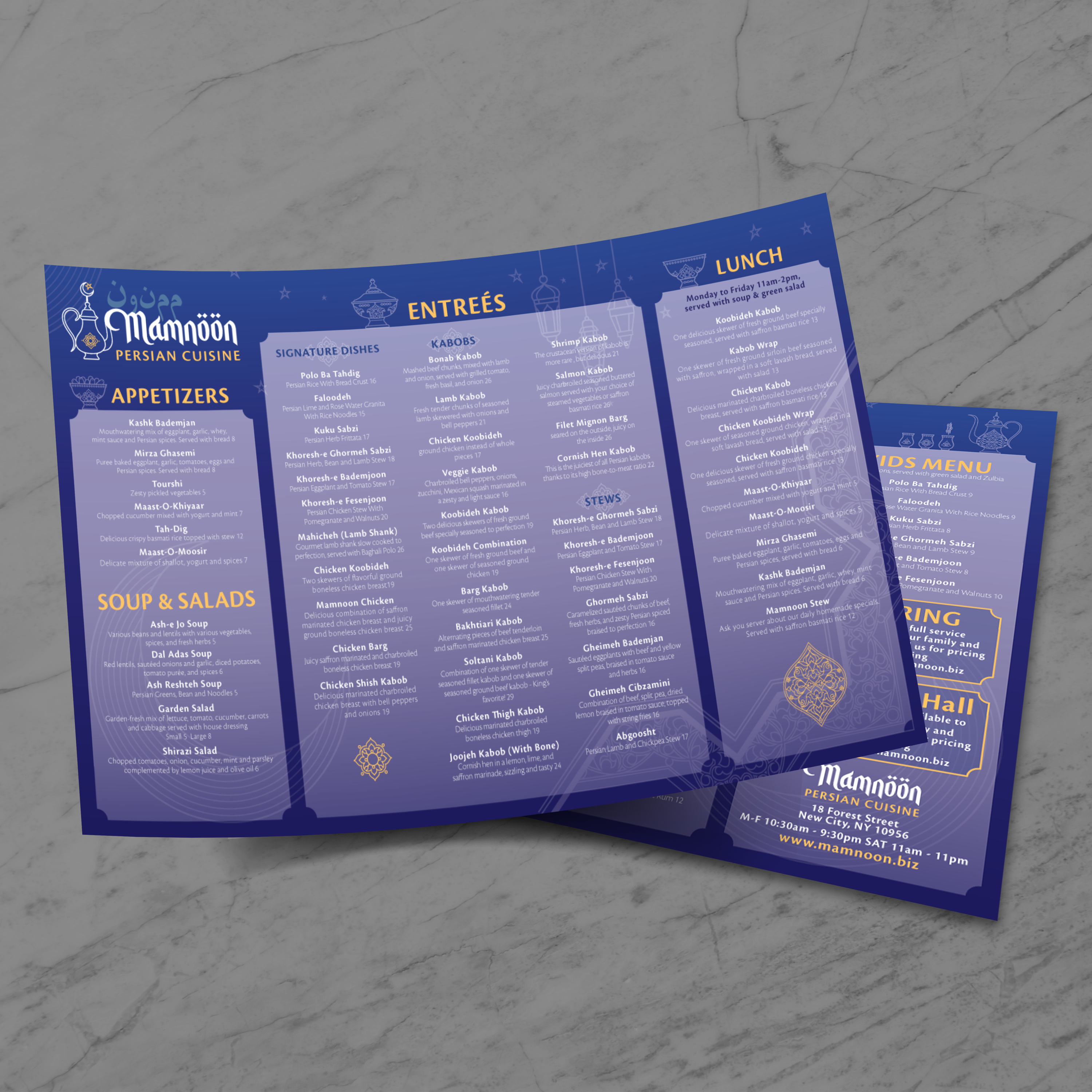
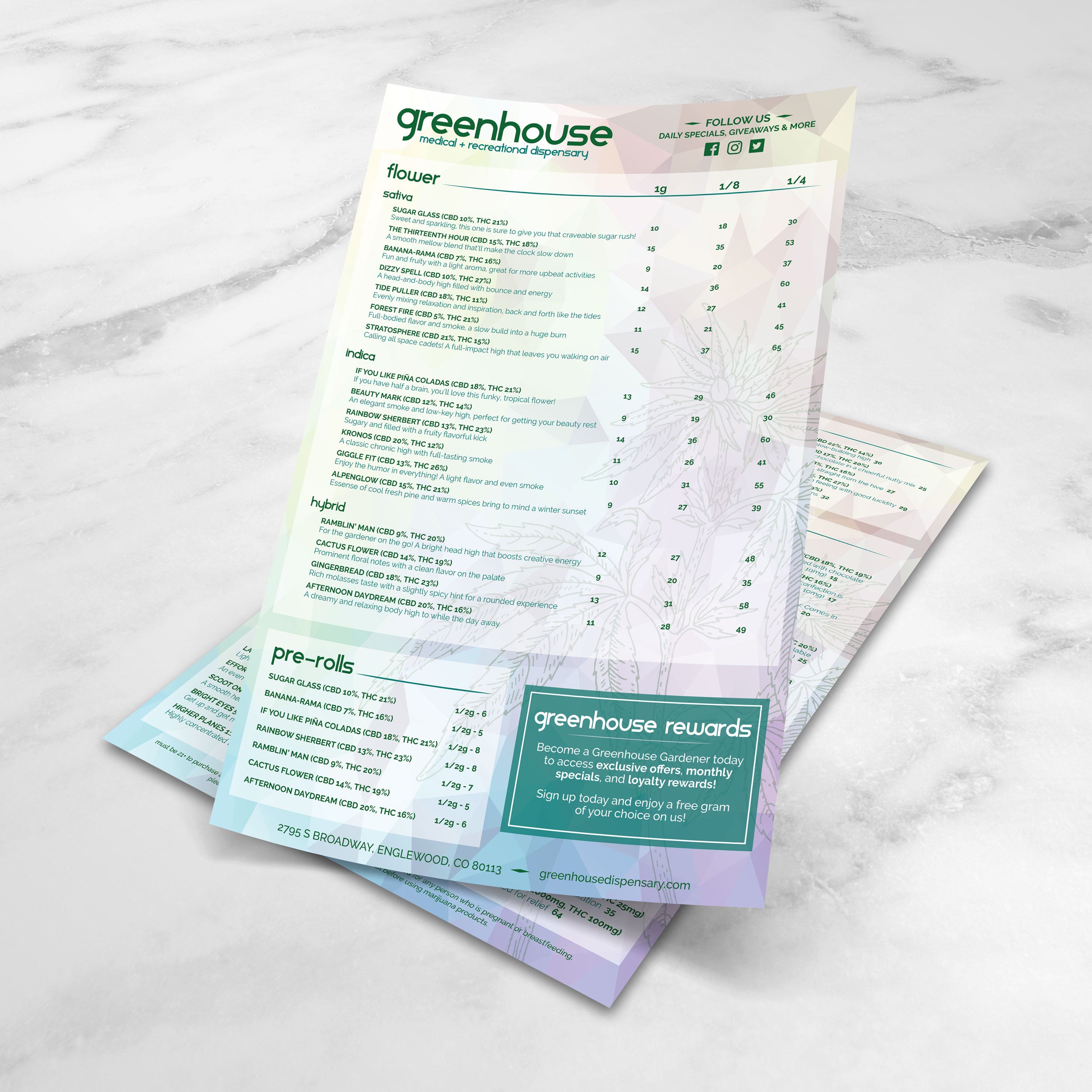
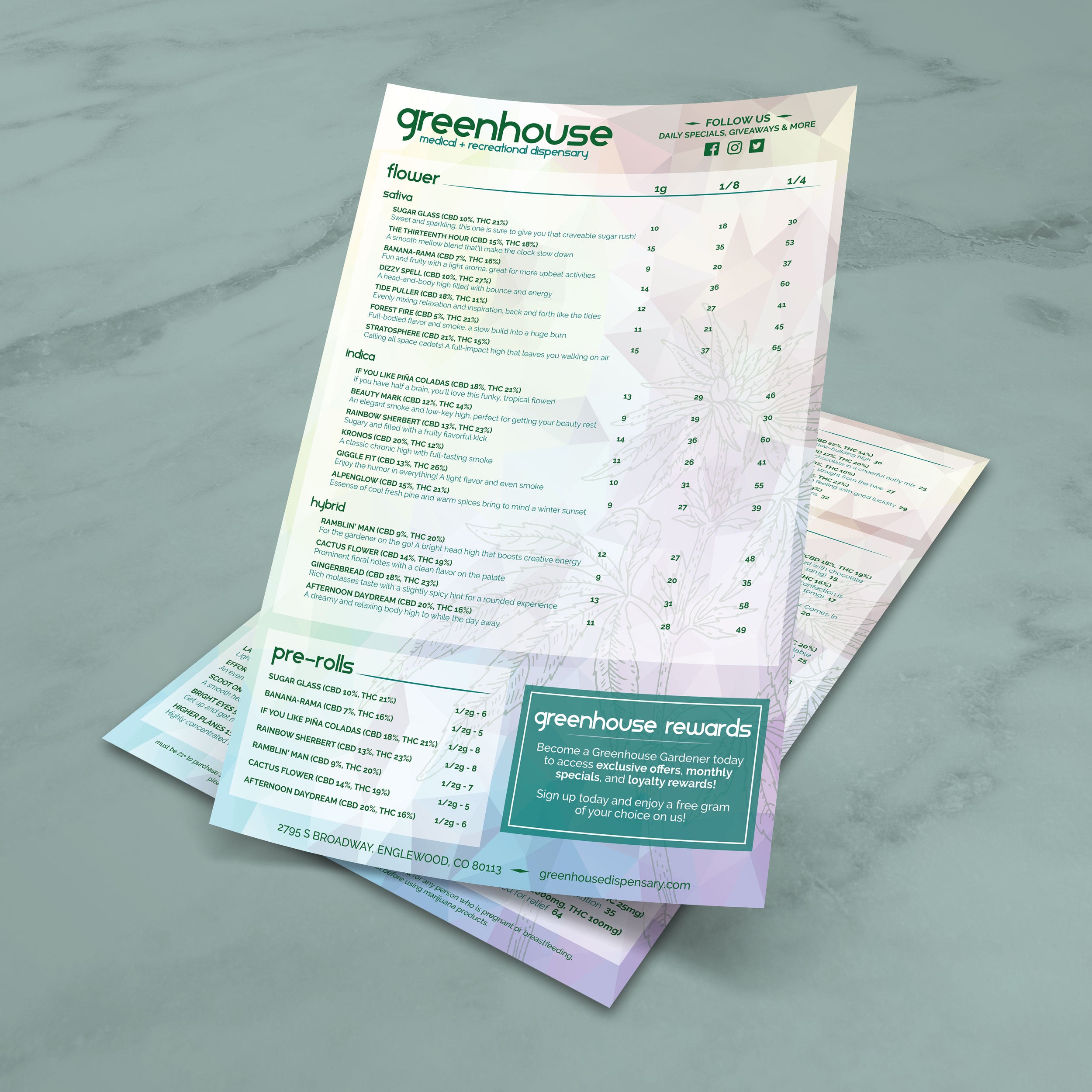
11” x 17” provides significantly more real estate than standard menus, allowing you to use larger typography, stronger spacing, and a clearer hierarchy. Guests don’t need to squint, and servers don’t need to explain where items are located. The format also supports cleaner category separation and better balance between item names, descriptions, and pricing.

Best Use Cases: Full Menus, Wall Menus, and Table Menus

This size works well for full food menus, drink menus, and hybrid menus that include both. It’s also a strong option for wall menus, counter menus, and displays where guests need to read from a distance. For table service, it feels premium in-hand and provides guests with a clear layout, eliminating the need for excessive flipping or folding.

When 11” x 17” Works Better Than 8.5” x 11”

If your menu includes multiple categories, longer lists, or detailed descriptions, an 8.5” x 11” format can feel crowded quickly. An 11” x 17” format gives you more breathing room, better readability, and a higher-end presentation. If you need the smaller format for quick updates or simple menus, our Free 8.5 x 11 menu templates are designed for clean single-page layouts that print fast.

When You Should Use a Smaller Format Instead

If your menu is short, or if you’re creating a slim drink list or specials insert, a smaller size may be more practical. For narrow layouts that work well on bar tops and small tables, our Free 4.25 x 11 menu templates are a strong option for focused menus that guests can scan.

What You Need Ready Before You Customize a Template

Before you start editing, gather your category structure, final item names, pricing information, and brief descriptions. Decide where specials should be displayed and whether you want featured items highlighted. Starting with clean content makes the design process faster and ensures your final 11” x 17” menu prints clean, looks balanced, and supports fast ordering.

A large menu size gives you room, but it still needs structure. Without a clear layout, 11” x 17” menus can feel like a wall of text. The goal is to utilize the space to create calm, organized sections that enable guests to quickly find what they want. At TerraSlate, we focus on scan-first design, featuring a strong hierarchy, consistent spacing, and clean category flow.

Choosing the Right Layout: Columns, Sections, and Spacing

Two or three columns usually work best for 11” x 17” menus, depending on how many categories you have. Columns help guests scan faster and keep pricing aligned. Use consistent spacing between sections and avoid packing items too tightly. White space isn’t wasted space; it’s what makes the menu readable.

Category Planning That Guides Ordering Decisions

Arrange categories in a logical order: starters, mains, sides, beverages, desserts. If your drink program is a significant revenue driver, consider placing it higher or dedicating a section to it. Keep categories grouped and avoid splitting a single category across multiple areas unless necessary.

Typography Rules for Large Menus (Headers vs. Body Text)

Your headers should clearly stand out from item names, and item names should stand out from descriptions. Use consistent font weights and sizes across the entire menu. Extensive menus allow more generous type, which improves readability in low-light environments and reduces ordering friction for guests.

Highlighting Best Sellers Without Making the Menu Busy

Use subtle highlighting: a “house favorite” label, a small icon, or a lightly boxed feature area. The key is restraint. Too many callouts make the menu feel chaotic and reduce the impact of what you actually want to sell.

When a Trifold Layout Might Be the Better Choice

If your menu has many categories and you want a structured panel flow, a trifold might be easier to navigate than a flat 11” x 17”. A trifold helps you organize content into six panels and guide guests panel by panel. If that fits your concept better, our Free 11 x 17 trifold templates are designed to keep category flow clean while still using the same sheet size.

11” x 17” menus look impressive, but only if they print cleanly and consistently. Most print issues come from missing bleed, weak margins, or export settings that reduce clarity. A strong file setup prevents cut-off text, uneven borders, and reprints caused by avoidable layout mistakes.

Bleed, Trim, and Safe Zones for Full-Page Menus

If your design includes background color, borders, or artwork near the edge, use bleed so the design extends past the trim line. This prevents white edges after cutting. Keep item names, prices, and headers within safe zones to avoid any text from being trimmed off, even with minor variations during cutting.

Export Settings for Sharp Text and Consistent Color

Export your menu as a print-ready PDF with embedded fonts and high-resolution images. Avoid compressing the file too aggressively, as it can soften text and make logos appear blurry. Crisp typography is one of the most significant indicators of quality in a menu, especially at this size.

Proofing Checklist Before You Print in Volume

Always print one test copy at actual size. Review it as a guest would, checking spacing, alignment, pricing, and readability under real lighting conditions. Confirm that your headings stand out, prices align cleanly, and no content sits too close to the edge. This step catches the most common issues before you commit to a full run.

Paper Orientation and Printer Settings That Reduce Errors

Confirm whether your design is in portrait or landscape orientation, and ensure the printer settings match. Incorrect orientation or scaling settings can cause margins to shift or text to shrink unexpectedly. Use “actual size” printing whenever possible and confirm that any cut marks sit outside the trim area.

Common Layout Problems and How to Fix Them

The most common problems include missing bleed, inconsistent spacing between categories, cluttered sections, and images that are not of high enough resolution. Fix them by using a simple grid, maintaining consistent margins, and tightening content rather than shrinking fonts. A clean structure ensures predictable printing and gives your menu a premium look every time.

A large menu size usually means longer guest interaction. People pick it up, scan multiple sections, pass it around the table, and set it down repeatedly. That constant handling quickly exposes weak materials. If you use standard paper, you’ll see stains and worn corners fast. If you use lamination, you’ll deal with clouding and scratched surfaces over time. At TerraSlate, we offer materials designed to replace lamination, keeping menus cleanable, readable, and durable.

Why Paper and Lamination Don’t Hold Up Long-Term

Paper absorbs moisture and grease, stains easily, and breaks down quickly at corners. Lamination may feel like an upgrade, but it can cloud over time, bubble or delaminate at the edges, and scratch with regular use. It often looks worn before the menu actually needs a content update, which forces unnecessary reprints.

TerraSlate Flagship Sheets for Waterproof, Rip-Proof Menus

TerraSlate is our flagship synthetic paper, built to be 100% waterproof and rip-proof. It’s designed for frequent handling and routine cleaning, which makes it ideal for 11” x 17” menus that stay in rotation daily. When you want a premium menu that withstands heavy service, this is the strongest option.

Value-Oriented PolySlate for High-Volume Menu Programs

Value-oriented PolySlate is a strong option when you want waterproof menus at a lower cost per sheet, especially for restaurants that print in high volumes or frequently update their menus. It’s designed for laser printing and works well for weekly updates, seasonal changes, or multi-location menu programs that require predictable cost control.

TerraShield™ Anti-Microbial Coating for High-Contact Menus

For menus that are shared constantly, TerraShield™ adds built-in protection for long-term use. TerraSlate can print menus for you using our proprietary TerraShield™ anti-microbial coating, offering industry-leading turnaround and fast shipping. This supports a cleaner menu program while reducing reliance on harsh chemical disinfectants.

Choosing Thickness for a Premium Feel and Long Lifespan

Thickness affects both feel and durability. 5 Mil is flexible, 8 Mil is a strong everyday option, 10 Mil adds more structure for heavier handling, and 14 Mil is more rigid for demanding environments. Choosing the right thickness helps 11” x 17” menus stay flat, resist wear, and maintain a premium look longer, which reduces replacement frequency over time.

One of the most significant advantages of 11” x 17” templates is flexibility. You can use the same size for full menus, drink menus, specialty menus, and even signage-style layouts where readability matters from a distance. When you build a strong template system, you can maintain consistent design while swapping content across seasons, services, and business needs.

Dinner Menus, Cocktail Menus, and Wine Lists

11” x 17” is ideal for full menus because it provides ample space for clear categories, readable descriptions, and pricing that aligns neatly. It also works well for cocktail and wine lists because you can include tasting notes, flight options, and featured selections without crowding the page.

Seasonal Menus and Limited-Time Promotions

Seasonal updates work best when the structure stays the same. Use a consistent category layout, then rotate specials, swap pricing, and update limited-time items in the same areas every time. This enables faster updates for your team and maintains a familiar menu for returning guests.

Catering Menus and Event Menus

For catering, you can use the extra space to clearly break down package tiers, add-ons, serving sizes, and ordering notes. For events, 11” x 17” menus work well as display menus, banquet menus, or handouts that guests can scan.

Retail and Hospitality Signage and Price Sheets

Beyond food service, this size works well for price sheets, service menus, product lists, and promotional signage. Hotels use it for room service menus and concierge guides. Retail teams use it for seasonal promotions and category-based product displays. The same template principles apply: clear structure, consistent hierarchy, and fast scanning.

Building a Consistent Template System Across Formats

A strong menu system ensures that typography, spacing, and category logic remain consistent across every piece you print. When your 11” x 17” menu matches your smaller inserts, drink lists, and promo sheets, the guest experience feels more polished, and your team can update content without redesigning from scratch. Consistency is what makes templates a true operational advantage, not just a design shortcut.

11” x 17” menus are designed to be seen, handled, and reused, so their maintenance is crucial. The goal is simple: keep menus clean, prevent wear at corners and edges, and update content without having to restart from scratch. When you build a system around durability and consistency, menus stay guest-ready longer, and your reprint cycle slows down.

Cleaning Routine for Waterproof Menus

Wipe menus down regularly to remove grease, fingerprints, and spills. Clean after peak shifts and spot-clean throughout the day when needed. Waterproof menu materials make this routine easy because moisture doesn’t soak in, and the menu won’t warp or soften over time.

Why Soap and Water Work Best

Simple soap and water are recommended for our paper because they clean effectively without degrading the printed surface over time. Harsh chemical cleaners can be unnecessarily aggressive when used frequently. A consistent soap-and-water routine keeps menus clear, readable, and professional while supporting long-term use.

Storage Tips to Prevent Curling and Corner Wear

Store menus flat in stacks or in clean bins that protect the edges. Avoid heat sources and direct sunlight when possible. Rotate your stacks so the same few menus don’t take all the wear. Simple storage habits can significantly extend menu life, especially with high-touch usage.

Updating Templates Without Redesigning

Treat templates like a system. Keep your layout structure stable and update content fields only: pricing, seasonal items, limited-time features, and specials. This prevents layout drift, reduces errors, and speeds up approvals because the overall look remains consistent.
Why Better Than Lamination Saves Money Over Time

Paper menus wear out quickly, and lamination can cloud up, scratch, bubble, or delaminate, adding replacement costs when it starts looking tired. Waterproof, rip-proof menus reduce reprints and maintain higher presentation quality for longer. Over time, that lowers total menu costs and makes your menu program easier to manage, without sacrificing a premium guest experience.