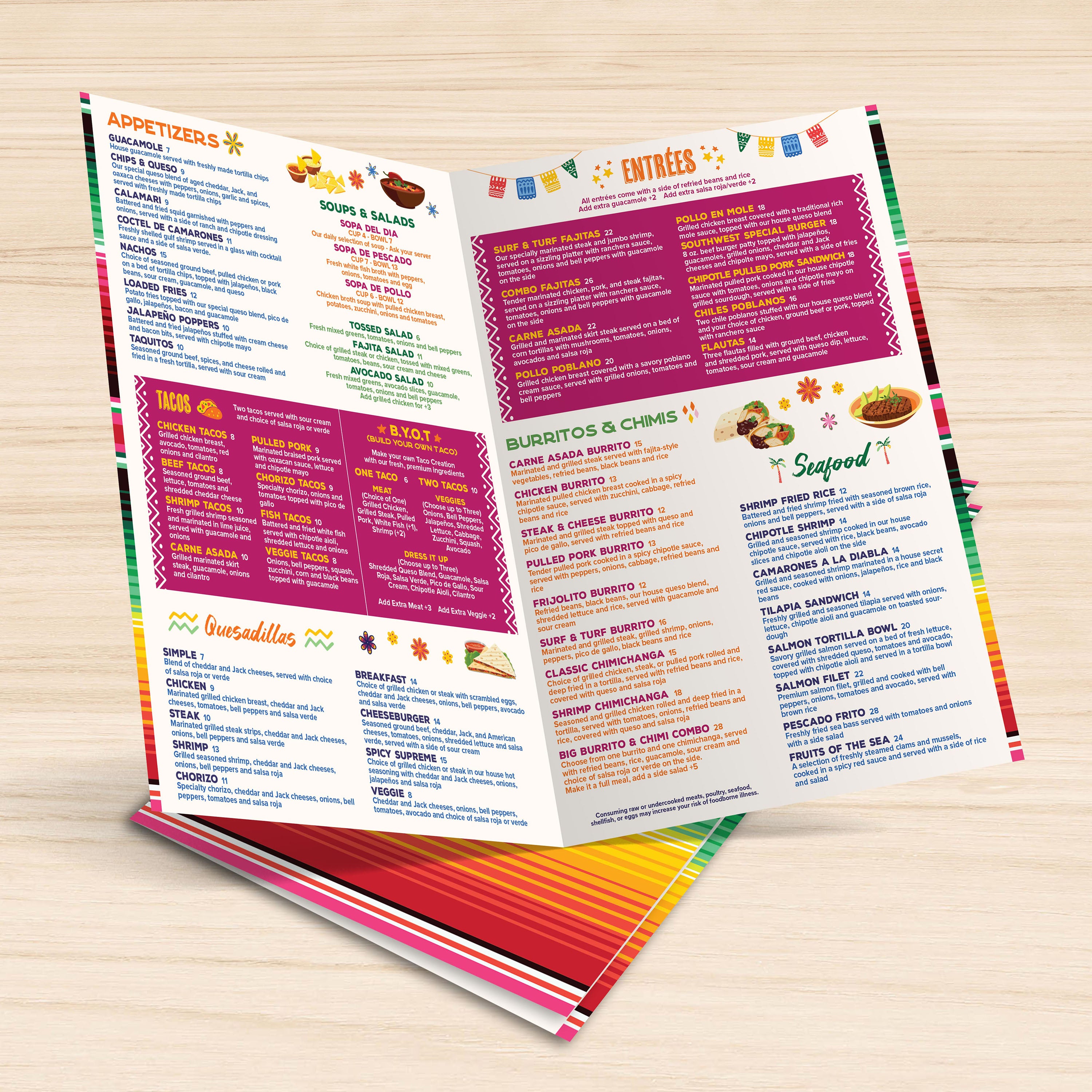
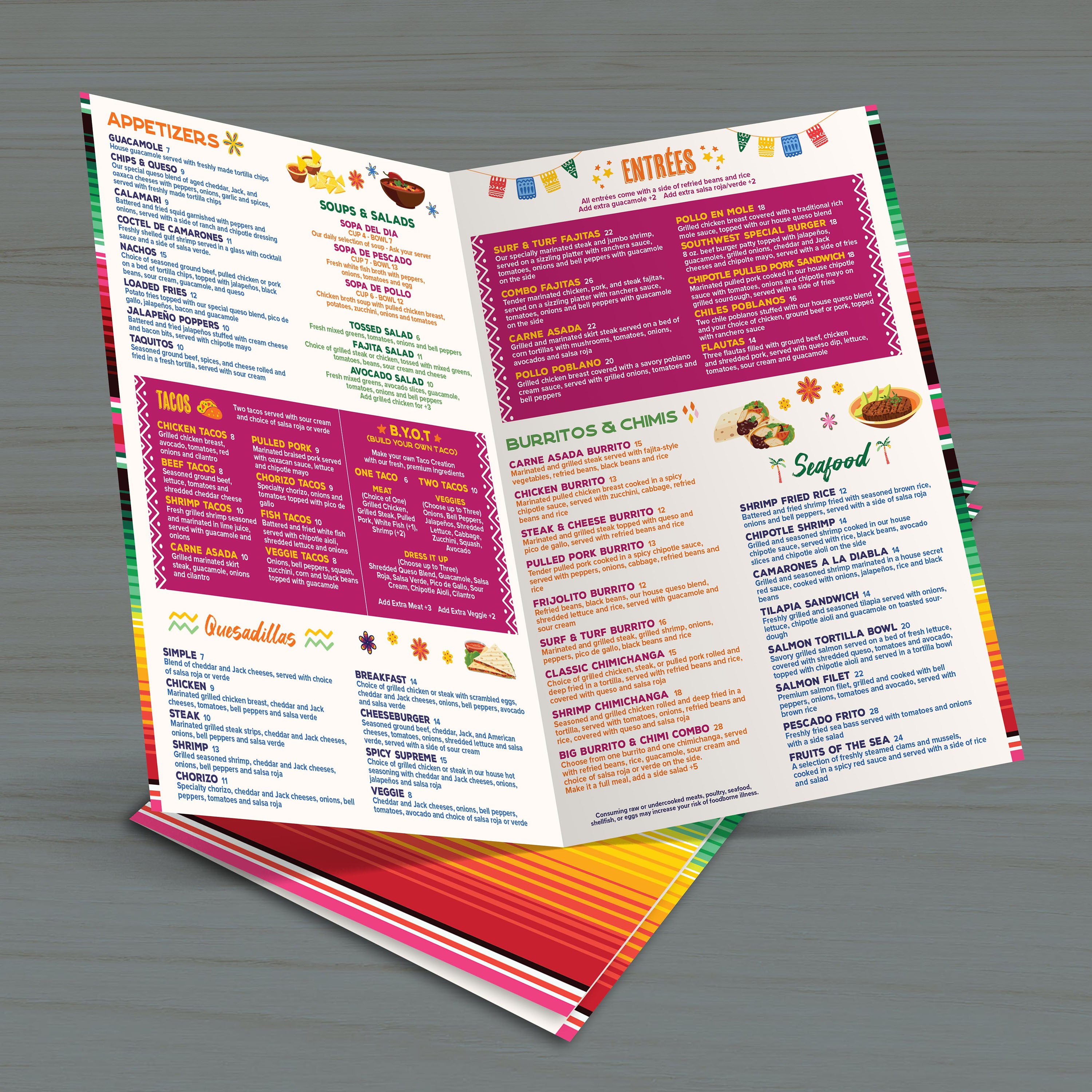
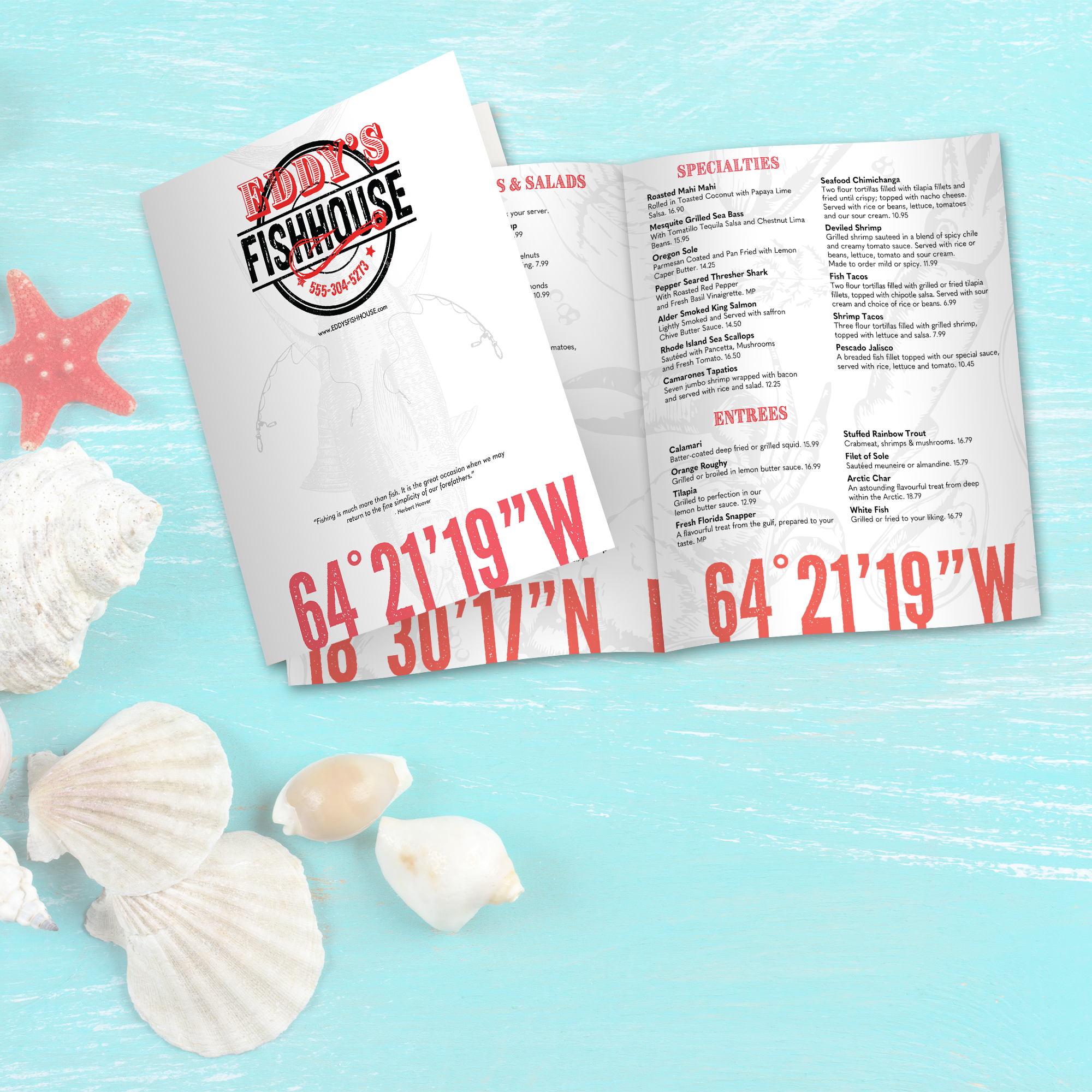
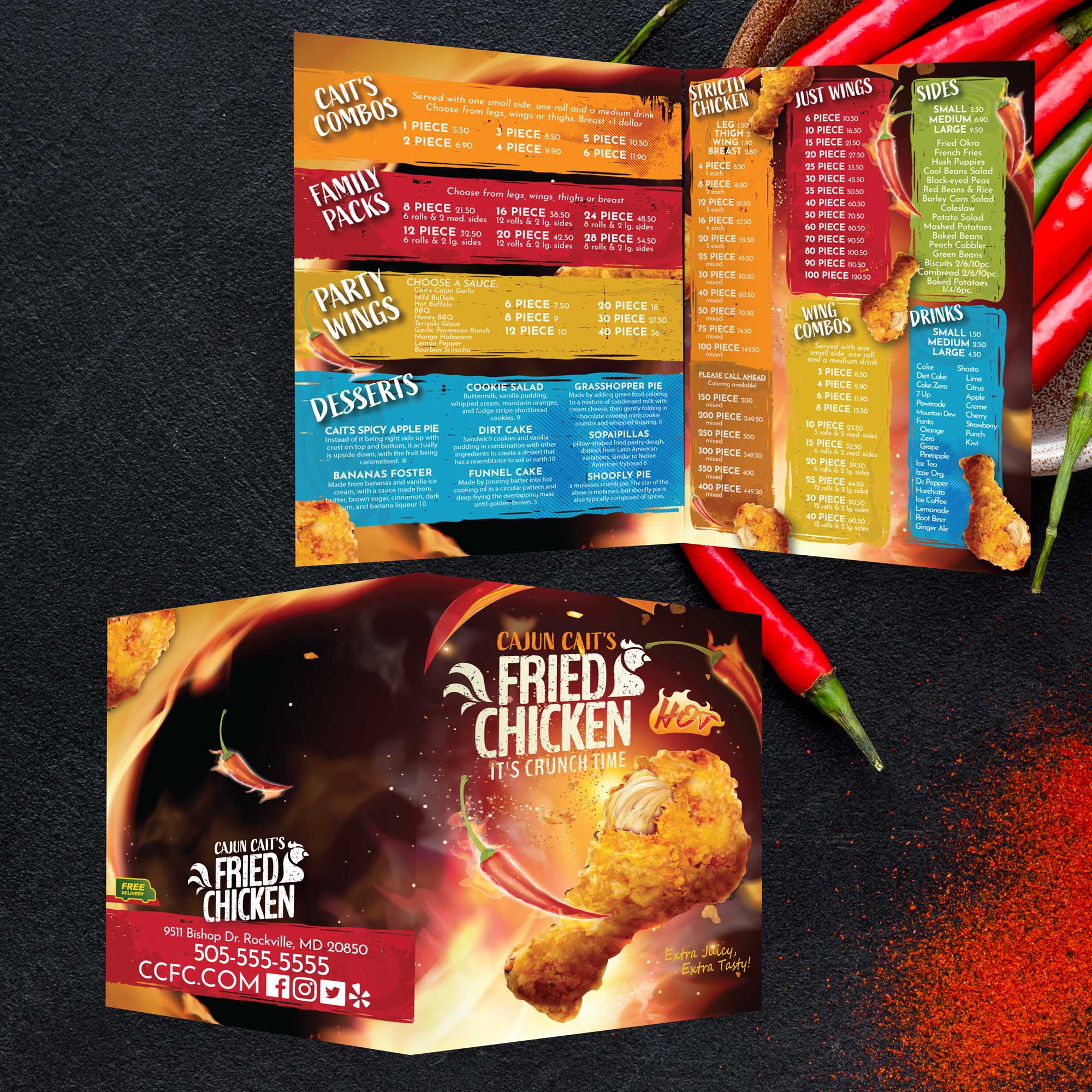
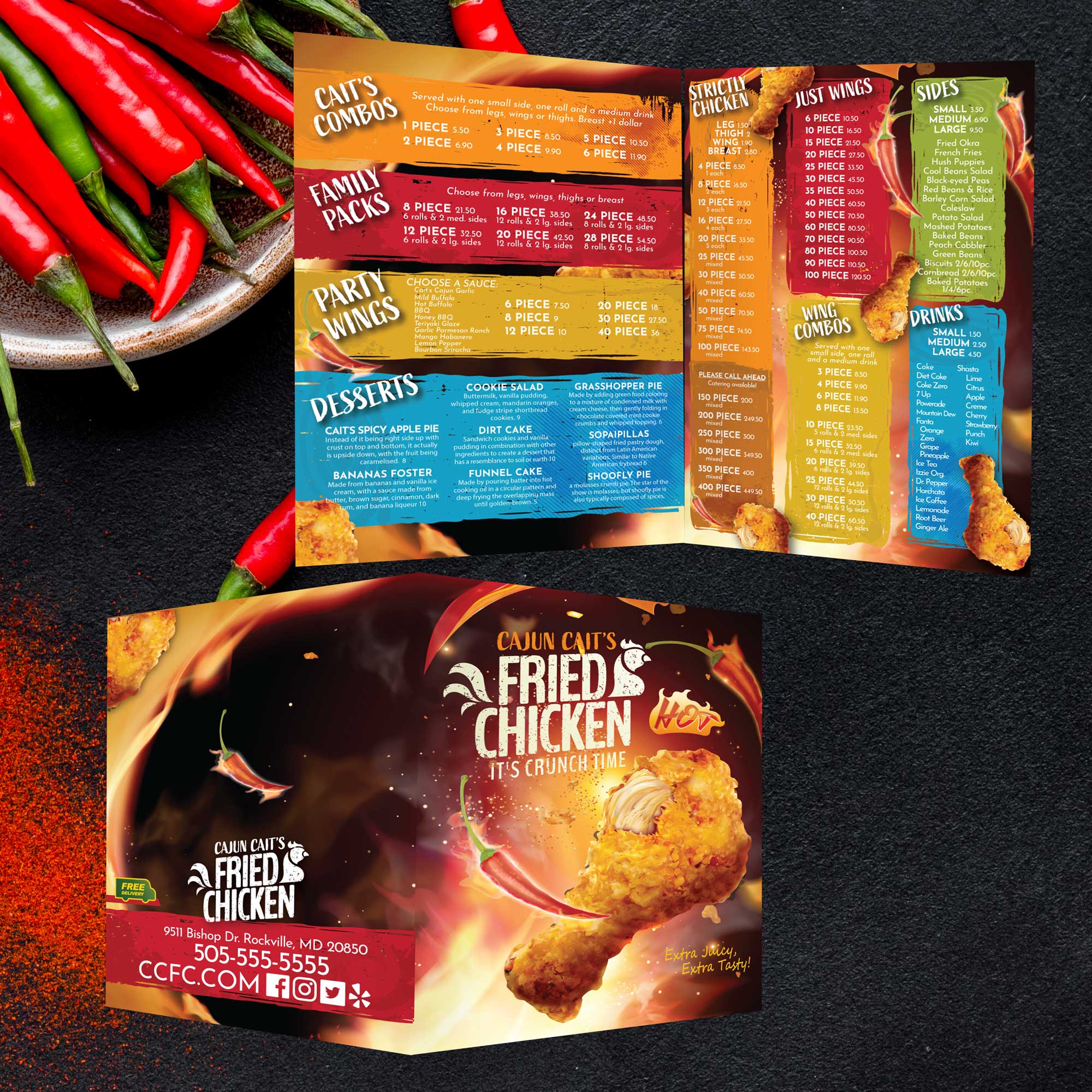
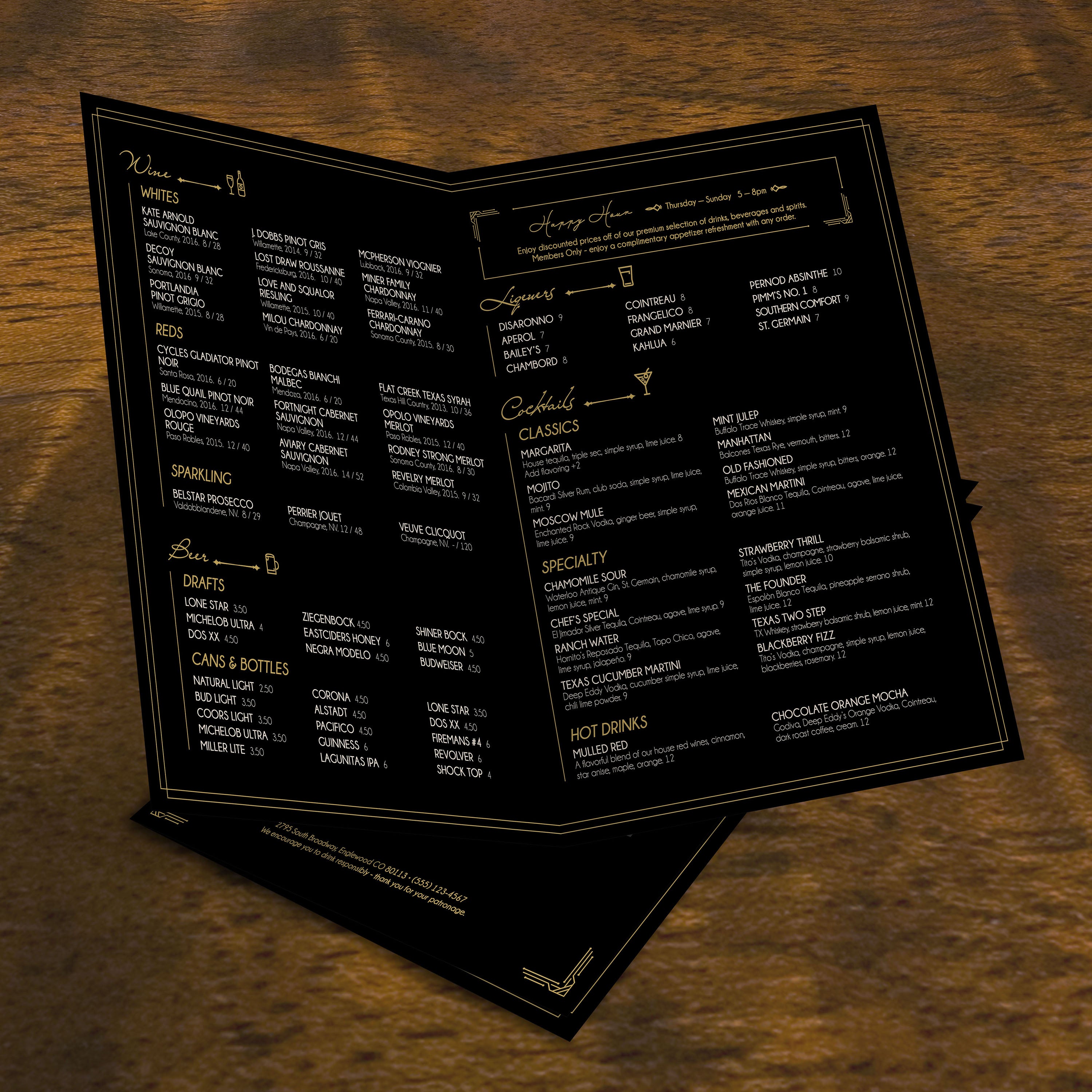
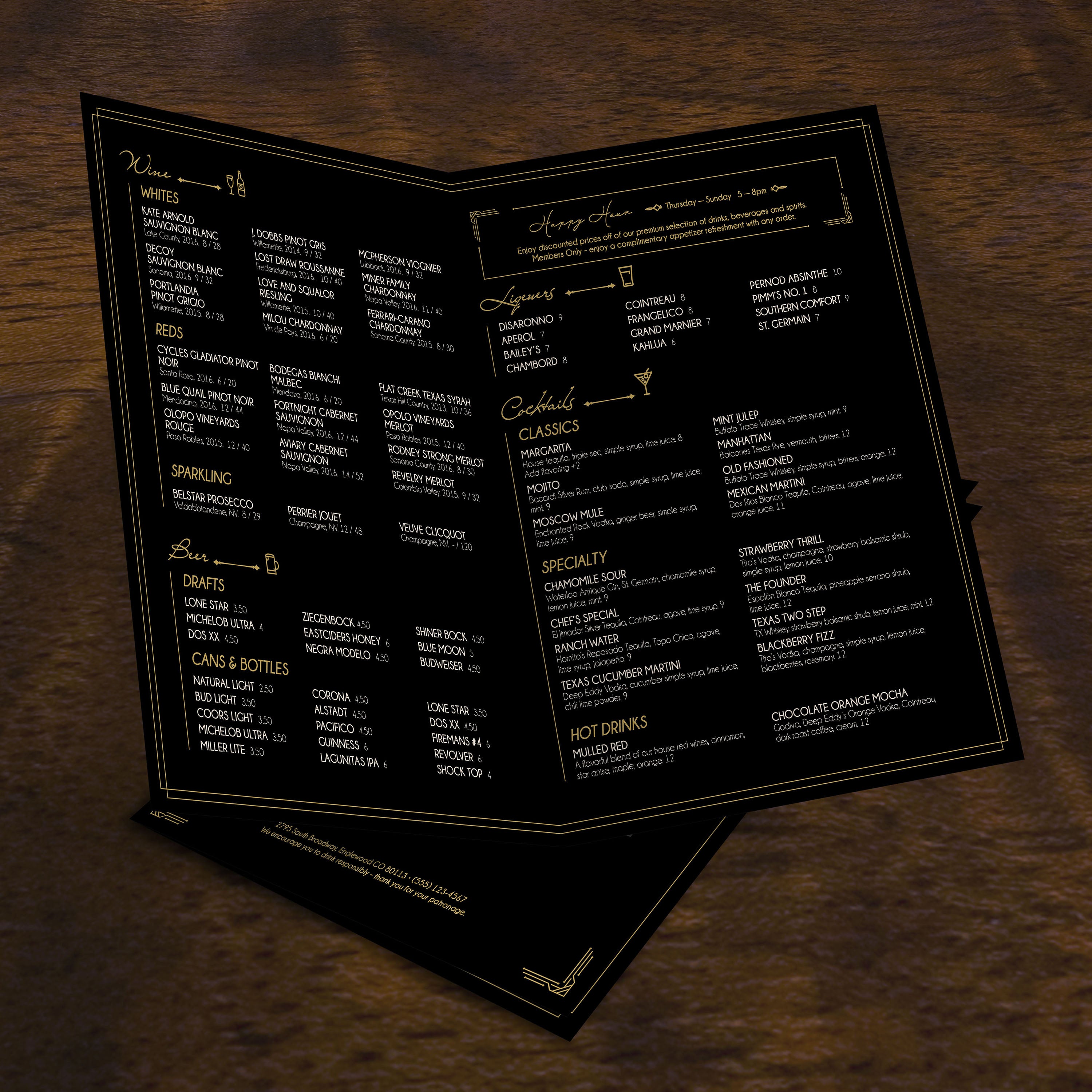
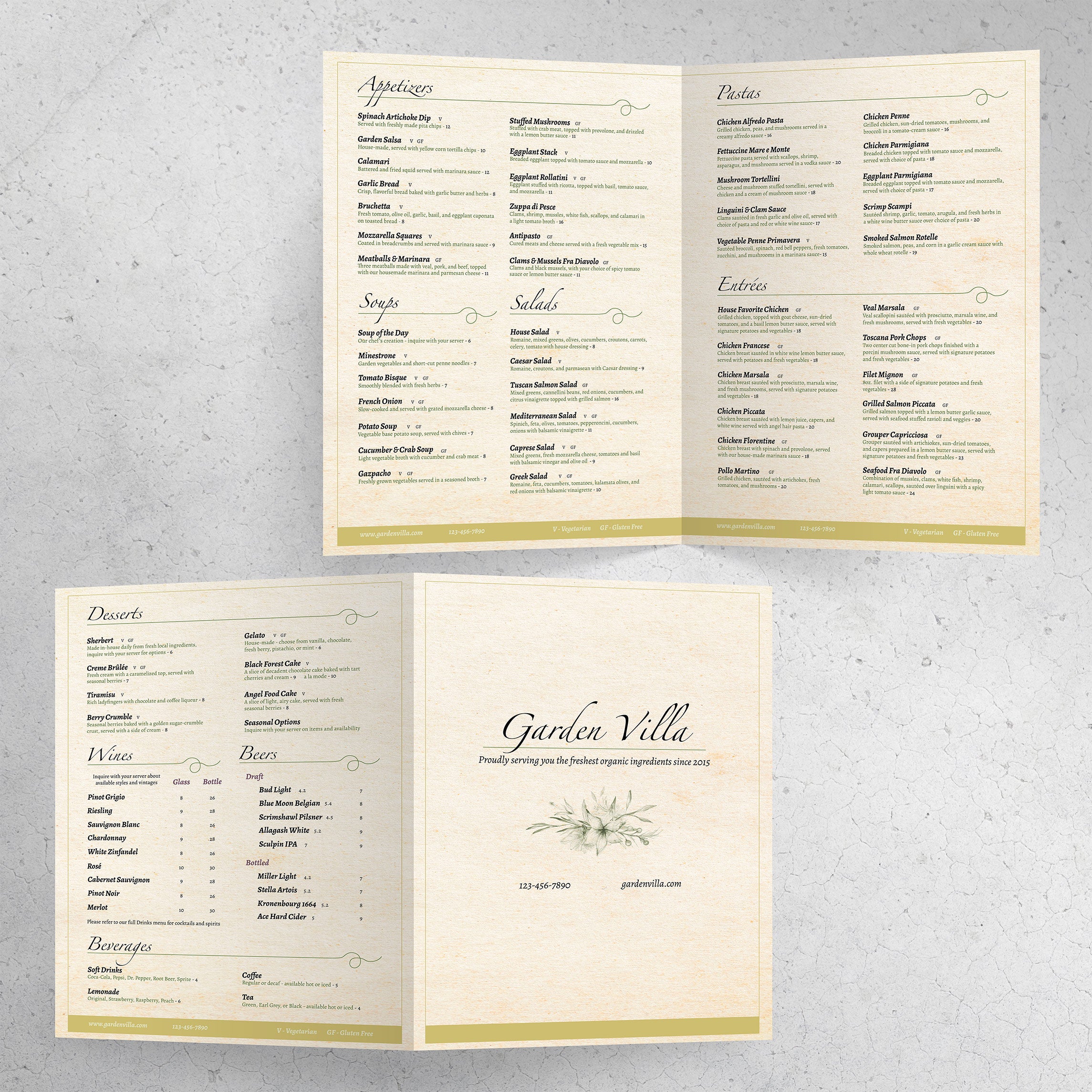
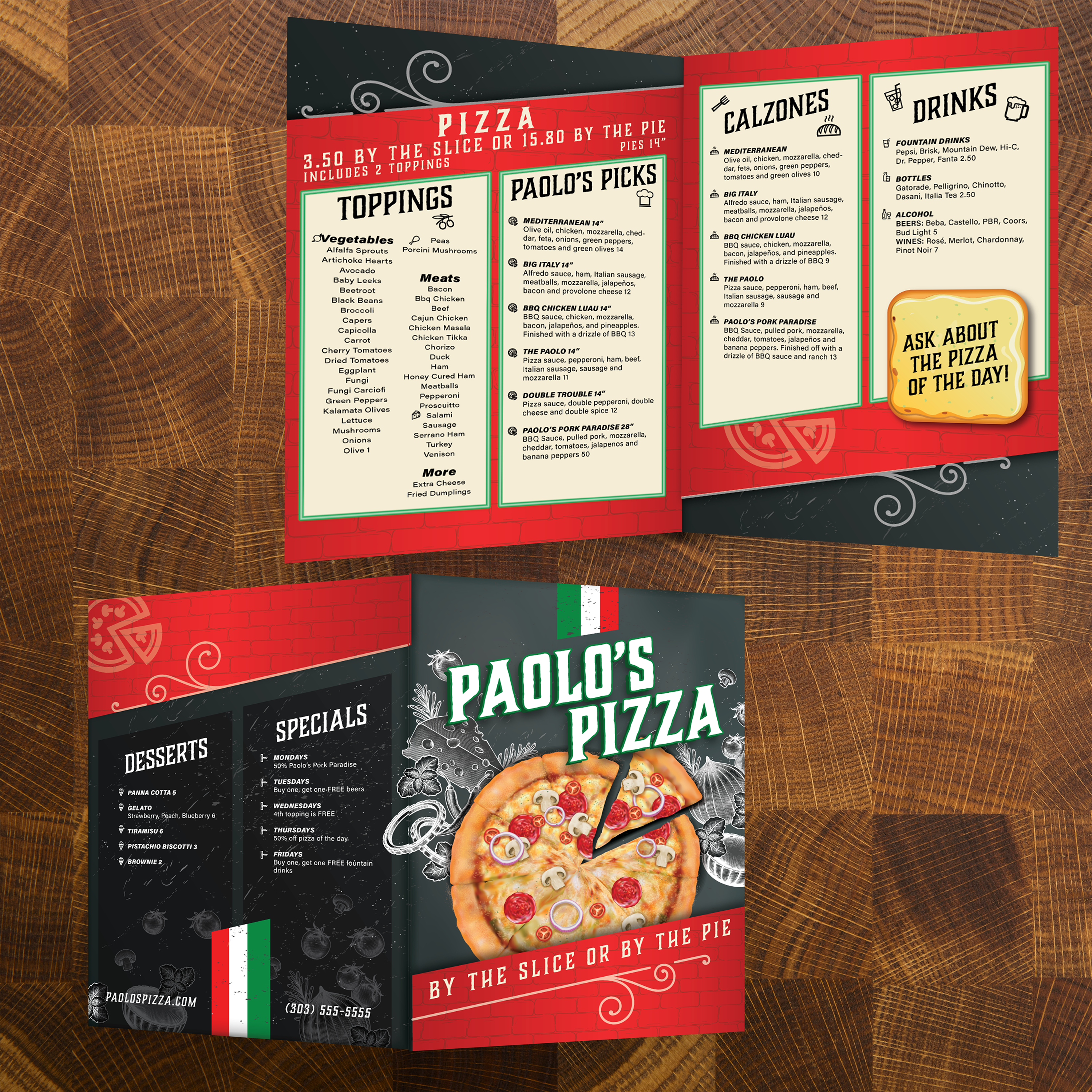
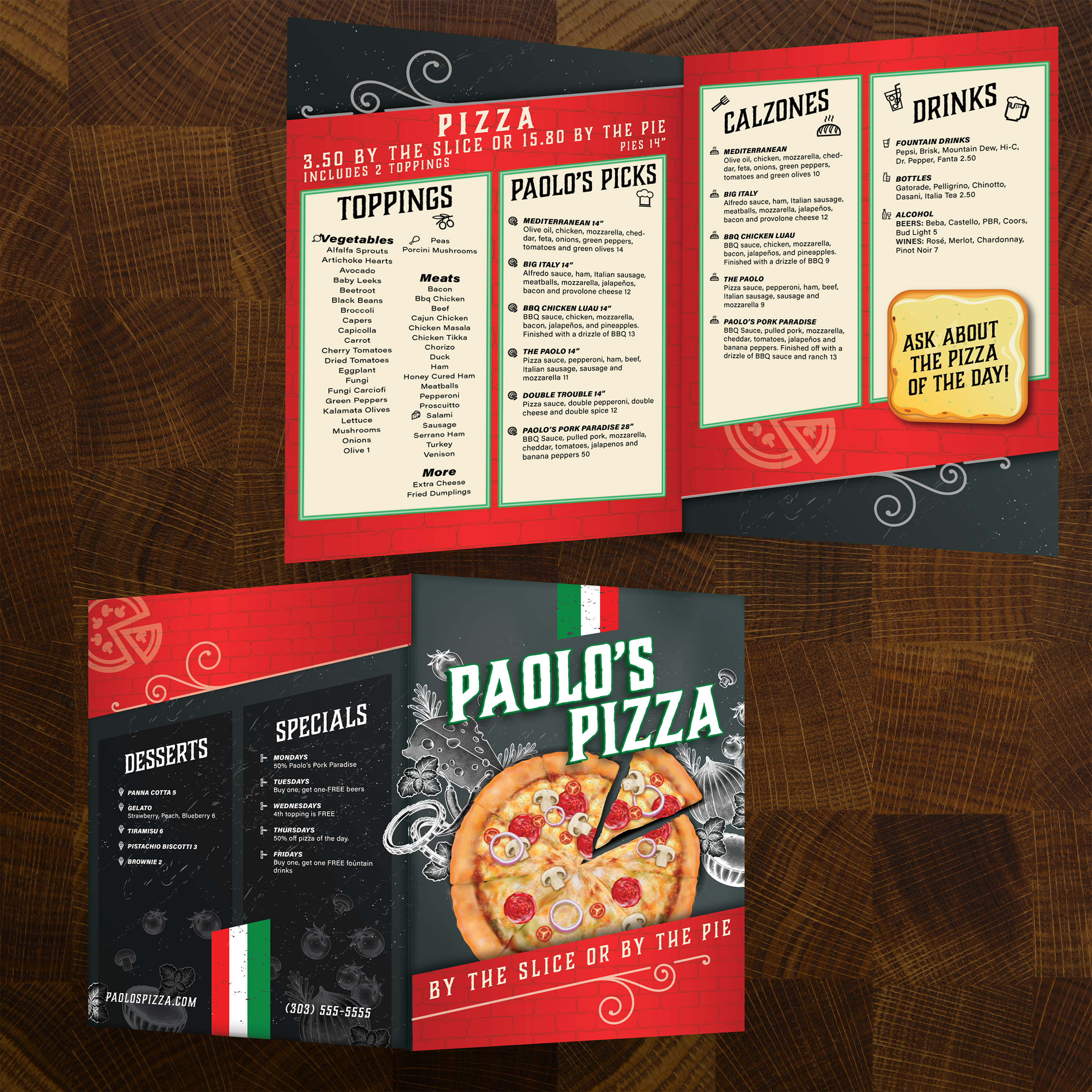
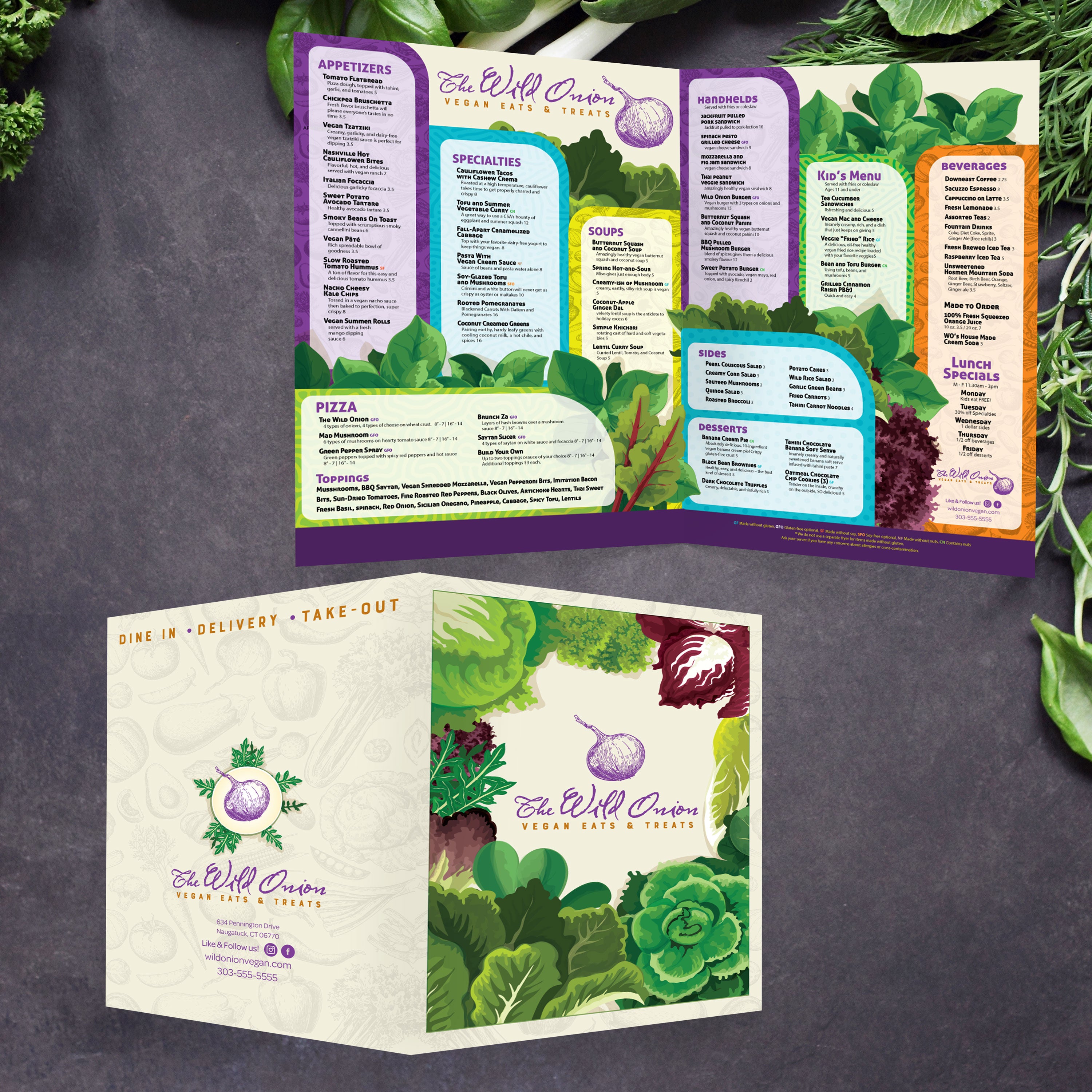
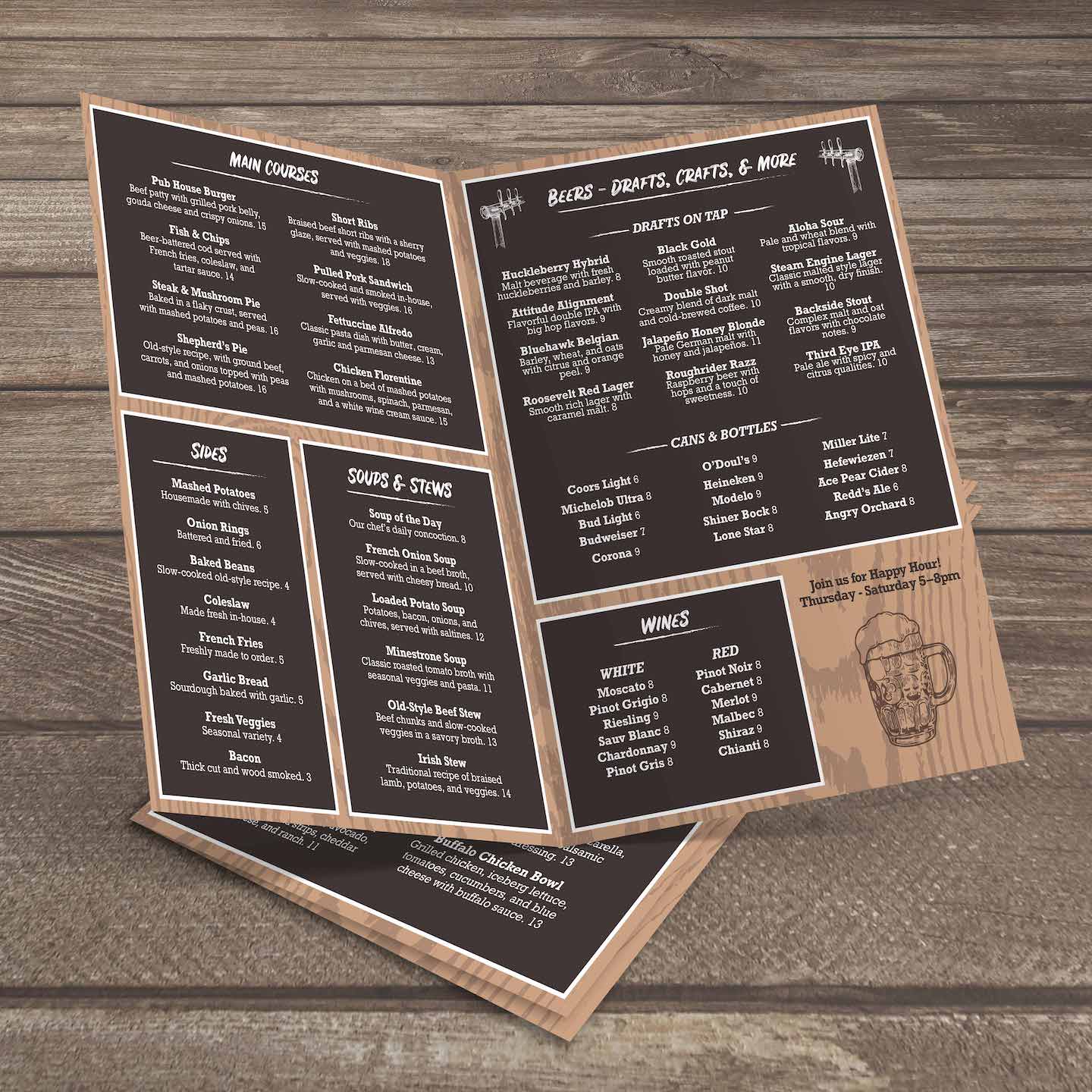
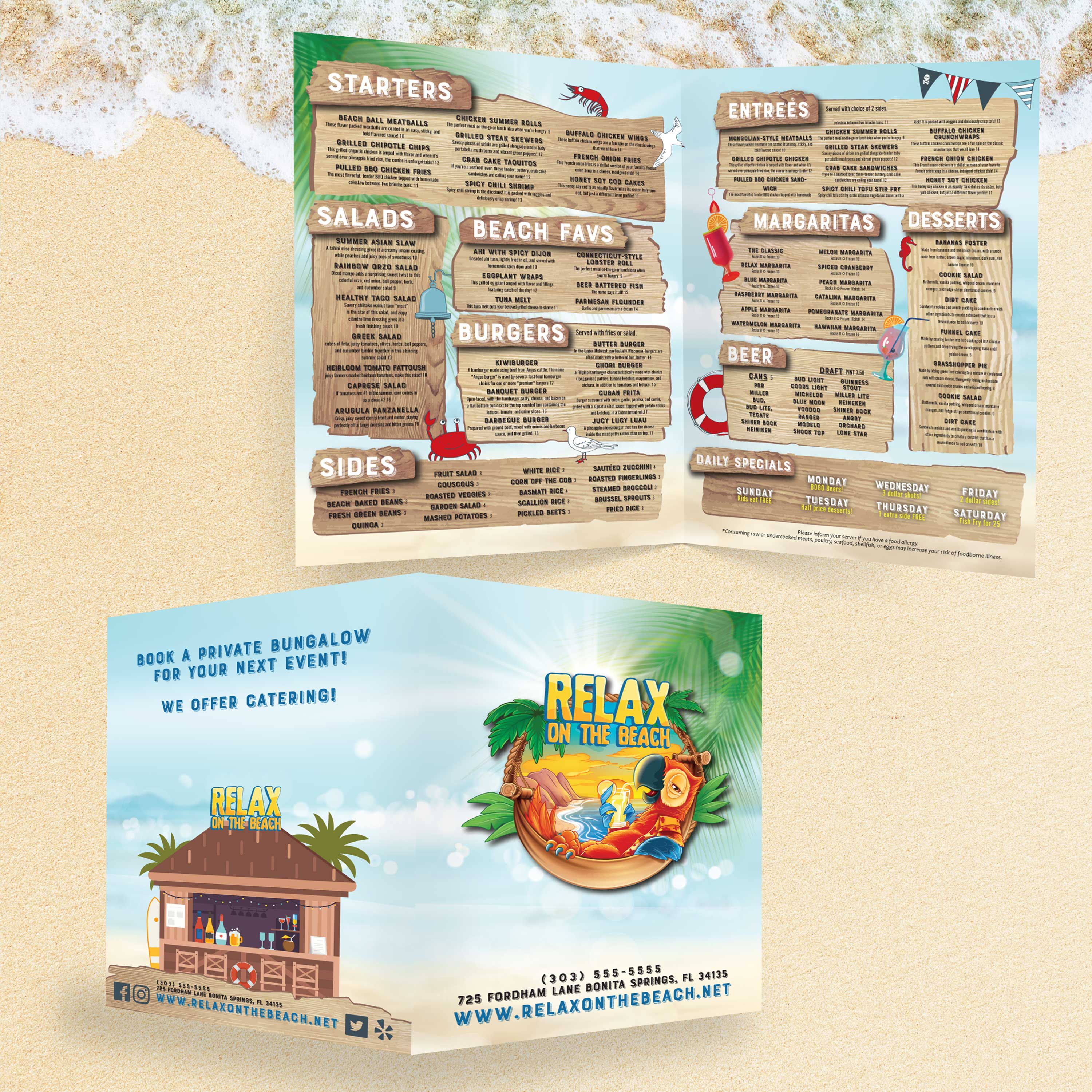
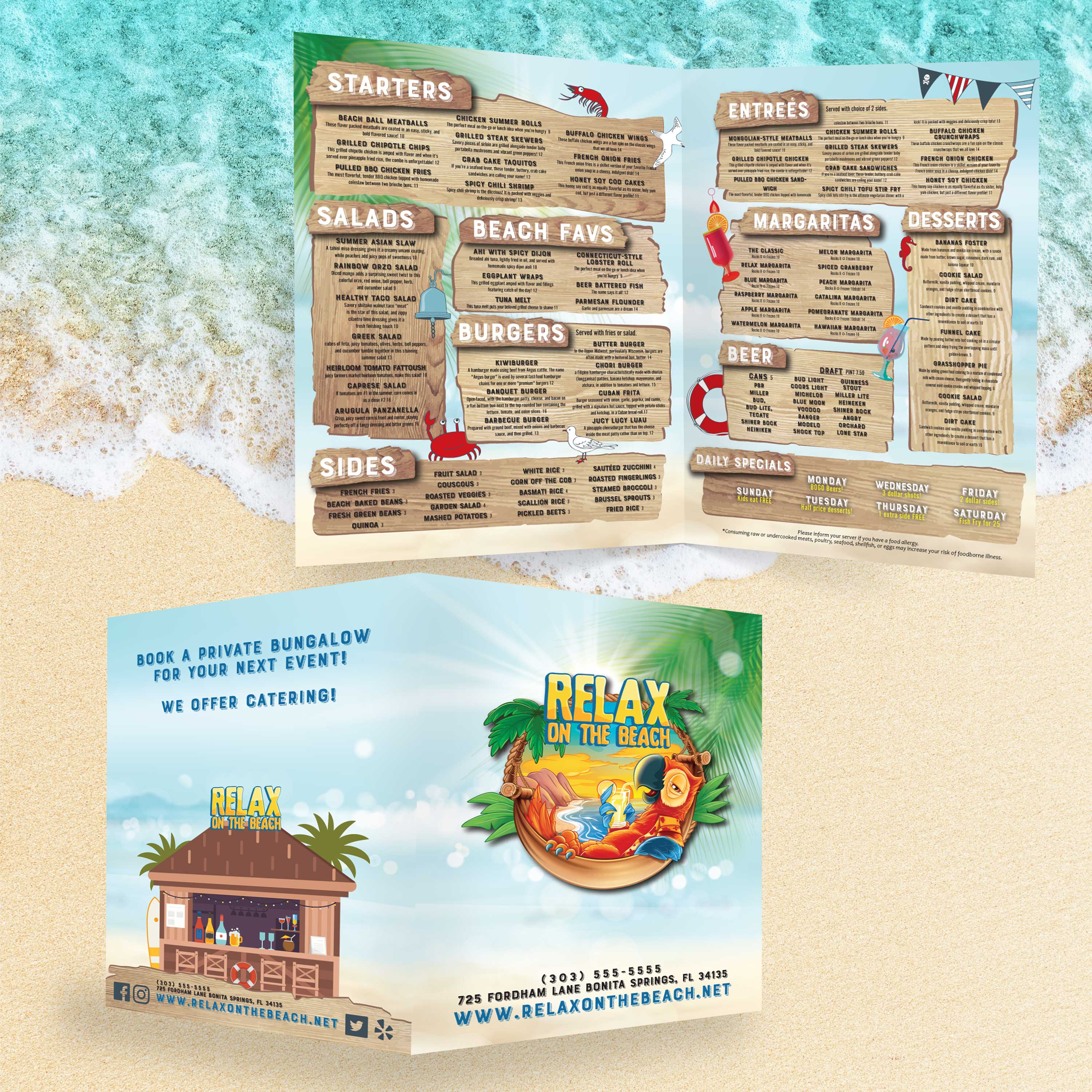
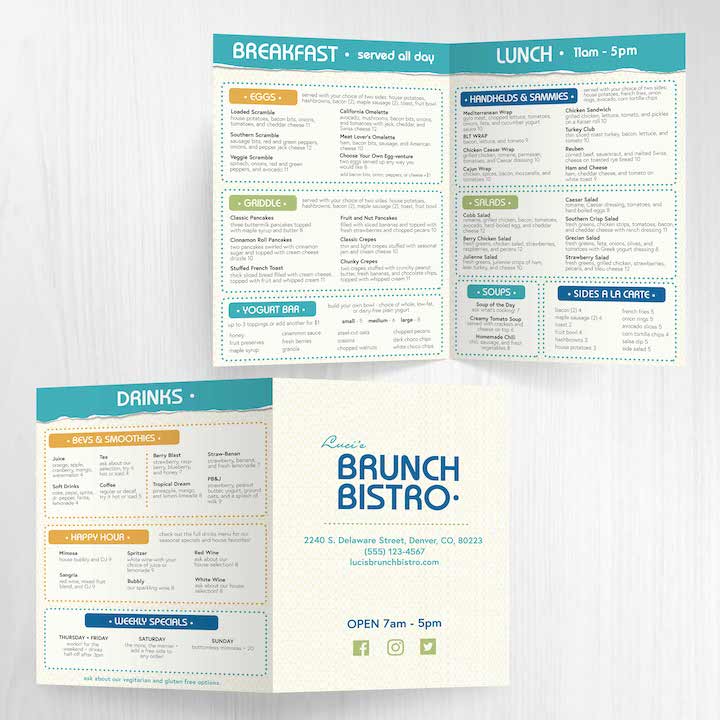
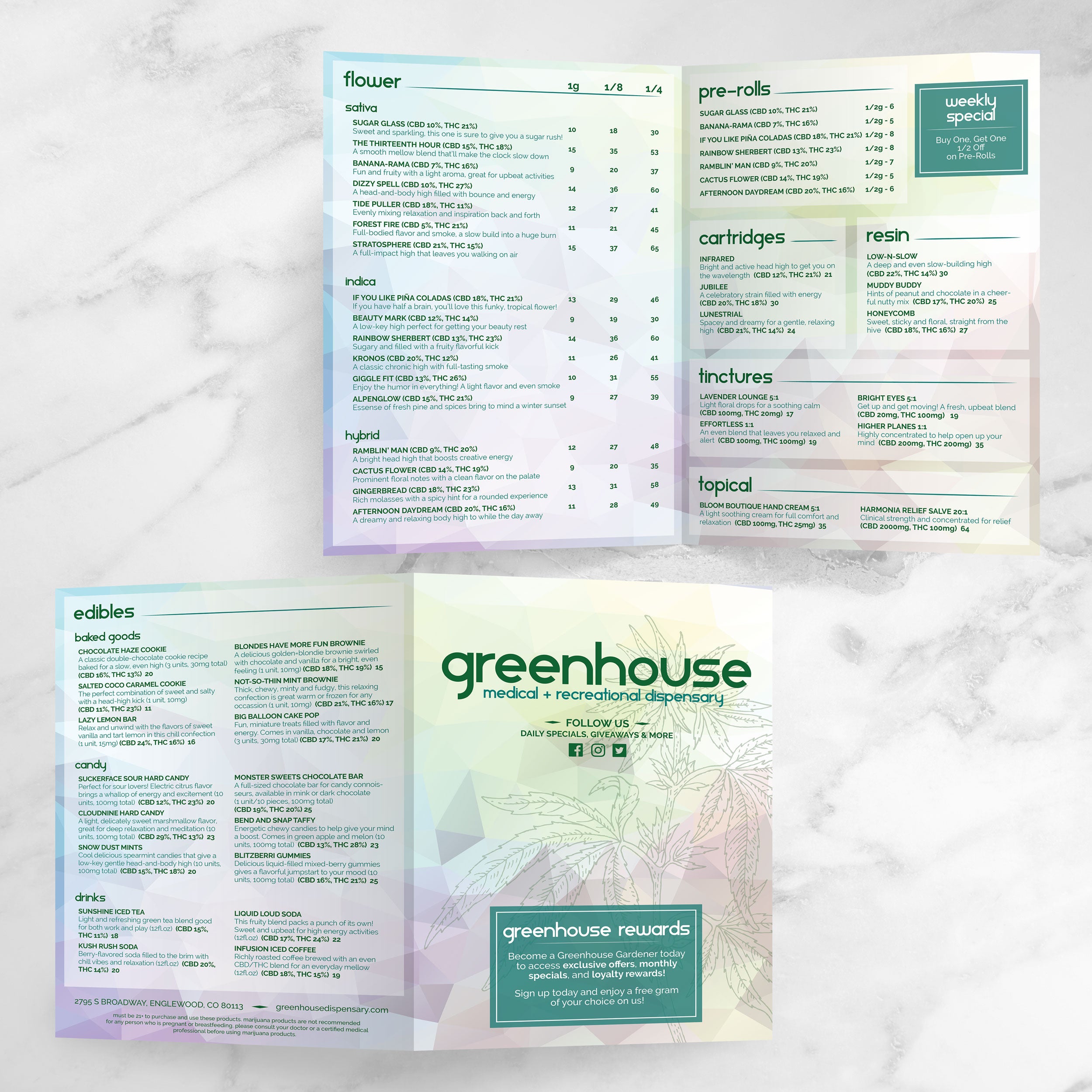
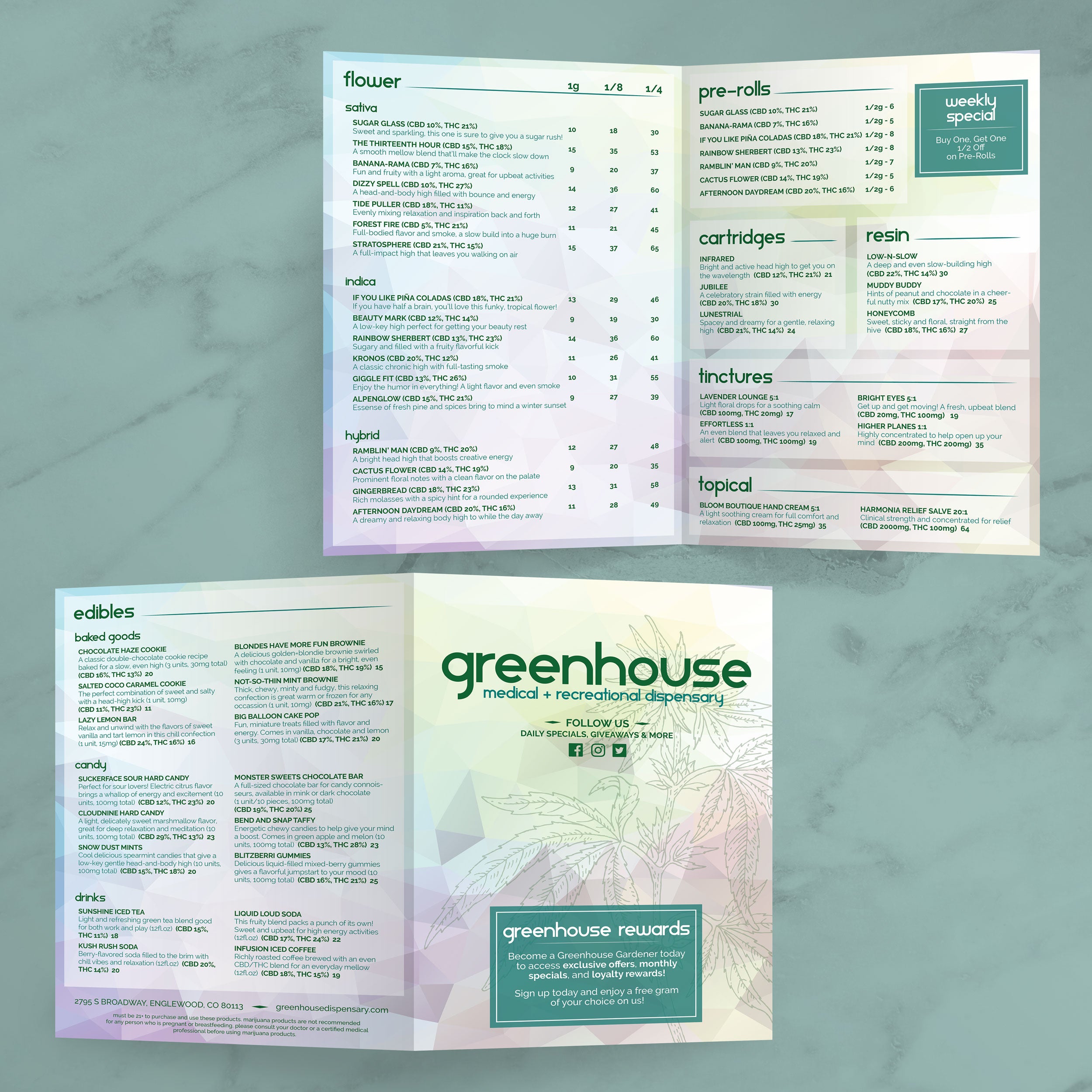
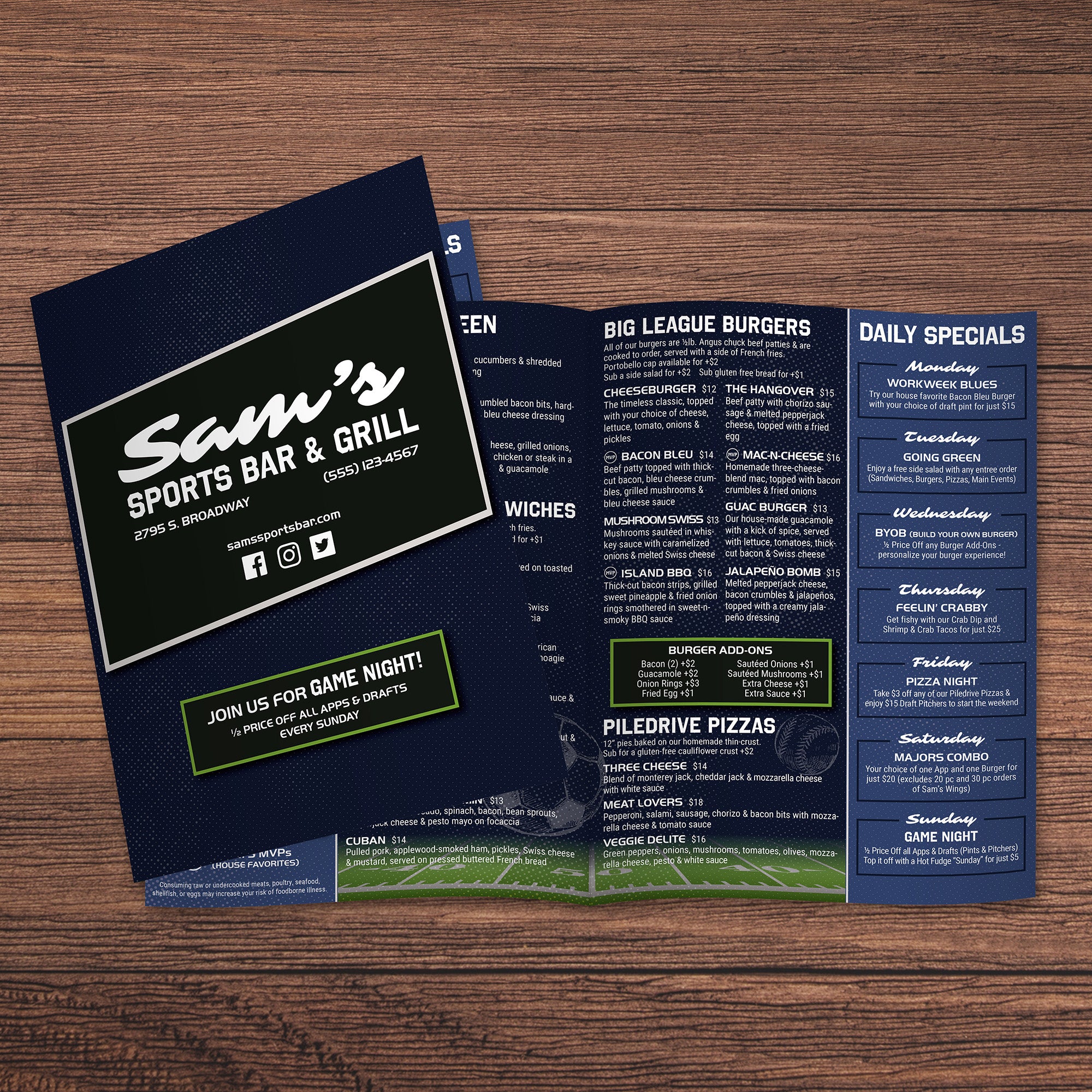
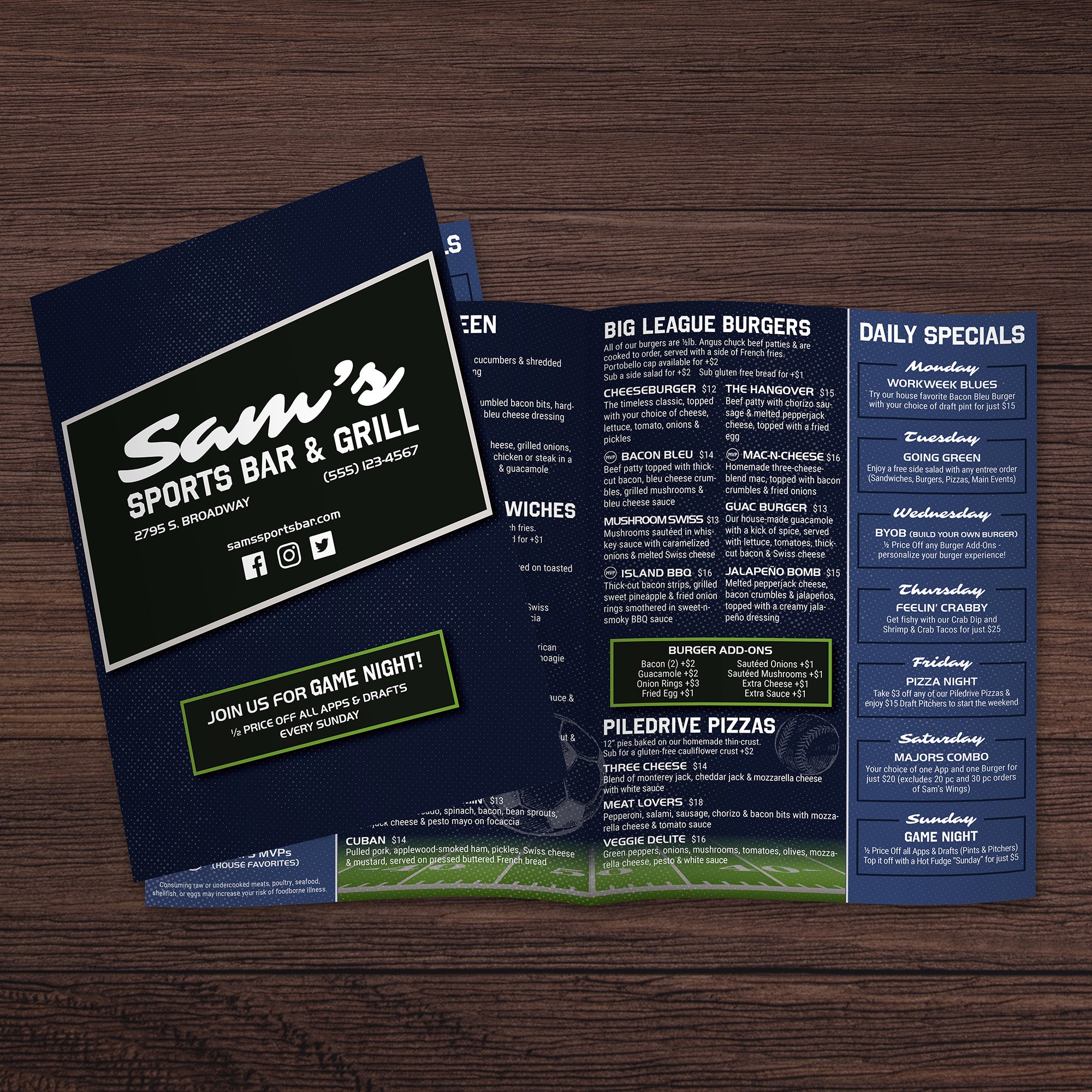
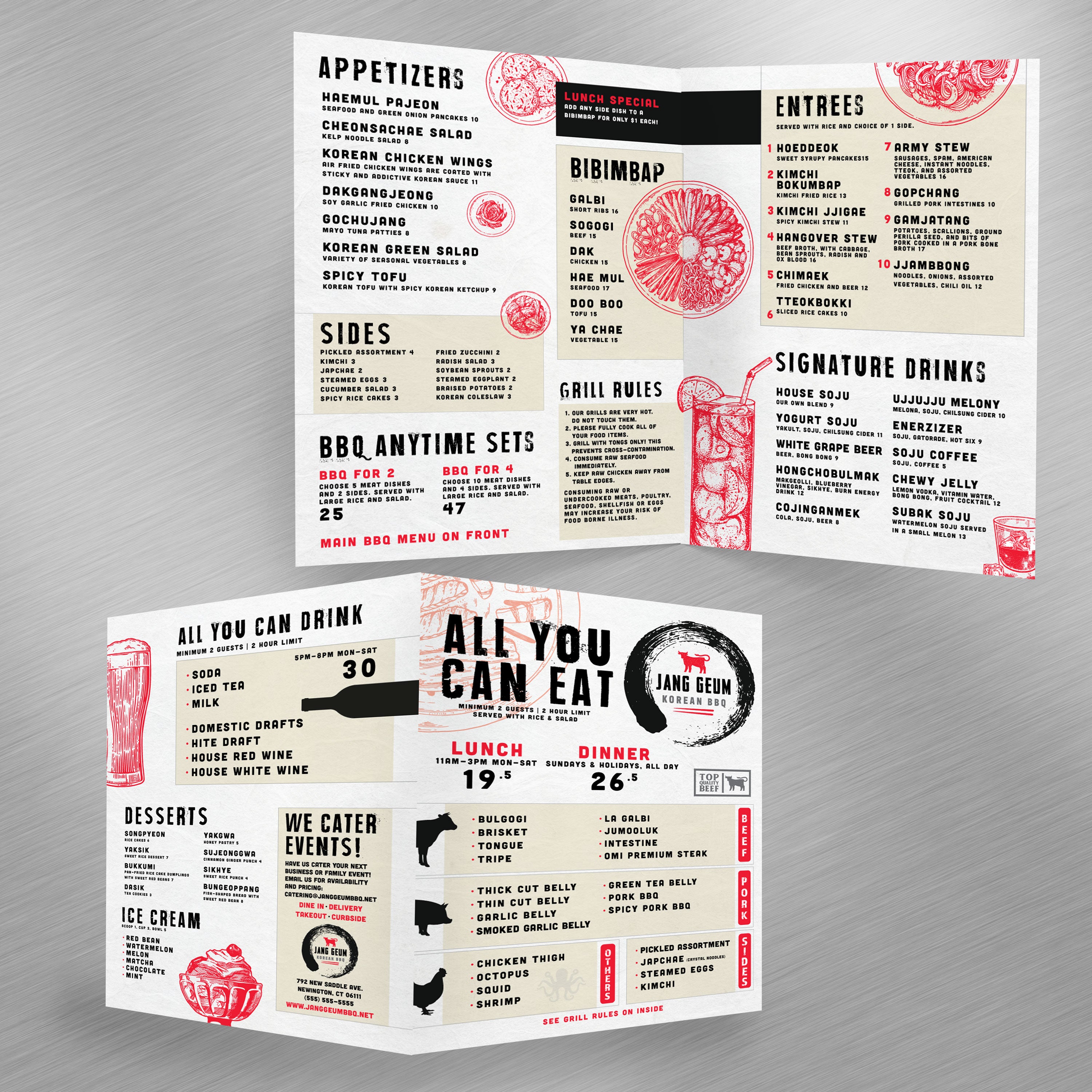
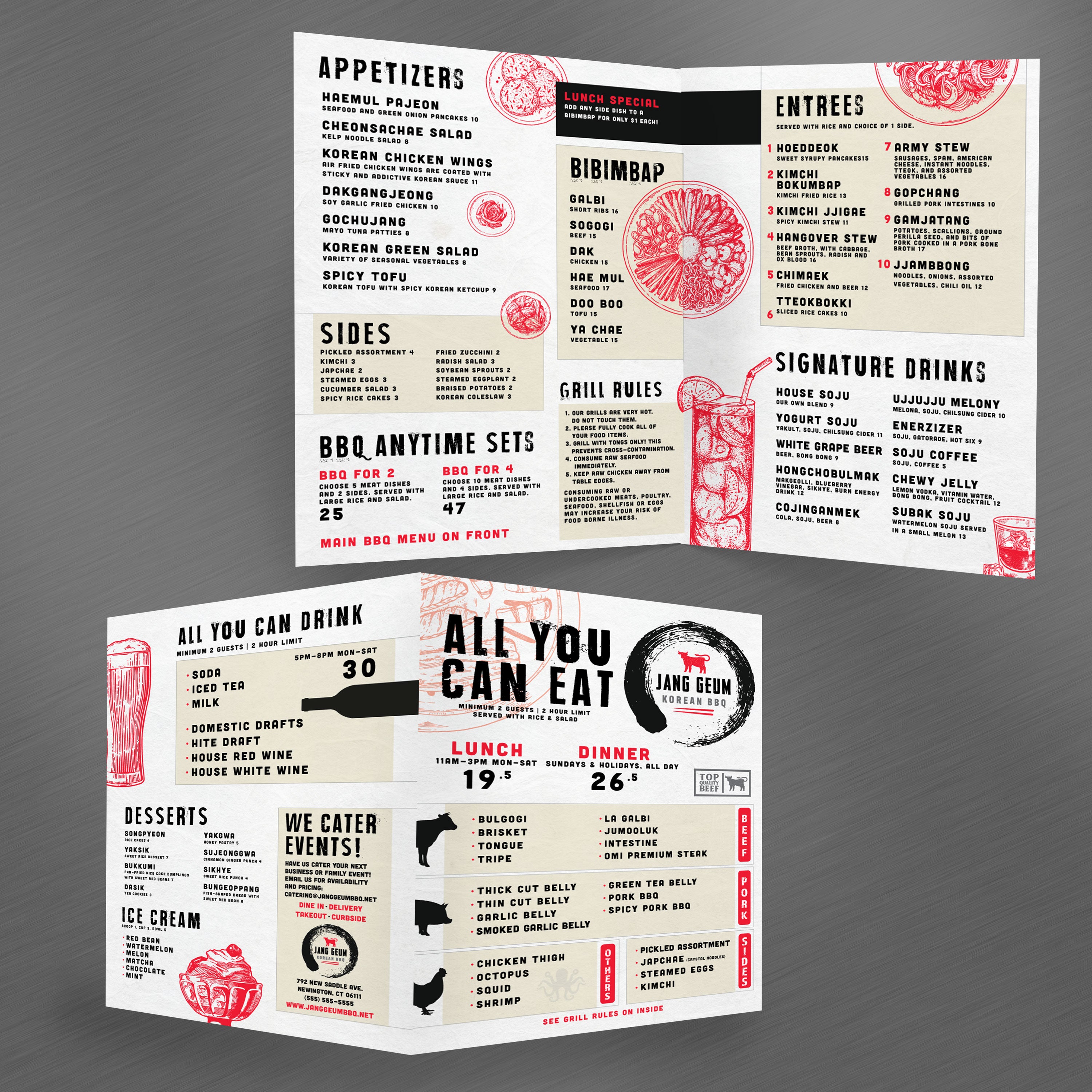
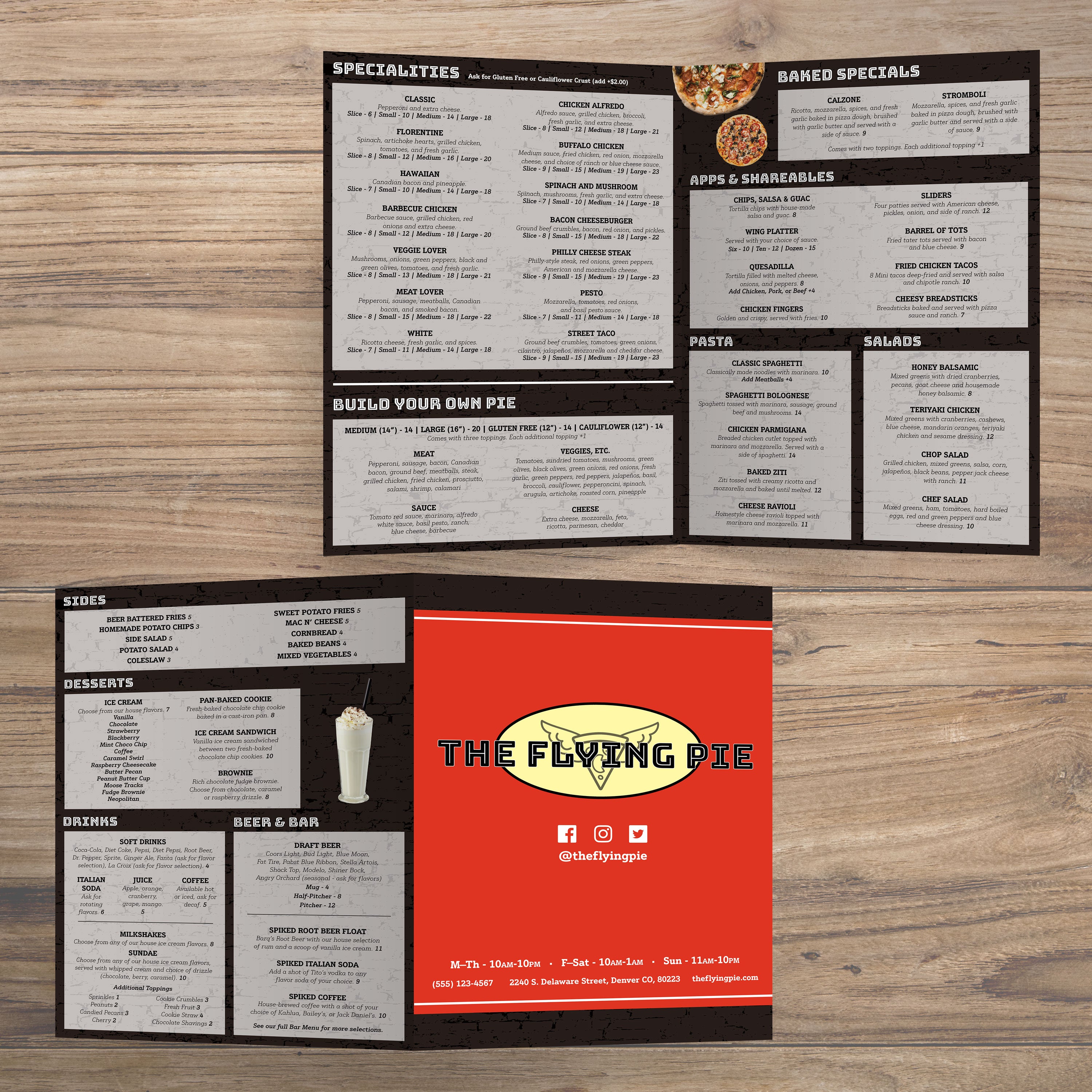
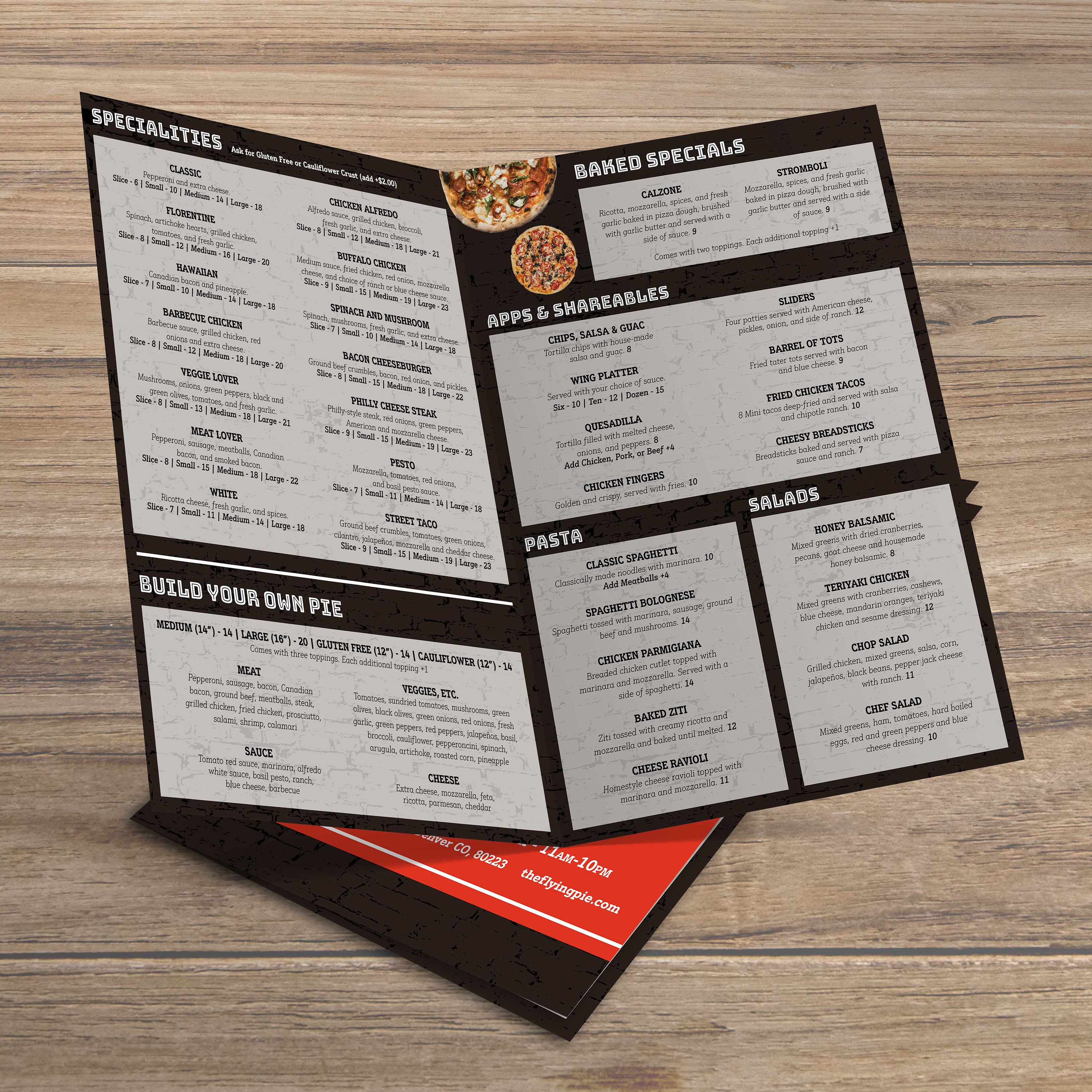
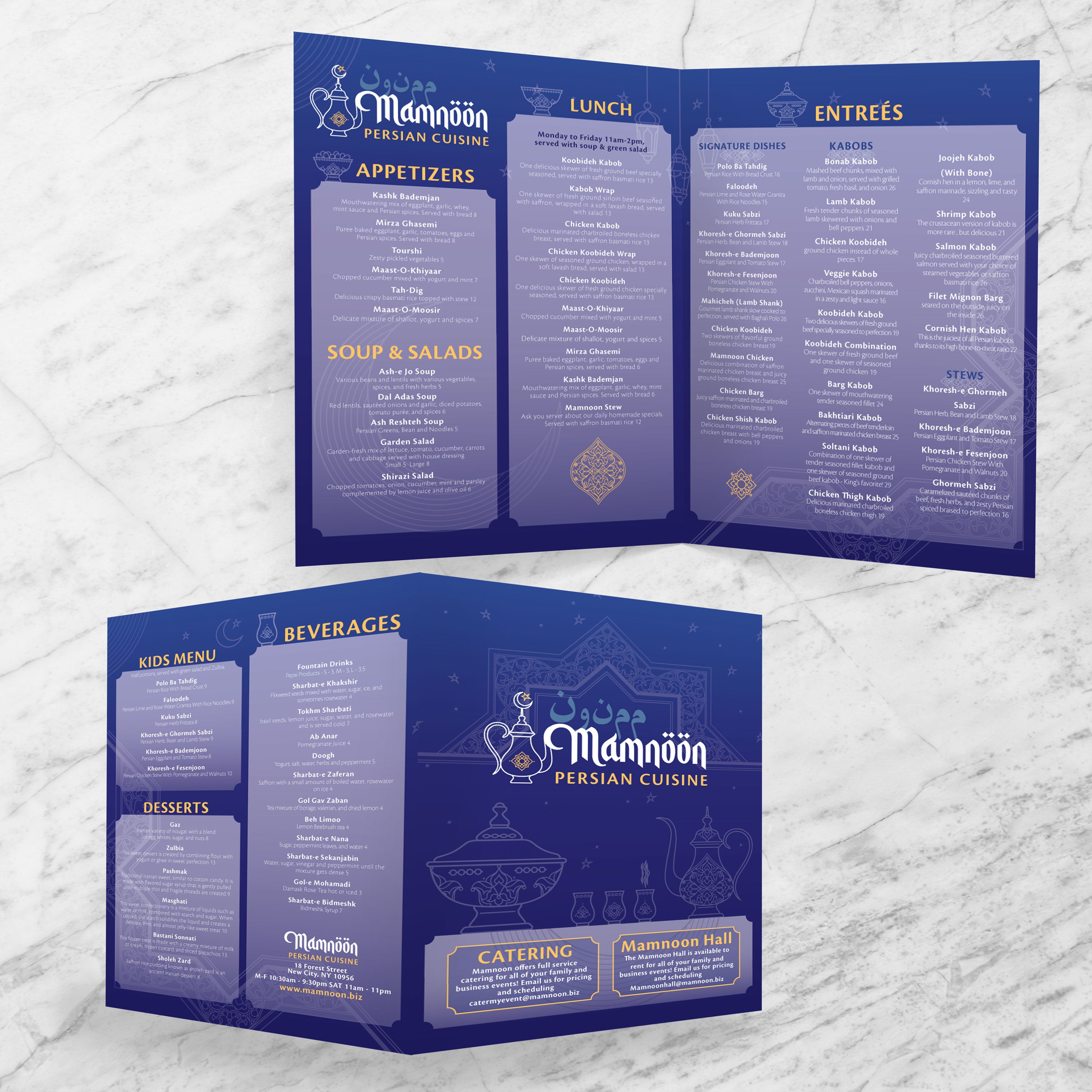
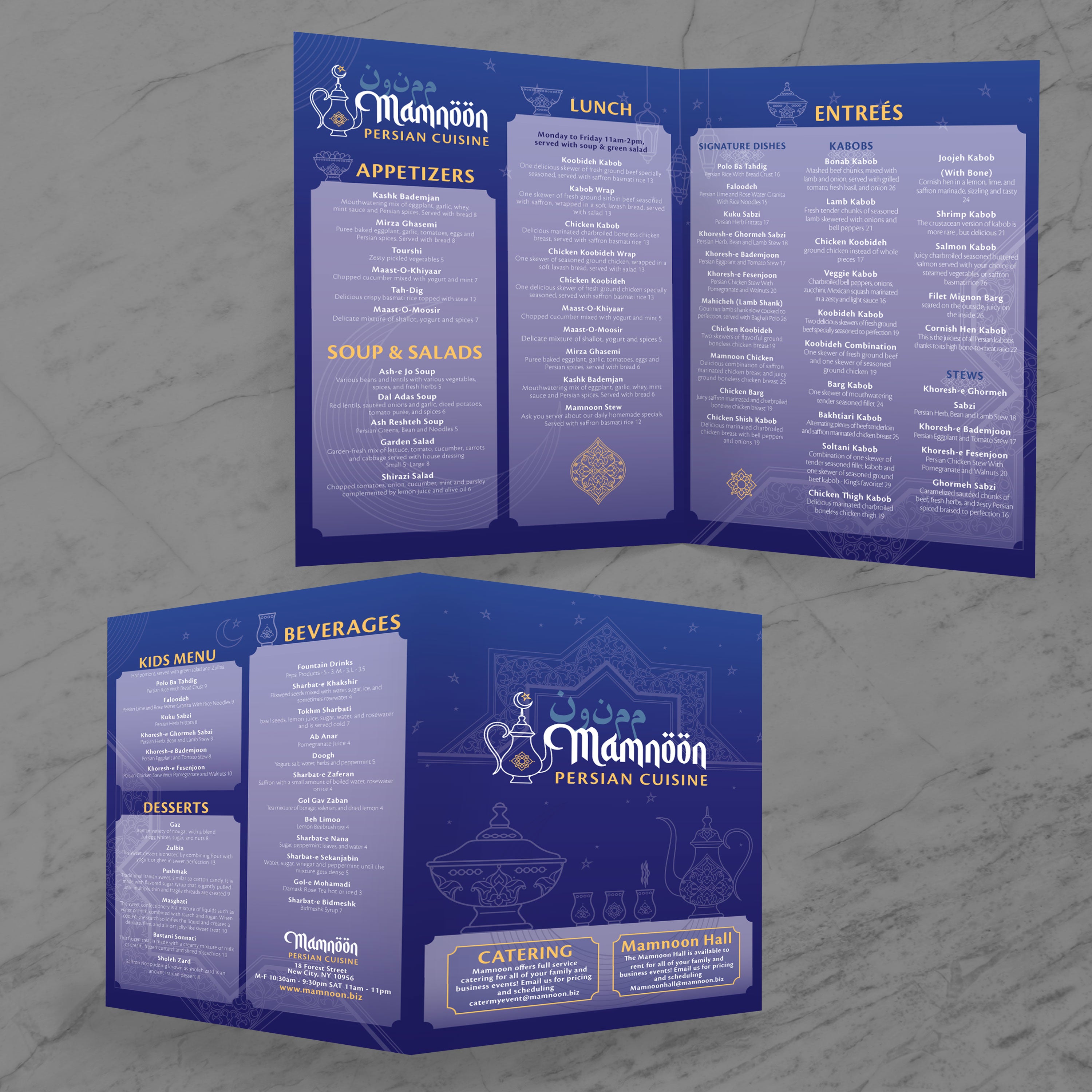
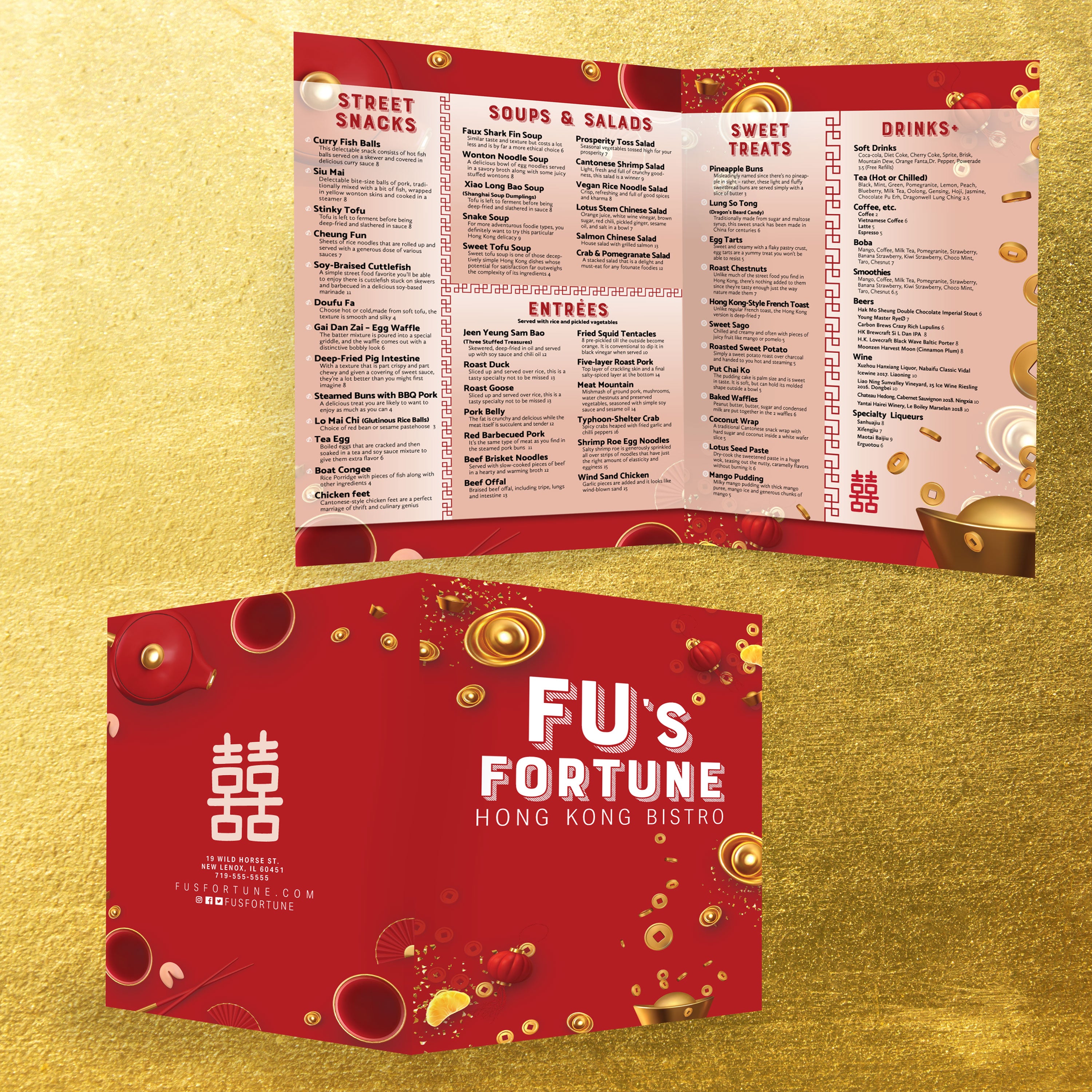
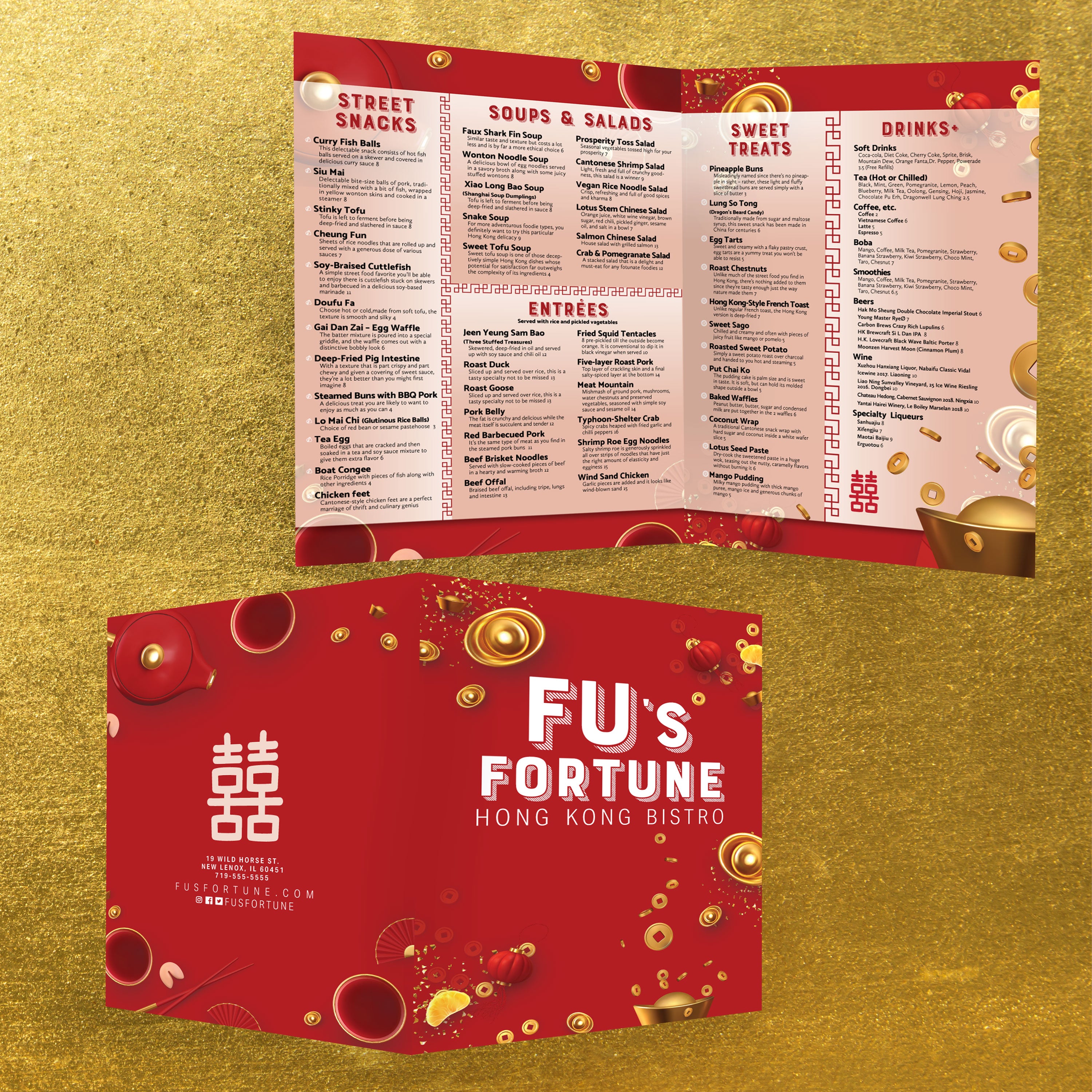
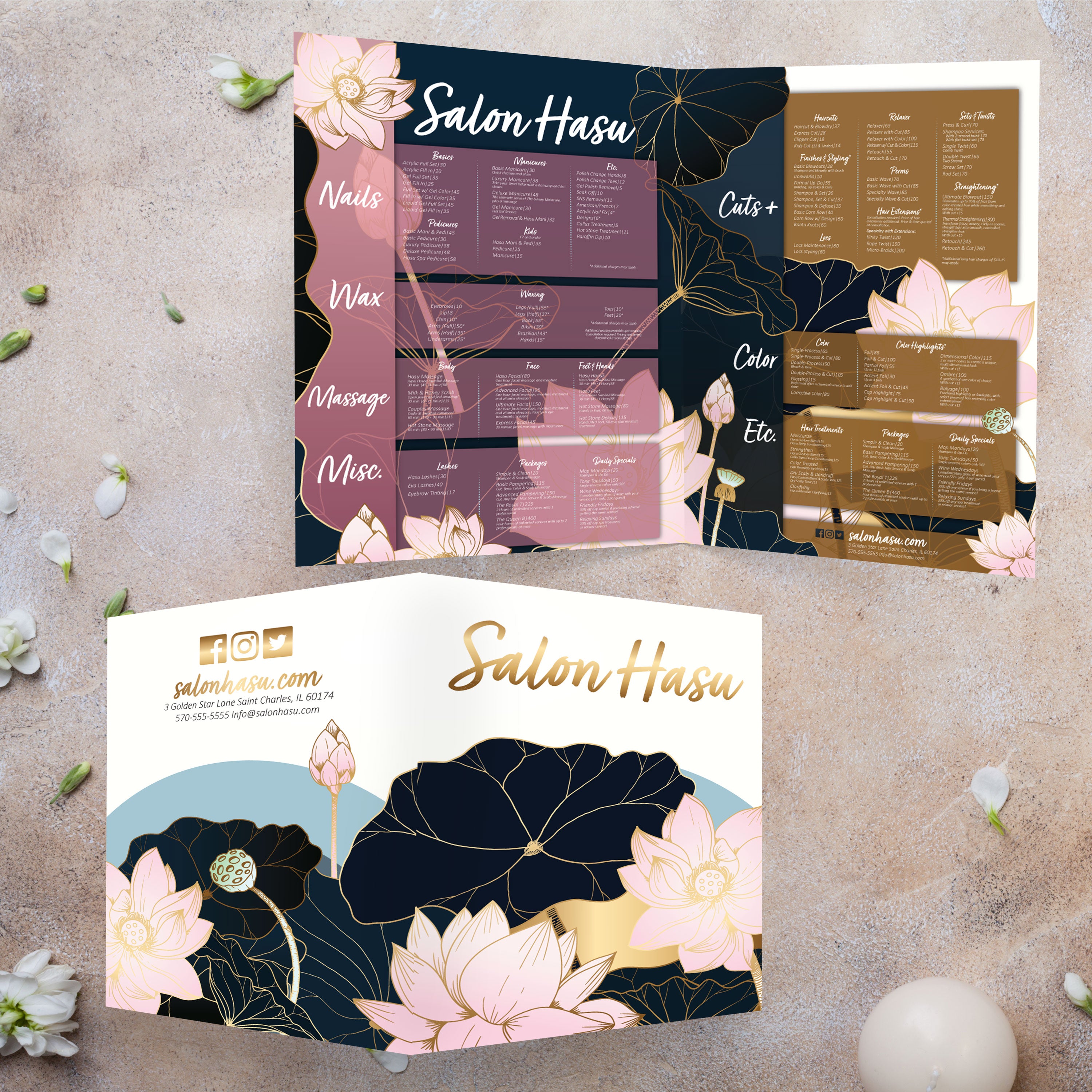
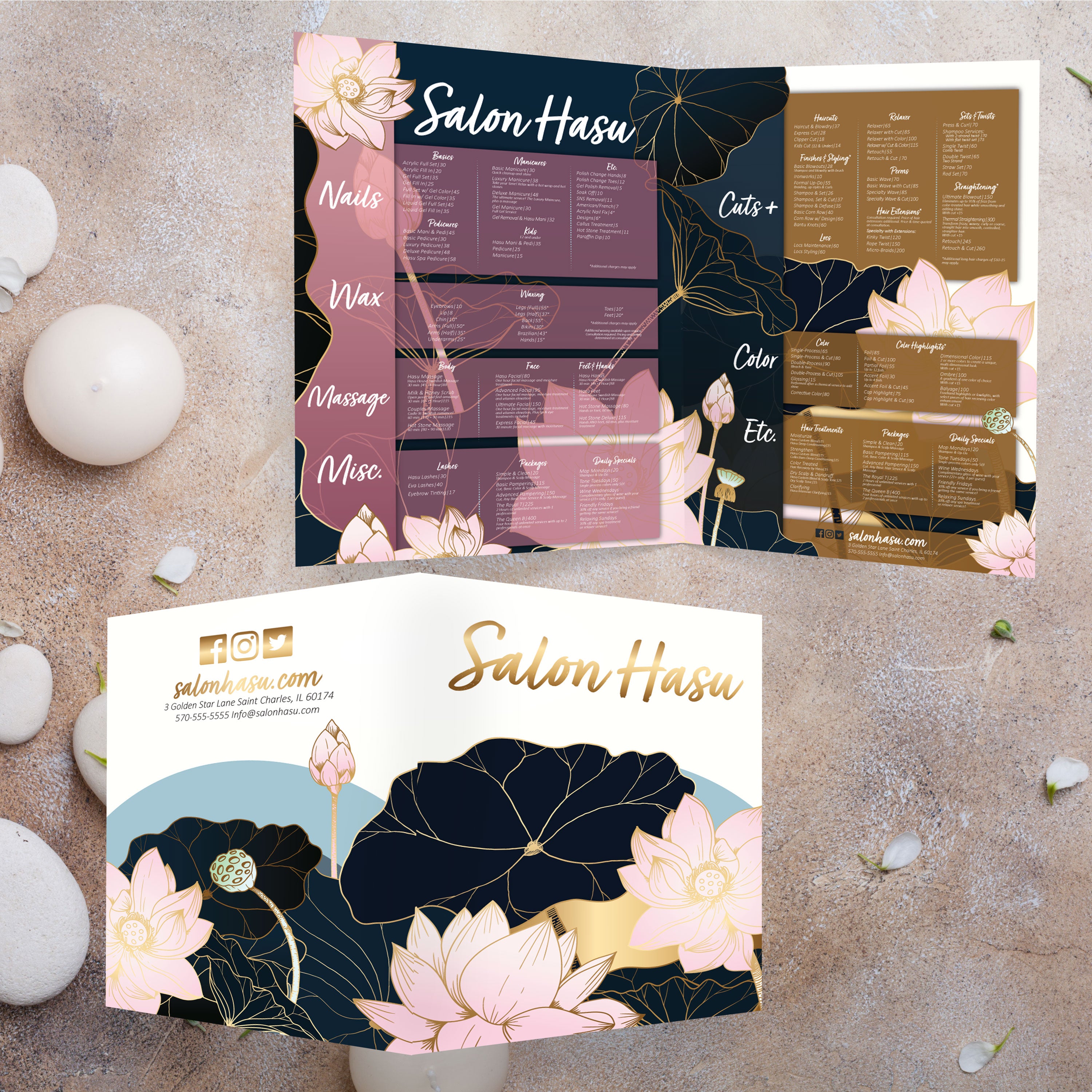
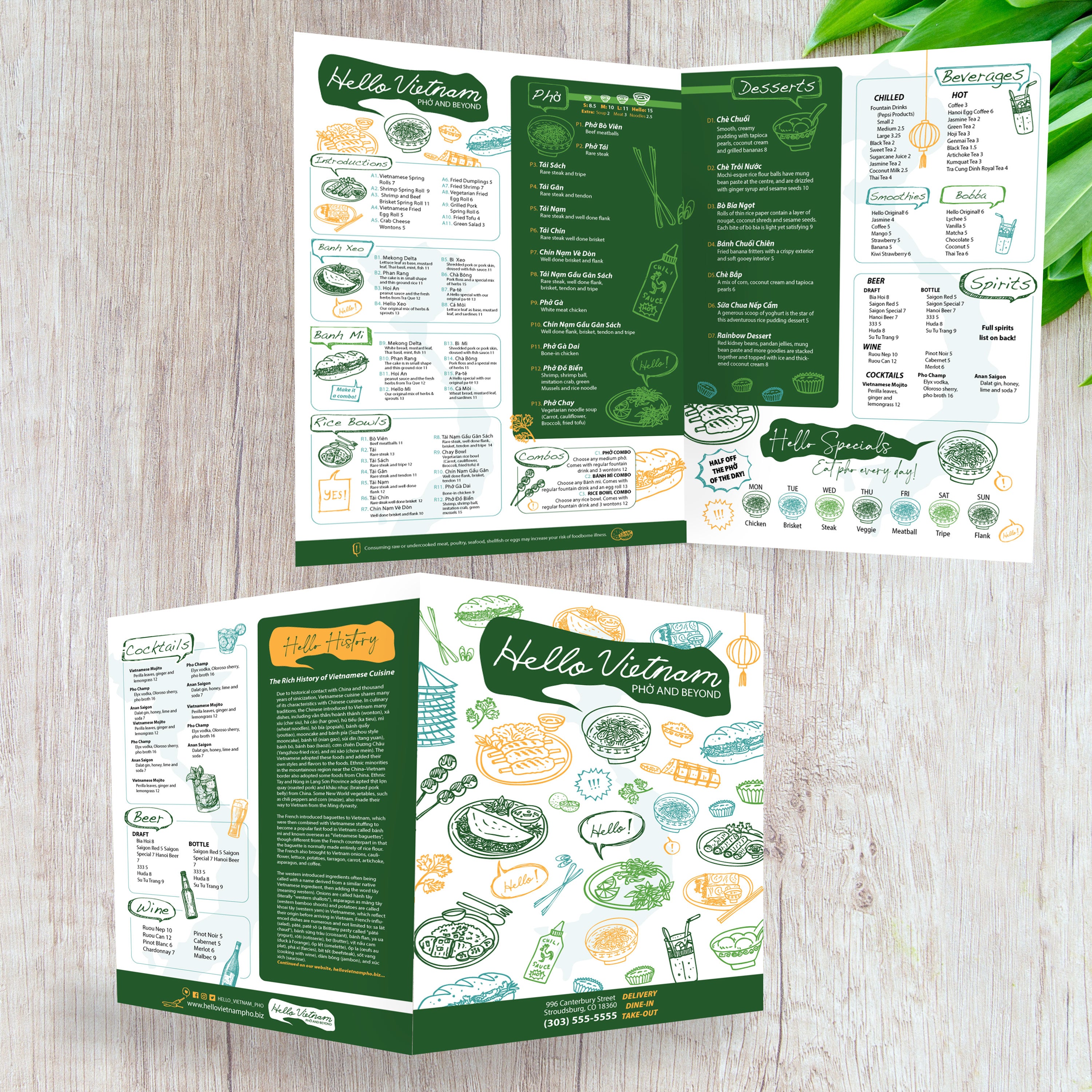
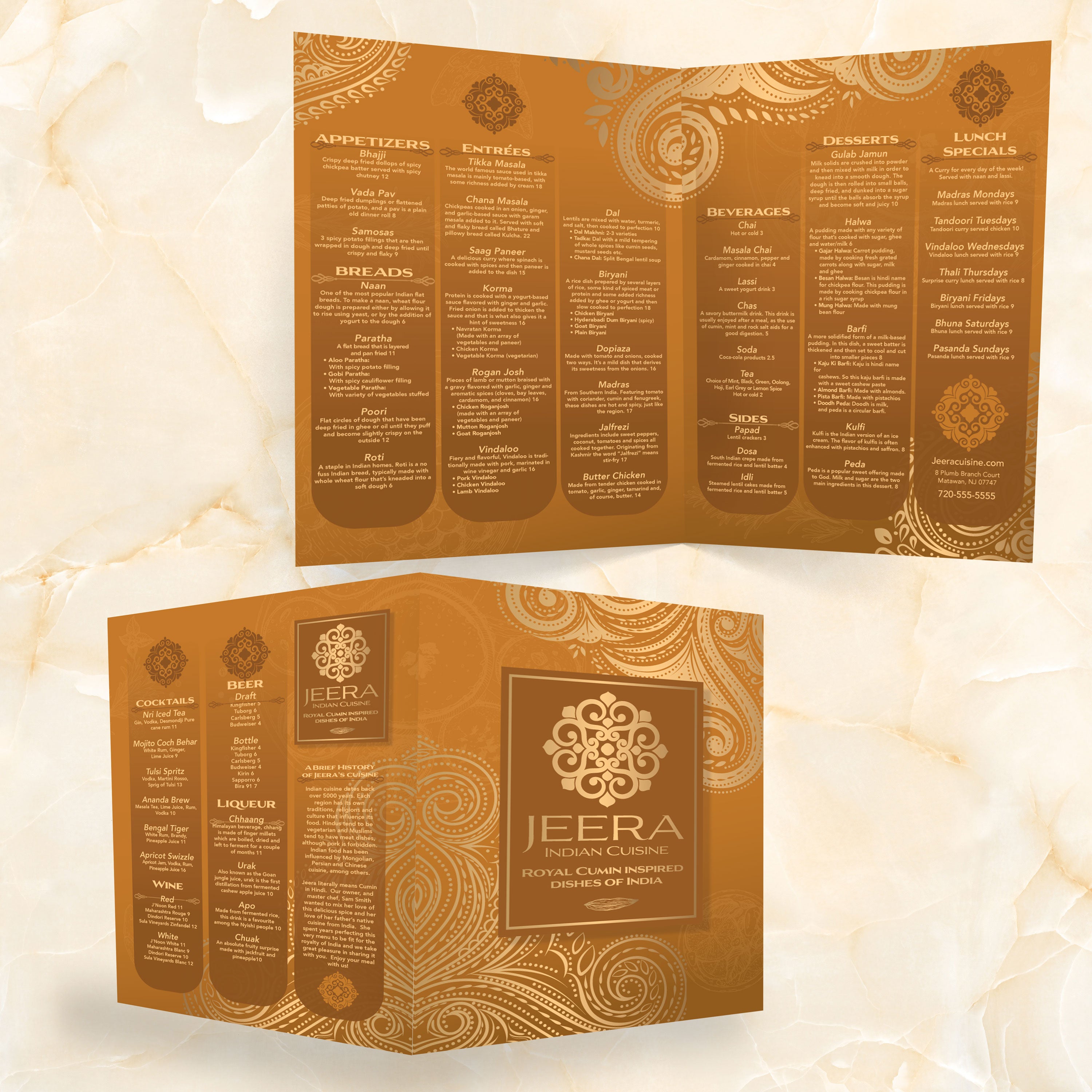
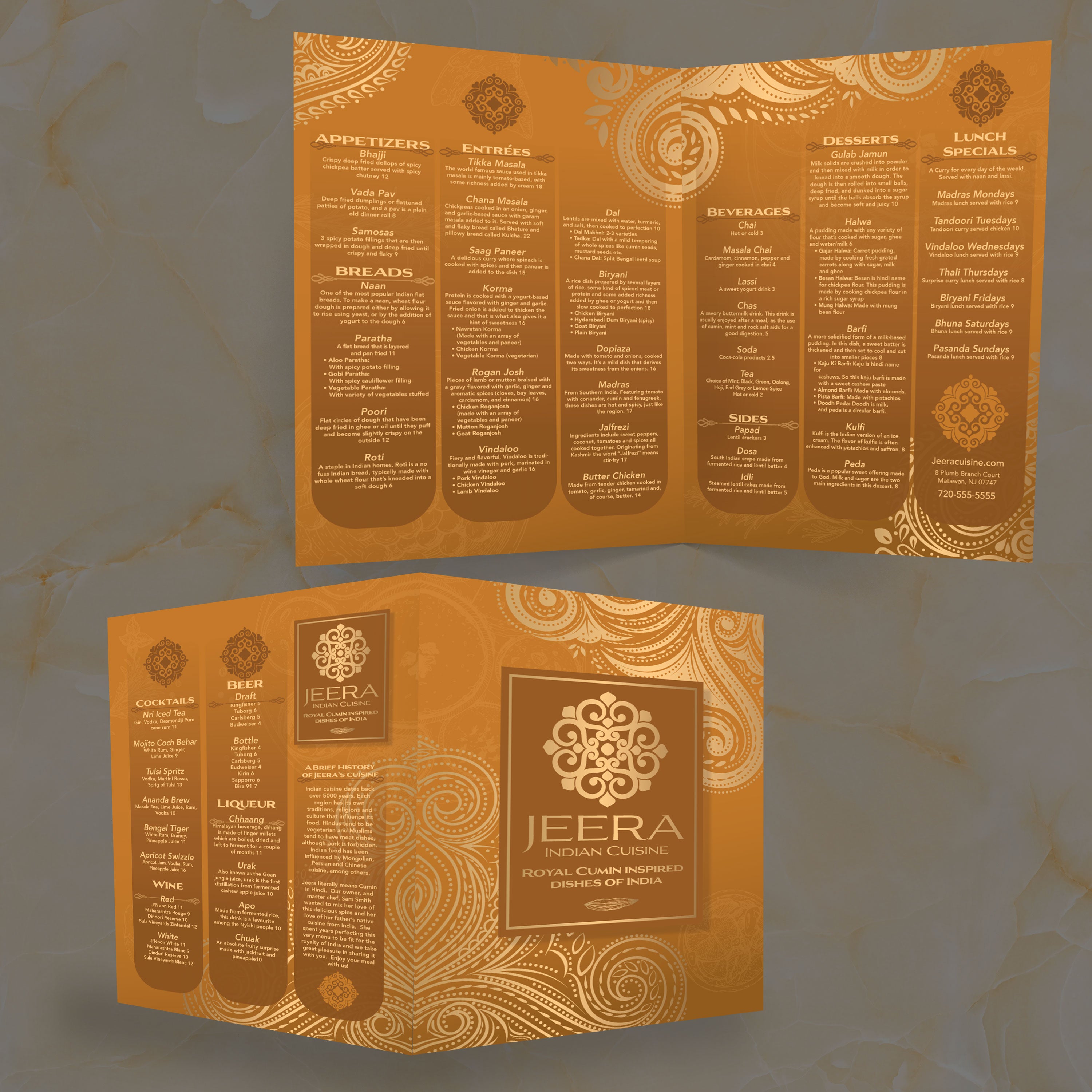
A 13” x 19” menu provides ample space to present a comprehensive offering without forcing tight spacing, tiny fonts, or cluttered panels. When you pair that size with a bifold layout, you get a menu that feels premium in-hand and is easy for guests to scan. At TerraSlate, we have built our free template collections to speed up the design process while maintaining a proven, readable, and production-ready format.
What Makes 13” x 19” a Premium Menu Size
The extra space available in larger formats provides greater flexibility for category separation, pricing alignment, and showcasing featured items. It also helps your menu look intentional, not crowded. Guests can find what they want more quickly, and your staff spend less time walking people through the layout.
What “Bifold” Means for Guest Experience and Readability
A bifold menu is one sheet folded once, creating four panels. This format naturally organizes content, featuring a cover, two inside panels for core categories, and a back panel for drinks, desserts, or a brand story. For restaurants with numerous offerings, bifold keeps everything organized without overwhelming the table.
When 13” x 19” Works Better Than 12” x 18”
If your menu includes long category lists, detailed descriptions, or multiple drink sections, 13” x 19” gives you the breathing room that keeps typography readable. It also helps when you want stronger visuals, such as a single hero photo, without compressing the entire layout.
What Restaurant Concepts Benefit Most From This Format
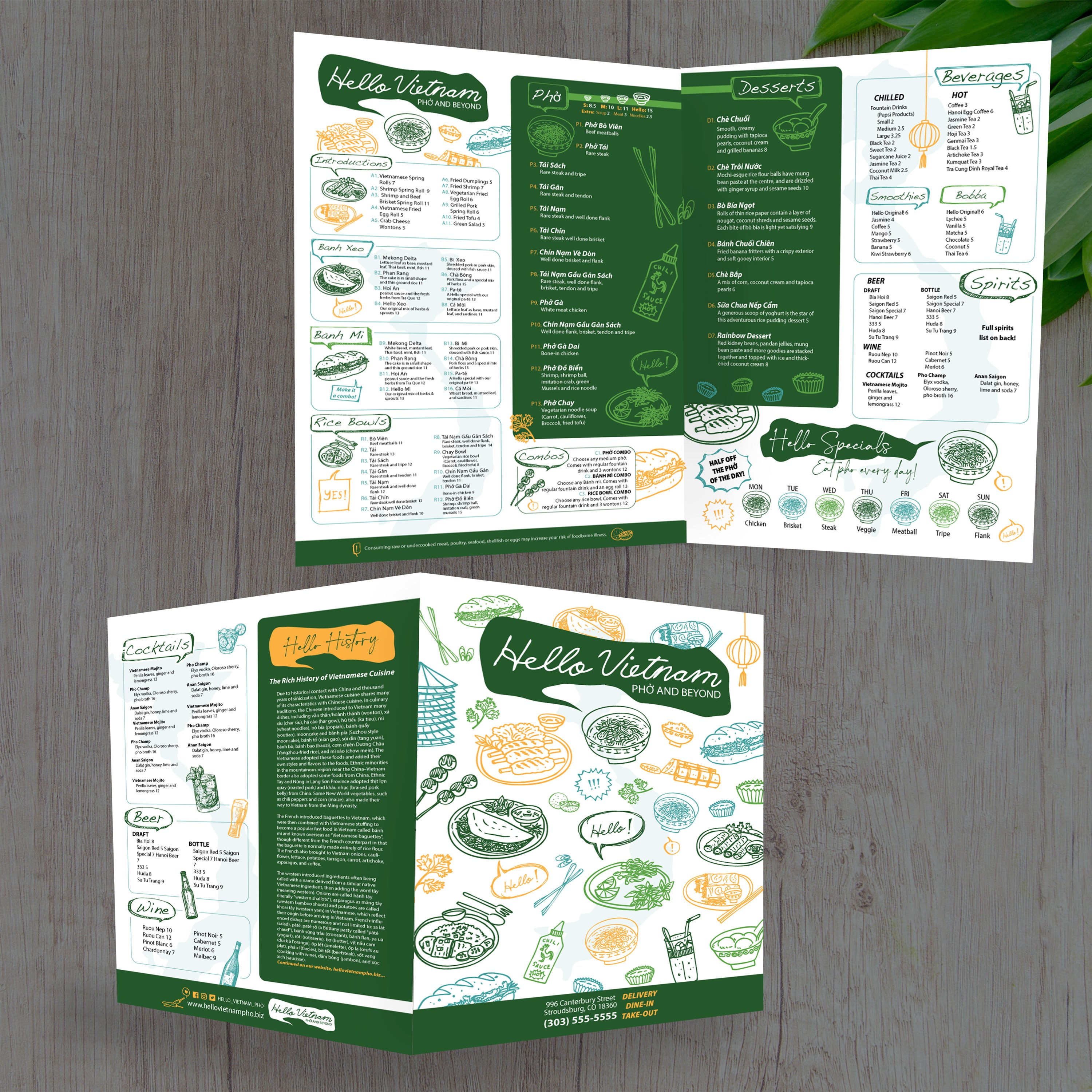
This size is a strong fit for full-service restaurants, concepts with large drink programs, and cuisine-focused menus that need clear sections and descriptive text. If you’re building a specialty layout, we also offer cuisine-specific templates like our Free Vietnamese food menu templates and Free poke bowl menu templates, so you can start with a structure designed for that style of menu.
What to Prep Before You Customize a Template
Before you edit, collect your final item list, pricing, descriptions, and any add-ons or combo options. Pull your logo, fonts, and brand colors, and decide where specials or limited-time offers should live. Starting with clean content makes template edits faster and prevents layout issues when printing, trimming, and folding.