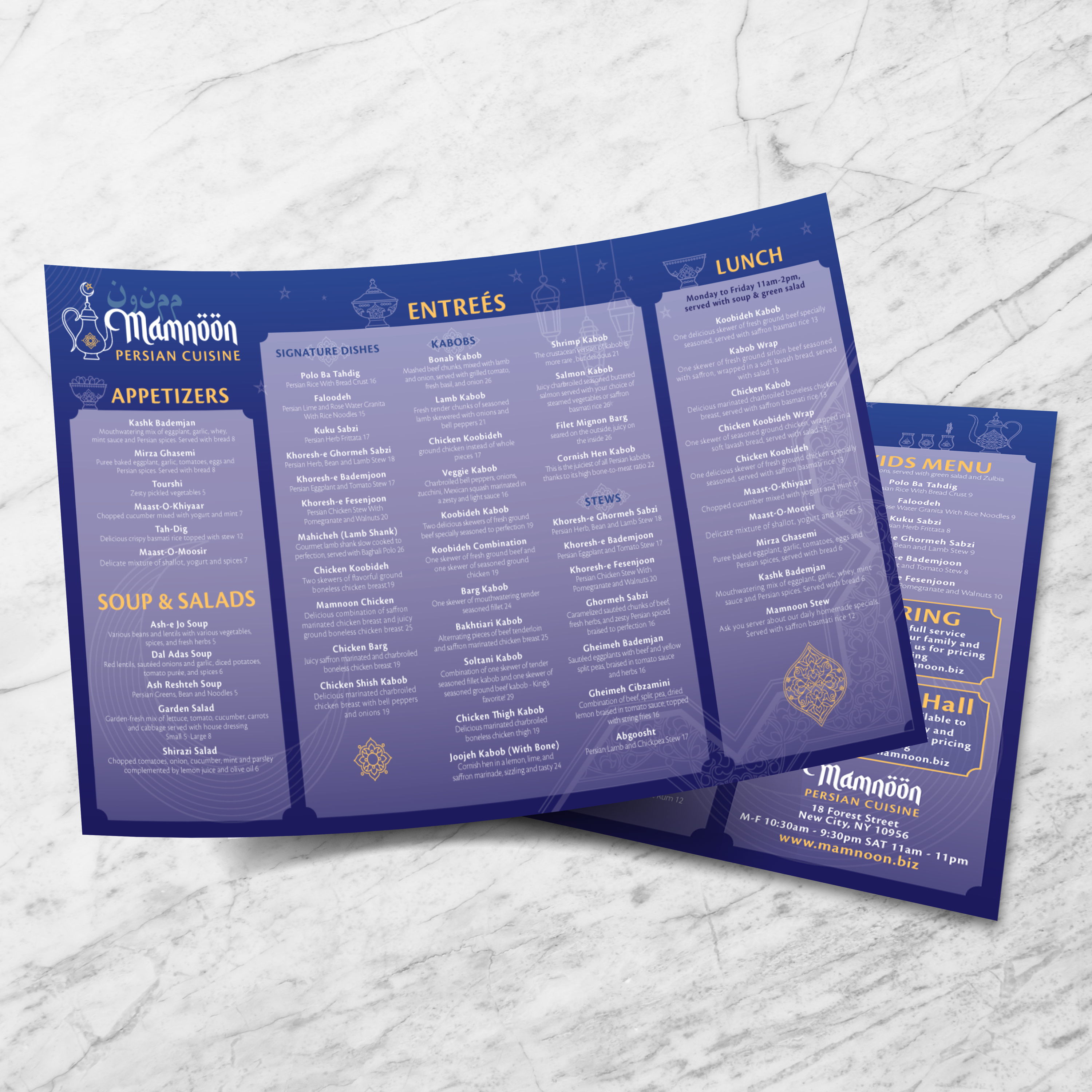
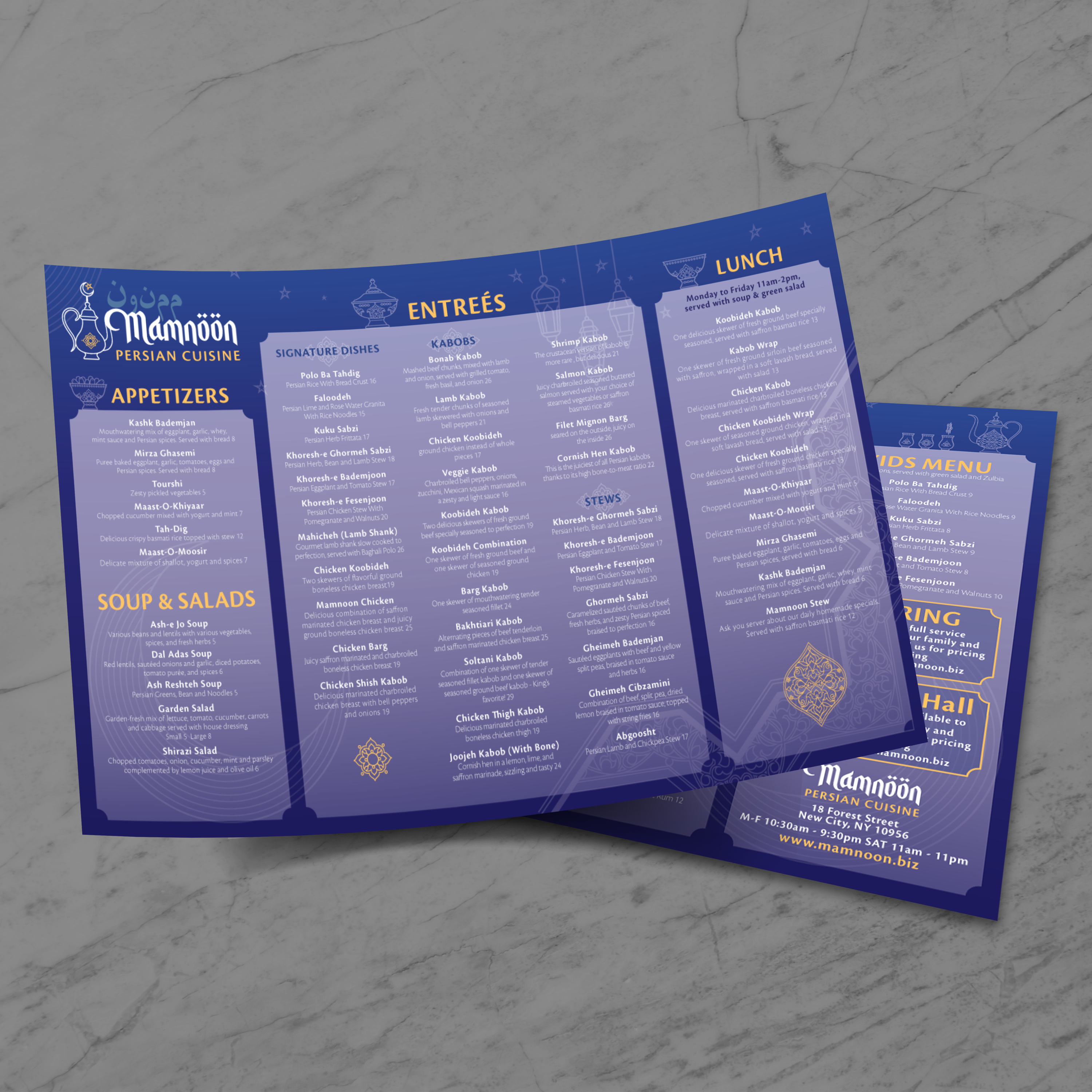
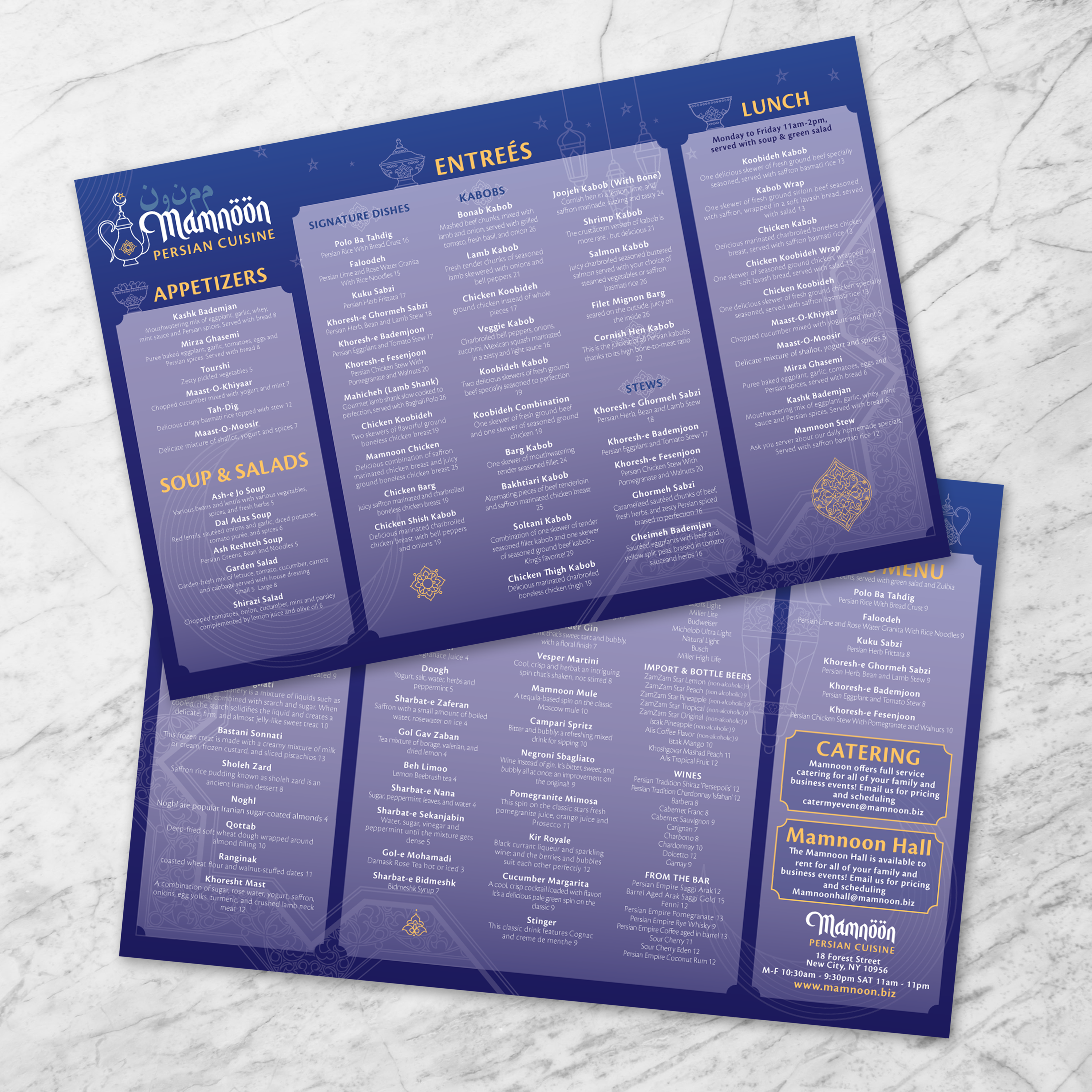
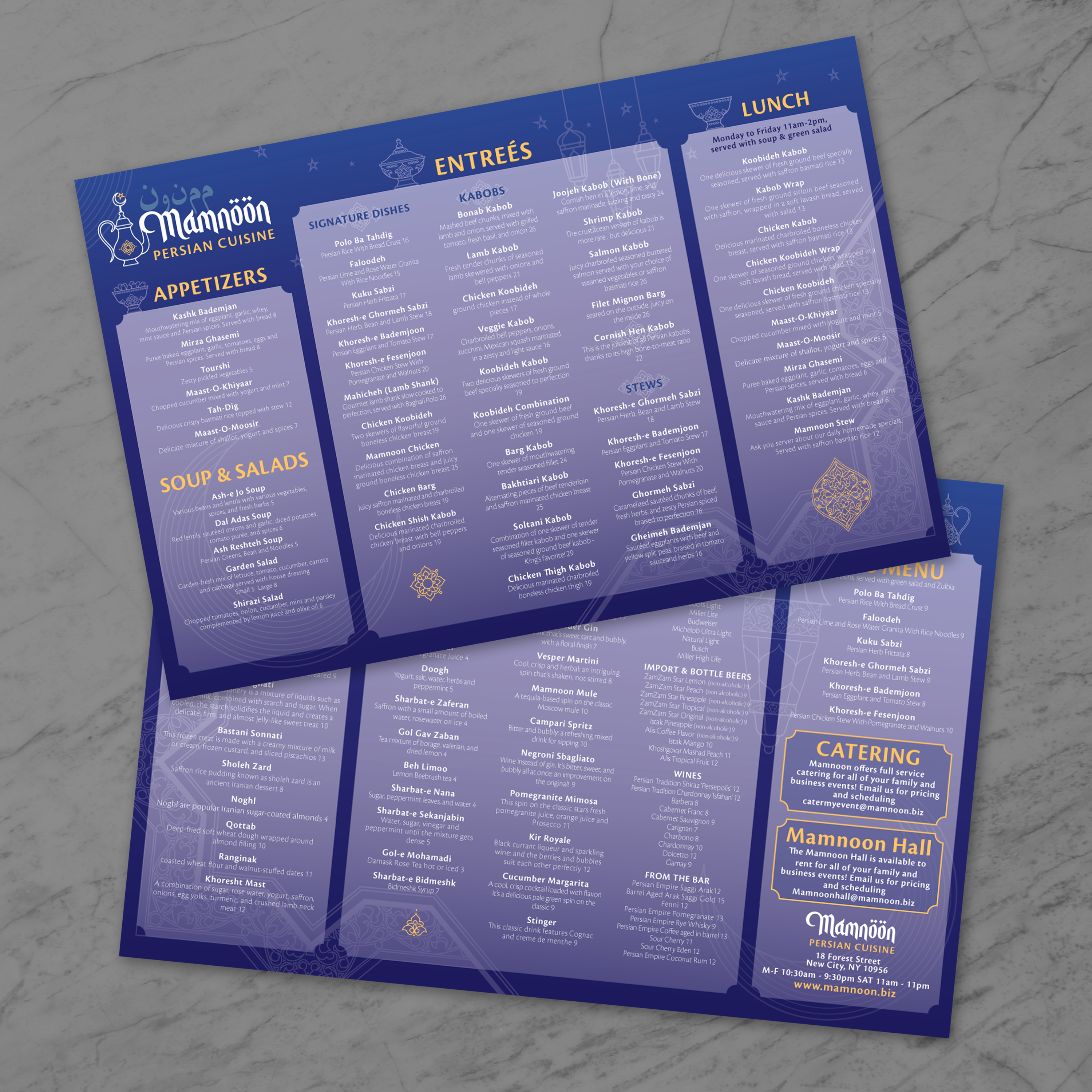
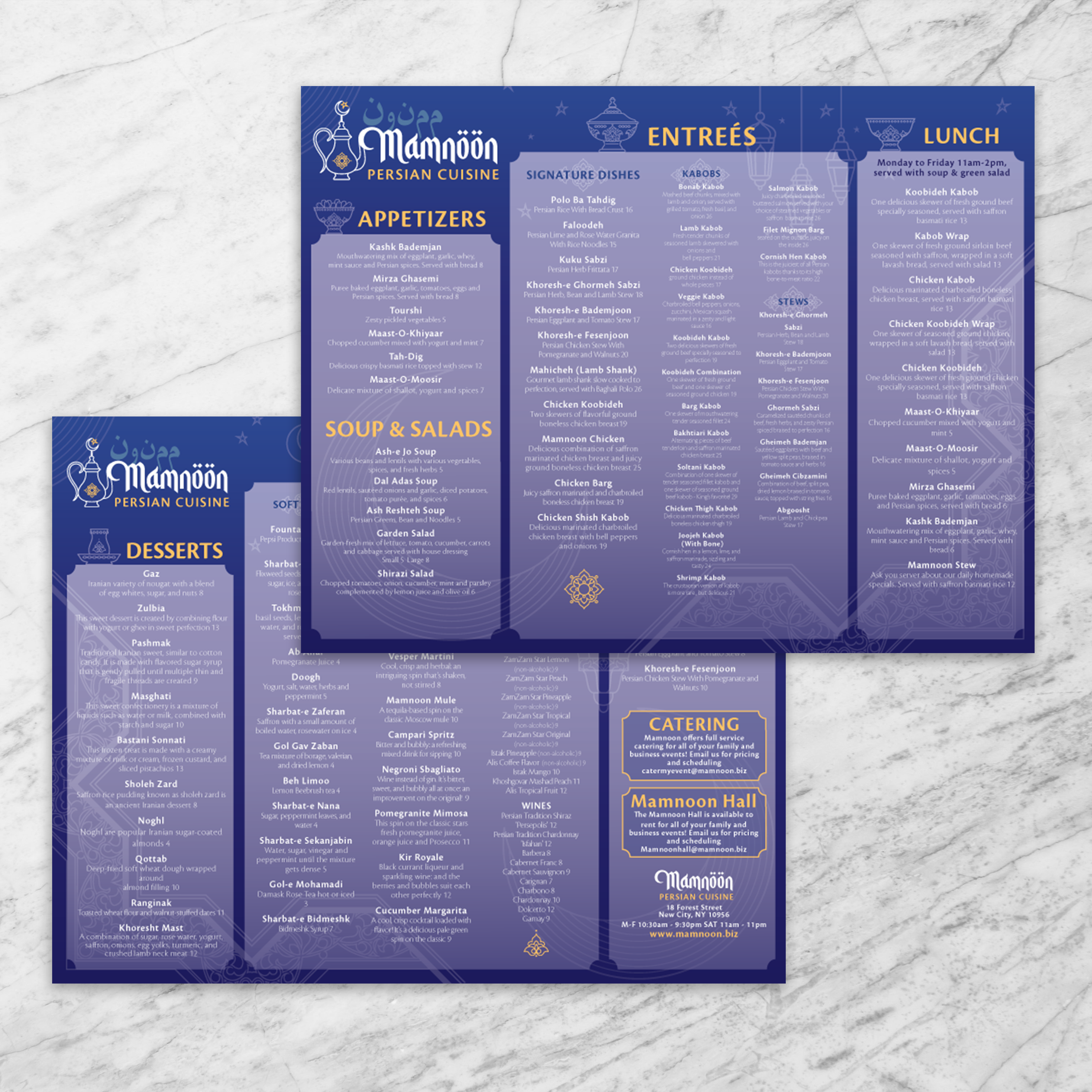
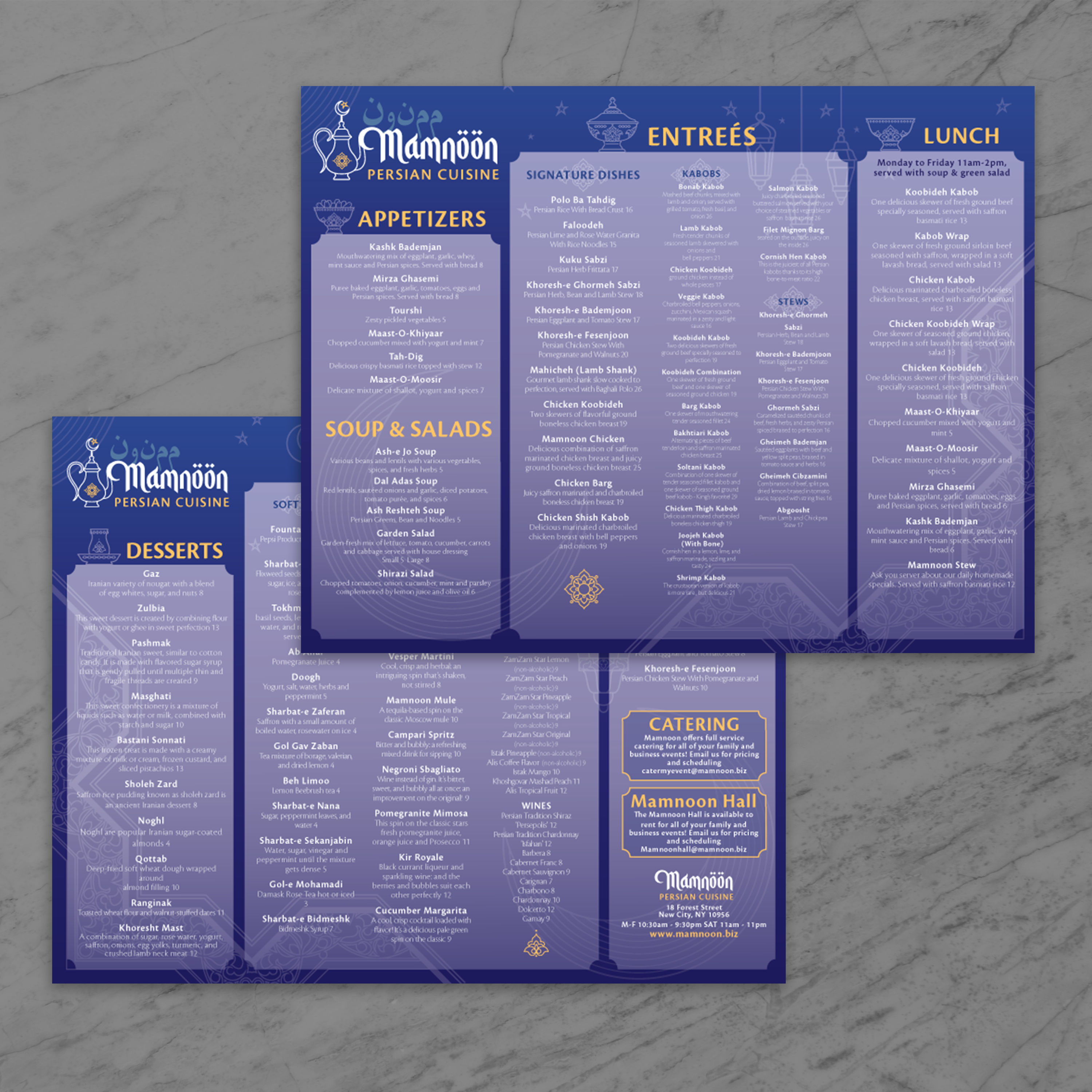
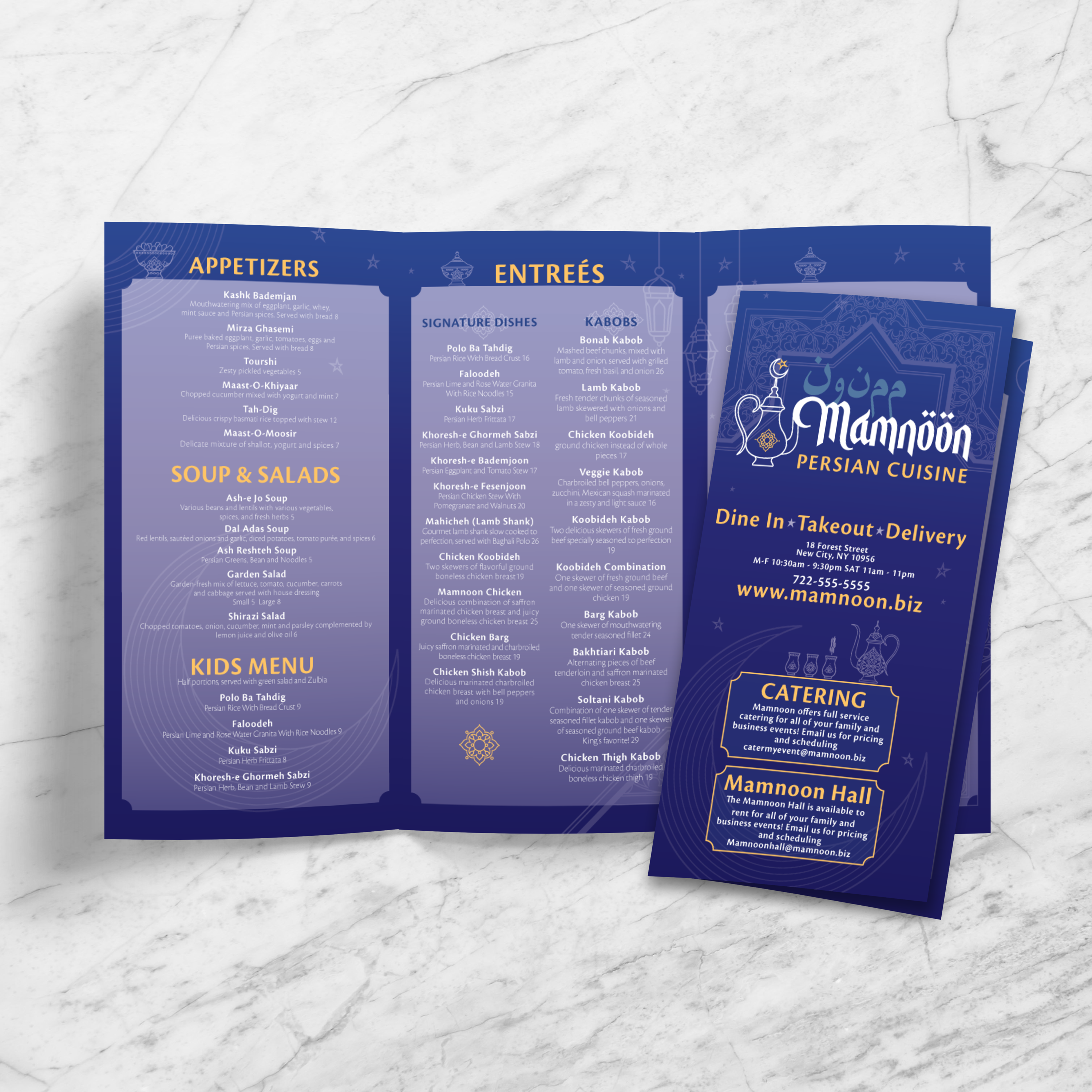
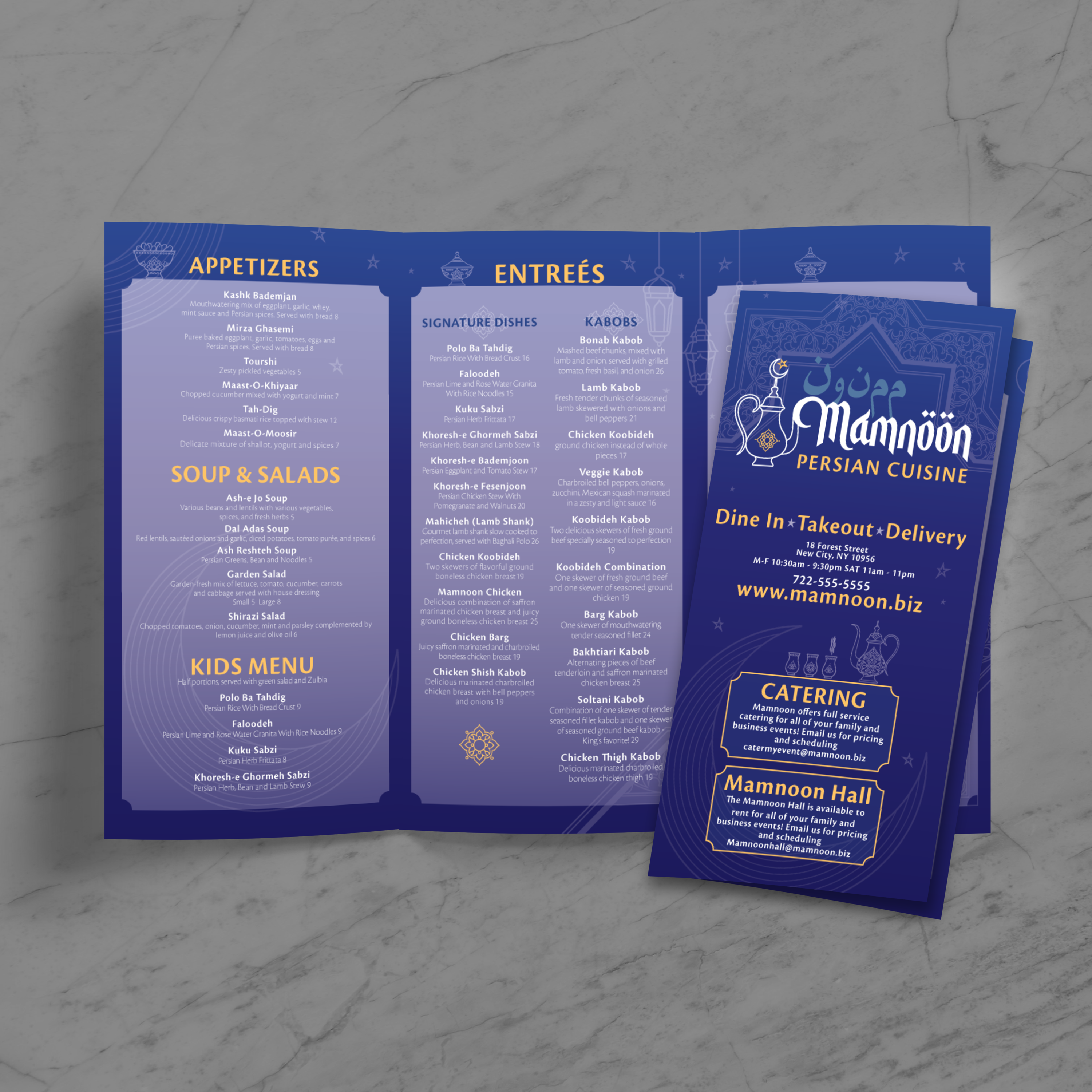
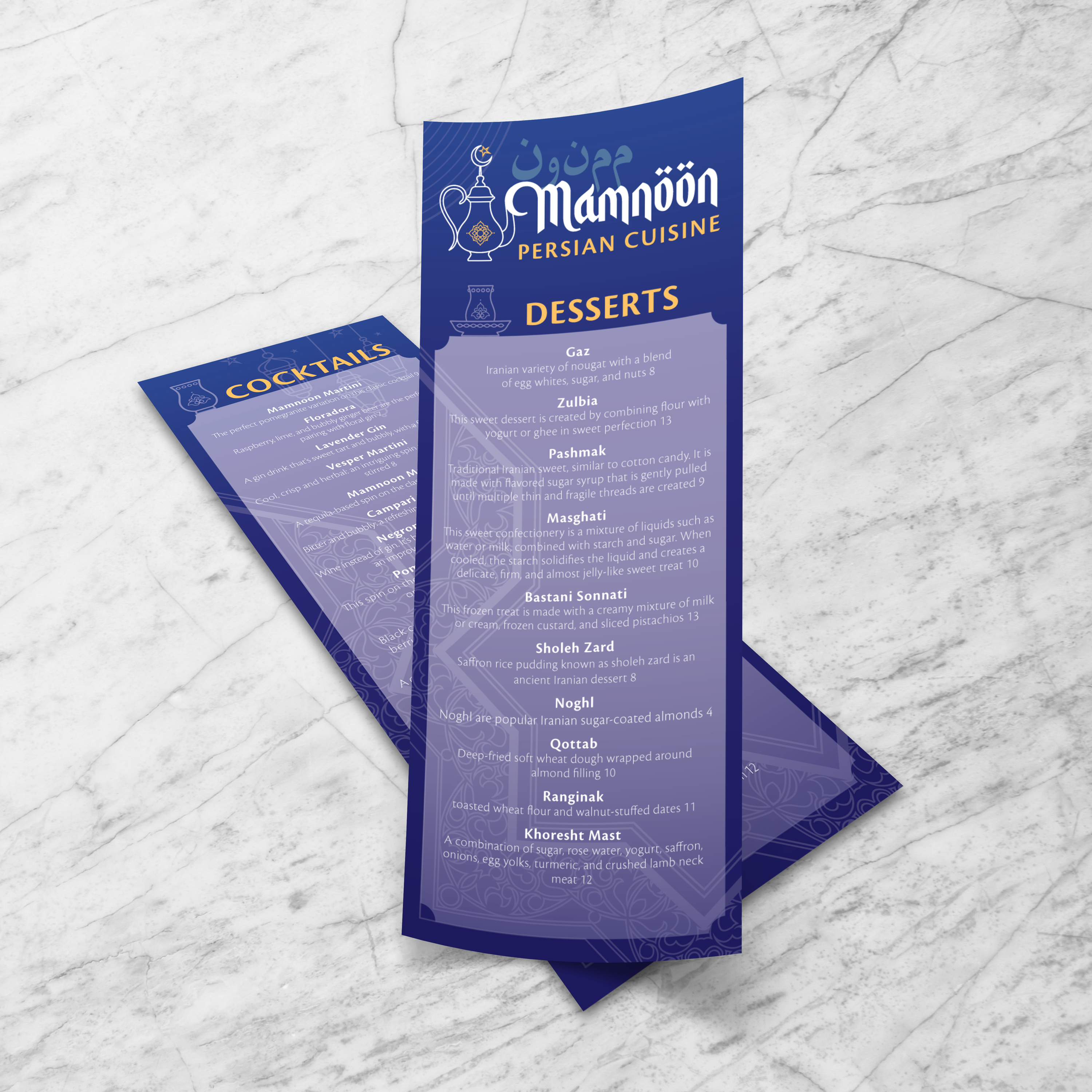
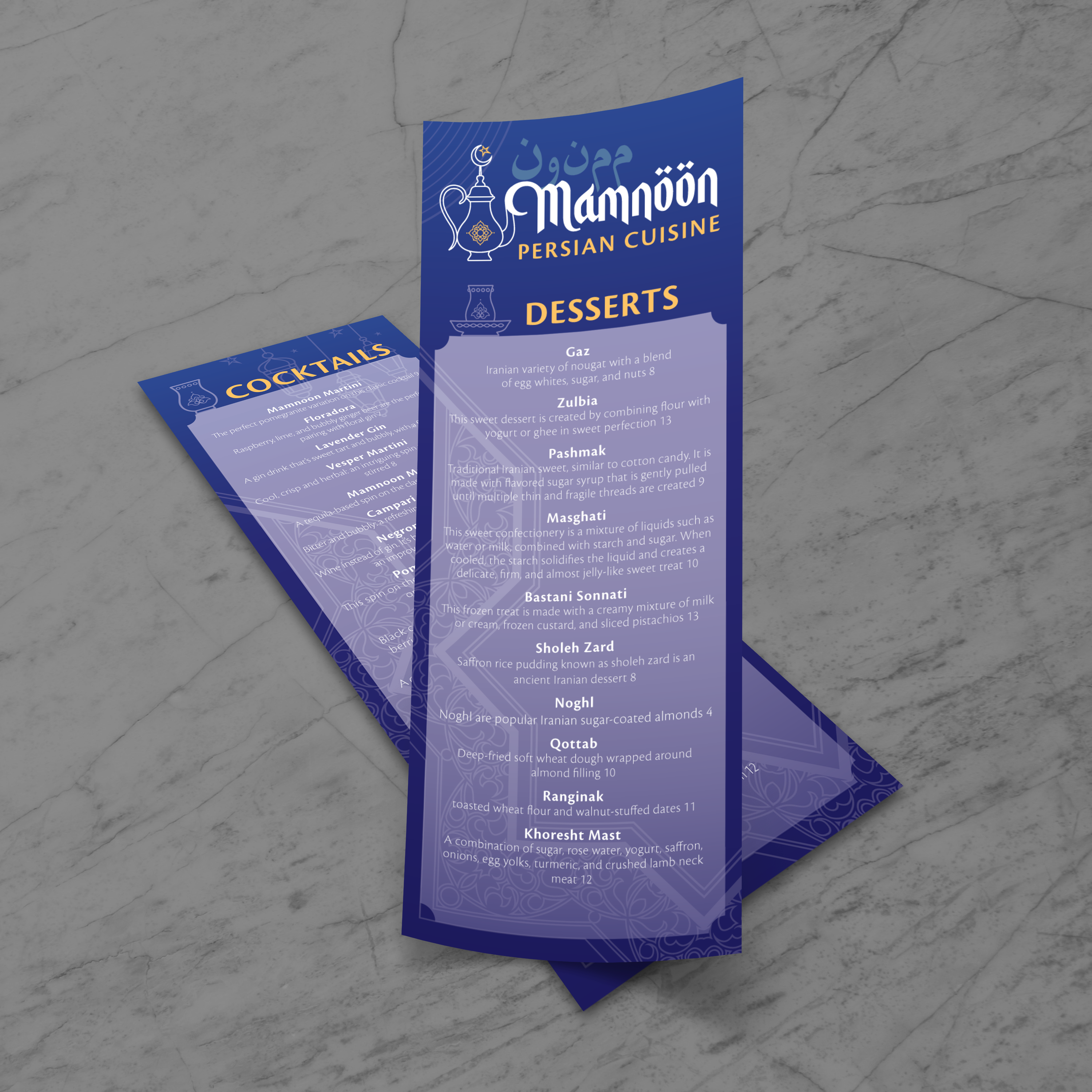
QR codes work best when they are placed where guests naturally look, printed with strong contrast, and protected from folds, glare, and wear. The goal is straightforward: to achieve reliable scanning without compromising the cultural design elements that make a Persian menu feel authentic.
Keep QR Codes Visible Without Competing With Menu Content
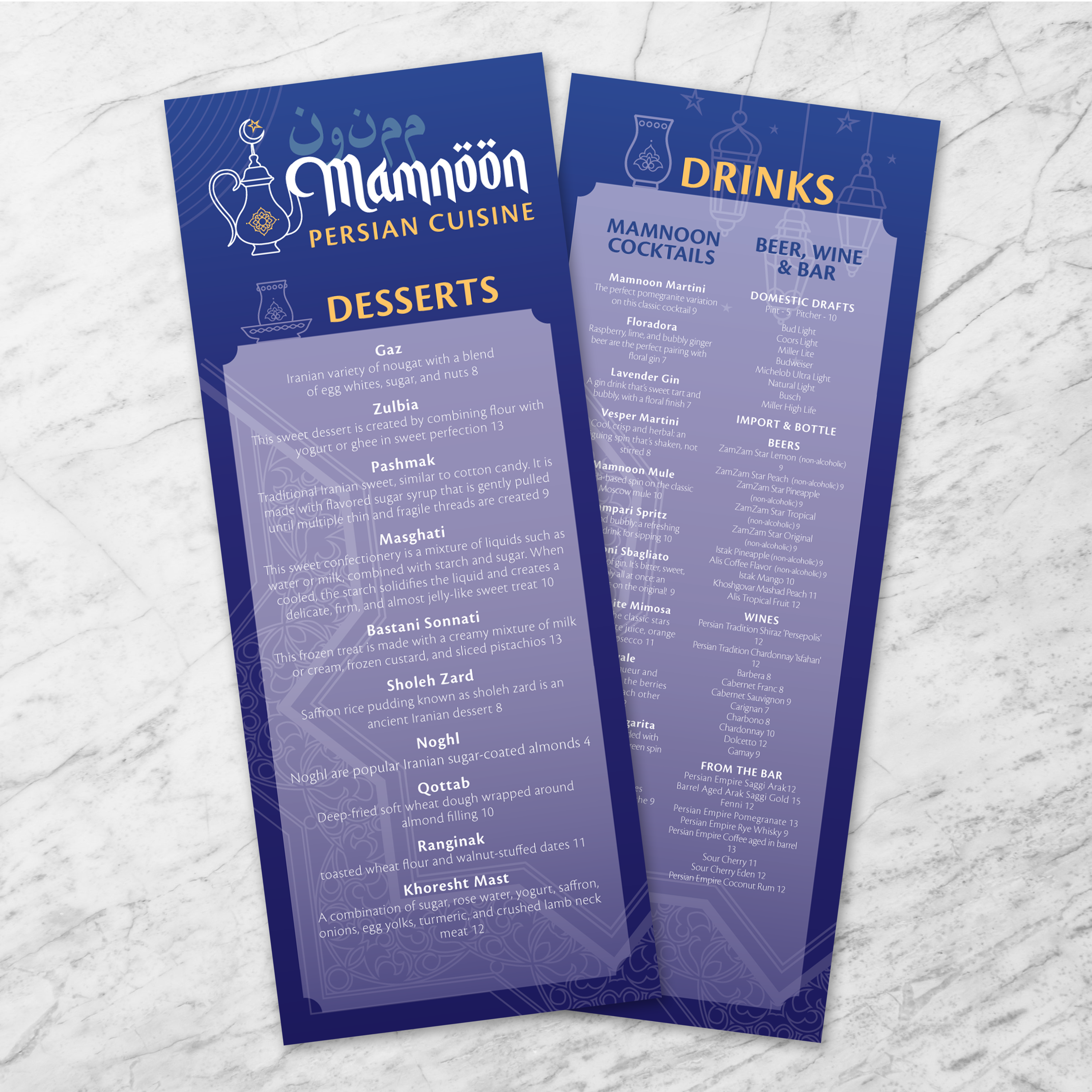
A strong default placement for dine-in menus is the top-right corner or a bottom corner, where the code is easily accessible but doesn’t interfere with dish names, pricing, or category structure. Avoid placing QR codes over busy Persian patterns, tile-style backgrounds, or decorative borders, as these complex visuals can reduce scan reliability. Use a clean, light background box behind the QR code and maintain high contrast so it scans effectively under dim indoor lighting or a warm restaurant ambiance.
Use Folded Menu Panels to Match Natural Guest Behavior
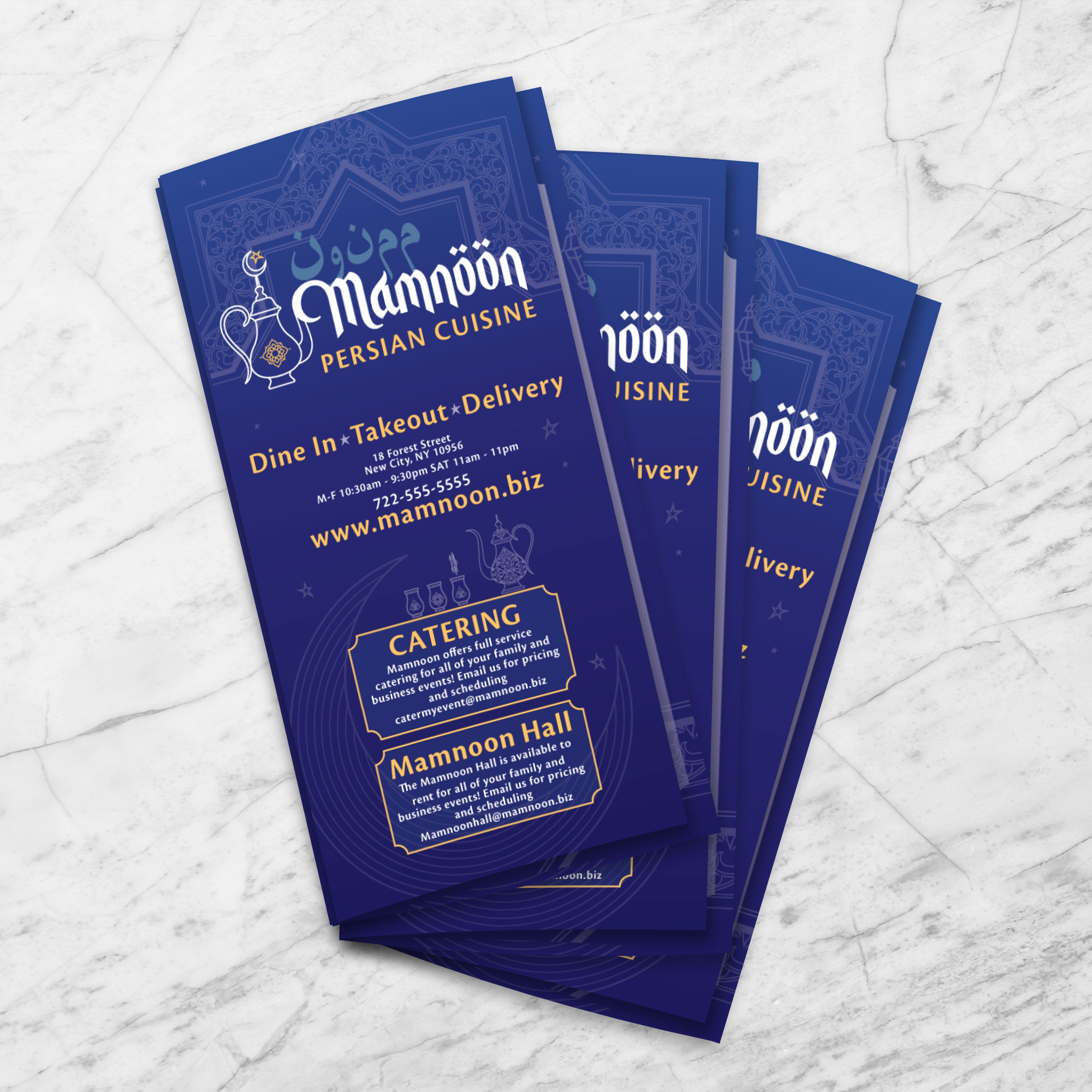
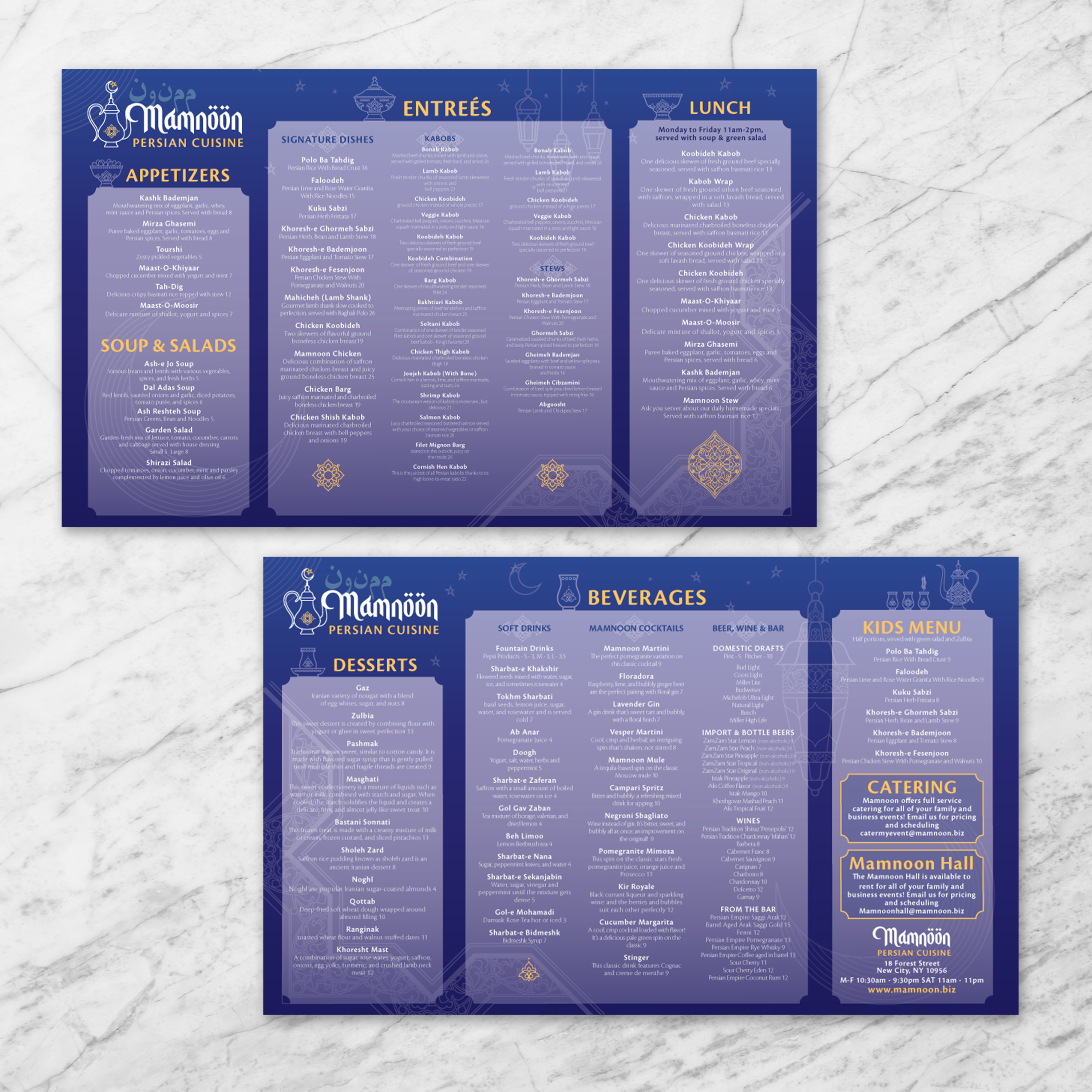
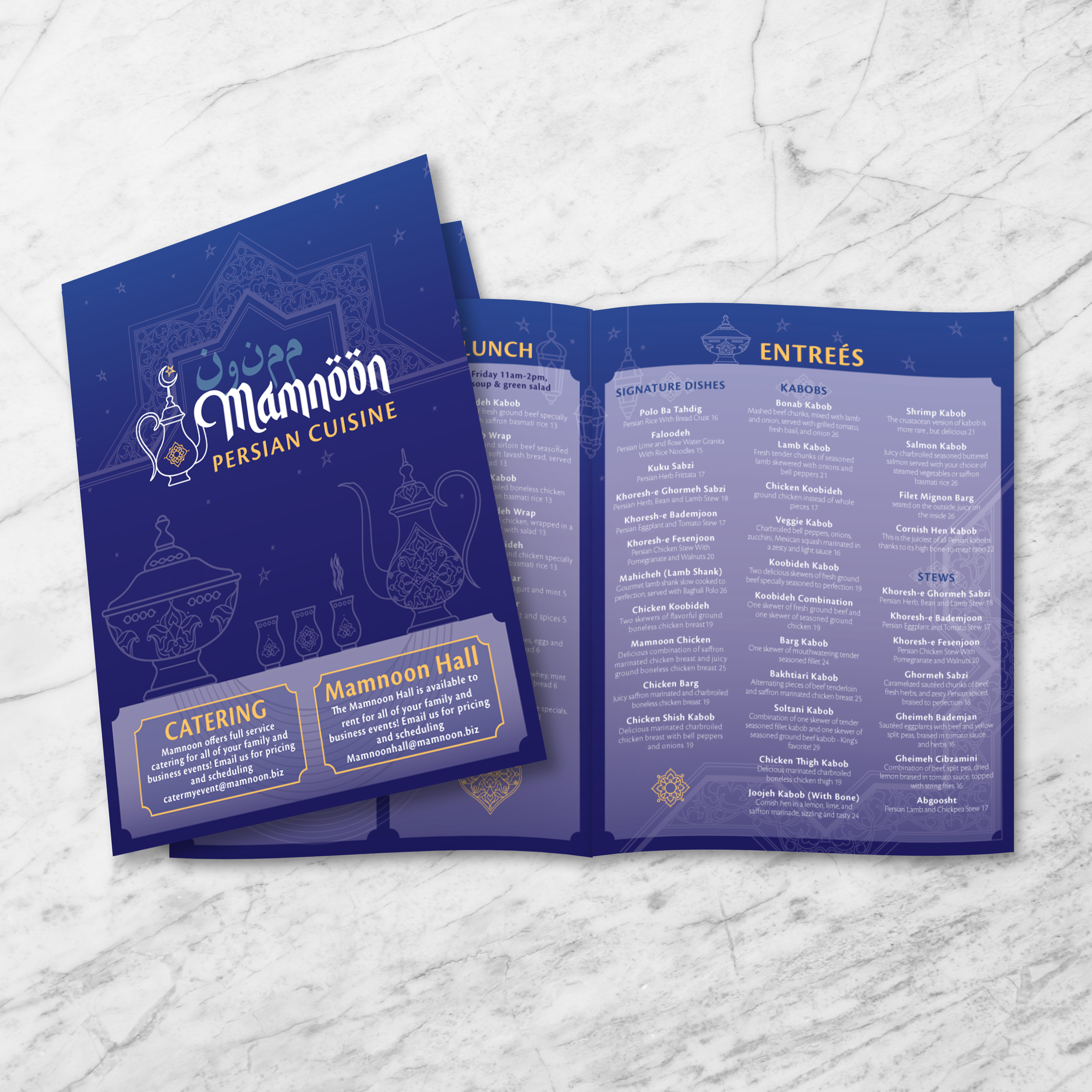
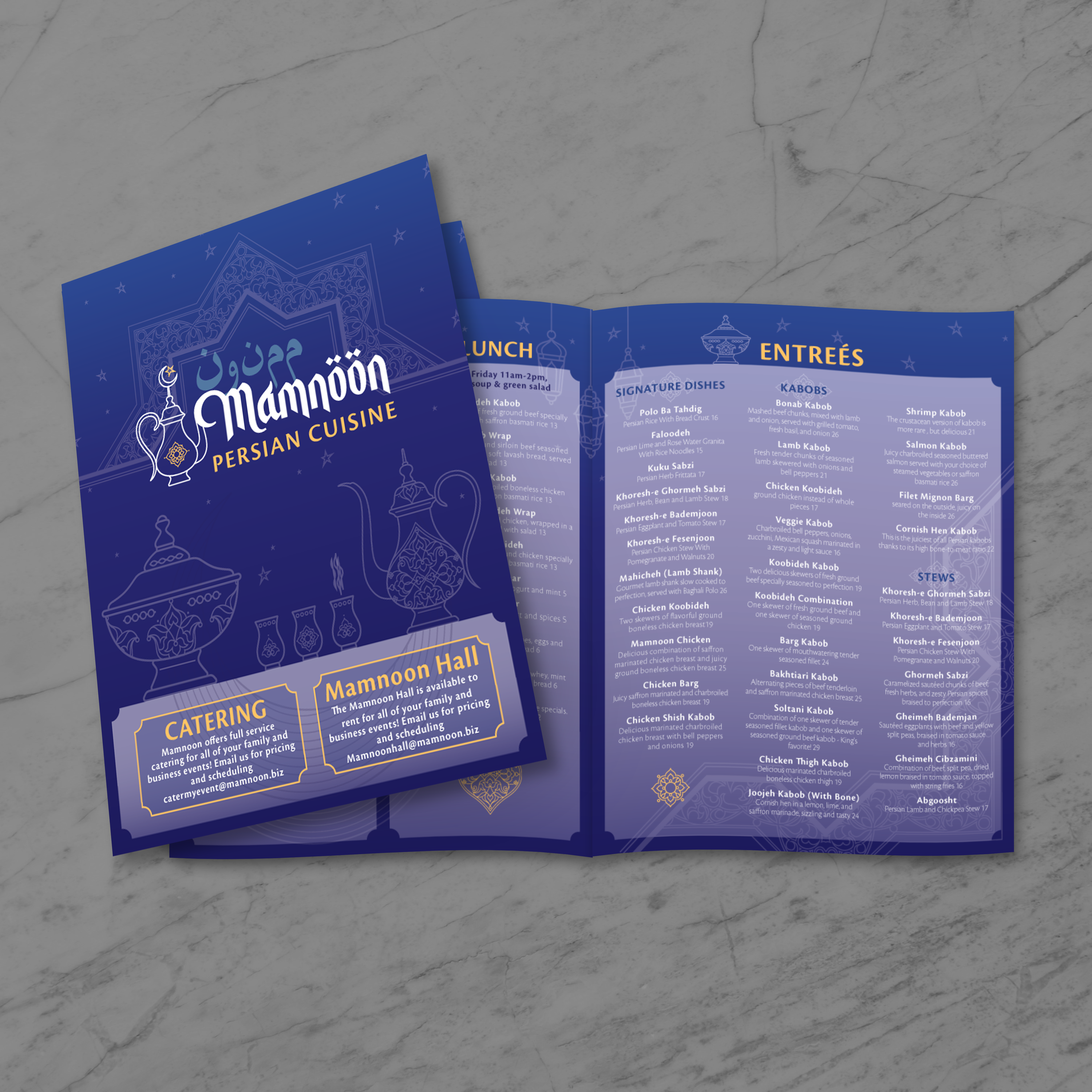
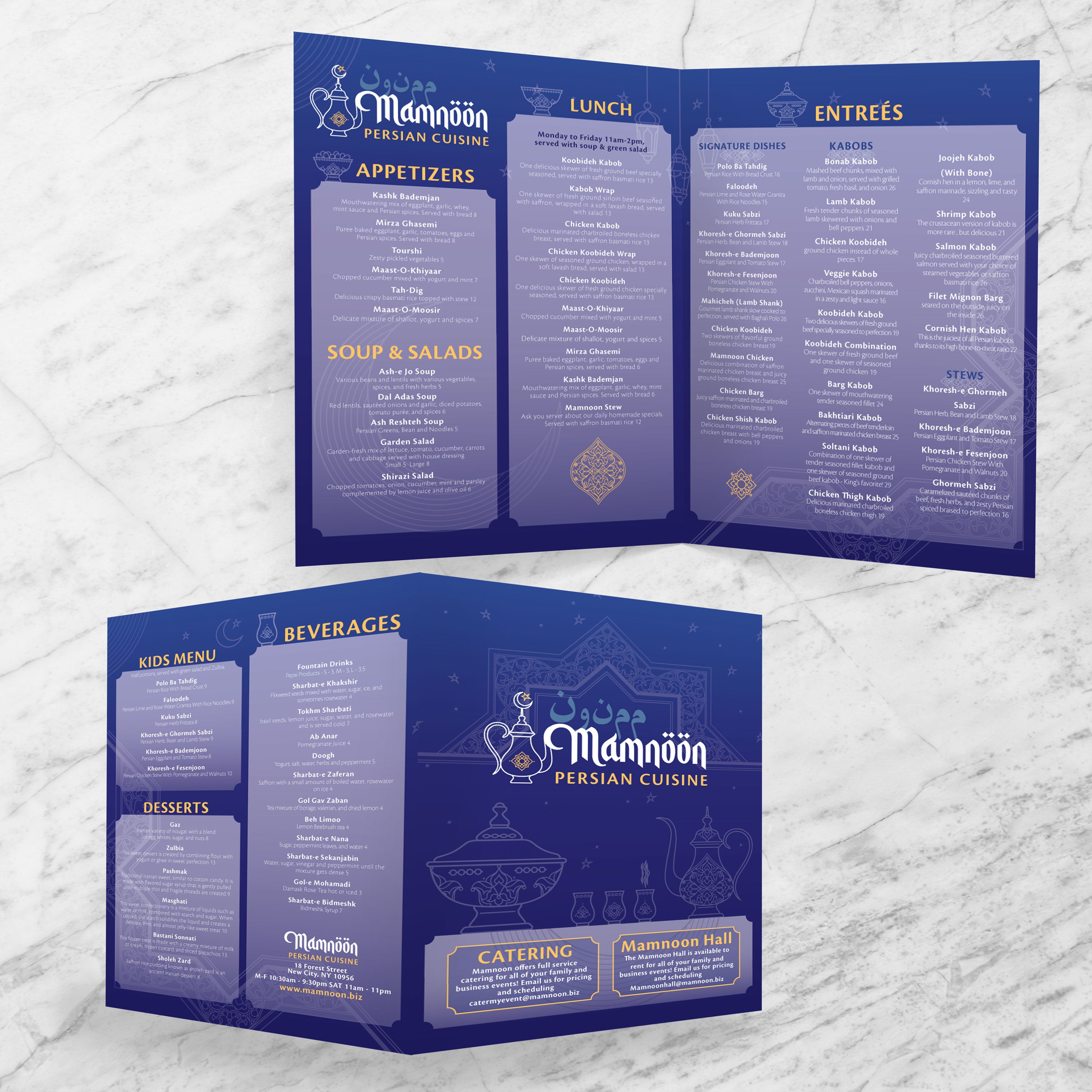
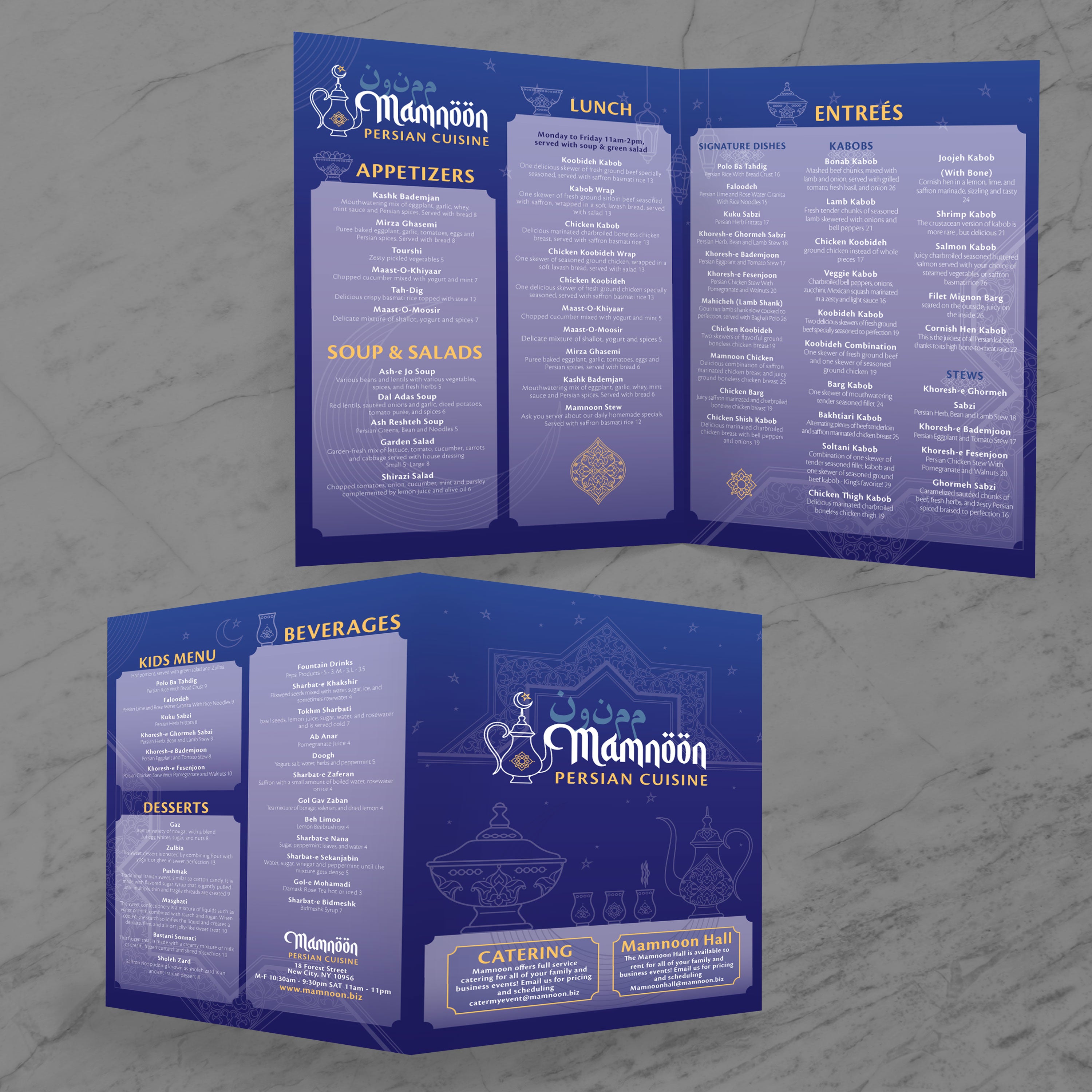
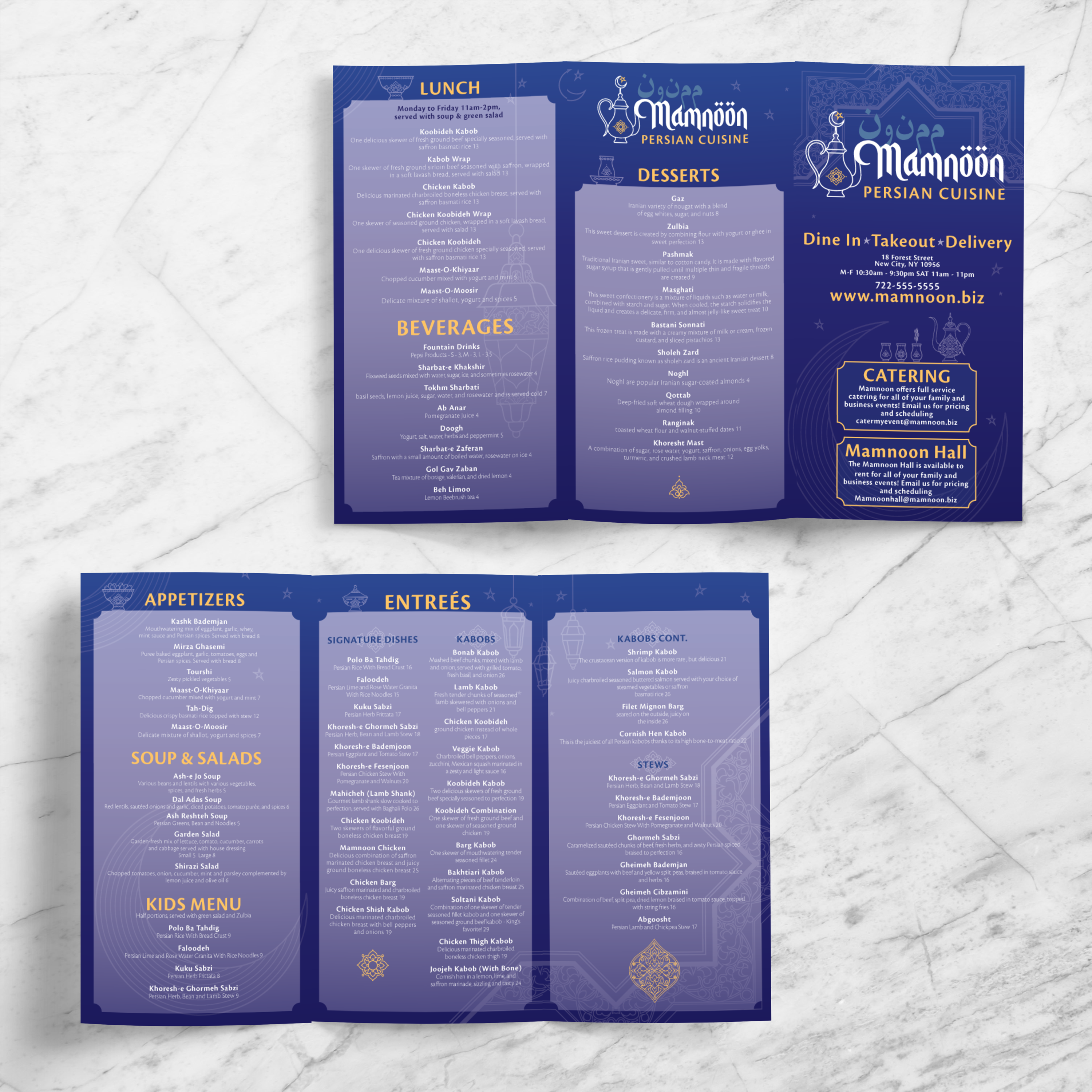
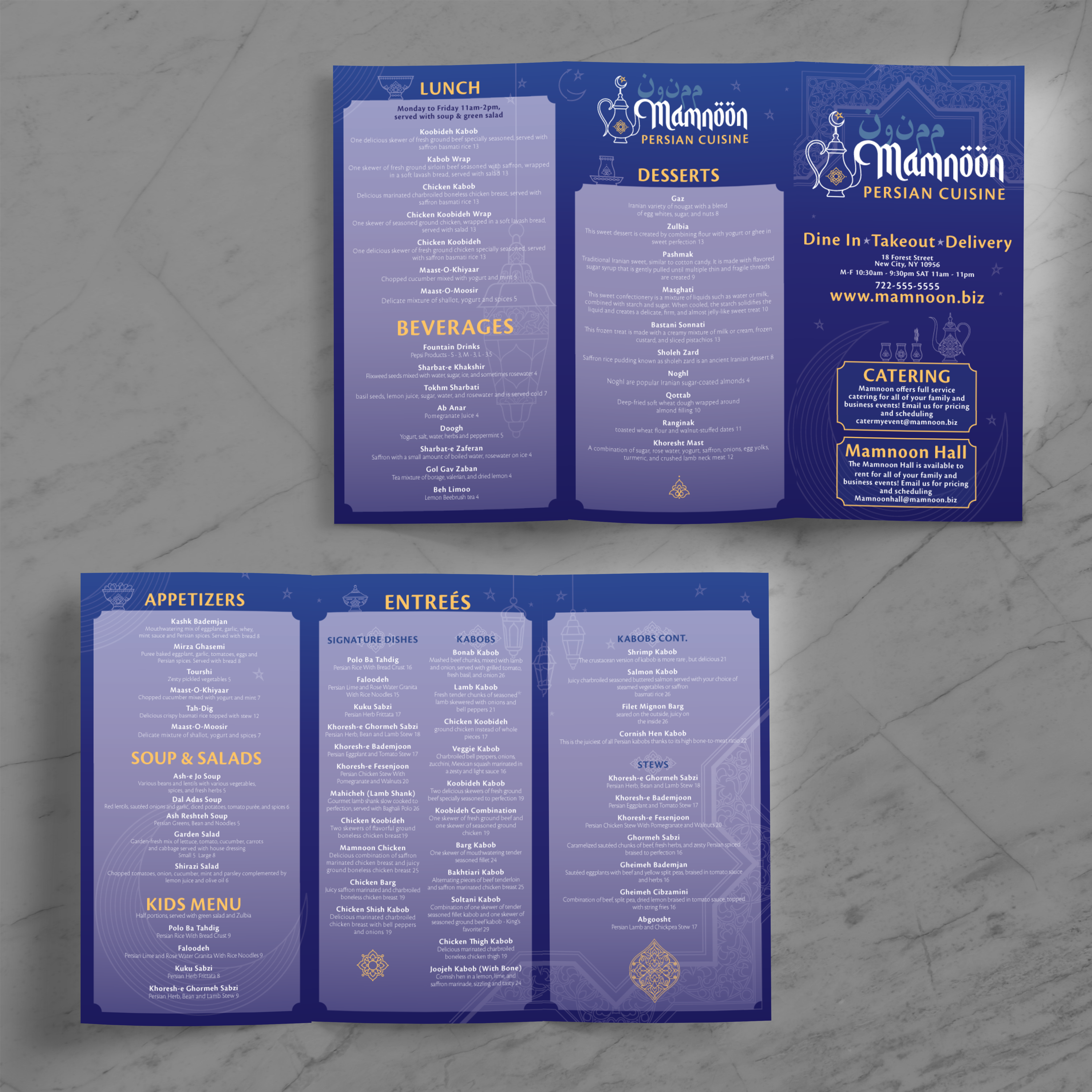
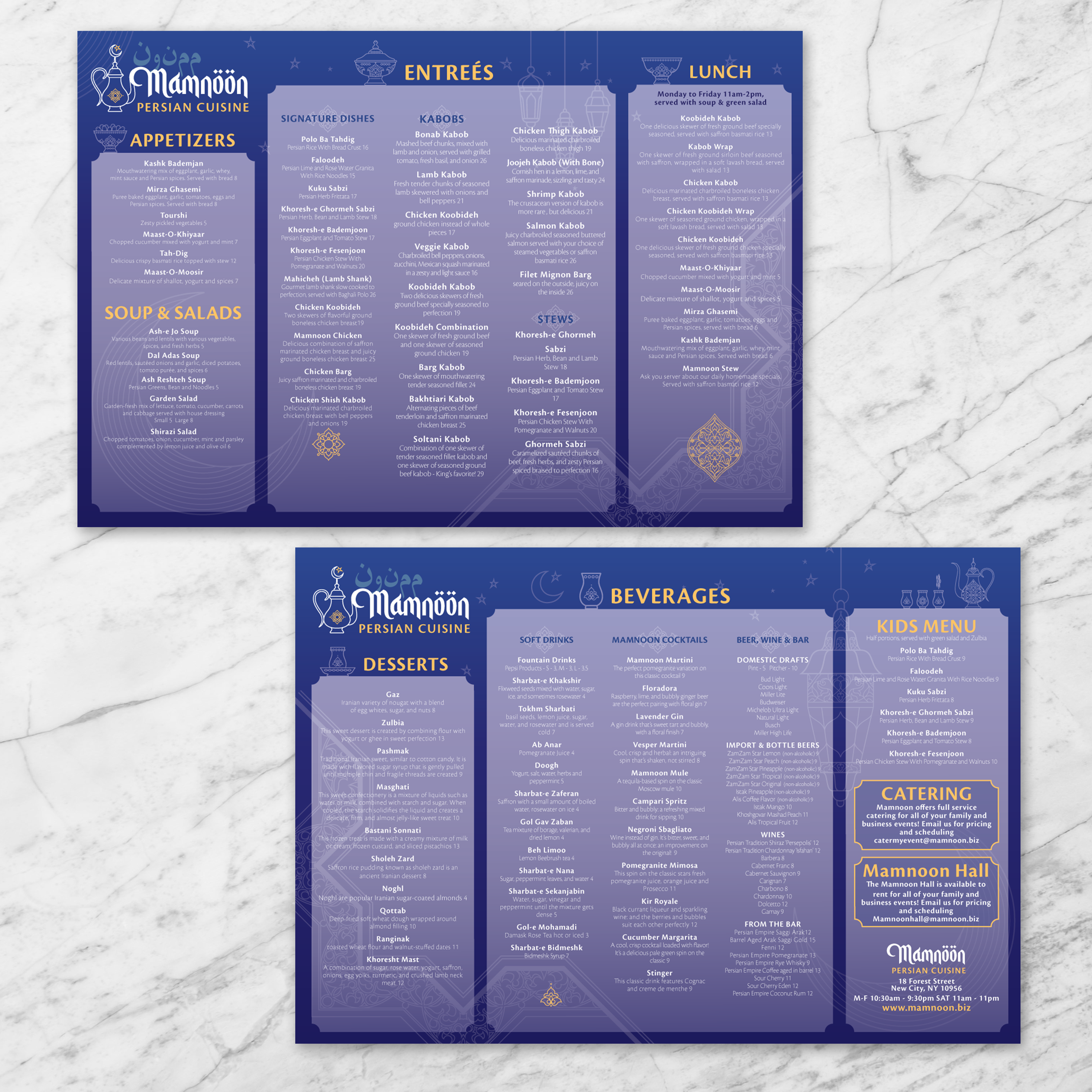
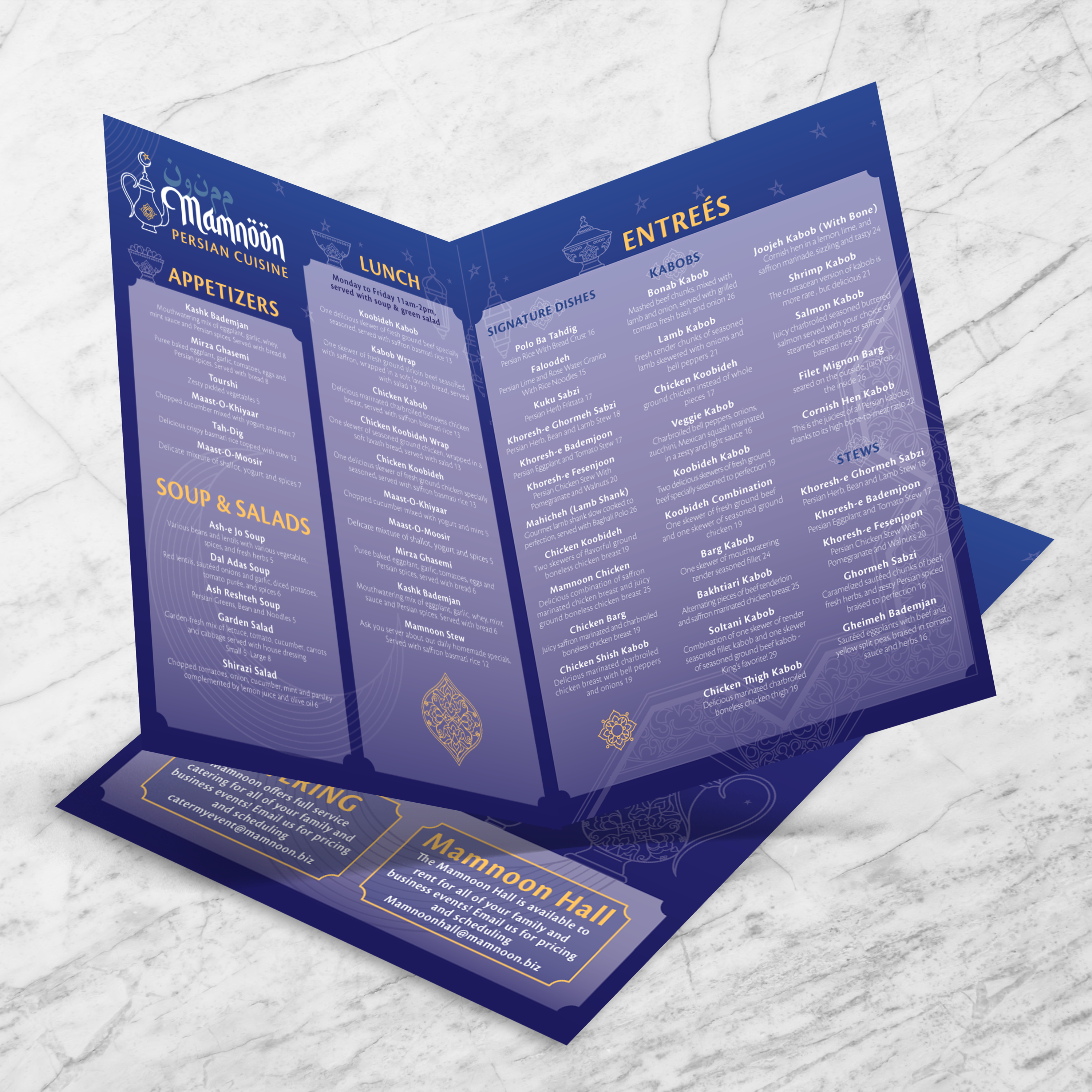
For bi-fold, tri-fold, and gate-fold menus, place the QR code where guests naturally land during browsing, usually on the inside right panel or a clearly visible interior corner. This ensures the code is discovered after the guest has already started scanning sections like kabobs, stews, rice dishes, and beverages, which increases the chance they’ll actually use the digital extension. Do not place the code directly on fold lines or near creases, since distortion from repeated folding can reduce readability over time.
Prioritize Scannability in Outdoor and Quick-Service Environments
For street food events, pop-ups, food trucks, and festivals, QR codes should be prominent, large enough to scan from a short distance, and positioned where guests can access them quickly. Outdoor use also creates glare and exposure to spills, so printing on waterproof, rip-proof synthetic paper helps preserve crisp edges and contrast. Positioning near the top third of the menu or on a front-facing panel improves scan speed when customers are standing in line or ordering on the move.
Add Redundancy for High-Traffic Menus and Heavy Handling
In high-volume settings, menus get passed around frequently, and QR codes can become obstructed by stains, scratches, or handling patterns. Adding a second, smaller QR code in a secondary location, such as a lower corner, a side edge, or a separator panel, provides a backup without cluttering the design. This redundancy is beneficial for shared menus in busy Persian restaurants where guests may spill drinks or sauces during service.
Repeat QR Codes for Multi-Page and Large-Format Menus
For large-format menus or multi-page designs, place a QR code on every major section or every visible fold so guests don’t have to flip back to find it. This improves usability and reduces staff interruptions, especially when guests want ingredient details, allergy notes, or a translated digital menu. For Persian menus with extensive categories, repeating QR codes also support smoother navigation by allowing guests to access digital sections directly, while still using the printed version as their primary reference.
Pair QR Codes with Simple Callouts and Clear Value
QR codes perform better when guests know exactly what they unlock. Add a short callout such as “Scan For Full Menu,” “Scan For Ingredients,” or “Scan For Online Ordering,” and keep the language direct. If your Persian menu serves multilingual guests, consider a short bilingual line so the purpose is clear in both English and Farsi. This keeps the menu culturally aligned while making the digital extension easier for every customer to use.