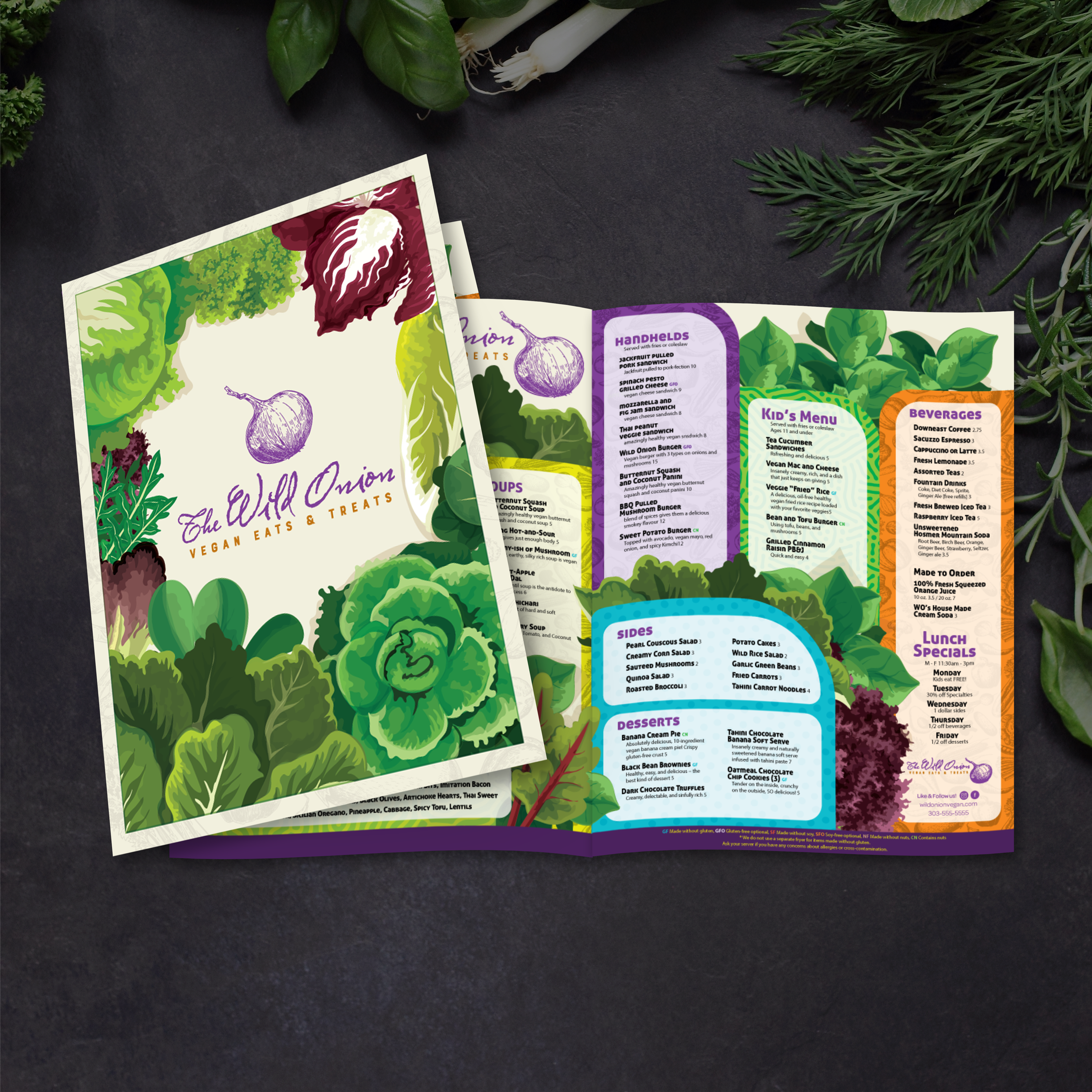
Plantillas de menú plegables de 11" x 17"

23 productos

Mostrando 1 - 23 de 23 productos

Mostrando 1 - 23 de 23 productos
Ver

Recently viewed

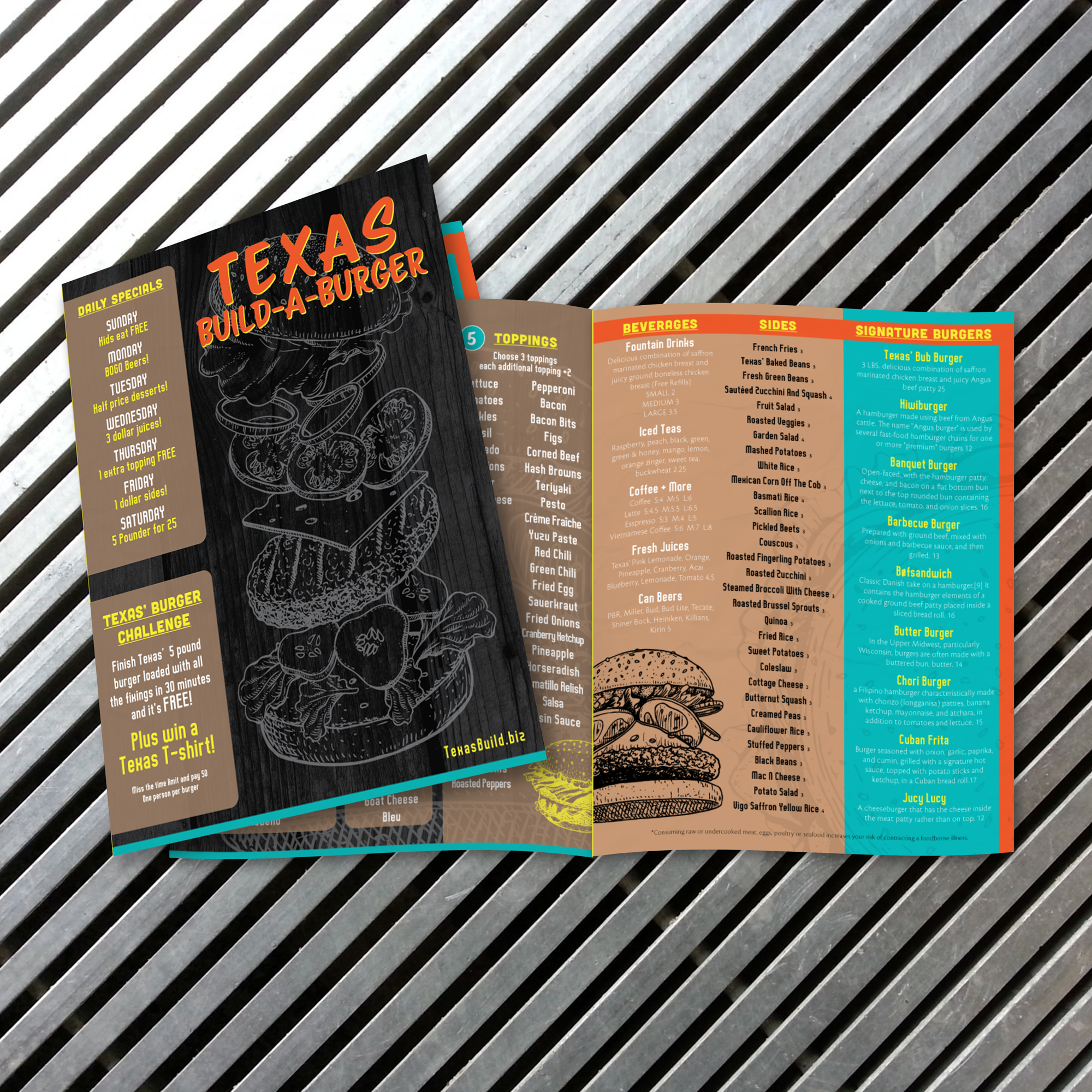
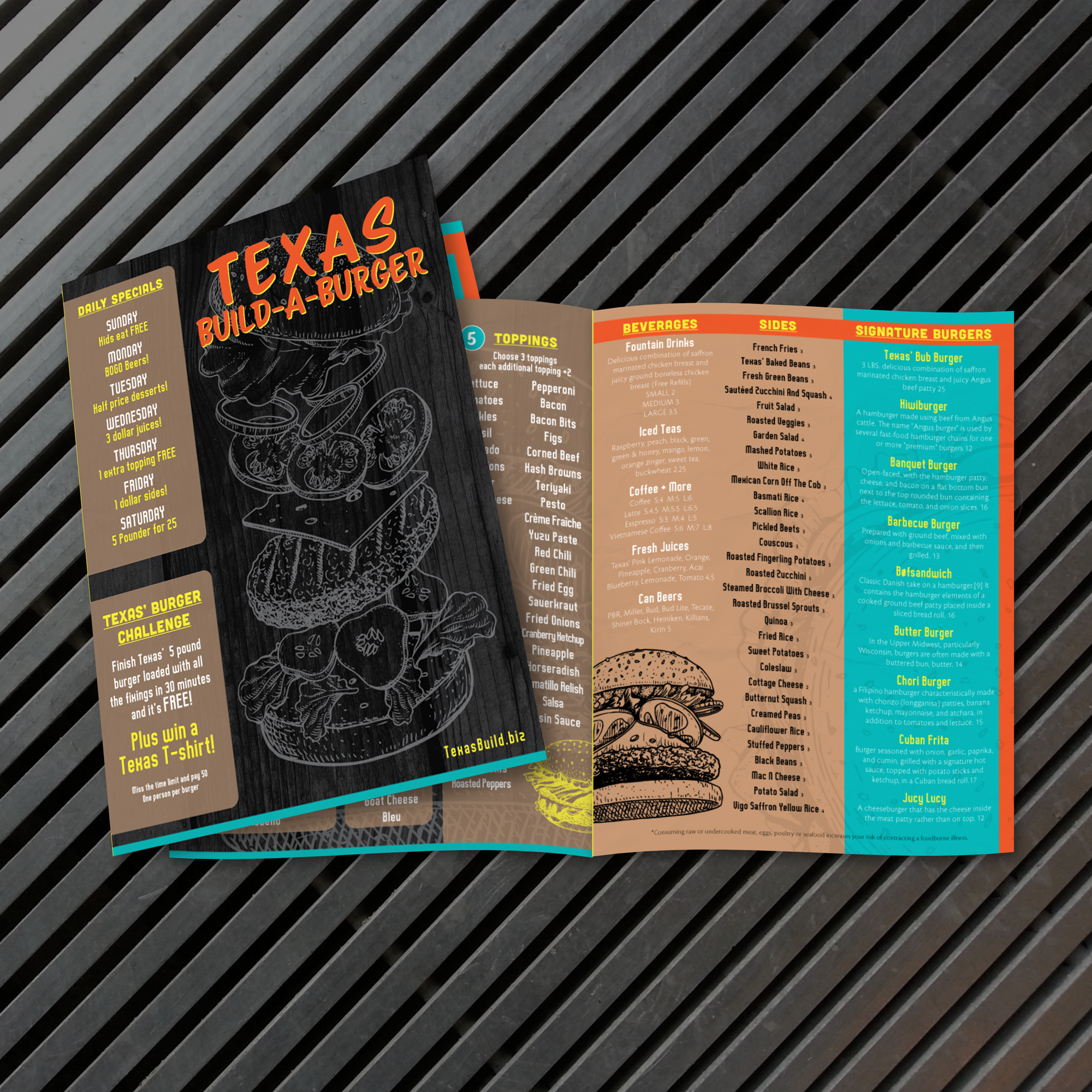
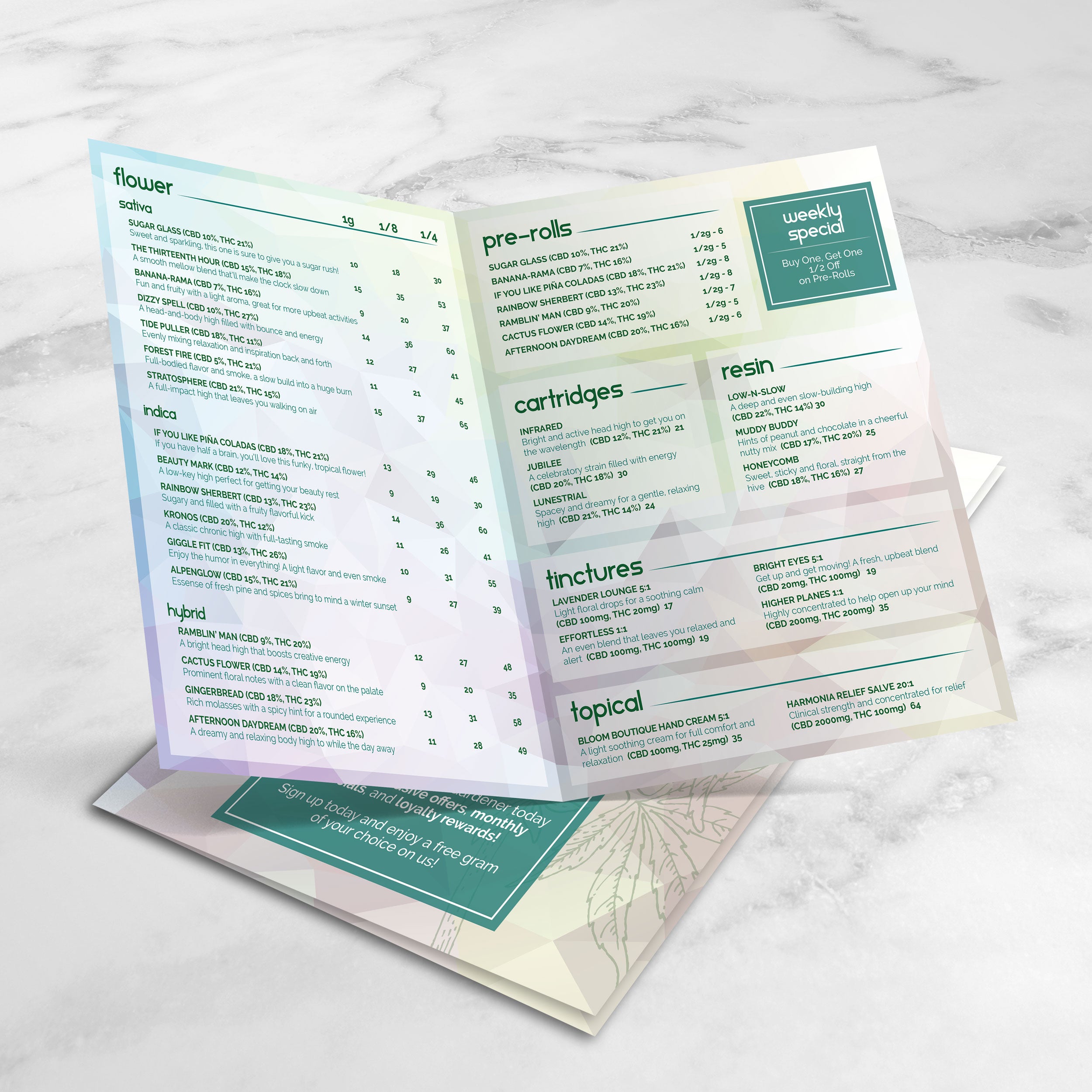
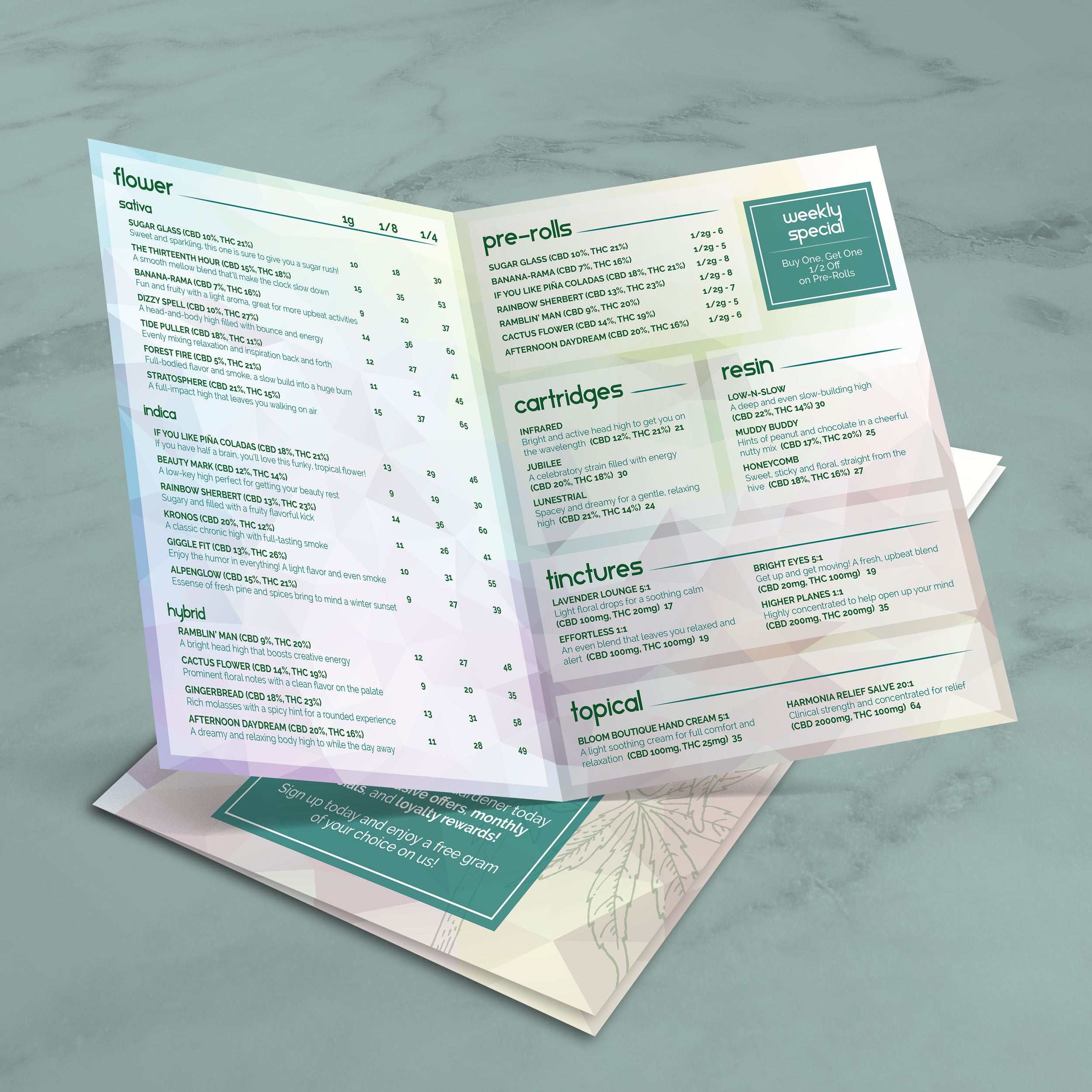
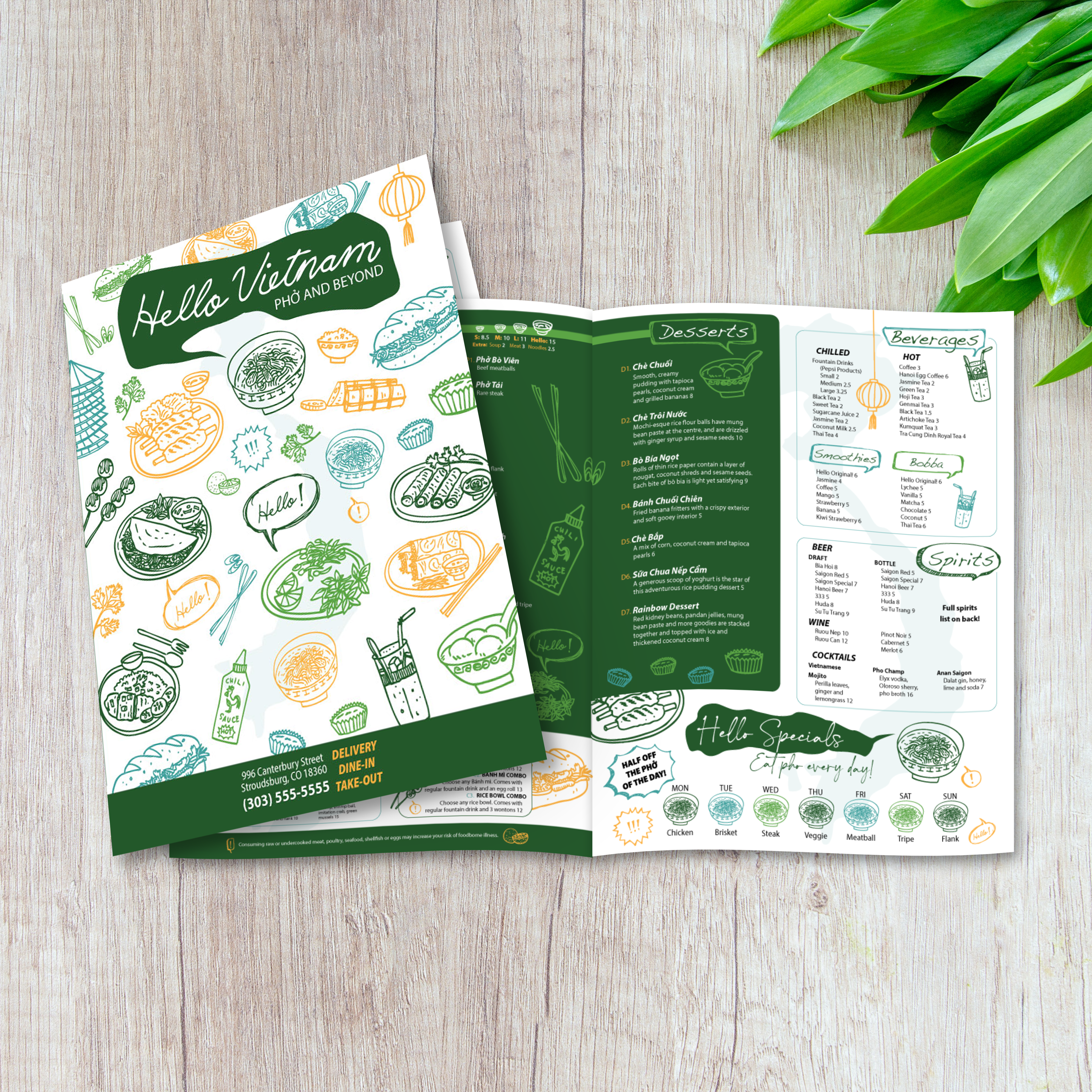
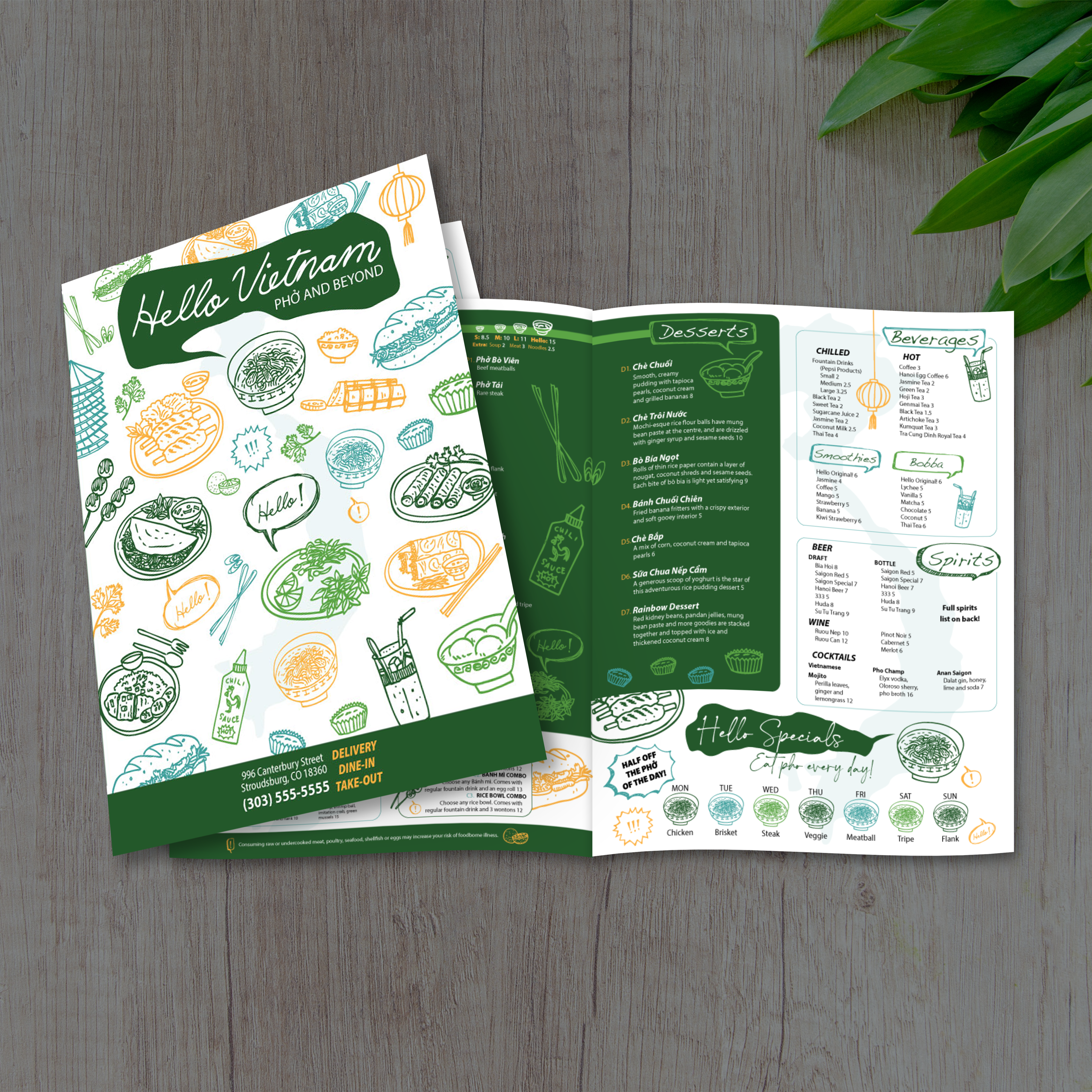
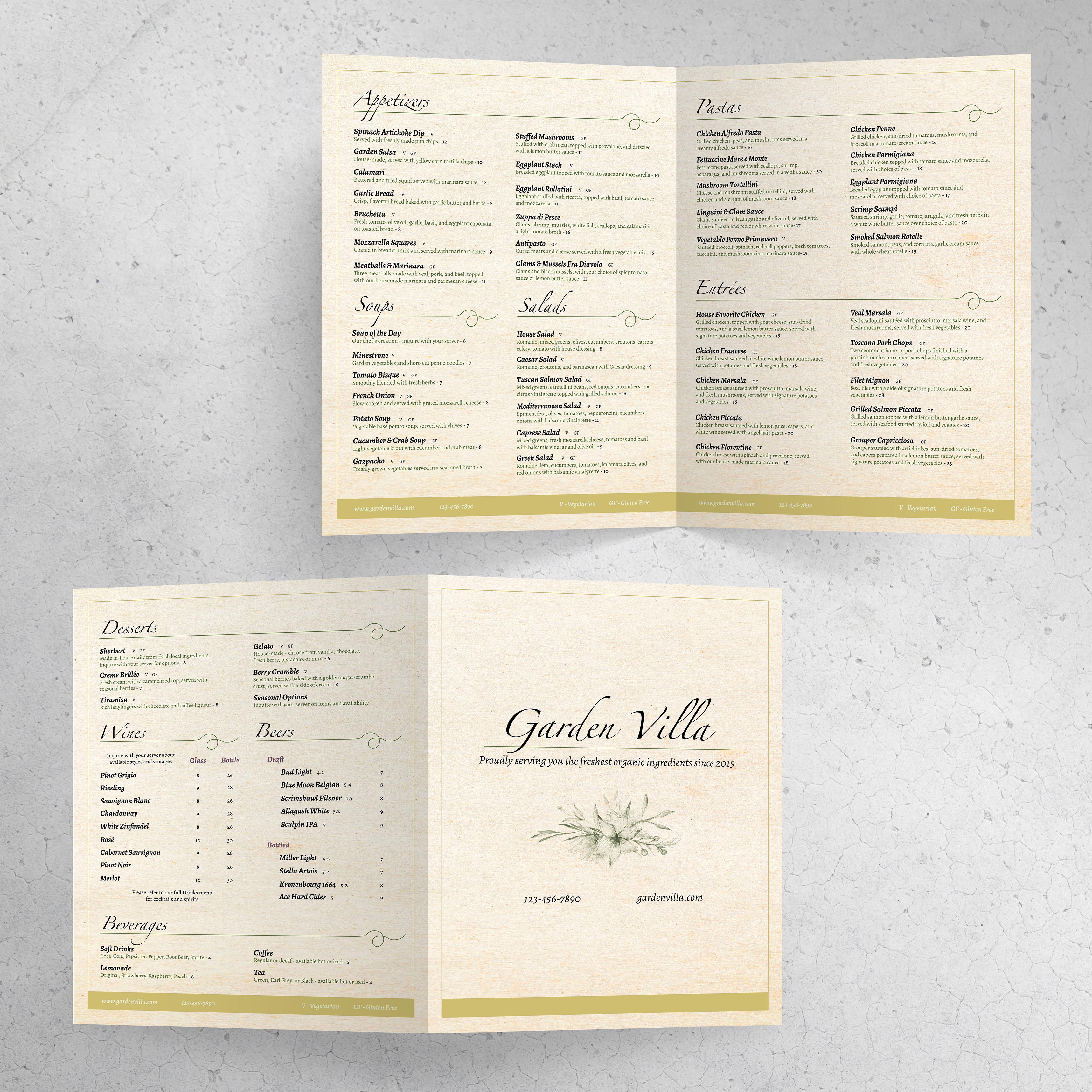
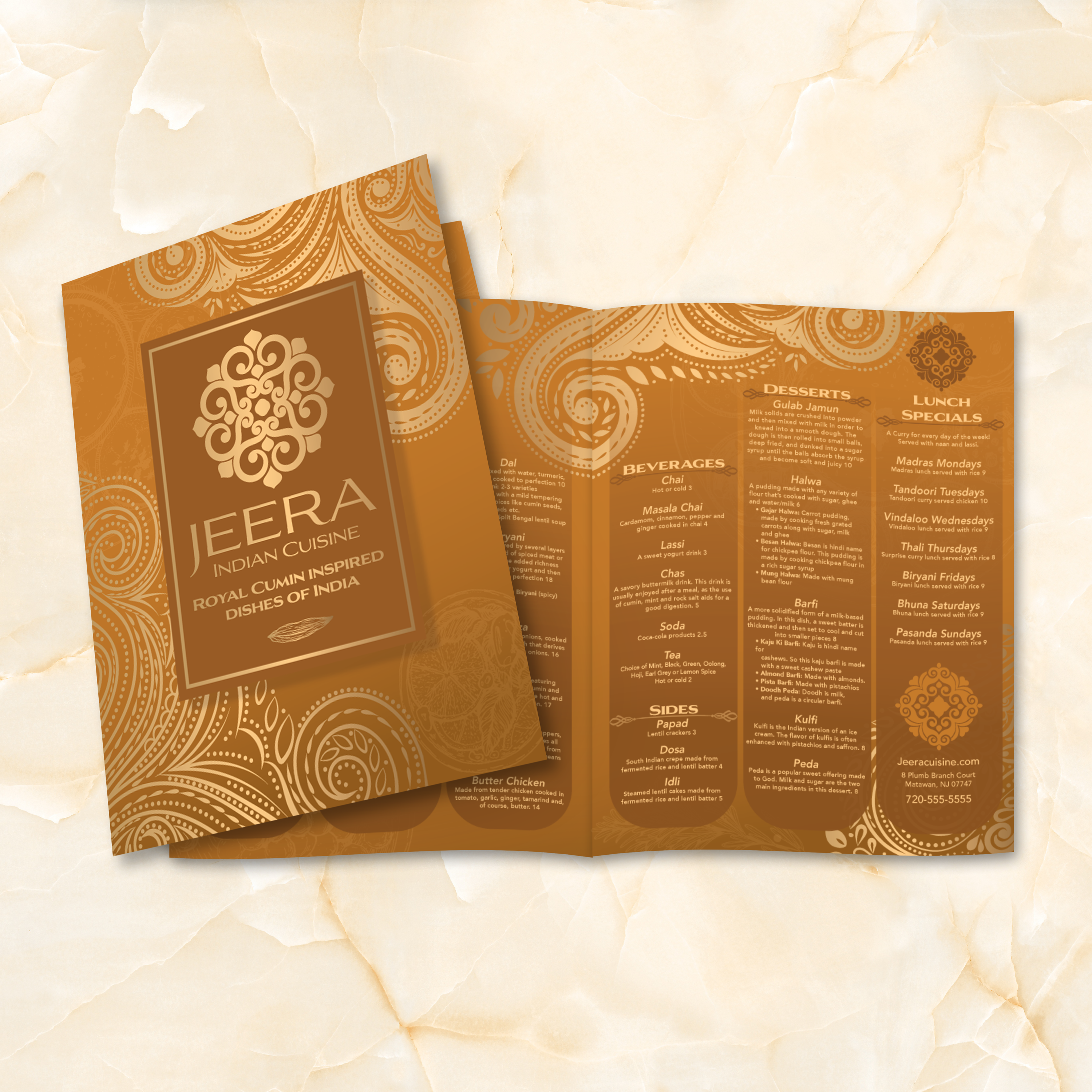
If you want a menu that feels premium, reads easily, and keeps categories organized without needing six panels, an 11” x 17” bifold is a strong choice. It provides four panels of usable space, a clean interior spread for your main categories, and sufficient room for comfortable typography. At TerraSlate, we created free 11” x 17” bifold templates so restaurants can start with a proven structure, customize quickly, and print a menu that looks polished in honest service.

What “11” x 17” Bifold” Means (Four Panels and Final Folded Size)

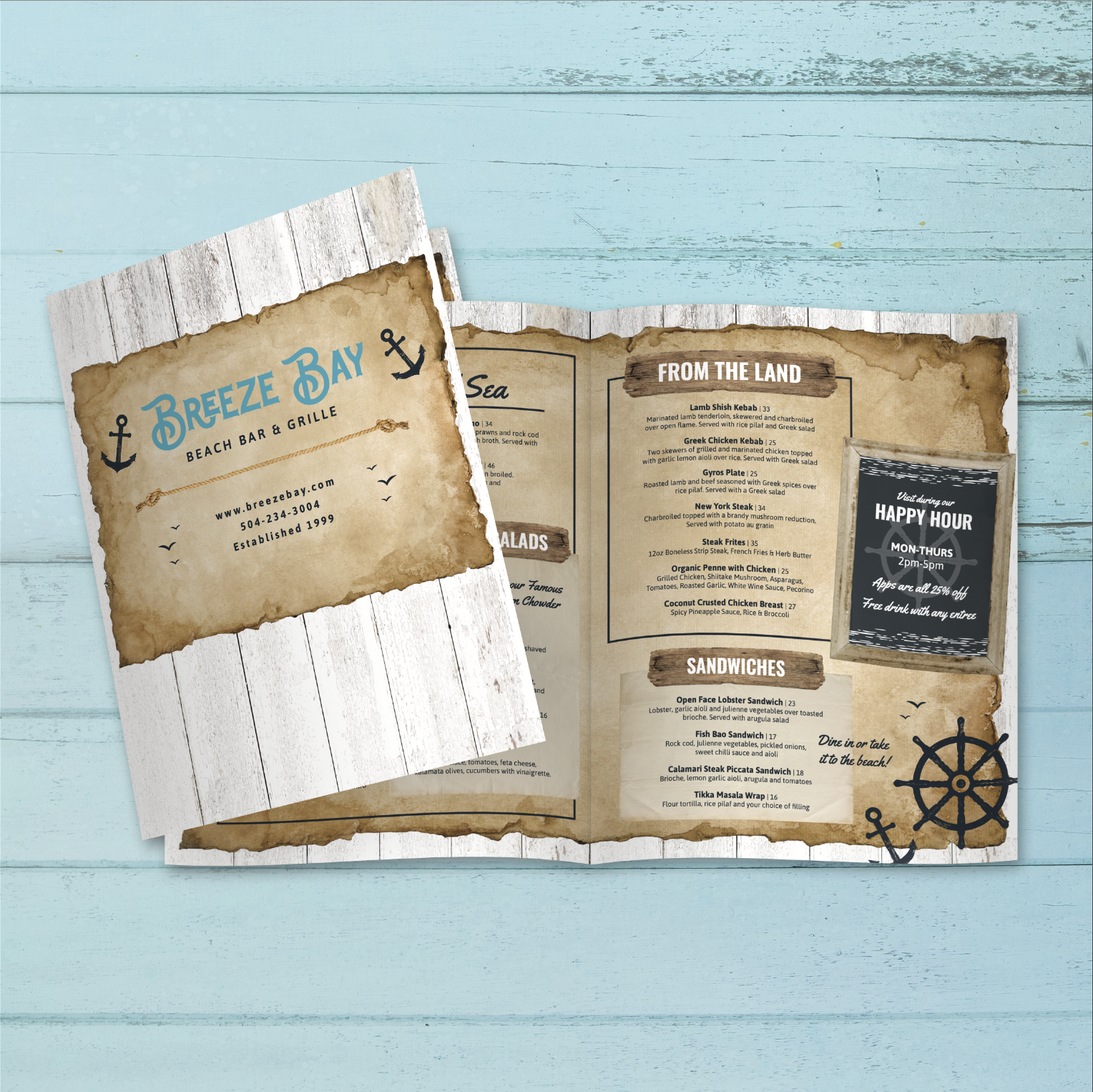
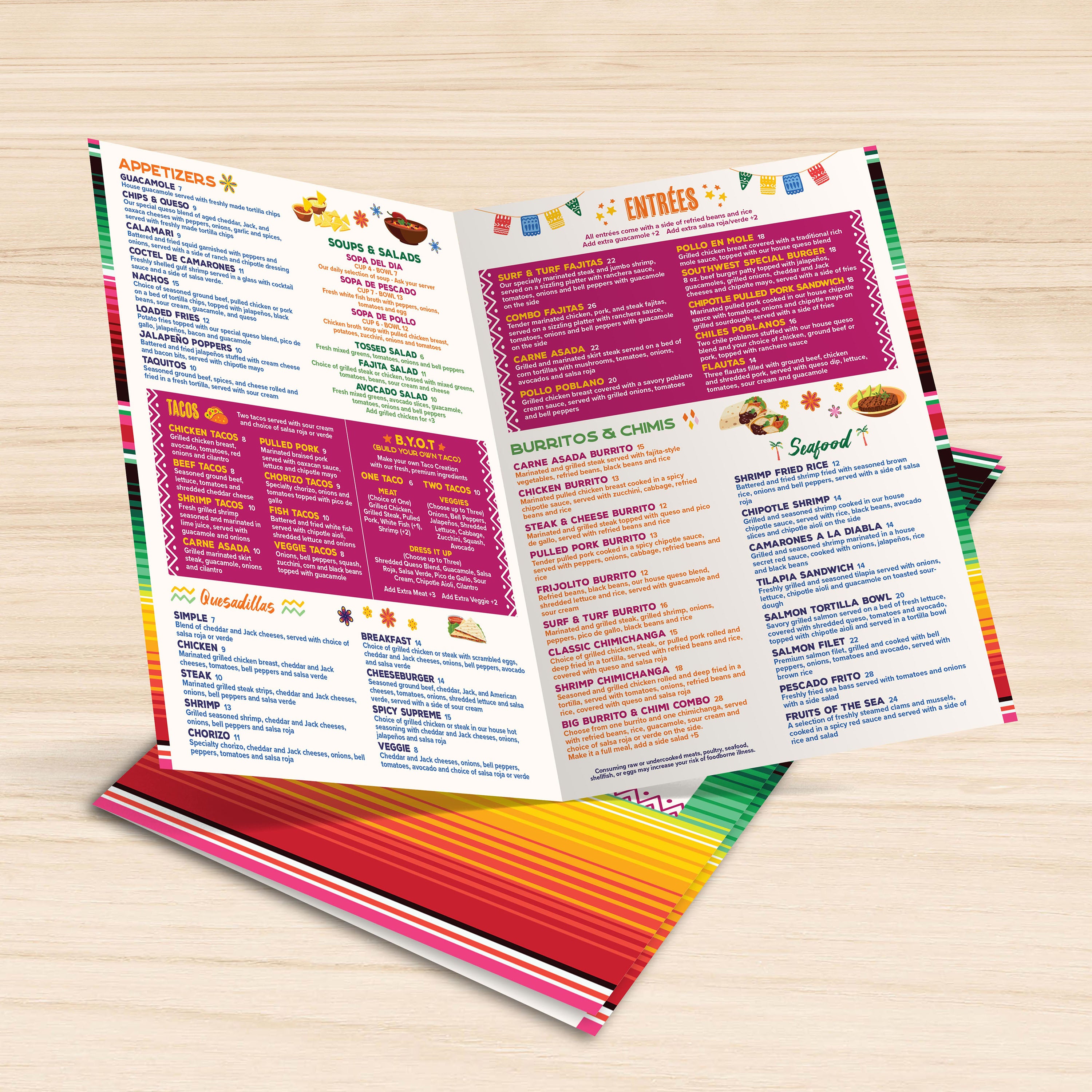
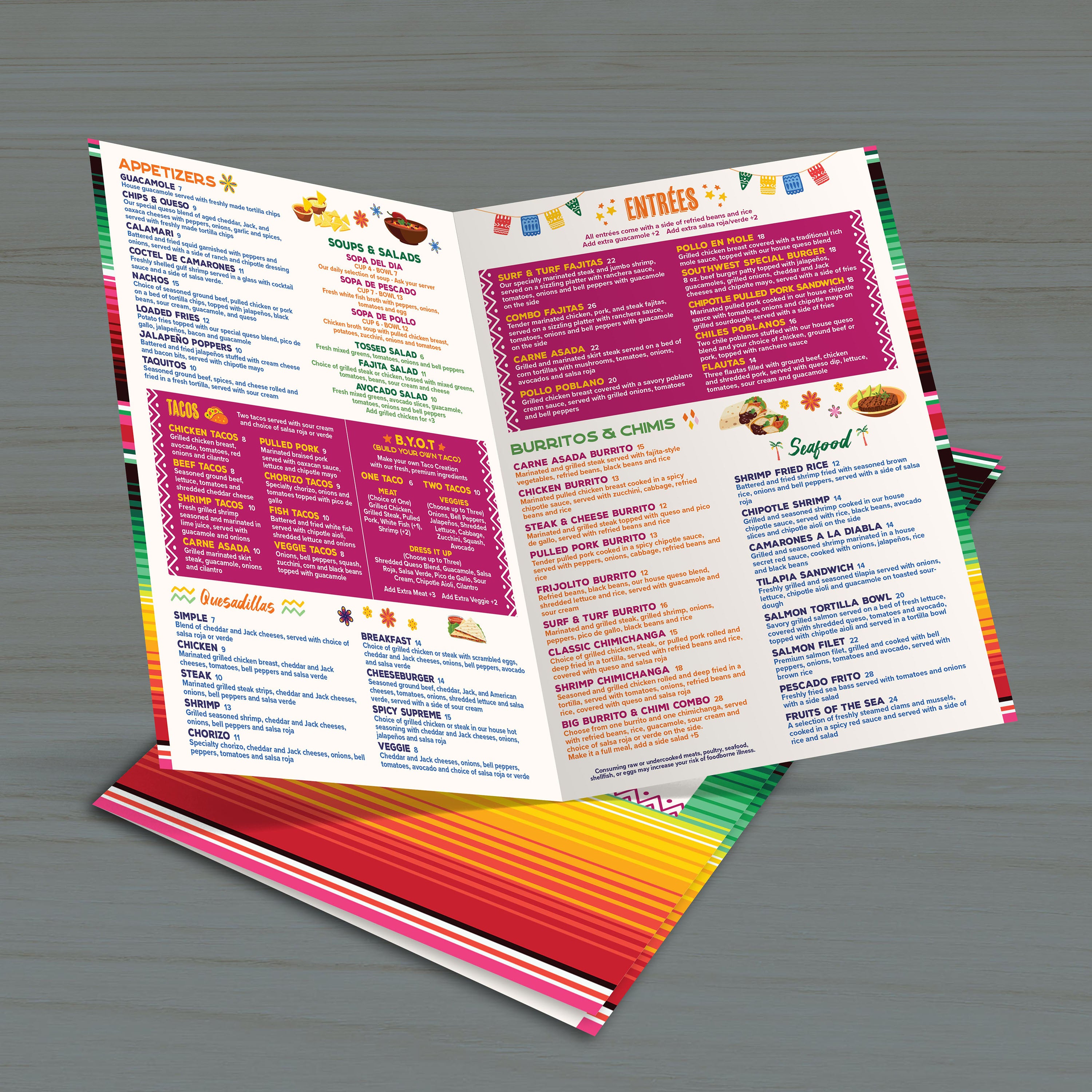
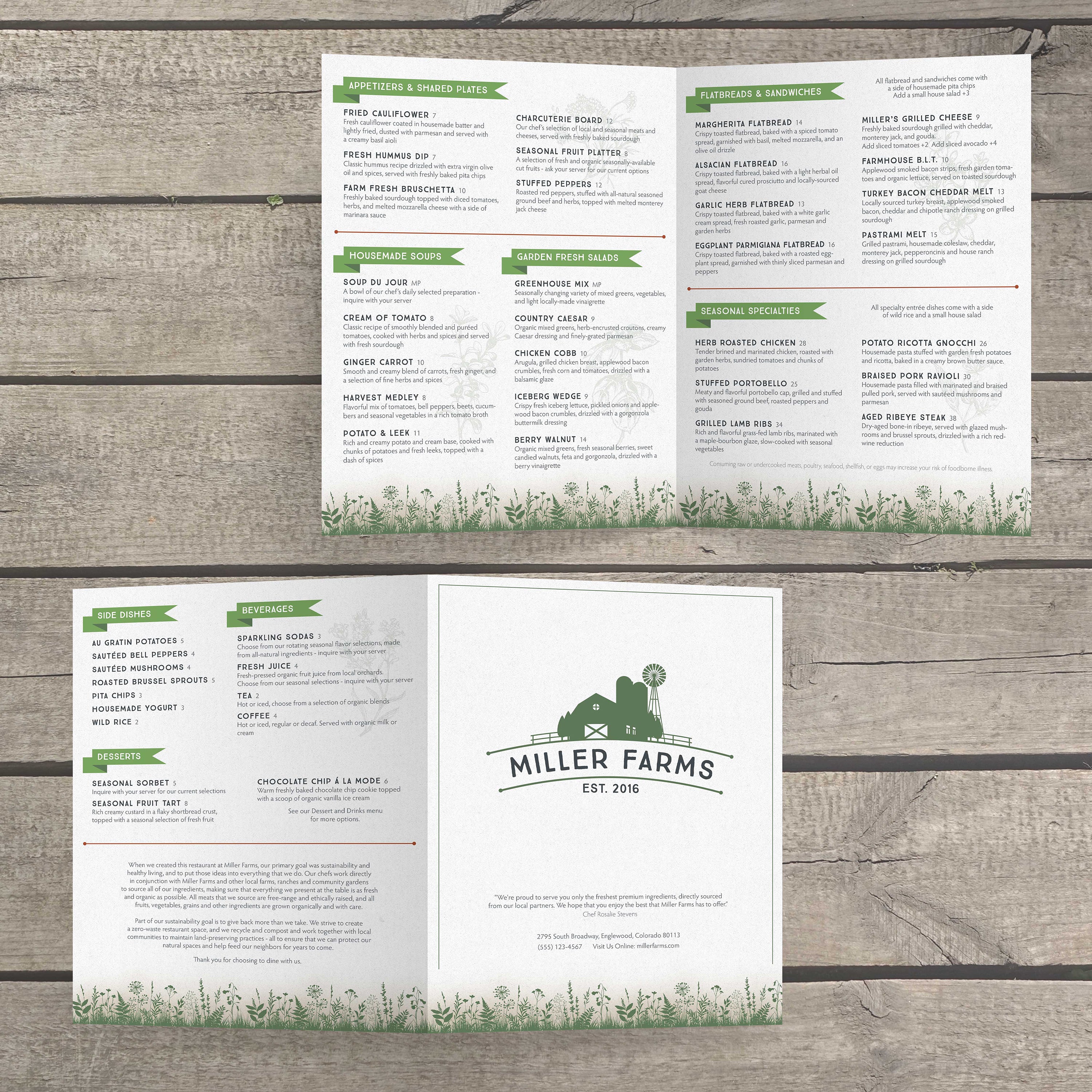
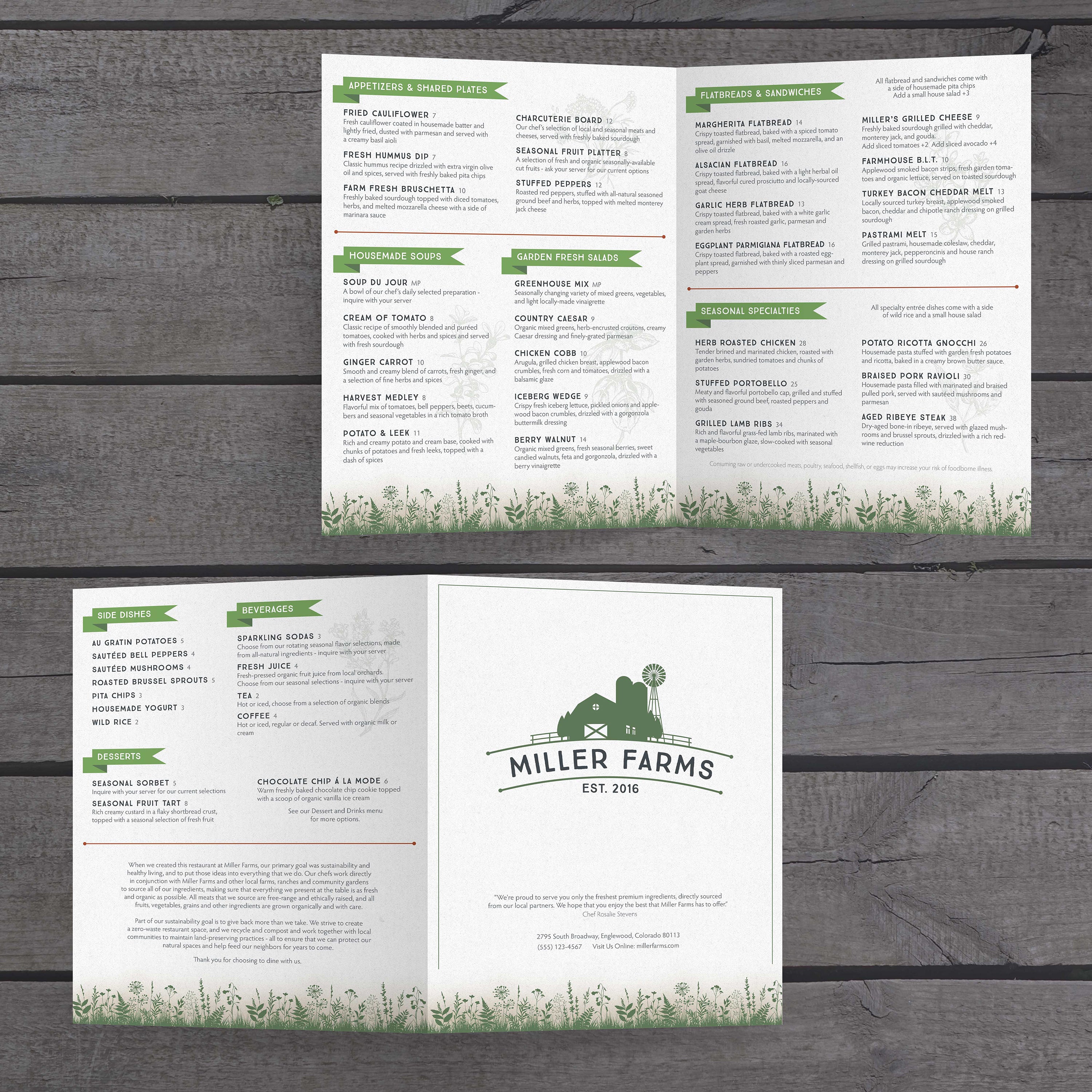
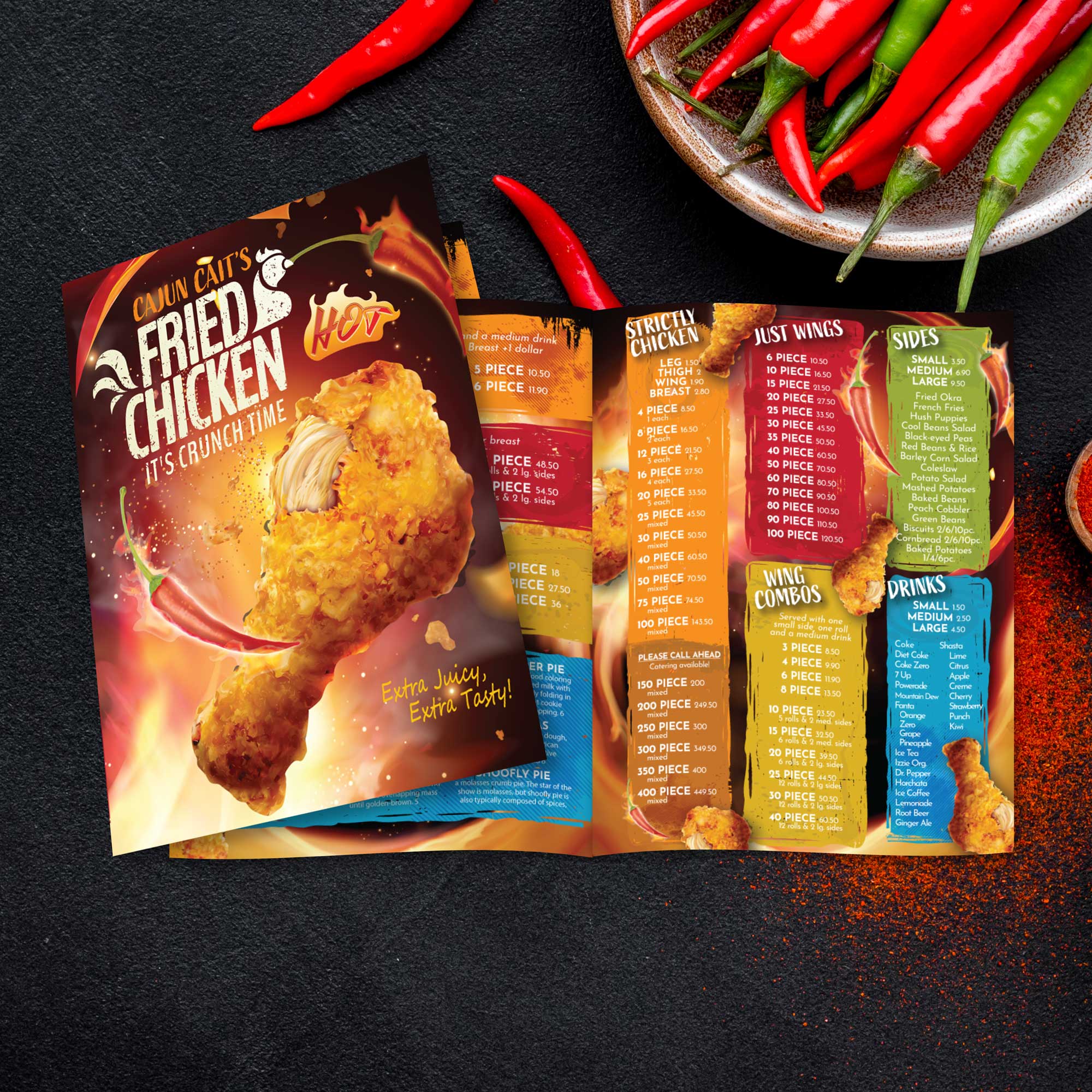
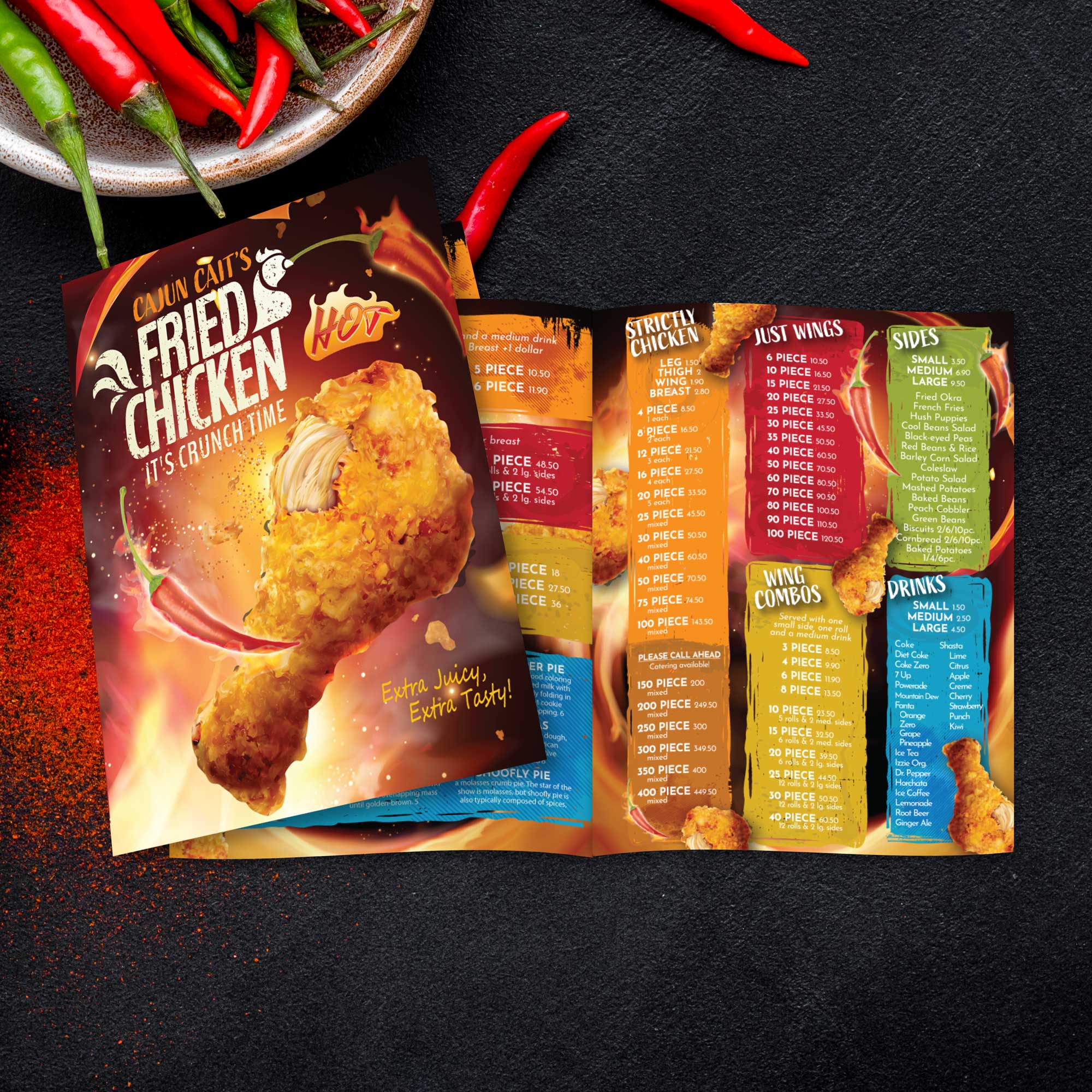
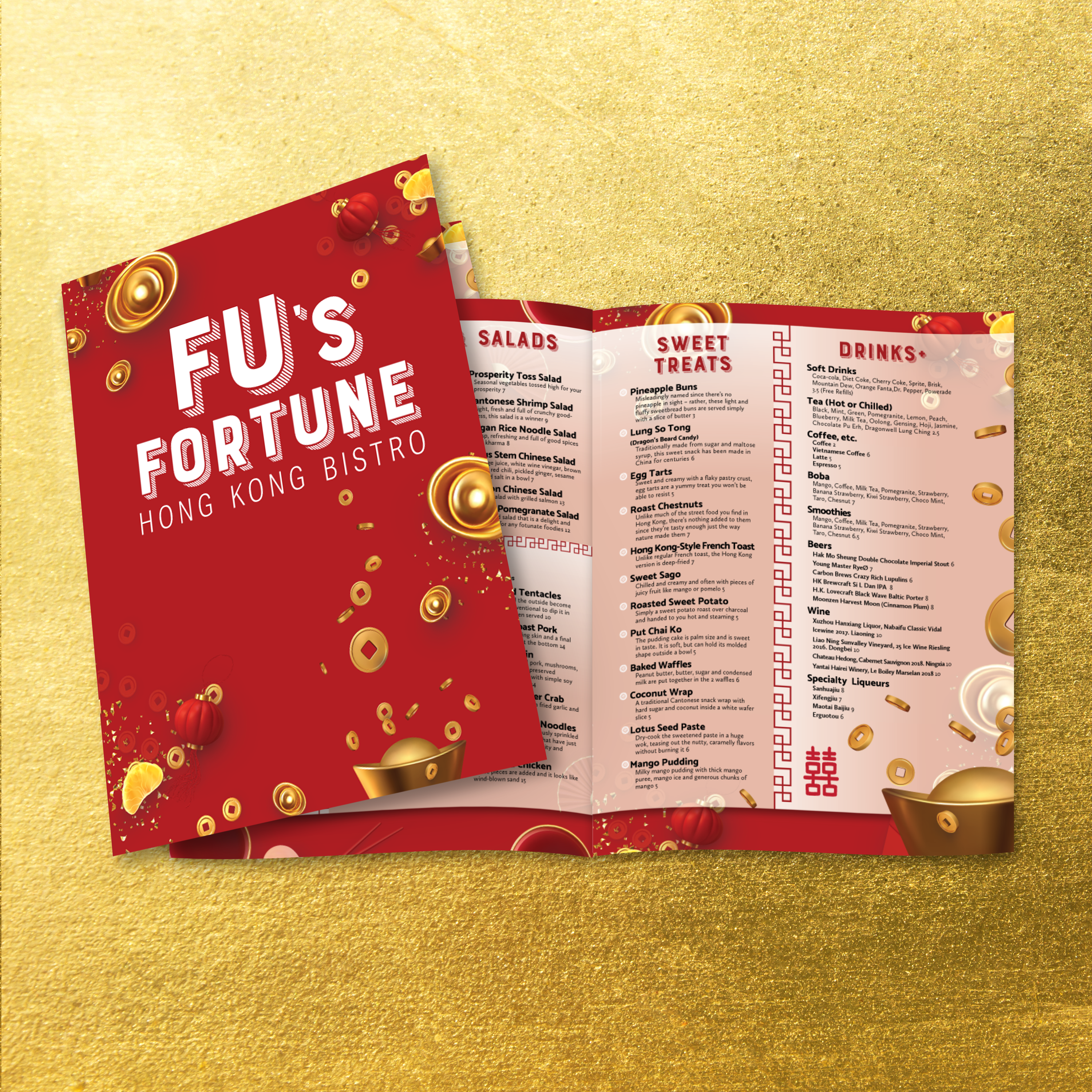
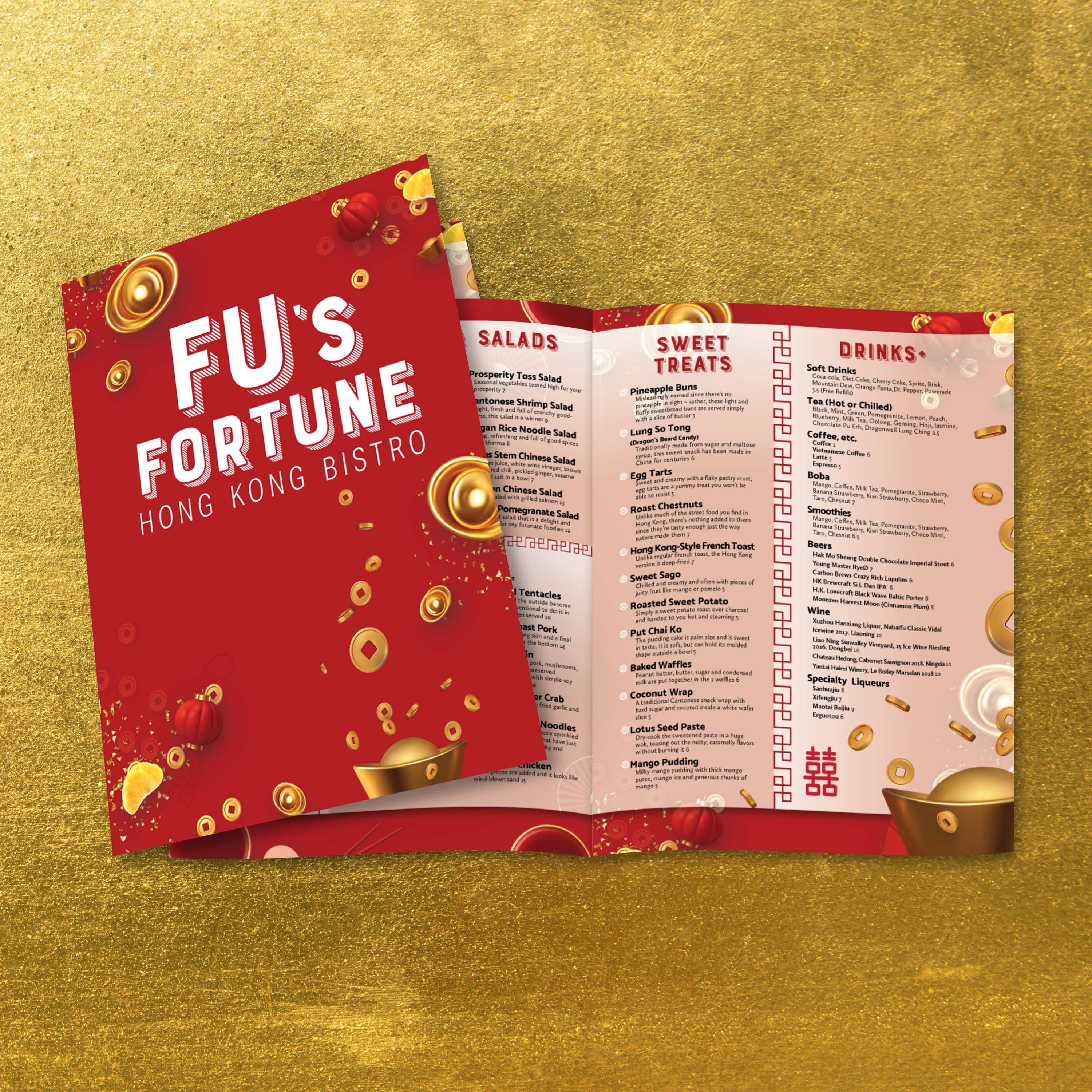
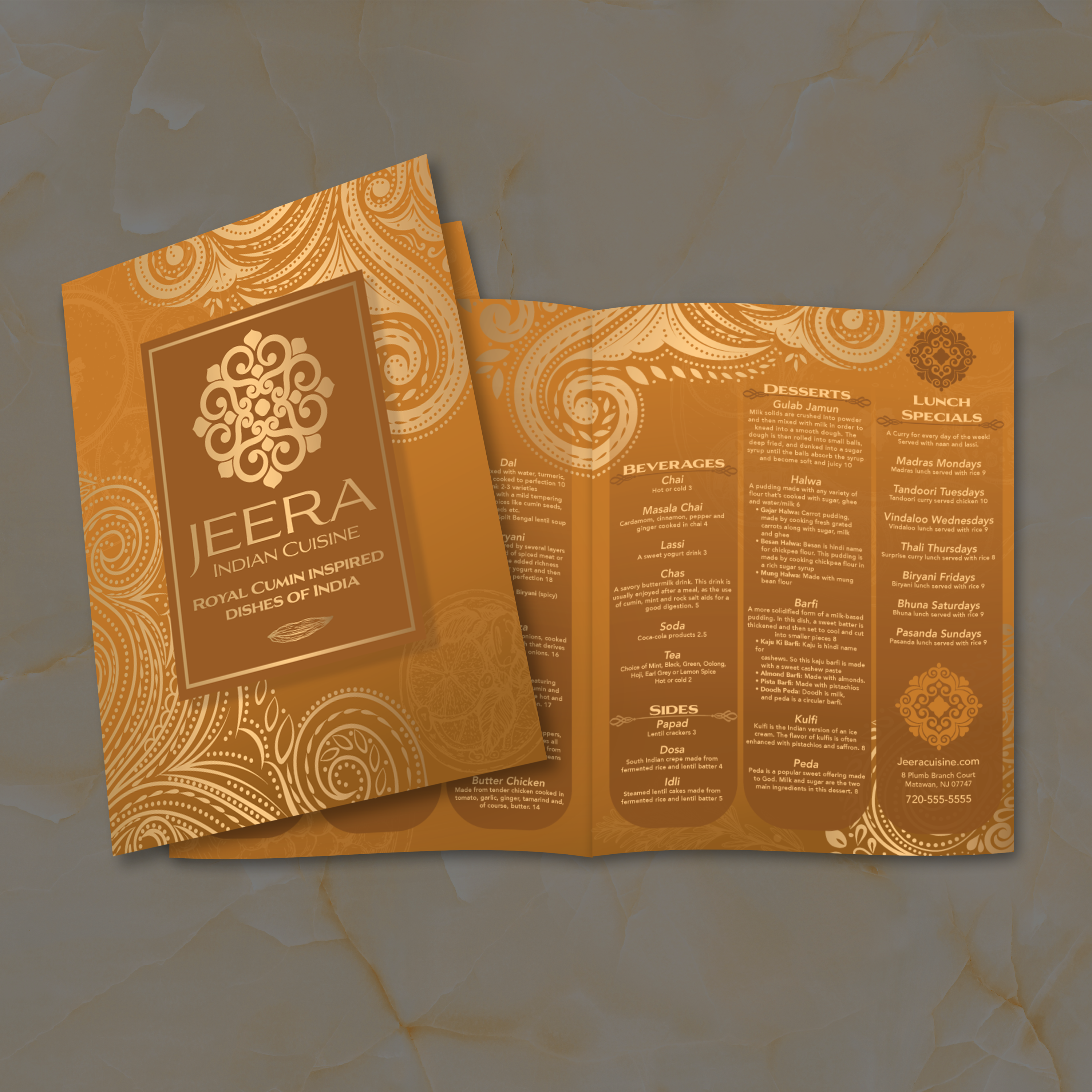
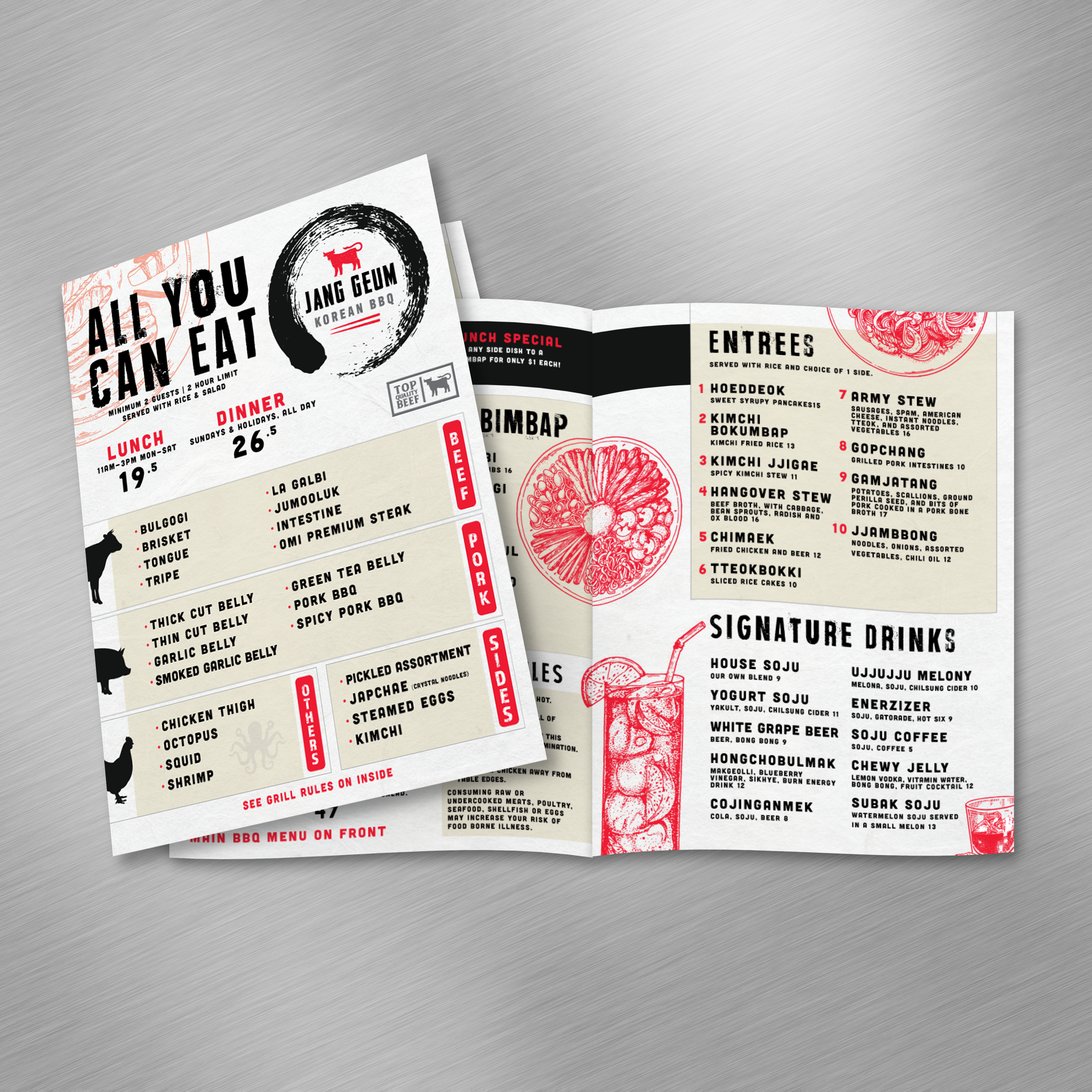
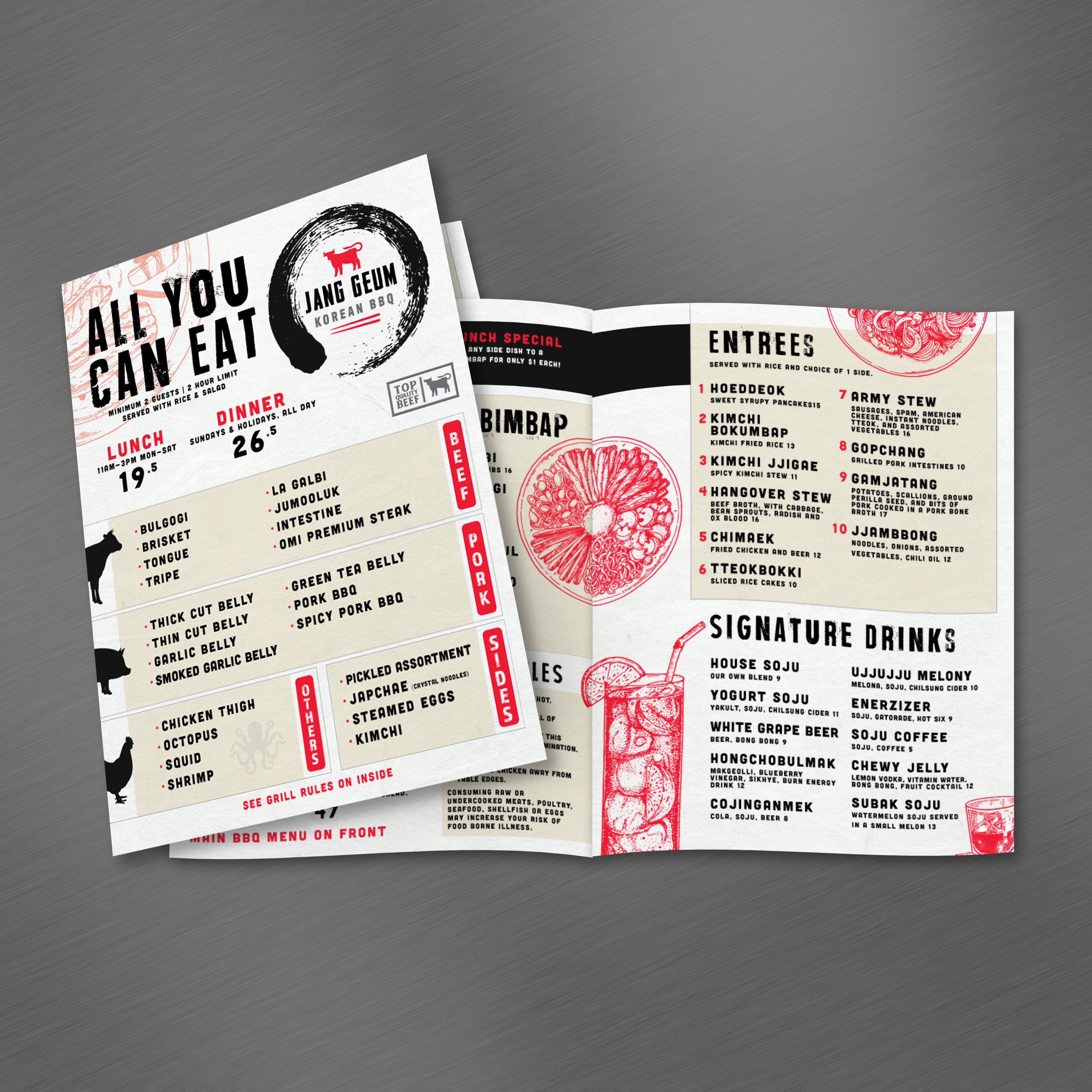
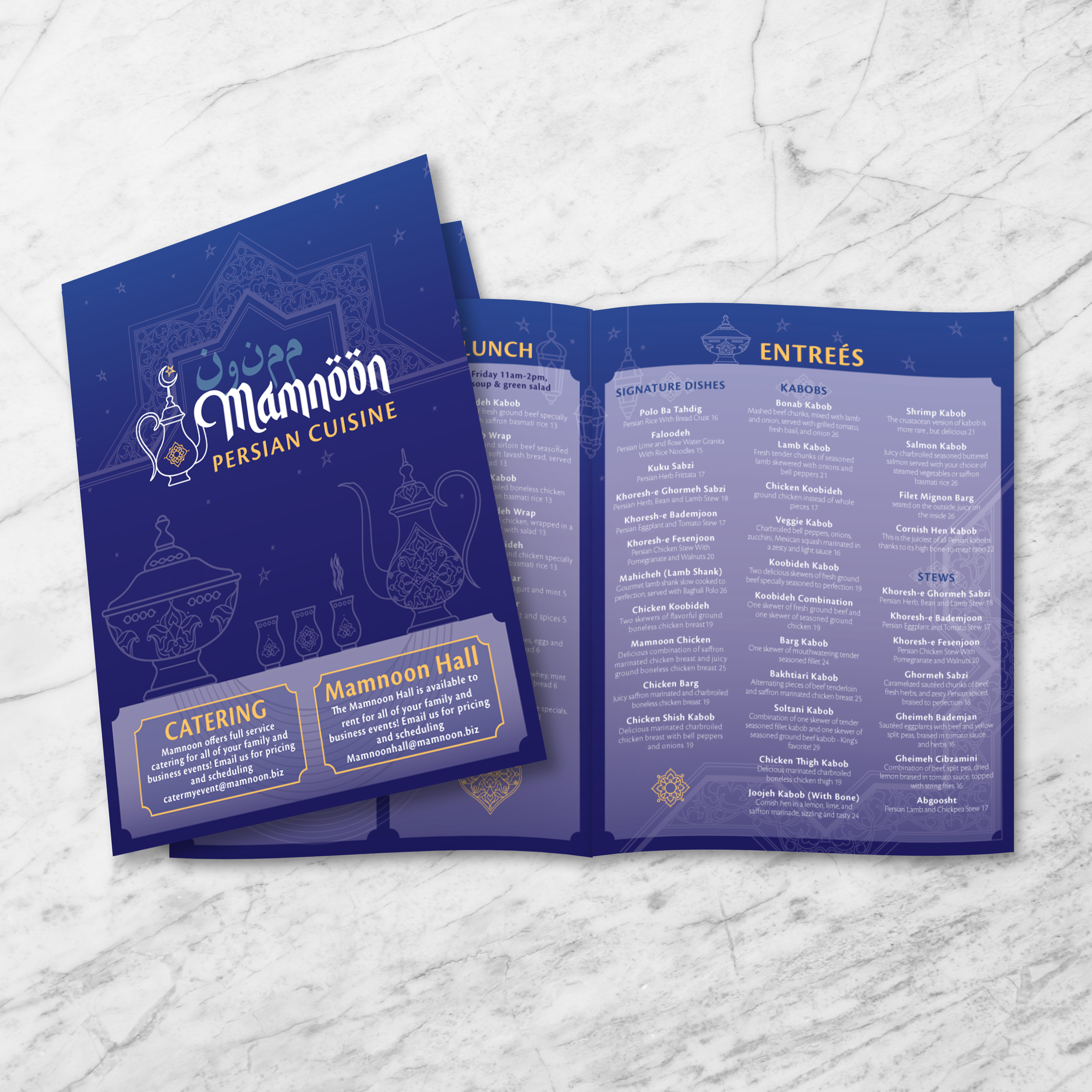
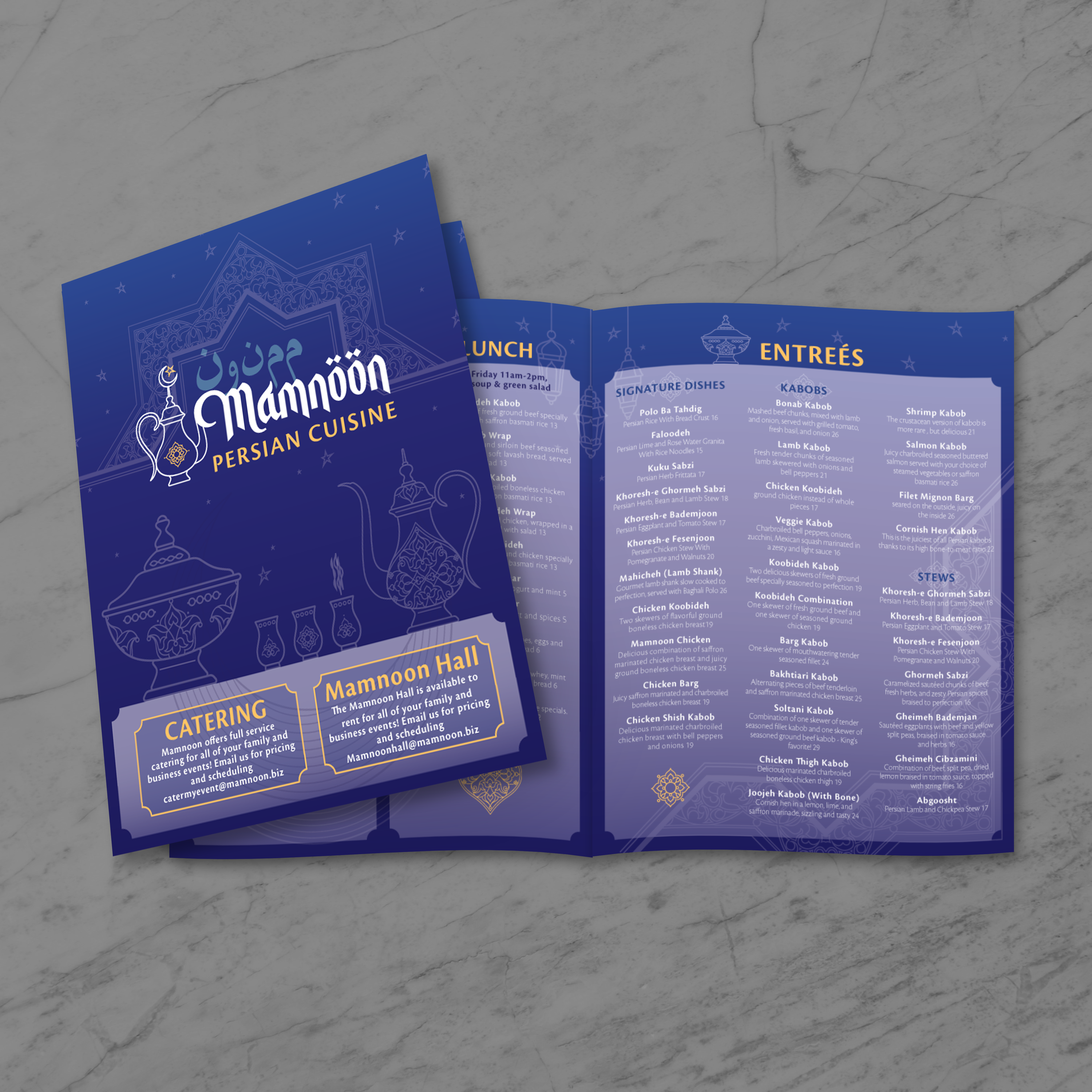
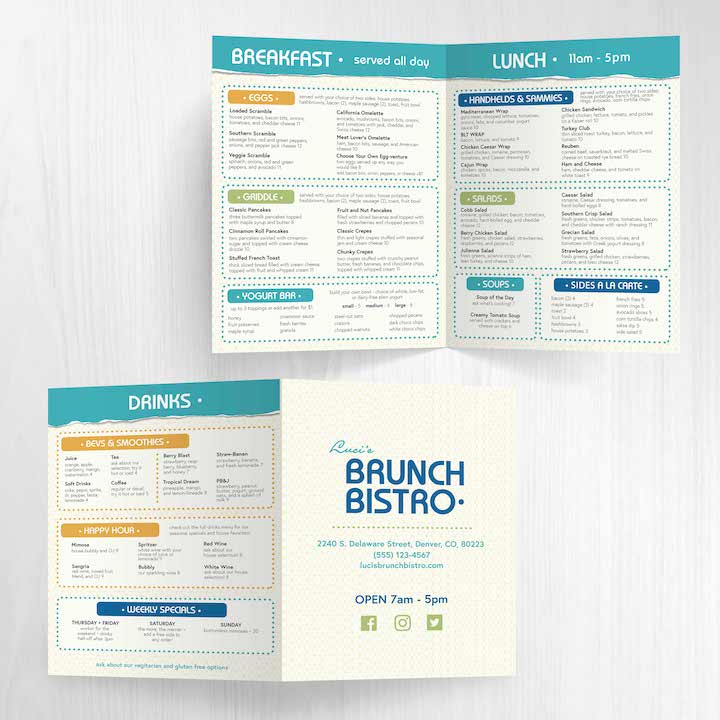
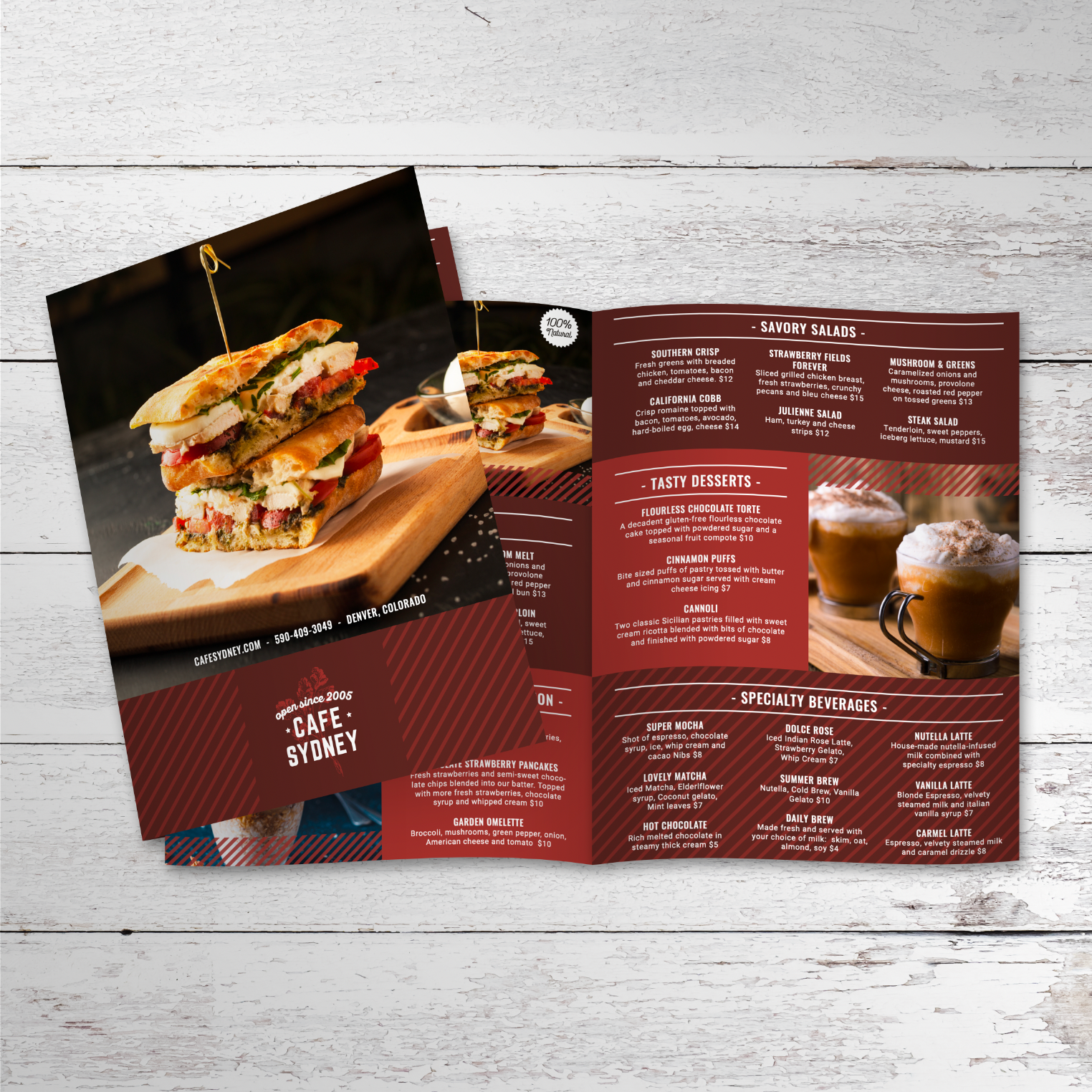
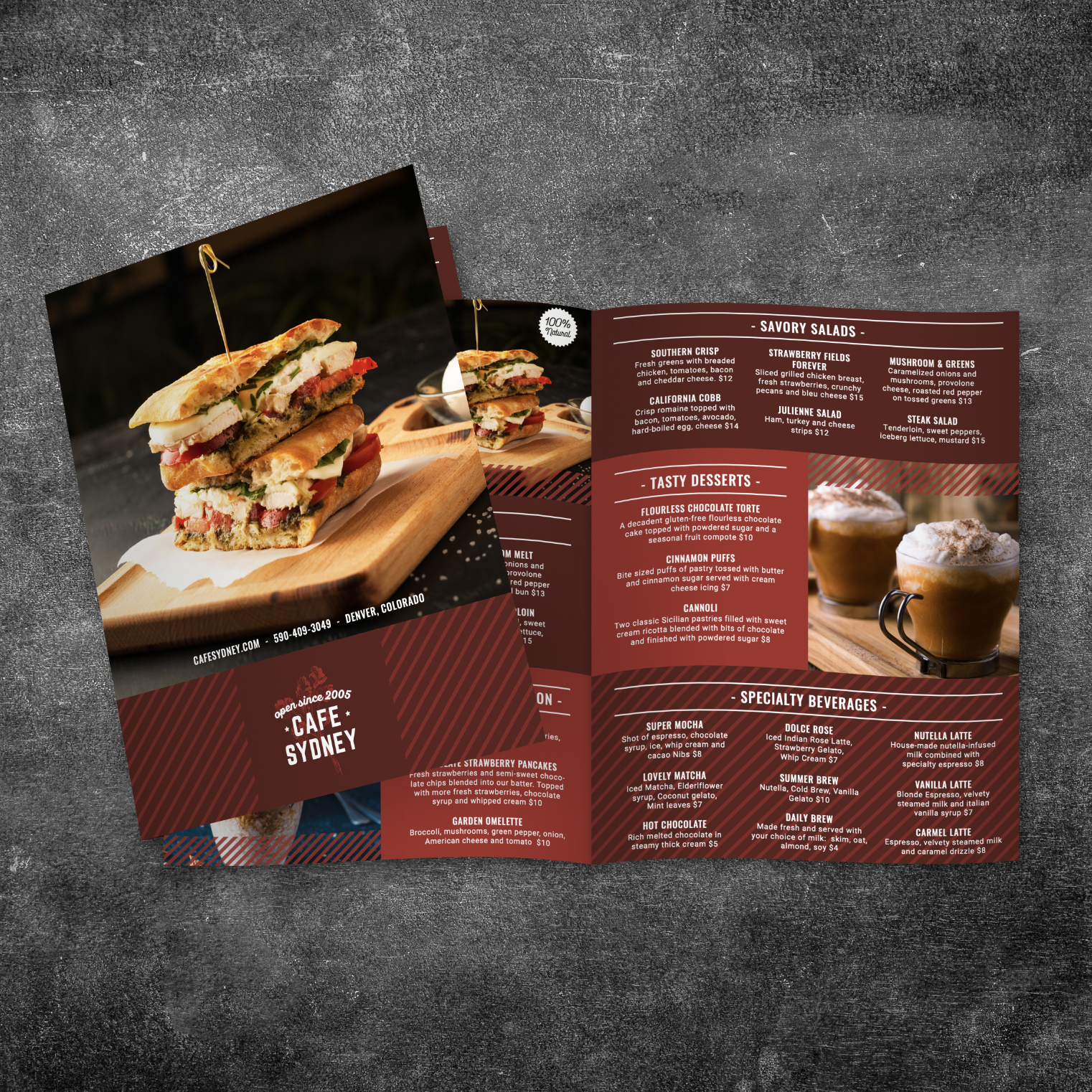
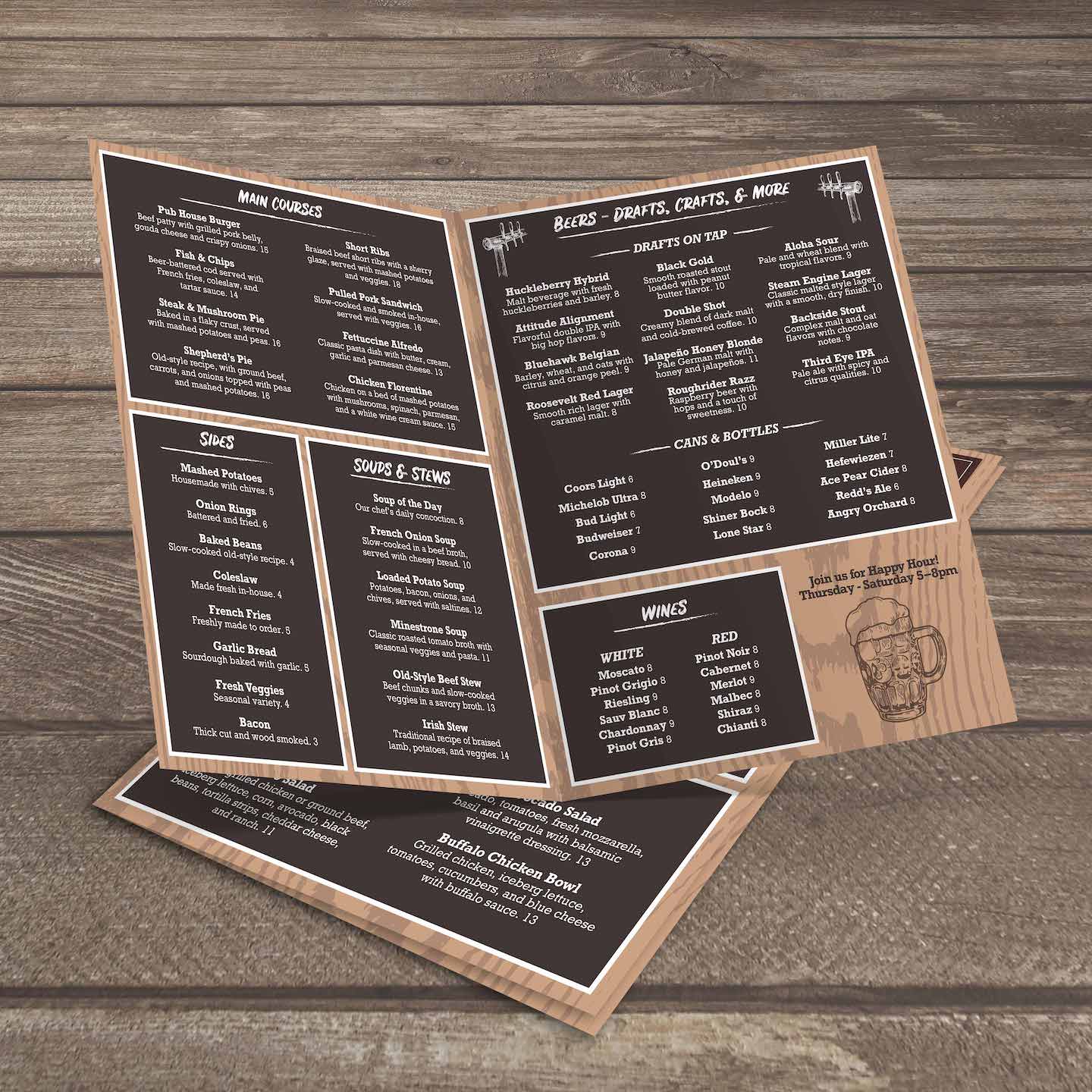
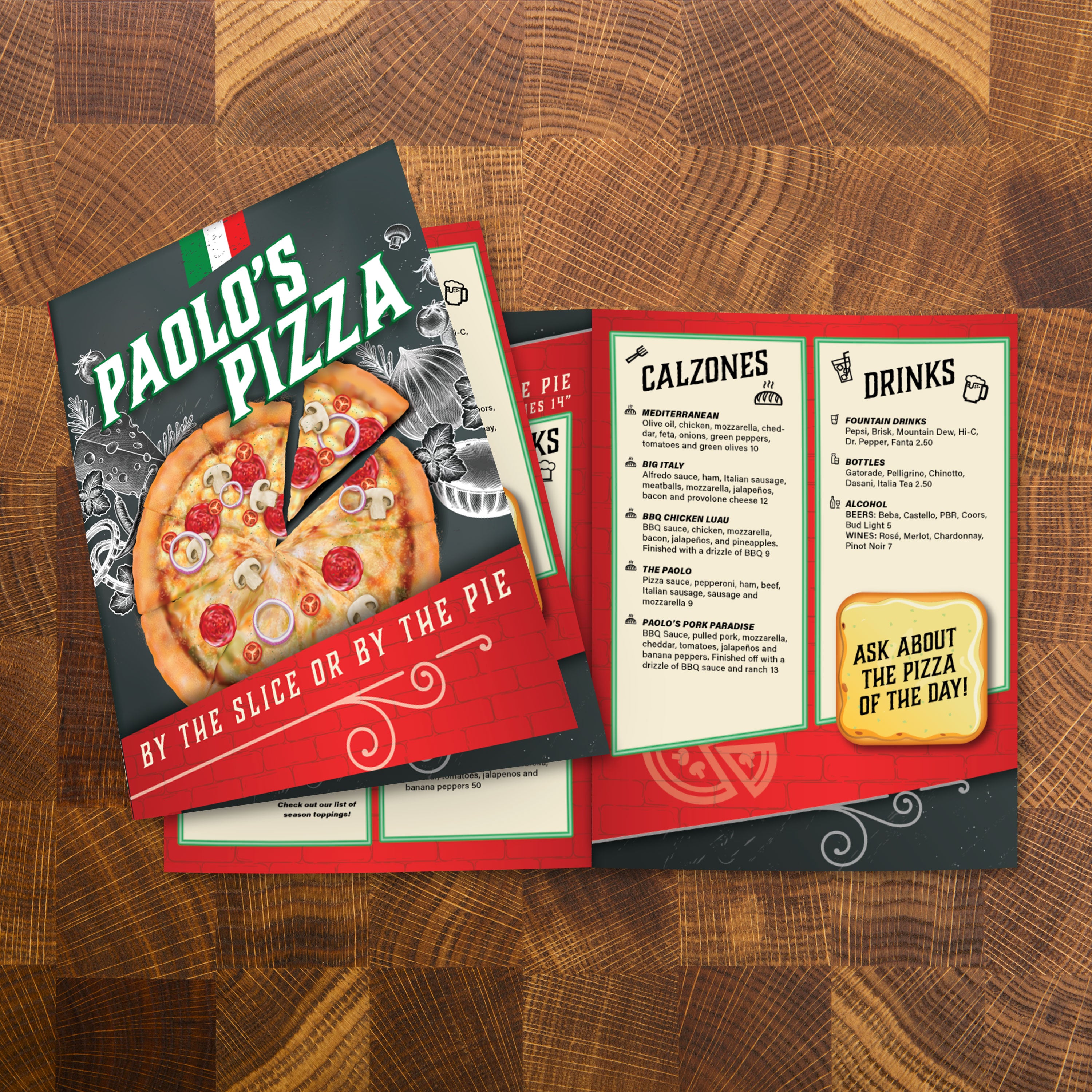
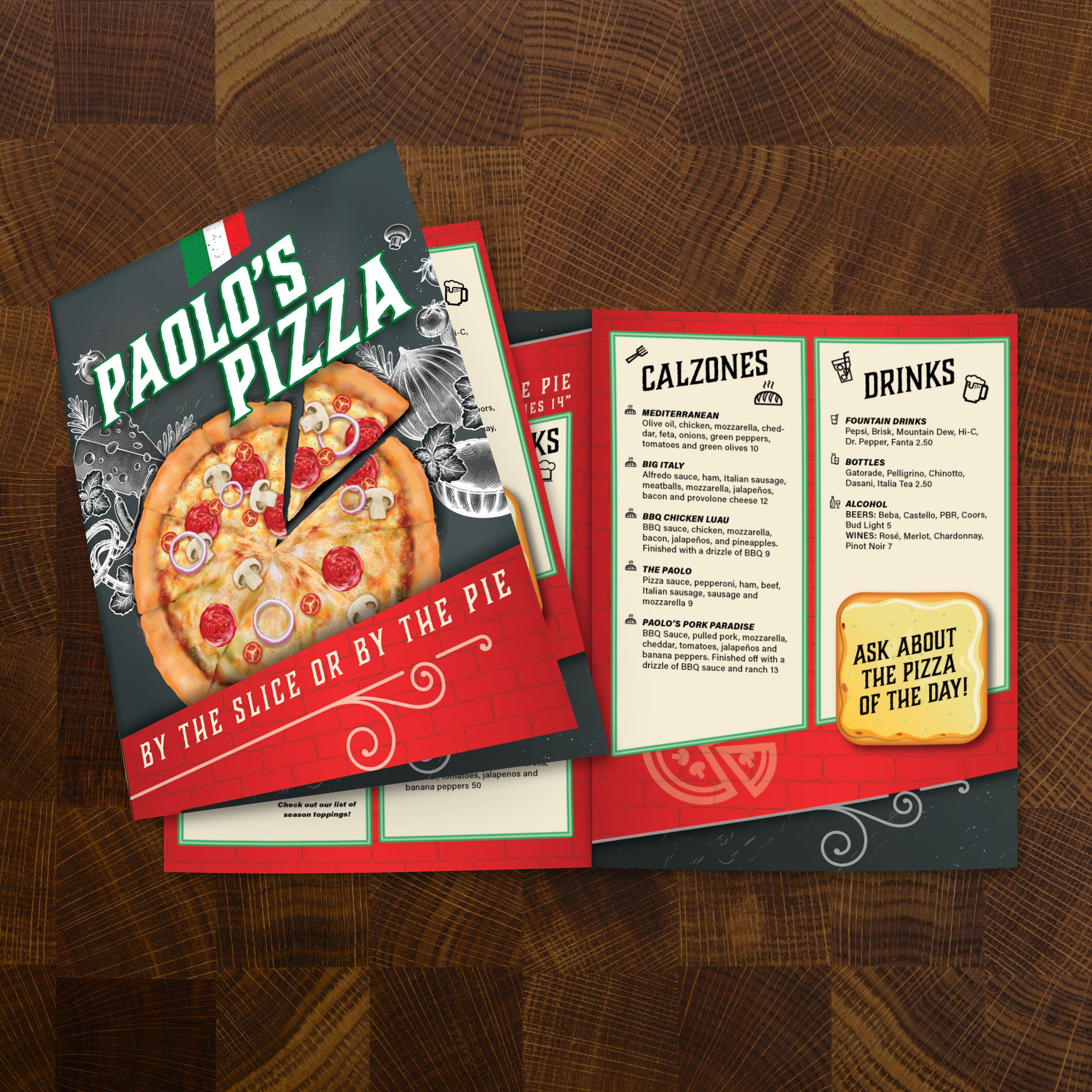
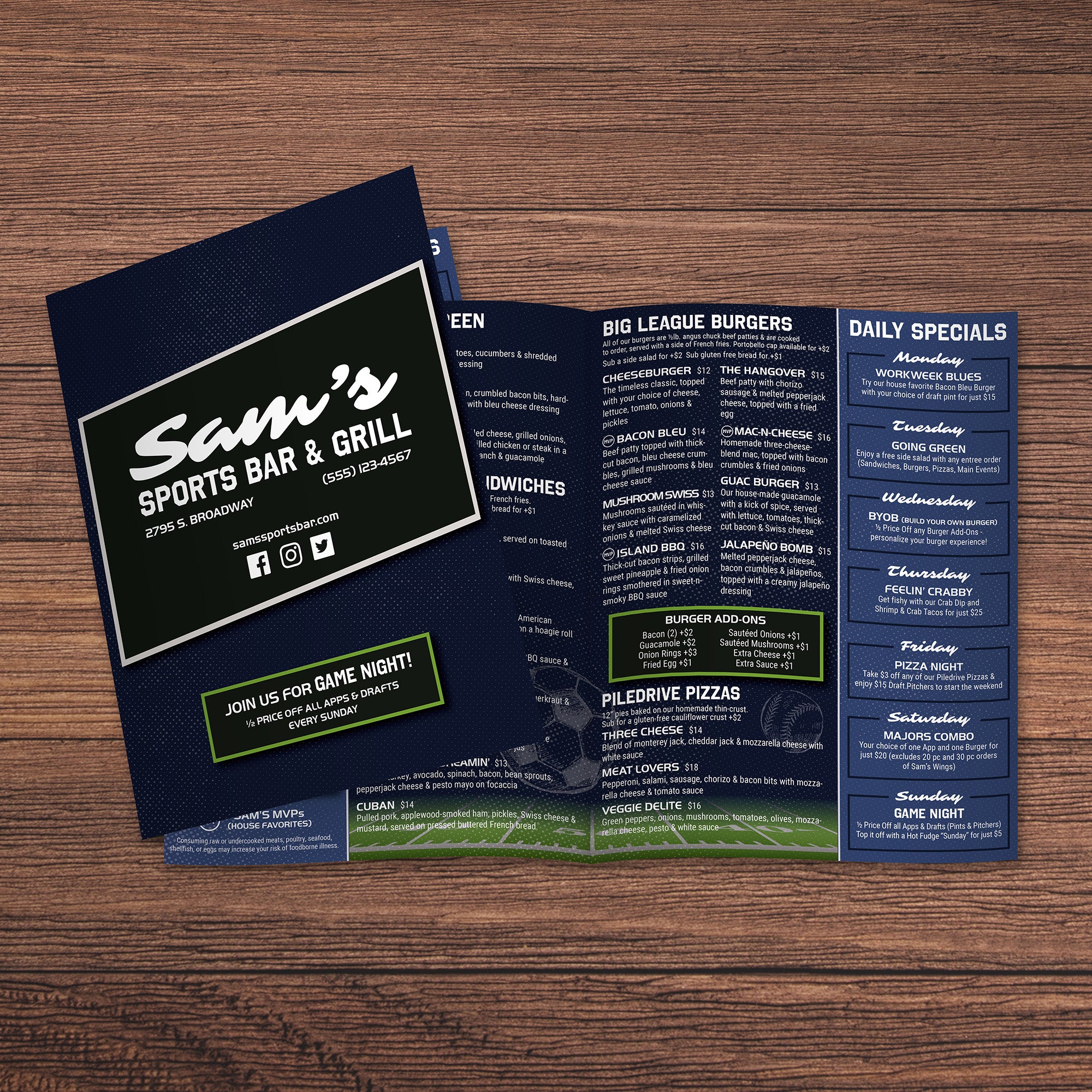
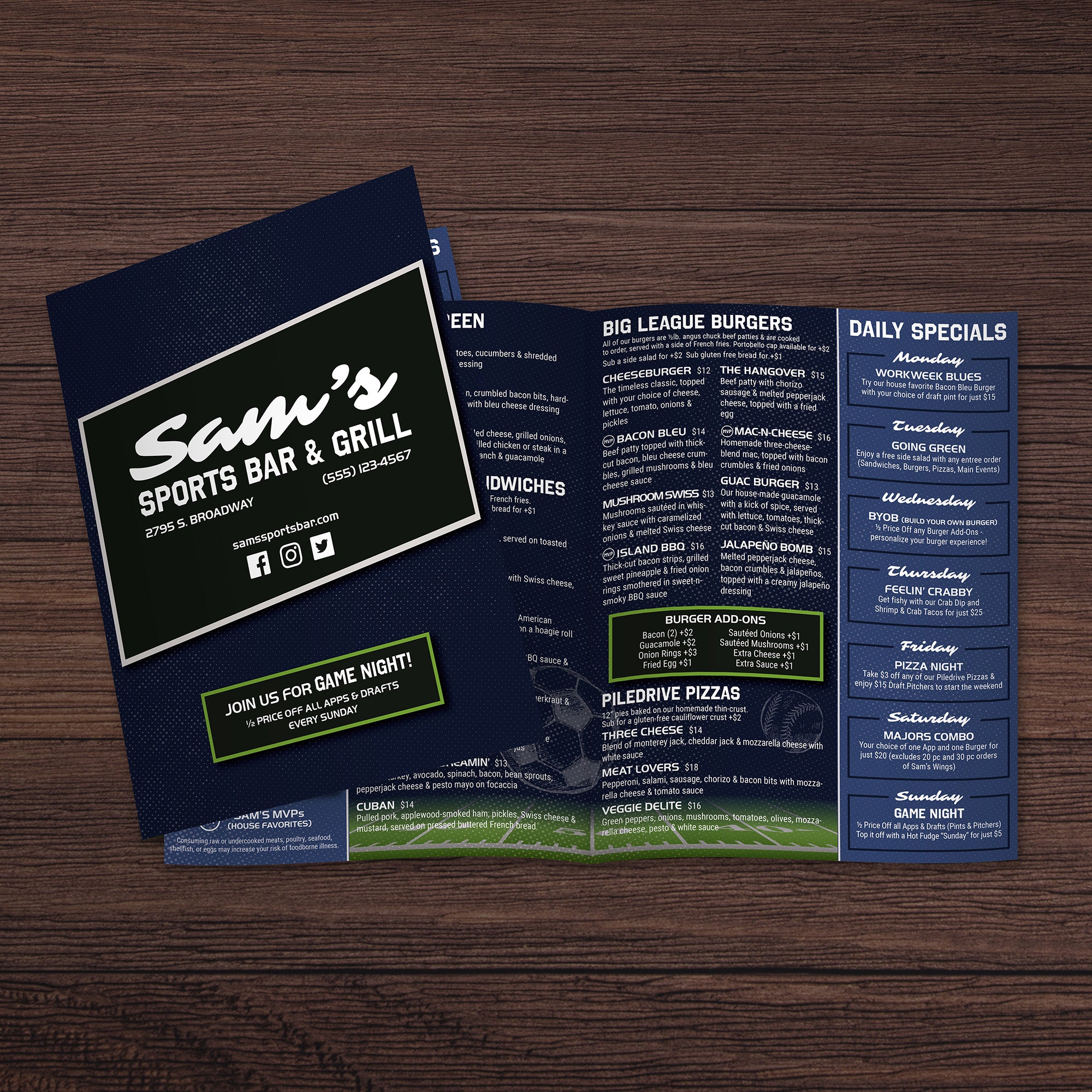
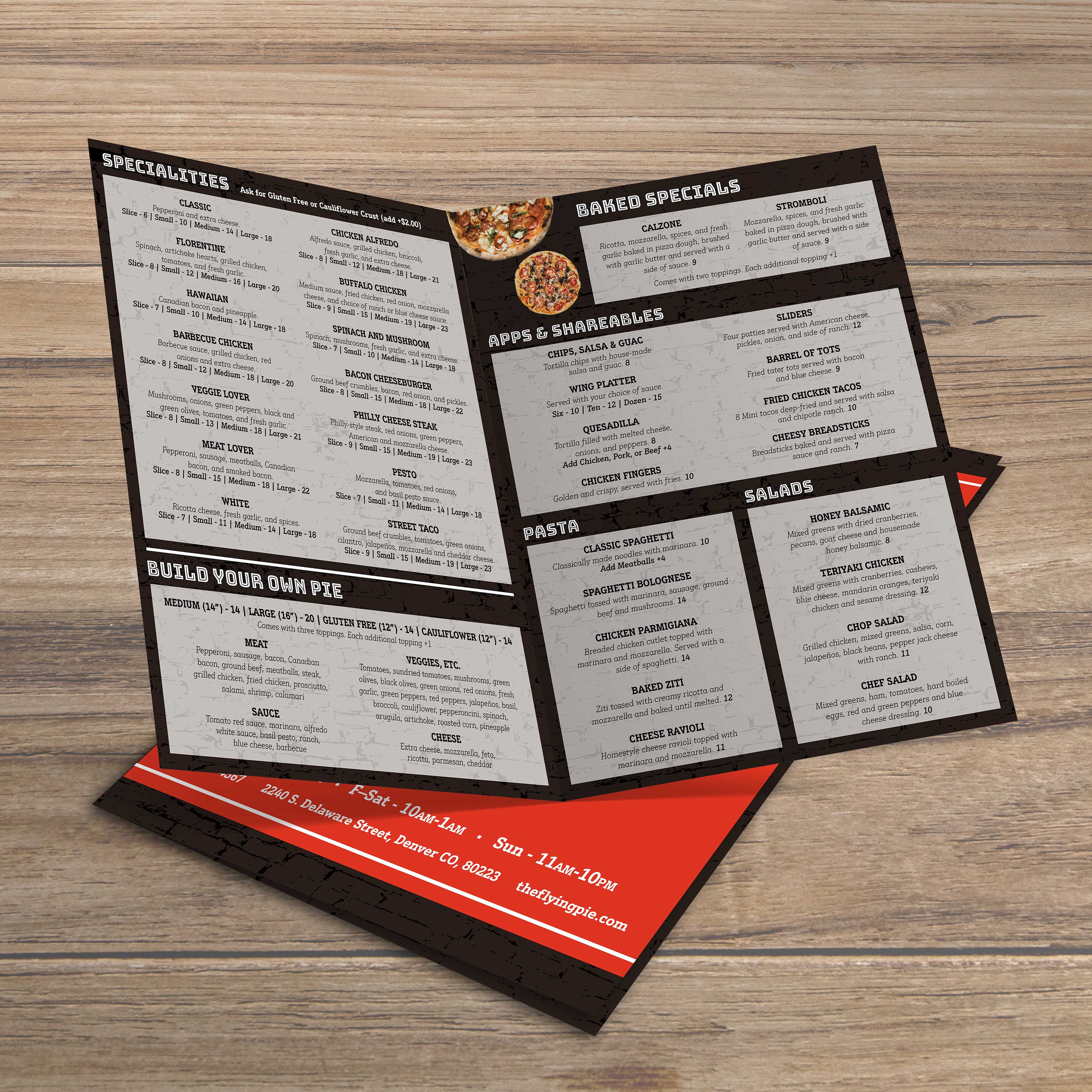
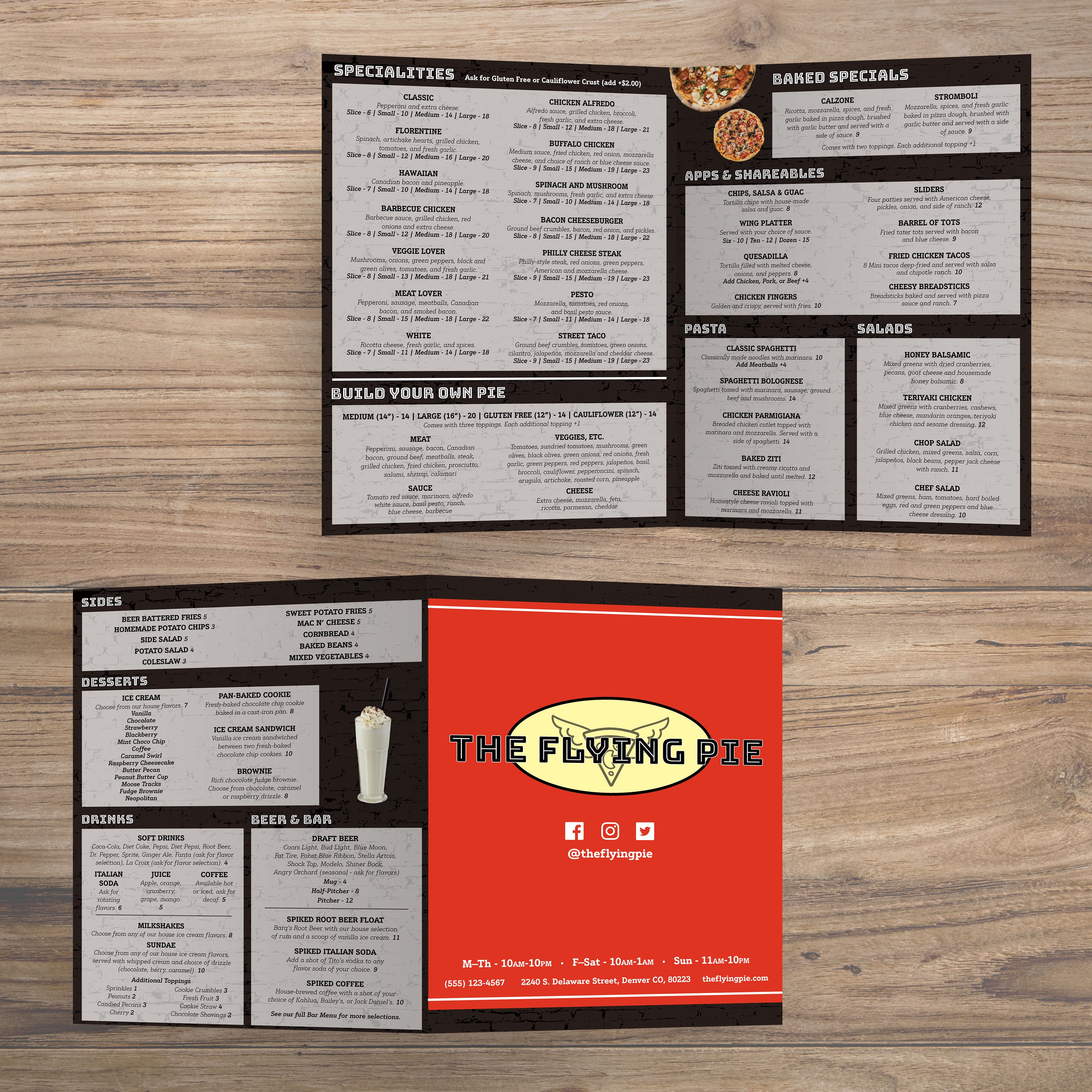
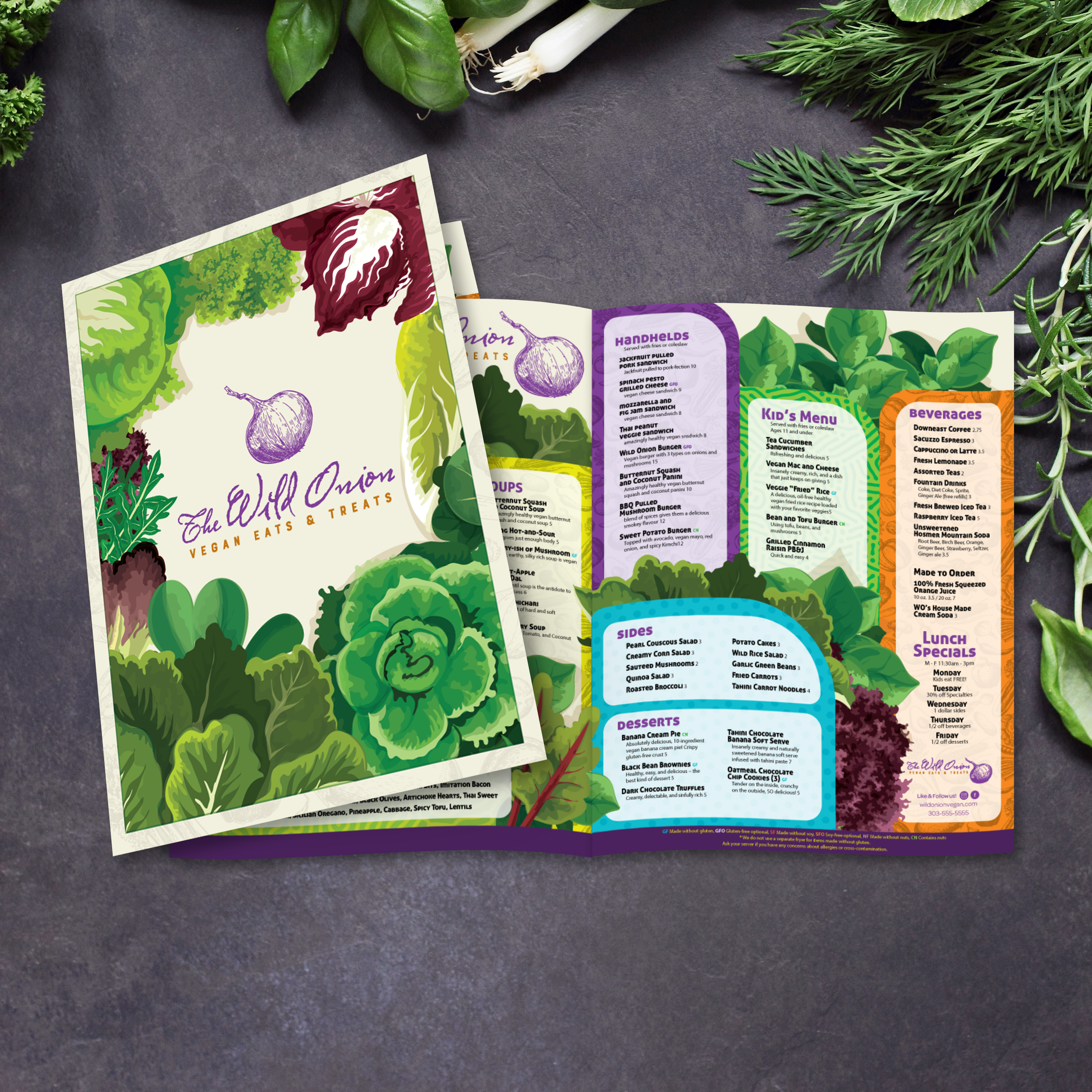
An 11” x 17” bifold is one sheet folded once, creating four panels total: a cover, two inside panels, and a back panel. The folded size is easy to hold and fits well on tables without taking over the guest’s space. Because it’s a single fold, the layout stays simple and easy to follow.

Why This Format Feels Premium Without Being Oversized

11” x 17” offers more breathing room than standard menus, which makes the layout feel higher-end right away. You can use larger fonts, consistent spacing, and clear category breaks without crowding the page. Guests can quickly scan, compare options, and order faster, which enhances the overall dining experience.

Best Concepts for 11” x 17” Bifolds (Cafes, Brunch, All-Day)

This format is ideal for cafés, brunch menus, all-day menus, and full-service restaurants that want a clean structure with room for descriptions. It’s also an excellent fit for concepts with seasonal rotation, as the four-panel system makes updates easy without requiring the rebuilding of the entire menu.

When Bifold Beats Trifold and Flat Menus

Bifolds work best when you want a structured organization with minimal panel breaks. Compared to flat menus, bifolds feel more premium and help control scanning flow. Compared to trifolds, they’re simpler to navigate and often easier to update. If you’re designing for a café concept, our Modern cafe menu templates give you a clean, contemporary starting point. For smaller single-page menus, our Free 8.5 x 11 menu templates are a strong option when you want quick printing and fast updates.

What to Gather Before You Customize a Template

Before editing, gather your category structure, final item names, pricing, and brief descriptions. Determine which items warrant a featured callout, and maintain a clean content layout to ensure balance across all four panels.

A bifold menu has the advantage of structure without complexity. With four panels, you can create a clean flow that helps guests move from discovery to decision quickly. The best 11” x 17” bifold layouts guide ordering naturally, subtly highlight profitable items, and make upgrades easy to say yes to. At TerraSlate, we recommend designing bifolds with guest behavior in mind: where the eye lands first, how categories are scanned, and how add-ons are presented.

Cover Strategy: Branding, Featured Items, and Visual Hook

The cover should convey a sense of simplicity and confidence. Use your logo, menu title, and one small hook, such as “seasonal features” or “house favorites.” Avoid stuffing the cover with multiple promos. A clean cover sets expectations and makes the menu feel premium from the moment it's touched.

Inside Spread Layout: Category Flow for Faster Decisions

The inside spread is where the main ordering happens. Place categories in a logical sequence and maintain consistent section sizes and spacing. When categories are predictable, guests scan faster and ask fewer questions. Use clear headings and keep related items grouped so the menu feels intuitive.

Using Descriptions and Modifiers to Drive Add-Ons

Descriptions should be short and informative. Focus on flavor cues and key ingredients. For add-ons and modifiers, place them directly under the items they apply to, not in a separate section. This makes upgrades feel like part of the natural ordering process, rather than an extra step.

Price Presentation That Looks Clean and Confident

Align prices consistently across categories and avoid clutter around them. A clean price layout makes the menu easier to compare and enhances the overall design's polish. Guests should never have to hunt for a price or wonder what a modifier costs.

Keeping the Layout Flexible for Seasonal Updates

Bifolds work best when the structure stays stable. Build areas where specials can rotate without shifting the entire layout. If you need a smaller format that still feels structured for seasonal inserts, our Free 5.5 x 8.5 menu templates are a strong option for compact menus that stay easy to update and easy to print.

A bifold menu is simple to fold, but it still requires a production-ready file setup to print cleanly and maintain consistency across every batch. The goal is sharp typography, clean trims, and panels that look balanced when the menu is open or closed. A few setup steps prevent the most common problems like cut-off text, uneven borders, and layout drift.

Bleed, Trim, and Safe Zones for Four-Panel Menus

Use bleed anytime your design runs to the edge of the page. This prevents white borders after trimming. Keep item names, pricing, and headings inside safe zones so they don’t get clipped if the cut shifts slightly. Strong margins also make the menu easier to read and keep the layout from feeling cramped.

Export Settings for Sharp Text and Reliable Color

Export as a print-ready PDF with embedded fonts and high-resolution images. Avoid heavy compression, as it makes text and logos appear soft. If you’re printing across multiple locations, consistent export settings are crucial for maintaining the menu’s uniform appearance.

Proofing Checklist Before Full Production

Print one test copy at actual size and fold it. Check panel balance, trim edges, spacing, and readability. Confirm that category headings stand out, prices align correctly, and no content sits too close to the fold line. Proofread spelling and pricing carefully, because one small error can force a full reprint.

Common Print Errors and Quick Fixes

The most common errors include missing bleed, text that is too close to the edges, and misaligned borders. Fix them by increasing margins, keeping borders away from trim edges, and tightening content rather than shrinking fonts. If the menu feels too dense, consider reducing the number of items per category.

Multi-Location Printing Tips for Consistency

If you print in multiple locations, standardize your settings: use the same PDF export rules, printer setup, and paper choice. Create one approved master file and limit edits to content fields only. That keeps your bifold menu looking consistent everywhere and reduces mistakes during updates.

A menu can be beautifully designed and still fail if the material can’t handle daily service. Bifold menus are picked up constantly, wiped down frequently, and stacked during resets. Paper breaks down fast under that routine, and lamination creates its own long-term problems. At TerraSlate, we offer waterproof, rip-proof options that replace lamination and keep bifold menus cleanable, readable, and professional.

Why Paper Wears Out Fast Under Daily Handling

Paper absorbs moisture, stains easily, and softens at corners. It also creases and wrinkles quickly when guests handle it repeatedly. Even thicker paper stock doesn’t solve the problem because the surface still absorbs grease and moisture, which leads to faster replacement cycles.

Why Lamination Clouds Up, Scratches, and Can Fail at Edges

Lamination looks smooth at first, but it clouds up over time, scratches with regular use, and can bubble or delaminate at the edges. Once the laminate layer starts to fail, menus appear tired quickly, even if the content remains accurate. Lamination is also prone to wear, particularly in high-volume dining rooms where menus are cleaned repeatedly.

TerraSlate Flagship Sheets for Waterproof, Rip-Proof Bifolds

TerraSlate is our flagship synthetic paper, built to be 100% waterproof and rip-proof. It’s designed for heavy handling and routine cleaning, making it ideal for bifold menus that stay in rotation daily. When you want your menu to hold up while still looking premium on the table, this is the strongest option.

Value-Oriented PolySlate for High-Volume Menu Programs

Value-oriented PolySlate is a strong fit when you need waterproof menus at a lower cost per sheet. It’s designed for laser printing and works well for restaurants that frequently print or update their menus. PolySlate helps you move beyond paper while keeping costs predictable for high-volume programs.

TerraShield™ Anti-Microbial Coating and Our Printing Services

For high-contact menus shared throughout the day, TerraShield™ adds built-in protection for long-term use. TerraSlate can print menus for you with our proprietary TerraShield™ antimicrobial coating, featuring industry-leading turnaround and fast shipping. If you want consistent results across multiple locations or large batches, our printing services also help ensure clean trimming, sharp print quality, and a professional finish every time.

An 11” x 17” bifold template is one of the most reusable formats in a restaurant’s print system. Once you have a strong four-panel structure, you can repurpose it for multiple menu types without needing to redesign from scratch. That keeps your branding consistent, makes updates faster, and lets you create targeted menus that support specific ordering moments.

Brunch-Only Menus and Seasonal Features

Bifold menus are ideal for brunch because they keep categories focused and easy to scan. You can dedicate inside panels to core brunch offerings and use the back panel for cocktails or featured specials. For seasonal updates, a bifold template makes it easy to swap items while keeping the same design system.

Cocktail Menus and Wine Program Guides

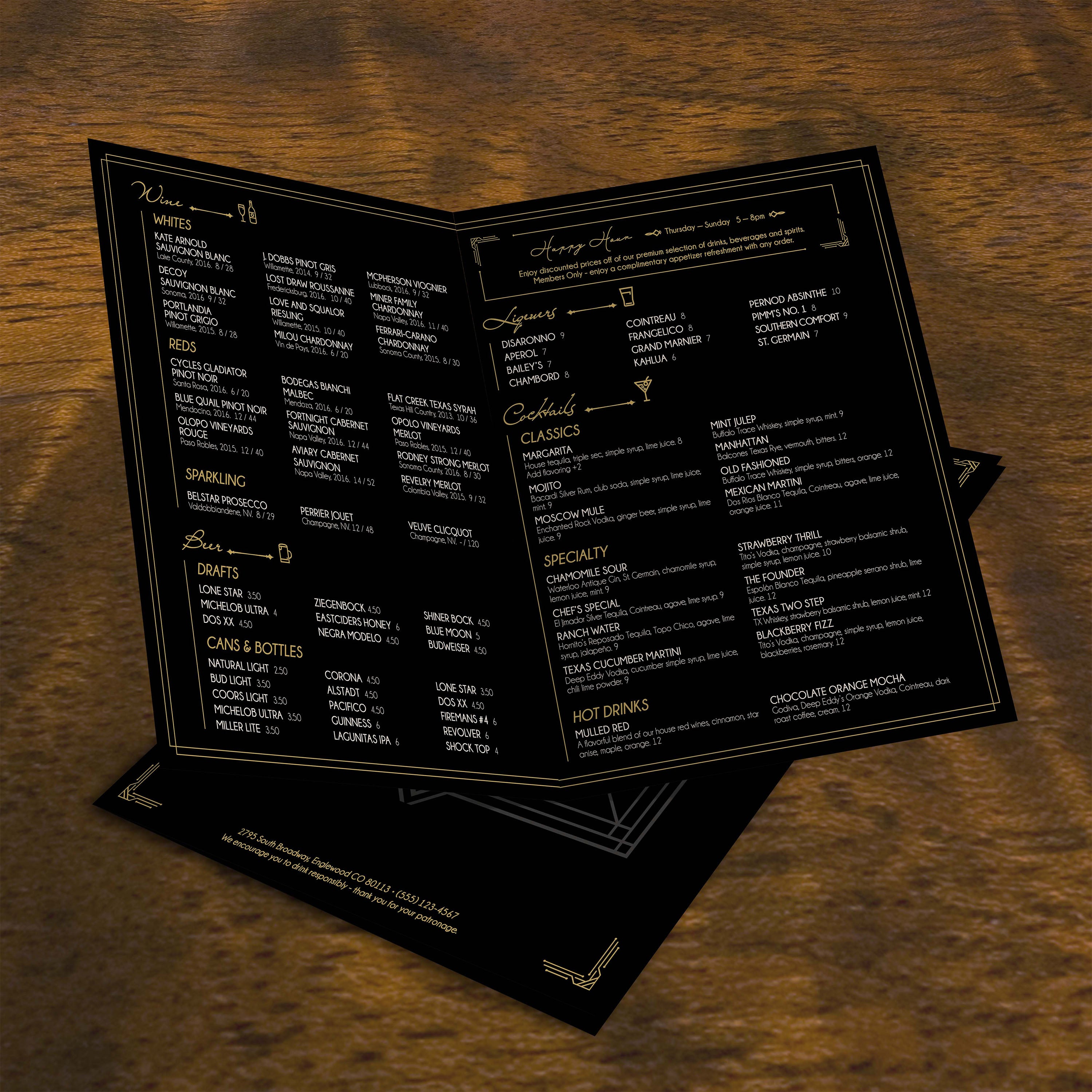
A bifold works well for beverage programs because it provides enough space for organized categories without becoming bulky. You can separate cocktails, wine, beer, and spirits into distinct sections and include brief tasting notes where necessary. This format also supports rotating cocktails and limited-time beverage features.
Catering and Private Event Menus

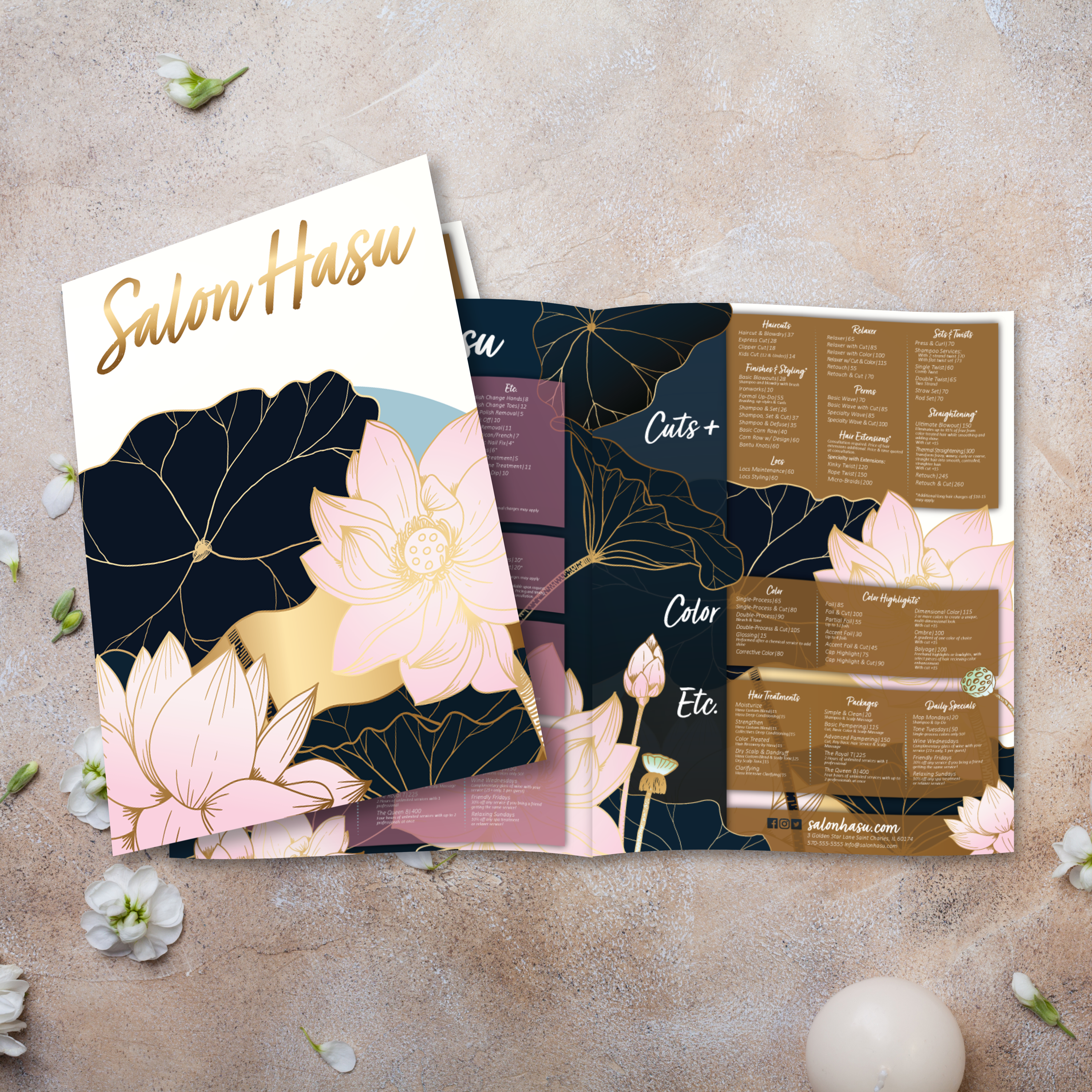
For catering, a bifold template helps present package tiers, pricing ranges, add-ons, and service notes in a way that feels structured and professional. For private events, bifolds are well-suited for banquet menus or special event offerings, as they allow guests to quickly scan without needing multiple pages.
Retail and Hospitality Pricing Guides

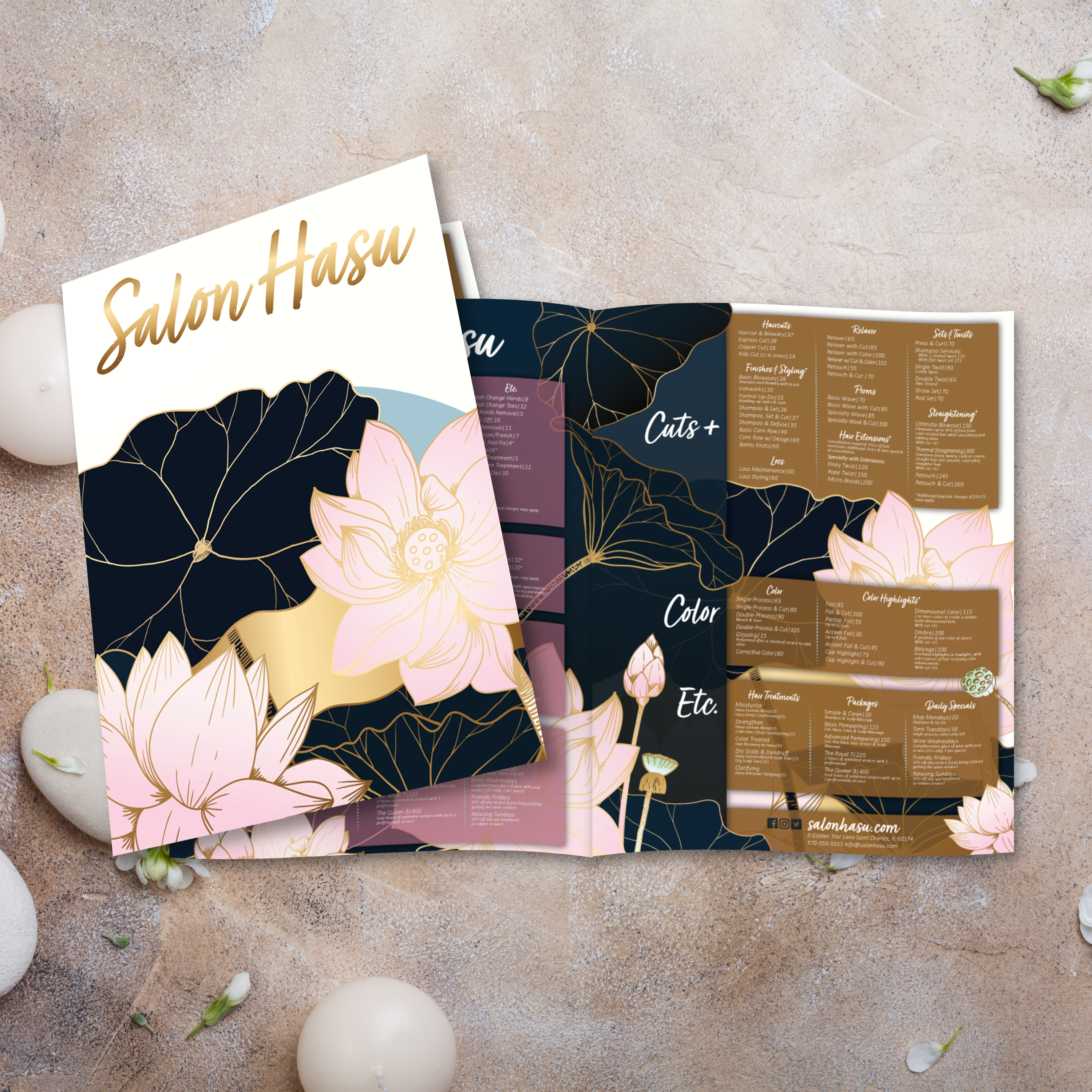
Outside of restaurants, this format is suitable for service menus and pricing guides in hospitality and retail settings. Hotels can use it for room service or concierge-style offerings. Retail teams can use it for seasonal promotions and category-based product lists that need a clear hierarchy.

A Template System That Matches Your Smaller Formats

A bifold template becomes even more valuable when it matches your smaller inserts and single-page menus. When typography, spacing, and category logic remain consistent across formats, your guest experience feels more polished, and your team can update menus more efficiently without reformatting every time. Consistency turns templates into an operational advantage, not just a design shortcut.

Bifold menus can last significantly longer when they’re made from durable materials and supported by a simple maintenance routine. The goal is to keep menus clean, protect fold lines and corners, and update content without triggering a complete redesign. When you treat bifold menus as part of a system, you reduce reprints and maintain consistent presentation quality across daily service.

Cleaning Routine for Waterproof Menus

Wipe menus down regularly to remove grease, fingerprints, and spills. Clean after peak shifts and spot-clean as needed during service. Waterproof menus make this routine easy because moisture doesn’t soak in, and the menu won’t warp or soften over time.

Storage and Handling to Protect Fold Lines and Corners

Store menus stacked neatly and avoid bending them beyond the natural fold. Train staff to handle menus by the edges rather than pressing the fold line repeatedly. Rotating stacks also helps distribute wear, so the same few menus don’t take all the stress and begin to look worn early.

Updating Templates Without Redesigning

Keep your bifold structure stable and update only the content that changes, such as pricing, specials, seasonal items, and limited-time features. This prevents layout drift, reduces errors, and speeds up approvals because the design remains familiar.

Why Better Than Lamination Saves Money Over Time

Paper menus wear out quickly, and lamination can cloud up, scratch, bubble, or delaminate, often looking worn before your menu content actually needs updating. Waterproof, rip-proof menu materials reduce replacement cycles and help menus stay premium longer. Over time, that lowers total menu costs, reduces staff time spent replacing menus, and keeps your table presentation consistently professional.