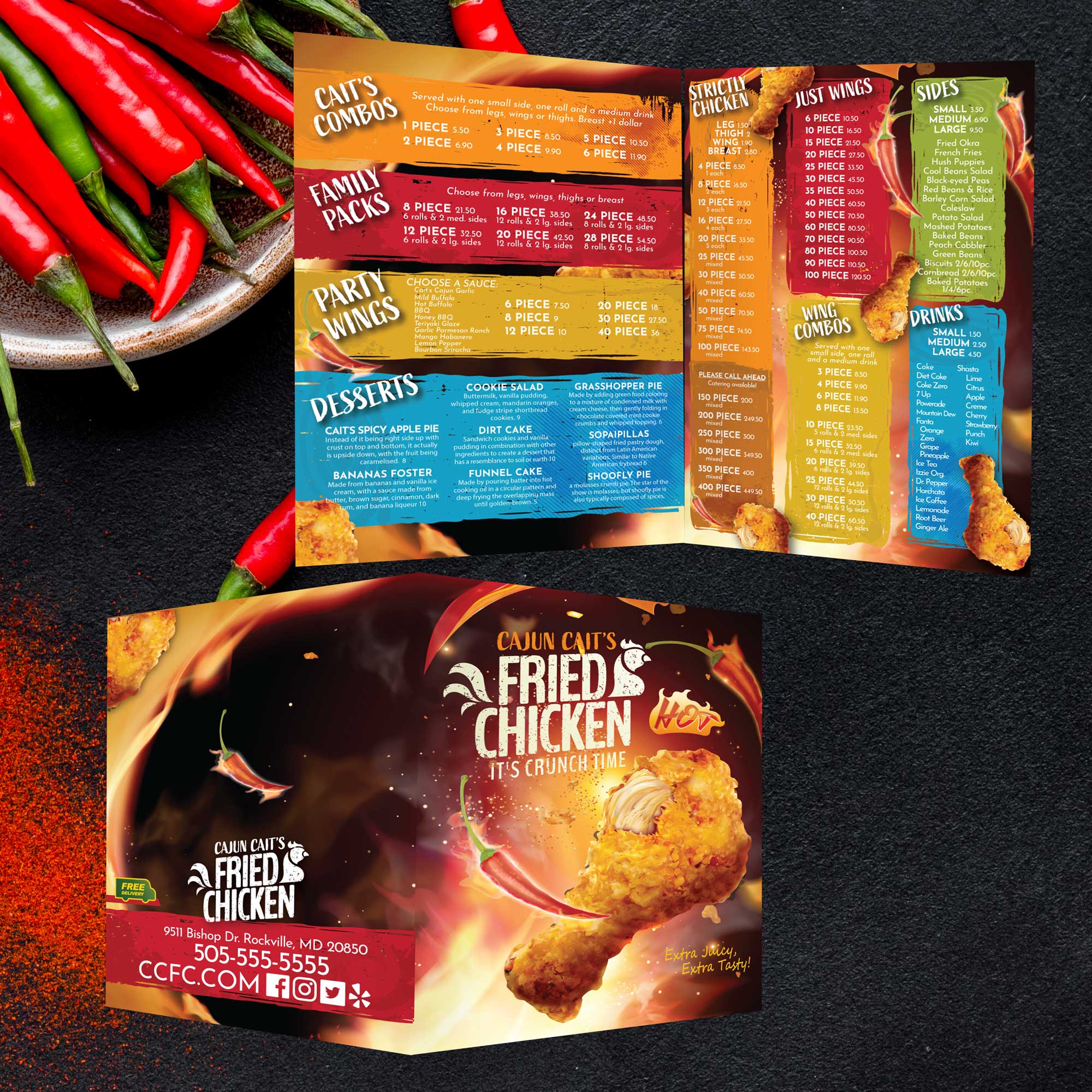
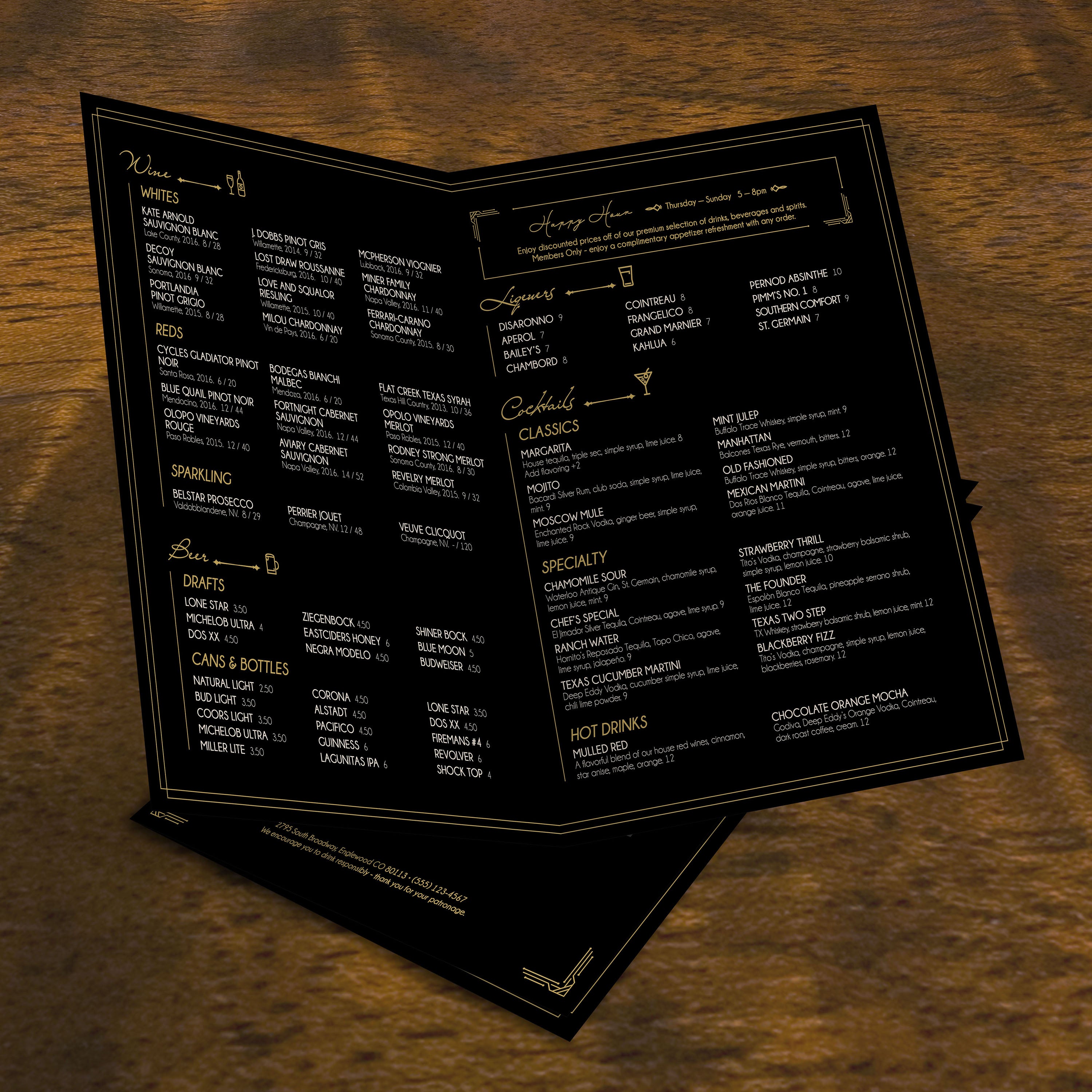
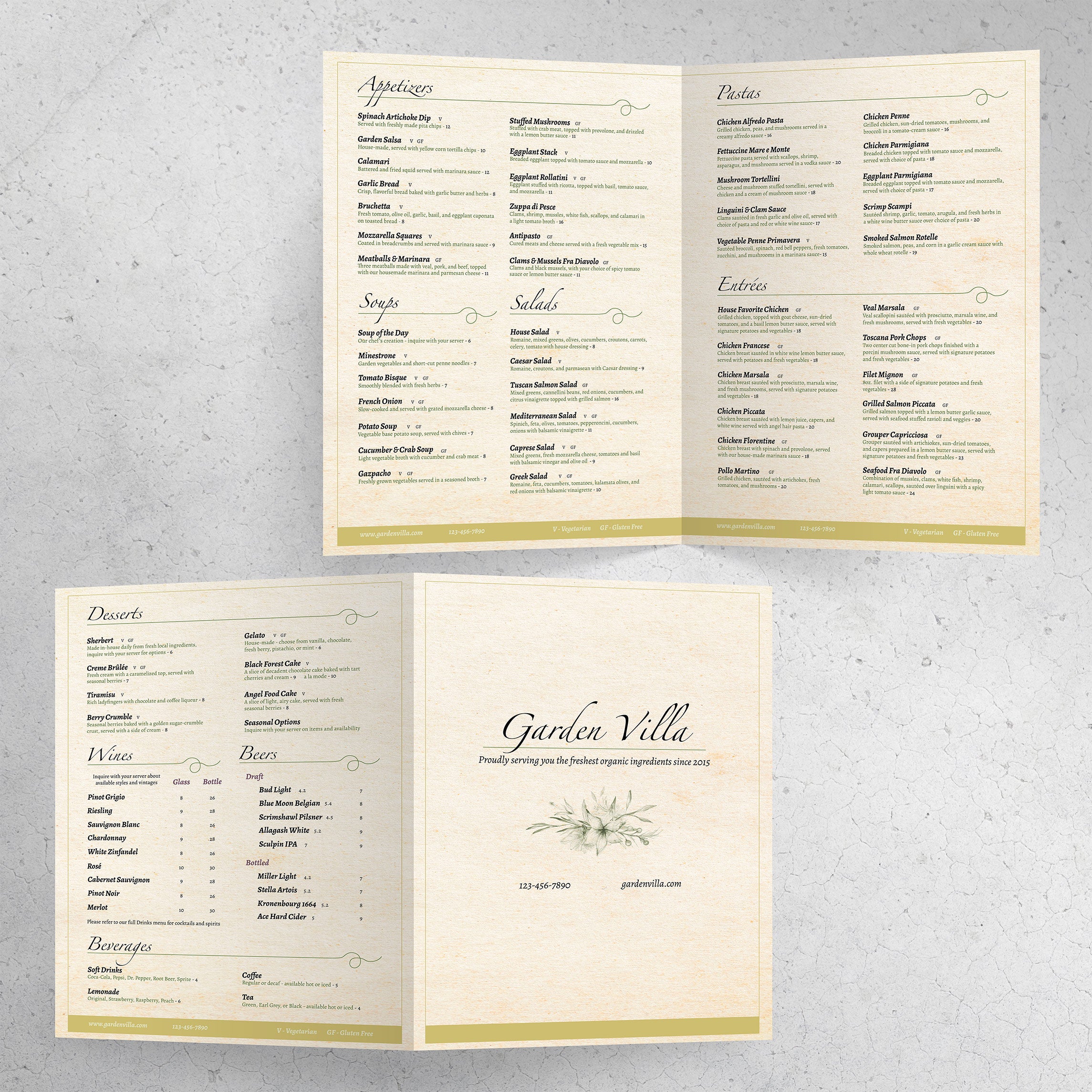
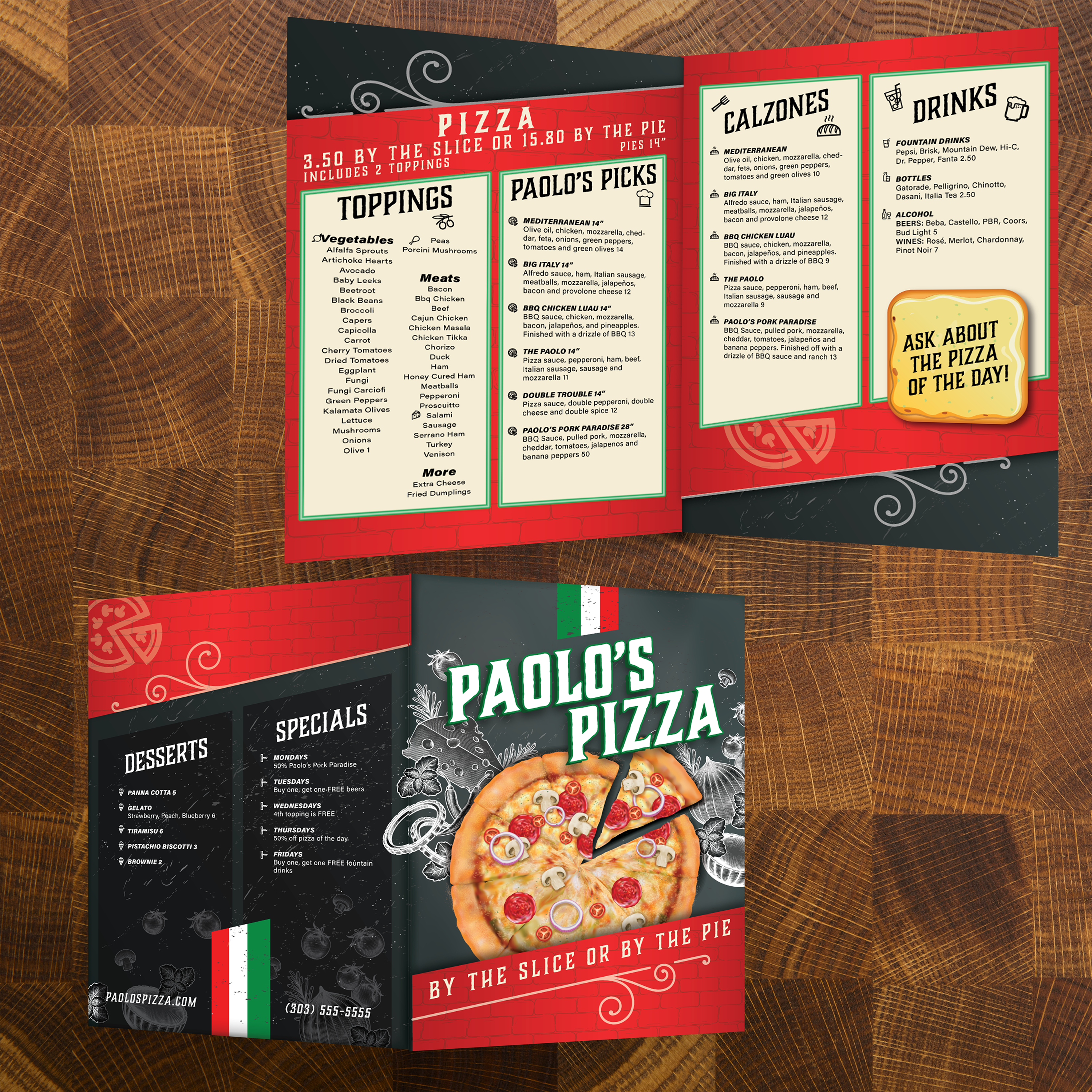
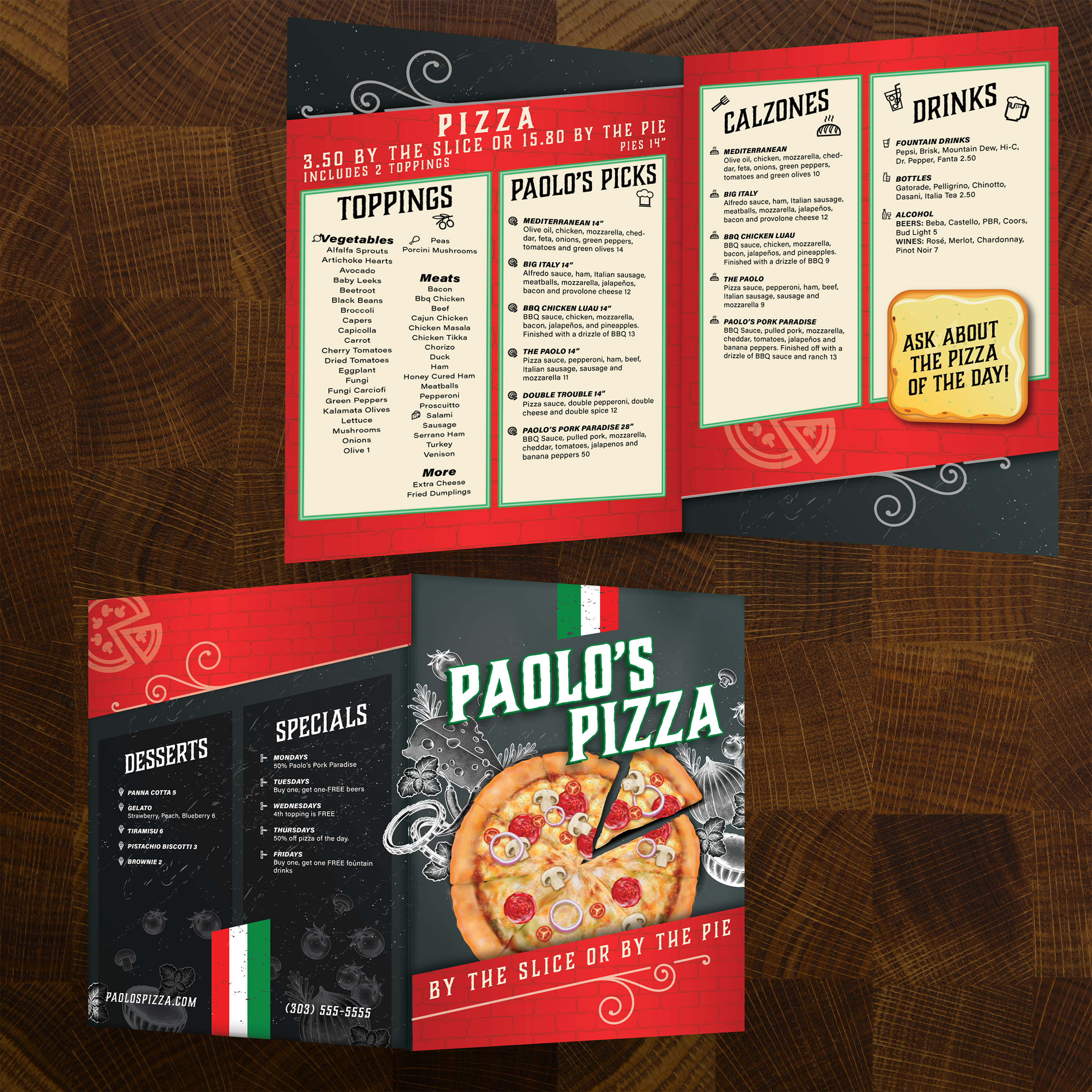
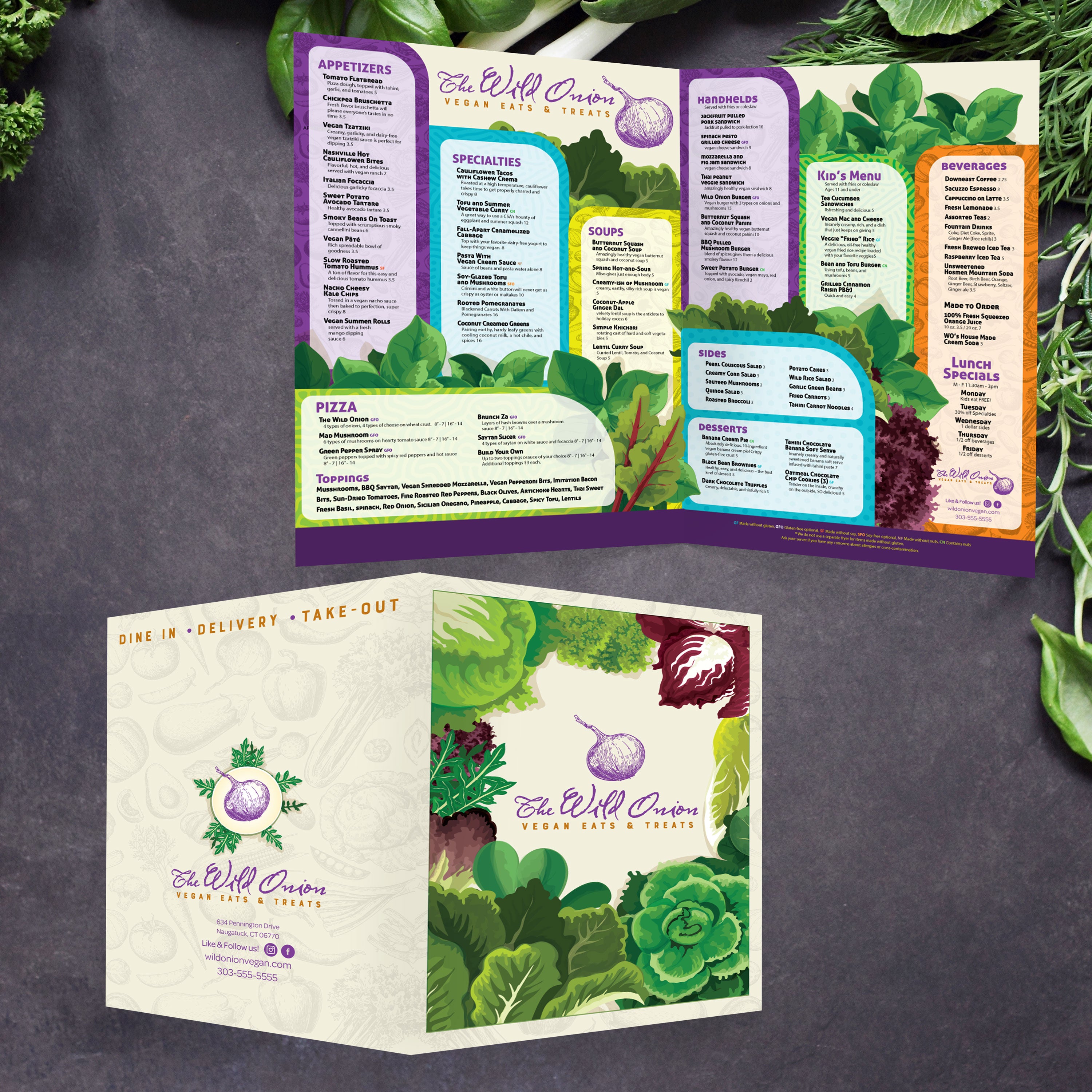
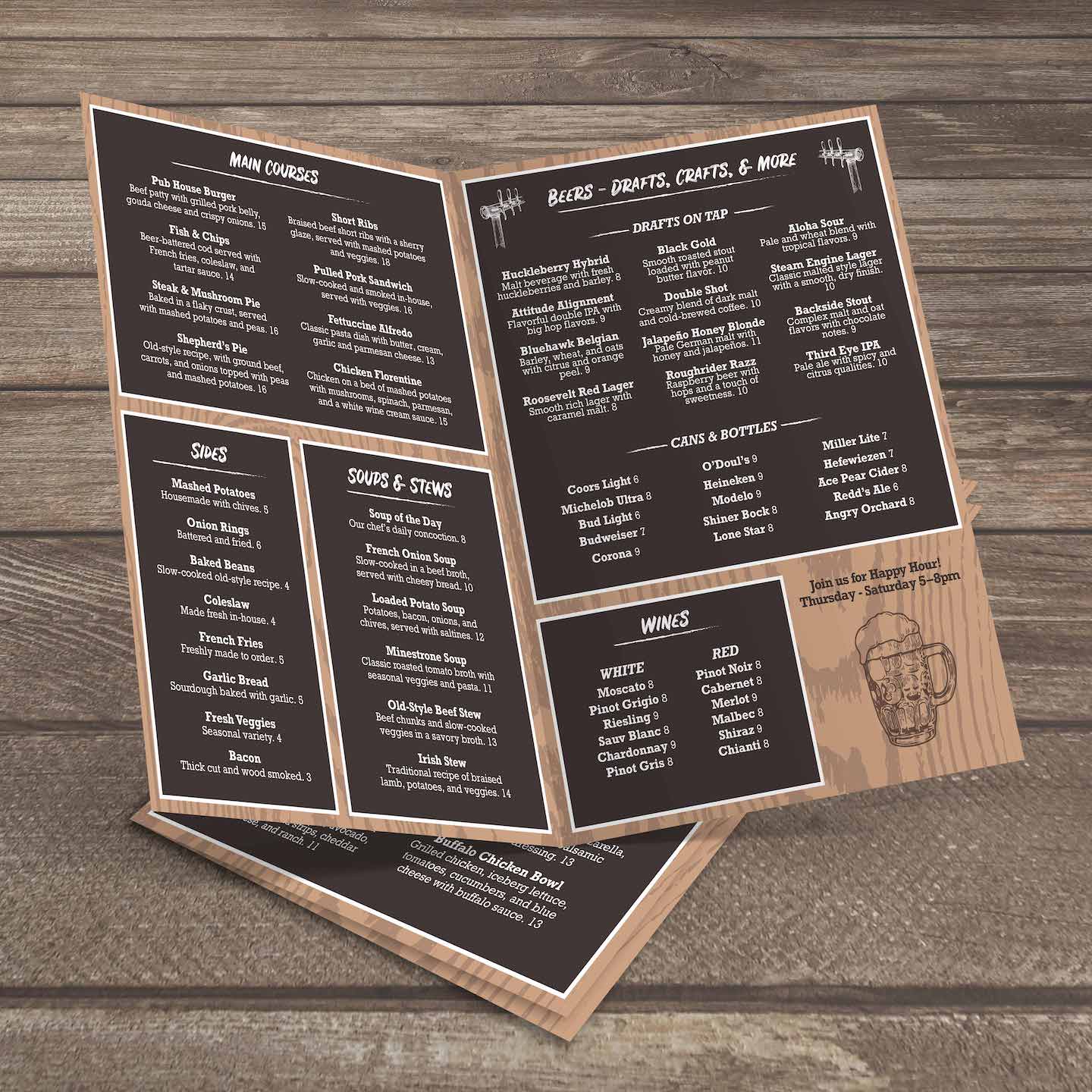
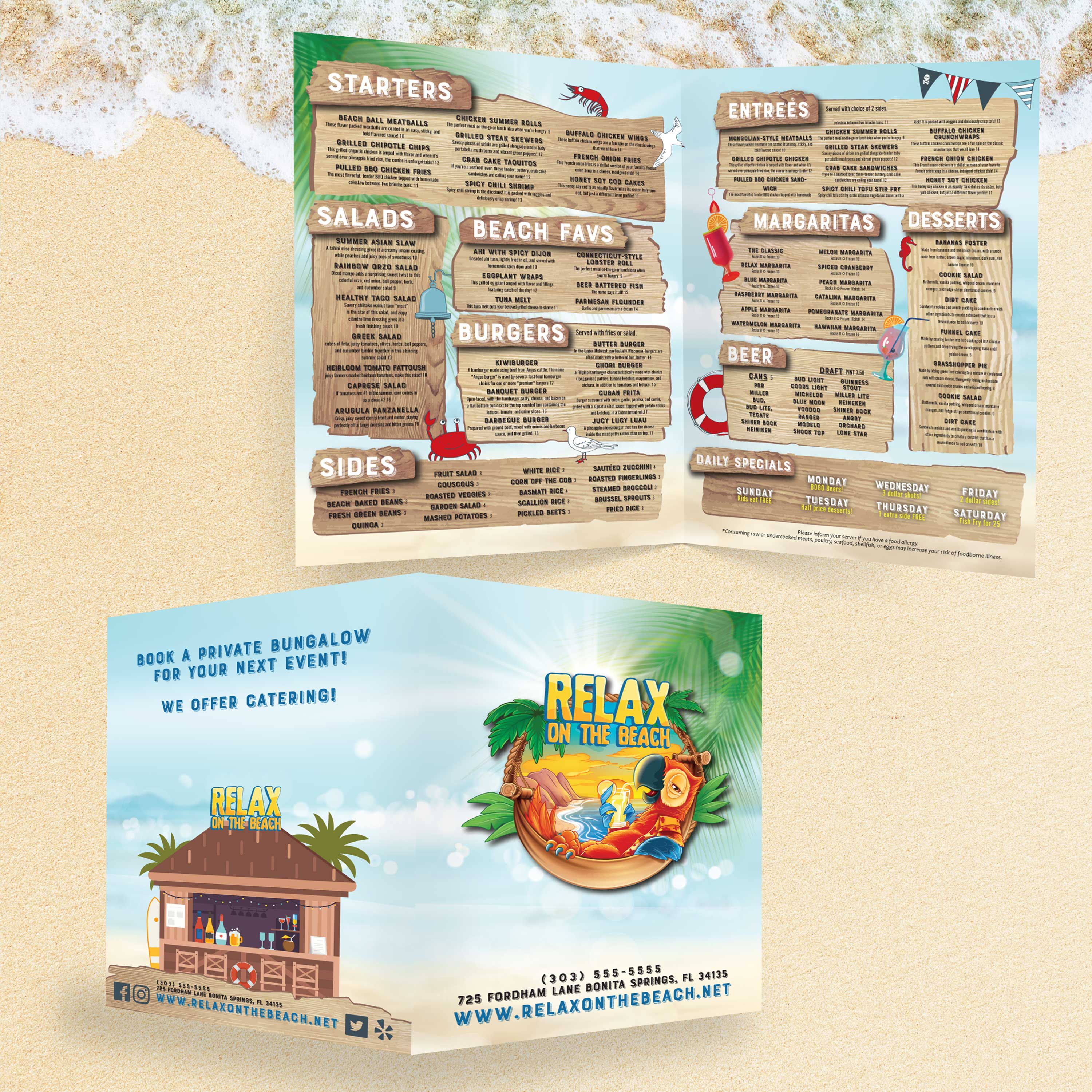
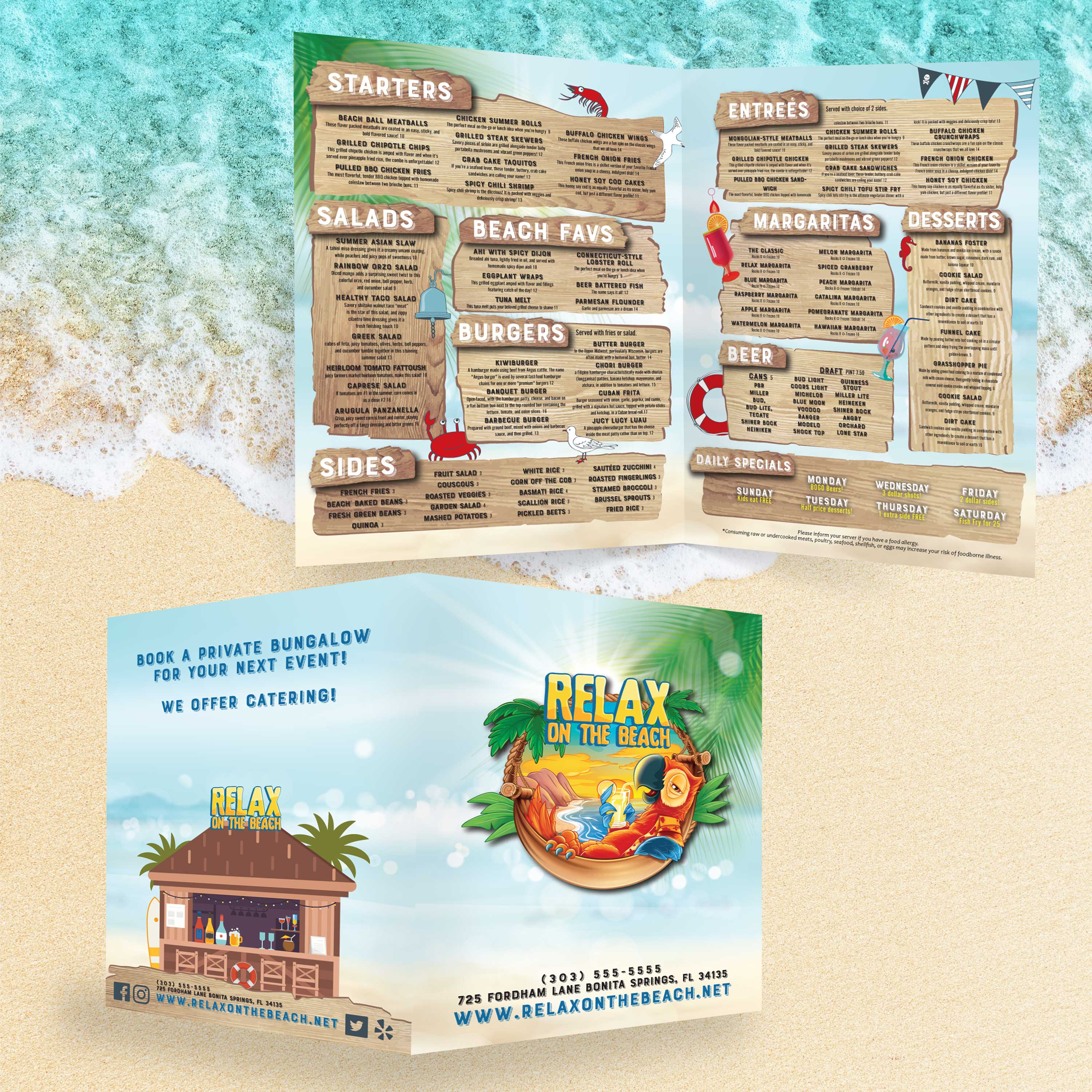
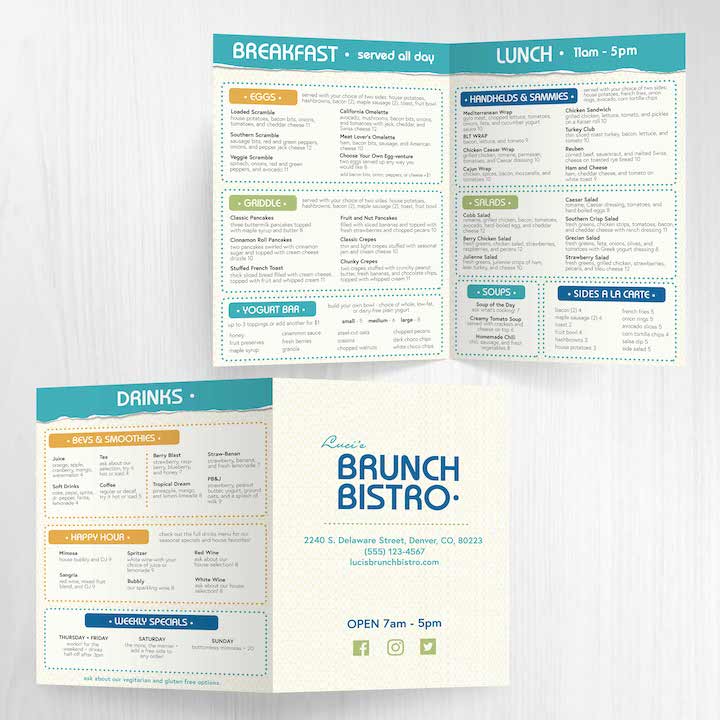
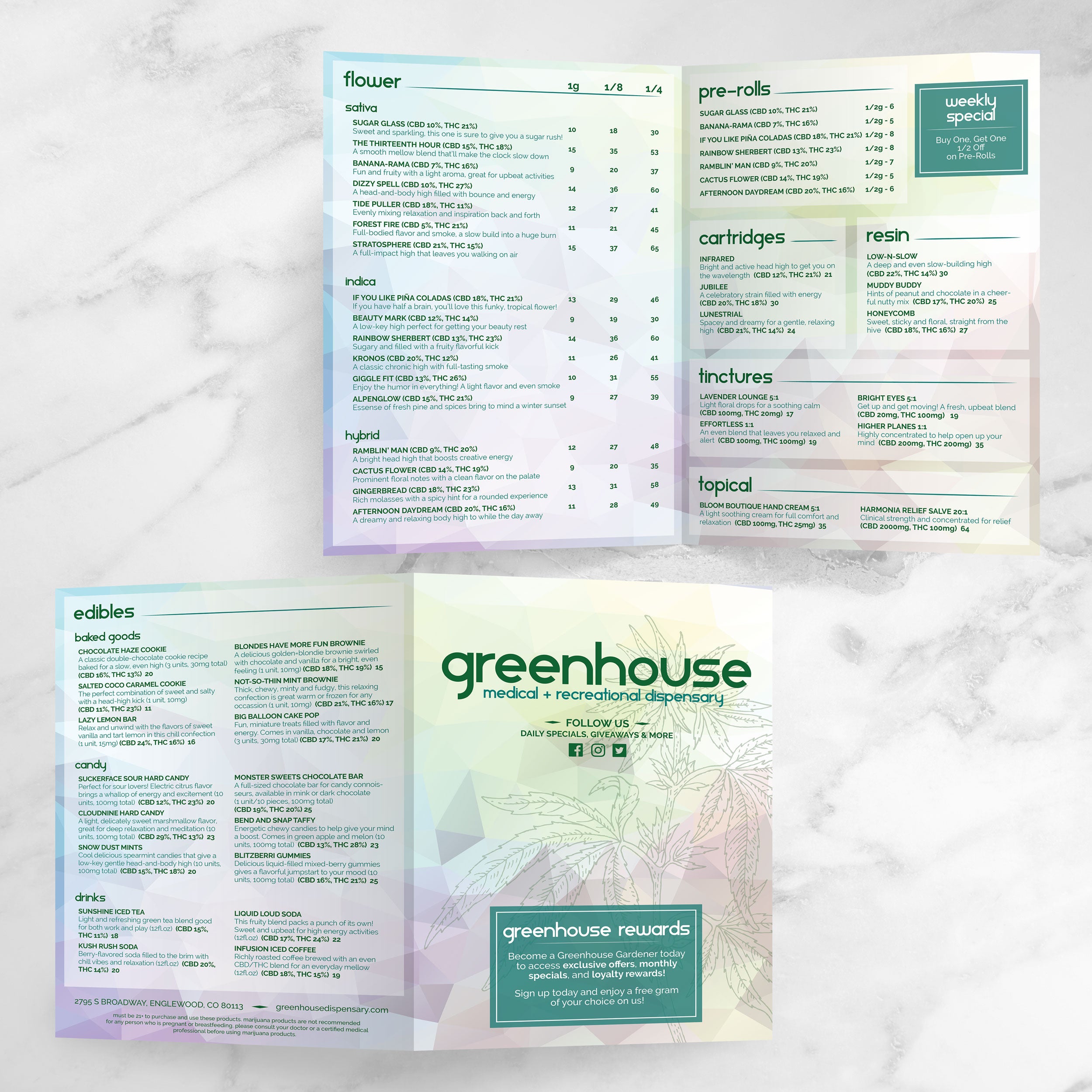
13" x 19" Bifold Menu Templates

22 products

Showing 1 - 22 of 22 products

Showing 1 - 22 of 22 products
View

Recently viewed

A 13” x 19” menu provides ample space to present a comprehensive offering without forcing tight spacing, tiny fonts, or cluttered panels. When you pair that size with a bifold layout, you get a menu that feels premium in-hand and is easy for guests to scan. At TerraSlate, we have built our free template collections to speed up the design process while maintaining a proven, readable, and production-ready format.

What Makes 13” x 19” a Premium Menu Size

The extra space available in larger formats provides greater flexibility for category separation, pricing alignment, and showcasing featured items. It also helps your menu look intentional, not crowded. Guests can find what they want more quickly, and your staff spend less time walking people through the layout.

What “Bifold” Means for Guest Experience and Readability

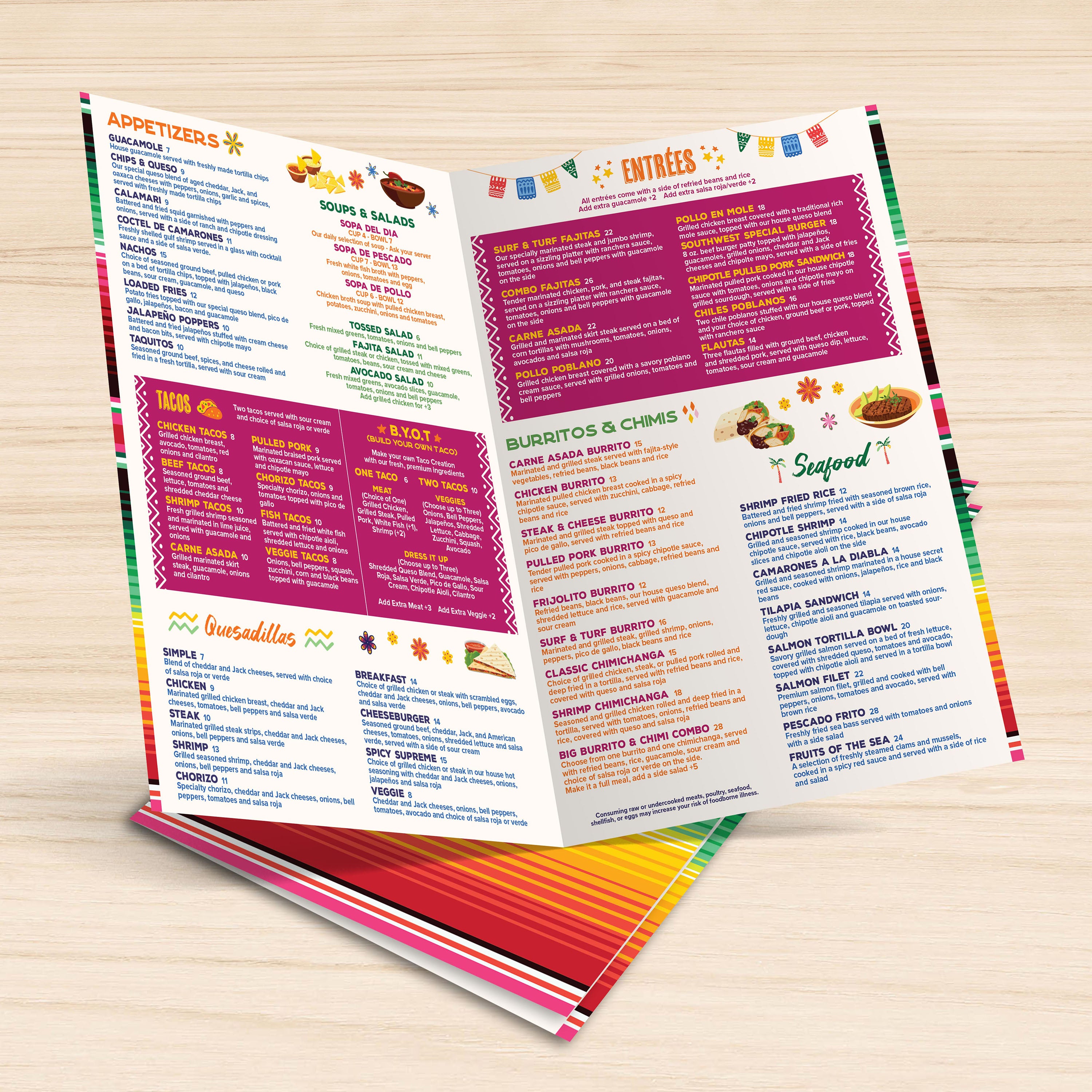
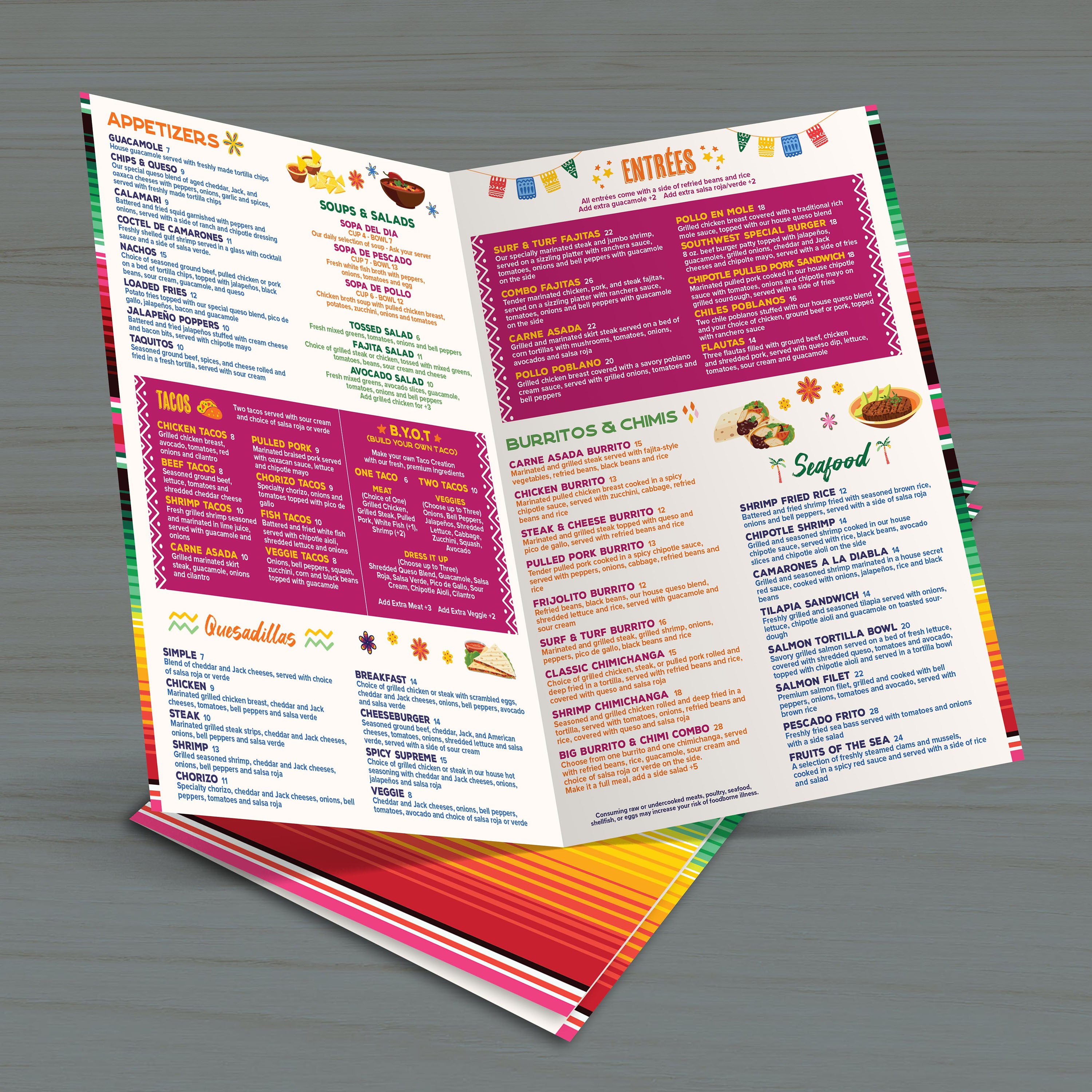
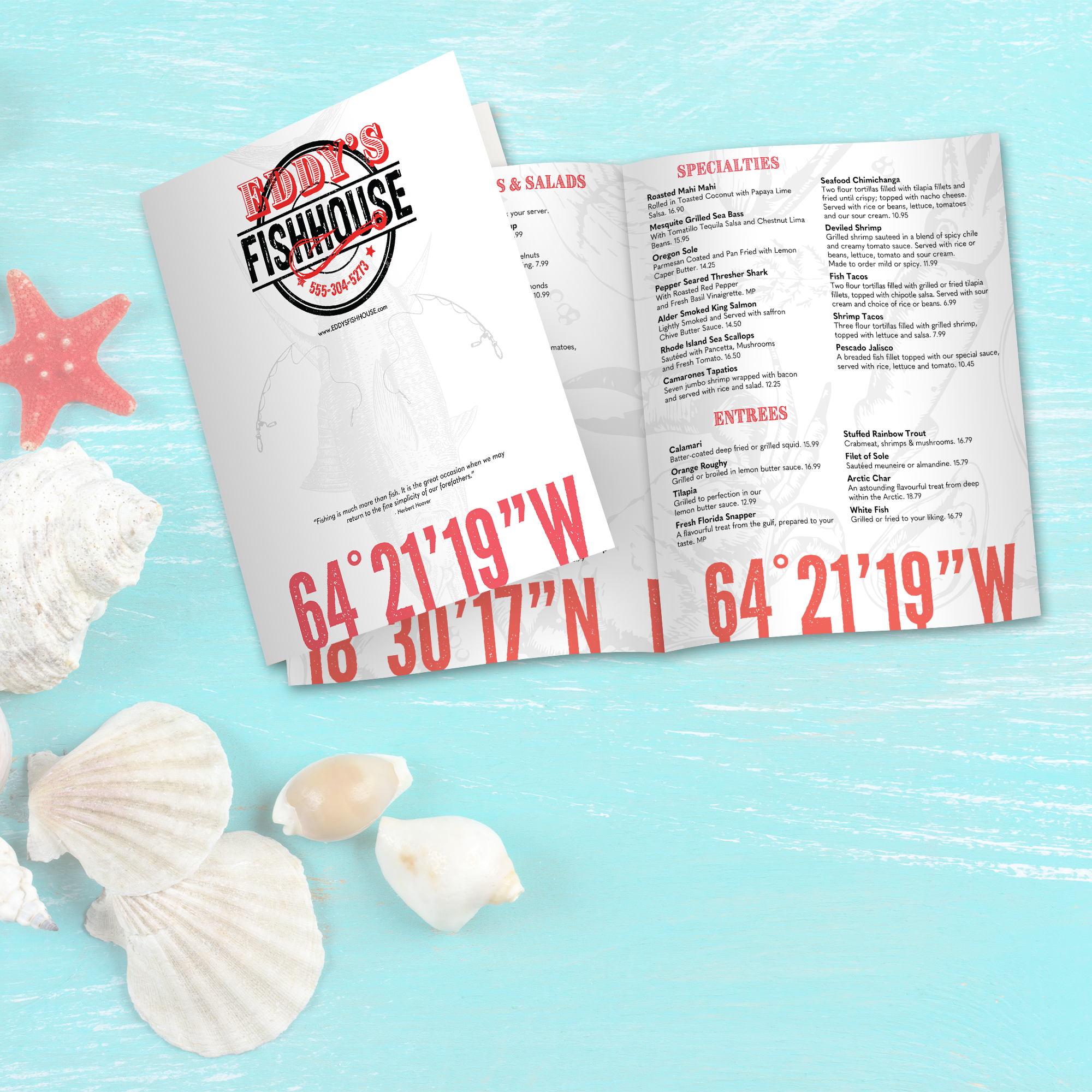
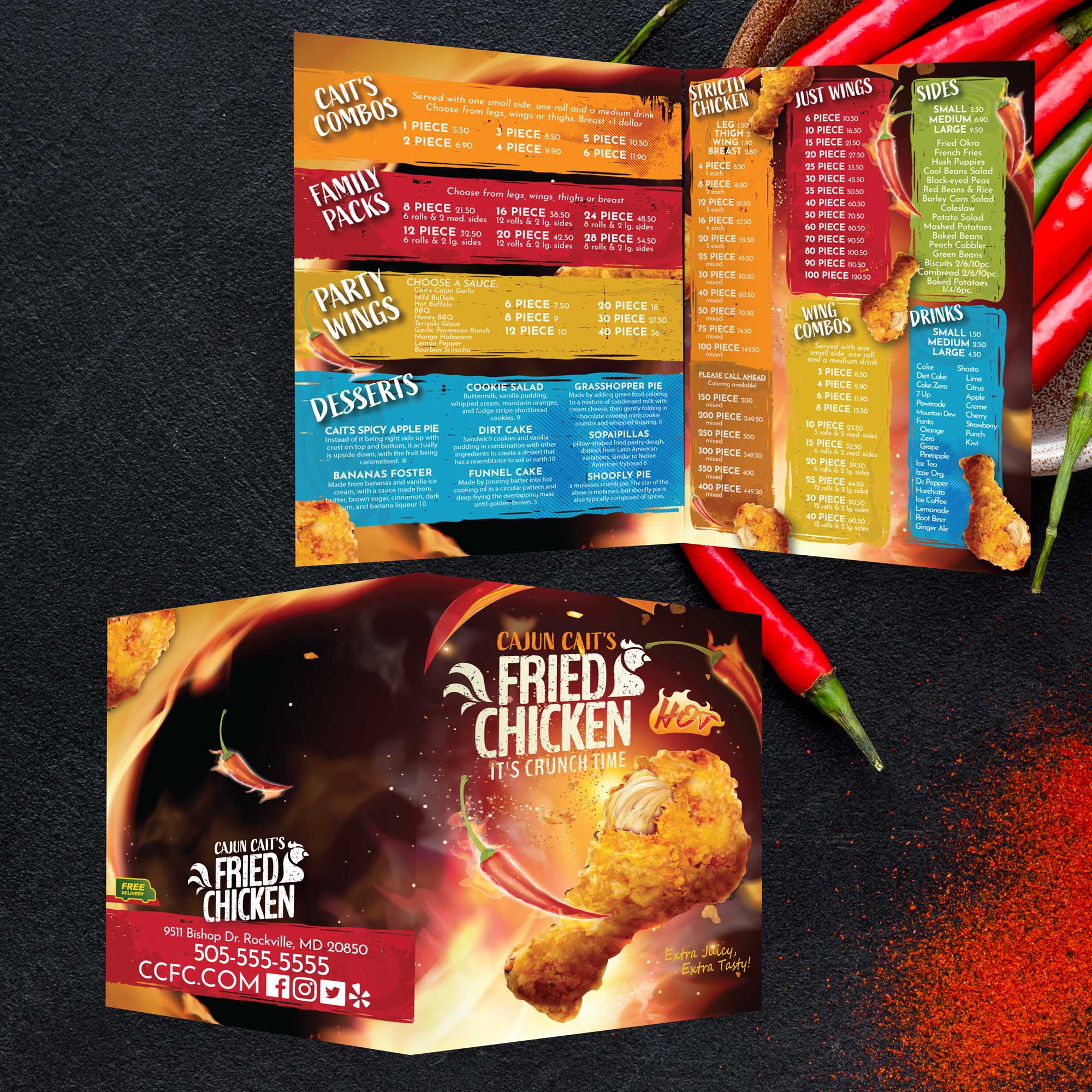
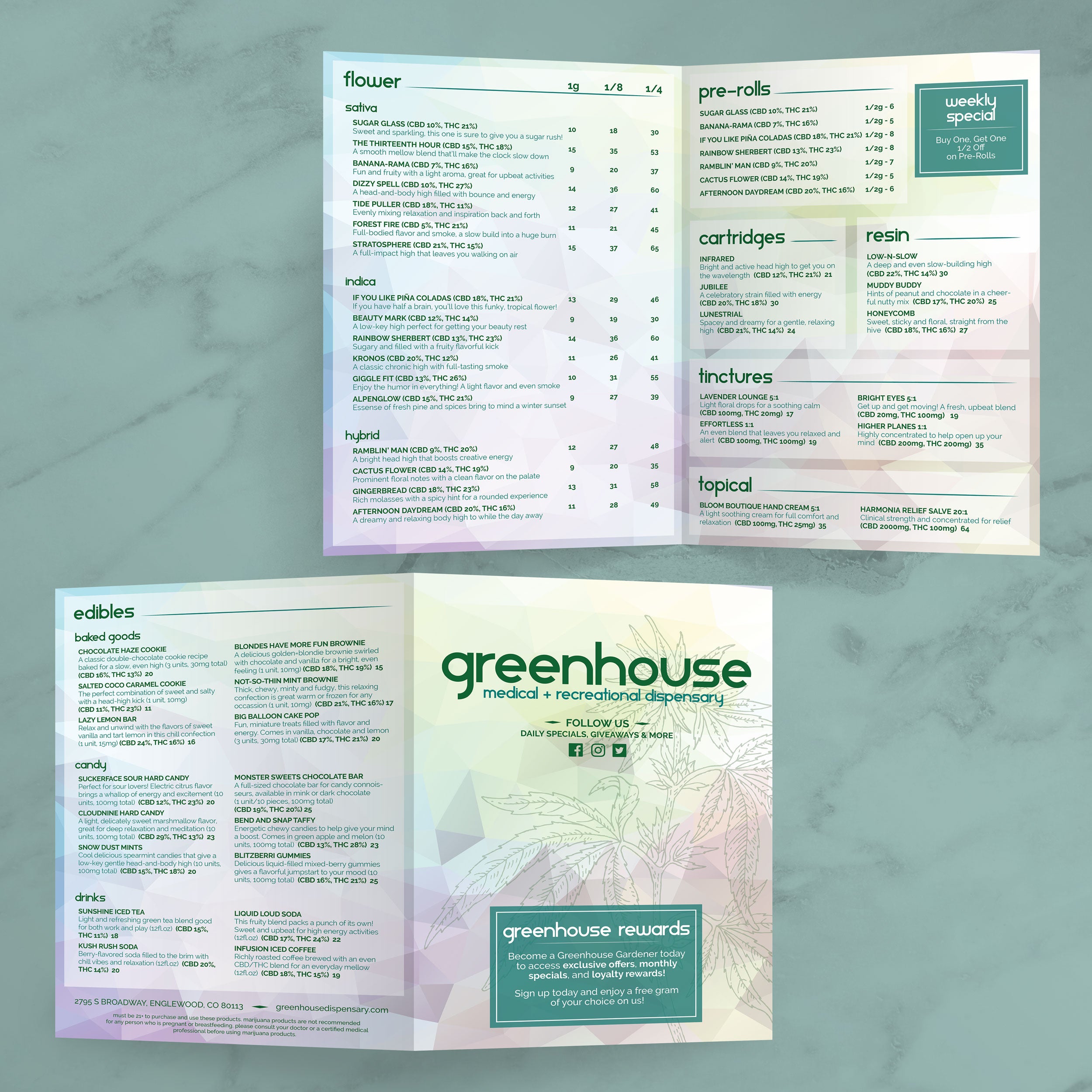
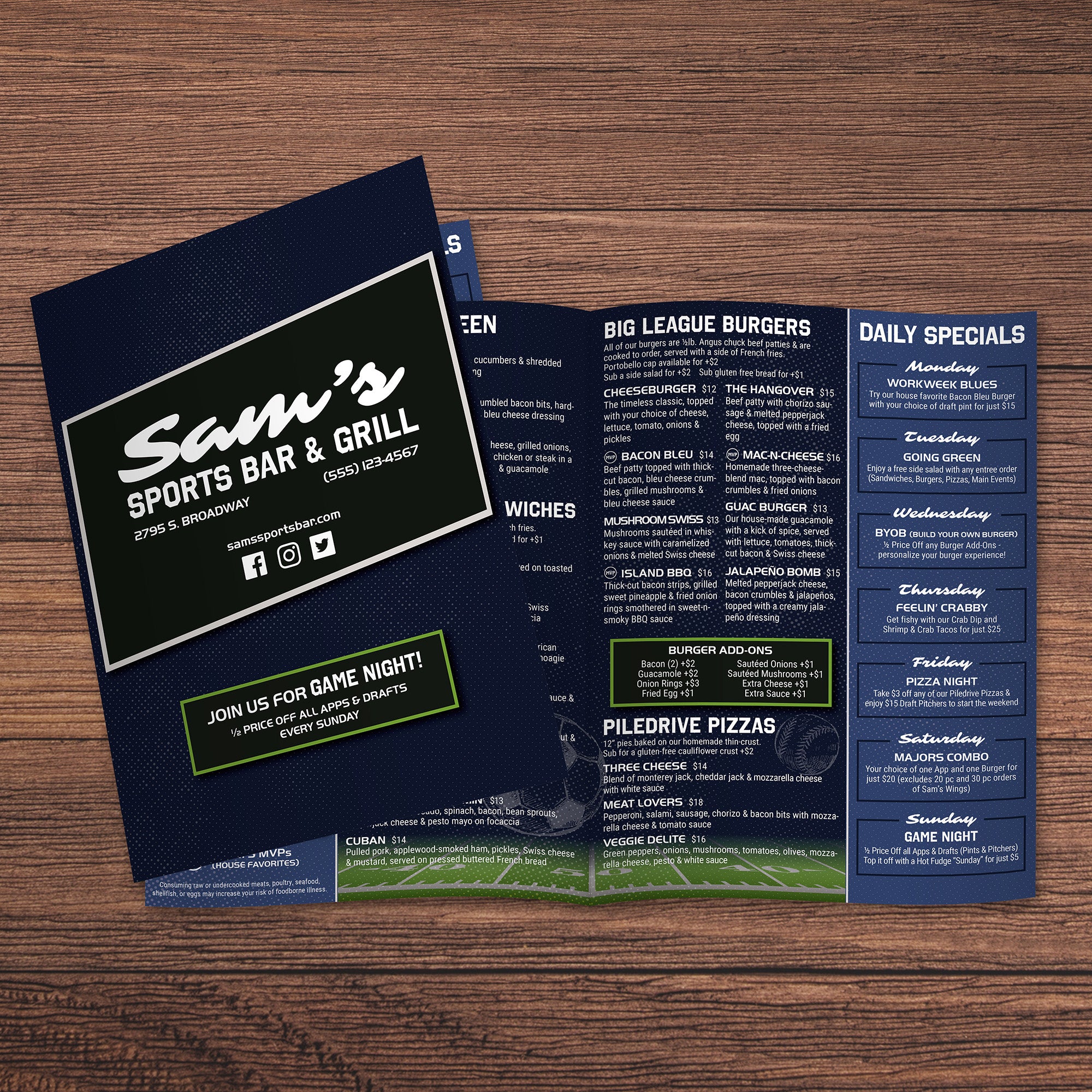
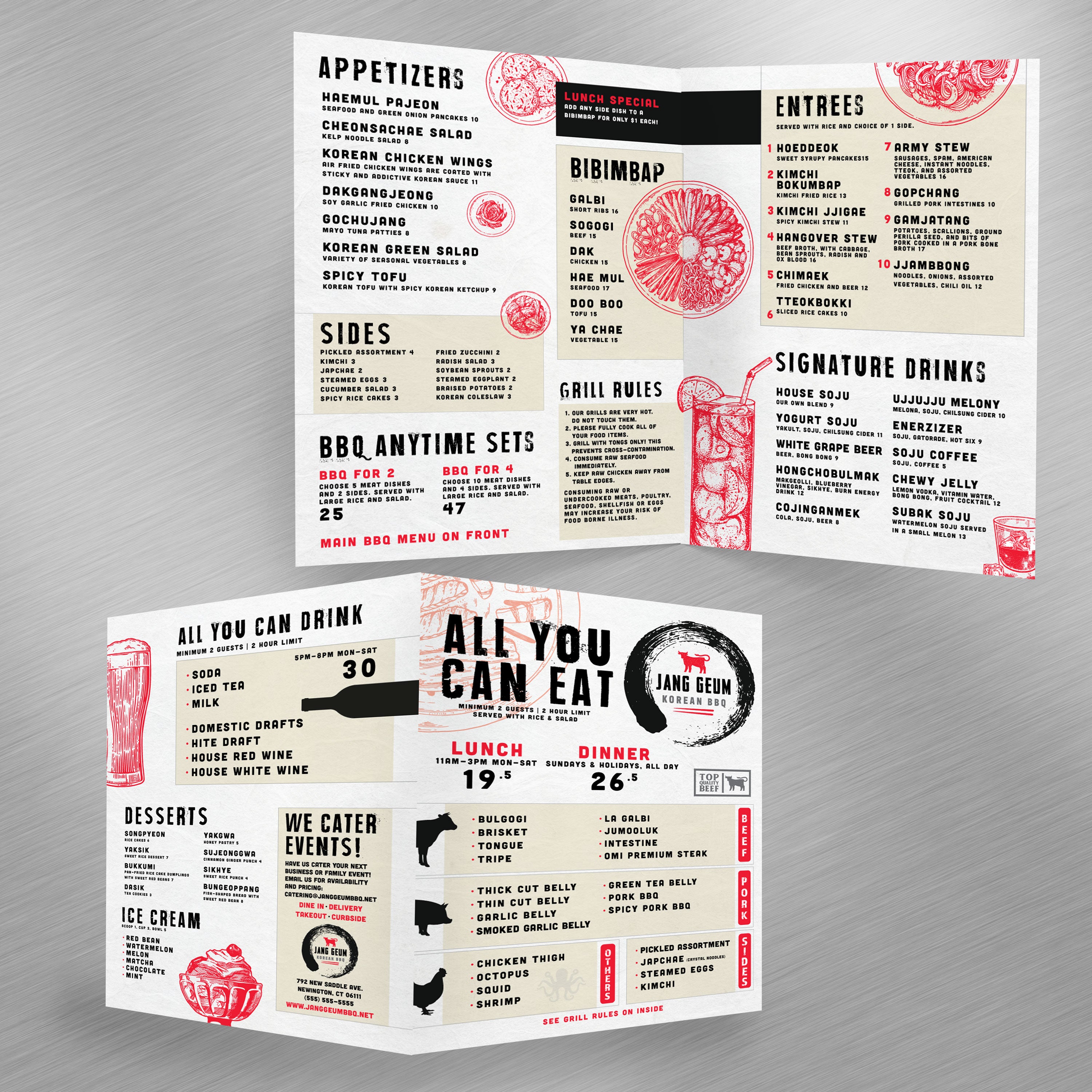
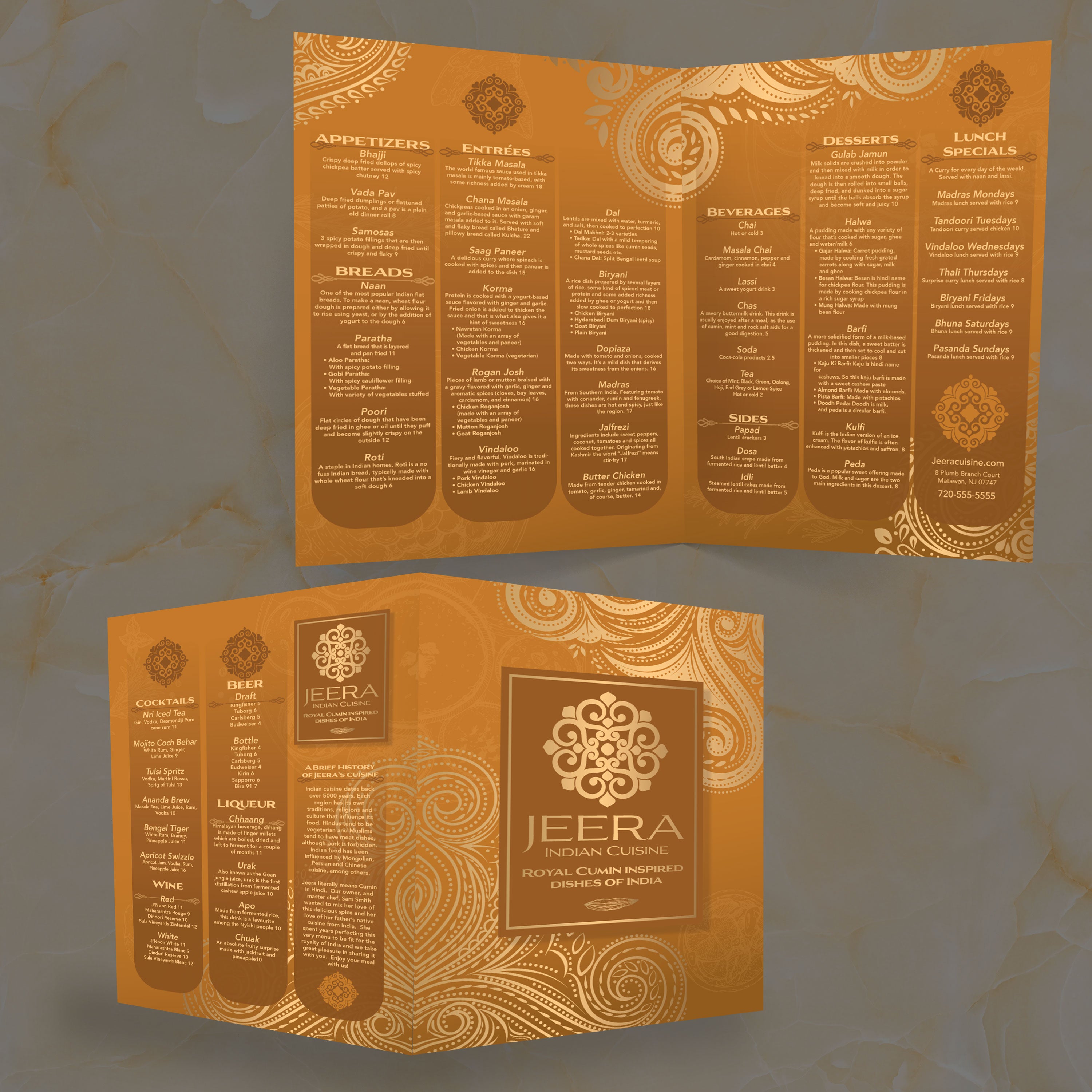
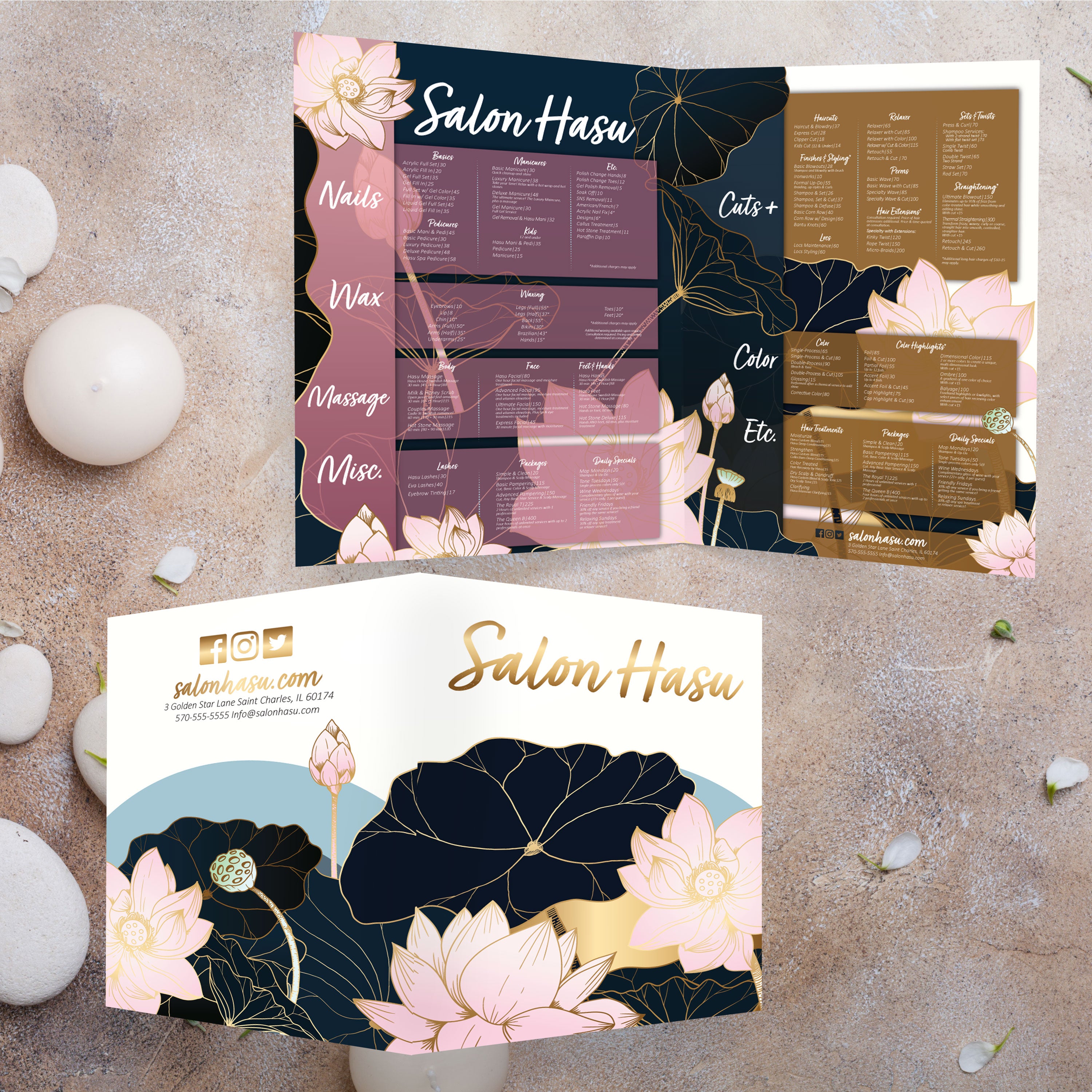
A bifold menu is one sheet folded once, creating four panels. This format naturally organizes content, featuring a cover, two inside panels for core categories, and a back panel for drinks, desserts, or a brand story. For restaurants with numerous offerings, bifold keeps everything organized without overwhelming the table.

When 13” x 19” Works Better Than 12” x 18”

If your menu includes long category lists, detailed descriptions, or multiple drink sections, 13” x 19” gives you the breathing room that keeps typography readable. It also helps when you want stronger visuals, such as a single hero photo, without compressing the entire layout.

What Restaurant Concepts Benefit Most From This Format

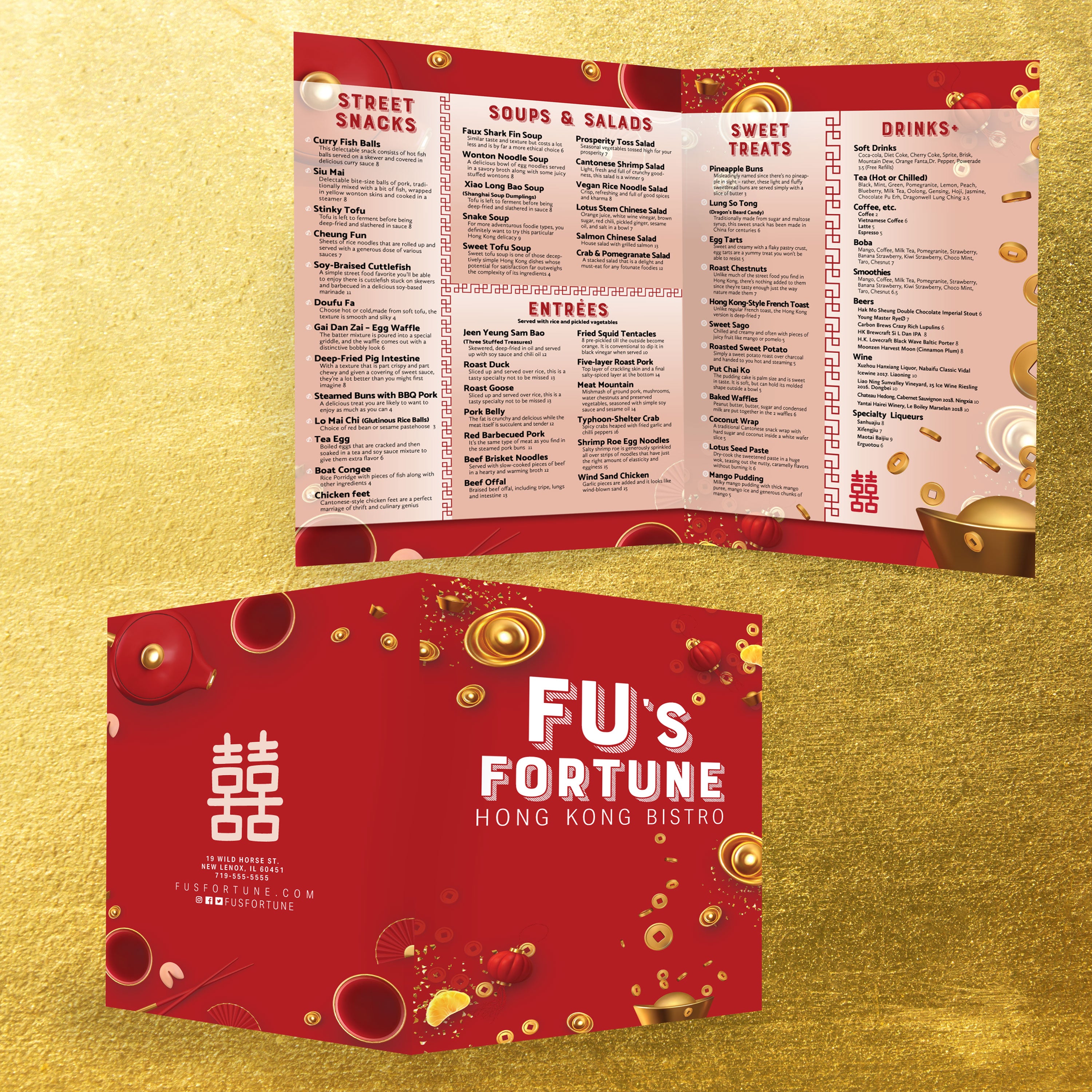
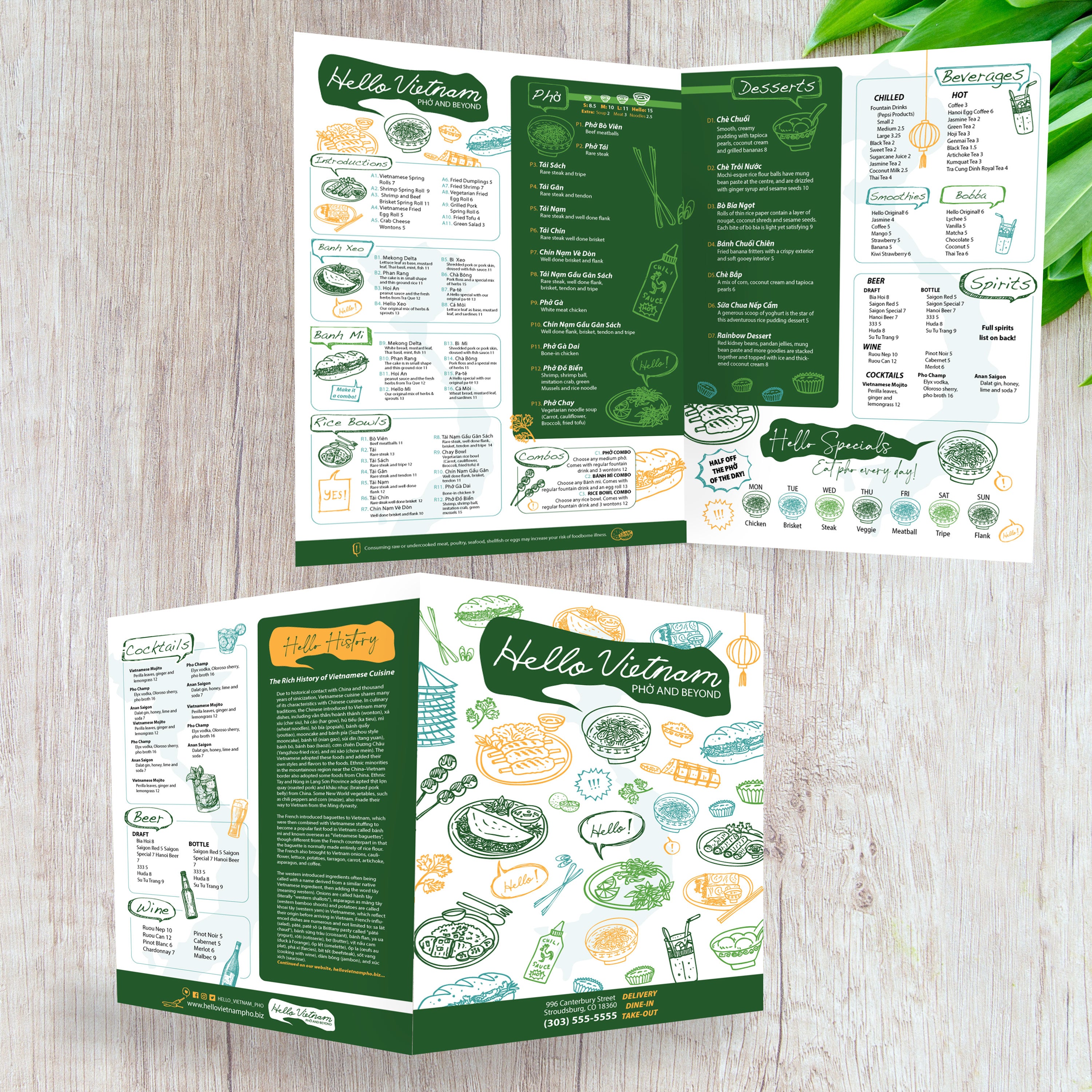
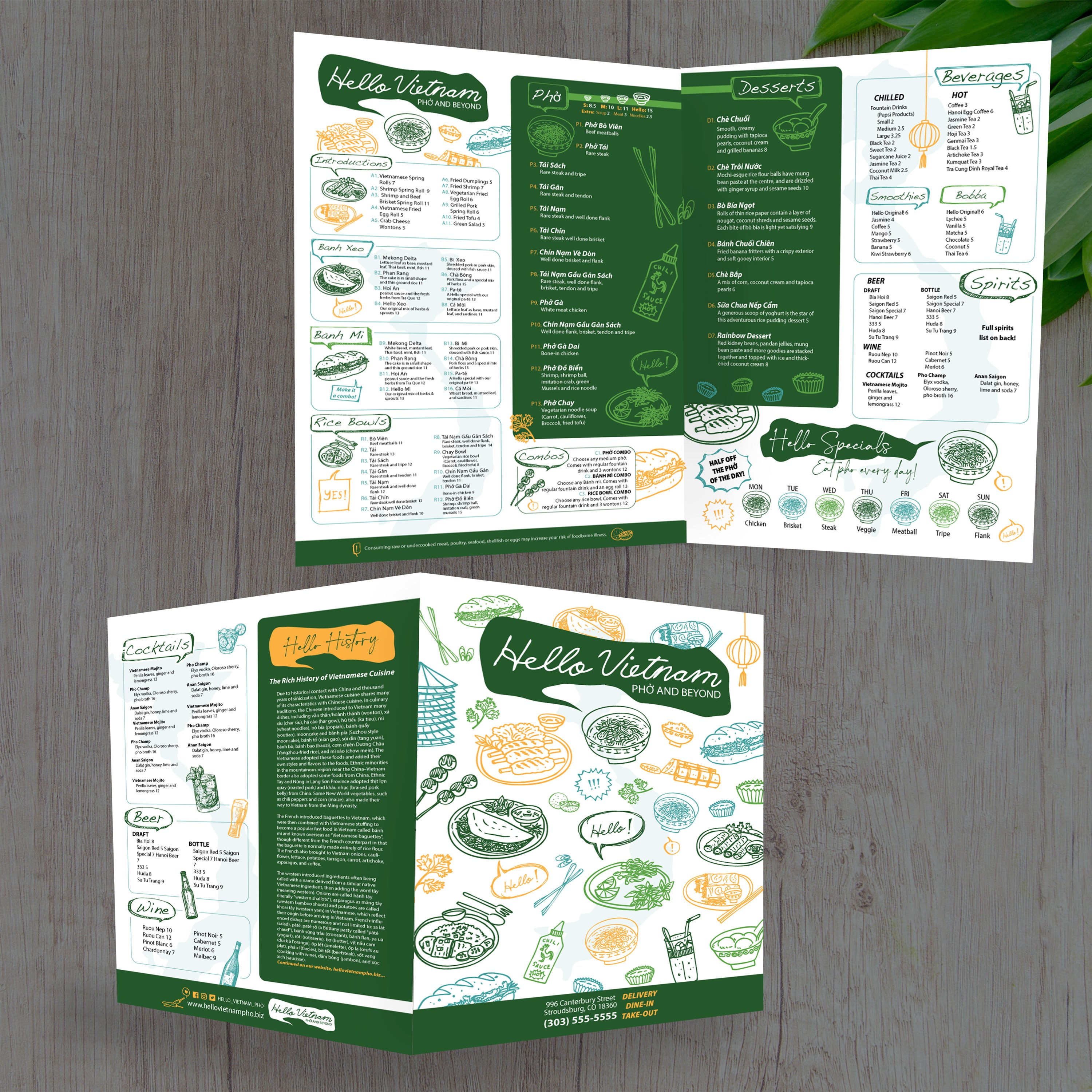
This size is a strong fit for full-service restaurants, concepts with large drink programs, and cuisine-focused menus that need clear sections and descriptive text. If you’re building a specialty layout, we also offer cuisine-specific templates like our Free Vietnamese food menu templates and Free poke bowl menu templates, so you can start with a structure designed for that style of menu.

What to Prep Before You Customize a Template

Before you edit, collect your final item list, pricing, descriptions, and any add-ons or combo options. Pull your logo, fonts, and brand colors, and decide where specials or limited-time offers should live. Starting with clean content makes template edits faster and prevents layout issues when printing, trimming, and folding.

A well-built menu isn’t just a list; it’s a tool that guides decisions. With 13” x 19” bifold layouts, you have enough space to create clear sections, highlight best sellers, and make upgrades feel natural instead of pushy. At TerraSlate, we recommend designing with flow first: guests should know where to start, what to look at next, and how to compare options without getting stuck.

Panel Planning: What Goes on the Cover, Inside, and Back

Use the cover to set expectations: include your logo, concept, and a brief highlight, such as “Chef Favorites” or “Seasonal Specials.” The inside panels should carry the bulk of your menu categories, while the back panel can hold drinks, desserts, or a short story about your restaurant. This keeps the menu predictable and easy to navigate.

Category Layout That Reduces Decision Fatigue

Separate categories clearly and keep item counts manageable per section. Guests make faster decisions when categories are clean, consistent, and evenly spaced. If you have a long offering, break it into subcategories and use headings to guide scanning.
Description Style That Helps Guests Choose Faster

Descriptions should be concise and informative, including crucial ingredients, preparation style, and flavor cues. Avoid long paragraphs. Guests don’t want to read a novel; they want enough detail to make a confident choice. This also reduces the number of questions for servers during peak hours.

How to Feature High-Margin Items Without Looking Pushy

Use subtle highlighting: a small icon, a border, or a “house favorite” label. Keep it consistent across categories so it feels intentional, not like a sales pitch. The goal is to guide attention without disrupting the reading flow.

Designing for Add-Ons, Combos, and Upgrades

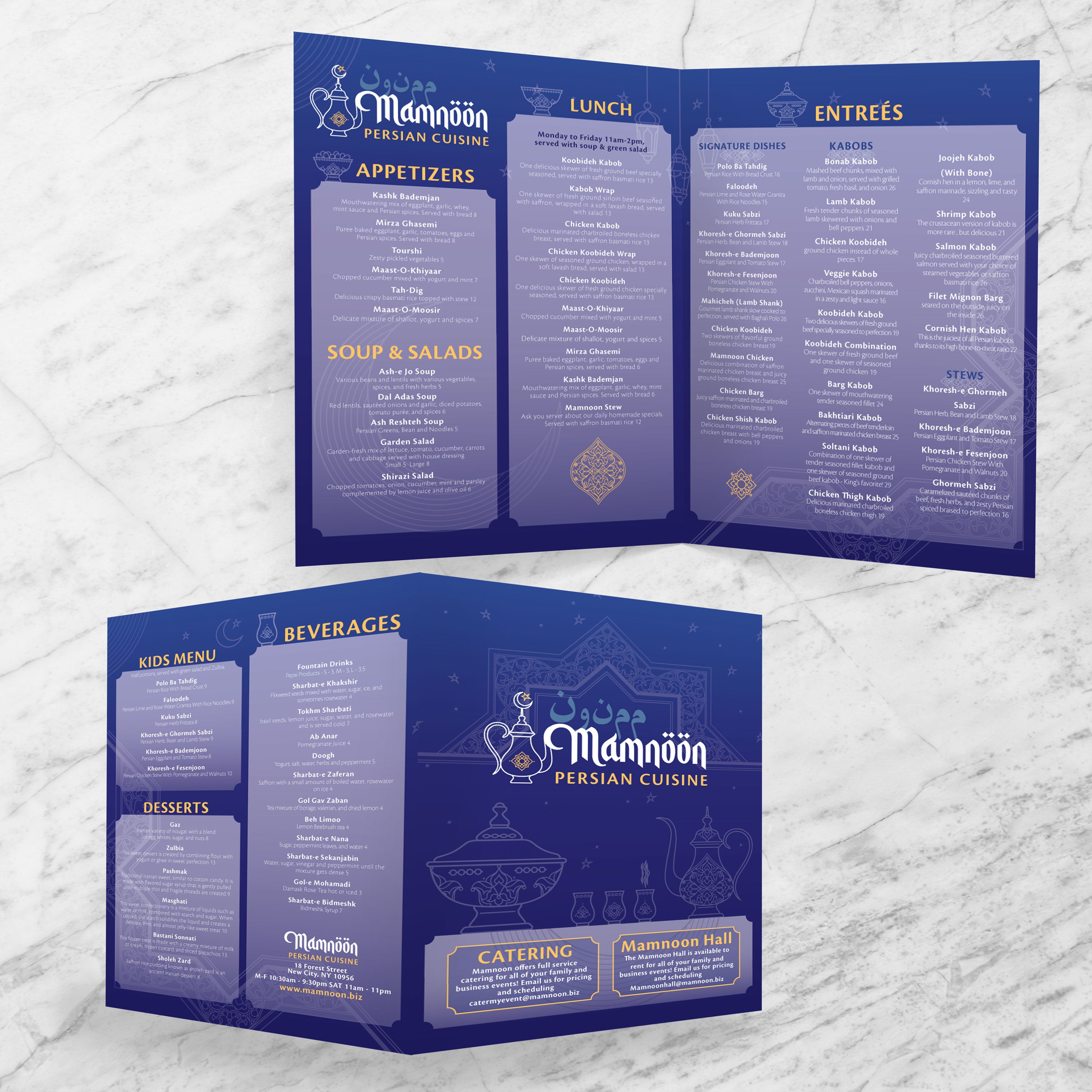
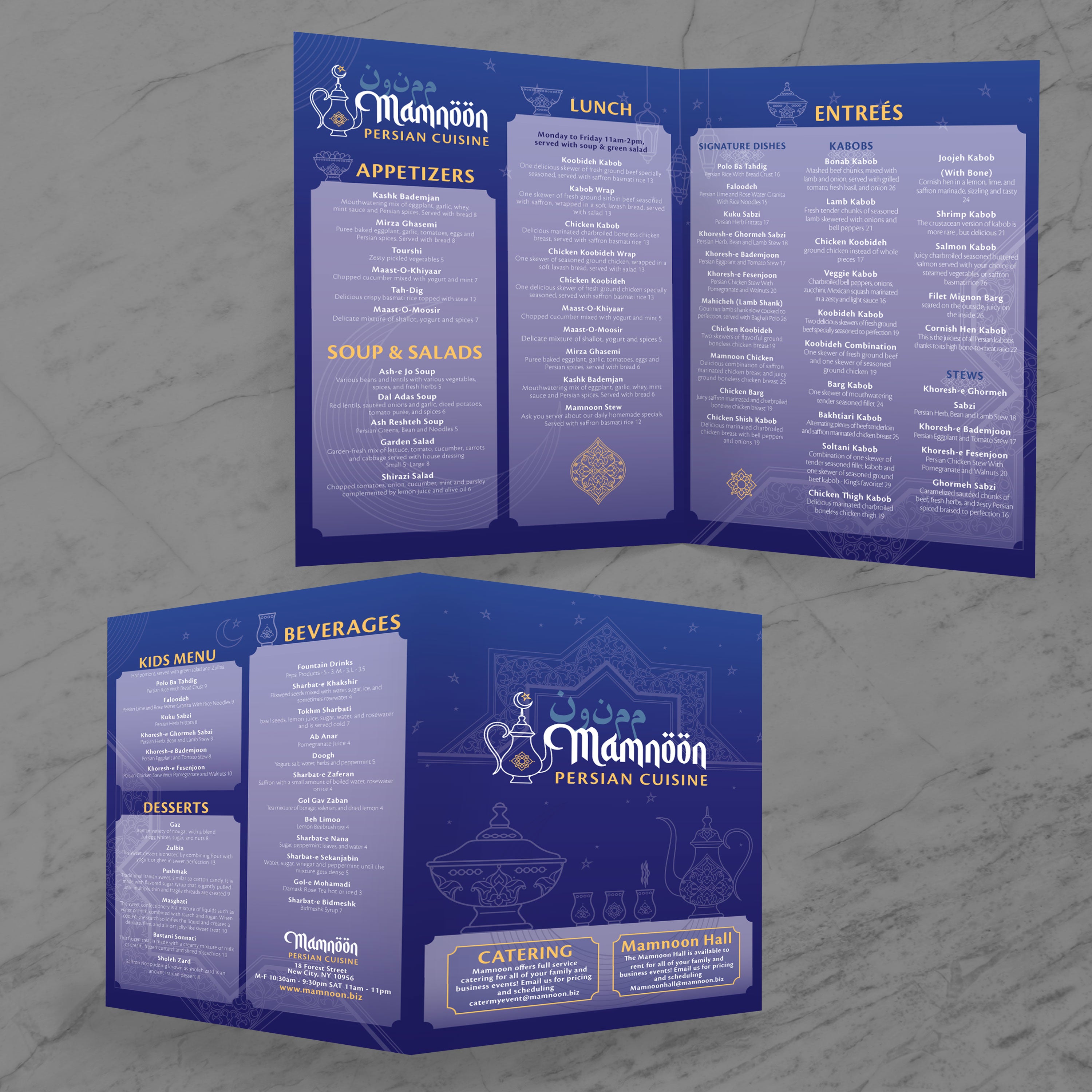
Place upgrades directly under the item they apply to, not in a separate section. Keep wording short and price clarity strong. If you want inspiration for a cuisine-driven layout that supports modifiers and add-ons, our Free Persian food menu templates can help you see how structured categories and concise descriptions work together in a larger format.
Larger menus look great, but only if the file is set up correctly. Print issues often arise from missing bleed, text that is too close to the trim, or fold lines that weren’t accounted for during layout. If you build the file with production in mind, your 13” x 19” bifold will print clean, trim accurately, and fold without shifting content out of place.

Bleed, Trim, and Safe Zones for Larger Menus

Start with the template’s guides. Bleed prevents white edges after cutting, and safe zones ensure that essential content is not trimmed off. Background color and design elements should extend into the bleed area, while prices, item names, and headings stay comfortably inside safe zones.

Fold Placement and Spacing That Prevents Layout Drift

Your fold line needs a buffer. Avoid placing text or thin borders directly on the crease, as the fold can slightly distort the alignment. Leave breathing room around the fold and keep the center area clean so the menu looks sharp when opened and closed.

Export Settings for Sharp Text and Accurate Color

Export your menu as a print-ready PDF using high-resolution settings. Embed fonts, keep vector graphics intact, and avoid over-compressing images. Crisp typography matters because menus are often held close and read under mixed lighting conditions.

Proofing Checklist Before You Print a Full Run

Always print one test copy at actual size. Fold it and review every panel, paying attention to spacing, text alignment, trim edges, and readability. Check for spelling, pricing accuracy, and layout balance. This step prevents the most costly reprints.

Common Bifold Mistakes and How to Avoid Them

The most common problems are missing bleed, overcrowded text near edges, and inconsistent category spacing. Correct these issues by using proper guides, increasing margins, and maintaining a consistent design hierarchy from panel to panel. When the setup is clean, printing becomes predictable and repeatable.
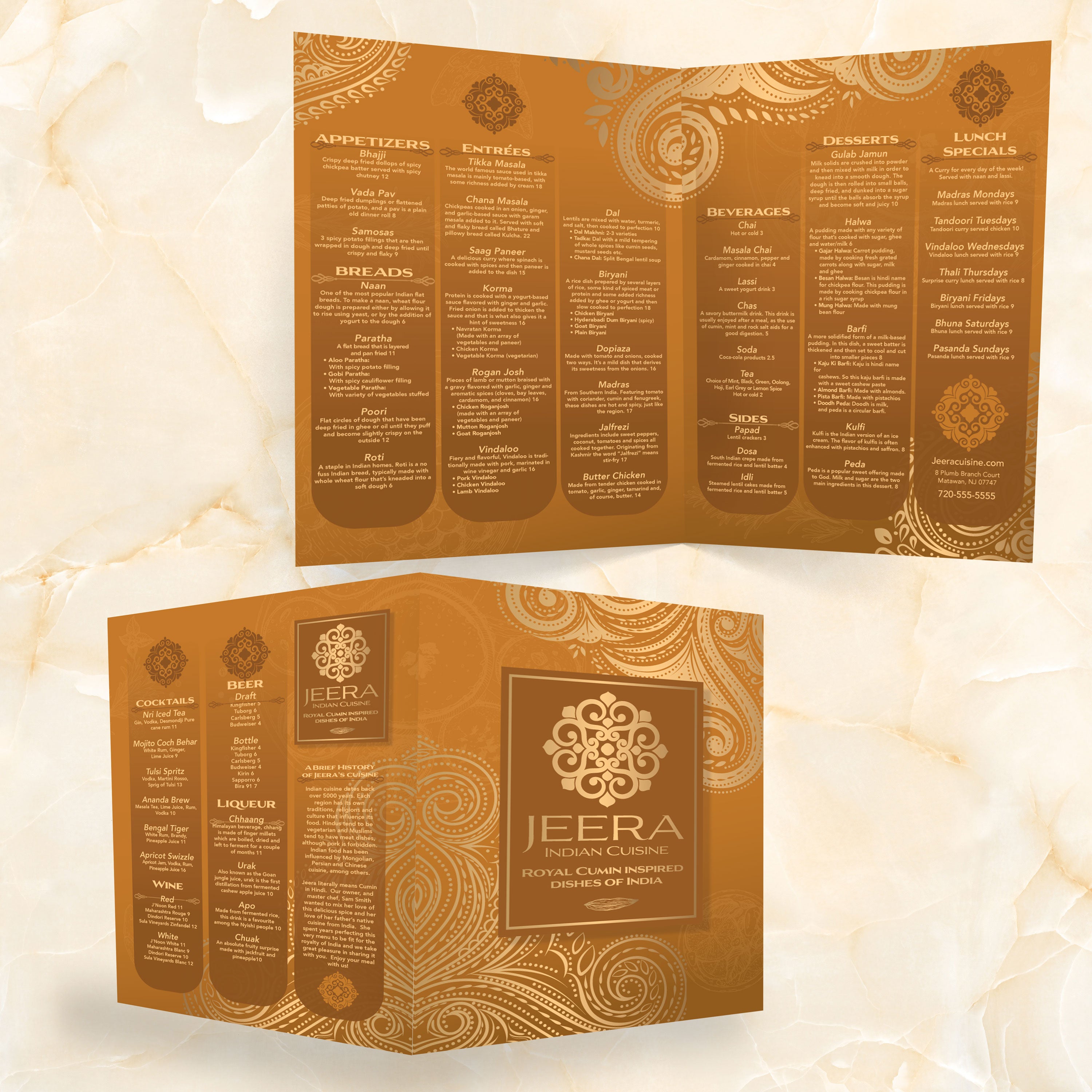
A premium menu size deserves a material that can withstand real service. Guests handle menus constantly, spills occur, and cleaning is an integral part of daily operations. If the material can’t take that routine, you end up replacing menus far too often. At TerraSlate, we built multiple product options so you can match durability, print method, and budget to how your restaurant actually runs.

Why Traditional Paper and Lamination Fail at Scale

Paper absorbs moisture, stains, and breaks down at corners and folds. Lamination looks good at first, but it clouds up over time, can bubble or delaminate at the edges, and cannot be folded. That creates a problem for bifold menus because folds are essential to the format. If you want menus that stay clean and presentable, lamination is a short-term fix with long-term drawbacks.

TerraSlate Flagship Sheets for Waterproof, Rip-Proof Menus

TerraSlate is our flagship synthetic paper, built to be 100% waterproof and rip-proof. It’s designed for heavy handling and frequent cleaning, which makes it ideal for full-service restaurants using bifold menus daily. When you want menus that last and stay readable, our flagship sheets are the strongest choice.

Value-Oriented PolySlate for High-Volume Menu Printing

Value-oriented PolySlate is a strong option when you want waterproof menus at a lower cost per sheet. It’s designed for laser printing and works well for high-volume menu programs that require frequent updates. You still get a waterproof result, without paying for premium durability you may not need for short-run prints.

TerraShield™ Anti-Microbial Coating for High-Contact Menus

If menus are shared all day, TerraShield™ adds built-in protection against unwanted microbial growth. TerraSlate can print menus for you using our proprietary TerraShield™ anti-microbial coating, offering industry-leading turnaround and fast shipping. It supports a cleaner menu program while reducing reliance on harsh chemical disinfectants.

Hydronote for All-Weather Notes, Checklists, and Back-of-House Use

Menus are only one part of the operation. Hydronote is our inkjet-compatible, water-resistant product line designed for all-weather notes and durable checklists. It’s a great fit for back-of-house prep lists, inventory sheets, and field-style notes that need to stay readable when conditions get messy.

Once you build a strong 13” x 19” bifold layout, you can reuse it across multiple menu types without needing to redesign from scratch. That saves time, keeps your brand consistent, and makes updates easier for your team. The key is treating the template like a system: the structure remains the same, while the content changes based on the service, season, or promotion.

Dinner and All-Day Menus

A 13” x 19” bifold is ideal for full menus because it provides ample space for clear categories, strong typography, and organized pricing. Use the inside panels for main categories, keep the cover clean, and reserve the back for desserts, beverages, or chef features.

Cocktail and Bar Menus

For bars and cocktail programs, bifold layouts help separate drinks by type without forcing small text. You can dedicate one panel to signature cocktails, another to beer and wine, and keep room for spirits, mocktails, or seasonal options. This makes ordering faster and reduces the need for back-and-forth communication with staff.

Catering, Banquet, and Event Menus

Catering menus require structure, including package tiers, headcount ranges, add-ons, and service notes. A bifold template helps you present options clearly while maintaining a professional design. It also works well as a handout for tastings and client meetings.

Seasonal Promotions and Limited-Time Offers

Seasonal changes are smoother when the layout is stable. Rotate items, add a featured box for specials, and update pricing without changing the overall structure. This keeps the menu familiar for repeat guests while promoting new offerings.

Special Menus for Cuisine-Based Concepts

Cuisine-driven menus often need space for descriptions, modifiers, and category depth. A bifold layout provides the flexibility you need while keeping sections readable. The best approach is to build a core template that supports your style of menu, then reuse it with minor updates whenever you add new items or shift seasonal offerings.

A menu program works best when it’s built for daily reality: heavy handling, spills, frequent cleaning, and occasional updates. If your menus wear out quickly, the cost isn’t just the expense of reprinting; it’s also the time and inconsistency that come with constant replacement. At TerraSlate, we focus on creating menus that are durable, foldable, and easy to maintain, allowing you to maintain high presentation quality without incurring ongoing costs.

Cleaning Routine That Protects Print Quality

Clean menus regularly to prevent grease buildup and keep them looking fresh. Wipe down after high-traffic shifts and spot-clean as needed during service. When menus stay clean, they feel premium longer, and guests are more comfortable handling them.

Why Soap and Water Is the Best Standard

Simple soap and water are recommended for our paper because they clean effectively without degrading the printed surface over time. Harsh chemical cleaners can be unnecessarily aggressive when used multiple times per day. A consistent soap-and-water routine keeps menus readable, clear, and presentable.

Menu Storage and Handling to Prevent Wear

Store menus stacked flat or upright in clean bins. Train staff to avoid bending corners or over-folding creases. Small habits, such as handling menus with clean hands and rotating stacks, help reduce wear and extend the life of each menu.

Updating Templates Without Rebuilding Layouts

Treat templates as a long-term system. Keep your structure and typography consistent, then update pricing, swap seasonal items, or rotate specials as needed. This reduces errors, speeds up approvals, and ensures that every update maintains a consistent look and feel, as if it belongs to the same brand.

Why Better Than Lamination Lowers Lifetime Menu Costs

Lamination clouds up, can bubble or delaminate, and cannot be folded, which makes it a weak match for bifold menus. When you use waterproof, rip-proof, foldable materials, you replace menus less often and maintain a higher-quality presentation over time. This is why durable synthetic menus are a better option than lamination for restaurants seeking consistency and lower lifetime costs.