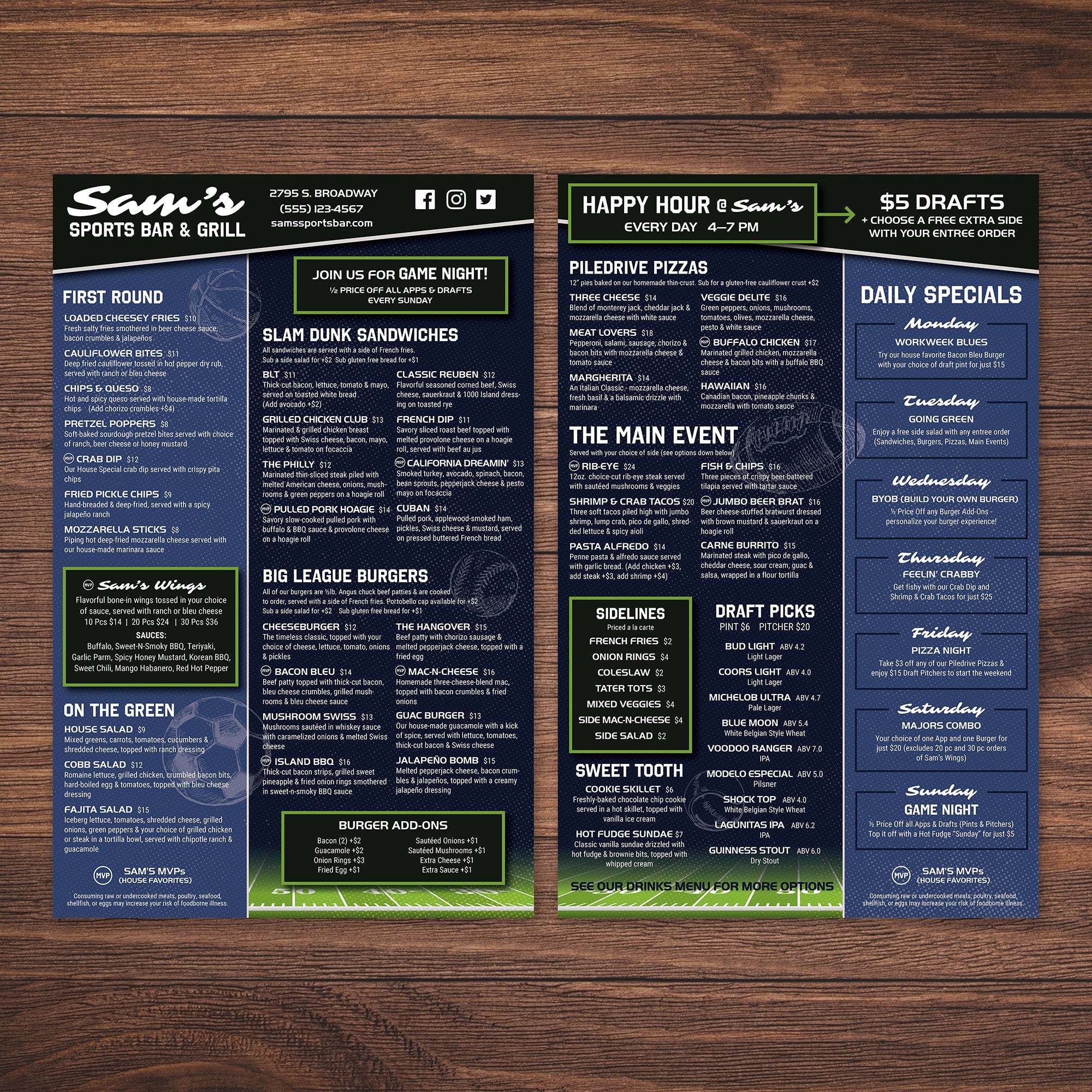
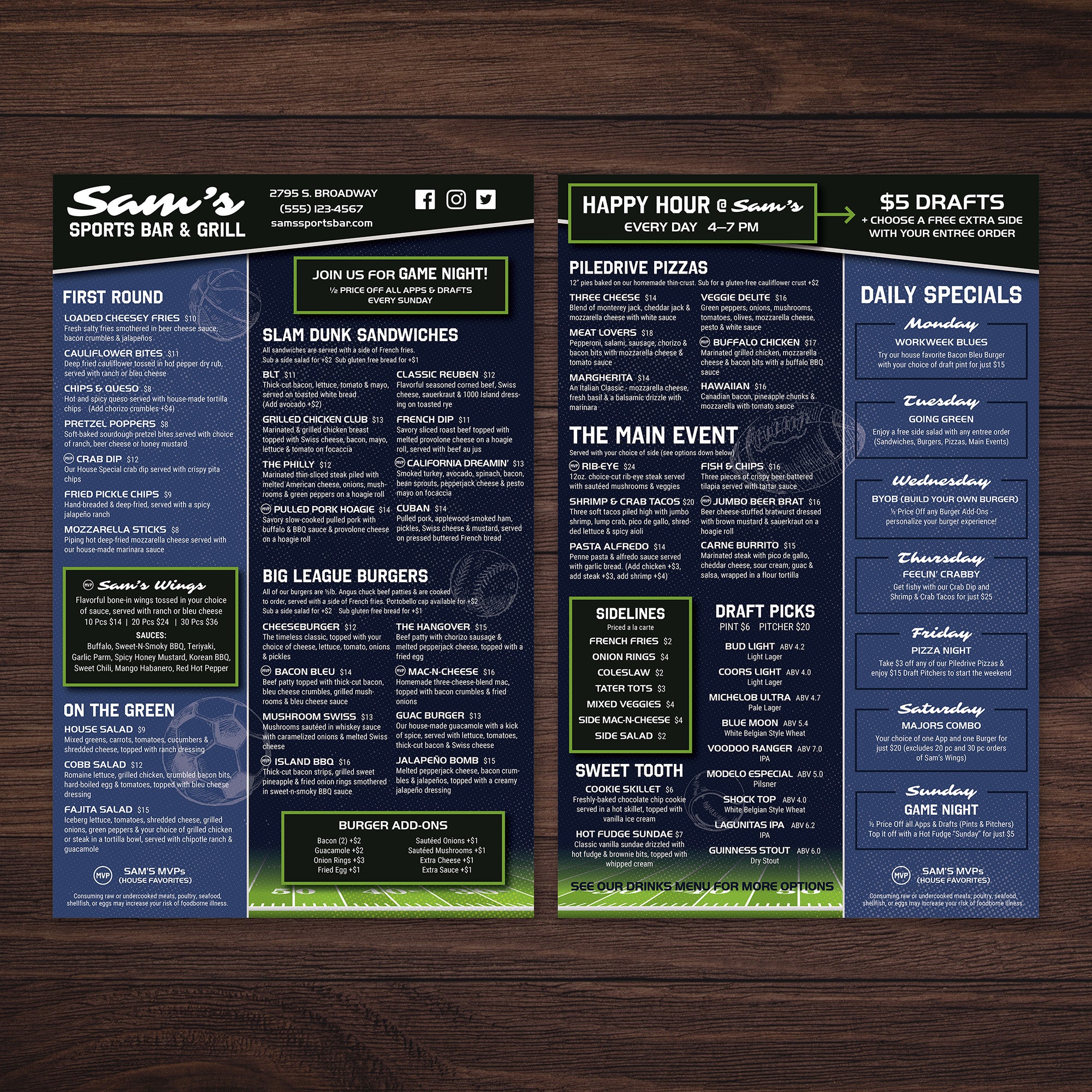
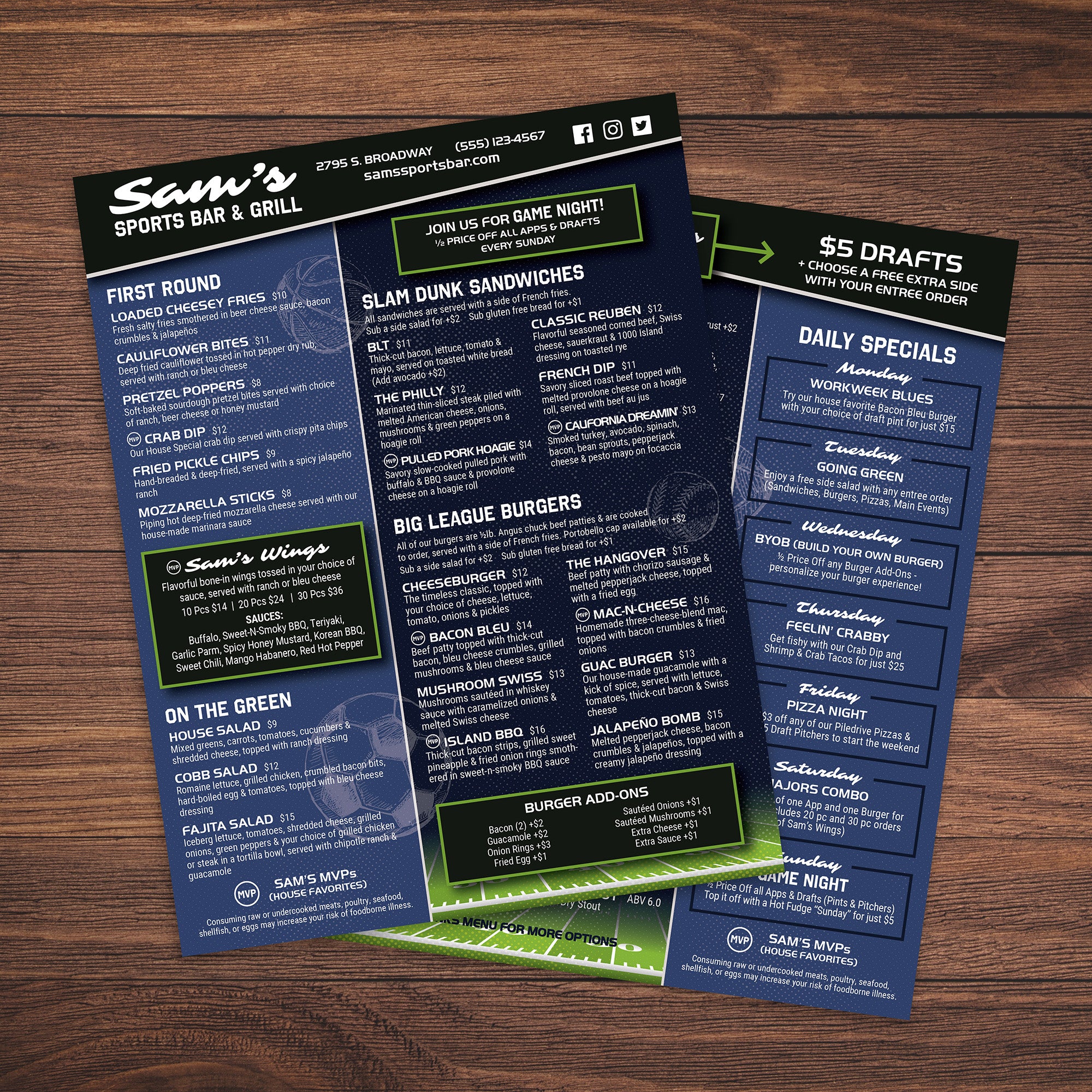
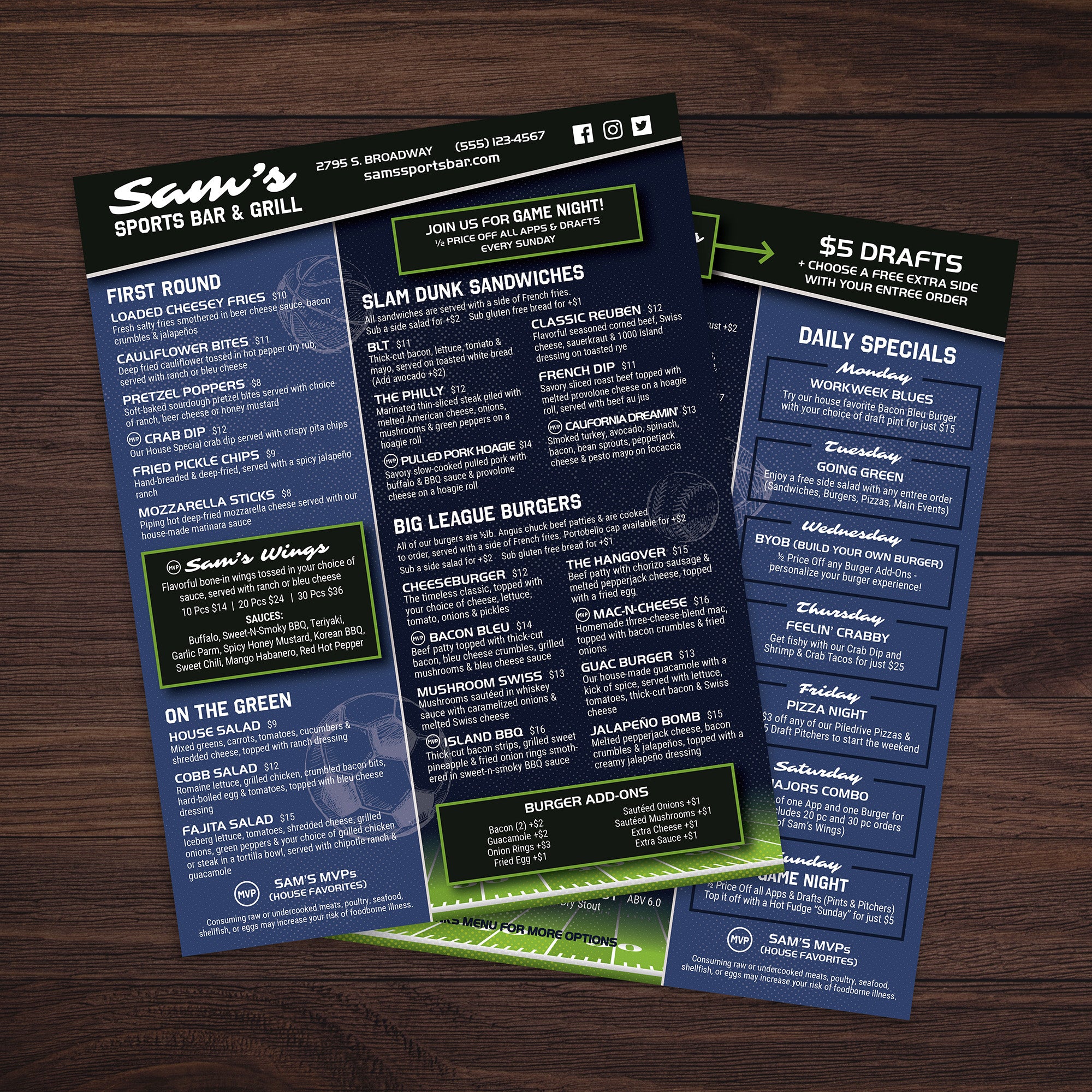
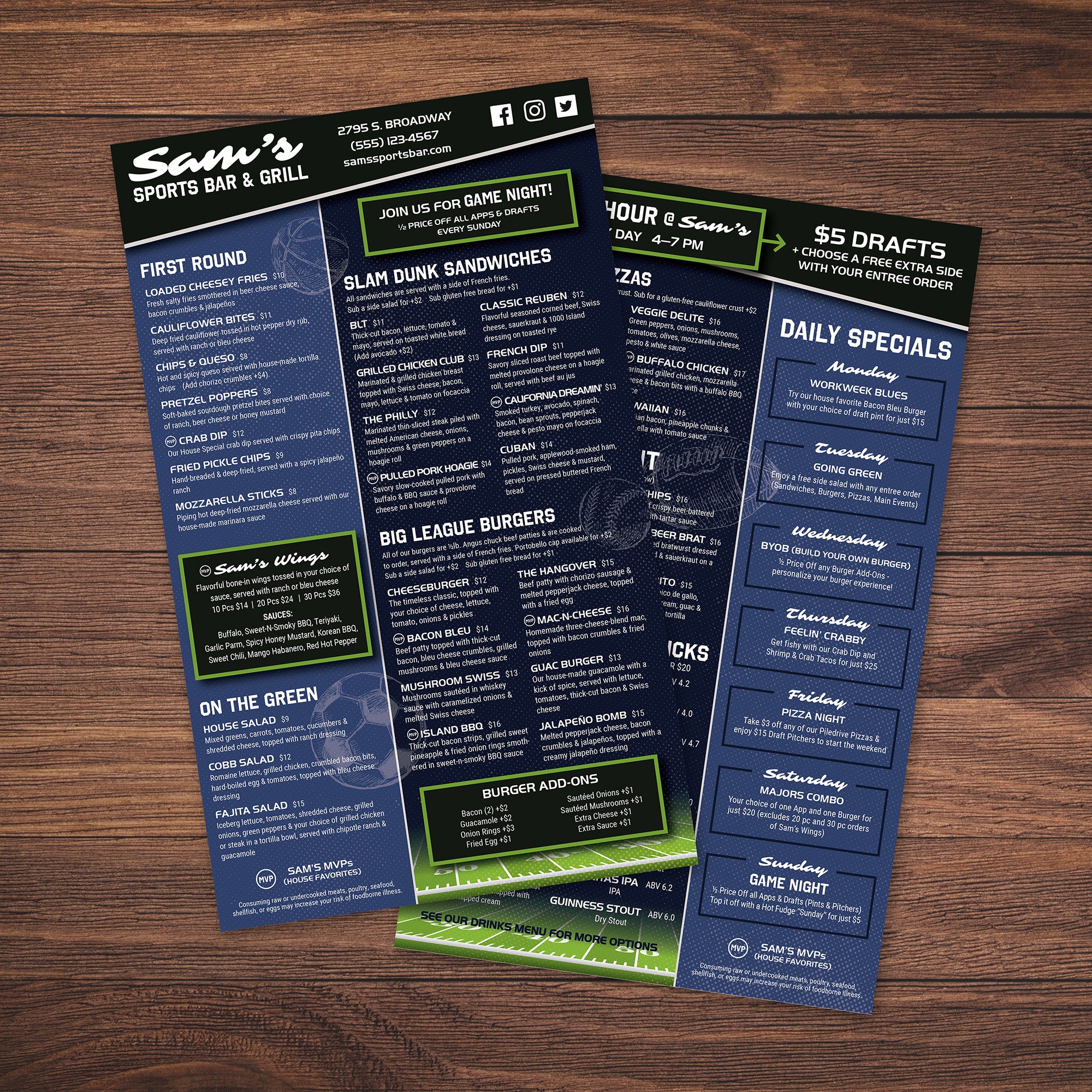
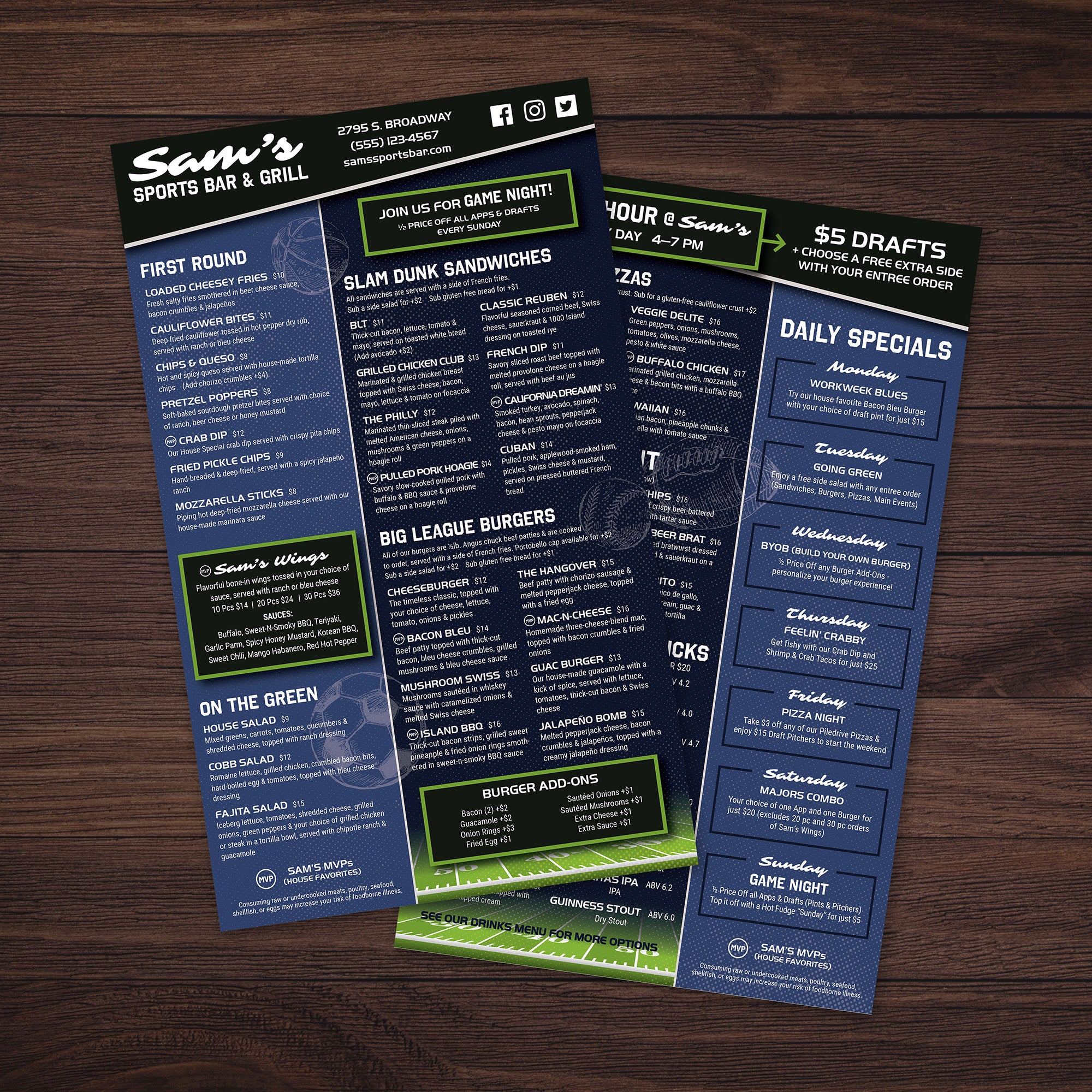
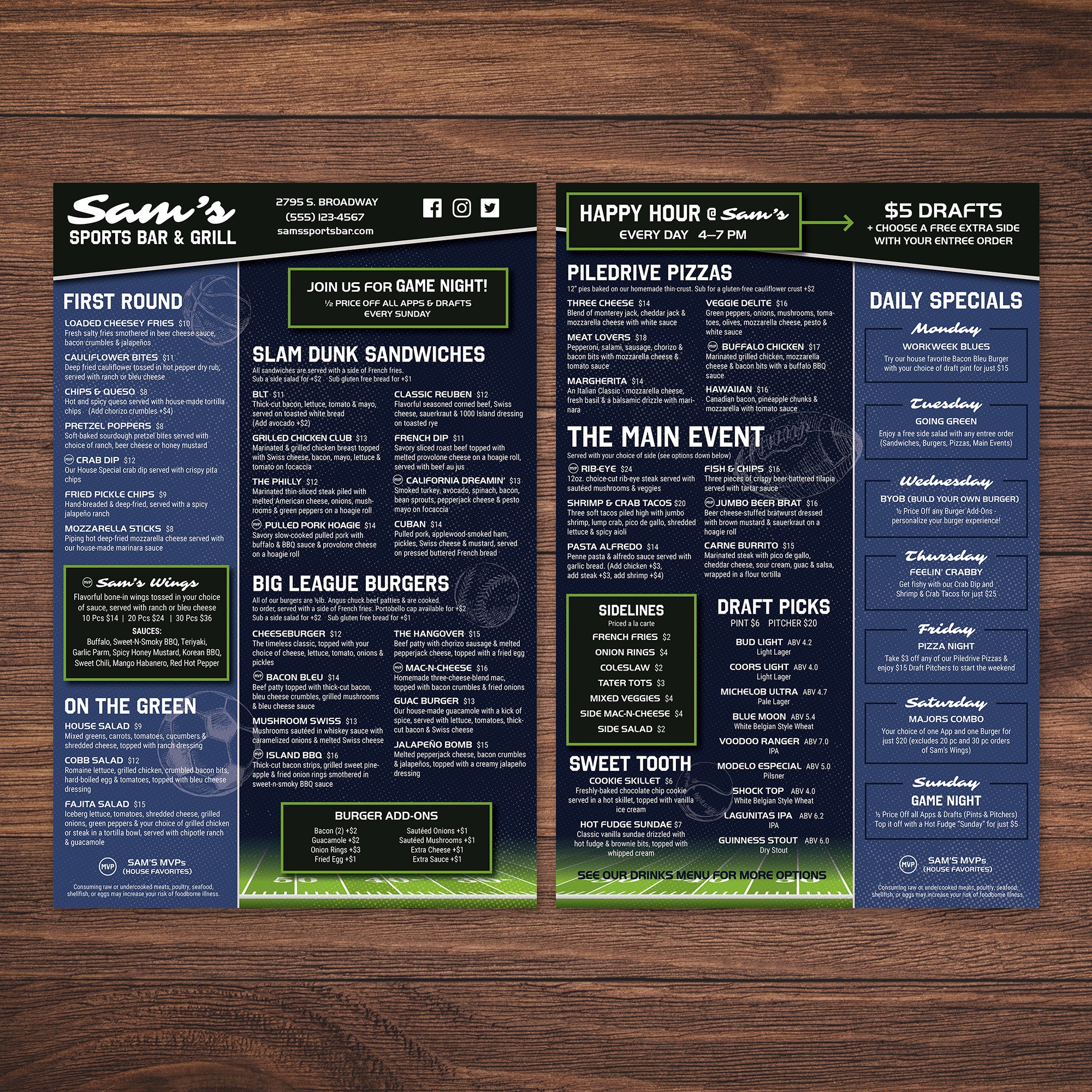
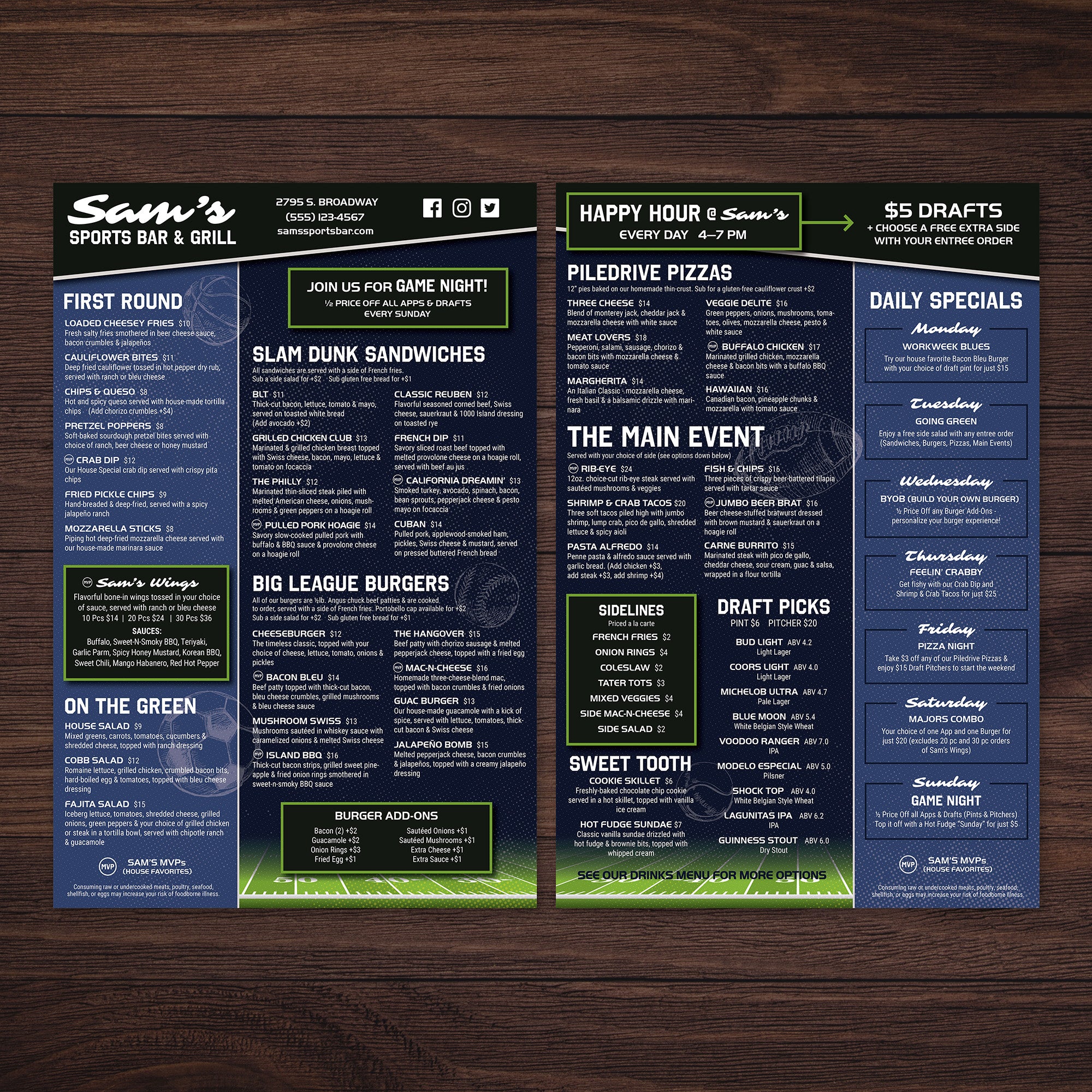
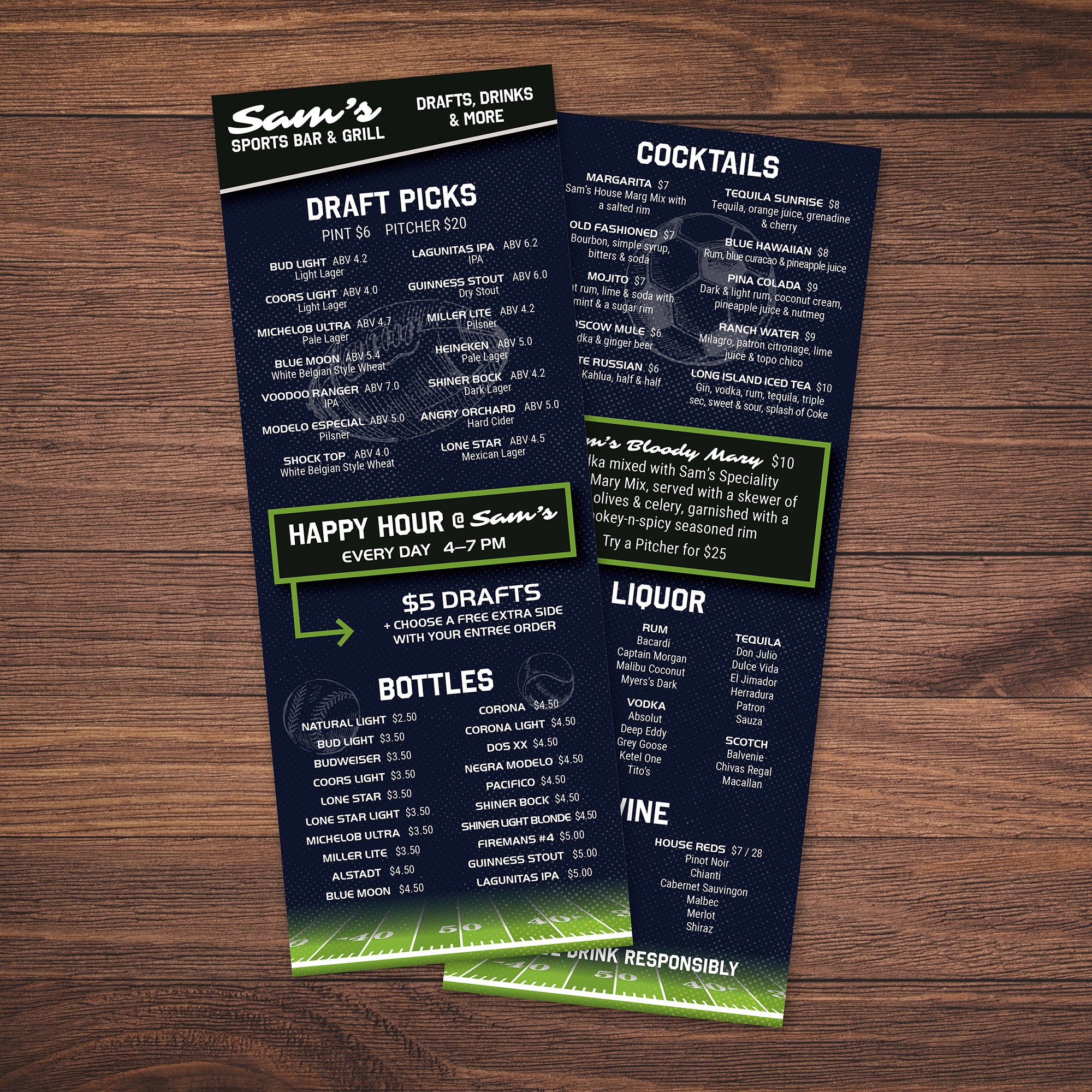
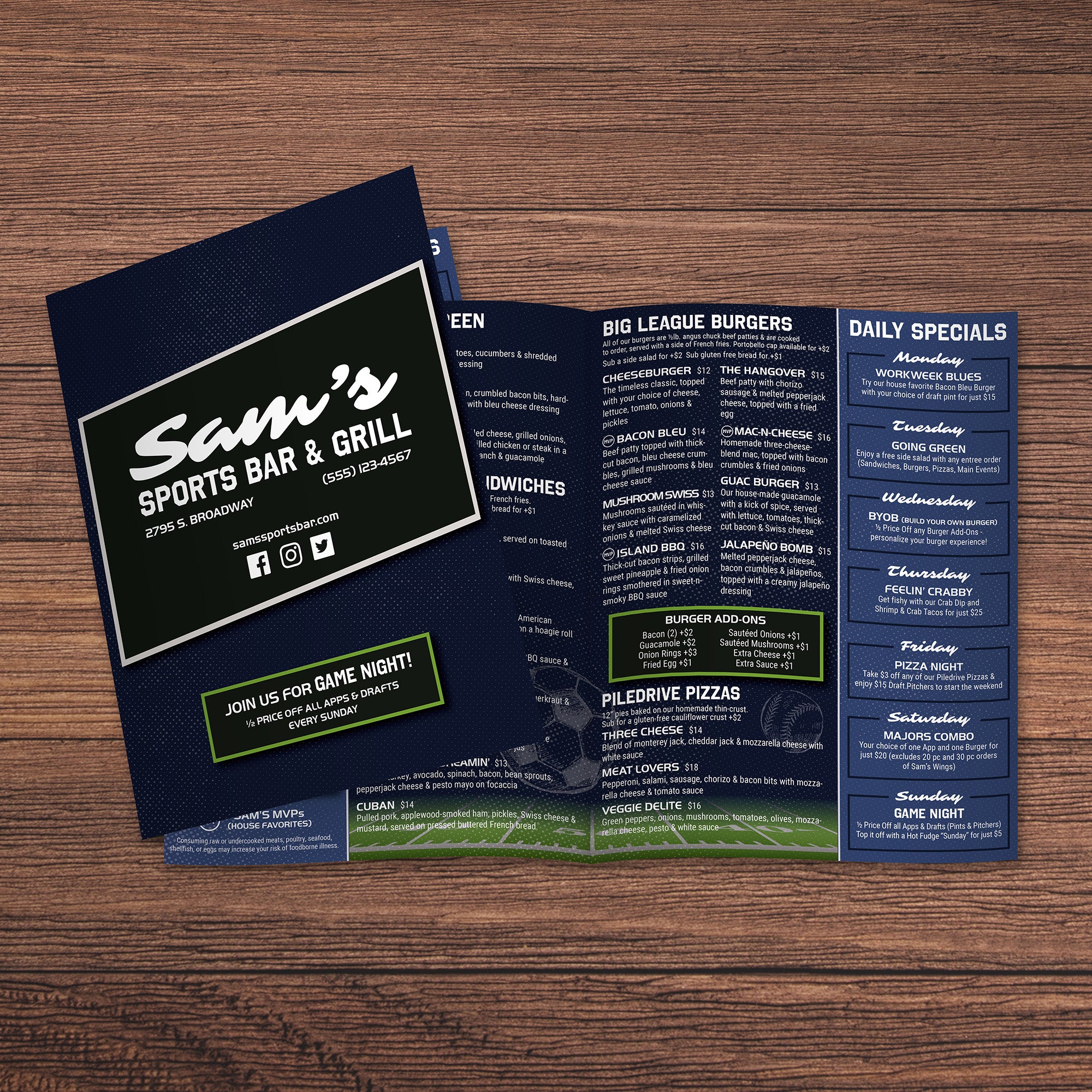
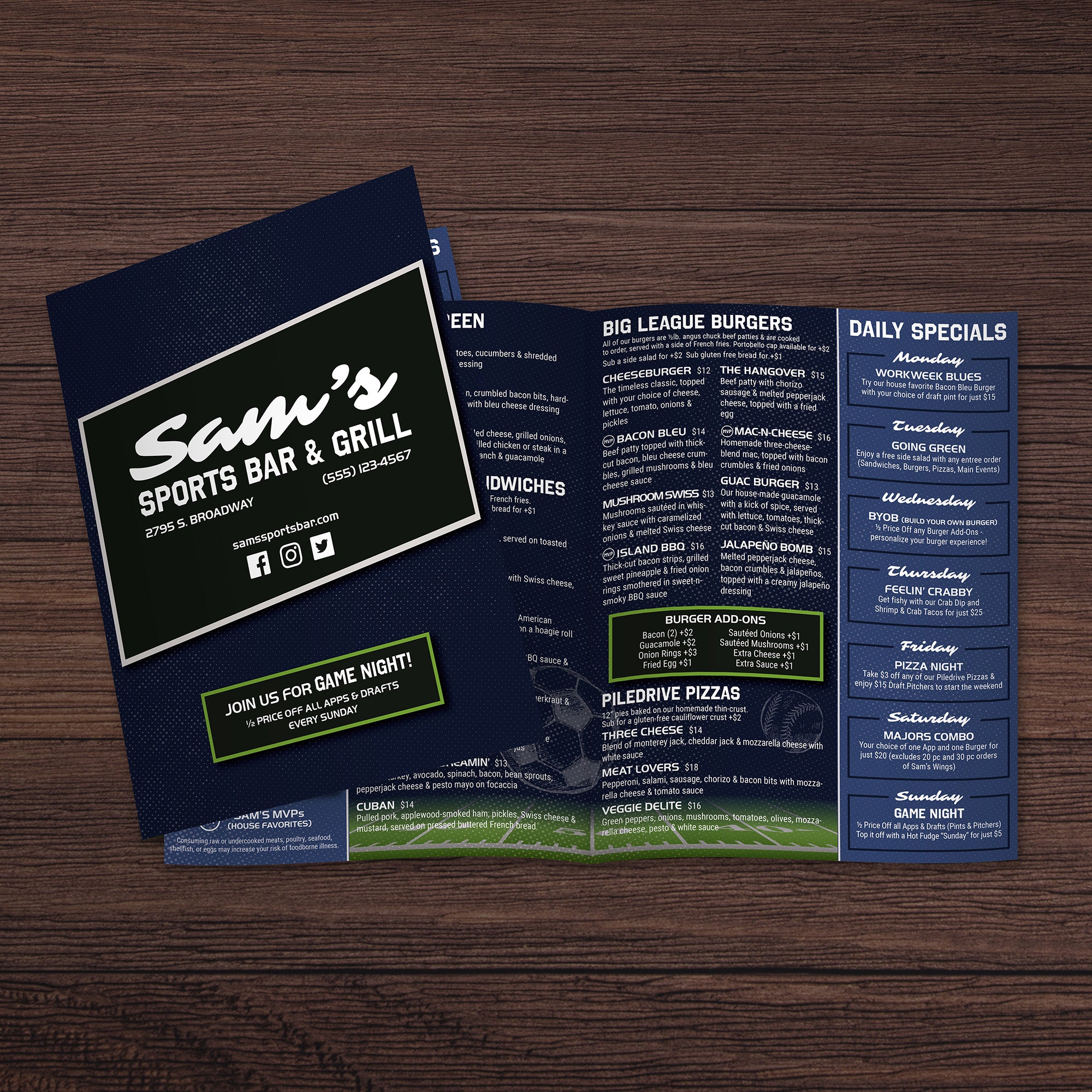
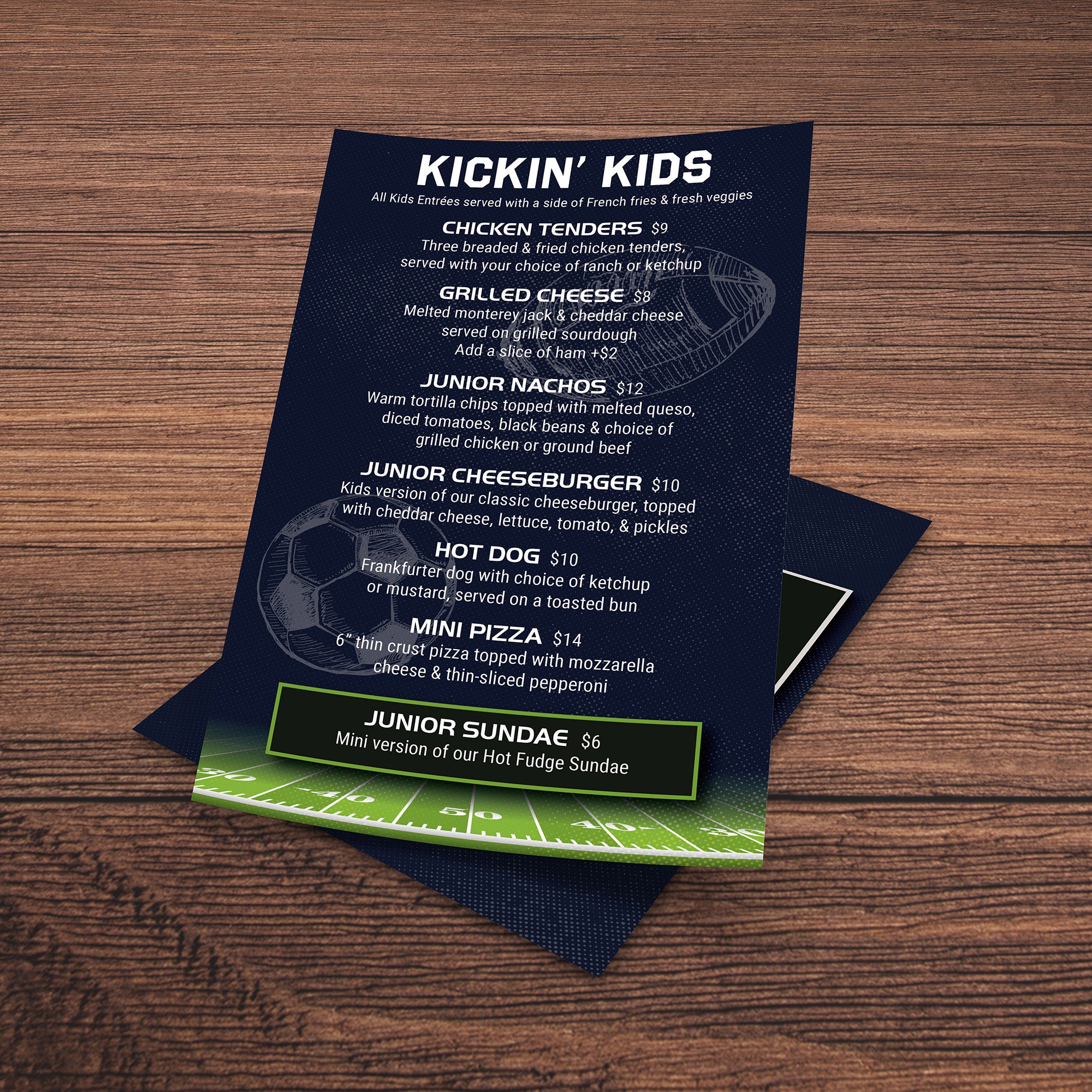
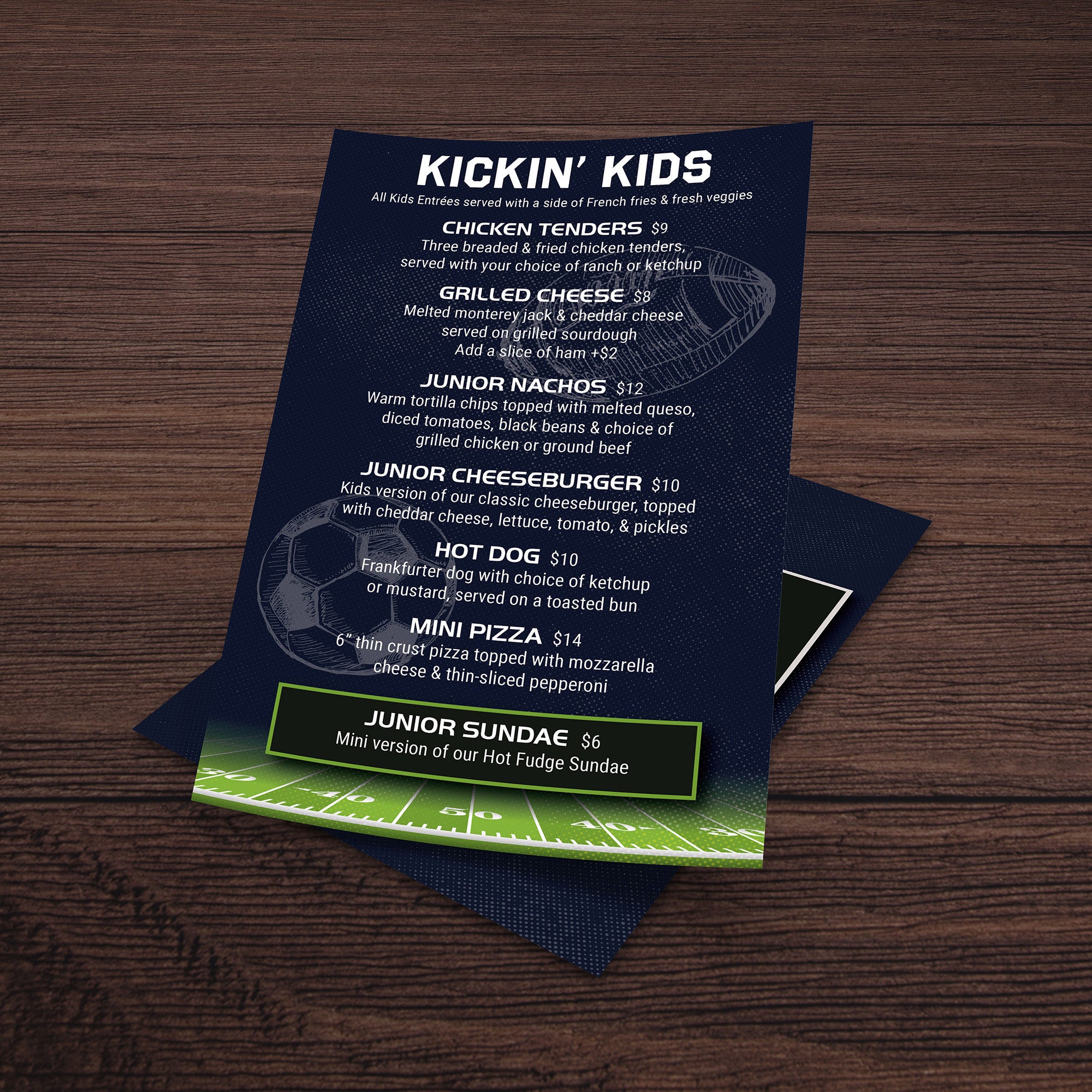
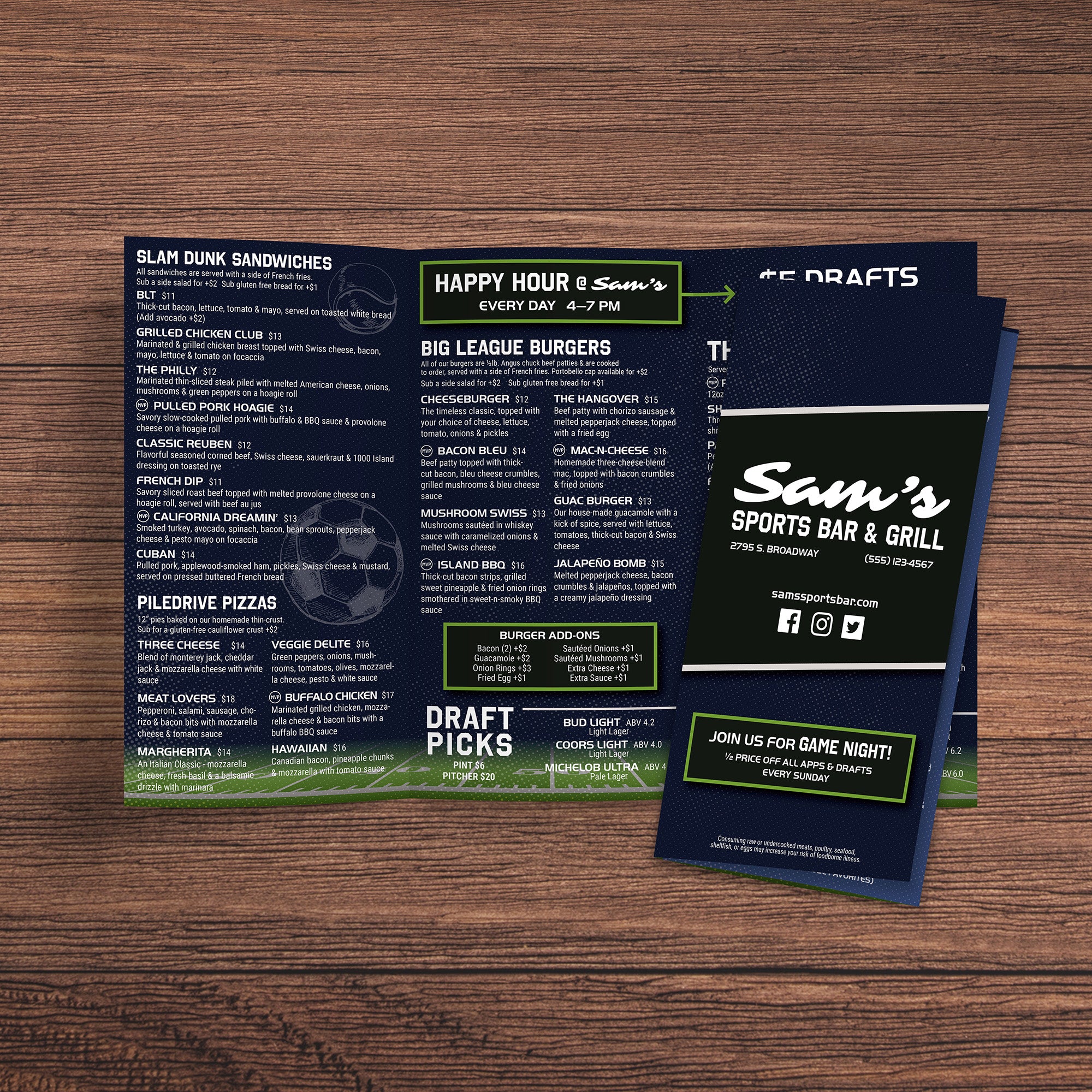
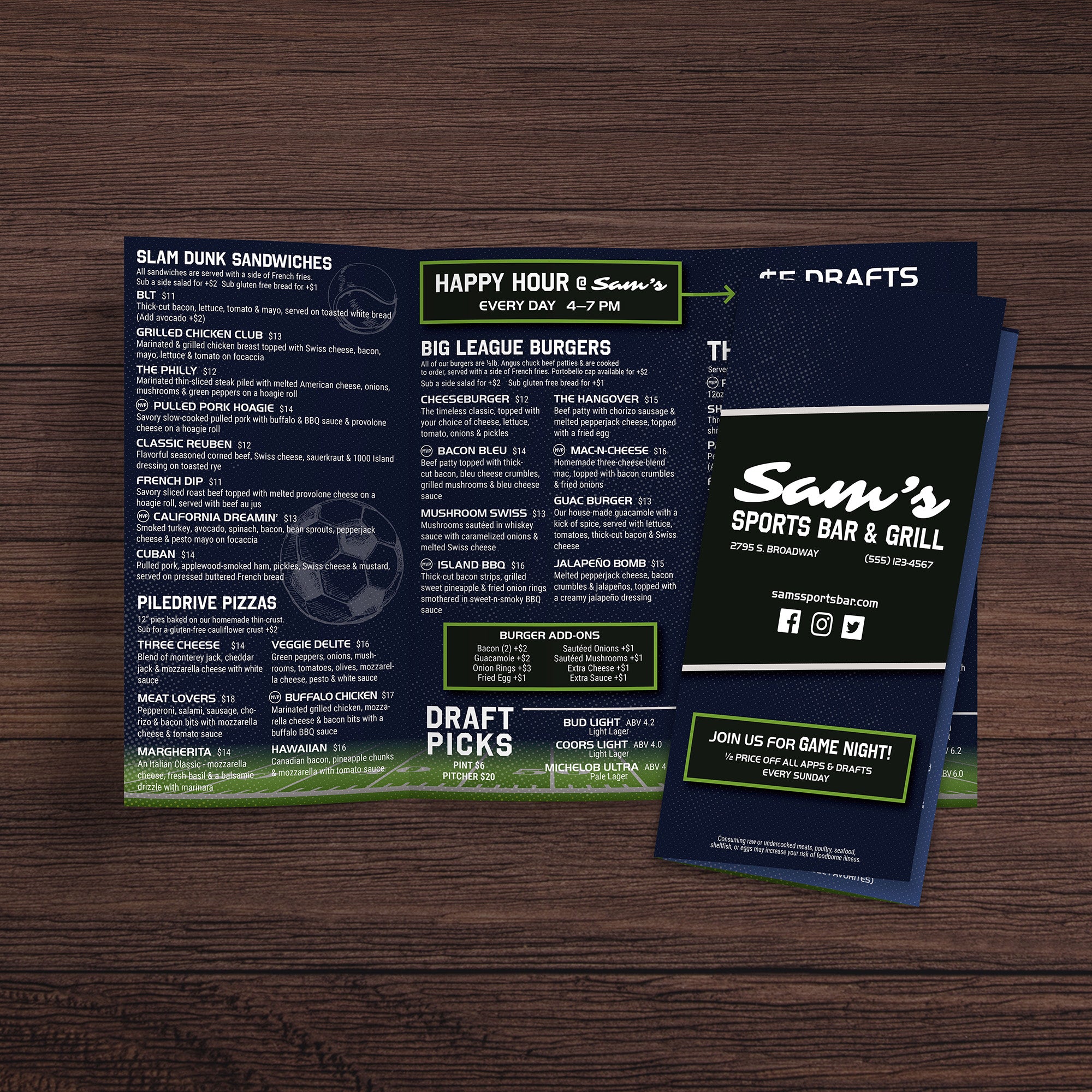
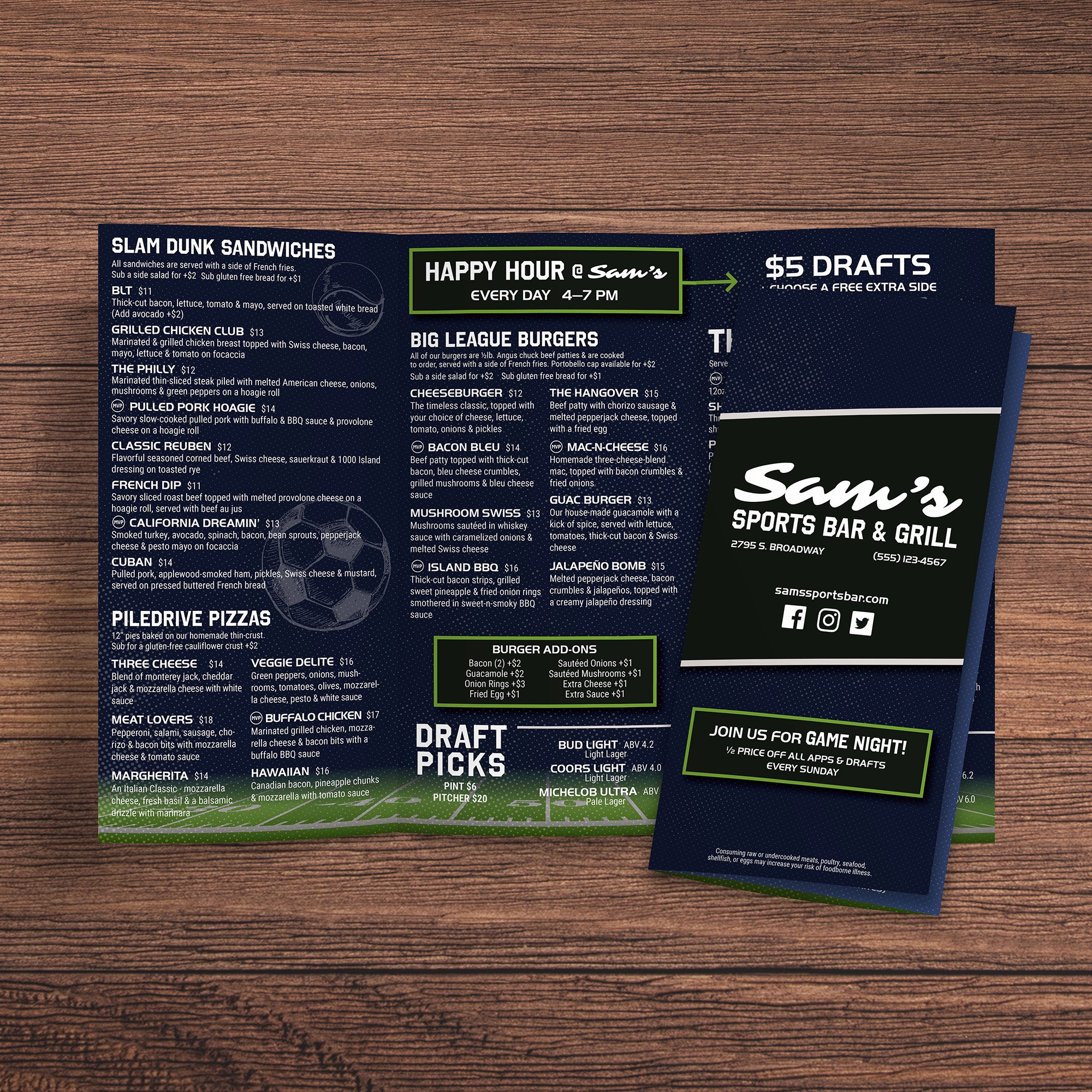
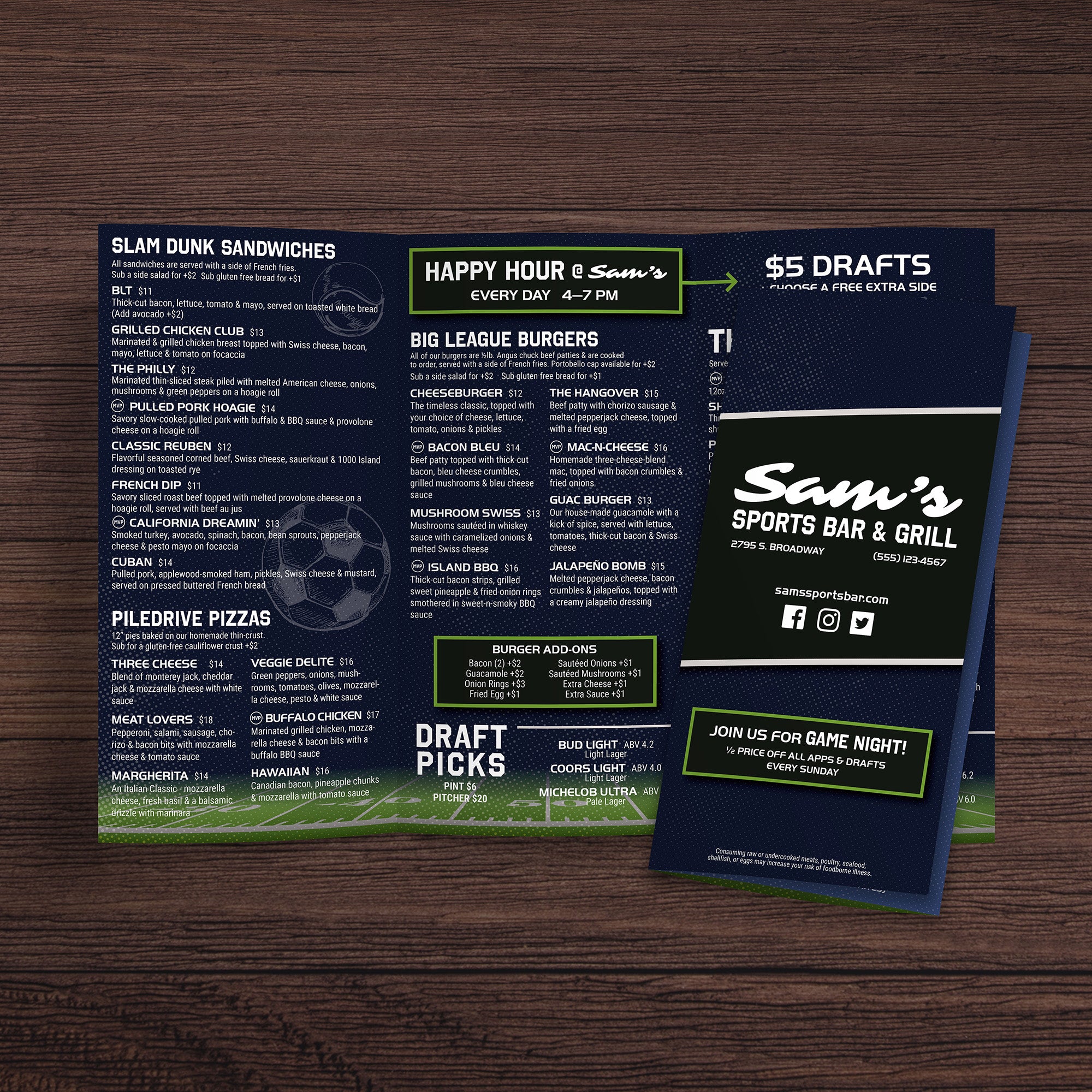
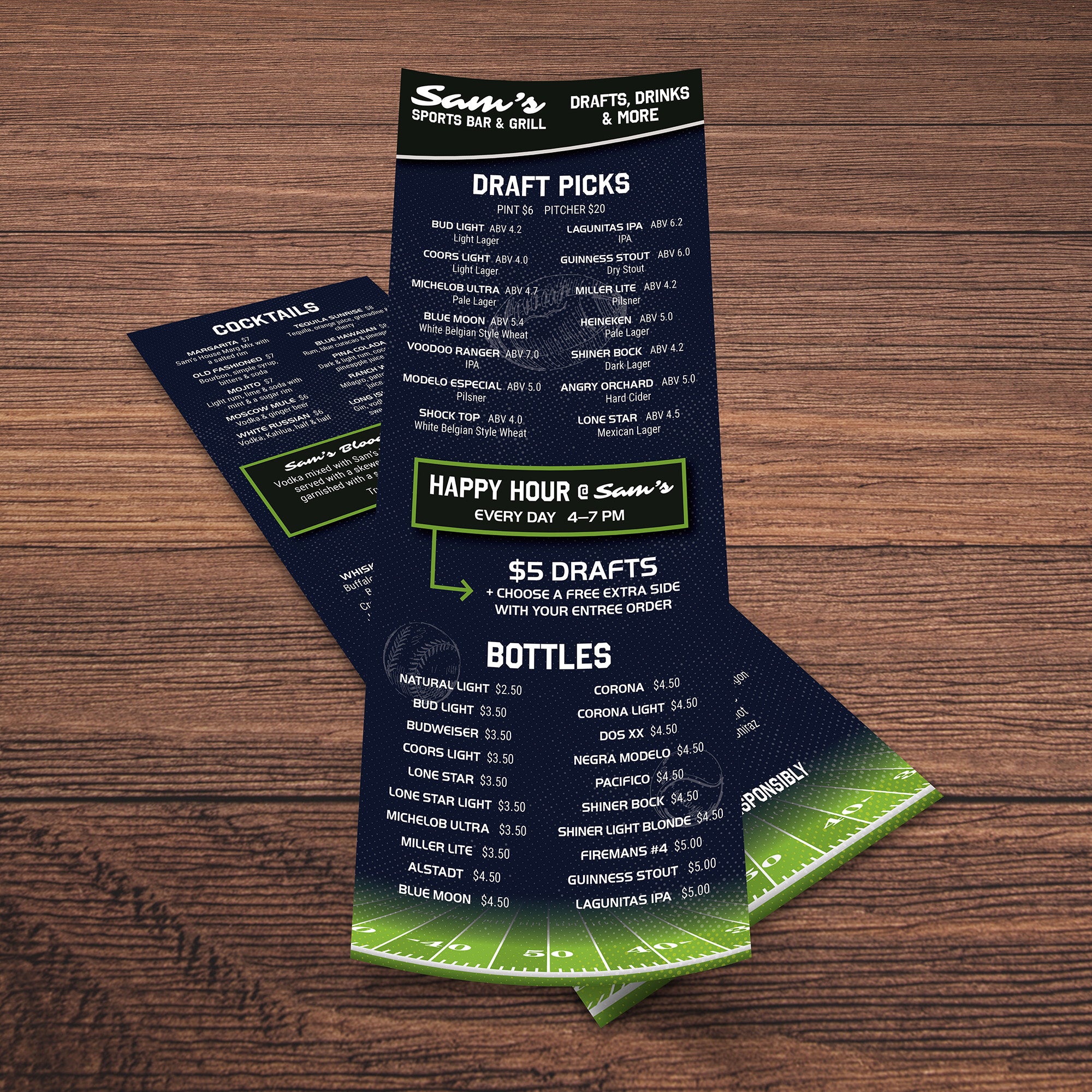
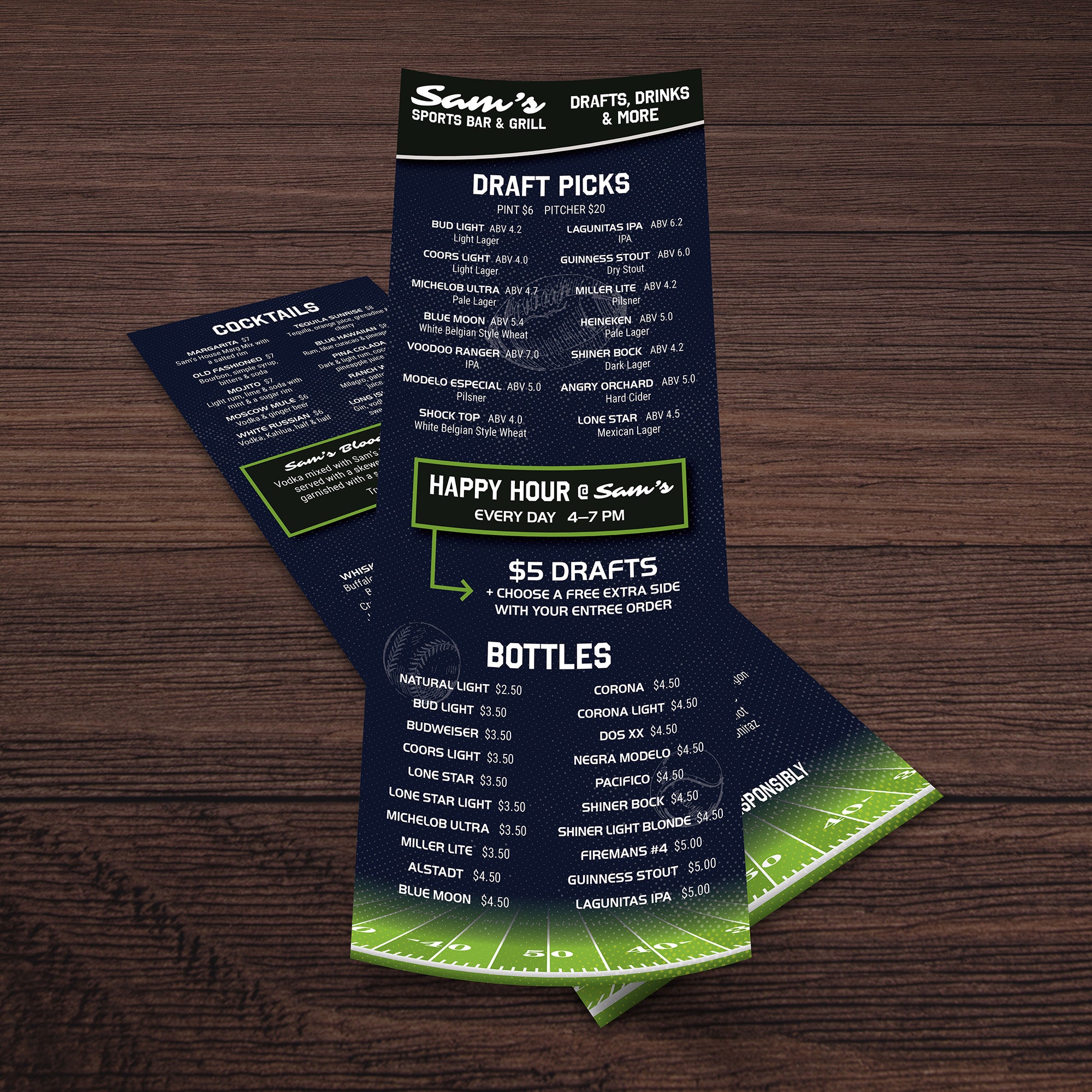
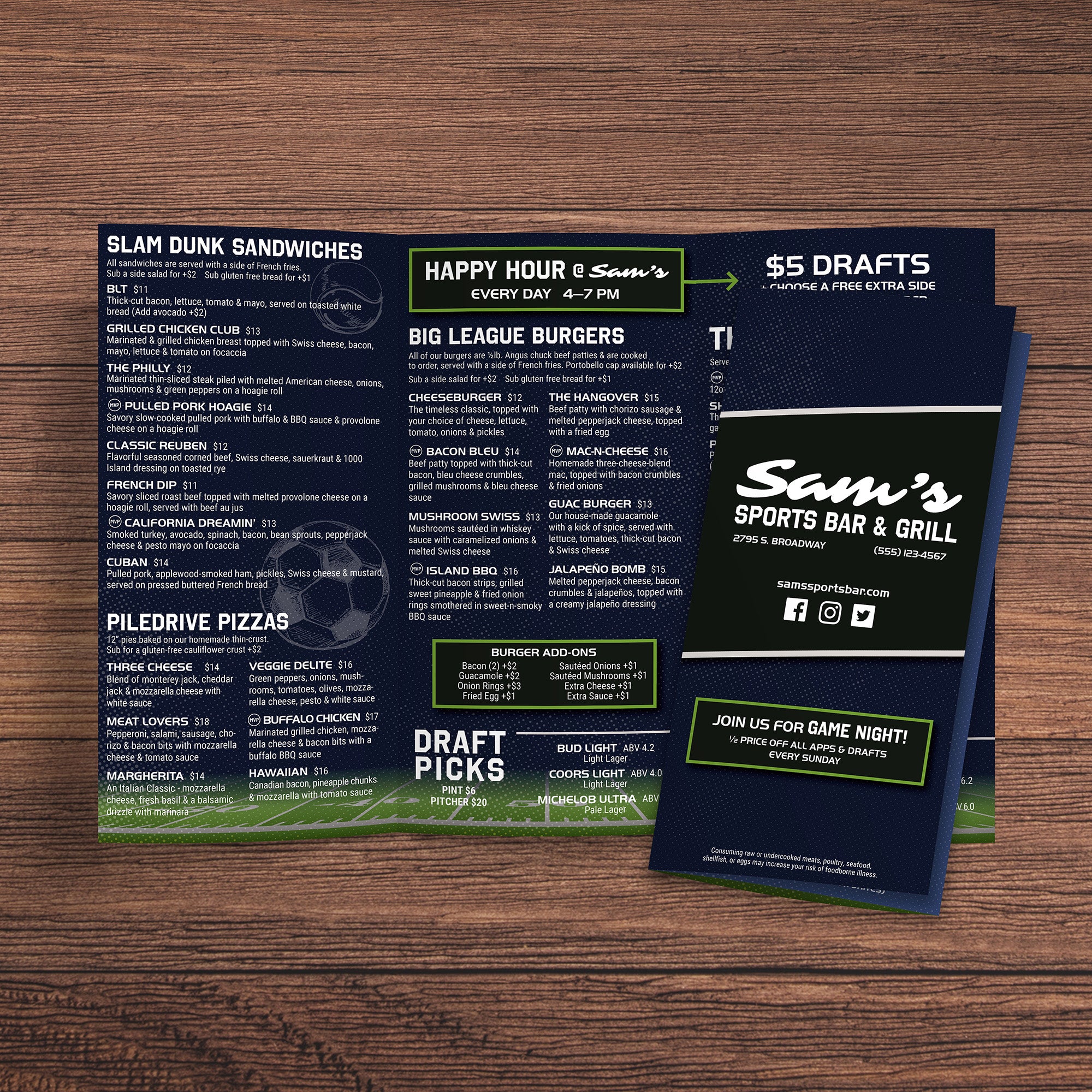
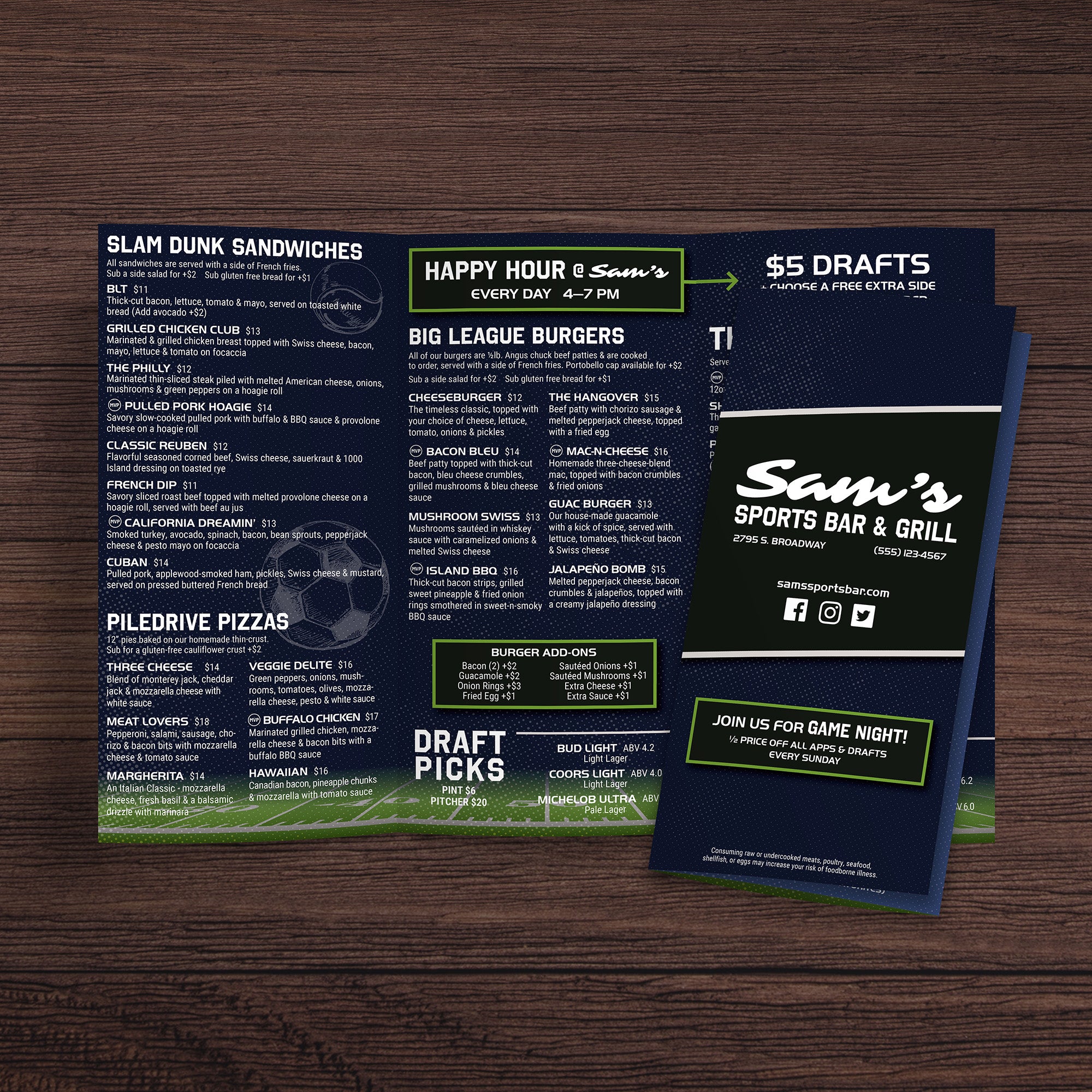
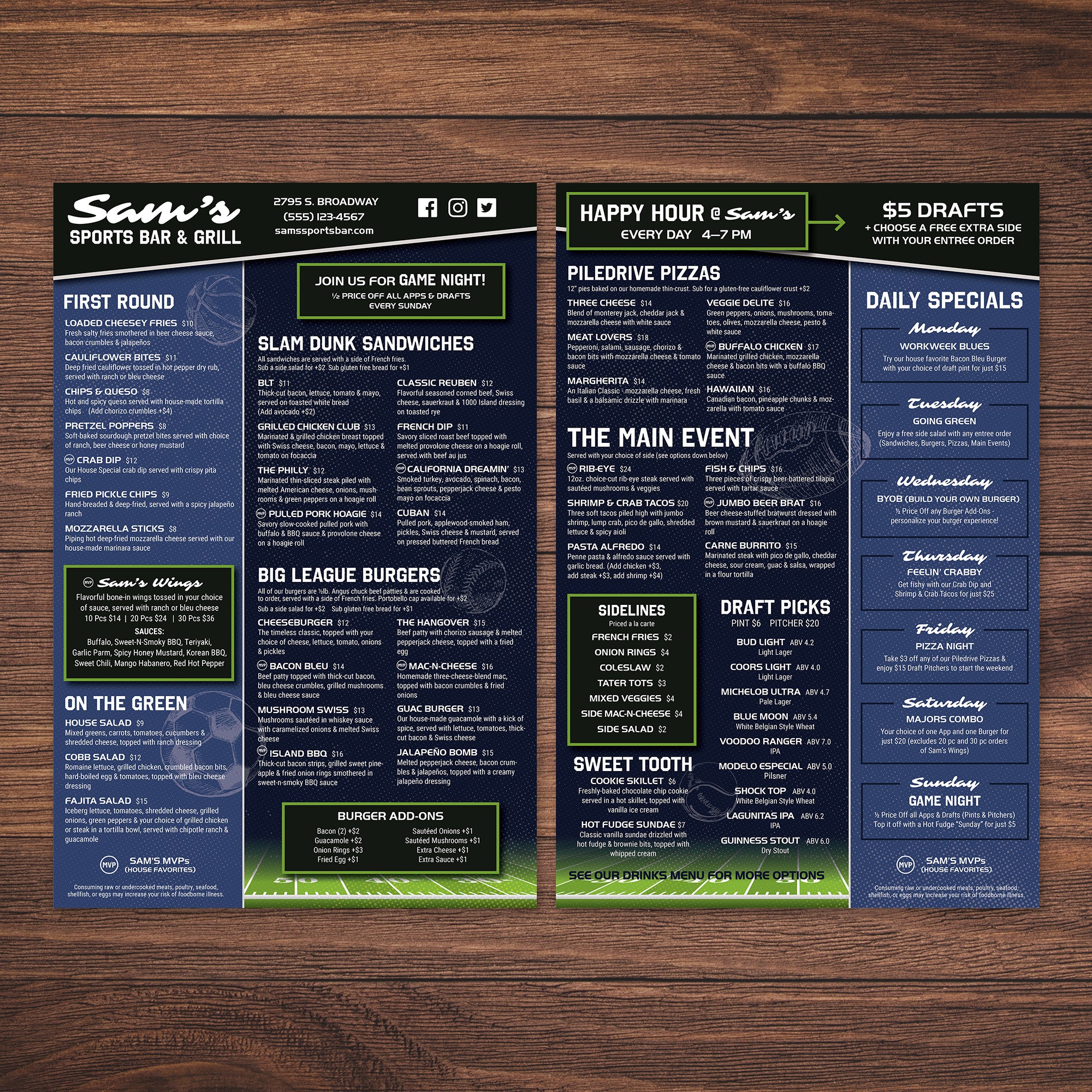
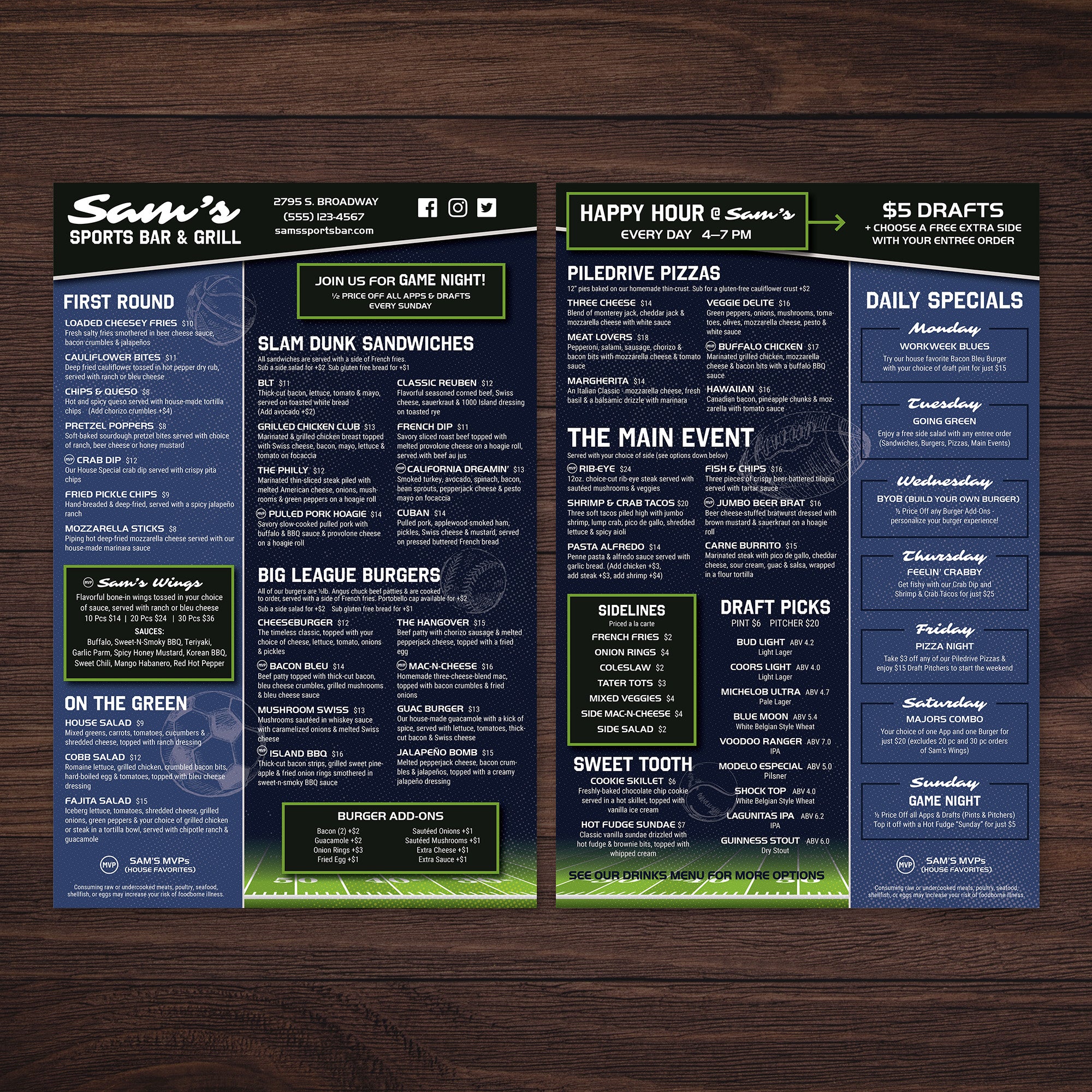
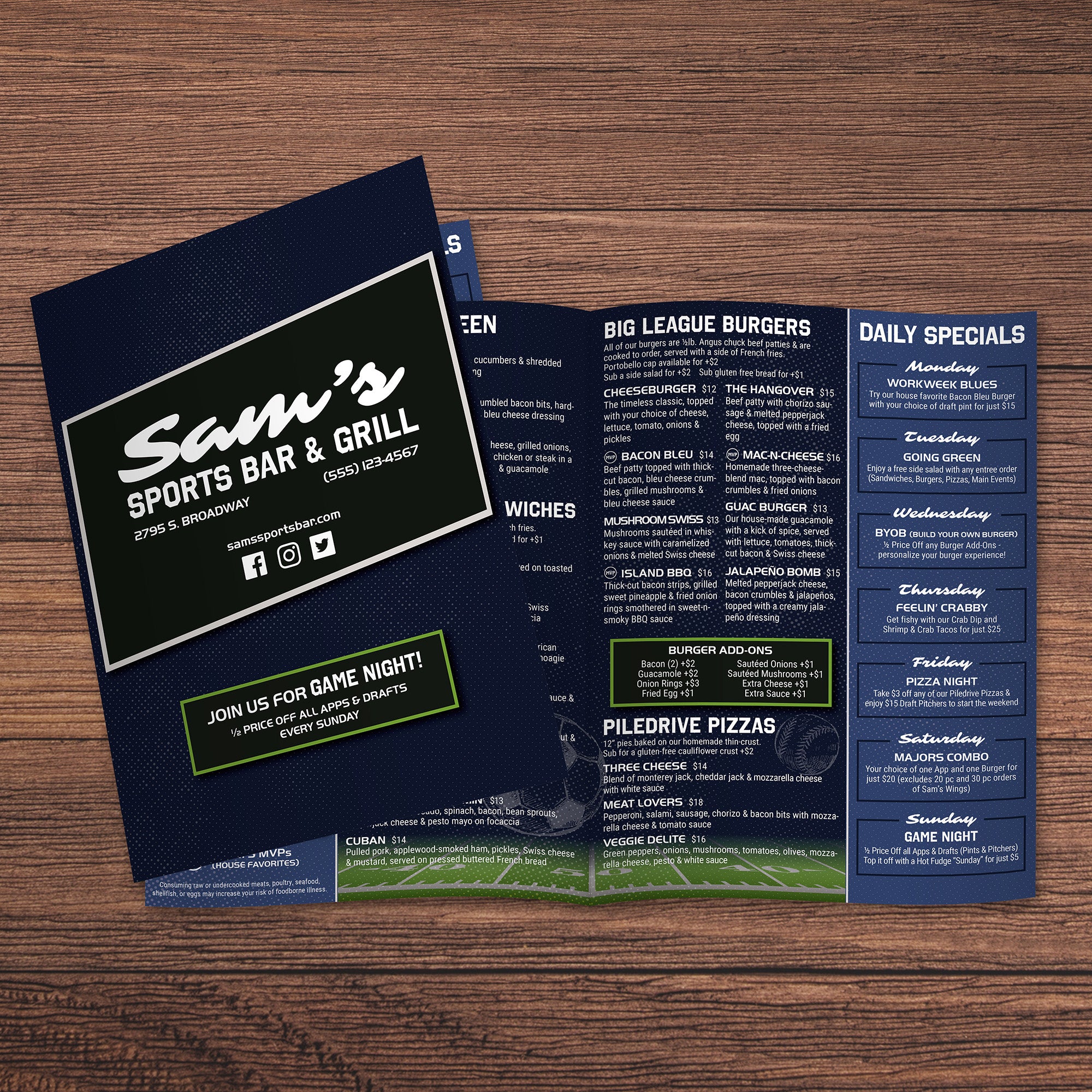
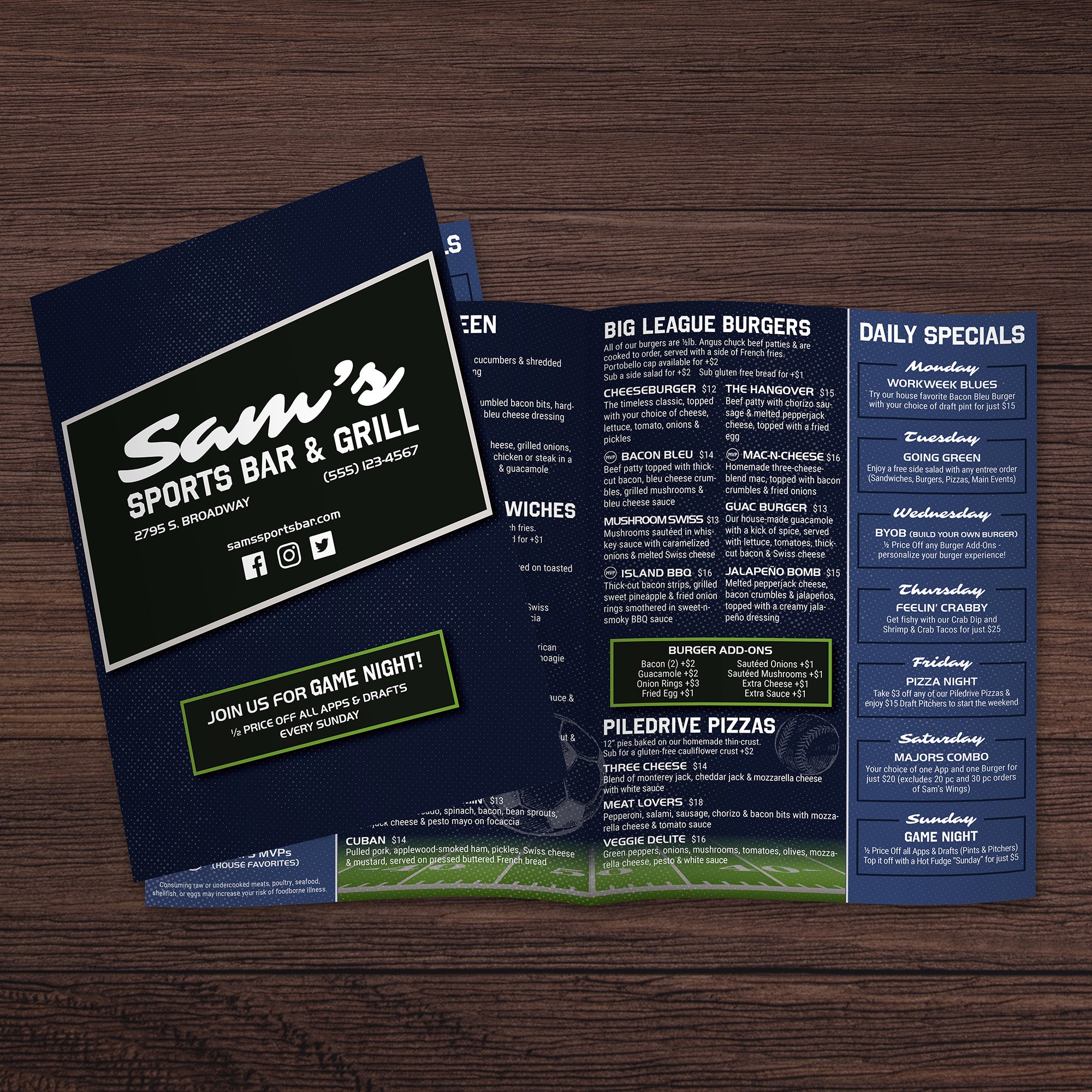
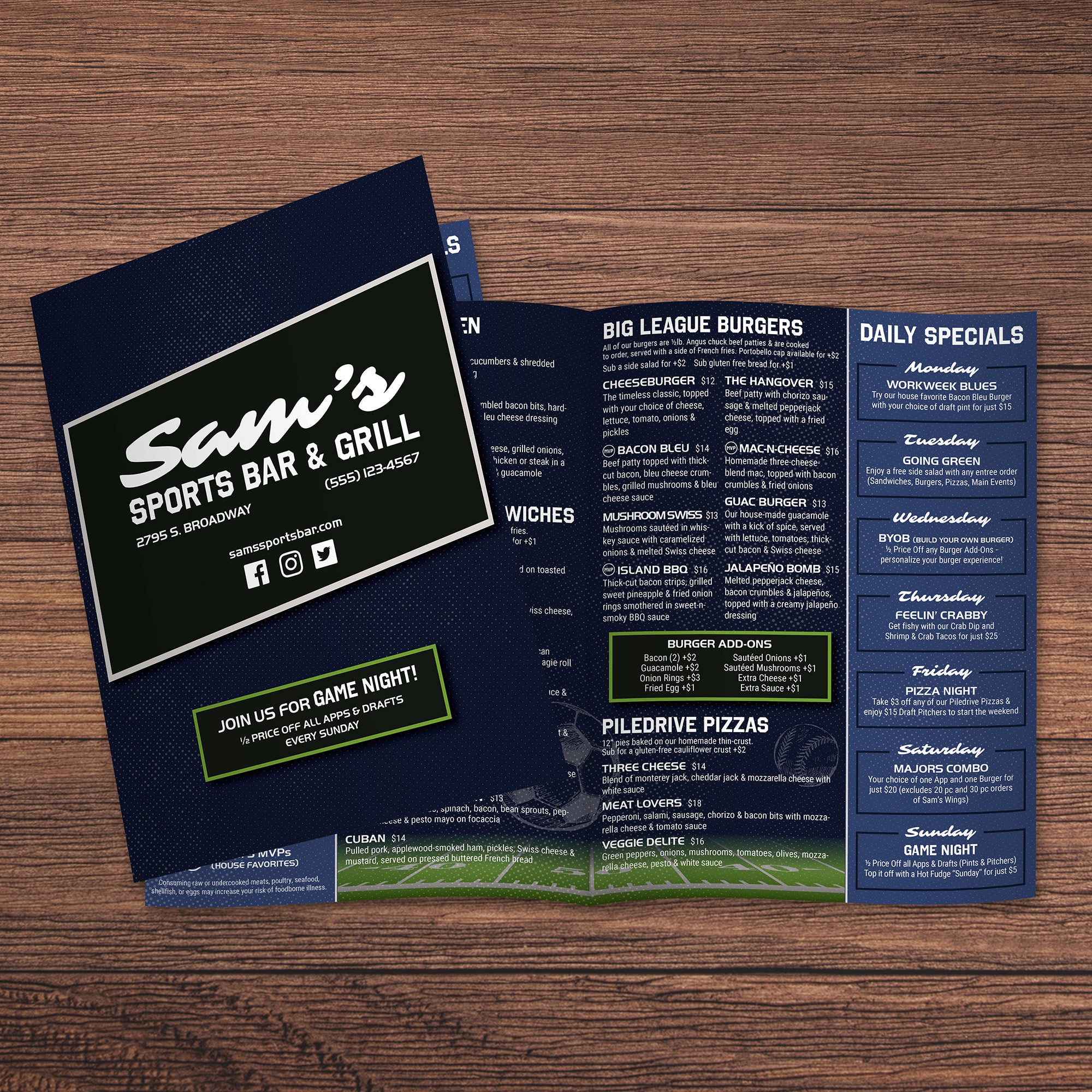
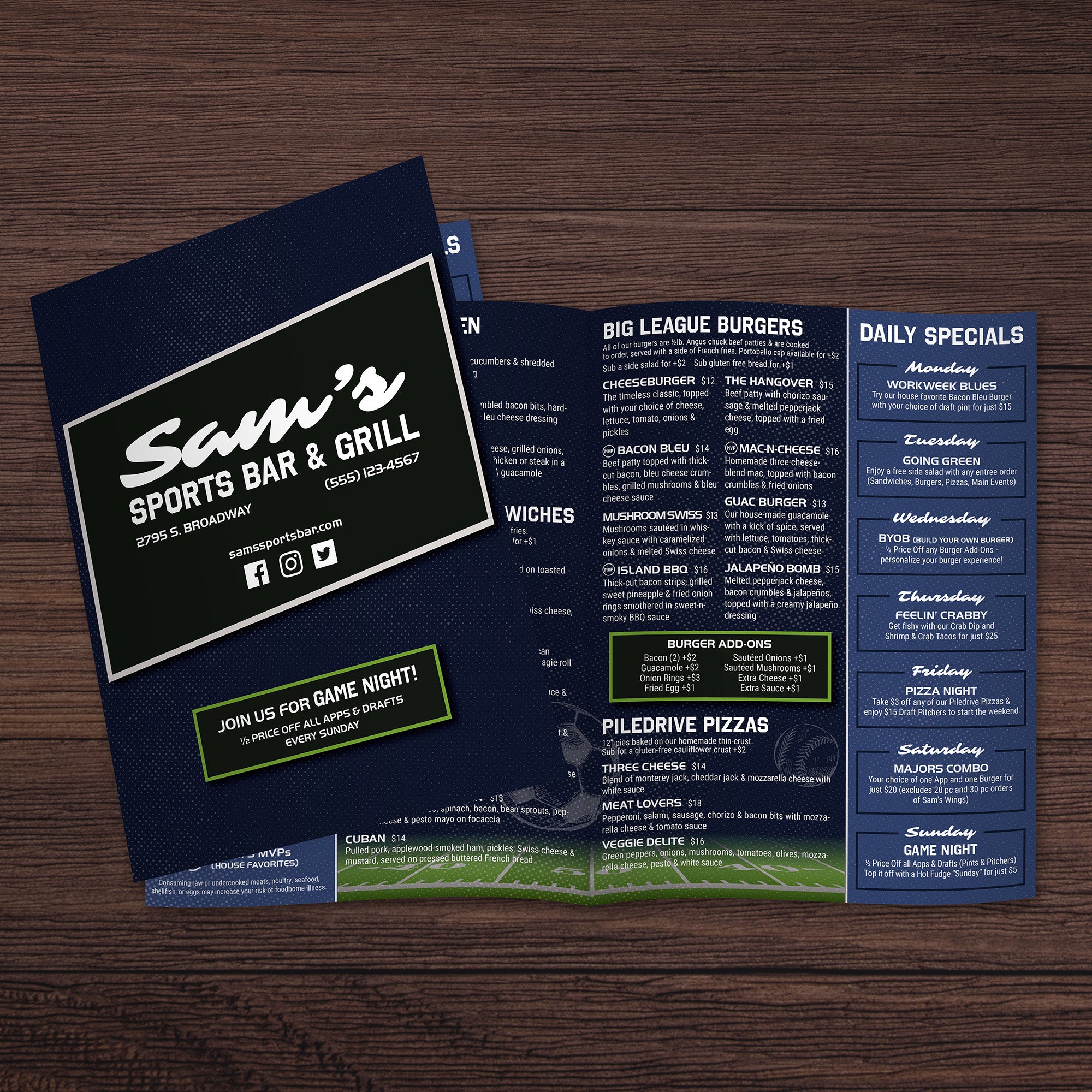
Print results on synthetic paper depend heavily on the file setup. Clean artwork prep ensures your sports bar menus stay sharp, readable, and consistent, whether you’re printing on TerraSlate with a laser workflow or using Hydronote for inkjet output.
Choose the Right File Format and Color Mode
Build your final file in a professional, print-ready format, such as PDF, AI, or EPS, so that logos, typography, and graphics remain crisp at any size. If your design includes raster images, keep them at a resolution of 300 DPI or higher to avoid softness in photos and textures. Set your document color mode to CMYK, not RGB, so printed colors match your intended brand palette as closely as possible across different printers.
Embed Fonts and Lock Down Linked Assets
Font substitution is one of the most common causes of unexpected print issues. Embed all fonts, and if the file will be shared across machines, convert key text elements to outlines so formatting can’t shift. Embed linked images and graphics so nothing goes missing at print time, especially when you’re using downloaded templates or files with multiple asset folders.
Build Proper Bleeds, Safe Zones, and Fold Guides
If your design runs to the edge, include bleed so trimming doesn’t leave unwanted white borders. Keep critical text, pricing, and icons safely away from trim edges and fold lines to prevent cutting errors or visual distortion. For bi-fold, tri-fold, and gate-fold menus, clearly mark the fold lines and verify that each panel is aligned correctly so that images and section headers don’t land too close to the creases.
Match File Setup to Paper Type and Thickness
TerraSlate and Hydronote handle differently depending on thickness. Lighter stocks run more easily through standard printers, while thicker options, such as 14 Mil, may require a commercial press and can work on a high-quality printer. Confirm that your file dimensions match your final print size exactly, and avoid scaling at print time, as this can cause shifts in folds, trim marks, and panel alignment.
Preflight and Quality Check Before Printing
Run a full preflight check before sending the file to print. Confirm embedded fonts, correct resolution, and no missing links. Flatten transparencies if needed, ensure the color profile is embedded, and verify cut marks and fold guides are accurate. This final pass reduces reprints, prevents alignment issues, and keeps your finished menus clean, durable, and professional in high-traffic sports bar environments.